Create transparent background PNGs of logos, products, or characters instantly — without limits, downloads, or complicated editors. The AI Transparent Background PNG Maker is built for designers, e-commerce sellers, and content creators who need clean, cutout-ready images generated instantly from descriptions or uploads.
The AI understands visual subjects and transparency requirements. From clean logo cutouts and product isolations to character illustrations, it generates images with precise, ready-to-use transparency based on your prompt.
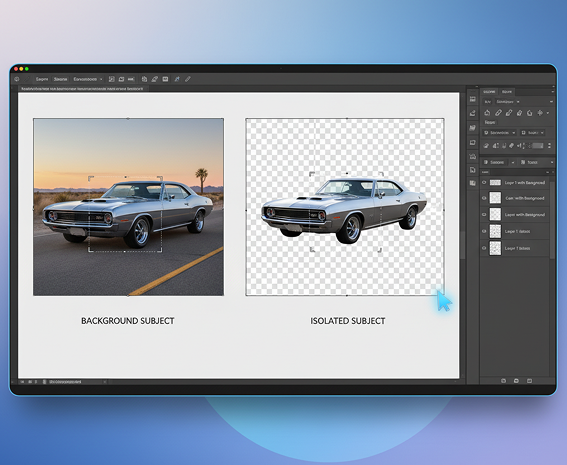
Generate entirely new transparent PNGs from scratch. Unlike basic background removers that rely on existing images, every element is created natively with transparency—no clipping, no leftover artifacts.
You own the transparent assets. Use the generated PNGs for e-commerce, branding, web design, marketing, and merchandise without copyright restrictions—ready for immediate commercial use.
Export images up to 4096×4096px with flawless transparency, meeting all requirements for web, print, merchandise, and professional design projects.
Create or modify logos, products, or characters—adjust colors, fine-tune edges, or change details in a click. No need for manual masking or complex editing software.
Everything works directly in your browser. Save your transparent projects and access them securely from any device, anywhere.
Download transparent PNGs optimized for e-commerce, presentations, social media, and branding—perfect for mockups, overlays, and digital content.
Stop struggling with inconsistent, low-quality cutouts. Go from idea to a flawless, transparent PNG in seconds. Create, refine, and export polished logo, product, or character assets with AI. Build a professional and versatile visual library—without design bottlenecks.
A brand whose visuals look amateurish when placed in different contexts. When logos, product images, or characters are cut out using different tools or methods, the quality and edges vary wildly. Some have leftover backgrounds, jagged edges, or inconsistent shadows, making your brand look sloppy and unprofessional. This erodes trust and makes your materials difficult to reuse.
The AI asset creator that masters precision and transparency. Upload your reference or describe your asset. Our AI becomes your production artist, automatically generating images with mathematically clean edges and perfect transparency for every use case—from web banners to printed merchandise. Every PNG will be 100% production-ready and consistent.
Professional cutout services are slow and expensive. Hiring a retoucher or buying premium stock with clean backgrounds drains budget and time. Using automated online tools often leaves artifacts and requires manual fixing. Creating perfect transparent assets manually is a tedious, skill-intensive process. Sourcing a library of cohesive assets becomes a major project.
A professional asset production studio in your browser. For free. Create flawless, print-ready transparent PNGs in minutes—not weeks. Our tool eliminates the cost and hassle of asset preparation, freeing up your budget and schedule.
Running out of visual assets limits creativity. How do you keep generating new logos, product variations, or character poses that fit seamlessly into your designs? Reusing the same few cutouts makes your content repetitive. You need a scalable source of new, brand-aligned transparent visuals.
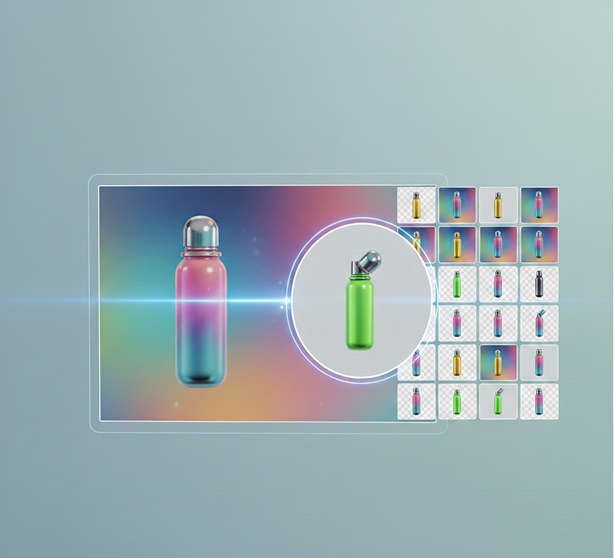
AI as your in-house asset generator. Generate hundreds of cohesive transparent PNG variations—from adjusting angles and colors to creating entirely new product views or character expressions. This tool becomes your endless source of ready-to-use visuals, helping you build a rich, flexible asset library that grows with your brand—always clean, always on-style.
Creating professional transparent graphics doesn't need to be hard or complicated. Here is a short guide to get you started.
Upload a logo, product shot, or reference image, or type a detailed description of the character or object you need. Our prompt assistant can help refine your idea.
Choose your output style and let the AI create a perfectly transparent PNG. Adjust details, clean up edges, modify colors, or generate new variations until it's flawless.
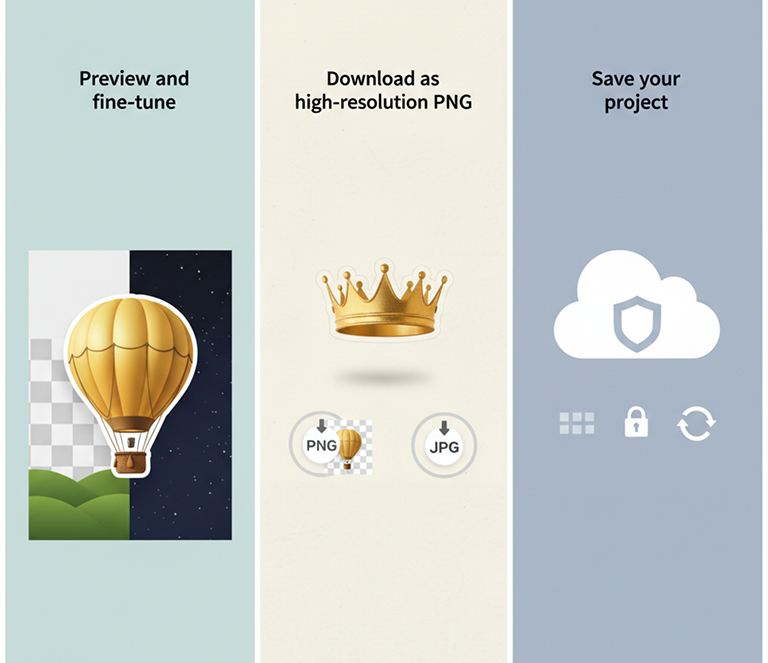
Preview your asset over light and dark backgrounds, undo any changes instantly, then download your high-resolution PNG—ready for design apps, websites, or print.
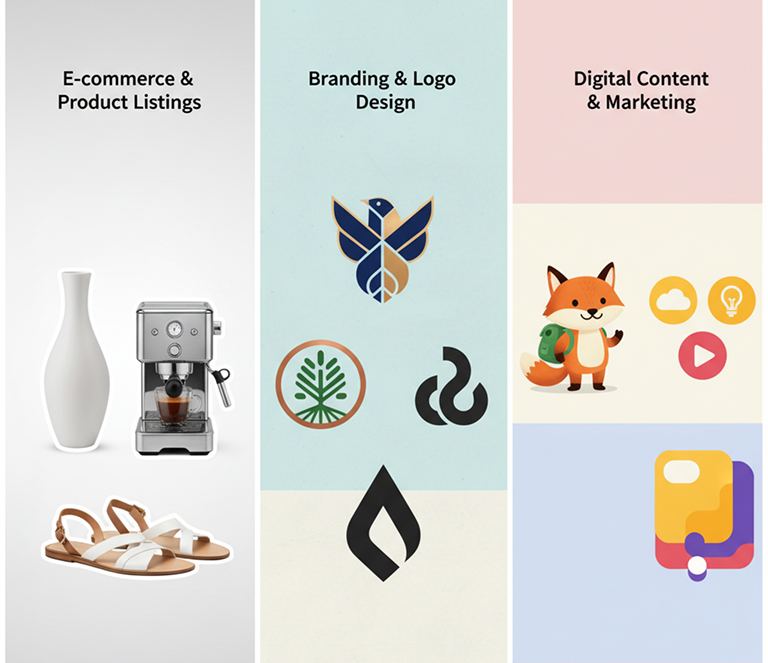
Whether it’s for e-commerce, branding, or digital design — the applications are versatile. The maker adapts to your creative workflow, whether you're producing marketing assets or building a visual library.
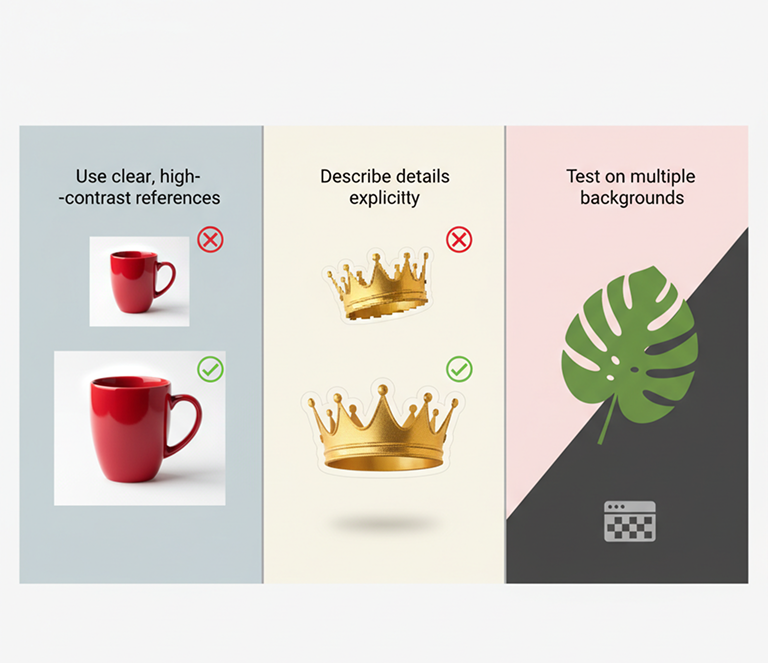
Precision and clarity are essential for transparent assets. These tips will help you generate clean, professional PNGs every time.
Exporting your assets is simple and flexible. You maintain full control over quality, format, and reuse—and can return to edit anytime.
“Removing backgrounds from hundreds of product photos used to take days. Now we get perfect, transparent PNGs in seconds. The time and money saved are incredible.”
Daniel“Creating character sprites with clean transparency was a huge bottleneck. This tool generates ready-to-use assets from descriptions alone. It’s like magic.”
Leo“No more sending logos out for costly cutouts. We generate transparent versions on-demand, in any variation we need. Client turnaround time has been cut in half.”
Maya“I make tutorials and need clean graphics to overlay on screens. This tool creates exactly what I imagine—no Photoshop, no messy edges. So intuitive.”
Rohan“We couldn’t afford a designer for transparent logo versions. Now we create them ourselves in minutes. Our branding looks professional across all platforms.”
Chloe“At first, getting the prompts right felt tricky, but after about 10 minutes of practice, everything clicked. Now I create transparent assets for my presentations effortlessly.”
AlisaGPT Image
Imagen 4
Gen 4
MidJourney
Hailuo 2 Pro
Kling 2.5
Export JSON+image for dev and design systems
Create exportable assets (PNG/SVG) for developer-ready use
Generate vector illustrations and icons from prompts as SVG files
Create transparent PNG assets from your descriptions
Answers to common questions about using Phygital+ and editing slides with AI.
It does both, seamlessly. You can upload an existing product or character photo, and the Phygital+ AI will intelligently cut it out. Or, even more powerfully, you can describe an object from scratch with a text prompt (e.g., "a golden trophy"), and our AI will generate that object and make its background transparent in a single step.
The AI in Phygital+ is trained to be incredibly precise. It performs an intelligent masking process that understands the difference between a subject and its surroundings, preserving fine details like hair, fur, and complex edges. This saves you the tedious manual cleanup work often required with other tools.
For large catalogs, efficiency is key. You can build a "Product Cutout Workflow" in Phygital+. Then, use our batch processing feature to upload all your product photos at once. The AI will apply the same high-quality background removal to every image, delivering a complete, store-ready set of transparent PNGs in a fraction of the time.
Absolutely. You can establish a "Master Style Prompt" in Phygital+ that defines your brand's aesthetic (e.g., "a glossy 3D icon with a blue and white color scheme of..."). By simply changing the object's description ("a shopping cart," "a user profile"), you can instantly generate a full library of on-brand, transparent assets.
Yes. Phygital+ generates high-resolution, clean PNG files that are optimized for professional use. They are perfect for high-quality product listings on platforms like Shopify or Amazon, for layering in complex design projects, and for any marketing materials where clarity and quality are essential.
Create logos, mockups, and brand visuals in one place.