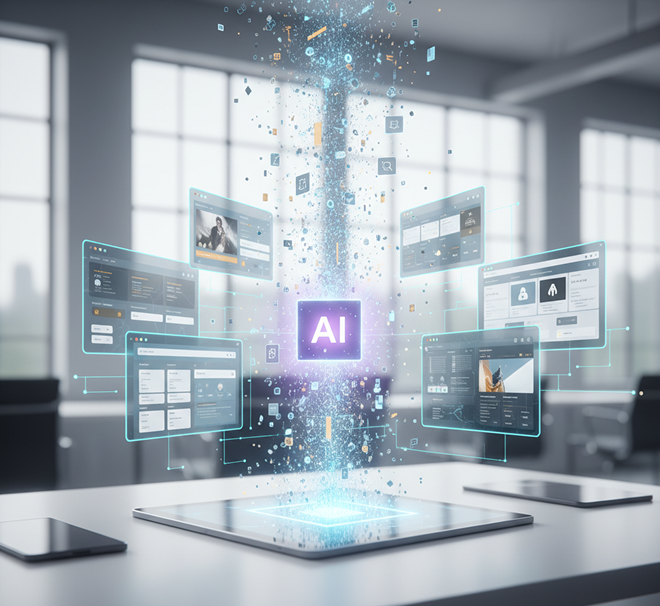
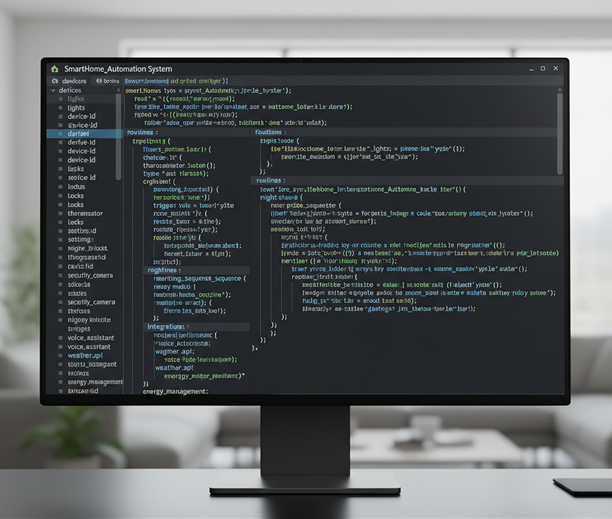
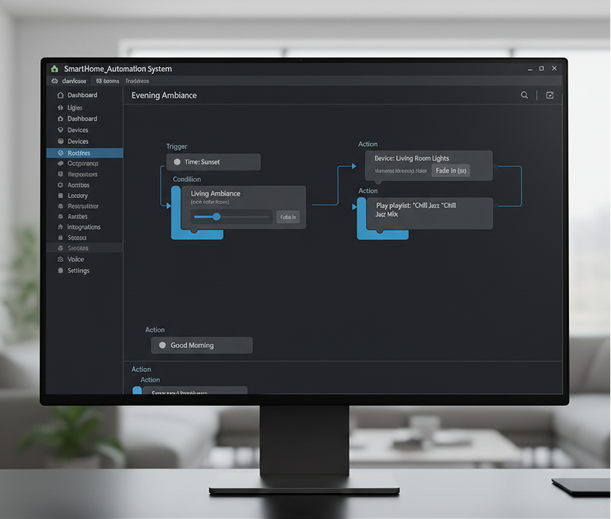
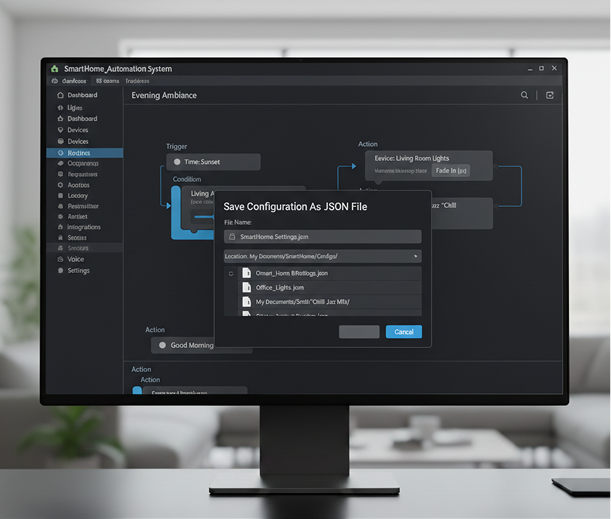
Generate UI scenes with structured JSON metadata instantly — without limits, downloads, or complicated editors. The AI Scene Generator with JSON Metadata is built for developers, designers, and product teams who need production-ready visuals and structured data for design systems and development workflows.
Generate a futuristic fintech dashboard with dark mode and violet accents
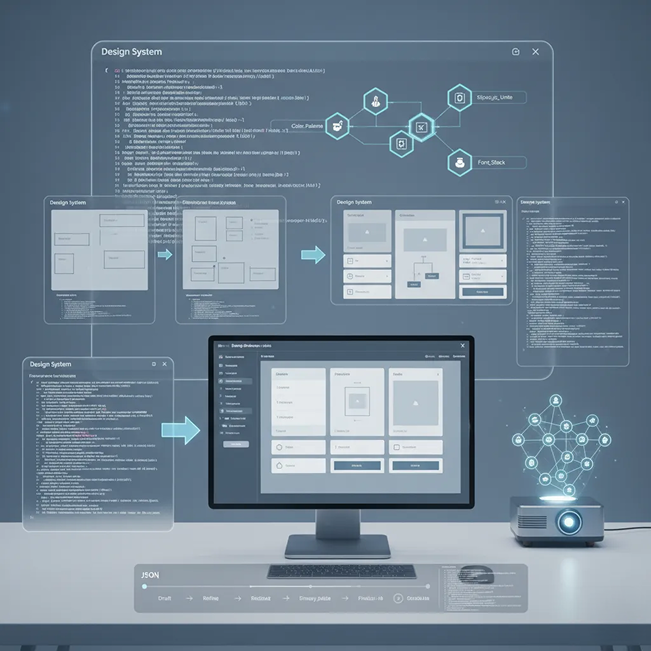
The AI understands user interface design and component structures. From web layouts and mobile app screens to design system elements, it generates both visual scenes and structured metadata tailored to your project.
Generate fully annotated UI scenes. Unlike simple image generators, every element is paired with semantic JSON data—including component types, positioning, colors, and text layers—ready for integration into development and design systems.
You own both the visual and data outputs. Use the generated images and JSON for prototyping, component libraries, automated testing, and design handoff without manual annotation or licensing restrictions.
Export scenes up to 4K resolution alongside clean, well-structured JSON metadata, meeting all requirements for design systems, developer handoff, and automated workflows.
Modify layouts, update component properties, or change styles in a click—with JSON updates generated in real time. No need for manual annotation or design software.
Everything works directly in your browser. Save your scenes and structured data projects, and access them from any device, anywhere.
Export pre-formatted JSON + image bundles optimized for Figma plugins, React component libraries, design token systems, and automated UI testing pipelines.
Stop wrestling with unsynchronized design and development assets. Go from concept to a fully annotated UI scene in seconds. Generate, iterate, and export visuals paired with clean JSON—all within your design system workflow.
A product that looks different at every stage. When UI mockups, prototypes, and production code are created in isolation, the visual and structural integrity breaks down. Spacing, components, colors, and layouts drift between design tools and codebases, leading to lengthy handoff cycles, inconsistent UI, and developer frustration. This slows down iteration and erodes product quality.
The AI system designer that speaks both design and code. Upload your design tokens, component library, or style guide. Our AI becomes your system co-pilot, automatically generating UI scenes that respect your visual rules and outputting structured JSON with component-level metadata. Every scene is 100% aligned with your design system's DNA—visually and structurally.
Creating production-ready design handoff materials is traditionally slow and manual. Designers spend hours annotating screens, while developers reverse-engineer layouts. Using disjointed tools leads to mismatched specs and lost details. Maintaining sync between design and code becomes a constant, resource-draining effort.
A structured design-to-development pipeline in your browser. For free. Generate fully annotated, system-compliant UI scenes and JSON in minutes—not weeks. Our tool eliminates the manual toil of handoff, preserving your team's focus for building, not bridging gaps.
Reusing the same few screens leads to stagnant UX. How do you rapidly prototype new features, variations, or user flows that adhere strictly to your design system? Manually creating every variant is time-prohibitive. You need a scalable way to explore UI possibilities within your established constraints.
AI as your in-house prototyping engine. Generate hundreds of system-compliant scene variations—from adjusting layouts and data states to exploring new component compositions and user interactions. This tool becomes your endless source of structured UI inspiration, helping you build a living, scalable scene library that grows with your product—always on-system, always ready for development.
Creating annotated, system-ready UI assets doesn't need to be hard or complicated. Here is a short guide to get you started.
Describe the UI you need (e.g., "login screen," "dashboard card," "settings modal") or upload your design tokens and component library for style consistency.
Let the AI build your scene, then adjust layouts, colors, or components in real time—all while the JSON metadata updates automatically. Tweak until the structure matches your needs.
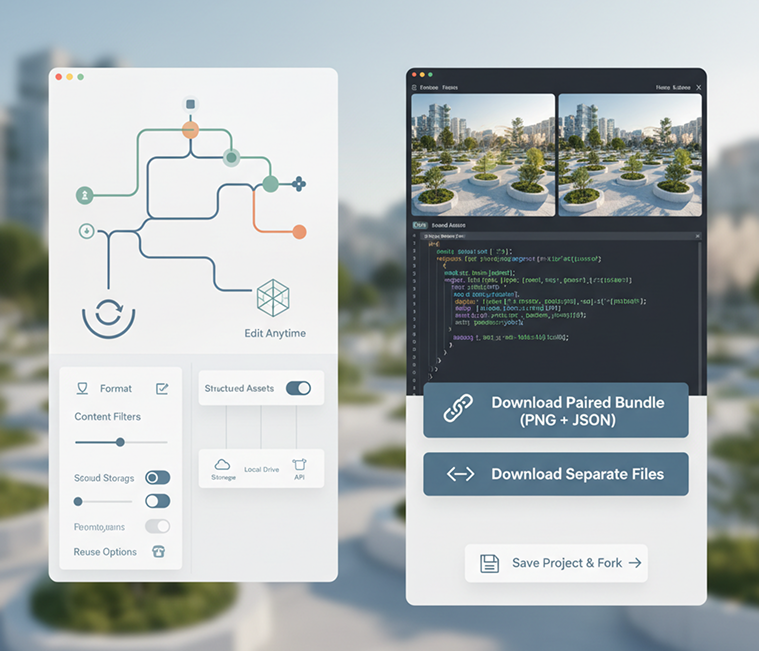
Preview your scene alongside its structured data, undo any changes instantly, then download the paired JSON and image files—ready for Figma, React, Storybook, or your design system.
Whether it's for prototyping, design systems, or developer workflows — the applications are highly versatile. The generator adapts to structured design and development processes, whether you're building UI libraries or automating handoffs.
Precision in prompts leads to better-structured outputs. These tips will help you generate clean, usable JSON + image pairs every time.
Exporting your structured assets is seamless and repeatable. You maintain full control over format, content, and reuse—and can return to edit anytime.
“Creating annotated UI variants used to take hours. Now we generate entire component sets with structured JSON in minutes. The handoff to development is now seamless.”
Alex“We can now visualize and structure entire user flows in a single session. The JSON output means engineers can start building immediately—no back-and-forth.”
Tara“As a developer, having clean JSON alongside visuals cuts my setup time in half. I can import directly into Storybook and start coding.”
Rohan“We’re building a multi-platform app, and keeping designs consistent was a pain. This tool ensures every mockup respects our tokens—and gives devs exactly what they need.”
Leo“No more manually writing specs. The AI generates pixel-perfect mocks with all the metadata attached. Our PMs and devs are thrilled.”
Chloe“At first, structuring prompts for JSON felt new, but after about 10 minutes of practice, everything clicked. Now I generate system-ready UI scenes for presentations effortlessly.”
MilaGPT Image
Imagen 4
Gen 4
MidJourney
Hailuo 2 Pro
Kling 2.5
Turn AI-generated frames into export-ready GIFs
Upload a photo, reimagine it as a styled illustration
Get short social-ready videos from a text prompt
Output logo, product, or character PNGs instantly
Answers to common questions about using Phygital+ and editing slides with AI.
The JSON output from Phygital+ is structured for immediate use. For each generated scene, it includes a hierarchy of identified UI elements with key properties like component type (e.g., "button," "input-field," "h1"), content ("Sign Up," placeholder text), precise bounding box coordinates ([x, y, width, height]), and style attributes like color palette (hex codes) and typography information. It's designed to be easily parsed by any modern programming language.
Accuracy is paramount. The image and its JSON metadata are co-generated by the AI in a single, unified process. The bounding box for a button isn't an afterthought or an estimation; it's the specific coordinate space the AI used to render that button. This creates a reliable "ground truth," eliminating the guesswork and manual annotation required with traditional image-only generation.
Yes, this is a core functionality for teams. You can train a custom "Component LoRA" in Phygital+ by providing it with examples of your existing UI components. This teaches the AI your specific visual language—from button corner-radius to input field styling—ensuring that every generated scene and its corresponding JSON data align with your established design system.
The primary advantage is that it bridges the gap between design and development. A static image shows what to build, but the accompanying JSON from Phygital+ tells your system how to build it. It provides structured, machine-readable data that can be used to automate the creation of front-end code, style guides, and even testing scripts, drastically reducing handoff errors and development time.
Your development team can write scripts to parse the JSON output from Phygital+. This data can be used to automatically generate boilerplate component code in frameworks like React or Vue, create CSS style sheets with the correct colors and fonts, or even dynamically lay out a screen in a prototyping tool or a live development environment. It turns a creative asset into a functional development accelerator.
Create logos, mockups, and brand visuals in one place.