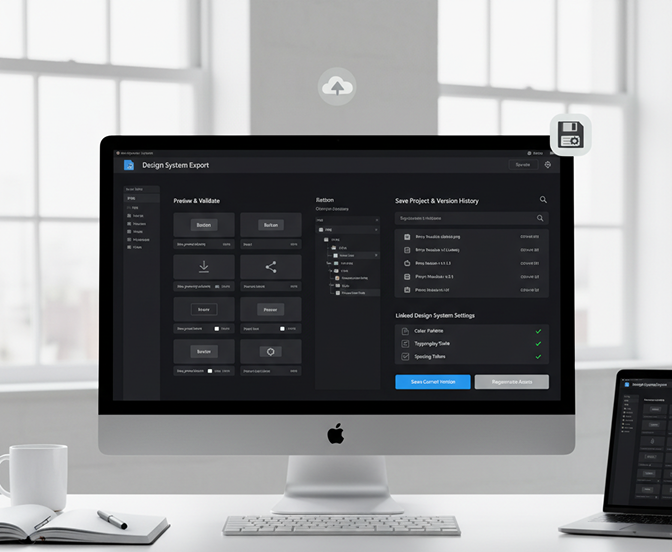
Generate export-ready UI assets (PNG/SVG) for developer handoff in seconds — without limits, downloads, or complicated editors. The AI UI Asset Generator (for Dev Handoff) is built for designers, developers, and product teams who need production-ready visual components delivered instantly with perfect format, resolution, and structure for implementation.

Supported By

The AI understands interface design and asset requirements. From icons and buttons to complex UI elements and screen components, it adapts the output style and format to match your design system and development needs.
Generate fully optimized, export-ready assets. Unlike manual exports from design tools, every element is created with clean, production-ready code structures (where applicable) and proper file organization.
You own all generated assets. Use the PNG and SVG files directly in development projects, design systems, and production environments without attribution, licensing, or compatibility concerns.
Export assets at multiple resolutions (1x, 2x, 3x) in PNG and SVG formats, meeting all requirements for web, mobile, and responsive design implementation.
Create icons, UI elements, or entire component sets—modify colors, sizes, states, or styles in a click. No need for manual slicing or exporting from design software.
Everything works directly in your browser. Save your asset sets and access them from any device, anywhere—always in sync.
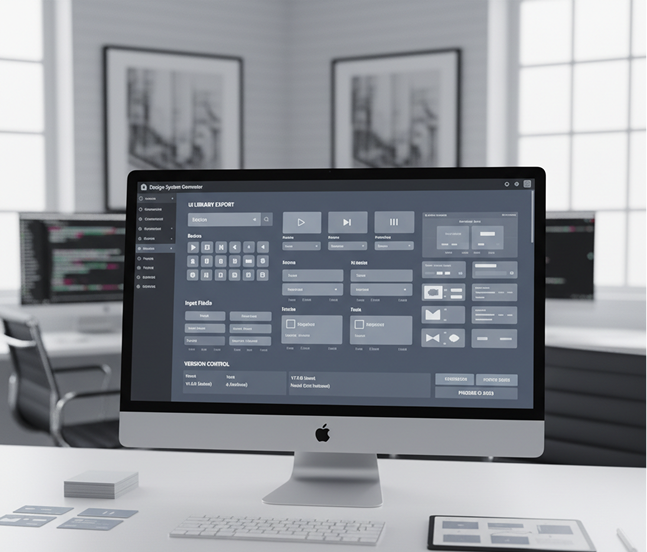
Export assets pre-organized for development workflows: PNG sprites, SVG symbols, individual elements with proper naming, and formats ready for React, Vue, or vanilla integration.
Stop the inefficient back-and-forth between design and development. Go from design intent to a complete, export-ready asset library in seconds. Generate, adapt, and deliver production-grade PNG and SVG assets with AI. Build a seamless handoff workflow—without manual slicing or misaligned specs.
A product where design and development visuals drift apart. When UI assets are exported manually, inconsistently, or with varying quality, the final product loses fidelity. Icons have different strokes, buttons vary in padding, and colors shift between design files and code. This leads to UI bugs, extended QA cycles, and frustrated teams.
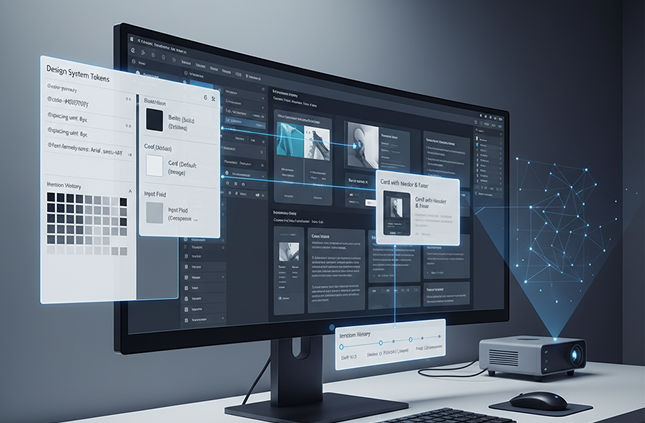
The AI asset pipeline that bridges design and development. Upload your design system, component library, or style guide. Our AI becomes your production engineer, automatically generating assets that adhere to your visual rules and are structured for immediate developer use. Every icon, button, and UI component is 100% consistent with your design system—visually and technically.
Creating and organizing exportable UI assets is traditionally tedious and error-prone. Designers manually slice and name hundreds of files, while developers restructure them for builds. Using disjointed plugins or tools leads to missing assets, incorrect formats, and version chaos. Maintaining a reliable asset pipeline becomes a constant, manual burden.
A developer-focused asset factory in your browser. For free. Generate fully organized, format-optimized PNG and SVG asset sets in minutes—not weeks. Our tool eliminates the manual toil of asset export, freeing your team to focus on building, not exporting.
Reusing the same asset set limits design iteration. How do you rapidly prototype new components, states, or variants that strictly follow your design system? Manually creating every export is impractical. You need a scalable way to generate on-brand assets for any new UI need.
AI as your automated asset production line. Generate hundreds of system-compliant UI variations—from different button states and icon sizes to complete component sets and responsive breakpoints. This tool becomes your endless source of ready-to-use assets, helping you build a living, scalable UI library that grows with your product—always on-spec, always dev-ready.
Creating export-ready, developer-friendly UI components doesn't need to be hard or complicated. Here is a short guide to get you started.
Upload your style guide, component library, or simply describe the UI elements you need—like "primary button," "settings icon set," or "card component in light and dark mode."
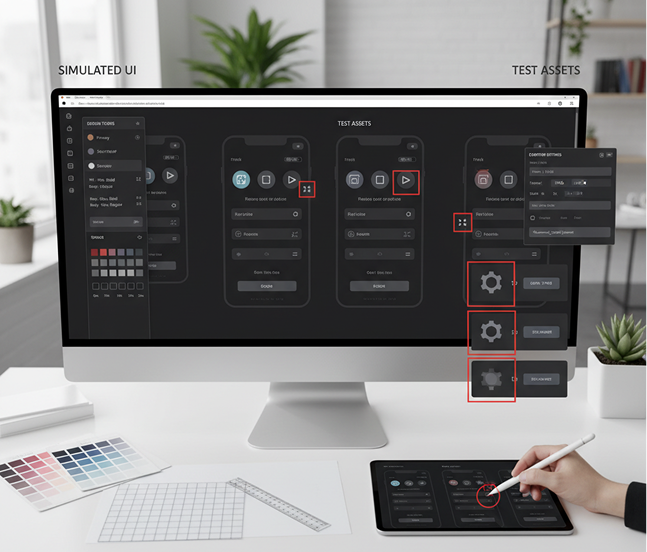
Let the AI create your assets, then adjust colors, sizes, states, or export settings. See changes in real time and ensure every asset is optimized for production.
Preview your asset set, make final tweaks, then download as a structured package: PNGs at multiple scales, clean SVGs, and organized folders—ready for immediate developer use.
Whether it's for design system management, developer collaboration, or product scaling — the applications are structured and purpose-driven. The generator adapts to modern, component-based workflows, whether you're building a UI library or streamlining handoff.
Precision and consistency are key for developer-ready assets. These tips will help you generate clean, production-grade outputs every time.
Exporting your assets is streamlined and repeatable. You maintain full control over structure, format, and integration—and can return to edit or regenerate anytime.
"Eliminated our entire asset export bottleneck.”
“Our designers used to spend hours slicing and exporting. Now we generate entire component libraries with perfect SVG and PNG sets in minutes. Developers get production-ready assets instantly.”
Daniel“A game-changer for design system teams.”
“Scaling a multi-platform UI library was a nightmare. This tool ensures every icon, button, and component is perfectly formatted and named—no more manual cleanup.”
Tanya“Perfect for startups without dedicated UI engineers.”
“As a solo founder, I can’t afford a full design-dev pipeline. This generator creates dev-ready assets from simple descriptions. It’s like having a UI engineer on demand.”
Moris“Reduced our handoff time by over 70%.”
“What used to take days of back-and-forth now takes one click. The organized PNG/SVG packages integrate directly into our codebase. Our team’s velocity has skyrocketed.”
Zohan“A must-have for frontend developers.”
“I used to recreate assets from Figma manually. Now I generate exactly what I need, in the right format and resolution. It’s streamlined my workflow dramatically.”
Luna“Great tool as soon as you get used to it!”
“At first, structuring prompts for multi-format exports felt new, but after about 10 minutes of practice, everything clicked. Now I generate dev-ready UI assets for projects effortlessly.”
RitaExport JSON+image for dev and design systems
Generate vector illustrations and icons from prompts as SVG files
Create transparent PNG assets from your descriptions
Turn AI-generated frames into export-ready GIFs
Answers to common questions about using Phygital+ and generating assets.
Yes, you have that flexibility within Phygygital+. Your prompt can specify the desired output format. For example, you can request a "flat design user profile icon, export as SVG" for a scalable graphic, or a "photorealistic 3D checkmark icon, export as transparent PNG" for a raster asset. The AI will generate the asset in the appropriate, developer-ready format.
This is a core function of Phygital+. You can train a custom "Style LoRA" on your existing component library or style guide. By applying this LoRA to your workflow, you can ensure that every icon, button, or asset you generate automatically adheres to your brand's specific color palette, corner-radius, line weight, and overall aesthetic.
Phygital+ accelerates handoff by automating the most tedious manual step: asset production. It eliminates the need for designers to manually slice, export, and name dozens of individual assets from a design file. Instead, you get a library of perfectly formatted, production-ready components generated instantly, allowing developers to pull what they need immediately without back-and-forth communication.
Create logos, roadmaps, and brand visuals in one place.