Home/Free AI PNG Generator

Free AI PNG Generator

Create transparent PNG assets online in seconds — without limits, downloads, or complicated tools. The AI PNG Generator is built for marketers, designers, and creators who need high-quality, transparent image assets generated instantly from simple descriptions.

AI PNG Generator

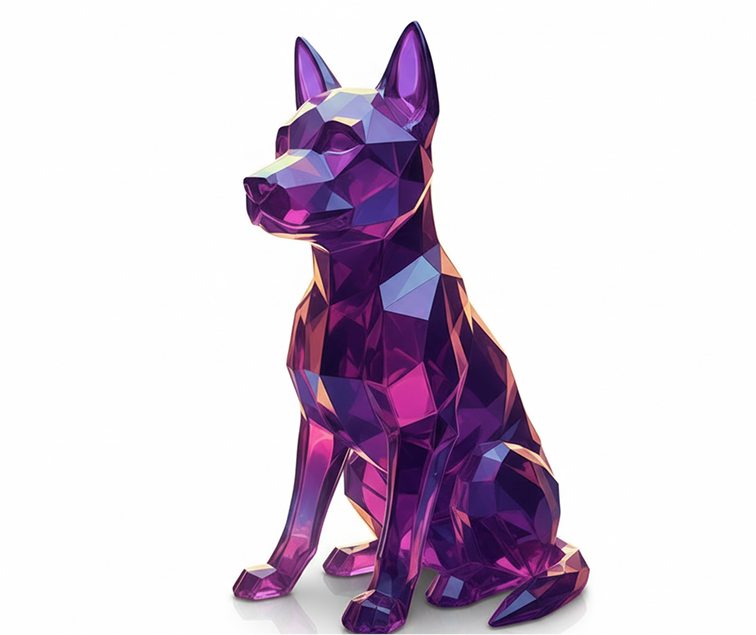
A glossy 3D geometric torus knot, violet glass material, studio lighting, transparent background
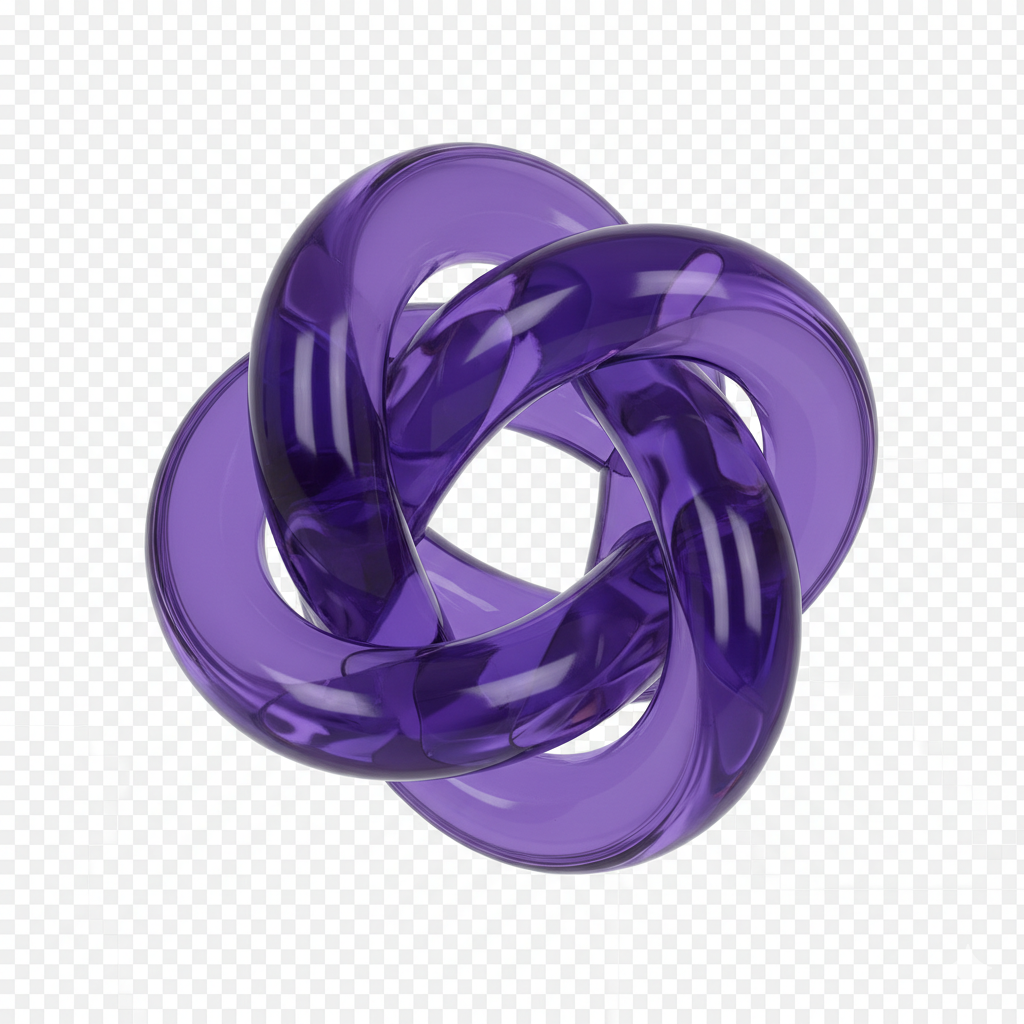
Generated Image January 18, 2026 - 8_33PM (1).png
Supported byimage (6).png

What is an AI PNG Generator?

Object Intelligence

The AI understands design subjects. From product cutouts and logos to characters and scene elements, it adapts the visual style to match your creative vision.

Beyond Stock Images

Generate entirely new, unique imagery. Unlike generic stock photo libraries, every element is generated from scratch based on your specific description, ensuring originality and perfect fit.

Commercial Rights & Full Ownership

You own the artwork. Use the generated PNG files for websites, apps, marketing materials, and merchandise without worrying about copyright strikes or licensing fees—ready for commercial use.

Why should you use the AI PNG Generator?

High Resolution with Transparency

Export at up to 4096×4096px with perfect alpha channels, meeting all requirements for web design, print materials, and digital displays.

Edit Instantly

Change colors, add effects, or adjust composition in a click. No need for complex image editing software or layer management.

No Software Needed

Everything works directly in your browser. Save your projects and easily access them from any device, anywhere.

Platform-Ready Assets

Download files optimized for social media, website graphics, presentations, and e-commerce with perfect transparency and appropriate dimensions.

From scattered ideas to cohesive visual assets

Stop the inconsistency in your visual library. Go from concept to clean, production-ready PNG images in seconds. Design, customize, and export transparent assets with AI. Build a strong, versatile collection of graphics for any project—without design bottlenecks.

Generated Image January 19, 2026 - 8_31AM (2) 1.png
PROBLEM

Consistent visual assets across all digital touchpoints

A brand that looks disjointed. When PNG assets for different applications—social media, websites, presentations—are sourced from different tools or designers, the visual language becomes fragmented. Style, color, lighting, and composition don't align, making your brand feel unprofessional and inconsistent. This weakens recognition and dilutes visual impact.

Solution

The AI designer that understands your needs. Upload your brand guidelines or describe your vision. Our AI becomes your visual asset director, automatically applying your creative rules to generate cohesive, transparent PNG graphics for every use case—from web elements to marketing materials. Every asset will be 100% aligned with your visual identity.

PROBLEM

A complete asset library in hours, not months—without the agency cost

Custom PNG creation is often slow and expensive. Commissioning a designer requires significant budget and time. Sourcing from stock sites leads to generic, overused images. Creating clean, transparent assets manually demands skill and meticulous editing. Building a cohesive image collection becomes a prolonged, costly project.

SOLUTION

A professional image studio in your browser. For free. Create beautiful, production-ready transparent PNGs in minutes—not weeks. Our tool eliminates the cost of custom image creation, saving your team's time and your project budget.

Generated Image January 19, 2026 - 8_30AM 1.png
Generated Image January 19, 2026 - 8_32AM 1.png
PROBLEM

Fresh, transparent graphics that stay on-brand

Creative repetition limits visual variety. How do you continuously generate new graphics that feel fresh but still belong to your brand? Reusing the same assets leads to visual fatigue. You need innovative visual ideas that expand your asset library while maintaining brand recognition.

SOLUTION

AI as your in-house graphic designer. Generate hundreds of cohesive PNG variations—from adjusting styles and backgrounds to experimenting with subjects and compositions. This tool becomes your endless source of inspiration, helping you build a rich, diverse PNG library that grows with your brand—always on-style, always ready to use.

How to create transparent PNG assets

Creating custom transparent images doesn't need to be hard or complicated. Here is a short guide to get you started.

Generated Image January 19, 2026 - 8_41AM 1.png
Prompt: Create png image on a clear background...
1

Describe your image or upload a reference

Enter a detailed text prompt describing the object or scene you need, or upload an image as a style reference. Use our AI prompt assistant if you need help articulating your vision.

Generated Image January 19, 2026 - 8_41AM (1) 1.png
2

Choose a style and customize

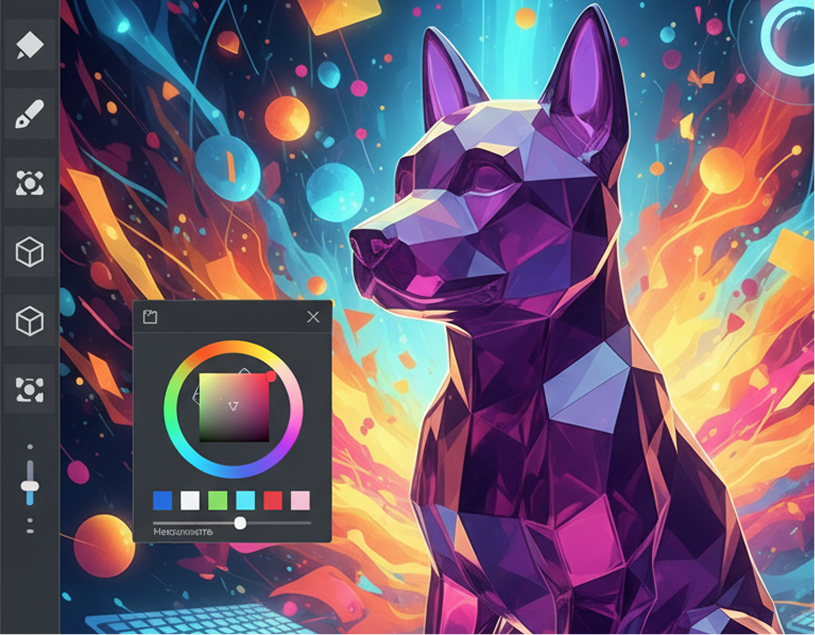
Select from image styles like realistic, illustrated, flat, or minimalist. Adjust colors, lighting, background, and composition in real time. Regenerate variations or fine-tune details until it's perfect.

Generated Image January 19, 2026 - 8_43AM 1.png
3

Export and use

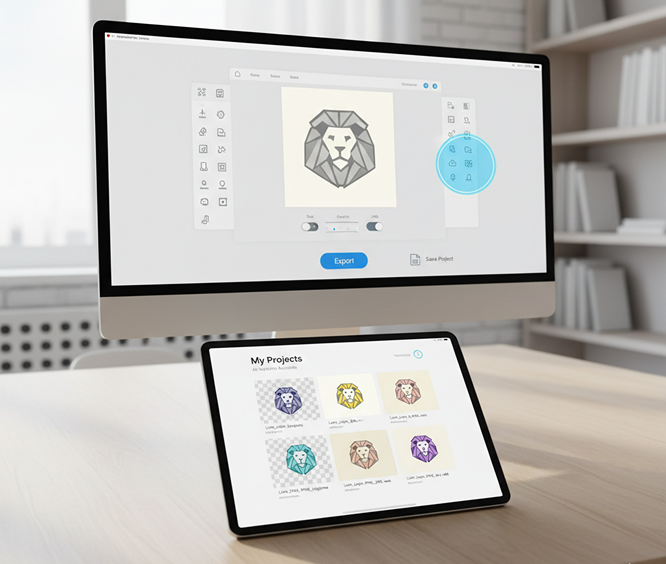
Preview your transparent PNG live, remove backgrounds automatically, undo any changes instantly, then download your image as a high-quality PNG or in other ready-to-use formats.

Where can you use the AI PNG Generator?

Whether it’s for marketing, digital design, or personal projects — the possibilities are limitless. The AI PNG Generator adapts to your creative workflow, whether you’re establishing a brand identity or producing ready-to-use assets.

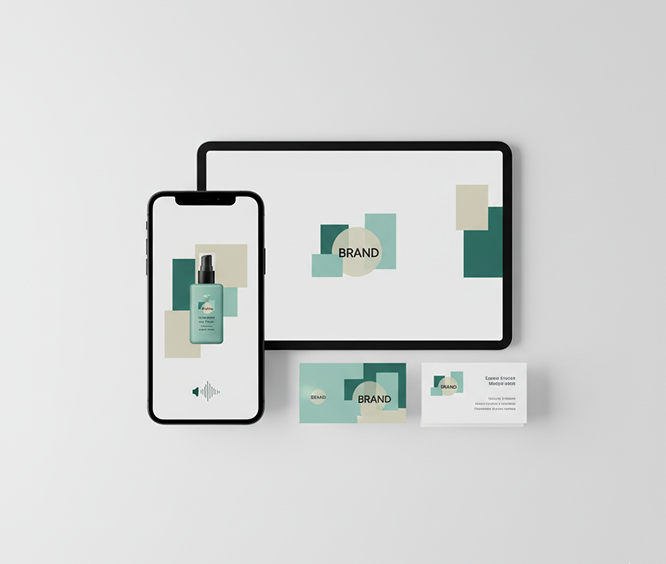
  • ✦ Marketing & Social Media – Create branded graphics, product mockups, and promotional visuals for ads and posts.
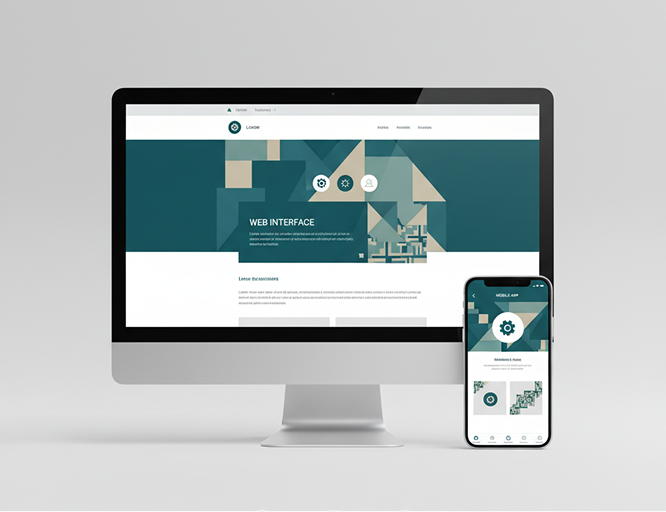
  • ✦ Web & App Design – Generate interface elements, icons, banners, and graphics with perfect transparency.
  • ✦ Print & Presentation – Design clean, high-resolution images for reports, slideshows, flyers, and packaging.
Generated Image January 19, 2026 - 8_53AM (2) 1.png
Generated Image January 19, 2026 - 8_53AM 1.png

Tips for achieving the best results

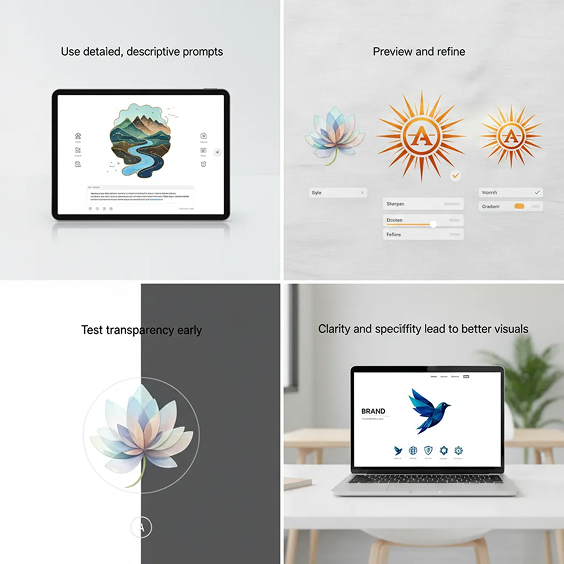
Clarity and specificity lead to better visuals. These tips will help you generate professional, on-brand transparent PNGs every time.

  • ✦ Use detailed, descriptive prompts – Include style, subject, colors, and context for more accurate results.
  • ✦ Preview and refine – Generate a few variations, then fine-tune using keywords or style modifiers.
  • ✦ Test transparency early – Check how your asset looks on light and dark backgrounds before finalizing.
Generated Image January 19, 2026 - 8_52AM 1.png

How to download and use your PNG files

Exporting your transparent images is simple and flexible. You keep full control over format, size, and quality—and can revisit your creations anytime.

  • ✦ Make final adjustments using intuitive editing tools before exporting.
  • ✦ Download as high-res PNG with preserved transparency, or as JPG for solid backgrounds.
  • ✦ Save your project to return later, edit, or generate new versions—all versions stay accessible.
Generated Image January 19, 2026 - 8_53AM (3) 1.png
Generated Image January 19, 2026 - 8_59AM.png

Client Reviews

★★★★★

"Revolutionized how our marketing team creates assets.”

“We used to spend hours searching for the perfect transparent images. Now we can create custom, on-brand PNGs in seconds. The quality and resolution are exceptional.”

Carlos
★★★★★

“Perfect for e-commerce sellers.”

“Creating clean product cutouts for our website used to be a nightmare. This tool generates perfect transparent PNGs from simple descriptions. It’s saved us countless hours of photo editing.”

Lena
★★★★★

“A game-changer for content creators.”

“I make YouTube thumbnails and social media graphics. Being able to generate unique, transparent assets on demand has taken my content to the next level. No more subscription to stock photo sites!”

Riley
★★★★★

“Incredible for UI/UX designers.”

“I can prototype with custom interface elements in minutes instead of hours. The transparent PNGs integrate seamlessly into Figma and other design tools. A total workflow upgrade.”

David
★★★★★

“Essential for small businesses and startups.”

“We couldn't afford a designer, but needed professional marketing materials. This tool lets us create everything ourselves—logos, banners, product images—all with perfect transparency.”

Sophia
★★★★★

“Great tool as soon as you get used to it!”

“At first, I wasn't sure how to describe what I needed, but after about 10 minutes of practice, everything clicked. Now I can create custom transparent images for my presentations in seconds.”

Uma

Best AI Tools All in One Place

Image_moto.png
OpenAI_logo.svg
GPT Image

AI image generation & editing

Sora 2

Cinematic video generation

Google_2015_logo 1.svg
Imagen 4

Ultra-sharp images

Gemini 2.5 / 3.0

Multimodal generation & editing

Veo 3.1

Fast video + motion consistency

Logo_runway.svg
Gen 4

Best for consistent characters & video frame generations

Aleph

Video editing & effects

Image_coffe.png
Midjorny.svg
MidJourney

Image generation & variations

Upscale / Outpaint / Pan

Advanced editing tools

Logo_hailuo.svg
Hailuo 2 Pro

High-quality video animation

Logo_king.svg
Kling 2.5

v1, v1.5, v1.6, v2 video generation

Explore similar use cases

AI SVG Generator

Generate vector illustrations and icons from prompts as SVG files

AI Transparent Background PNG Maker

Output logo, product, or character PNGs instantly

AI Scene Generator with JSON Metadata

Export JSON+image for dev and design systems

AI UI Asset Generator (for Dev Handoff)

Create exportable assets (PNG/SVG) for developer-ready use

FAQs

Answers to common questions about using Phygital+ for book covers.

How is this different from a regular image generator where I have to remove the background myself?

+

How high is the quality of the transparency? Does it handle complex edges like hair or smoke?

+

Can I define the artistic style of the PNG asset, like a 3D render, a photo, or a cartoon?

+
Is this just for creating icons, or can I generate more complex images like product cutouts?+
After generating a transparent PNG, how can I use it with other tools inside Phygital+?+
Are the generated PNGs high-resolution and suitable for commercial use?+

Start for free

Create logos, mockups, and brand visuals in one place.