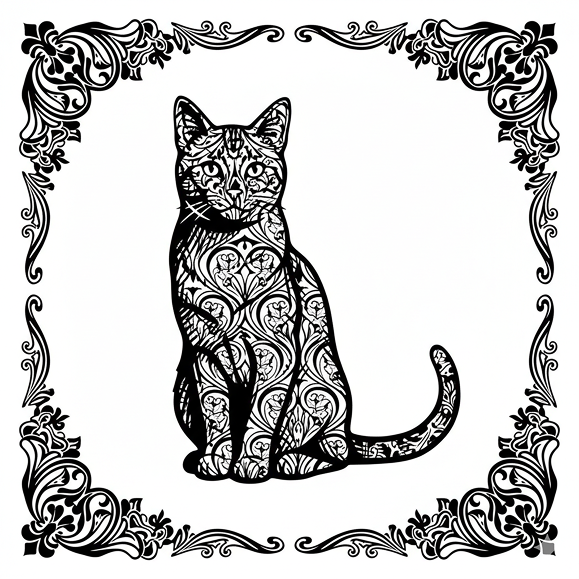
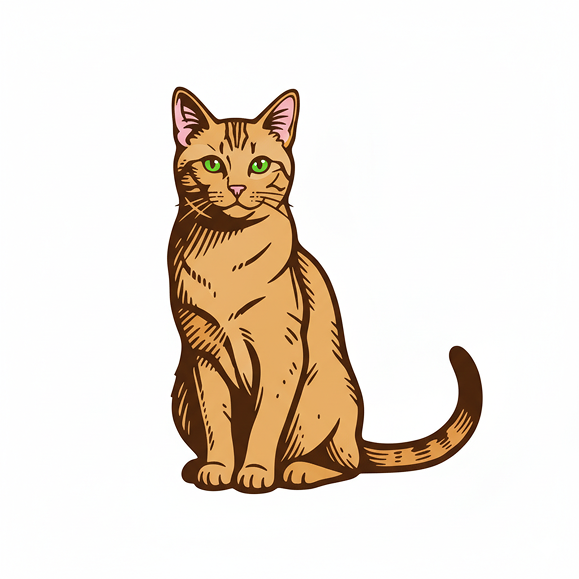
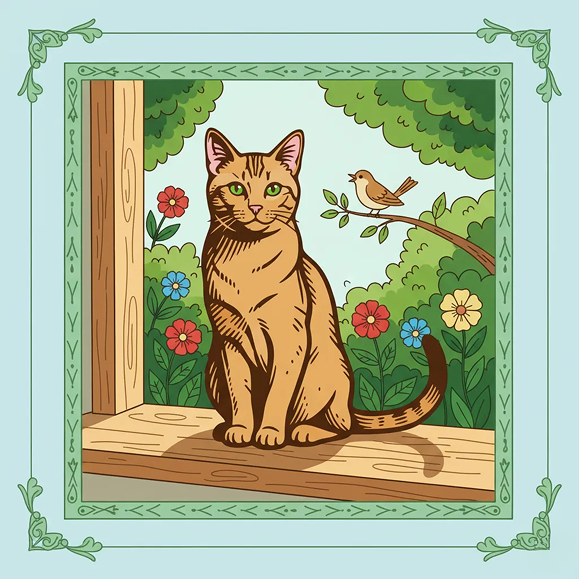
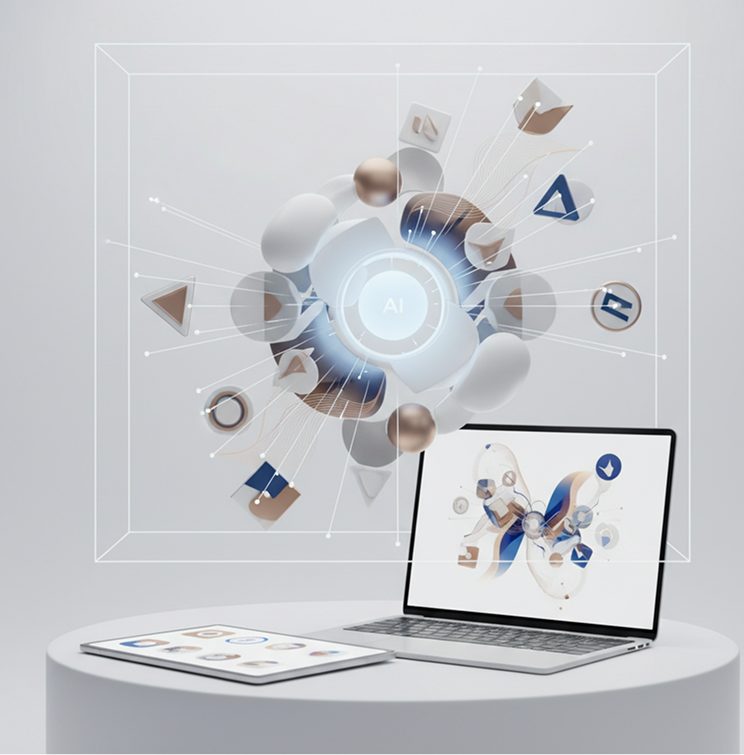
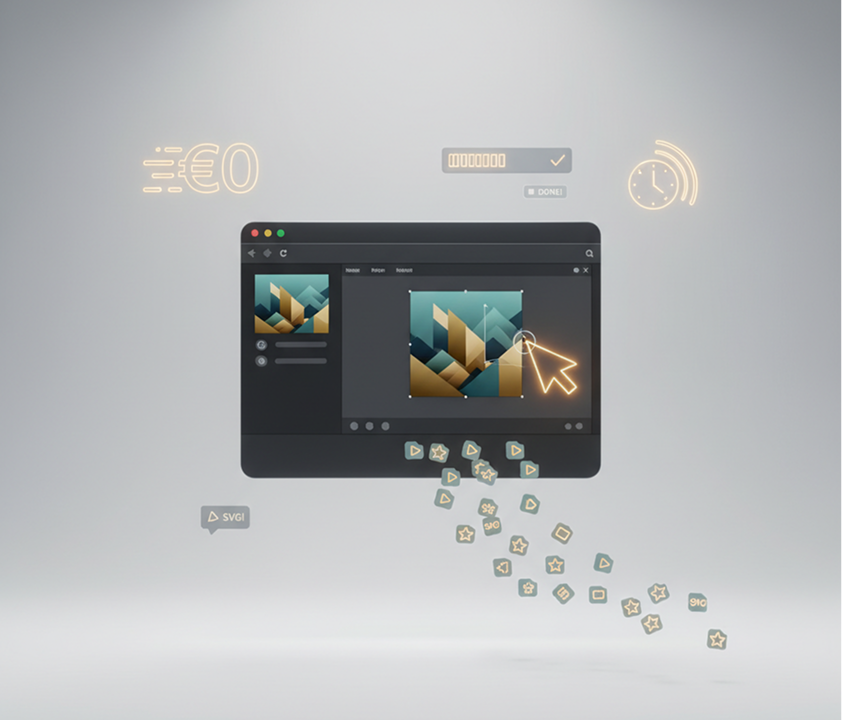
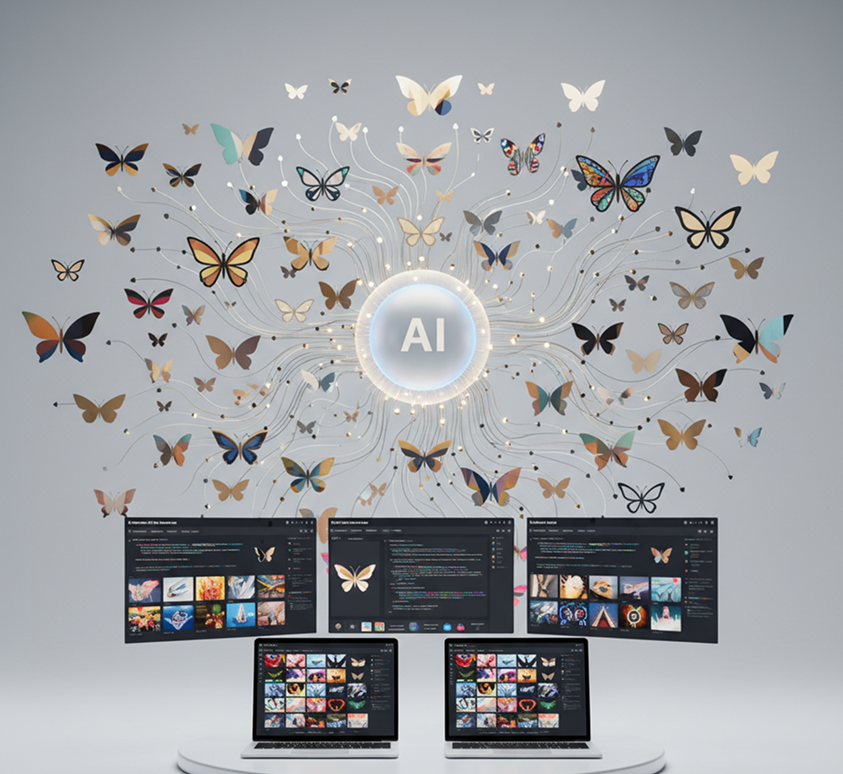
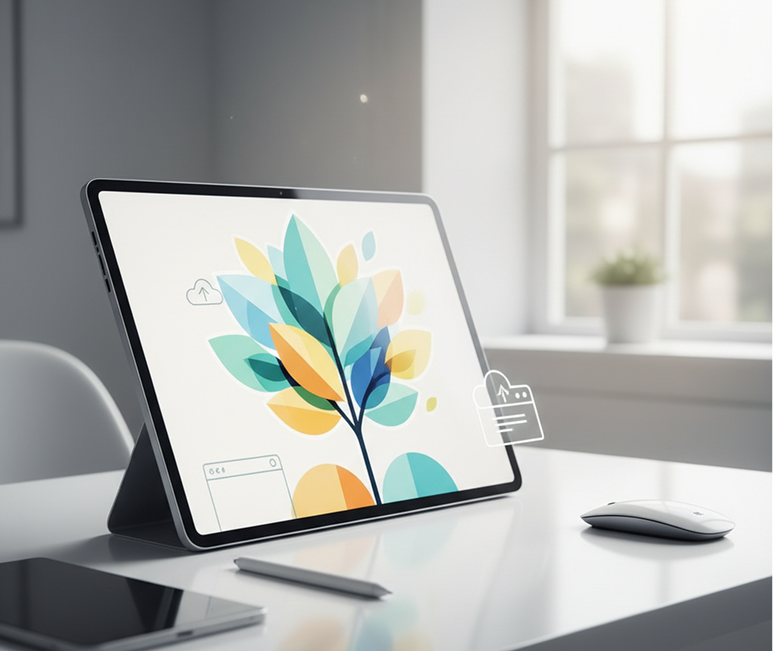
Generate custom vector graphics online in seconds — without limits, downloads, or complicated editors. The AI SVG Generator is built for designers, developers, and content creators who need scalable, editable vector illustrations and icons—created instantly from simple prompts.
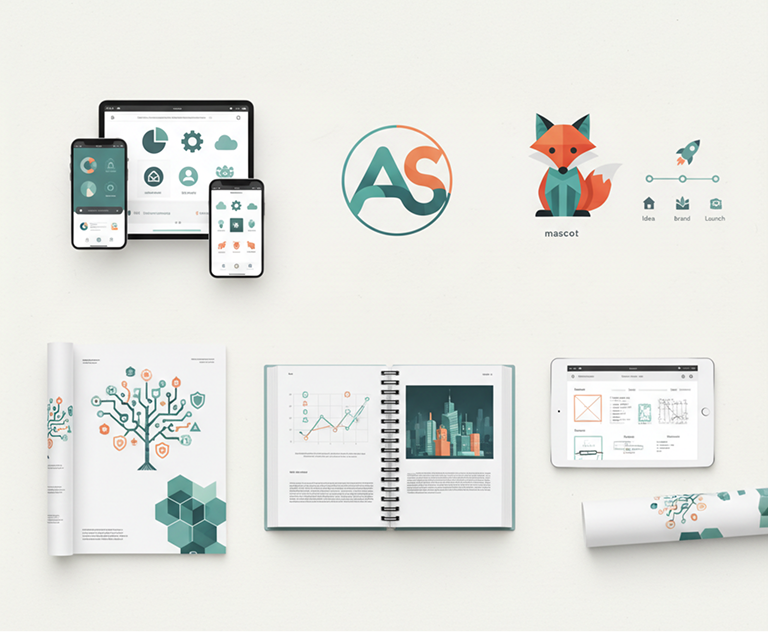
The AI understands design categories. From UI icons and mascots to flat illustrations and complex patterns, it adapts the visual style to match your project's aesthetic needs.
Generate entirely new, unique vector graphics. Unlike limited clipart libraries, every shape and path is generated from scratch based on your specific creative prompt, ensuring originality and perfect fit.
Generate infinitely scalable vector graphics, meeting all requirements for web design, app interfaces, and large-format printing without loss of quality.
Adjust colors, modify shapes, add details, or change styles in a click. No need for complex vector editing software or path manipulation.
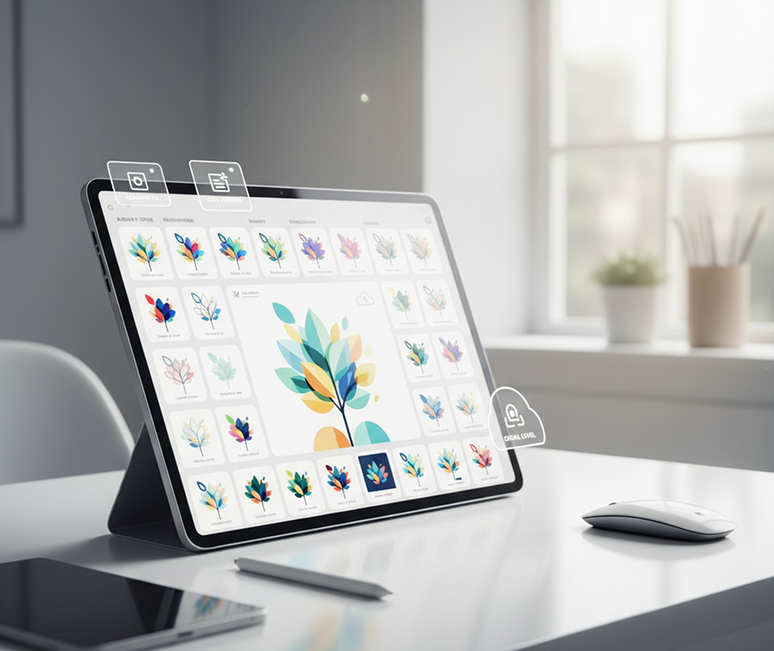
Everything works directly in your browser. Save your projects and easily access them from any device, anytime.
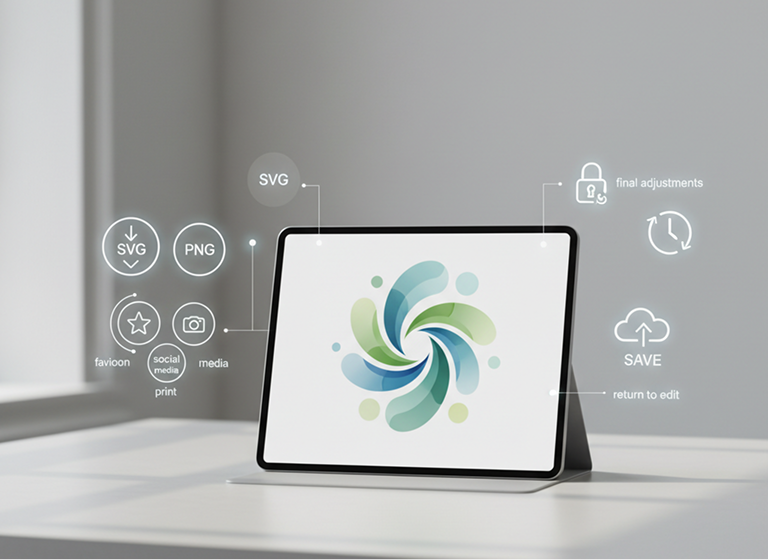
Download files ready for use in web development (SVG), presentations (PNG), design software, and print applications.
Stop the inconsistency in your digital assets. Go from concept to clean, production-ready vector graphics in seconds. Design, adapt, and apply scalable icons and illustrations with AI. Build a strong, versatile visual library for any project—without design bottlenecks.
A brand that looks pieced together. When illustrations and icons for different applications—websites, mobile apps, presentations—are sourced from different designers or stock sites, the visual language becomes fragmented. Style, line weight, color, and detail level don't align, making your interface feel unprofessional and disjointed. This weakens user trust and dilutes brand recognition.
The AI designer that masters your aesthetic. Upload your brand guidelines or select visual references. Our AI becomes your vector art director, automatically applying your design rules to generate cohesive, scalable SVG graphics for every use case—from app icons to complex illustrations. Every asset will be 100% aligned with your brand's visual DNA.
Custom vector design is often slow and expensive. Commissioning an illustrator or agency requires significant budget and time. Sourcing from stock libraries leads to generic, overused assets. Creating clean, scalable vectors manually demands skill and hours of meticulous work. Building a cohesive icon set becomes a prolonged, costly endeavor.
A professional vector studio in your browser. For free. Create beautiful, production-ready SVG graphics in minutes—not weeks. Our tool reduces the cost of custom illustration to zero, preserving your team's time and your project budget.
Creative repetition limits versatility. How do you continuously generate new icons and illustrations that feel fresh but still belong to your brand? Reusing the same assets leads to visual fatigue and missed creative opportunities. You need innovative vector ideas that expand your visual system while staying recognizable.
AI as your in-house vector illustrator. Generate hundreds of cohesive graphic variations—from adjusting styles and colorways to experimenting with detail levels and compositions. This tool becomes your endless source of inspiration, helping you build a rich, scalable vector library that grows with your brand—always on-style, always editable.
Creating custom vector graphics doesn't need to be hard or complicated. Here is a short guide to get you started.
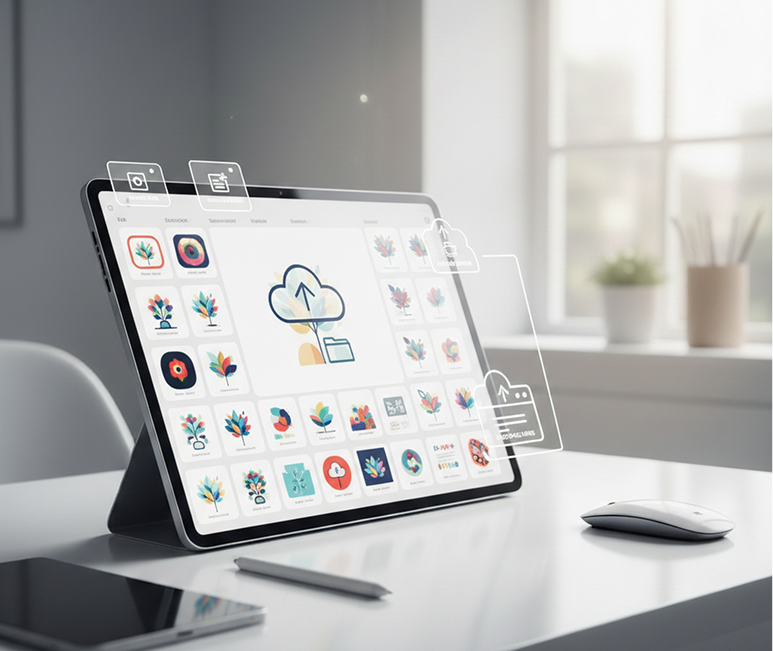
Enter a text prompt for the illustration or icon you need, or upload an image as a style reference. If you're unsure how to phrase it, use our AI prompt assistant for suggestions.
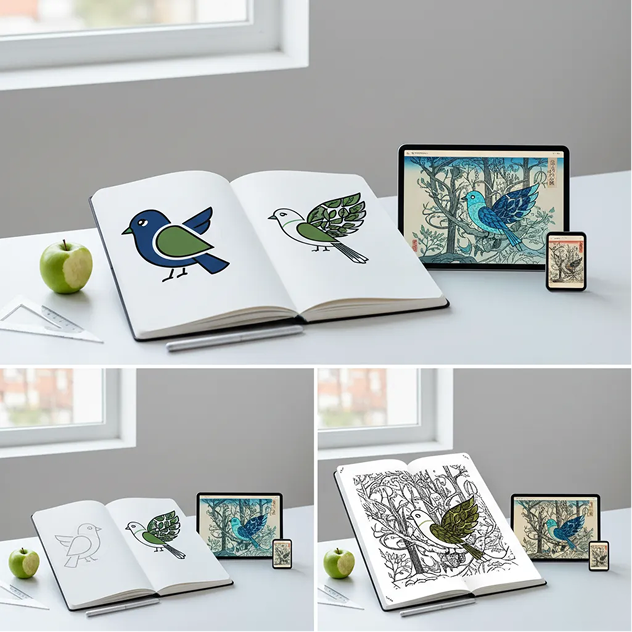
Select from illustration styles like flat, line art, isometric, or detailed. Adjust colors, line weight, complexity, and composition in real time. Regenerate variations or fine-tune details until it's perfect.
Whether it's for UI/UX design, branding projects, or marketing materials — the applications are endless. The AI SVG Generator adapts to your creative workflow, whether you're building a visual identity or creating production-ready assets.
Precision matters when creating scalable vector graphics. These tips will help you get clean, professional results that are ready for any application.
Exporting your vector graphics is straightforward and flexible. You maintain full control over file format, resolution, and final adjustments — and can return to edit at any time.
"A total game-changer for our design workflow.”
“We used to waste hours searching for the perfect icons. Now, we generate exactly what we need in seconds. The fact that they come as editable SVGs is priceless.”
Molly
“Perfect for developers who aren't designers.”
“I can finally create custom icons for my apps without depending on a designer. The SVG output is clean, scalable, and ready to drop right into code.”
Samue
“Exactly what our branding agency needed.”
“Creating cohesive illustration sets for clients used to take days. Now we can prototype entire visual systems in hours. The style control is incredibly precise.”
Zoi
“Saves so much time on presentation design.”
“I used to dread making custom charts and diagrams. This tool lets me generate professional, on-brand vector graphics in minutes. It’s become my secret weapon.”
Artemiy
“A must-have for content creators and educators.”
“I make online courses and need clear, engaging visuals. This generator lets me create unique illustrations that match my brand—no more generic stock art.”
Jenna
“Great tool as soon as you get used to it!”
“At first, the interface felt new, but after about 10 minutes of exploring, everything clicked. Now, creating custom vector assets feels effortless and fast.”
Mary
AI image generation & editing
Ultra-sharp images
Best for consistent characters & video frame generations
Image generation & variations
High-quality video animation
v1, v1.5, v1.6, v2 video generation
Create transparent PNG assets from your descriptions
Turn AI-generated frames into export-ready GIFs
Upload a photo, reimagine it as a styled illustration
Get short social-ready videos from a text prompt
Answers to common questions about using Phygital+ and editing images with AI.
Create logos, mockups, and brand visuals in one place.