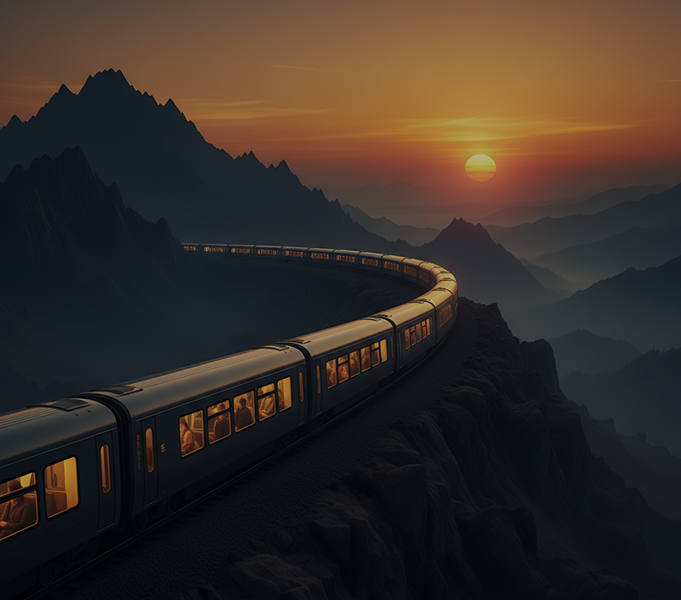
Free AI JPEG to Art Transformation

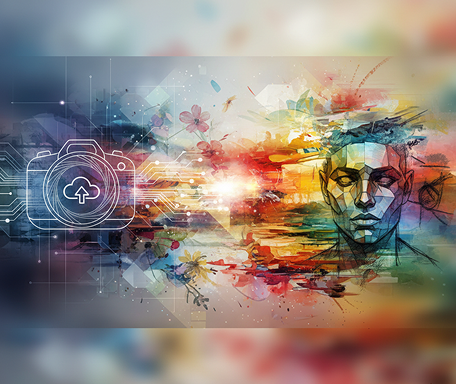
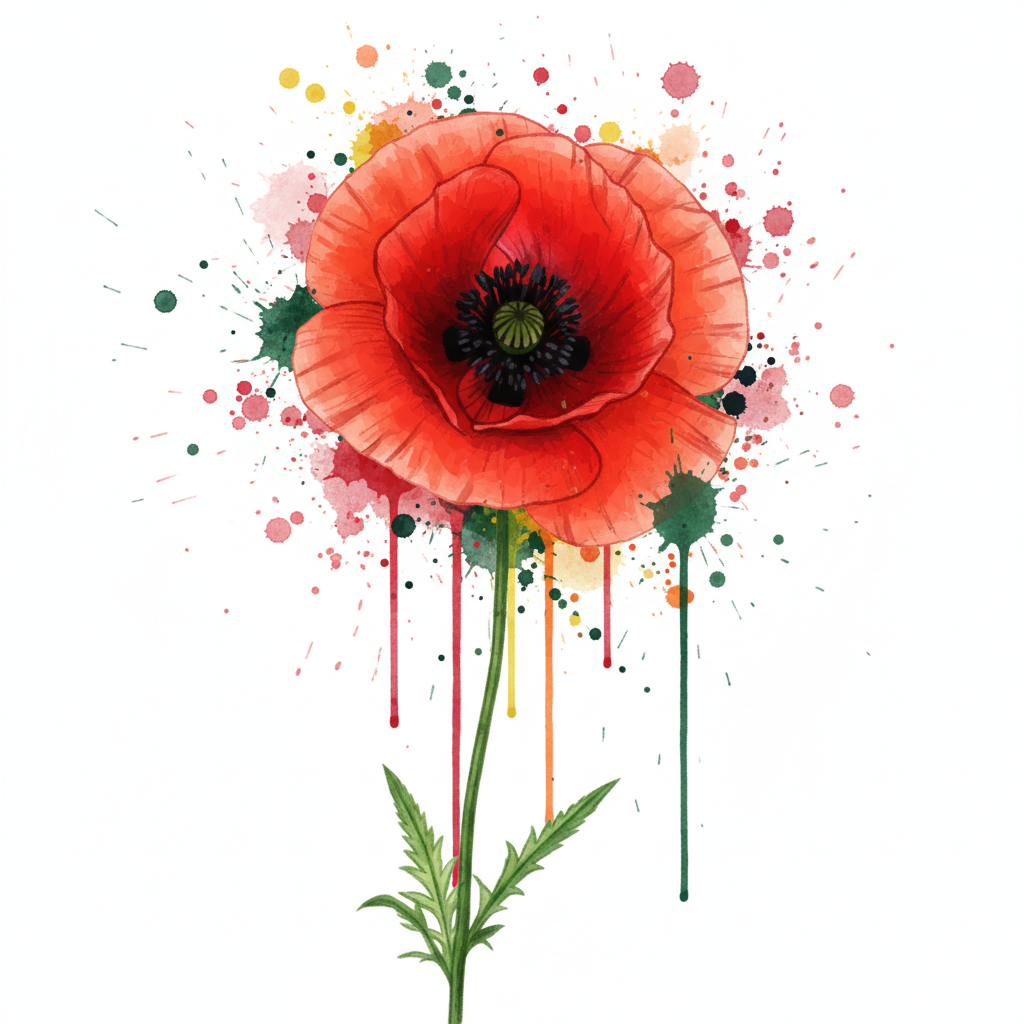
Upload any photo and transform it into styled illustration art in seconds — without limits, downloads, or complicated editors. The AI JPEG to Art Transformation tool is built for designers, artists, and content creators who want to instantly reimagine photos into custom illustrations in any artistic style.

P+
New Project / JPEG to Art Transformation
Source Concept
Prompt

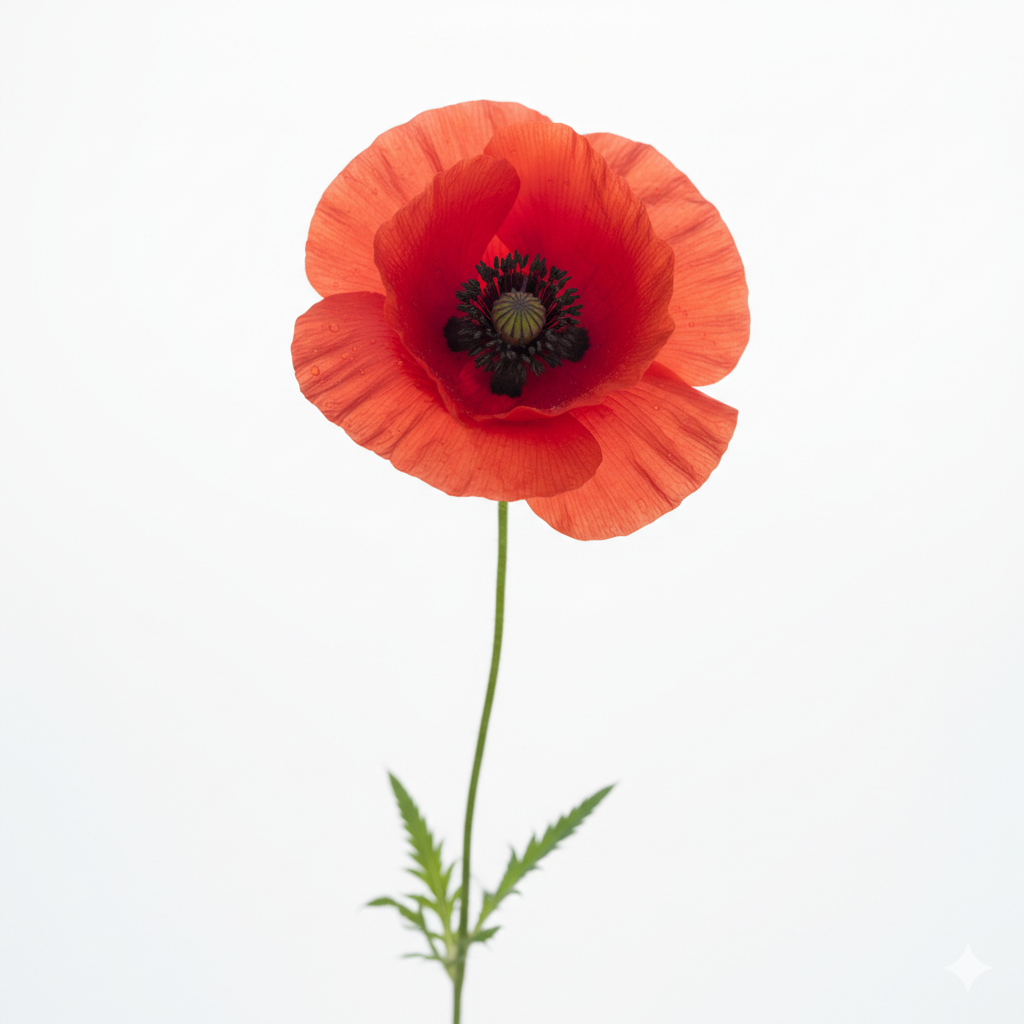
Create a photo of an art illustration...
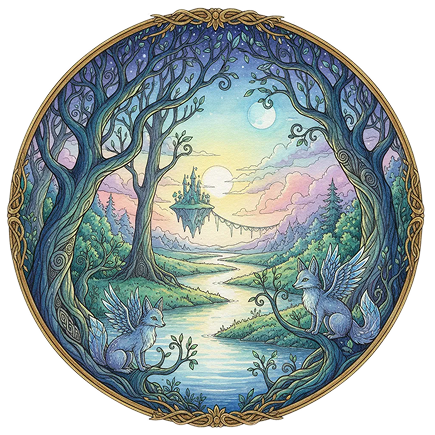
Generated Image December 22, 2025 - 3_34PM.png
Supported by:image (6).png

What is an AI JPEG to Art Transformation tool?

Artistic Style Intelligence

The AI understands artistic movements and illustration techniques. From watercolor and oil painting to line art, pop art, and digital illustration, it adapts the visual transformation to match your creative vision.

Beyond Simple Filters

Create entirely new, unique illustrated artwork. Unlike basic photo filters or preset effects, every stroke and texture is generated from scratch based on your original photo and style direction.

Commercial Rights & Full Ownership

You own the transformed artwork. Use the illustrated images for prints, merchandise, branding, social media, and digital content without worrying about copyright restrictions or licensing fees—ready for commercial use.

Why should you use the AI JPEG to Art Transformation tool?

High Resolution & Quality

Export at up to 4K resolution with preserved detail, meeting all requirements for prints, digital displays, and professional publishing.

Transform Instantly

Change artistic styles, adjust colors, refine textures, or modify composition in a click. No need for illustration software or complex layering.

No Software Needed

Everything works directly in your browser. Save your artistic transformations and access them from any device, anywhere.

Platform-Ready Artwork

Download files optimized for social media, website galleries, print-on-demand products, and digital portfolios with perfect artistic rendering.

From ordinary photos to extraordinary illustrated art

Stop settling for generic photo edits. Go from snapshot to stunning styled illustration in seconds. Reimagine, refine, and export art with AI. Build a rich, artistic visual identity across mediums—without illustration bottlenecks.

Frame 2131328731.png
PROBLEM

Consistent artistic identity across all visual content

A brand that looks inconsistent in its visual storytelling. When photos for campaigns, websites, and social media are edited with different filters, effects, or artistic treatments, the brand's visual language feels fragmented. Tones, textures, and styles don't align, making your imagery feel unprofessional and disconnected. This weakens emotional impact and dilutes brand recognition.

Solution

The AI artist that understands your aesthetic. Upload your brand style guide or select artistic references. Our AI becomes your creative art director, automatically applying your chosen illustration style to transform any photo into cohesive, artistic visuals for every use case—from social posts to print materials. Every transformation will be 100% aligned with your brand's creative vision.

PROBLEM

Professional illustration in minutes, not weeks—without artist fees

Custom illustration is traditionally slow and expensive. Hiring an illustrator or studio requires significant budget and time. Using inconsistent filters or presets leads to amateurish, mismatched results. Creating polished, stylized illustrations manually demands specialized artistic skills. Producing a cohesive set of illustrated assets becomes a lengthy, costly effort.

SOLUTION

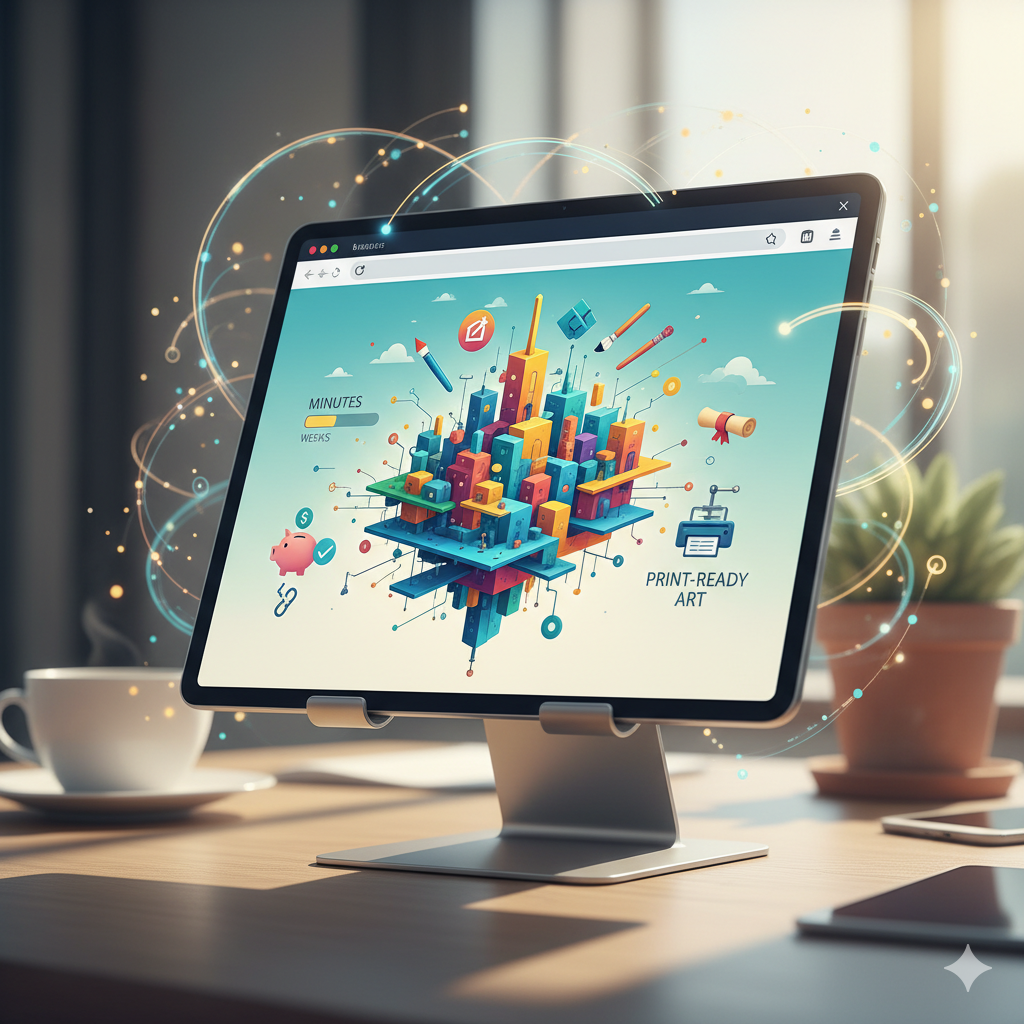
A professional illustration studio in your browser. For free. Create beautiful, print-ready illustrated art in minutes—not weeks. Our tool eliminates the cost and complexity of custom illustration, preserving your creative budget and project timeline.

Frame 2131328730.png
Frame 2131328729.png
PROBLEM

Fresh, artistic visuals that stay on-brand

Reusing the same photos or edits leads to creative stagnation. How do you keep generating new visual content that captures attention without losing brand consistency? Repetitive or uninspired imagery causes engagement to drop. You need innovative artistic transformations that expand your visual library while remaining unmistakably yours.

SOLUTION

AI as your in-house digital artist. Generate hundreds of cohesive illustrated variations—from adjusting color palettes and textures to experimenting with artistic styles, compositions, and moods. This tool becomes your endless source of artistic inspiration, helping you build a vibrant, scalable visual library that grows with your brand—always on-style, always artistic.

How to transform photos into illustrated art

Creating custom artistic images doesn't need to be hard or complicated. Here is a short guide to get you started.

Placeholder image
1

Upload your photo and choose a style

Upload any JPEG or PNG image and select an artistic style — from watercolor and oil painting to digital illustration and sketch art.

Generated Image January 19, 2026 - 11_04AM 1.png
2

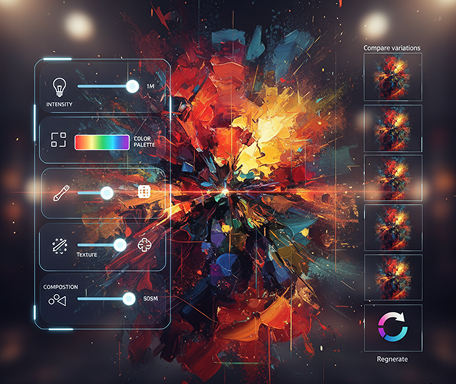
Customize your transformation

Adjust the intensity, color palette, texture, and composition. Fine-tune details, compare variations, or regenerate the artwork until it's perfect.

Generated Image January 19, 2026 - 11_07AM 1.png
3

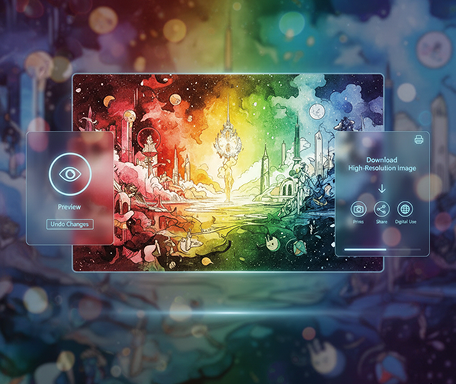
Export and share your creation

Preview your illustrated art live, undo any changes instantly, then download it as a high-resolution image — ready for prints, social media, or digital use.

Where can you use the AI JPEG to Art Transformation?

Whether it’s for branding, creative projects, or digital content — the applications are versatile. The tool adapts to your creative workflow, whether you’re developing a visual identity or producing unique artwork.

  • ✦ Branding & Marketing – Create illustrated visuals for campaigns, social media, and branded content with a consistent artistic style.
  • ✦ Art & Design Projects – Transform personal or client photos into custom artwork for prints, digital galleries, and portfolios.
  • ✦ Content & Publishing – Generate illustrated assets for blogs, books, presentations, and websites to enhance visual storytelling.
Placeholder image

Tips for achieving the best results

Great transformations come from thoughtful choices. These tips will help you create polished, professional illustrated art every time.

  • ✦ Start with a clear, well-lit photo – Good input leads to more detailed and coherent artistic output.
  • ✦ Experiment with style intensity – Adjust the strength of the artistic effect to balance originality with recognizability.
  • ✦ Use style references – Provide examples or keywords (e.g., “van Gogh,” “line art,” “pastel”) to guide the AI more precisely.
Generated Image January 19, 2026 - 11_17AM.pngGenerated Image January 19, 2026 - 11_19AM.png

How to download and use your illustrated artwork

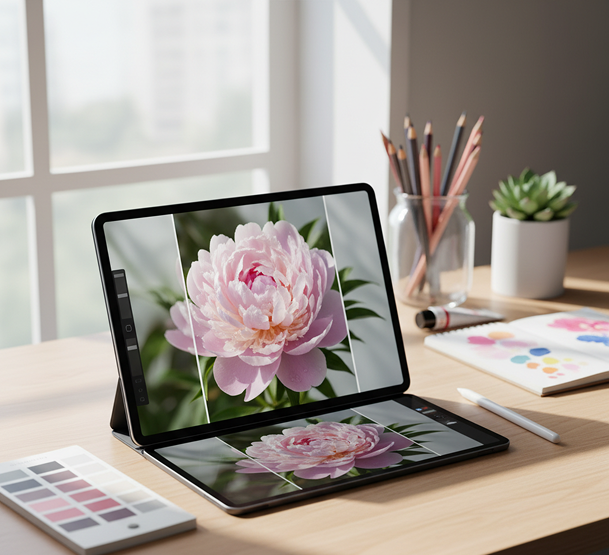
Exporting your transformed images is simple and flexible. You maintain full control over format, size, and quality—and can return to edit anytime.

  • ✦ Preview and refine your artwork before finalizing the style and composition.
  • ✦ Download as high-resolution JPEG or PNG with preserved detail and color accuracy.
  • ✦ Save your project to revisit, edit, or create new artistic versions later—all iterations are stored securely.
Placeholder image
💬

Client Reviews

★★★★★

"Turned our product photos into gallery-worthy art.”

“We used to hire illustrators for custom marketing visuals. Now we transform our own photos into beautiful, consistent illustrated assets in minutes. The watercolor style is absolutely stunning.”

Rosa

★★★★★

“Perfect for artists and photographers looking to diversify.”

“As a photographer, this tool lets me offer clients illustrated versions of their portraits—a whole new service with zero extra effort. The style control is incredibly precise.”

Daryna

★★★★★

“A total game-changer for content creators.”

“My social media used to look like everyone else's. Now my travel photos become unique digital paintings that stop the scroll. Engagement has doubled since I started posting these.”

Zara

★★★★★

“Essential for small businesses building a brand.”

“We couldn't afford custom illustrations, but needed a unique look for our website and packaging. This tool transformed our simple product shots into cohesive, artistic visuals that tell our story.”

Nate

★★★★★

“Revolutionized how our design agency prototypes concepts.”

“We now create multiple illustrated versions of campaign visuals before the photoshoot even happens. It's sped up client approvals and sparked so much creativity.”

Jeremy

★★★★★

“Great tool as soon as you get used to it!”

“At first, finding the right style intensity felt tricky, but after about 10 minutes of experimenting, everything clicked. Now I transform photos into custom illustrated assets for my presentations in seconds.”

Mike

Best AI Tools All in One Place

OpenAI_logo.svg

GPT Image

AI image generation & editing

Sora 2Cinematic video generation
Google_2015_logo 1.svg

Imagen 4

Ultra-sharp images

Gemini 2.5 / 3.0Multimodal generation & editing
Veo 3.1Fast video + motion consistency
Logo_runway.svg

Gen 4

Best for consistent characters & video frame generations

AlephVideo editing & effects
Image_coffe.png
Midjorny.svg

MidJourney

Image generation & variations

Upscale / Outpaint / PanAdvanced editing tools
Logo_hailuo.svg

Hailuo 2 Pro

High-quality video animation

Logo_king.svg

Kling 2.5

v1, v1.5, v1.6, v2 video generation

Explore similar use cases

AI Transparent Background PNG Maker

Output logo, product, or character PNGs instantly

AI Scene Generator with JSON Metadata

Export JSON+image for dev and design systems

AI UI Asset Generator (for Dev Handoff)

Create exportable assets (PNG/SVG) for developer-ready use

AI SVG Generator

Generate vector illustrations and icons from prompts as SVG files

FAQs

Answers to common questions about using Phygital+ and editing images with AI.

How much of my original photo's composition is preserved in the final illustration?

-
Your photo's composition is the foundation of the artwork. Using powerful tools like ControlNet within the Phygital+ workflow, the AI uses your original image as a structural blueprint. This ensures that the subjects, layout, and core elements of your photo are perfectly preserved, while the artistic style is completely reimagined.

Am I limited to pre-set styles, or can I define my own unique artistic aesthetic?

+

What's the best workflow in Phygital+ for transforming a series of photos into a stylistically cohesive collection?

+

Can I transform the subject of my photo but place them in a completely different, AI-generated background?

+

How much control do I have over the intensity of the artistic transformation?

+

Is the final illustration high-resolution and suitable for professional use, like printing or digital campaigns?

+

Start for free

Create logos, mockups, and brand visuals in one place.