Generate short, social-ready MP4 videos from a text prompt in seconds — without limits, downloads, or complicated editors. The AI MP4 Short Video Generator is built for marketers, content creators, and businesses who need engaging video content instantly created from simple text descriptions.
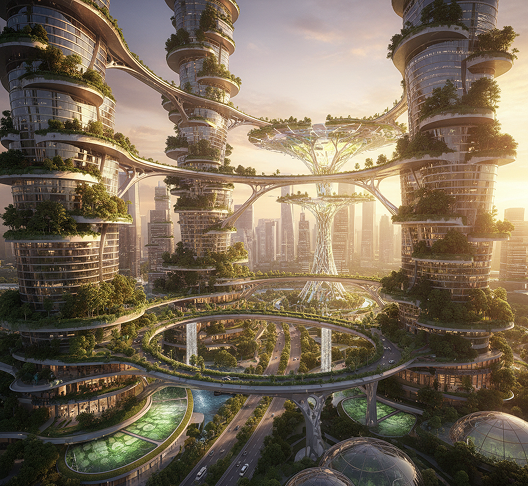
Cinematic drone shot of a futuristic eco-city with hanging gardens, golden hour lighting, 4k resolution.
cyber-punk, low resolution, blurry
AI Processing
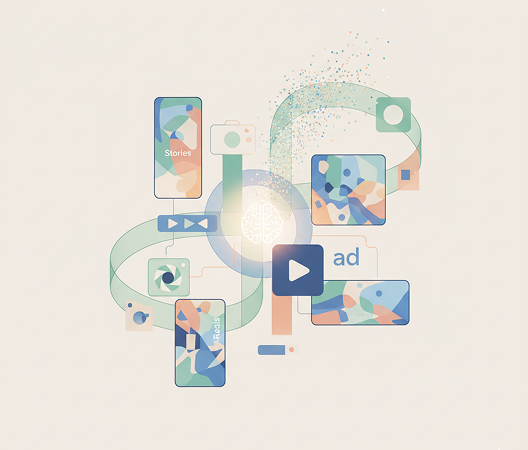
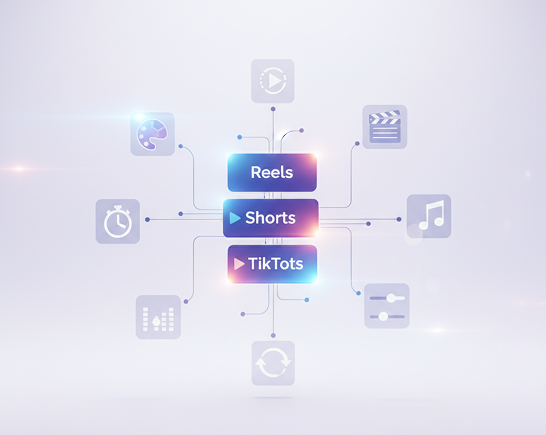
The AI understands video content trends and formats. From dynamic transitions and pacing for TikTok to polished, concise clips for Instagram Reels, it adapts the visual and editorial style to match your platform and goal.
Generate entirely new, original video content. Unlike stock video libraries, every scene and motion is generated from scratch based on your unique description, ensuring originality and perfect thematic alignment.
You own the video content. Use the generated MP4 files for social media, advertising, websites, and presentations without worrying about copyright strikes or licensing fees—ready for commercial use.
Export in up to 1080p resolution with smooth playback, meeting all requirements for social media platforms, web embeds, and digital displays.
Adjust video length, change transitions, add text overlays, or modify the visual style in a click. No need for video editing software or timeline adjustments.
Everything works directly in your browser. Save your video projects and easily access them from any device, anywhere.
Export videos pre-optimized for TikTok, Instagram Reels, YouTube Shorts, LinkedIn, and other social platforms with correct dimensions, formats, and file sizes.
Stop struggling with complex video production. Go from concept to a polished, social-ready MP4 in seconds. Generate, customize, and publish engaging short-form videos with AI. Build a dynamic and consistent video presence across platforms—without production bottlenecks.
A brand that communicates in disconnected visual languages. When videos for different platforms—TikTok, Instagram, YouTube—are created with mismatched pacing, editing styles, or visual tones, the brand's narrative feels fragmented. Color grading, motion graphics, text styles, and pacing don't align, making your content feel unprofessional and forgettable. This weakens audience retention and dilutes brand trust.
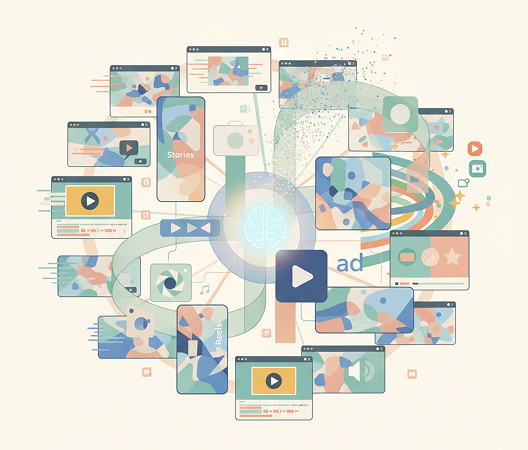
The AI video producer that understands your brand's rhythm. Upload your brand guidelines or describe your desired video style. Our AI becomes your video director, automatically applying your visual and editorial rules to generate cohesive, platform-optimized MP4s for every use case—from Reels to Stories to ads. Every video will be 100% aligned with your brand's storytelling DNA.
Custom video production is traditionally slow and expensive. Hiring a videographer or agency requires significant budget, equipment, and time. Using disjointed stock clips or basic editors leads to choppy, unprofessional results. Creating smooth, engaging videos manually demands specialized skills and software. Producing a steady stream of quality short-form content becomes a resource-heavy effort.
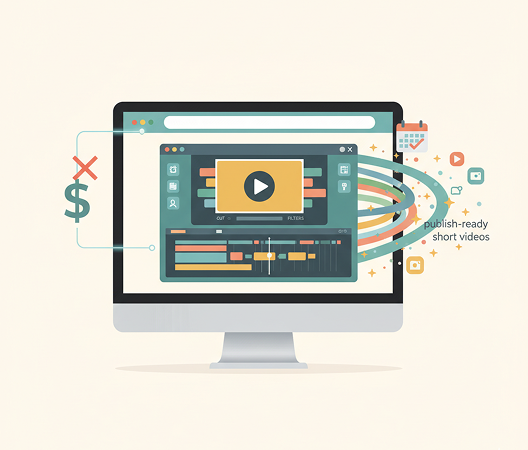
A full video production studio in your browser. For free. Create engaging, publish-ready short videos in minutes—not weeks. Our tool eliminates the cost and complexity of video production, preserving your marketing budget and content calendar.
Repeating the same video formats leads to audience fatigue. How do you keep generating new video ideas that capture attention without straying from your visual identity? Predictable or low-effort video content causes engagement to drop. You need innovative video concepts that expand your content library while remaining unmistakably yours.
AI as your in-house video strategist. Generate hundreds of cohesive video variations—from adjusting pacing and music to experimenting with visual themes, text overlays, and trending hooks. This tool becomes your endless source of video inspiration, helping you build a lively, scalable video library that grows with your brand—always on-style, always on trend.
Creating custom short-form videos doesn't need to be hard or complicated. Here is a short guide to get you started.
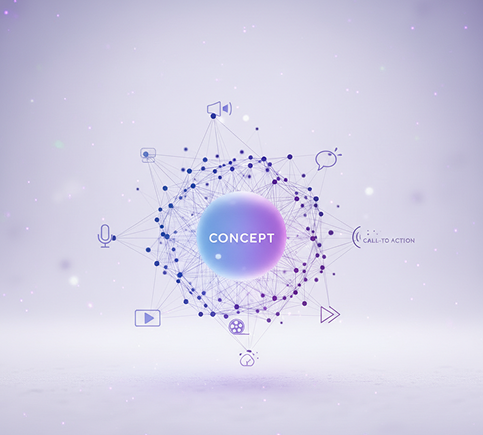
Enter a text prompt outlining your video concept, topic, mood, or call-to-action. Use our AI script assistant if you need help structuring your idea.
Select a platform-optimized format like Reels, Shorts, or TikTok. Adjust visuals, pacing, text overlays, and background music in real time. Regenerate scenes or fine-tune edits until the flow feels right.
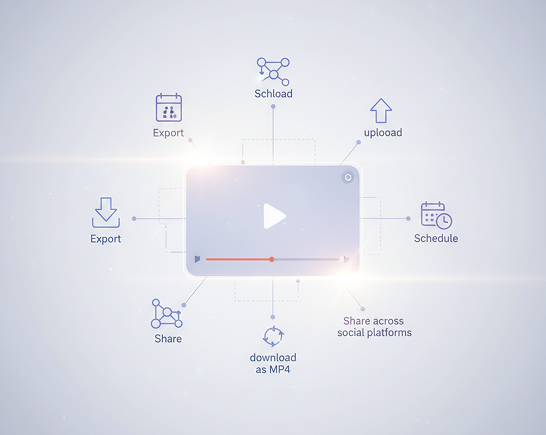
Watch your video live, undo any changes instantly, then download it as an MP4—ready to upload, schedule, or share across social platforms.
Whether it's for social marketing, client campaigns, or personal content — the applications are limitless. The AI adapts to your content workflow, whether you're growing a brand or creating scroll-stopping video assets.
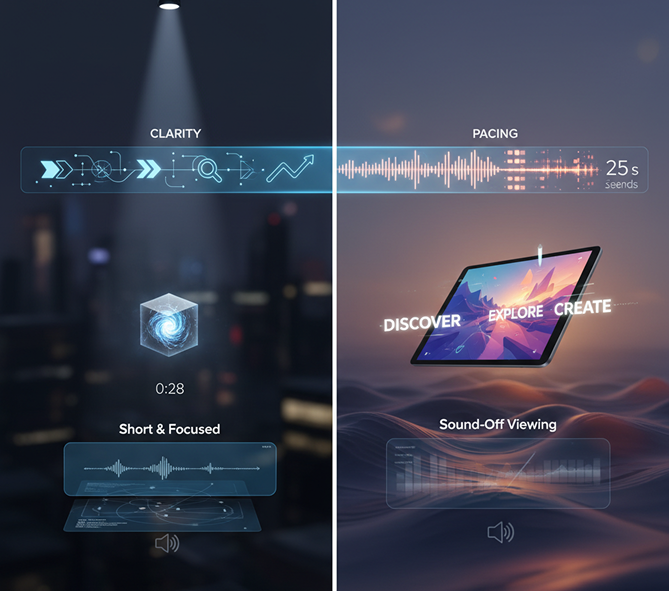
Clarity and pacing are key for short-form video. These tips will help you create professional, engaging content every time.
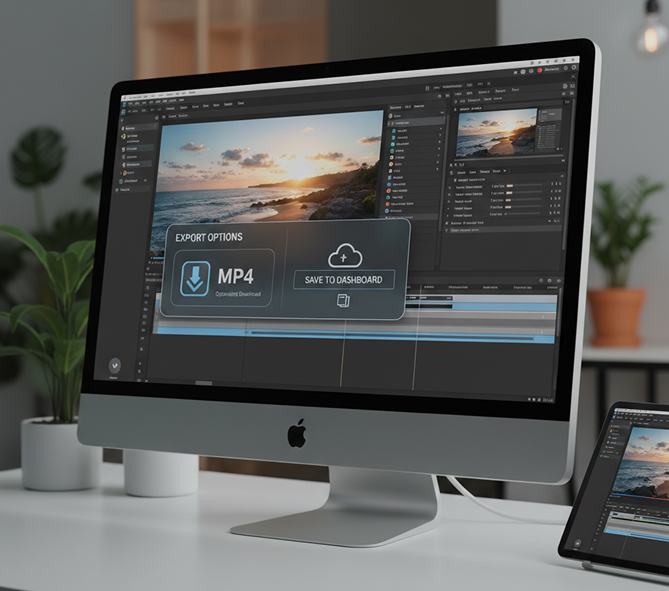
Exporting your videos is simple and flexible. You maintain full control over quality, length, and format—and can return to edit anytime.
“We used to film and edit for days. Now we generate three video ideas in the morning and have them live by lunch. Engagement on our Reels has tripled.”
Amara“I run a café and always wanted to post fun recipe videos. This tool lets me create polished, mouth-watering clips just by describing them. It’s like having a video team in my pocket.”
Diego“My TikTok growth was stuck until I started using AI-generated videos. The pacing, text, and visuals are already optimized for the platform. I’ve gained 20K followers in two months.”
Lila“We now prototype video ad concepts in minutes instead of weeks. Clients love seeing multiple options so quickly, and it’s revolutionized our creative pitching process.”
Sarah“Turning lesson points into short, engaging videos has made my online courses so much more dynamic. Students retain more, and I spend less time editing.”
Victor“At first, writing the right prompts felt tricky, but after about 10 minutes of testing, everything clicked. Now I create professional short videos for my presentations in seconds.”
RomeoGPT Image
Imagen 4
Gen 4
MidJourney
Hailuo 2 Pro
Kling 2.5
Create transparent PNG assets from your descriptions
Turn AI-generated frames into export-ready GIFs
Upload a photo, reimagine it as a styled illustration
Output logo, product, or character PNGs instantly
Answers to common questions about using Phygital+ and editing slides with AI.
This is a core strength of the Phygital+ ecosystem. You can train a "Style LoRA" on your existing brand visuals. By applying this LoRA within your video generation workflow, you can ensure that every MP4 clip, regardless of the subject, is created with your unique color palette, aesthetic, and overall mood for perfect brand consistency.
You have significant directorial control through your text prompts. Within Phygital+, you can include specific commands like "slow panning shot from left to right," "dramatic zoom in on the subject," or "a static, eye-level shot." This allows you to choreograph the cinematography to create the exact visual narrative you need.
Absolutely. The creative style is entirely up to you. Phygital+ can interpret a wide range of stylistic requests in your prompt. You can ask for "a cinematic, photorealistic clip," "a looping 3D animated character," or "a grainy, 8mm vintage-style video." Your description dictates the final look and feel of your MP4 video.
Phygital+ is built for rapid iteration. You can set up a "Master Video Workflow" with your core prompt and style. Then, create branches in your workflow to test small changes—a different call-to-action, a varied background, or a different emotional tone. You can then render all these variations at once, giving you a complete set of assets for your ad campaign in minutes.
Yes, they are designed to be "social-ready." You can specify the desired aspect ratio (like 9:16 for vertical video) in your prompt. Phygital+ then generates high-quality, efficiently compressed MP4 files that are optimized for direct upload to all major social media platforms, ensuring they look great and load quickly for your audience.
Create logos, mockups, and brand visuals in one place.