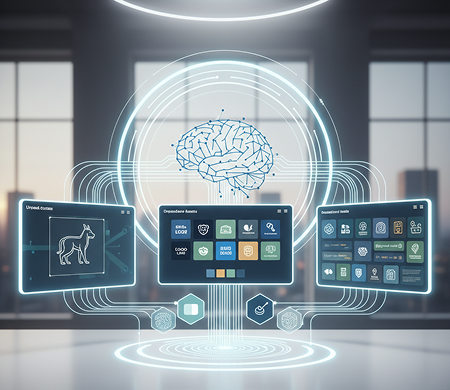
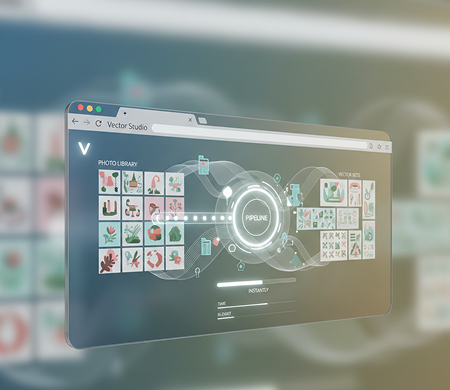
Transform Photos into Vector Art Instantly β Without Caps, Downloads, or Complex Paths. The Photo-to-Sketch-to-Vector AI pipeline is made for designers, artists, and anyone who needs to turn real-life images into precise, scalable, stylized vector art in just a few clicks.
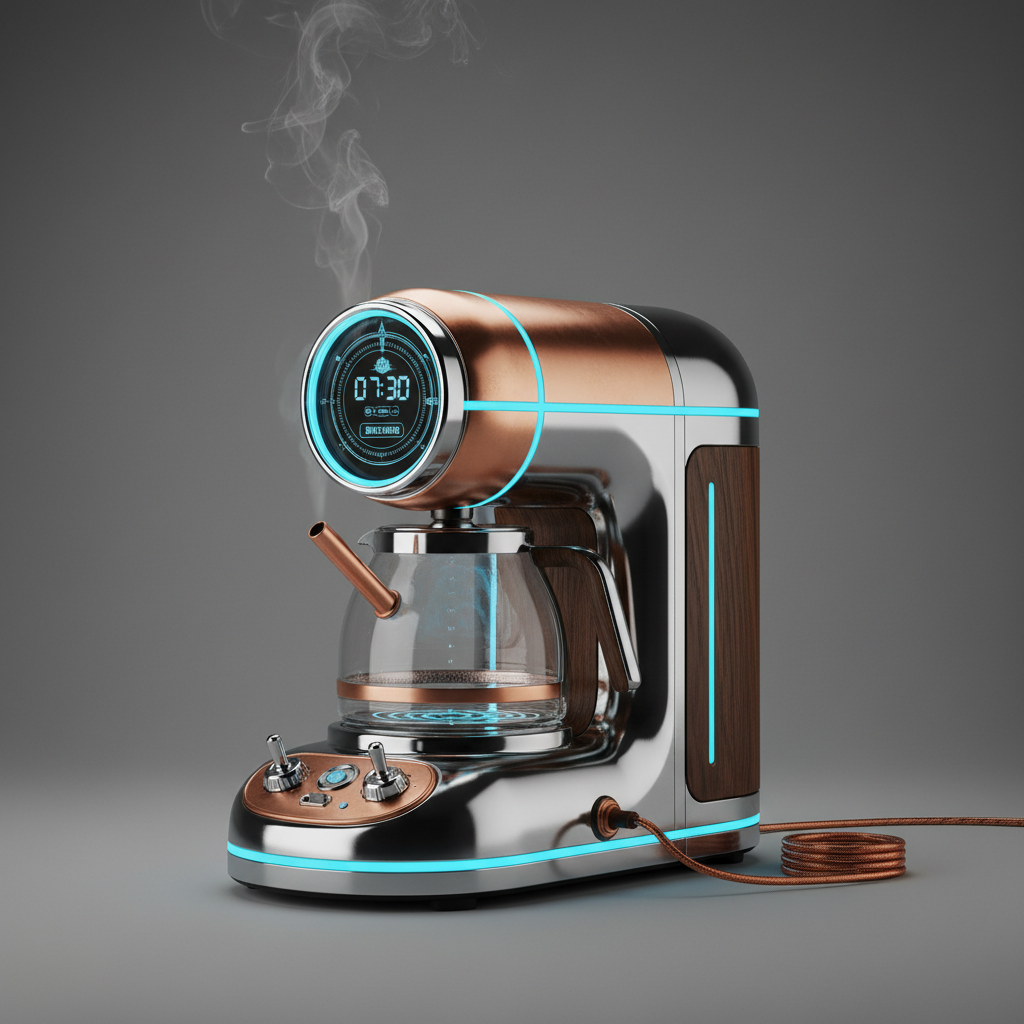
Minimalist coffee maker, isometric view, vector art style...
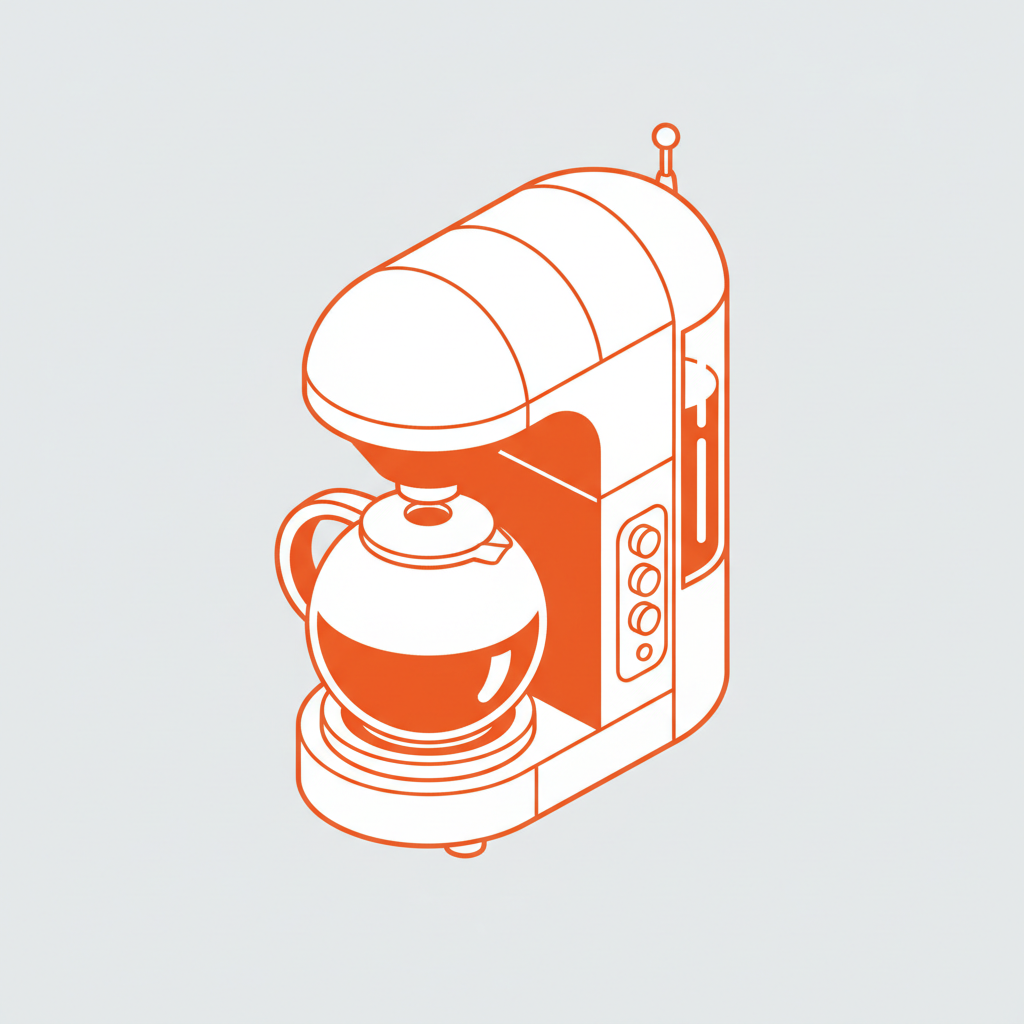
The AI understands artistic transformations. From a clean, technical blueprint sketch to a hand-drawn charcoal aesthetic, it adapts the vector style to match your creative vision.
Generate entirely new vector artwork. Unlike simple image filters, every path and anchor point is created from scratch through dedicated sketch and refinement stages.
You own the final vector artwork. Use it for logos, merchandise, large-scale prints, and digital designs with complete ownership and no licensing restrictions.
Export as true vector files (SVG, AI, EPS), ensuring perfect quality at any size for business cards, billboards, or merchandise without loss of detail.
Adjust line weight, simplify details, or shift styles in a click. No need for manual pen tool tracing or complex illustration software.
The entire pipelineβfrom photo upload to final vectorβruns in your browser. Save your projects to the cloud and continue editing from any device, anywhere.
Pre-configured exports optimized for logos (icon & full lockup), print-ready files (PDF, PNG with transparent background), and web graphics.
No more visual inconsistency. From a real photograph to polished, scalable vector art in minutes. Convert, refine, and stylize your images with AI. Build a cohesive, professional brand identity across all media without design obstacles.
A brand kit that looks like a patchwork quilt. When logos, icons, and graphics are created from different source photos or by different designers, the visual style becomes disjointed. Line weights, detail levels, color treatments, and artistic styles don't match, making the brand look unprofessional and failing to create a unified impression. This reduces recognition and dilutes brand equity.
Your AI-Powered Vector Art Director. The pipeline that masters your artistic style. Upload your brand guides or select reference artwork. Our AI becomes your dedicated vector art director, automatically applying uniform stylistic rulesβfrom the initial sketch phase to the final vector cleanupβacross all your assets. Each created icon, logo, or graphic will be 100% consistent with your brand's visual DNA.
Professional vectorization and illustration are expensive and slow. Commissioning a designer to convert photos and create custom vector sets requires significant budget and lead time. DIY attempts with complex software like Illustrator take hours and often produce amateurish, non-scalable results. Sourcing consistent vector assets becomes a major bottleneck.
A Full-Service Vector Studio in Your Browser. Instantly. Create cohesive, print-ready vector sets from your photo library in minutes, not weeks and without the high costs. Our pipeline reduces the expense of custom vector design to a fraction, preserving your most valuable resources: time and budget.
Creative block in asset creation. How do you regularly produce unique vector graphics that stand out yet remain on-brand? Reusing the same clipart or stock vectors leads to a generic look and audience fatigue. You need innovative, custom illustrations that work within your brand style but capture attention.
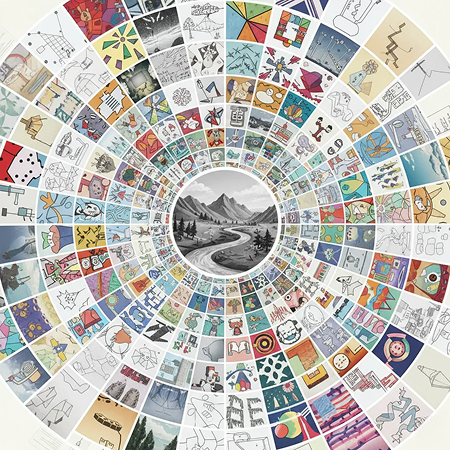
AI as Your Creative Illustrator. Generate hundreds of unique vector style variations from a single photo: from adjusting sketch density and line art style to exploring unexpected color palettes and illustrative treatments. The tool serves as an endless source of graphic inspiration, proposing fresh visual concepts that work within your defined aesthetic to continuously engage your audience.
Turning a photo into vector art doesn't have to be difficult or complicated. Here is a short tutorial to get you started.
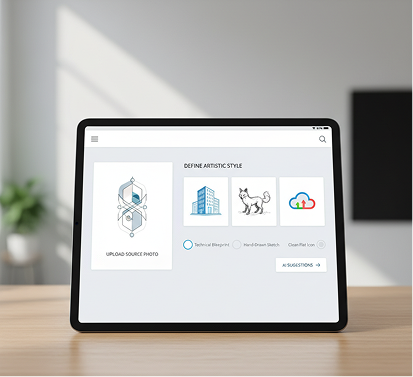
Upload your source photo and define the desired artistic style (e.g., "technical blueprint," "hand-drawn sketch," "clean flat icon"). Our AI will suggest the best approach for your image.
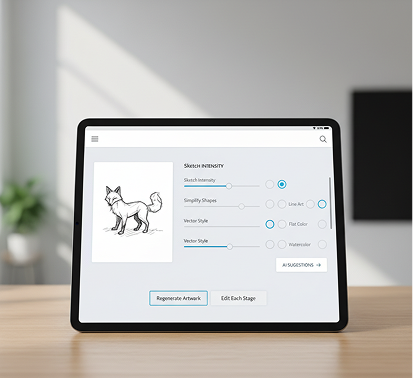
Need thicker lines? Fewer details? A different artistic treatment? Use the controls to adjust the sketch intensity, simplify shapes, and choose your final vector style. You can regenerate the artwork or edit each stage as much as you want.
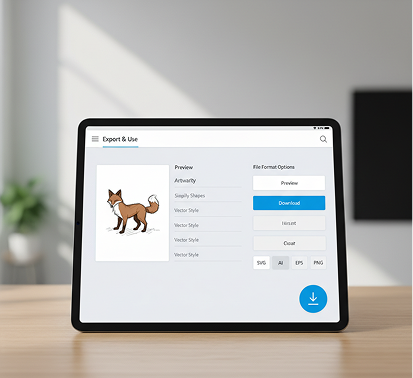
See all changes live, with the freedom to undo anything instantly. When perfect, download your final vector file (SVG, AI, EPS) or high-resolution PNG in multiple formats, ready for any project.
Whether it's for brand identity, merchandise design, or digital illustration β the use cases are versatile. The AI pipeline adapts to your creative workflow, whether you're building a logo suite or creating scalable artwork for a product line.
The right source photo and settings are key to a perfect vector transformation. These tips will help you select optimal images and refine settings for clean, professional results. Whether you're creating for personal use or a commercial project.
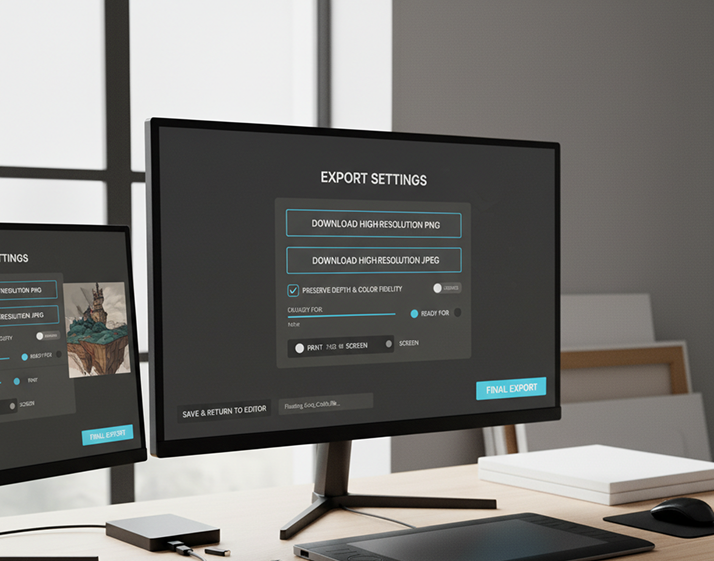
Exporting your final vector artwork is simple and flexible, whether you're sharing online or preparing for professional printing. The tool gives you full control over file type, color mode, and export settings. You can revisit and edit any stage of your pipeline anytime β no need to start over.
"This pipeline is a dream for quick mock-ups. I can snap a photo of a sketch, run it through, and have a clean, scalable vector in minutes instead of hours of manual tracing. It's changed my workflow entirely."
Leo"We needed to modernize dozens of old logo concepts from scanned paper drafts. This tool perfectly converted them into editable vector files. It saved us weeks of work and a huge budget."
Maya"As a small business owner, I use this to turn product photos into simple, print-ready vector art for t-shirts and labels. The control over the sketch stage lets me get exactly the hand-drawn or clean look I need."
Sam"I'm a UI designer and constantly need custom icons. Now I just take a photo of a relevant object, and the pipeline gives me a perfect, stylized vector icon. Itβs incredibly fast and versatile."
David"This tool is a branding lifesaver. It ensures all our vector illustrationsβfrom icons to patternsβhave the exact same line weight and style, even when derived from different source photos. Unmatched consistency."
Priya"I use it to digitize my traditional drawings and paintings. The ability to control the stylization at the sketch stage before it becomes a vector is brilliant. It captures the soul of the original artwork perfectly."
JessicaGPT Image
Imagen 4
Gen 4
MidJourney
Hailuo 2 Pro
Kling 2.5
Create 10 ad variations for testing from a single input
Describe a story β get scenes β animate them with AI
Input a style board, output full campaign designs
Describe a product β design it β render a branded mockup
Answers to common questions about using Phygital+ and editing slides with AI.
This unique Phygital+ feature is a powerful, multi-stage AI workflow designed to convert any photograph into a clean, scalable vector graphic. You start by uploading a photo, which our AI first transforms into a detailed sketch. This intermediate step allows for stylistic refinement before the final stage, where Phygital+ converts the sketch into a precise, high-quality vector illustration. The entire process is automated, requiring just a few clicks.
Absolutely. Customization is a core part of the Phygital+ pipeline. During the "sketch" phase, you can apply different artistic styles, adjust line weight, and simplify details. This gives you significant creative control over the final look before committing to the vector conversion. Whether you need a minimalist line drawing or a more detailed, stylized illustration, Phygital+ provides the tools to achieve your vision.
While traditional tools offer auto-tracing, the Phygital+ pipeline is smarter and more intuitive. Our AI-driven process is designed to interpret the image's key features, creating cleaner lines and more artistically relevant results than a simple trace. This eliminates the need for manual cleanup of messy paths and nodes. Phygital+ saves you time and delivers a more polished, ready-to-use vector file without requiring deep technical expertise in vector editing.
For optimal results in Phygital+, we recommend using photos with clear subjects, good lighting, and strong contrast. Portraits, product shots, architectural images, and well-defined objects work exceptionally well. While the AI is robust, images with extremely busy backgrounds or poor lighting may require some minor adjustments in the sketch phase to ensure the final vector output is clean and focused on the intended subject.
This Phygital+ workflow is built for a wide range of users. Graphic designers can rapidly create stylized assets for branding projects. Illustrators can establish a unique vector style based on real-world textures. Marketers can quickly convert product photos into clean graphics for campaigns, and hobbyists can turn their favorite pictures into unique pieces of art. Essentially, itβs for anyone who needs high-quality vector art without the manual effort.
Create logos, mockups, and brand visuals in one place.