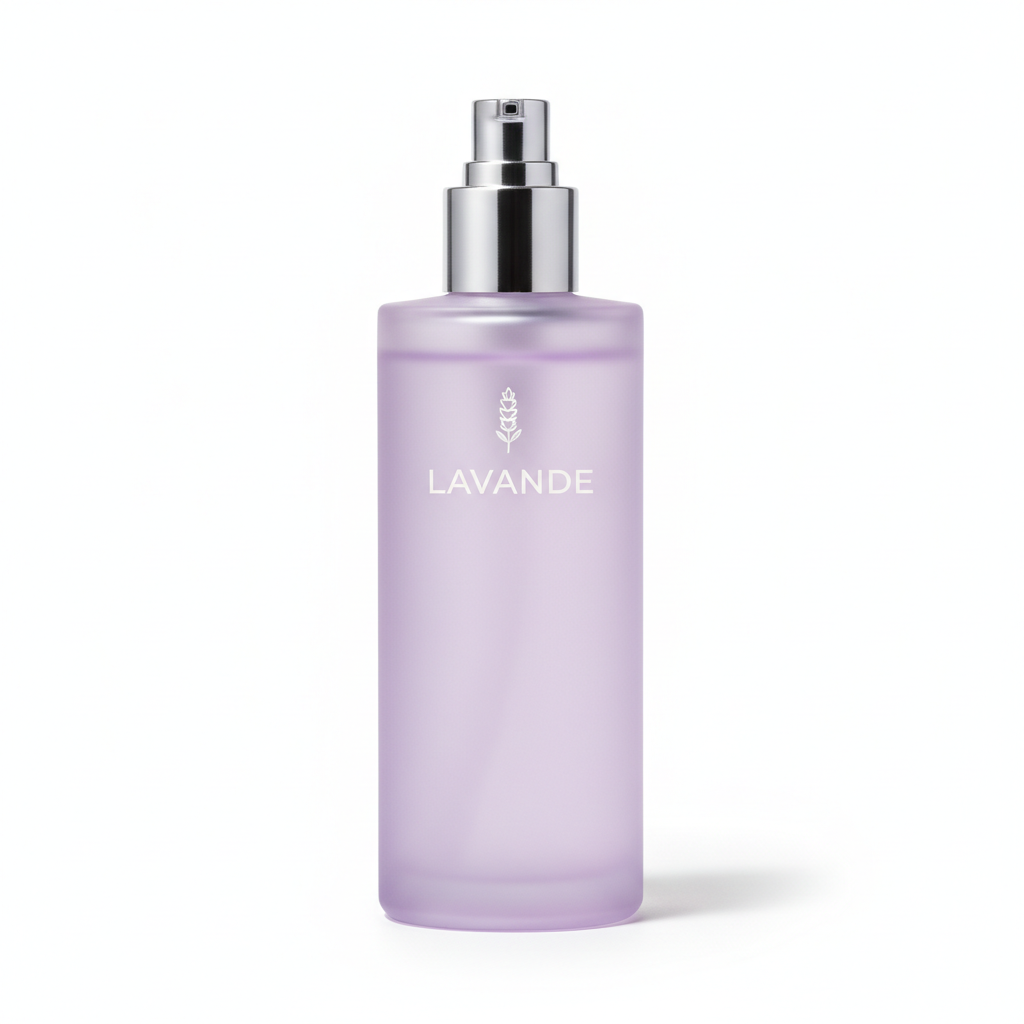
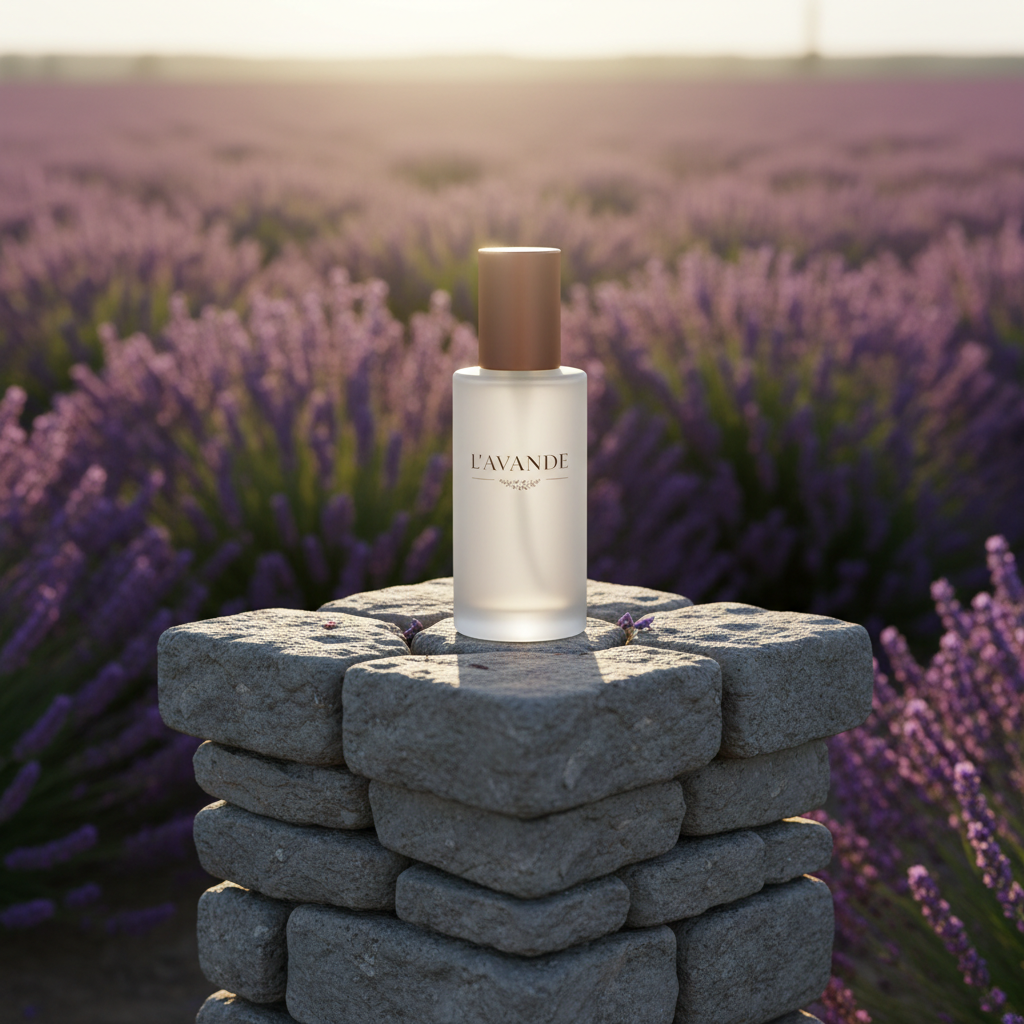
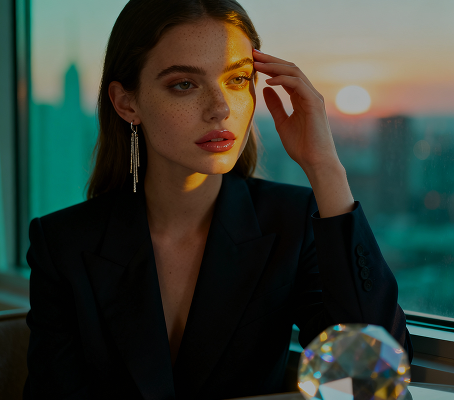
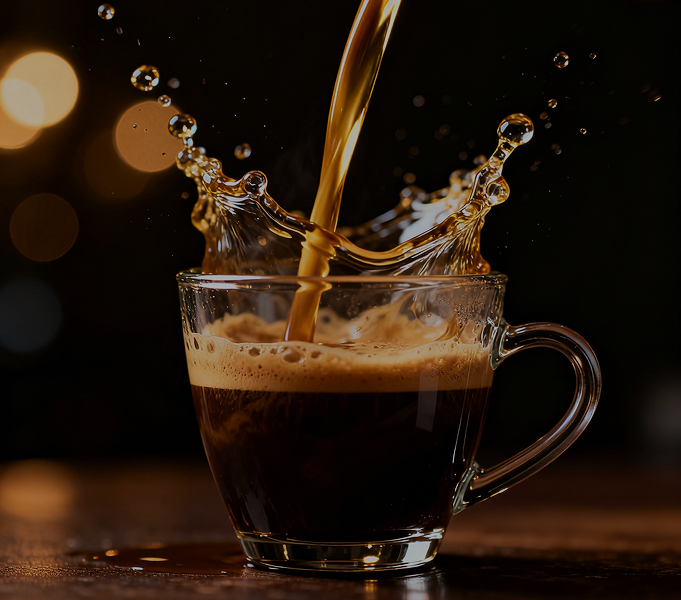
Visualize Products Instantly — Without Downloads, Caps, or Complex Design Software. The Text-to-Product-to-Mockup AI Flow is made for entrepreneurs, marketers, and creators who need to go from a simple idea to a photorealistic, branded product mockup in just a few clicks.
Type a prompt to generate assets...
The AI understands physical products and branding. From minimalist tech gadgets to vibrant apparel, it adapts the design aesthetic and materials to match your description.
Generate entirely original product designs and scenes. Unlike basic mockup templates, every element—from the product shape to the environment—is created from scratch based on your unique vision.
You own the final product design and mockup. Use it for e-commerce, crowdfunding campaigns, advertising, and investor pitches with complete ownership and no licensing restrictions.
Export high-resolution mockups (up to 4K) suitable for e-commerce, print catalogs, and professional advertising, with realistic lighting and materials.
Modify product shapes, swap colors and materials, or adjust the scene and branding with a click. No need for 3D modeling software or complex renders.
The entire workflow—from text description to final mockup—runs in your browser. Save your designs to the cloud and access them from any device.
Pre-configured mockup scenes for e-commerce (white background), lifestyle shots, social media ads, and presentation slides.
No more creative chaos. From a simple description to a finished, photorealistic product mockup in minutes. Ideate, design, and visualize your products with AI. Build a compelling, professional product line without manufacturing obstacles.
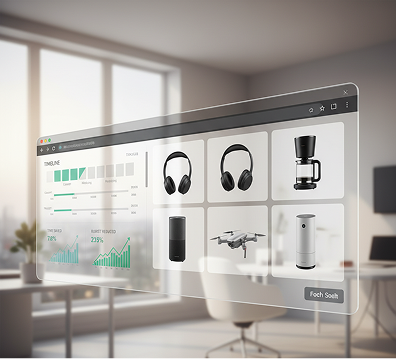
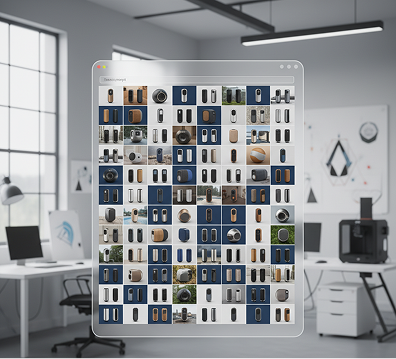
A product catalog that looks like a patchwork quilt. When product visuals are created at different times or by different designers, the branding and presentation become disjointed. Lighting, materials, angles, and styling don't match, making the product line look unprofessional and failing to build a cohesive brand image. This reduces consumer trust and perceived value.
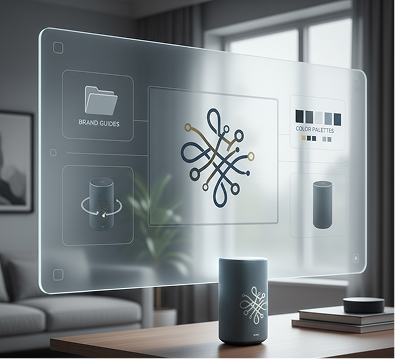
Your AI-Powered Product Design Director. The flow that deeply understands your brand's visual identity. Upload your brand guides, color palettes, or reference products. Our AI becomes your dedicated product design director, automatically applying your brand's aesthetic to every generated product—from the initial 3D model to the final branded mockup scene. Each visual will be 100% consistent with your brand's commercial DNA.
Professional 3D modeling, rendering, and mockup creation are extremely expensive and slow. Hiring a studio requires a significant budget and long timelines. DIY attempts with complex software take weeks and often produce unrealistic results. Getting products ready for a launch or campaign becomes a major financial and logistical hurdle.
A Full-Service Product Studio in Your Browser. Instantly. Create a complete, professionally rendered product lineup from descriptions in minutes, not months, and for a fraction of the traditional cost. Our flow transforms the economics of product visualization, preserving your most valuable resources: time and budget.
Creative block in product development. How do you rapidly prototype new product ideas or variations that look professionally finished? Relying on the same basic mockups leads to a generic look. You need innovative, high-quality visualizations that showcase new concepts and capture attention.
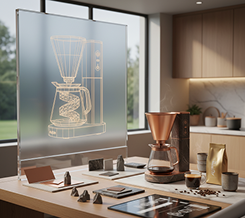
AI as Your Creative Industrial Designer. Generate hundreds of unique product variations and mockup scenes from a single text prompt: from adjusting form factors and materials to exploring different use-case environments and branding applications. The tool serves as an endless source of product ideation, proposing fresh, market-ready concepts that stay perfectly within your brand style to engage customers and stakeholders.
Creating a professional product mockup doesn't need to be hard or complicated. Here is a short tutorial to get you started.
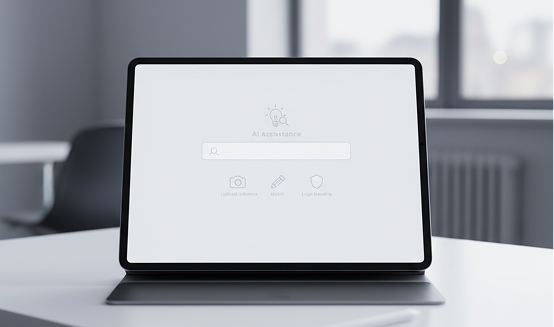
Enter your text prompt describing the product you want to create. If you need help, use our AI to refine the description or suggest details. Optionally, upload a reference sketch or logo for branding.
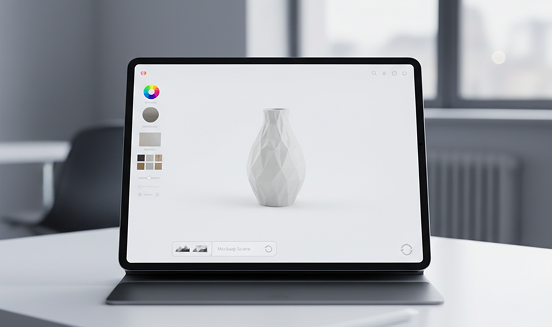
Need a different shape? A new material or color? Use the tools to adjust the product design, modify the branding, and choose the mockup scene. You can regenerate the entire visualization or edit specific elements as much as you want.
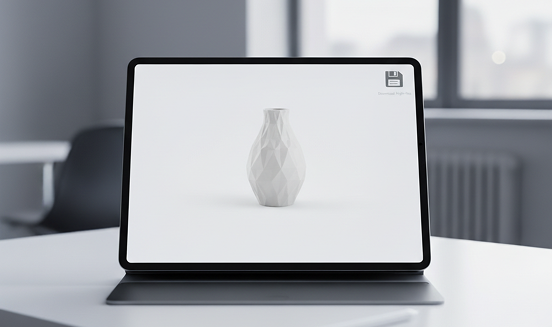
See all changes in real-time, with the freedom to undo anything instantly. When your product mockup is perfect, download the high-resolution image or 3D model file in multiple formats, ready for any platform or presentation.
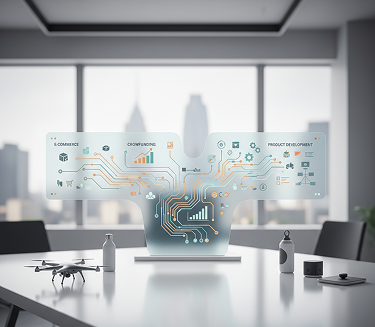
Whether it's for e-commerce, crowdfunding, or product development — the applications are extensive. The AI flow adapts to your creative and commercial process, whether you're launching a startup or expanding a product line.
A detailed, descriptive prompt is key to a successful product visualization. These tips will help you craft effective descriptions and refine designs for professional, market-ready results. Whether you're creating for a personal project or a commercial launch.
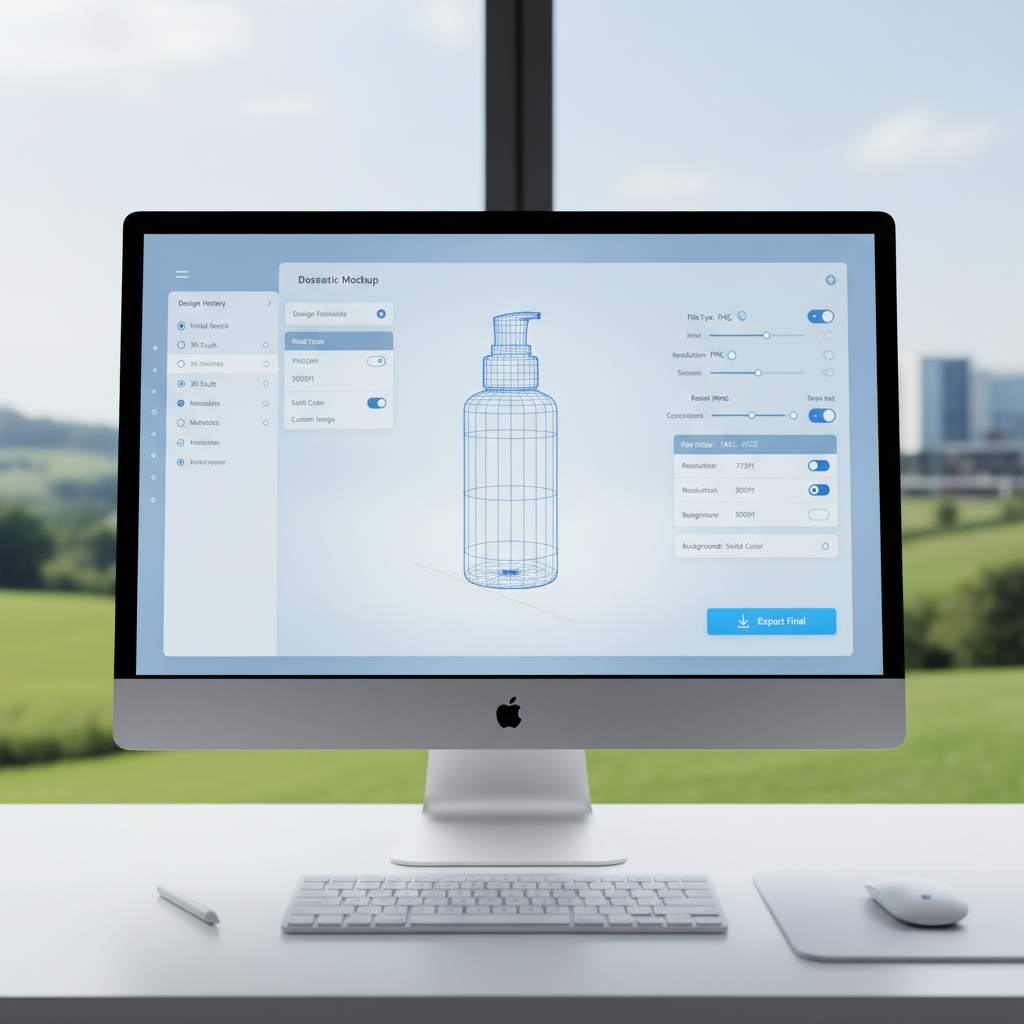
Exporting your final product mockup is simple and flexible, whether you're uploading to a store or sending to a manufacturer. The tool gives you full control over file type, resolution, and background. You can revisit and edit any stage of your design flow anytime.
"This flow completely changed how I develop products. I can describe a concept, see it rendered realistically, and make adjustments instantly. It's like having a rapid prototyping lab at my fingertips."
Alex"Getting professional product photos used to be our biggest bottleneck. Now we generate perfect, on-brand mockups in-house before manufacturing. Our launch speed has increased by 300%."
Maya"As a solo inventor, this tool was my secret weapon. I created compelling, photorealistic mockups for my Kickstarter campaign that looked like I had a full design team. It built incredible trust with backers."
Jordan"Testing different colors, materials, and designs used to take weeks. Now I can generate dozens of professional variations in an hour. Our product development cycle has never been faster."
David"I run a small online store and could never afford professional product photography. This AI creates better images than my actual photos - consistent, well-lit, and perfectly branded. It's saved my business."
Marcus"The ability to go from a rough description to a finished, branded mockup in one workflow is magical. I use it for client presentations and the results always impress. It feels like the future of product design."
TaylorGPT Image
Imagen 4
Gen 4
MidJourney
Hailuo 2 Pro
Kling 2.5
Input a style board, output full campaign designs
Apply a new visual style to your entire brand in one go
Create 10 ad variations for testing from a single input
Describe a story → get scenes → animate them with AI
Answers to common questions about using Phygital+ and editing slides with AI.
This powerful Phygital+ workflow transforms your idea into a finished mockup in three seamless AI-powered steps. First, you describe the product you envision (e.g., "a black cotton t-shirt with a minimalist white mountain logo"). Our AI generates the product design based on your text. Finally, Phygital+ automatically places this custom-designed product into a high-quality, photorealistic mockup scene of your choosing, ready for you to use instantly.
Absolutely. Branding is central to this feature. After the initial product is generated from your text, Phygital+ allows you to upload your own logo, graphics, or apply specific brand colors. The AI intelligently integrates your assets onto the product surface, ensuring proper placement, perspective, and lighting for a truly professional and branded final mockup.
Phygital+ offers a diverse and growing library of products and scenes. You can create everything from apparel (t-shirts, hoodies, caps) and print materials (posters, business cards, books) to packaging (boxes, bags, labels). The mockup environments range from clean, studio-style "flat lays" to dynamic "lifestyle" scenes with models and realistic backgrounds, giving you the flexibility to market your product in any context.
The key advantage of Phygital+ is its seamless, all-in-one process. Traditional methods require you to first design your product in one software, export it, then import it into a separate mockup tool. Phygital+ eliminates all those steps. By generating the design and the mockup in one continuous flow, it saves an incredible amount of time, removes compatibility issues, and allows for rapid iteration—you can test dozens of ideas in the time it takes to create one mockup the old way.
This Phygital+ workflow is a game-changer for a wide range of users. Entrepreneurs and drop-shippers can visualize and list new products in their e-commerce stores instantly. Marketers can create stunning visuals for social media campaigns and ads without needing a photoshoot. Designers and creators can pitch new product ideas to clients with photorealistic mockups, turning abstract concepts into tangible visuals in just a few clicks.
Create logos, mockups, and brand visuals in one place.