Home/Generate Isometric Assets with AI

Generate Isometric Assets with AI

Create isometric illustrations online in seconds — without limits, downloads, or complicated editors. The AI Isometric Asset Generator is built for game developers, UI/UX designers, and content creators who need precision 3D-style assets for projects, ready to export and integrate instantly.

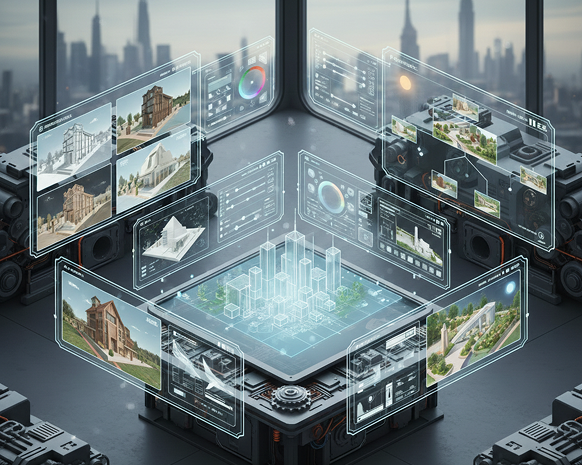
Phygital_Instant 3D Asset Generation
Original Input
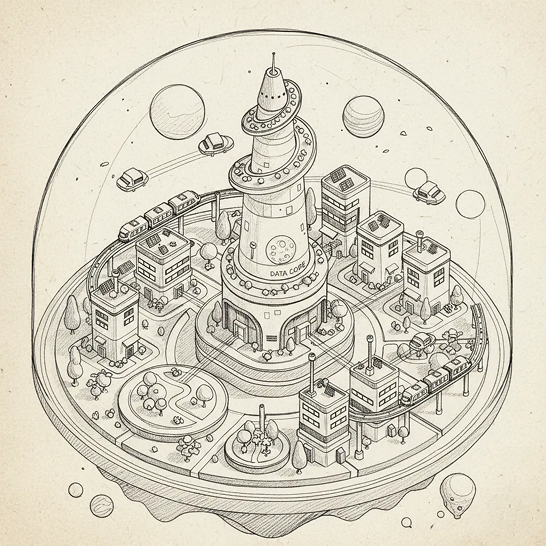
Generated Image January 20, 2026 - 1_56PM 1.png

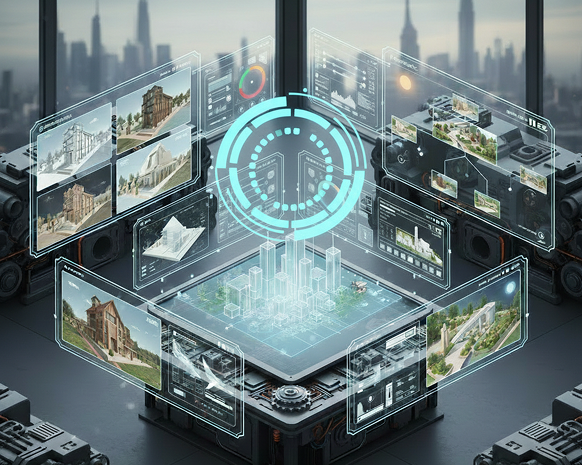
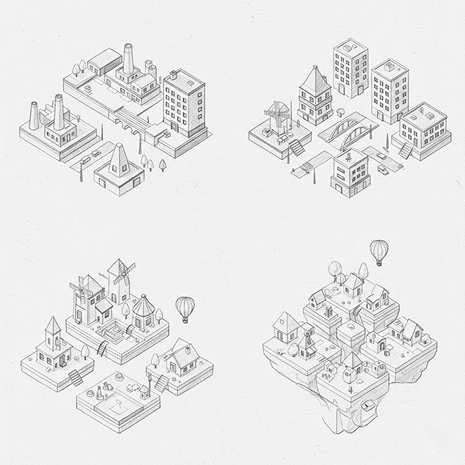
> INITIATING SCAN... > GEOMETRY: DETECTED > STYLE: ISOMETRIC > GENERATING ASSET...
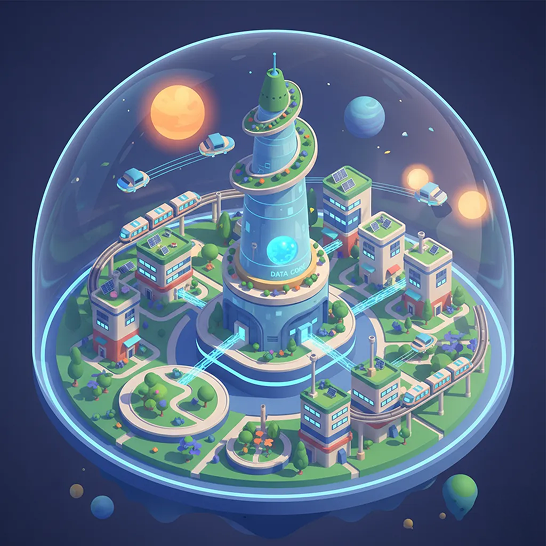
Generated Image January 20, 2026 - 1_12PM 1.png
Isometric Asset
Supported byimage (6).png

What is the Generate Isometric Assets with AI tool?

Perspective & Design Intelligence

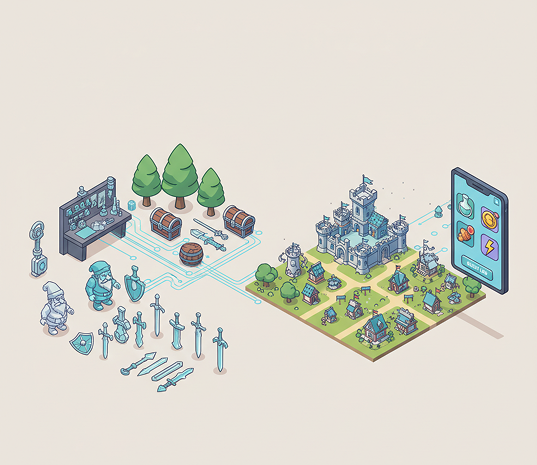
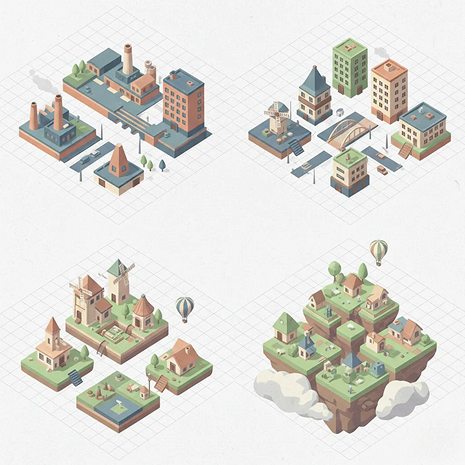
The AI understands isometric projection and 3D-style illustration. From architectural layouts and game assets to UI elements and icons, it adapts the visual style to match your project’s needs while maintaining consistent perspective and depth.

Beyond Basic Graphics

Generate entirely new, custom isometric illustrations. Unlike pre-made asset packs or simple 2D graphics, every element is created with accurate angles, shading, and spatial consistency based on your creative direction.

Commercial Rights & Full Ownership

You own all generated isometric assets. Use them in games, websites, apps, marketing materials, and merchandise without copyright restrictions or licensing fees.

Why should you use the Generate Isometric Assets with AI tool?

High-Resolution & Scalable Output

Export assets in up to 4K resolution, with clean lines and consistent perspective, suitable for high-detail game environments, web design, and print materials.

Generate & Edit Instantly

Create isometric objects, scenes, or icons—adjust colors, lighting, angles, and complexity in a click. No need for 3D modeling software or manual illustration.

No Software Needed

Everything works directly in your browser. Save your asset sets and access them from any device, anywhere.

Project-Ready Formats

Download assets as PNG with transparency, SVG for vectors, or in bundles organized for game engines (Unity, Unreal), design tools (Figma, Adobe), and web development.

From scattered sketches to structured isometric worlds

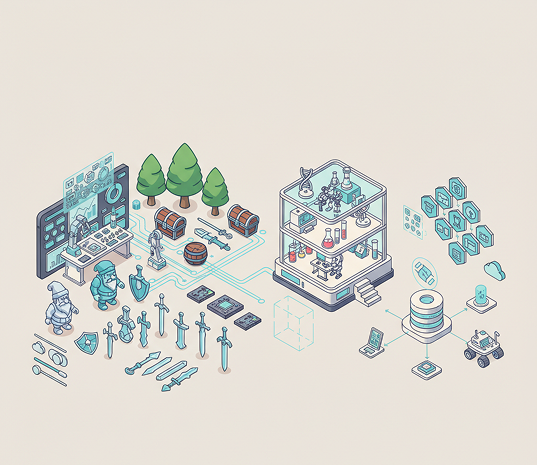
Stop the struggle with inconsistent perspectives and complex 3D software. Go from concept to a complete, cohesive isometric asset pack in seconds. Design, iterate, and export ready-to-use illustrations with AI. Build immersive game environments and polished UI systems—without modeling bottlenecks.

Generated Image January 21, 2026 - 12_03PM 1.png
Problem

Consistent isometric style across all project assets

A game or website where visual elements feel disjointed. When isometric assets are created separately or with different tools, perspective angles, lighting, and scale don't align. Buildings tilt differently, objects feel out of place, and the overall scene lacks spatial harmony. This breaks immersion, looks unprofessional, and complicates development.

Solution

The AI designer that masters isometric precision. Define your project's perspective rules, color palette, and style. Our AI becomes your environment artist, automatically generating assets that adhere to consistent isometric projection, lighting, and design language. Every object, character, and scene element aligns perfectly within your visual world.

Problem

An isometric asset library in hours, not months—without 3D modeling

Creating custom isometric art is traditionally slow and skill-intensive. Hiring a 3D artist or illustrator is costly and time-consuming. Using mismatched asset packs leads to stylistic clashes. Manually drawing or modeling each element requires expertise and patience. Building a cohesive set becomes a major project hurdle.

Solution

A professional isometric studio in your browser. For free. Create production-ready isometric assets in minutes—not months. Our tool eliminates the cost and complexity of 3D modeling and manual illustration, freeing your team to focus on design and gameplay.

Generated Image January 21, 2026 - 12_05PM (1) 1.png
Generated Image January 21, 2026 - 12_09PM 1.png
Problem

Fresh, on-style isometric content that scales

Running out of asset ideas limits creativity. How do you rapidly prototype new environments, items, or UI elements that fit perfectly within your established isometric world? Manually creating every variation is impractical. You need a scalable way to expand your visual library without breaking style.

Solution

AI as your in-house isometric concept artist. Generate hundreds of style-consistent asset variations—from different building types and furniture layouts to character poses and interactive elements. This tool becomes your endless source of isometric inspiration, helping you build a rich, expandable asset library that grows with your project—always on-perspective, always ready to use.

⚙️

How to create isometric assets

Creating custom isometric illustrations doesn't need to be hard or complicated. Here is a short guide to get you started.

Placeholder image
1

Describe your scene or upload a reference

Enter a text prompt detailing the isometric object or environment you need—like "cyberpunk city block," "cozy kitchen interior," or "tech dashboard icon set." You can also upload a sketch or reference image for style consistency.

Generated Image January 21, 2026 - 12_05PM 1.png
2

Adjust perspective, style, and details

Fine-tune the isometric angle, lighting direction, color palette, and level of detail in real time. Generate multiple variations or tweak individual elements until the scene feels cohesive and ready for use.

Generated Image January 21, 2026 - 12_17PM 1.png
3

Export and integrate into your project

Preview your isometric asset from multiple angles, undo any changes instantly, then download as PNG (with transparency) or SVG—ready for game engines, web design, or presentations.

Where can you use the Generate Isometric Assets with AI tool?

Whether it's for game design, web development, or UI/UX projects — the applications are structured and immersive. The tool adapts to technical and creative workflows, whether you're building a digital world or enhancing user interfaces.

  • ✦ Game Development & Prototyping – Create environments, props, characters, and items for 2.5D games, strategy titles, or mobile apps.
  • ✦ Web & UI/UX Design – Design isometric dashboards, icons, illustrations, and interactive elements for websites and applications.
  • ✦ Architectural & Educational Visualization – Generate conceptual layouts, educational diagrams, and architectural scenes in an engaging isometric perspective.
Generated Image January 21, 2026 - 12_32PM 1.png
Generated Image January 21, 2026 - 12_36PM 1.png

Tips for achieving the best results

Precision and consistency are key in isometric design. These tips will help you create clean, professional assets every time.

  • ✦ Define your perspective grid early – Stick to consistent 30° or 45° angles to ensure all assets align spatially.
  • ✦ Use a limited, cohesive color palette – This helps maintain visual harmony across different assets and scenes.
  • ✦ Reference real-world scale – Keep object sizes relative to maintain believability within your isometric world.
Generated Image January 21, 2026 - 12_40PM 1.png

How to download and use your isometric assets

Exporting your illustrations is streamlined for production use. You retain full control over format, organization, and integration—and can return to edit anytime.

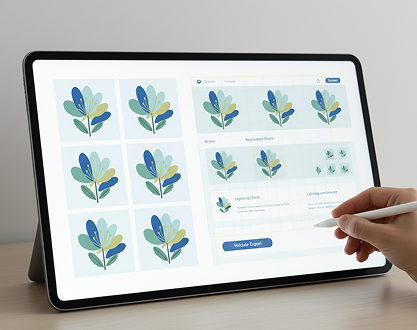
  • ✦ Preview and validate your assets in context before final export—check alignment and lighting consistency.
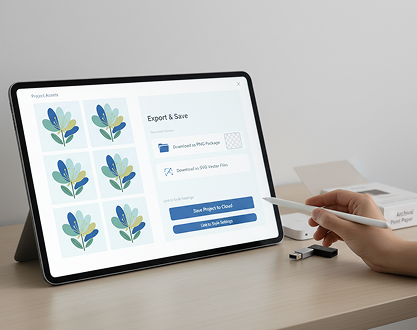
  • ✦ Download as organized packages – PNGs with transparency for immediate use, or SVGs for scalable vector editing.
  • ✦ Save your project to revisit, adjust, or generate additional asset variants later—all files remain linked to your style settings.

Client Reviews

★★★★★

"Game-changing for our indie game studio.”

“Creating consistent isometric art used to be our biggest bottleneck. Now we prototype entire levels in hours, not weeks. The perspective is perfect every time.”

Maya
★★★★★

“Perfect for UI designers wanting depth.”

“I design dashboards and needed isometric icons to make interfaces pop. This tool creates clean, scalable assets that integrate seamlessly into Figma and live projects.”

Alex
★★★★★

“A must-have for architectural visualization.”

“We use it to quickly generate concept models and site layouts. Clients love the clear, engaging perspective—it brings ideas to life before any 3D modeling begins.”

Peter
★★★★★

“Saved our educational app project.”

“We needed dozens of isometric diagrams for a science app. This AI generated them all in a consistent style, on-brand and ready to animate. Unbelievable time-saver.”

Sarah
★★★★★

“Revolutionized our asset pipeline.”

“As a game artist, I spend less time modeling basic props and more time on creative direction. The generated assets are production-ready and fit perfectly into our workflow.”

David
★★★★★

“Great tool as soon as you get used to it!”

“At first, getting the angles right felt tricky, but after about 10 minutes of practice, everything clicked. Now I create isometric scenes for presentations and mockups in seconds.”

Jessica

Best AI Tools All in One Place

Image_moto.png

OpenAI_logo.svg

GPT Image

AI image generation & editing
Sora 2
Cinematic video generation
Image_tort.png

Google_2015_logo 1.svg

Imagen 4

Ultra-sharp images
Gemini 2.5 / 3.0
Multimodal generation & editing
Veo 3.1
Fast video + motion consistency
Image_girl.png

Logo_runway.svg

Gen 4

Best for consistent characters & video
Aleph
Video editing & effects
Image_coffe.png

Midjorny.svg

MidJourney

Image generation & variations
Upscale / Outpaint / Pan
Advanced editing tools
Image_vert.png

Logo_hailuo.svg

Hailuo 2 Pro

High-quality video animation
Image_train.png

Logo_king.svg

Kling 2.5

v1, v1.5, v1.6, v2 video generation

FAQs

Answers to common questions about using Phygital+ and editing slides with AI.

How can I create a full, consistent set of isometric assets that look like they belong in the same game or website?

How does Phygital+ maintain a perfect isometric perspective across all generated assets?

Can I customize the color palette and style to match my project's specific brand guidelines?

What format are the assets in, and are they generated with a transparent background for easy integration?

What's the best workflow in Phygital+ for building a complex isometric scene, like a small city block?

How can I modify or add details to an asset after it has been generated?

Start for free

Create logos, mockups, and brand visuals in one place.

New