Generate Low-Poly 3D Art with AI

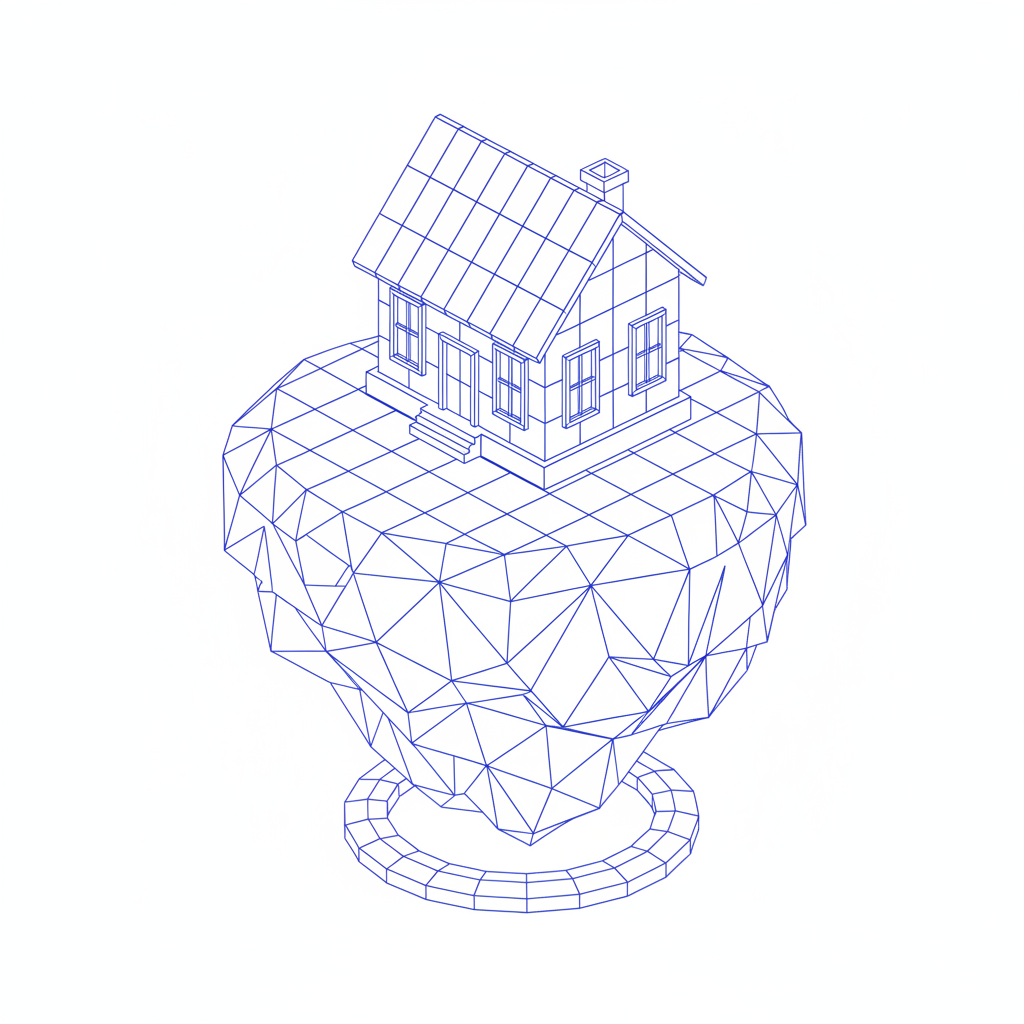
Generate low-poly 3D art in seconds — without limits, downloads, or complicated editors. The AI Low-Poly 3D Art Generator is built for designers, game developers, and digital artists who need stylized, geometric environments and props created instantly with a clean, modern aesthetic.

  • ✔ No download time limits
  • ✔ Production-ready mesh assets
  • ✔ Clean, optimized geometry
rendering_engine.exe
Processing...
Supported Byimage (6).png

What is an AI Low-Poly 3D Art Generator?

Style Intelligence

The AI understands the aesthetics of low-poly design. From retro video game environments to modern minimalist props, it generates the distinct geometric style based on your creative vision

Beyond Pre-Made Models

Generate entirely new 3D scenes and objects. Unlike standard asset libraries, every polygon mesh is created from scratch according to your unique text prompt.

Full Ownership

You own the 3D artwork. Use it in games, animations, digital projects, and for commercial purposes without licensing restrictions or copyright concerns.

Why should you use the AI Low-Poly 3D Art Generator?

High-Quality Outputs

Export your creations in high-resolution formats suitable for game engines, 3D printing, animation, and digital portfolios.

Instant Iteration

Adjust the poly count, color palette, lighting, or style with a single click. No need to manually remodel or re-texture from scratch.

No Complex Software

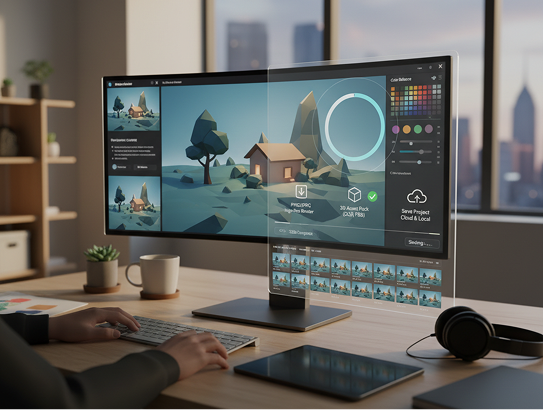
Everything operates directly in your browser. No need to download or learn complicated 3D modeling suites. Save and manage your projects in the cloud.

Ready to Use

Export assets in standard formats like OBJ, FBX, or glTF that are instantly ready for game development, VR/AR projects, and digital art scenes.

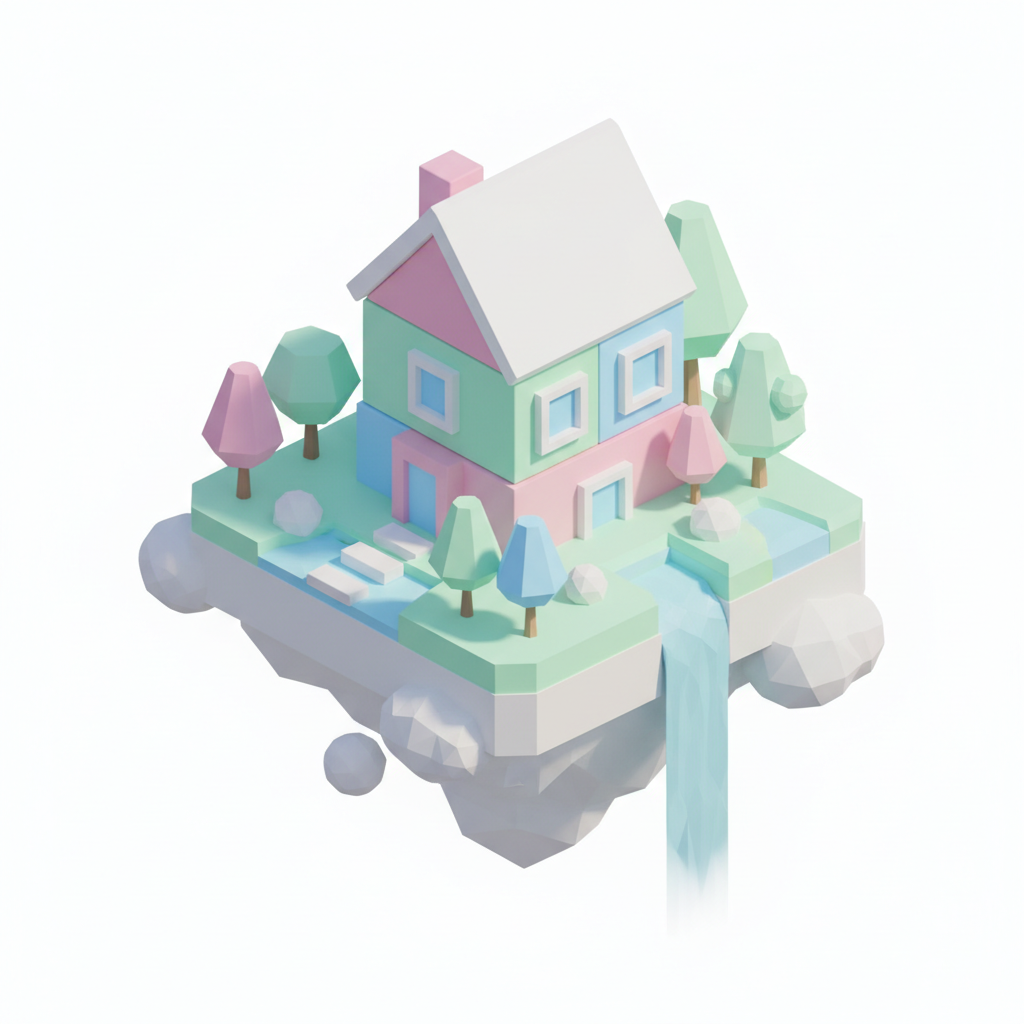
From scattered shapes to geometric harmony

Stop wrestling with inconsistent 3D models and disjointed low-poly art. Go from concept to a clean, cohesive low-poly scene in seconds. Design, iterate, and export stylized 3D environments and props with AI. Build a sharp, modern visual identity for games and digital projects—without 3D modeling bottlenecks.

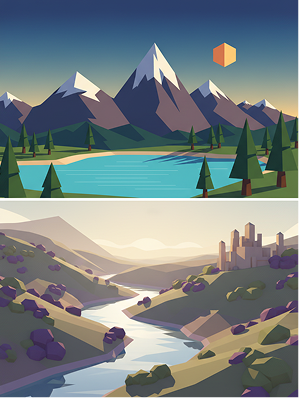
Generated Image January 22, 2026 - 11_14AM 1.png
Problem

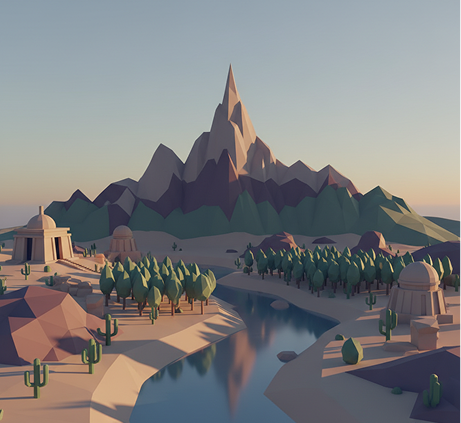
Consistent low-poly style across all digital environments

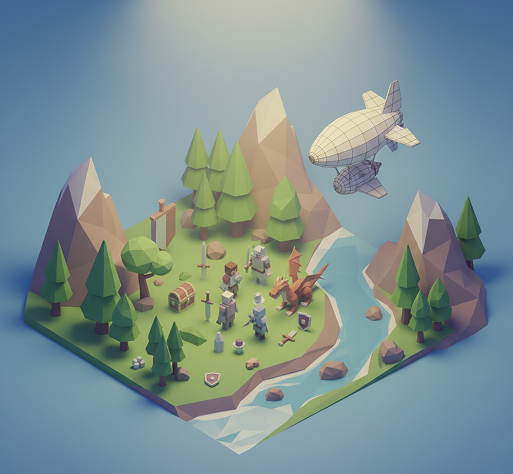
A project whose visual style feels mismatched and unpolished. When low-poly assets are created separately or with varying levels of detail, the geometric cohesion breaks down. Polygon counts differ, color palettes clash, and lighting feels inconsistent. This makes scenes look amateurish, disrupts immersion, and fails to deliver the clean, minimalist aesthetic that defines great low-poly art.

Solution

The AI modeler that masters low-poly precision. Define your polygonal style, color palette, and lighting rules. Our AI becomes your 3D art director, generating environments and props that adhere to consistent geometric simplicity, harmonious colors, and clean, modern composition. Every asset belongs to the same crisp, minimalist world.

Generated Image January 22, 2026 - 11_18AM 1.png
Problem

A low-poly asset library in hours, not weeks—without 3D software

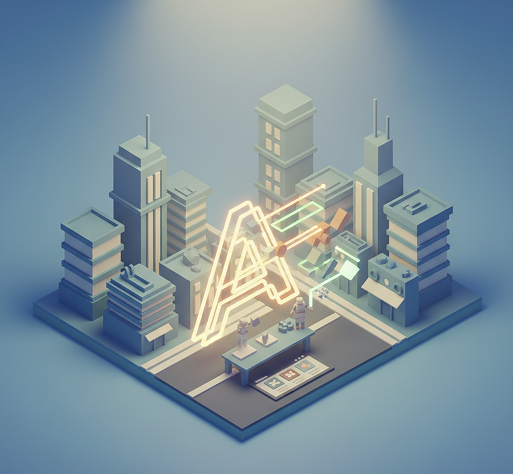
Creating custom low-poly art traditionally requires 3D modeling skills and time-consuming software. Hiring a 3D artist is expensive. Using inconsistent asset packs leads to stylistic clashes. Manually modeling each low-poly element demands expertise and patience. Building a cohesive set becomes a major project roadblock.

Solution

A professional low-poly studio in your browser. For free. Create production-ready low-poly environments and props in minutes—not months. Our tool eliminates the cost and complexity of 3D modeling, freeing your team to focus on creativity and gameplay.

Generated Image January 22, 2026 - 11_33AM 1.png
Problem

Fresh, on-style low-poly scenes that scale

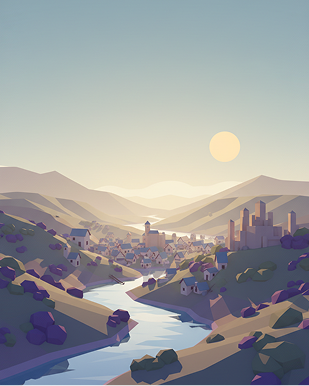
Running out of asset ideas limits worldbuilding. How do you rapidly prototype new environments, objects, or characters that fit perfectly within your established low-poly aesthetic? Manually creating every variation is impractical. You need a scalable way to expand your visual library without breaking geometric harmony.

Solution

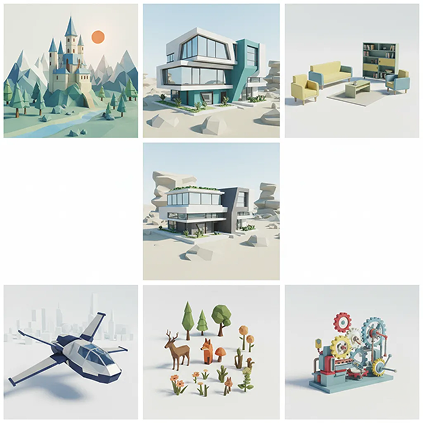
AI as your in-house low-poly concept artist. Generate hundreds of style-consistent variations—from different landscapes and architectural styles to furniture, vehicles, and organic props. This tool becomes your endless source of geometric inspiration, helping you build a versatile, scalable low-poly library that grows with your project—always clean, always cohesive.

How to create low-poly 3D art

Creating stylized low-poly environments and props doesn't need to be hard or complicated. Here is a short guide to get you started.

Upload prompt
1

Describe your scene or object

Enter a text prompt like "low-poly forest with glowing mushrooms," "geometric sci-fi spaceship," or "minimalist polygonal cabin on a lake." Be clear about the style, mood, and complexity you want.

Placeholder image
2

Adjust polygon style, colors, and lighting

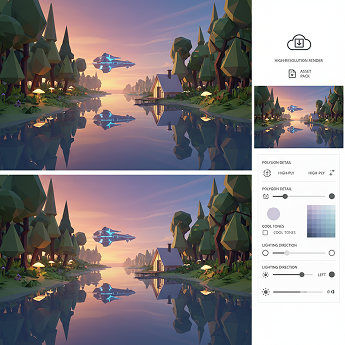
Define the level of geometric detail (high-poly vs. ultra-low-poly), select a color palette, and set the lighting direction and mood. Tweak the scene in real time until the shapes and shadows feel balanced and clean.
3

Export and use in your project

Preview your low-poly creation from multiple angles, undo any edits instantly, then download as a high-resolution render or asset pack—ready for games, animations, or digital art.

Where can you use the Generate Low-Poly 3D Art with AI tool?

Whether it's for game design, digital media, or minimalist branding — the applications are modern, clean, and visually distinctive. The tool adapts to projects that value geometric simplicity, stylized aesthetics, and immersive yet lightweight visuals.

  • ✦ Game Development & Prototyping – Create environments, characters, and props for mobile, indie, or VR games with optimized, stylish low-poly assets.
  • ✦ Motion Graphics & Animation – Design backgrounds, objects, and scenes for explainer videos, ads, and animated content with a clean, geometric look.
  • ✦ Digital Art & Brand Visualization – Generate artwork for apps, websites, presentations, and architectural visualizations with a consistent minimalist 3D aesthetic.
Placeholder image
Placeholder image

Tips for achieving the best results

Low-poly art relies on simplicity, clarity, and thoughtful composition. These tips will help you create crisp, professional results every time.

  • ✦ Keep polygon counts intentional – Decide whether you want ultra-low-poly (blocky) or slightly smoothed styles early, and stick to it for consistency.
  • ✦ Use a limited, harmonious color palette – Bold, flat colors often work best. Avoid overly complex textures that can muddy the clean look.
  • ✦ Pay attention to lighting and shadows – Good lighting defines shape and depth in low-poly art. Experiment with soft directional light to enhance geometric forms.
Generated Image January 22, 2026 - 11_39AM (1) 1.png
Generated Image January 22, 2026 - 11_39AM 1.png

How to download and use your low-poly 3D art

Exporting your creations is seamless and ready for integration into digital projects. You retain full control over format, detail, and usage—and can return to refine anytime.

  • ✦ Preview and fine-tune your low-poly scene from multiple views before finalizing—check silhouette clarity and color balance.
  • ✦ Download as high-resolution renders (PNG, JPEG) or as asset packs for 3D software when supported.
  • ✦ Save your project to revisit, adjust polygon density, or generate new scene variations later—your design space stays organized and reusable.
Generated Image January 22, 2026 - 11_39AM (2) 1.png

Client Reviews

★★★★★

"A game-changer for my indie game development.”

“Creating consistent low-poly assets used to take weeks. Now I can prototype entire levels in hours. The geometric style is clean and perfectly on-brand for our game’s aesthetic.”

Victor
★★★★★

“Perfect for UI/UX designers wanting depth without clutter.”

“I design apps and dashboards. This tool lets me create minimalist 3D icons and visualizations that are both functional and beautiful. Clients love the modern look.”

Maya
★★★★★

“Revolutionized how we create animated explainer videos.”

“We needed stylized 3D backgrounds that were quick to produce. This AI generates gorgeous low-poly scenes in minutes—no 3D modeling team required.”

Morty
★★★★★

“Incredible for architectural visualization with a twist.”

“We present modern, minimalist concepts to clients. The low-poly aesthetic helps them focus on form and space without getting lost in excessive detail.”

Lily
★★★★★

“A must-have for digital artists and content creators.”

“My Instagram is filled with colorful low-poly art now. Followers constantly ask how I create it. The secret? This amazing AI generator.”

Zara
★★★★★

“Great tool as soon as you get used to it!”

“At first, controlling the polygon density and lighting was a bit tricky, but after about 10 minutes of experimenting, everything clicked. Now I create stunning low-poly visuals for projects effortlessly.”

Luna

Best AI Tools All in One Place

Placeholder image

GPT Image

AI image generation & editing

Sora 2

Cinematic video generation

Google_2015_logo 1.svg

Imagen 4

Ultra-sharp images

Gemini 2.5 / 3.0

Multimodal generation & editing

Veo 3.1

Fast video + motion consistency

Logo_runway.svg

Gen 4

Best for consistent characters & video frame generations

Aleph

Video editing & effects

Midjorny.svg

MidJourney

Image generation & variations

Upscale / Outpaint / Pan

Advanced editing tools

Logo_hailuo.svg

Hailuo 2 Pro

High-quality video animation

Logo_king.svg

Kling 2.5

v1, v1.5, v1.6, v2 video generation

Explore similar use cases

Generate Watercolor Portrait with AI

Upload a photo and get a stylized watercolor portrait

Generate Isometric Assets with AI

Create isometric illustrations for games or web projects

Generate Flat Vector Illustrations

Simple, colorful flat-style illustrations from text

Generate Neon/Glitch Visuals

Create stylized designs in neon, glitch, or synthwave styles

FAQs

Answers to common questions about using Phygital+ and editing infographics with AI.

Does this generate an actual 3D model file (like an OBJ or FBX) or a 2D image render?

-
The Phygital+ AI Low-Poly Generator creates high-quality 2D image renders of 3D scenes. It is designed for artists and developers who need stylized, production-ready visuals for concept art, web illustrations, or 2.5D game assets. The output is a clean, high-resolution image, not a mesh file for a 3D editor.

How can I ensure all my low-poly assets have a consistent style and color palette for my game?

+

Can the generated assets have a transparent background for easy use in a game engine or design tool?

+

How much control do I have over the camera angle, for example, to create an isometric or a top-down view?

+

What's the best workflow in Phygital+ for building a large, complex low-poly environment, like an island?

+

Can I combine the low-poly style with other aesthetics, like realistic lighting or different textures?

+

Start for free

Create logos, mockups, and brand visuals in one place.

New
100%