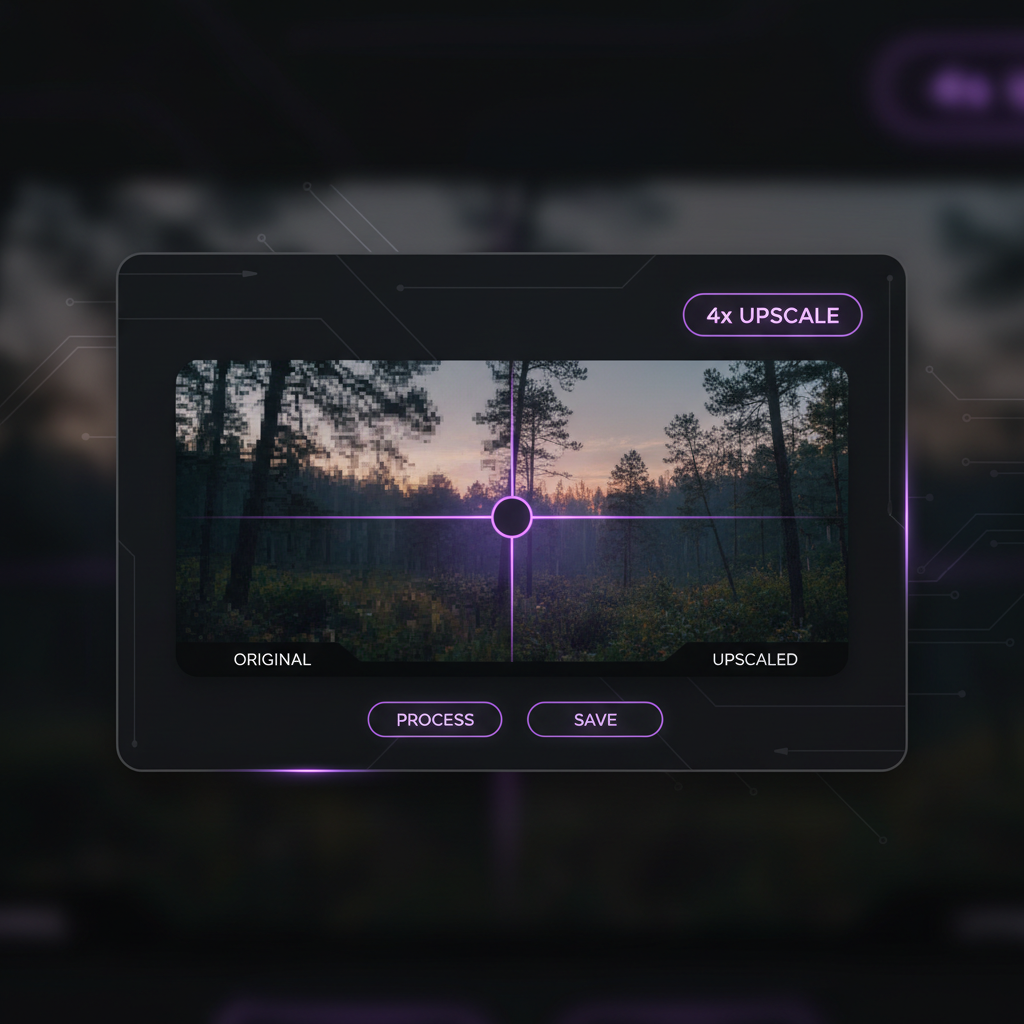
Upscale any image online in seconds — without designers, complex software, or quality loss. The AI Image Upscaler was made for photographers, designers, marketers, and anyone who needs crisp, high‑resolution visuals ready for print or HD display in just a few clicks.
The AI understands image quality. Whether you're enhancing an old family photo for a large print or upscaling a web graphic for 8K display, it intelligently increases resolution while preserving authentic detail and clarity.
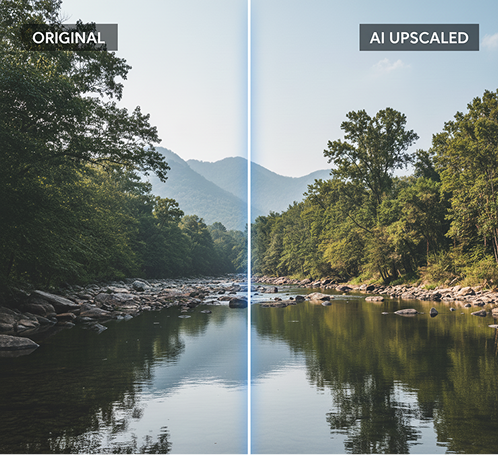
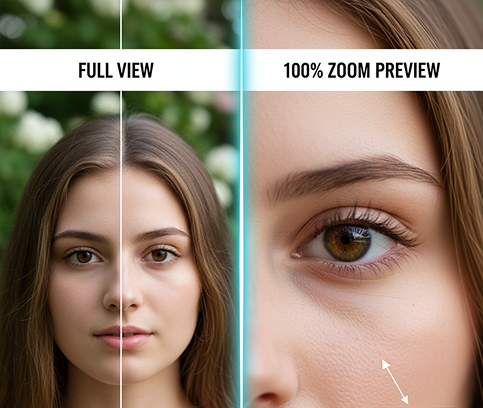
Enhance and restore, not just stretch. Unlike basic resizing tools that create blur or artifacts, our AI intelligently reconstructs and sharpens details, textures, and edges from scratch for a true high‑fidelity result.
You own the upscaled image. Use it commercially for high‑resolution prints, professional portfolios, marketing materials, and digital displays without any copyright concerns or usage limits.
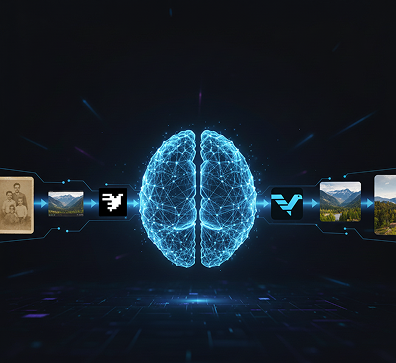
Thanks to multi‑model AI integration, you can intelligently upscale across different image types in one seamless workflow — ensuring details are enhanced, not distorted, and colors stay true.
Enlarge photos, logos, artwork, or graphics without losing clarity, sharpness, or important textures. The AI reconstructs missing detail rather than just stretching pixels.
Everything runs smoothly in your browser. Whether you’re on a desktop, laptop, or tablet, your files stay private, are processed locally, and are never stored or shared.
Download results in PNG or JPG, or export production‑ready high‑res versions up to 8K for print, presentations, or digital displays — with no watermarks or compression.
No more blurry, low-resolution images ruining your professional work. From a small file to a crisp, high-definition asset in seconds. Enhance, upscale, and perfect any visual with AI. Achieve stunning quality for any project without technical hurdles.
A portfolio or campaign that looks unprofessional. When images for different uses—web banners, print brochures, large-format displays—are sourced or prepared inconsistently, the visual quality becomes uneven. Some images are sharp, others are pixelated or blurry, which makes your entire project look amateurish and erodes credibility. This reduces impact and trust with your audience or clients.
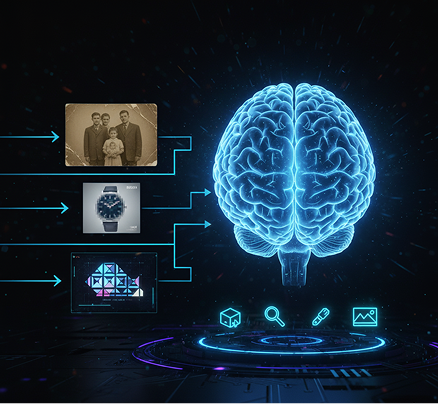
The AI enhancer that understands image integrity. Upload any image, from old photos to digital graphics. Our AI becomes your resolution expert, intelligently analyzing and upscaling every asset to meet the highest standards—whether for 4K screens, large-format printing, or high-resolution web use. Every output will be sharp, clear, and ready for professional use.
Professional upscaling and retouching are often slow and costly. Hiring a retoucher or using specialized software requires budget, time, and skill. Basic editing tools destroy detail or introduce artifacts. Preparing images for high-quality output becomes a frustrating, expensive bottleneck.
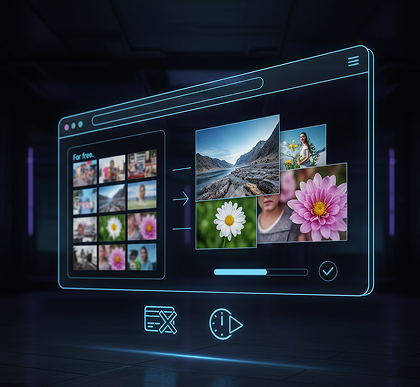
A professional-grade photo lab in your browser. For free. Transform low-resolution images into stunning, print-ready 4K or 8K files in minutes—not weeks. Our tool eliminates the cost of professional upscaling services, preserving both your budget and your deadlines.
Limited reuse of valuable assets. How do you utilize older, smaller, or lower-quality images in modern, high-resolution formats? Discarding them wastes resources, but using them as-is compromises quality. You need a way to enhance and future-proof your visual library without losing authenticity.
AI as your dedicated image restoration and upscaling studio. Give new clarity to decades-old photos, enlarge product shots without losing detail, and prepare any graphic for ultra-high-definition displays. This tool becomes your gateway to repurposing and elevating every image in your archive—making the old new again, without sacrificing authenticity or sharpness.
Enhancing your images for print or high‑definition use doesn't need to be complicated. Here’s a quick start guide.
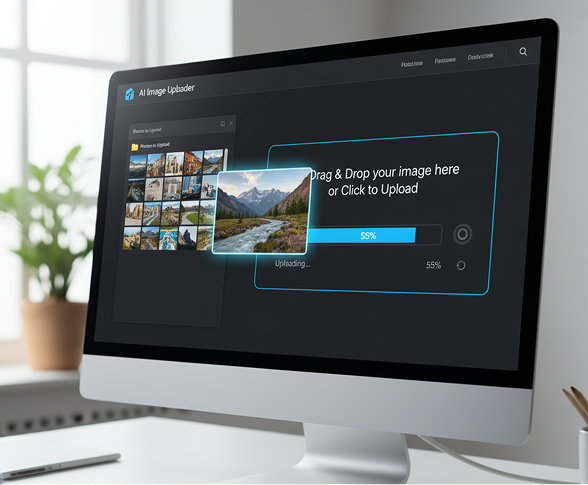
Select the photo, graphic, or design you want to enhance. You can also provide a brief note about the content (e.g., "portrait," "logo," "landscape") for optimized processing.
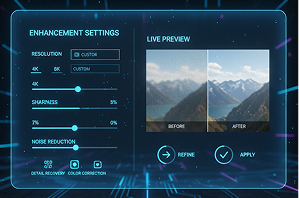
Select your target resolution (e.g., 4K, 8K, custom dimensions) and adjust enhancement settings like sharpness, noise reduction, and detail recovery. Preview changes in real time and refine as needed.
See your enhanced image instantly, revert any adjustments with one click, and download the final file in multiple high‑quality formats—ready for print, web, or professional presentation.
Whether it’s for professional portfolios, client deliverables, or personal projects—the applications are extensive. The AI Image Upscaler adapts seamlessly to your creative and production workflows, whether you’re finalizing a print campaign or enhancing digital media.
Subtle optimizations can greatly enhance the final output. These tips will help you preserve authenticity while achieving maximum clarity and sharpness.
Exporting your enhanced image is straightforward and flexible. You retain full control over format, resolution, and finishing touches—and can revisit and adjust your edits at any time.
"Our studio handles large-format prints, and upscaling client images used to be a major bottleneck. This tool delivers flawless 4K and 8K results in seconds, saving us hours of manual retouching. The detail recovery is incredible."
Marcus"I scanned hundreds of old pictures that were tiny and grainy. I thought they were lost forever, but the upscaler restored them with stunning clarity. It felt like rediscovering memories in high definition."
Ponyo"As an online retailer, we need crisp, high-res product photos. This tool lets us transform basic shots into professional, zoom-ready images without reshoots. Our conversion rates have noticeably improved."
Jordan"Often clients provide small logos or blurry graphics. Instead of asking for new files, I now upscale them instantly to 4K with no quality loss. It’s saved countless revisions and kept projects on schedule."
Chloe"I’m a fine art photographer, and preparing files for large gallery prints used to be stressful. This AI upscaler preserves texture and tone perfectly—even at 8K. It’s now a non-negotiable part of my prep process."
Alex"At first, the interface felt a bit technical, but after about 10 minutes of testing, everything clicked. Now enhancing images for my presentations and reports feels effortless—the quality is consistently professional."
JessicaGPT Image
Imagen 4
Gen 4
MidJourney
Hailuo 2 Pro
Kling 2.5
Create brand style guides and assets from a single prompt
Generate brand-aligned icons, visuals, and layouts with AI
Transform logos into different styles (3D, metallic, etc.) instantly
Design multiple creatives for campaigns from your brand theme
Answers to common questions about using Phygital+ and editing slides with AI.
Unlike traditional resizing tools that simply stretch pixels, the Phygital+ AI Image Upscaler uses advanced neural networks. Our AI intelligently analyzes the image content and generates new, realistic detail to fill in the gaps. This process not only increases the resolution but also enhances sharpness and clarity, resulting in a crisp, high-definition image free of common upscaling artifacts.
Yes, absolutely. This is a perfect use case for the Phygital+ upscaler. Our AI is specifically trained to redefine edges and clarify details in graphics like logos. By upscaling your logo to 4K or 8K, you can ensure it remains sharp and professional even when printed in large formats, saving you the time and cost of a complete redesign.
Yes, Phygital+ is built for efficient workflows. You can easily set up a node in your workflow to process multiple images simultaneously. Simply input your entire folder of photos, and the AI Image Upscaler will automatically enhance each one to your desired resolution, dramatically speeding up your post-production process for large projects.
Seamlessly. The AI Image Upscaler is a powerful node within the Phygital+ ecosystem. You can, for example, create a workflow that first generates a concept image with another AI tool and then automatically sends it through the upscaler node to prepare it for high-resolution use. This creates a complete, end-to-end process from idea to final asset.
Our AI upscaler is highly versatile and has been trained on a massive dataset, delivering excellent results on a wide variety of images. It excels at enhancing everything from detailed photographs and complex digital illustrations to clean vector-style graphics and logos. Phygital+ is optimized to recognize and preserve the unique characteristics of each image type during the upscaling process.
Create logos, mockups, and brand visuals in one place.