Home/AI Social Media Post Generator

AI Social Media Post Generator

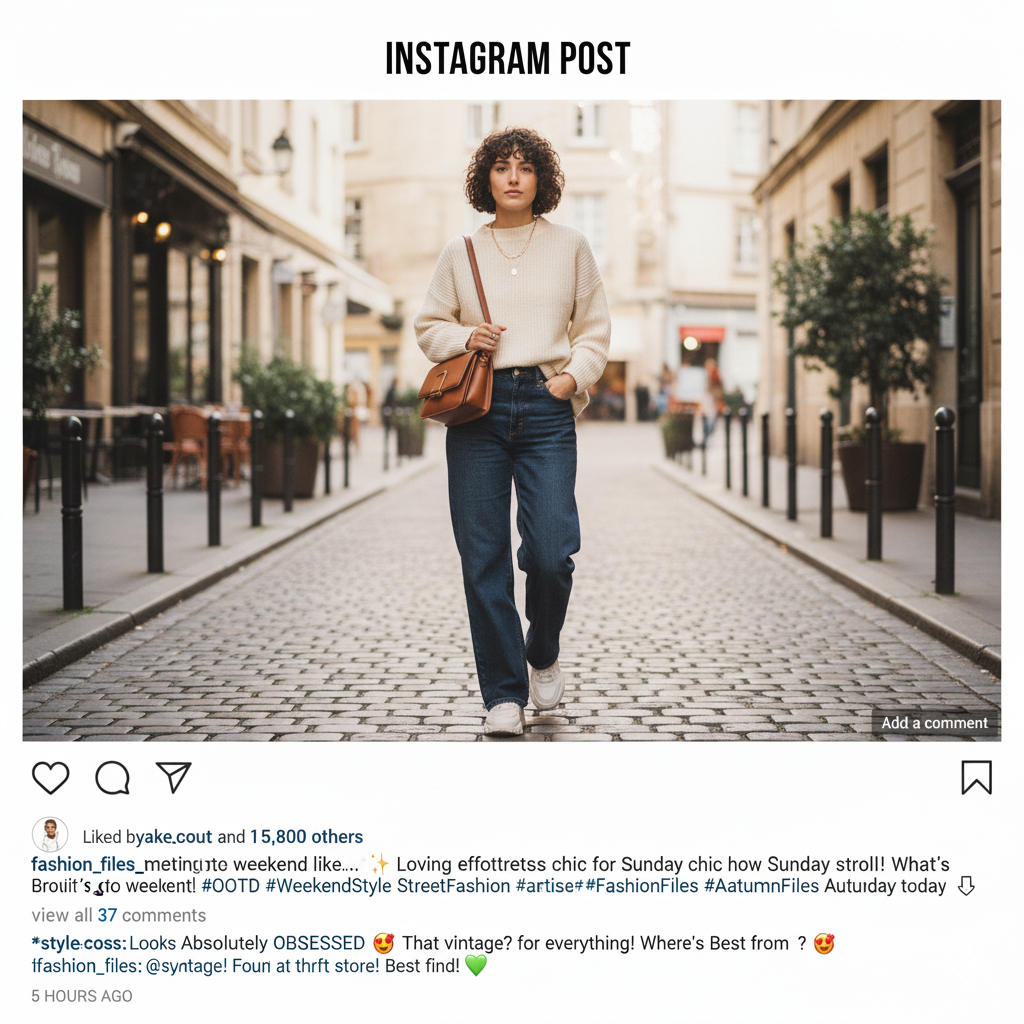
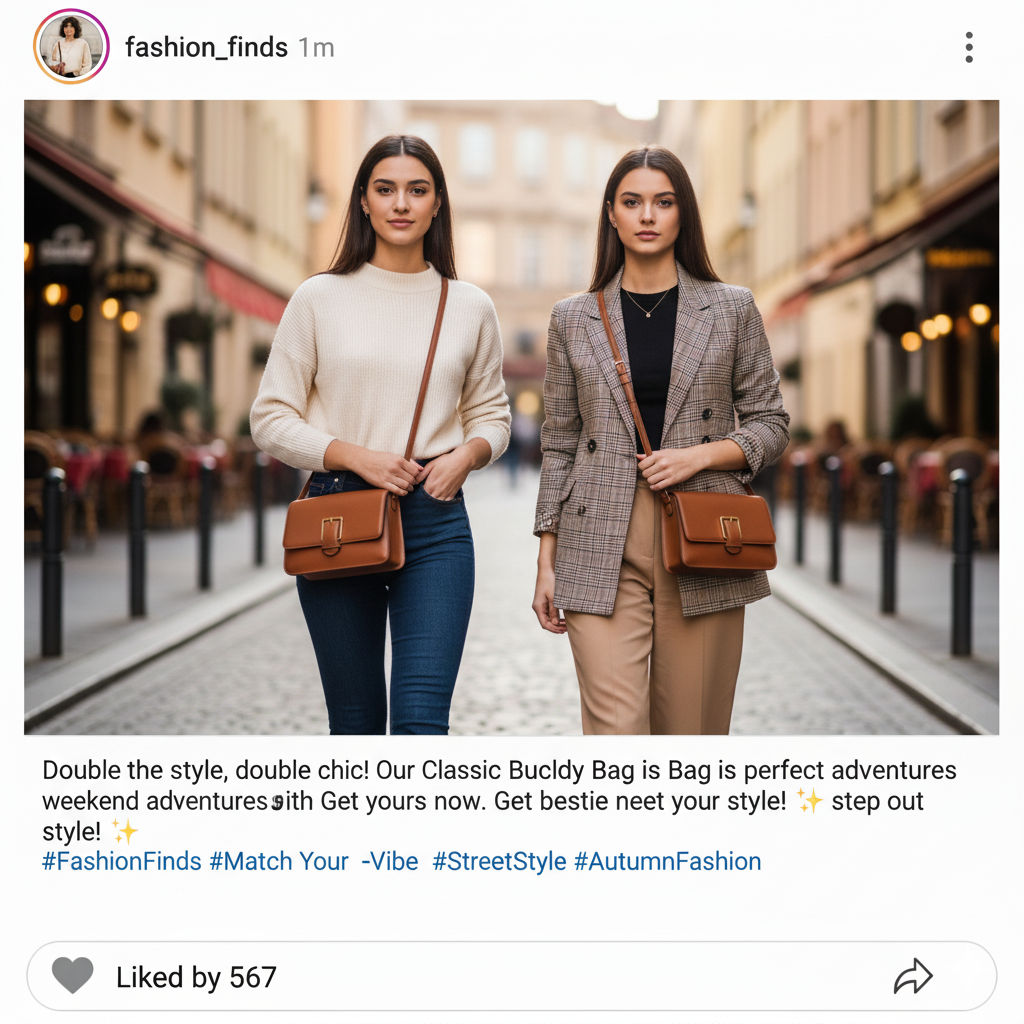
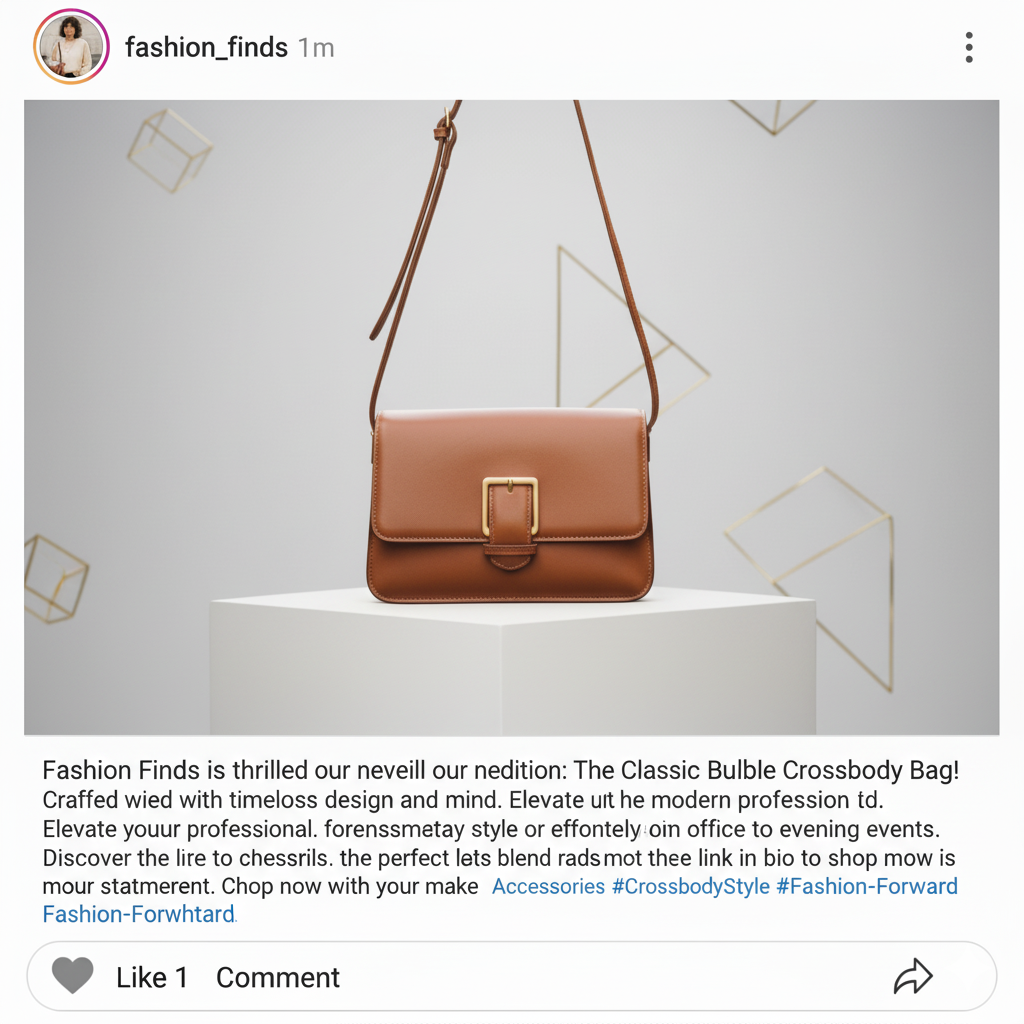
AI Social Media Post Generator Create multiple branded designs in seconds — without caps, downloads, or complicated editors. The AI Social Media Post Generator was built for marketers, creators, and anyone who needs to produce on-brand, campaign-ready creatives in just a few clicks.

New Project / Cover Art

Generated Image January 01, 2026 - 10_31PM.png
Generated Image January 01, 2026 - 10_13PM.pngGenerated Image January 01, 2026 - 10_28PM.pngGenerated Image January 01, 2026 - 10_21PM.pngGenerated Image January 01, 2026 - 10_24PM.png
Supported byimage (6).png
🎙️

What is an AI Social Media Post Generator?

This isn't just a generic content creator. It's an AI design engine trained specifically on the visual language of high-engagement social media brands and viral campaigns.

Intelligent Creative Assembly

The AI generator uses layout intelligence to arrange text, images, and branded elements automatically. No manual tweaking—just perfectly structured posts tailored for each platform.

Beyond Simple Templates

Swap brand themes, adjust tone, and optimize each creative for specific platforms in seconds. Edits are precise, responsive, and completely flexible—every element stays editable in layers.

For Smart Marketers & Creators

Whether you’re scaling content, refreshing a campaign, or creating high-converting PPC assets, this tool delivers perfectly formatted, on-brand creatives—without design limits.

Why should you use the AI Social Media Post Generator?

Brand-Consistent Creativity

Thanks to intelligent multi-model integration, you can generate variations across styles and formats in one seamless workflow — ensuring every post perfectly matches your brand’s look and tone.

🎨

Edit Everything in Context

Swap images, change headlines, adjust colors, or update CTAs instantly—without losing quality, resolution, or your original layout structure. Everything stays editable.

📐

No Install, No Learning Curve

Everything works right in your browser. Whether you’re on desktop, laptop, or tablet, your projects are saved locally and your data stays private.

🎯

Formats Ready to Publish

Download posts as PNG or JPG, or export high-resolution versions optimized for Instagram, Facebook, LinkedIn, TikTok, and more—without watermarks or restrictions.

From scattered visuals to a cohesive brand presence.

Stop the visual chaos. Go from idea to polished post in seconds. Edit, adapt, and populate professional social templates with AI. Build a strong, growing brand on social media—without obstacles.

Generated Image January 17, 2026 - 6_30PM 1.png
PROBLEM

Inconsistent visual identity across platforms

A feed that looks like a patchwork quilt. When posts for different platforms are created separately or by different people, the brand’s visual style becomes inconsistent. Fonts, colors, layouts, and filters don’t match, making your profile look unprofessional and failing to build a unified impression. This reduces brand recognition and erodes audience trust.

Solution

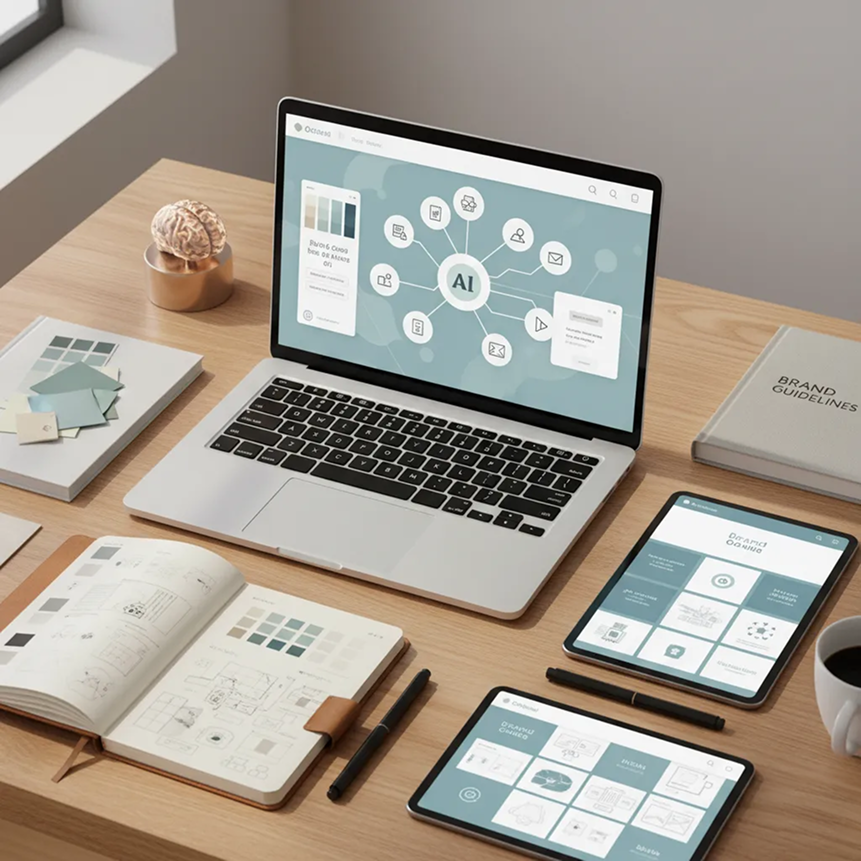
An AI editor that knows your brand inside out. Upload your brand guidelines or select reference styles. Our AI acts as your design director for social media, automatically applying your visual rules to every template—be it Stories, posts, or covers. Each layout will be 100% aligned with your brand’s identity.

09b3922f-0894-4cd0-a26a-93852d525c39 1.png
PROBLEM

Content strategy in hours, not weeks—without the budget

Social media design is often expensive and slow. Working with agencies takes time and money. Freelancers mean endless revisions and approvals. Designing on your own in complex editors eats up hours, often without professional results. Your content plan becomes a constant headache.

SOLUTION

A full-scale social media design studio—right in your browser. For free. Create stylish, ready-to-publish templates in minutes, not weeks. Our tool reduces the cost of content creation to zero, saving your team’s time and your promotion budget.

Generated Image January 17, 2026 - 6_32PM 1.png
PROBLEM

Fresh, engaging content ideas that stay on brand

Creative burnout is real. How do you consistently create content that stands out? Reusing the same formats leads to dropping engagement and lost interest. You need fresh ideas that fit your brand but still capture attention.

SOLUTION

AI as your creative social media strategist. Get hundreds of post variations—from layout and typography updates to unexpected visuals and trending formats (carousels, comparisons, infographics). This tool becomes your endless source of inspiration, helping you keep your audience engaged while staying true to your brand.

How to create social media posts

Designing a campaign doesn't need to be hard or complicated. Here’s a quick guide to get you started.

Input
1

Set your brand theme

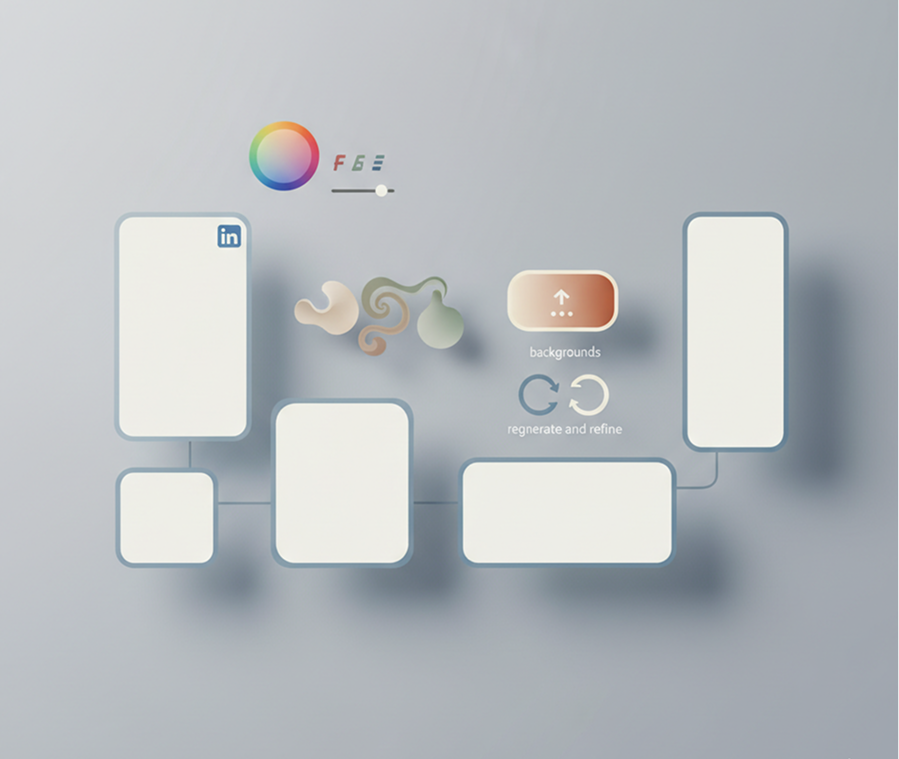
Upload your logo, brand colors, and reference images. Enter your campaign message or use our AI writer to generate compelling captions.

Generated Image January 17, 2026 - 9_03PM 1.png
2

Choose a template and customize

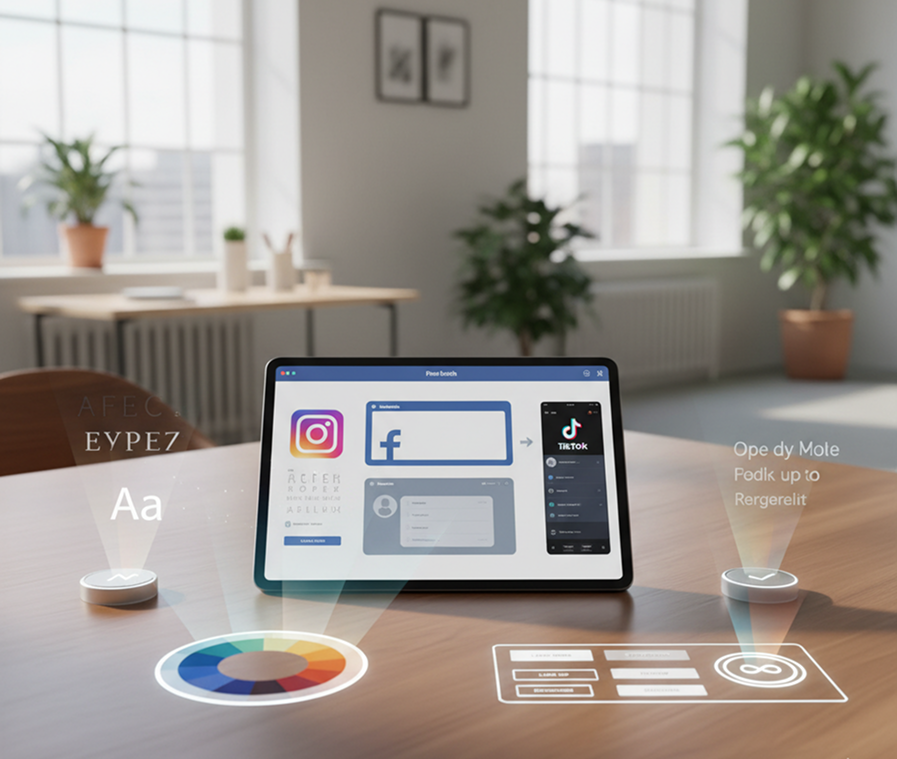
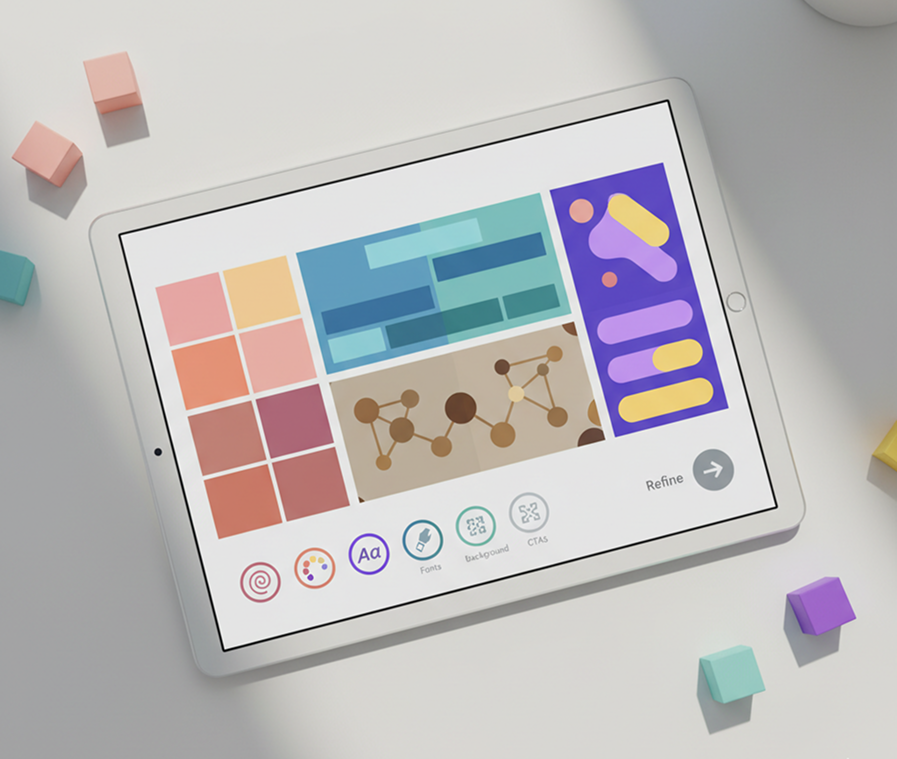
Pick a layout for your platform—Instagram, Facebook, LinkedIn, or TikTok. Adjust fonts, colors, backgrounds, and CTAs with simple, intuitive controls. You can regenerate and refine until it’s perfect.

Generated Image January 01, 2026 - 11_03PM 1.png
3

Save, export, and publish

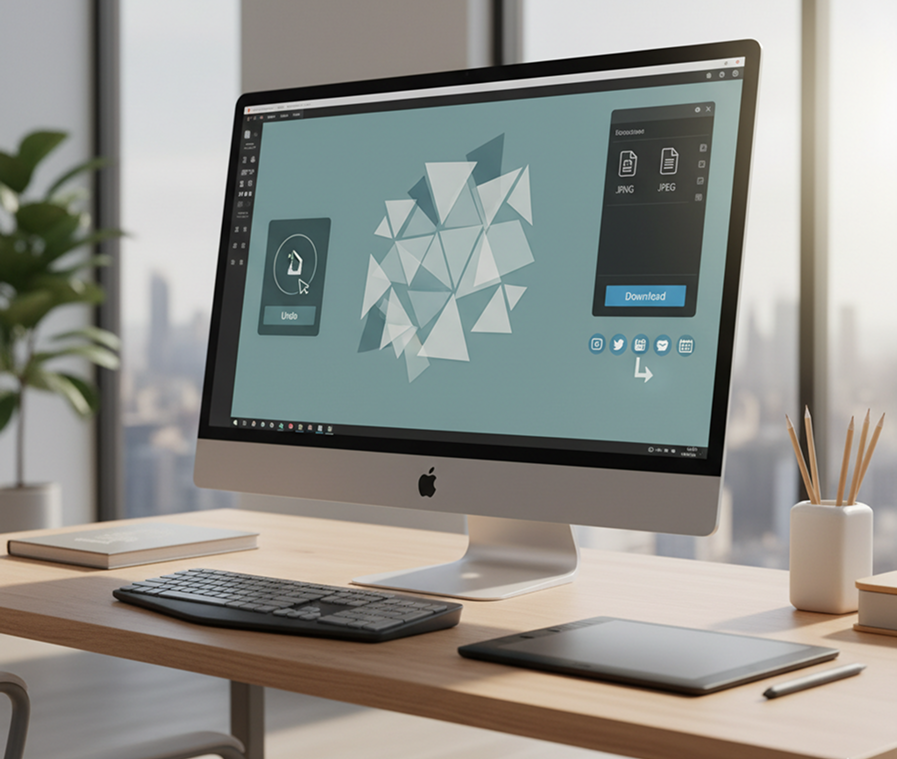
See your changes live, undo any edits instantly, then download your creatives in multiple formats—ready to post, schedule, or hand off to your team.

Where can you use the AI Social Media Post Generator?

Whether you're managing content for your brand, handling client campaigns, or building your personal portfolio—the applications are limitless. The generator adapts seamlessly to your workflow, whether you're establishing a new visual identity or scaling a multi-platform campaign.

  • ✦ Create cohesive campaign content across Instagram, Facebook, LinkedIn, and TikTok
  • ✦ Generate client-ready presentation decks and social media kits
  • ✦ Build consistent visual stories for personal branding or influencer channels
  • ✦ Quickly adapt one core idea into multiple formats: Stories, carousels, banners, and ads
Generated Image January 17, 2026 - 8_59PM 1.png

Tips for achieving the best results

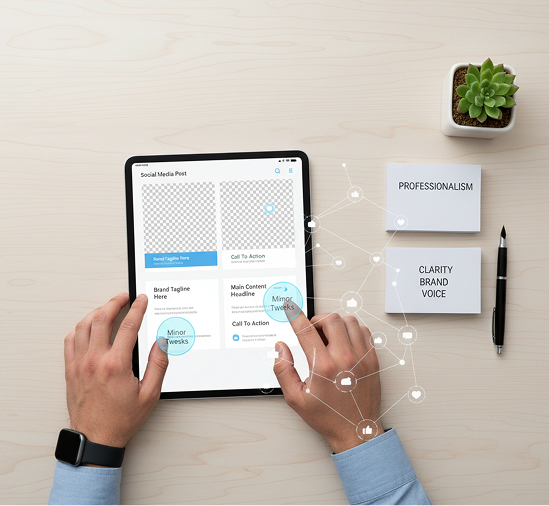
Minor tweaks can significantly elevate your post’s impact. These tips will help you maintain professionalism and clarity while staying true to your brand.

  • ✦ Start with high-quality brand assets—logos, colors, and fonts—for the cleanest output
  • ✦ Use subtle adjustments to layouts and colors rather than drastic changes
  • ✦ Preview posts on different device mockups to ensure readability and visual appeal
  • ✦ Keep messaging clear and CTAs prominent—good design supports your goal
Generated Image January 02, 2026 - 12_07AM 1.png

How to download and use your creatives

Exporting your social media posts is straightforward and adaptable. You retain full control over format, resolution, and final refinements—and can return to edit anytime.

  • ✦ Apply final touches using live editing tools before export
  • ✦ Download as PNG or JPG, optimized for web or print
  • ✦ Export multiple sizes at once for different platforms (e.g., square post + story size)
  • ✦ Save editable project versions to revisit and adjust later—no work is ever lost
Generated Image January 17, 2026 - 9_03PM (1) 1.png

Client Reviews

★★★★★

"This is a total game-changer for our social media strategy!"

"As a small marketing team, creating daily content used to eat up half our week. Now we generate a week's worth of on-brand posts in under an hour. The consistency across platforms has really strengthened our brand presence."

Marcus

★★★★★

"Finally, a tool that actually understands branding."

"I was skeptical at first, but after uploading our brand guide, the AI generated posts that looked like our brand, not generic templates. The ability to tweak layouts and messaging without losing style is exactly what we needed."

Sophia

★★★★★

"A must-have for agencies and freelancers."

"My clients love getting multiple creative options so quickly. It's cut my design time in half and lets me focus on strategy instead of pixel-pushing. Highly recommend for anyone creating social content at scale."

Jordan

★★★★★

"Perfect for non-designers who care about aesthetics."

"I run a bakery and have zero design experience. This tool lets me create professional-looking posts that match my branding—without hiring a designer. My Instagram engagement has gone up by 40%!"

Lena

★★★★★

"Saves so much time and keeps everything cohesive."

"I manage social for three different brands, and keeping their visuals distinct yet consistent was a struggle. Now I can switch between brand themes in seconds and generate a full content batch in one sitting."

David

★★★★★

"Great tool as soon as you get used to it!"

"At first, I was unsure about all the features, but after about 10 minutes of exploring, everything clicked. Now, creating campaign visuals feels effortless, and I can produce high-quality posts in minutes instead of hours."

Amy

Best AI Tools All in One Place

OpenAI_logo.svg

GPT Image AI image generation & editing Sora 2 Cinematic video generation

Google_2015_logo 1.svg

Imagen 4 Ultra-sharp images Gemini 2.5 / 3.0 Multimodal generation & editing Veo 3.1 Fast video + motion consistency
Image_tort.png

Logo_runway.svg

Gen 4 Best for consistent characters & video frame generations Aleph Video editing & effects
Image_girl.png

Midjorny.svg

MidJourney Image generation & variations Upscale / Outpaint / Pan Advanced editing tools
Image_coffe.png

Logo_hailuo.svg

Hailuo 2 Pro High-quality video animation
Image_vert.png

Logo_king.svg

Kling 2.5 v1, v1.5, v1.6, v2 video generation
Image_train.png

Explore similar use cases

🎨

AI Image Upscaler (4K/8K)

Upscale images for print or HD usage instantly

🖼️

AI Business Card Generator

On-brand business cards with logo, color, and style automation

👤

AI Brandbook Generator

Create brand style guides and assets from a single prompt

🔁

AI Brand Asset Generator

Generate brand-aligned icons, visuals, and layouts with AI

FAQs

Answers to common questions about using Phygital+ and editing images with AI.

How does Phygital+ generate an entire social media campaign from a single brand theme?

+

How does Phygital+ ensure brand consistency across dozens or even hundreds of social media posts?

+

Can I create social media posts for different platforms like Instagram, Facebook, and Twitter simultaneously?

+

What's the fastest way to adapt my social media campaign for a seasonal event or promotion?

+

How do I use the Phygital+ generator if I don't have any design experience?

+

Can Phygital+ generate different types of content within the same campaign, like image posts, quote cards, and announcements?

+

Start for free

Create logos, roadmaps, and brand visuals in one place.