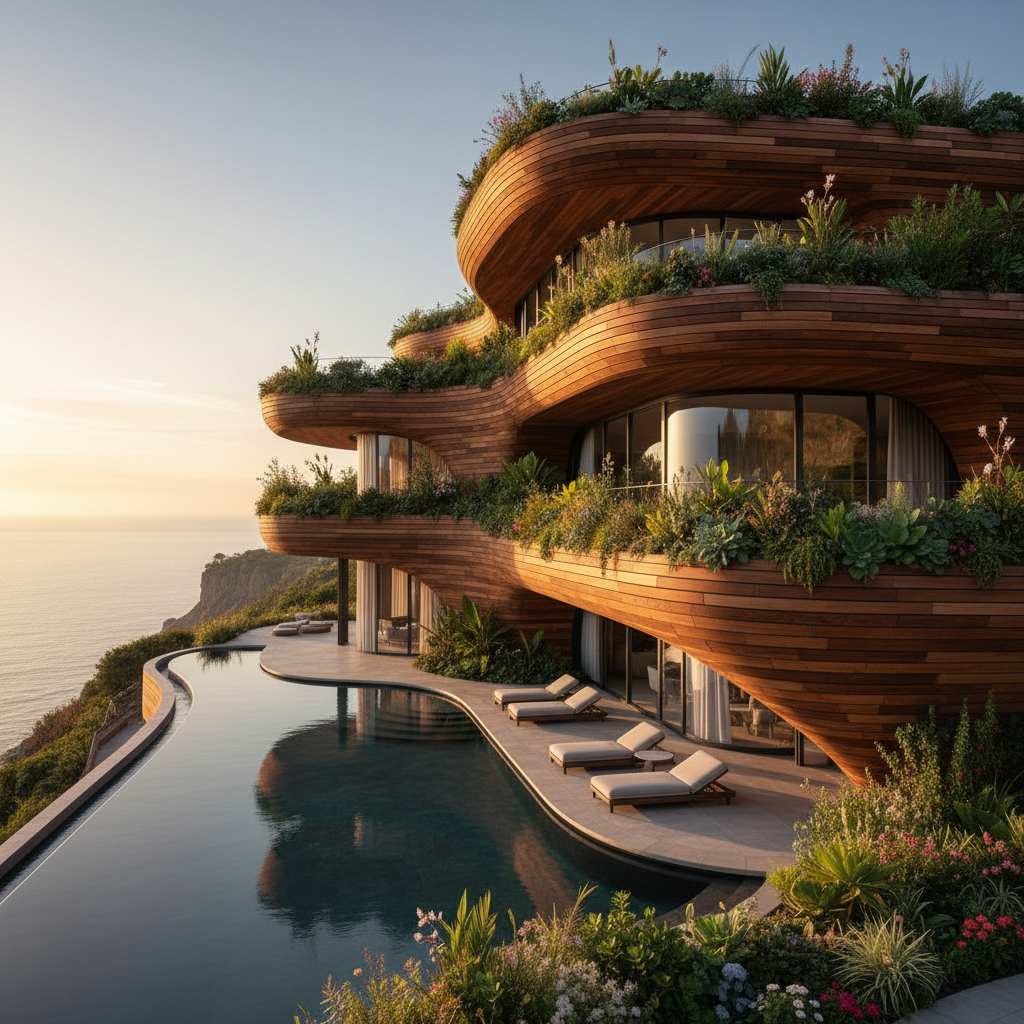
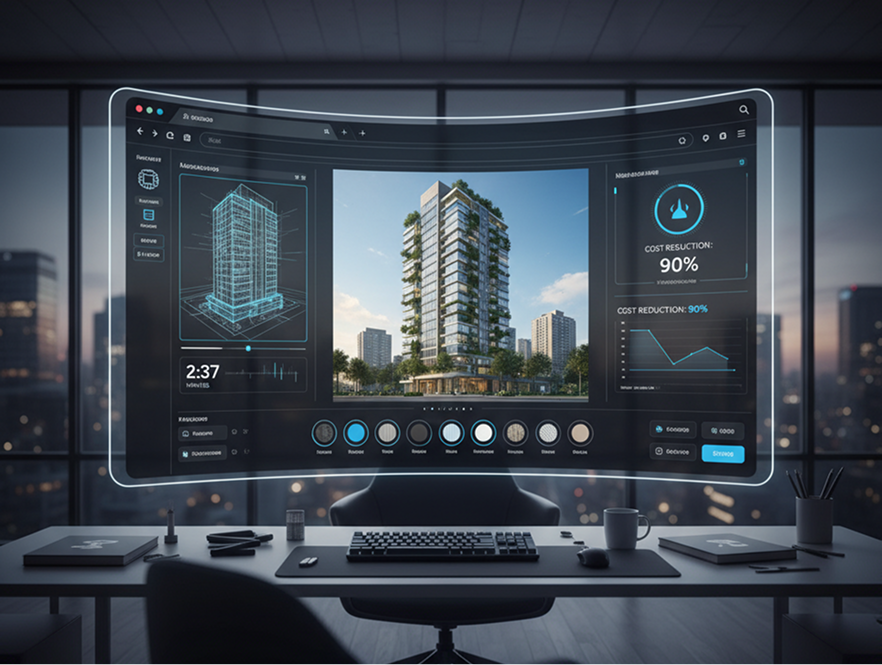
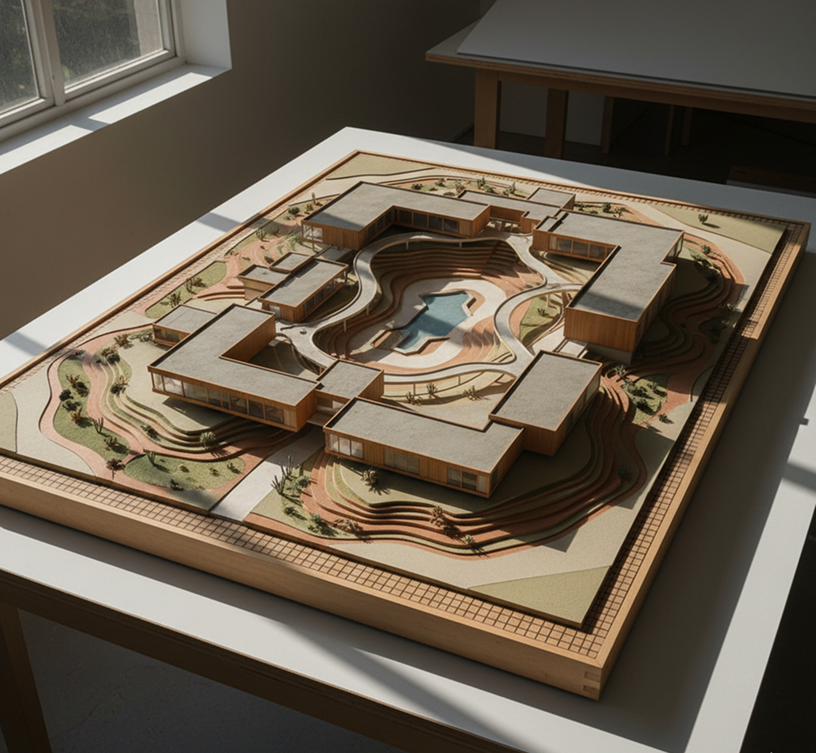
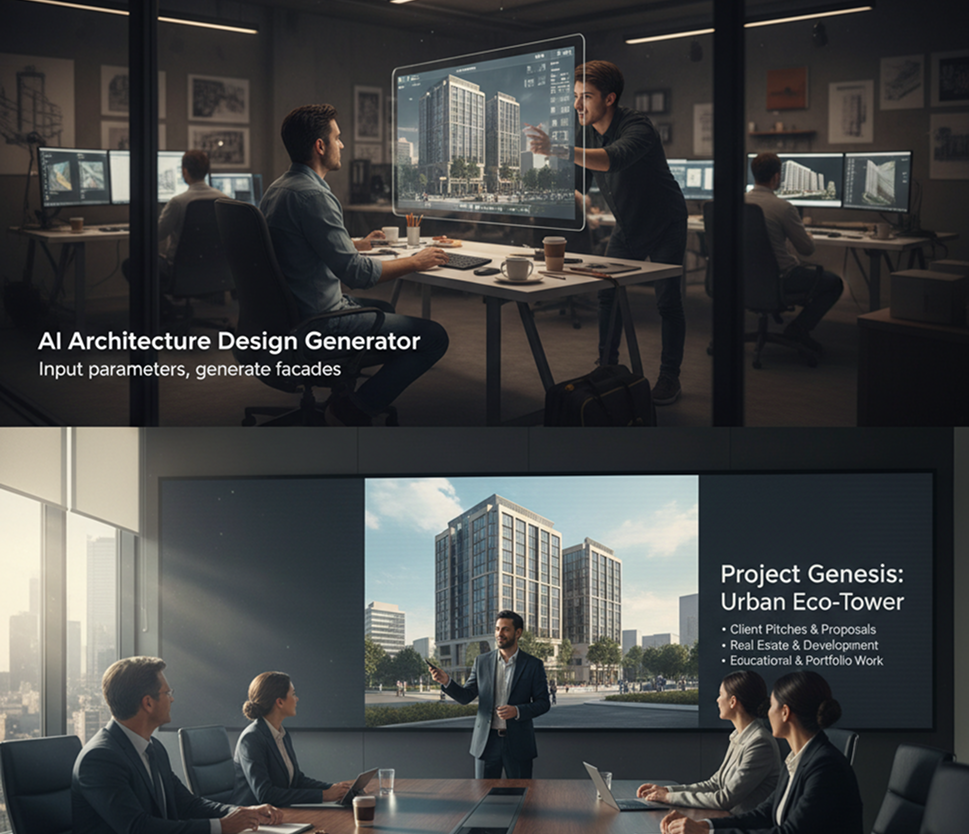
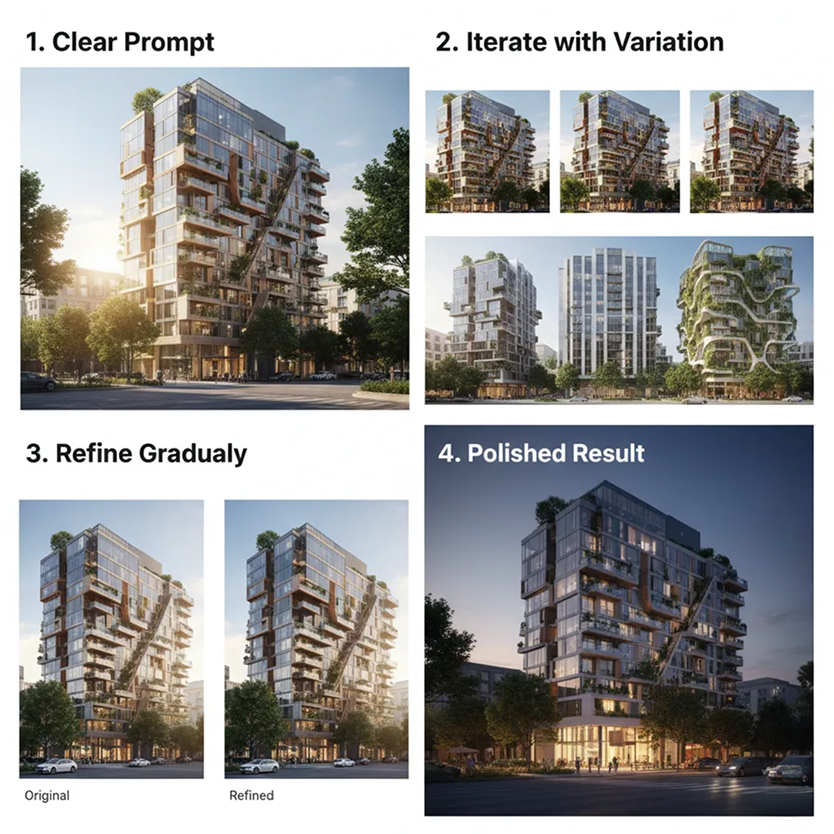
Generate architectural concept images online in seconds — without caps, downloads, or complicated settings. The AI Architecture Design Generator is built for architects, designers, and real estate professionals who need quick, inspiring exterior and facade concepts from a simple prompt.
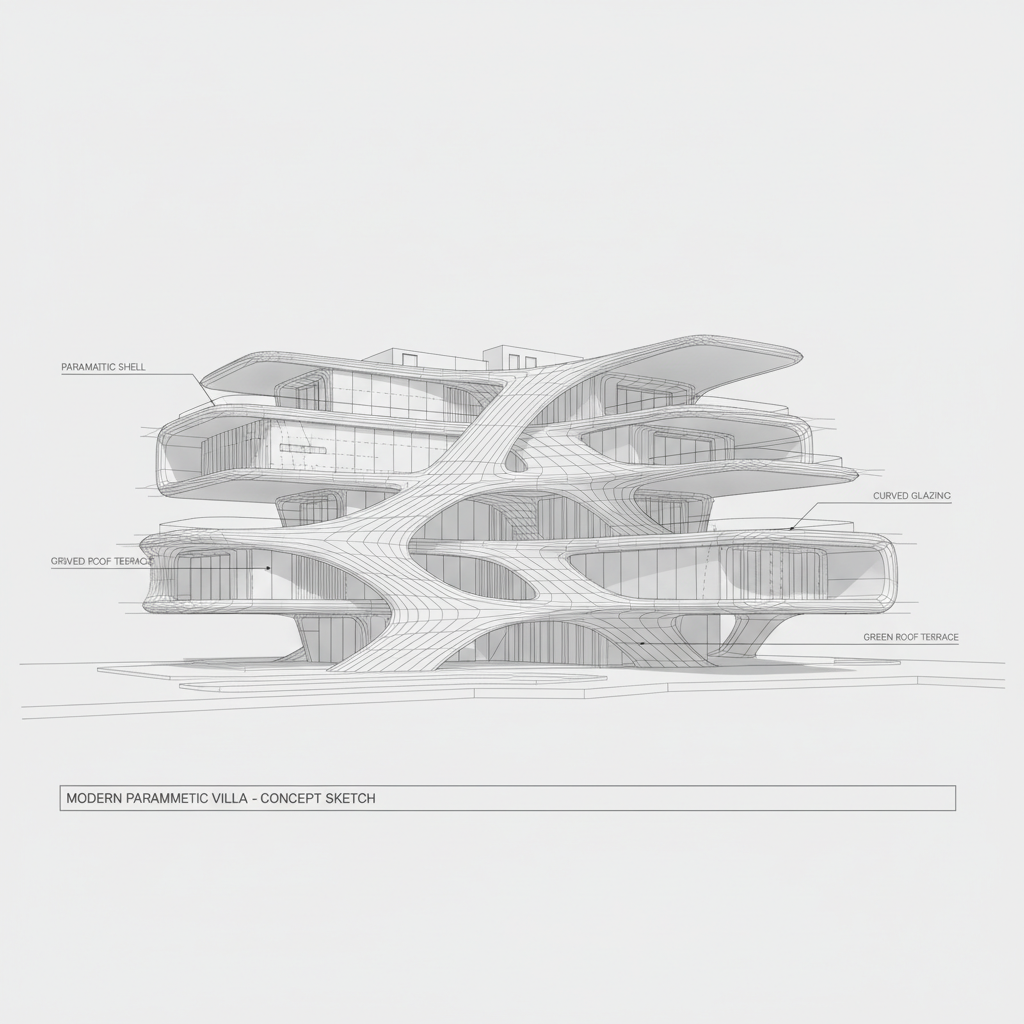
The AI understands architectural styles. From Brutalist concrete facades to Modernist glass structures and traditional vernacular forms, it adapts the visual concept to match your project brief.
Generate entirely new architectural imagery. Unlike simple 3D model libraries, every elevation, material, and detail is generated from scratch based on your unique design prompt.
You own the generated concept art. Use it for client presentations, planning applications, portfolio work, marketing, and development proposals without copyright restrictions or licensing fees.
Export concepts at up to 4K resolution or higher, meeting all professional requirements for detailed client presentations, planning applications, and portfolio use.
Refine materials, adjust lighting, modify the facade composition, or change the architectural style in a click—no complex CAD or 3D rendering software required.
Everything works in your browser. Save projects securely and access your designs from anywhere, on any device.
Download in pre-set formats perfect for client presentations, project mood boards, social media, and architectural portfolios.
Stop the conceptual chaos. Go from a rough idea to a detailed exterior visualization in seconds. Refine, iterate, and explore architectural styles with AI. Build a compelling and consistent project vision for your clients—without design bottlenecks.
A project presentation that looks like a collage of unrelated styles. When concept images for different parts of a project—facades, site plans, material studies—are created separately or by different teams, the design language becomes fragmented. Massing, materials, lighting, and architectural details don’t align, making the proposal feel unprofessional and disjointed. This weakens client confidence and undermines project cohesion.
The AI Design Partner That Understands Your Vision. Upload your project brief, mood boards, or reference images. Our AI becomes your conceptual design assistant, automatically applying your architectural intent to generate cohesive exterior and facade concepts for every project phase—from initial pitch to detailed presentation. Every visualization will be 100% aligned with your design narrative.
Architectural visualization is often slow and expensive. Commissioning a rendering studio requires significant budget and lead time. Using generic 3D models leads to sterile, unconvincing results. Creating detailed concept art manually demands advanced skills and countless hours. Building a compelling visual proposal becomes a prolonged, costly bottleneck.
A Professional Architectural Visualization Studio in Your Browser. Create stunning, client-ready exterior concepts in minutes—not weeks. Our tool reduces the cost of high-quality concept art to a fraction, preserving your team’s time and your project budget.
Creative repetition limits innovation. How do you continuously generate new, inspiring design directions that feel fresh but still align with the client’s brief and site constraints? Reusing the same architectural tropes leads to predictable proposals and missed opportunities. You need innovative, yet buildable, ideas that expand the design conversation while staying grounded.
AI as Your In-House Concept Architect. Generate hundreds of cohesive design variations—from adjusting massing and fenestration to experimenting with materiality, context, and lighting. This tool becomes your endless source of inspiration, helping you build a rich, scalable concept library that pushes creative boundaries—always on-brief, always visionary.
Generating a custom architectural design doesn't need to be hard or complicated. Here’s a quick guide to get you started.
Choose a reference image, a site plan, or enter a text prompt describing your desired style—Mid-Century Modern, Neo-Futurist, Scandinavian Minimalist, etc. If you need help articulating your vision, use our built-in architectural brief assistant.
Choose from architectural styles, material palettes, and context settings like urban or rural. Adjust massing, facade composition, lighting, and materiality in real time. Generate new variations or fine‑tune details until the concept is perfect.
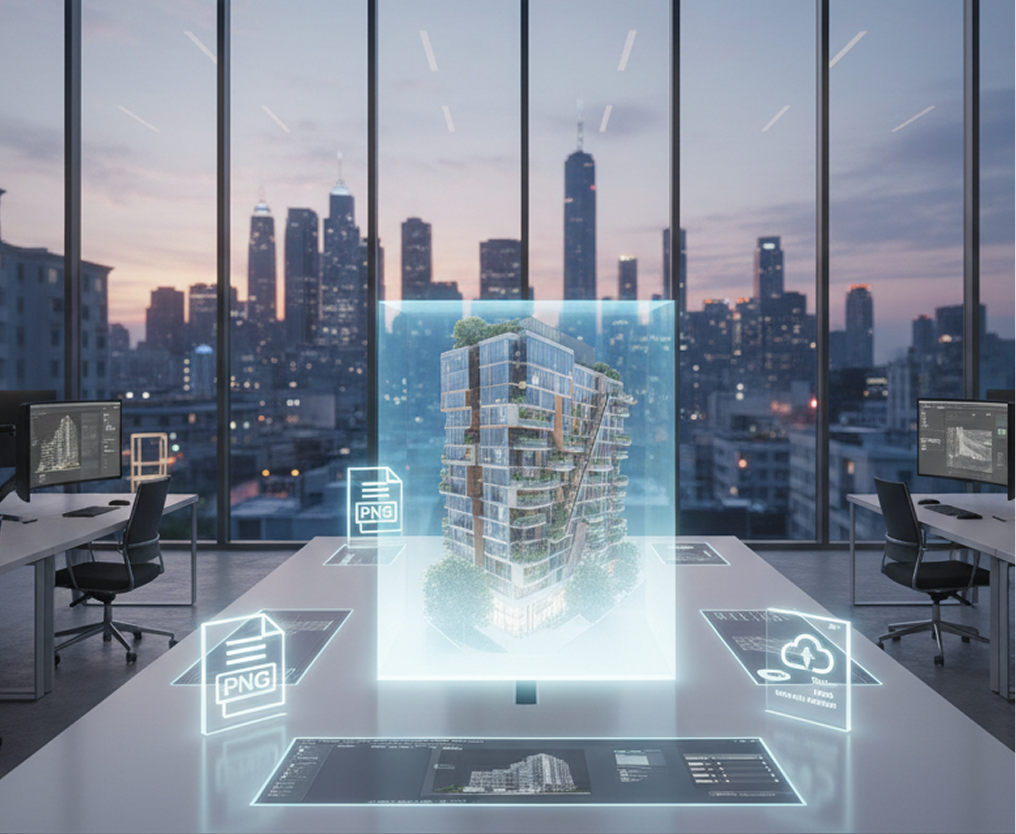
Preview your design in a live view, undo any changes instantly, then download your concept as a high‑resolution image (PNG, JPG) or as a layered file for further development in your CAD or rendering software.
The generator adapts seamlessly to your workflow, whether you’re in early concept development, client presentations, or portfolio building.
Subtle refinements can significantly enhance realism and visual impact.
Export in high resolution, with full control over format and composition.
"Initially, I felt a bit lost with the options, but after spending 10-15 minutes with it, everything clicked. Now, I can generate initial concept variations for client meetings in a fraction of the time it used to take for manual sketching or sourcing references."
Mark"This tool has become invaluable for the conceptual phase. Instead of lengthy back-and-forth with the rendering team, we now explore dozens of massing and facade options internally in an afternoon. It's made our design discussions much more visual and productive."
Priya"I use this to help my students rapidly visualize their theoretical projects. It bridges the gap between an idea in their head and a tangible image they can critique and develop. The ability to explore different styles instantly is a fantastic learning aid."
Professor Davis"As a small firm, we couldn't afford high-end renderings for every early-stage proposal. Now, we create compelling, professional-looking concept images that help clients visualize our ideas immediately. It builds confidence and has absolutely helped us win projects."
Sarah"The speed at which we can iterate is unreal. What used to take days of modeling in CAD just to test a 'what if' now takes minutes. It allows for much bolder creative exploration without the usual time penalty."
James"We use it to create conceptual visuals for sites in the pre-planning stage. It helps stakeholders, investors, and community boards understand the architectural intent and massing long before detailed drawings are made. Incredibly useful tool."
RachelGPT Image
Imagen 4
Gen 4
MidJourney
Hailuo 2 Pro
Kling 2.5
Invent new furniture forms and stylings with AI
Design garments, outfits, and fashion concepts from text
Create stylish outfits and apply them to human figures
Try different outfits on your image without a photoshoot
Answers to common questions about using Phygital+ and editing slides with AI.
You can be incredibly specific. Phygital+ is trained on a vast vocabulary of architectural design. Your prompt can include styles like "Brutalist," "Art Deco," or "Deconstructivist," combined with materials like "shou sugi ban wood," "weathered corten steel," or "translucent polycarbonate panels." The more detail you provide, the more tailored your concept will be.
The context is part of your prompt. You can direct Phygital+ to generate the entire scene, not just the building. For example, describe your design as "a minimalist glass house integrated into a dense pine forest," or "a residential tower situated on a bustling Tokyo street at night." The AI will render the architecture within its intended environment for a complete vision.
The non-destructive workflow in Phygital+ is perfect for this. You can generate a base building form you like, then use that image as an input in a new node. By keeping the structure and simply changing the text prompt to "now render the facade in white limestone and brass fittings," you can rapidly generate and compare material options without starting your design from scratch.
Yes, absolutely. Phygital+ allows you to move beyond pure text. You can use a ControlNet node within your workflow to upload a basic 3D massing model render or a 2D line-art sketch. This sketch will act as a structural blueprint, forcing the AI to conform to your composition and form while it generates the detailed, photorealistic facade you describe.
The AI in Phygital+ is trained on professional architectural photography, so it has a deep understanding of natural and artificial light. You can specify lighting conditions directly in your prompt, such as "early morning light with long shadows," "overcast day with soft, diffuse light," or "dusk with warm interior lighting visible." This creates compelling, portfolio-ready images that effectively communicate your vision to clients.
Create logos, mockups, and brand visuals in one place.