Home/Free AI Virtual Try-On Tool

Free AI Virtual Try-On Tool

Try different outfits on your photo online in seconds β€” without limits, downloads, or complicated apps. The AI Virtual Try-On Tool is built for shoppers, influencers, and brands who want to visualize clothing on themselves or models without a physical photoshoot.

AI Virtual Try-On Session
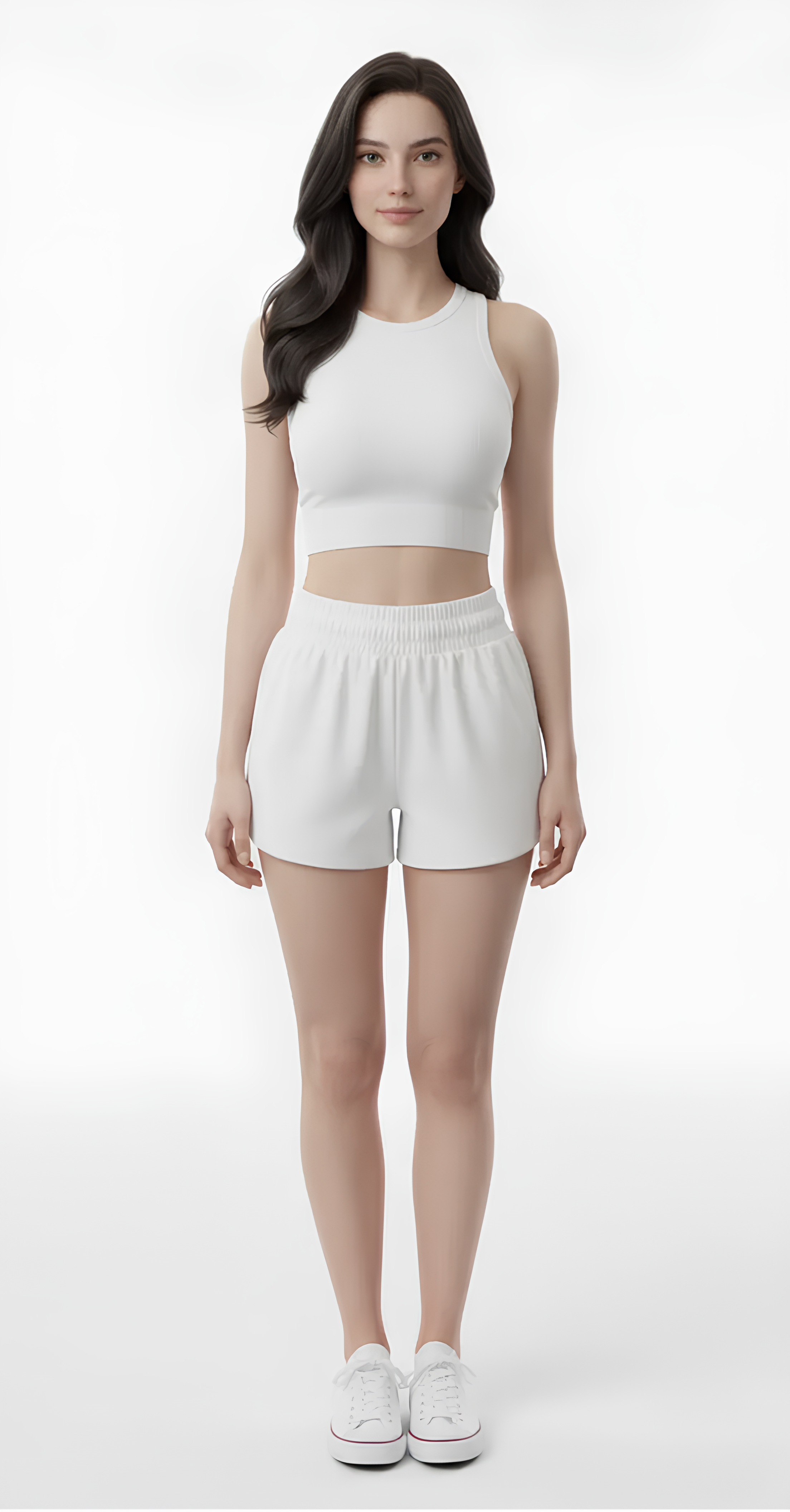
Input Model
Swap outfit to: Elegant red evening gown, silk texture, cinematic lighting, high fashion photography...
Processing
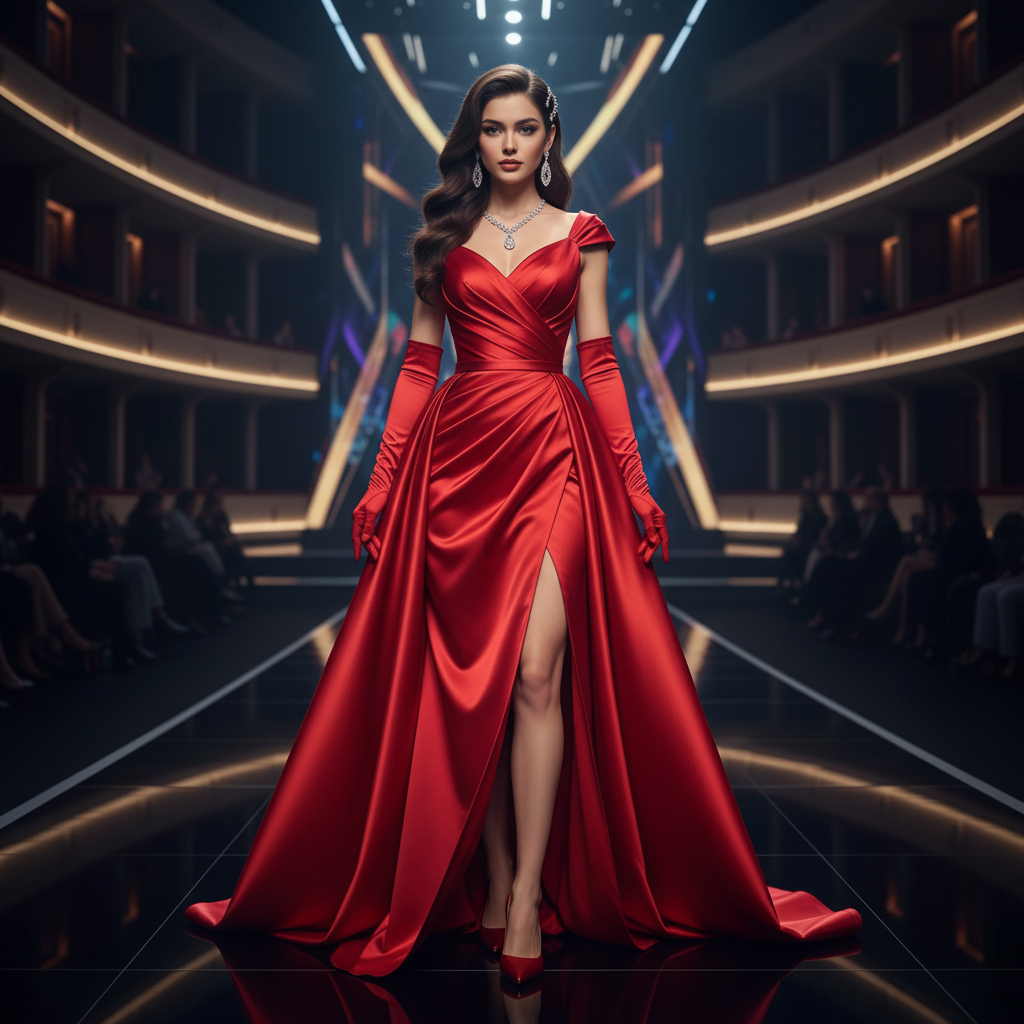
Supported byimage (6).png

What is an AI Virtual Try-On Tool?

Fit & Style Intelligence

The AI understands clothing fit and fabric behavior. From casual tees and tailored blazers to flowing dresses and structured outerwear, it realistically adapts garments to match your body shape, pose, and lighting.

Beyond Simple Overlays

Generate entirely new, personalized outfit visuals. Unlike basic collage apps, every garment conforms naturally to your photo, with accurate wrinkles, shadows, and proportions based on your unique image.

Full Privacy & Usage Rights

Your photos stay private. You own the final try-on images. Use them for personal shopping, social content, and style sharing without privacy concerns or copyright restrictions.

Why should you use the AI Virtual Try-On Tool?

Realistic High-Resolution Results

Export high-resolution try-on images that look authentic, with accurate lighting, shadows, and fabric textureβ€”perfect for confident online shopping and social sharing.

Try Instantly

Change outfits, swap colors, mix and match items, or adjust fit in a clickβ€”no advanced editing skills or photo manipulation required.

No Software or App Required

Everything runs securely in your browser. Your photos and try-on sessions are processed privately and are never stored without your permission.

Ready to Share

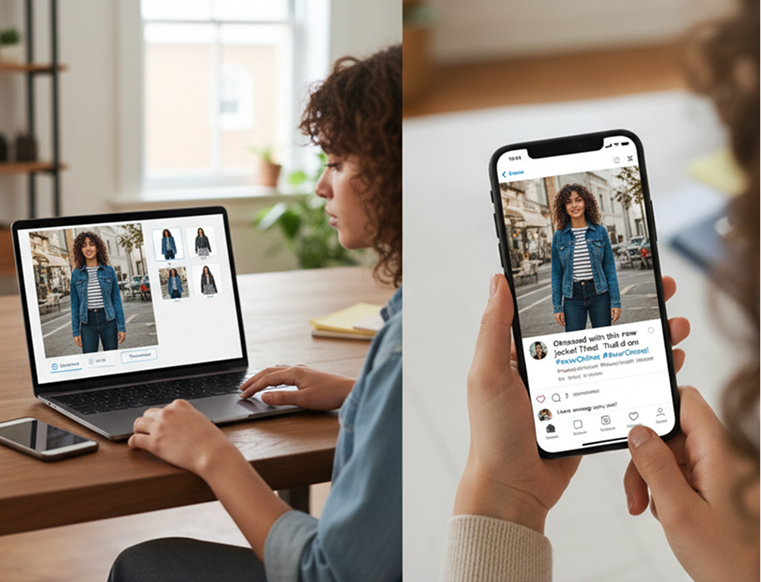
Download results in social-ready formats for Instagram, TikTok, style blogs, or personal galleriesβ€”optimized for quick, seamless sharing.

From Wardrobe to β€œWear Now” – Style Confidently

Stop the shopping guesswork. Go from browsing clothes to seeing them perfectly fitted on you in seconds. Visualize, mix, and match outfits directly on your photo with AI. Make confident fashion choices and create engaging, personalized style contentβ€”without the photoshoot.

Generated Image January 15, 2026 - 10_59PM 1.png
PROBLEM

A Personal Styling Experience Without the Hassle

A shopping experience that feels like a gamble. When you can't try clothes on before buying, it leads to poor fit, frequent returns, and wasted time. Online stores use generic models that don't reflect your body, making it impossible to visualize how an item will truly look. This reduces confidence in purchases and increases frustration.

Solution

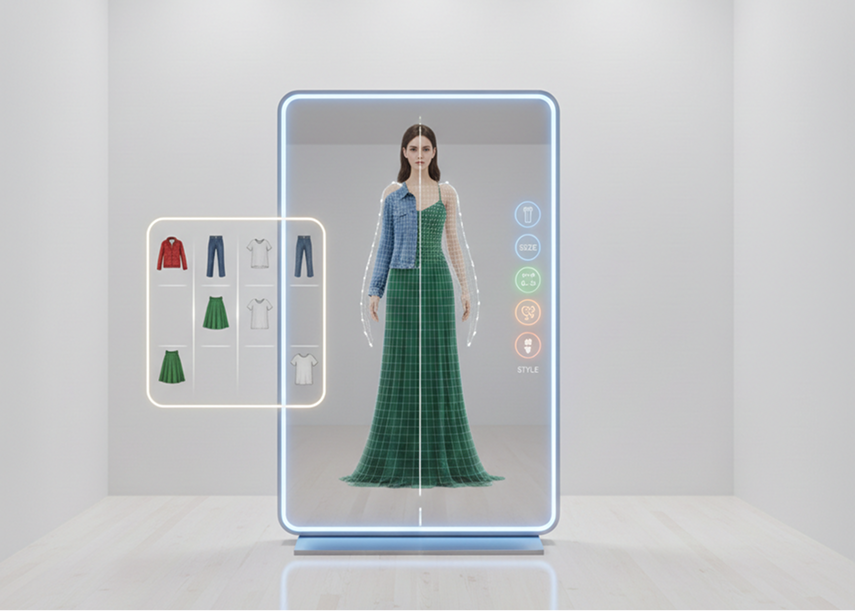
The AI Fitting Room That Sees You. Upload your photo. Our AI becomes your personal virtual stylist, analyzing your body shape, pose, and lighting to realistically overlay any garment. See how different sizes, colors, and styles look on youβ€”not on a mannequin. Every try-on image will be 100% personalized to you.

PROBLEM

A Content Creator’s Wardrobe, Without the Closet or Budget

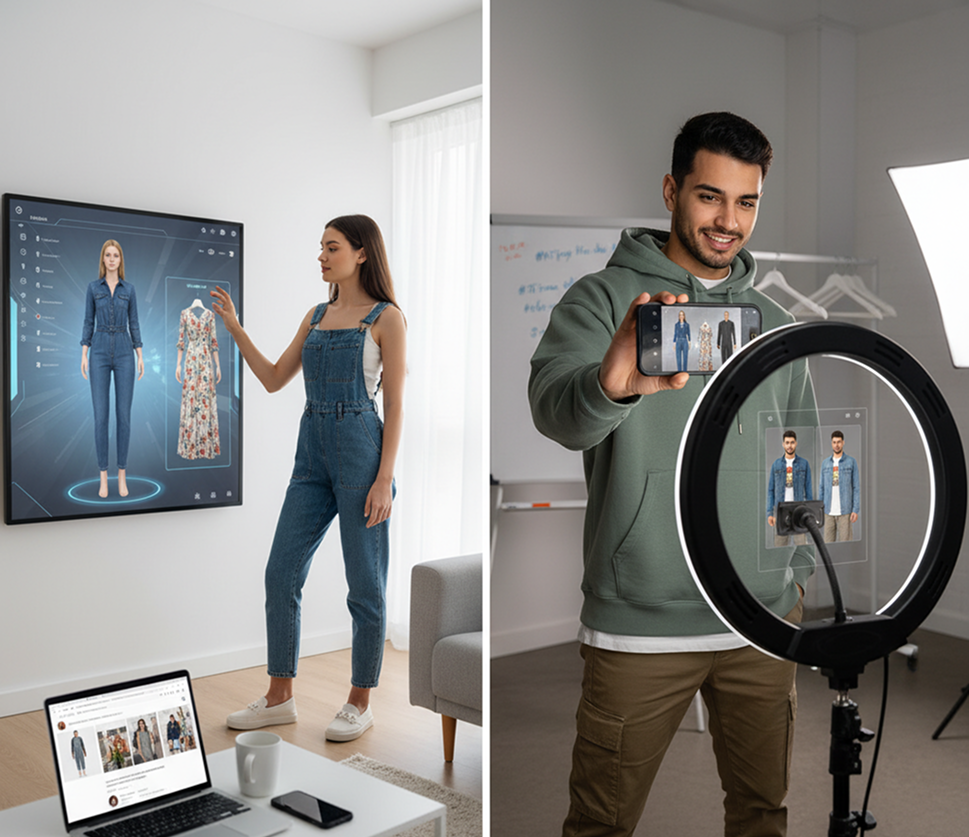
Creating styled try-on content for social media is expensive and time-consuming. It requires buying clothes, organizing shoots, hiring photographers, and editing photos. For influencers and small brands, this process is a major bottleneck. Producing fresh, relatable try-on content becomes a logistical and financial burden.

SOLUTION

A Virtual Photoshoot Studio in Your Browser. Create stunning, authentic-looking try-on visuals in minutesβ€”not days. Our tool dramatically reduces the cost and effort of creating style content, allowing you to showcase endless outfits without ever changing clothes.

Generated Image January 15, 2026 - 11_00PM 1.png
Generated Image January 15, 2026 - 11_01PM 1.png
PROBLEM

Fresh, Personalized Style Ideas That Actually Fit

Style inspiration is often not personalized. Fashion feeds are filled with outfits on models who look nothing like you. It’s hard to translate trends into what will work for your body and wardrobe. You need to see new styles adapted to you, to build confidence and discover looks you'll love to wear.

SOLUTION

AI as Your Personal Style Explorer. Generate hundreds of personalized outfit combinationsβ€”from adjusting a single piece to completely restyling your look with new trends. This tool becomes your endless virtual closet, helping you experiment with bold new styles risk-freeβ€”always tailored to you, always realistic.

How to virtually try on outfits

Seeing how clothes look on you doesn't need to be hard or complicated. Here’s a quick guide to get you started.

Generated Image January 15, 2026 - 11_05PM 1.png
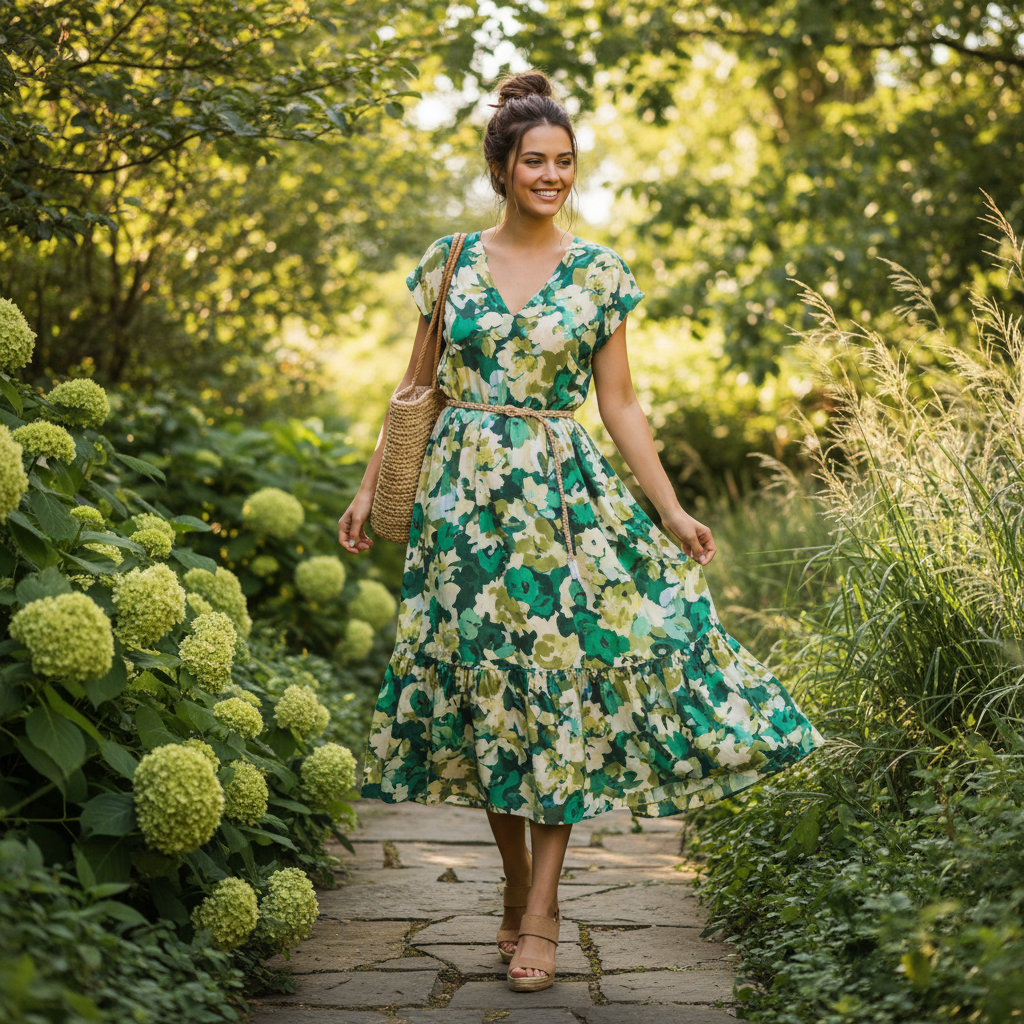
Prompt: Pick up an outfit for a walk...
1

Upload your photo

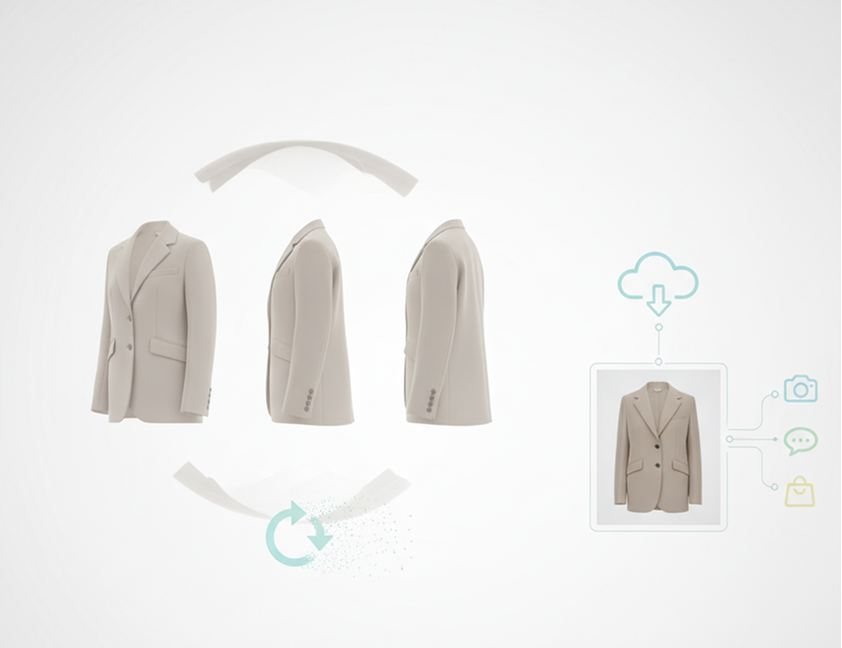
Choose a clear, well-lit photo of yourself or a model in a neutral pose. For best results, ensure your full torso is visible. Our tool will automatically detect your shape and pose.

Generated Image January 15, 2026 - 11_05PM (1) 1.png
2

Select and adjust clothing

Browse or search for clothing itemsβ€”tops, dresses, jackets, etc. Select an item, and the AI will realistically fit it onto your photo. Swap colors, adjust sizing, or try different garments in real time.

3

Save, share, or shop

Preview your virtual try-on from different angles, undo any changes instantly, then download your realistic photo to share with friends, post on social media, or inform your shopping decision.

Where can you use the AI Virtual Try-On Tool?

The AI Virtual Try-On Tool adapts to your personal or commercial style visualization needs.

  • ✦ Online Shopping & Personal Styling – Make confident purchase decisions by previewing how clothes will look on your specific body before buying.
  • ✦ Influencer & Social Media Content – Create authentic "try-on haul" videos and photos for Instagram, TikTok, and YouTube without owning every item.
  • ✦ Fashion Brand Marketing – Allow customers to visualize your products on themselves directly on your e-commerce site, boosting engagement and reducing returns.
Generated Image January 15, 2026 - 11_07PM 1.png

Tips for achieving the best results

Small adjustments in your setup can significantly enhance realism and accuracy.

  • ✦ Use a High-Quality, Well-Lit Photo – A clear front-facing photo with even lighting ensures the best garment fit and texture realism.
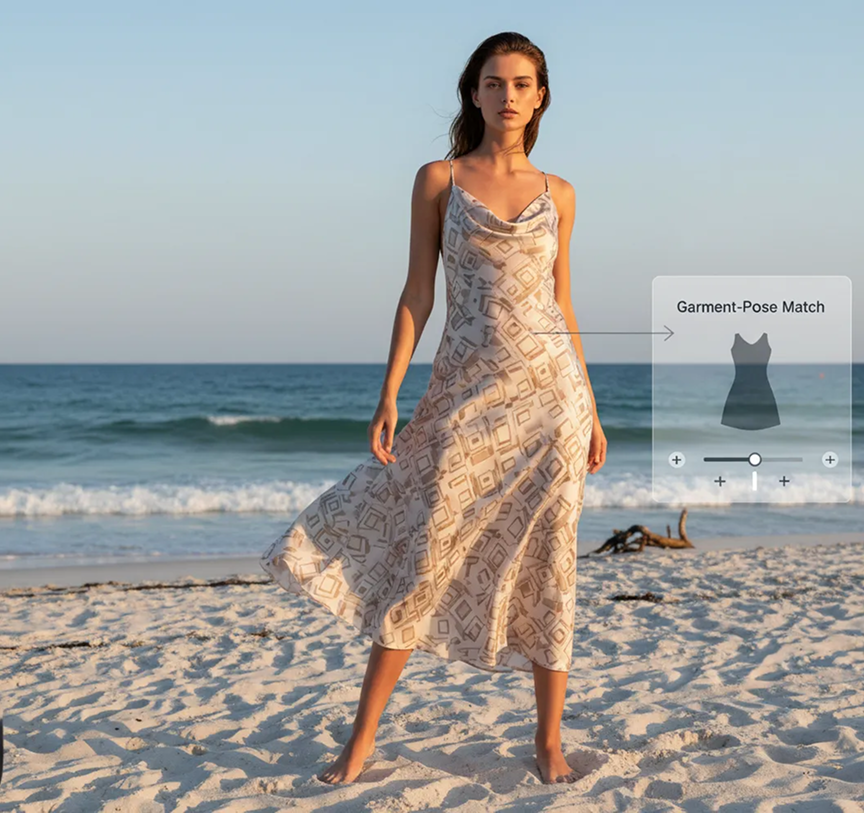
  • ✦ Select Garments That Match the Pose – For the most natural look, choose clothes suited to your photo's posture (e.g., avoid a heavy coat on a beach pose).
  • ✦ Review Fit and Lighting Consistency – Adjust the garment's shading and size sliders slightly to blend perfectly with your photo's light source and proportions.
Generated Image January 15, 2026 - 11_16PM 1.png

How to download and use your try-on image

Export your personalized try-on photos quickly, with full control over the output.

  • ✦ Download as high-resolution PNG or JPG – perfect for sharing on social media, saving for comparison, or embedding in reviews.
  • ✦ Export with or without the original background – depending on whether you want a clean cut-out or context-aware style shot.
  • ✦ Revisit and revise – your try-on session saves automatically, allowing you to return, swap items, or adjust fit anytime.
Generated Image January 15, 2026 - 11_09PM 1.png

Client Reviews

β˜…β˜…β˜…β˜…β˜…

"A brilliant tool once you get familiar with it!"

"The interface was a bit new at first, but after just 10 minutes, I could use it effortlessly. Now, trying on outfits before I buy has never been simpler or more accurate."

Arty
β˜…β˜…β˜…β˜…β˜…

"Completely transformed my online shopping experience."

"I used to dread buying clothes online because of fit issues. This tool lets me see exactly how something will look on my body. My return rate has dropped to almost zero!"

Darya
β˜…β˜…β˜…β˜…β˜…

"A game-changer for my style Instagram account."

"As a micro-influencer, I can't afford to buy every trending item. This tool lets me create realistic try-on content with clothes I don't even own. My audience loves the authenticity."

Kim
β˜…β˜…β˜…β˜…β˜…

"Incredible for our e-commerce conversion rates."

"Integrating this tool on our product pages was the best decision we made. Customers spend more time on site and are much more confident in their purchases. It’s like offering a fitting room at home."

Marcus
β˜…β˜…β˜…β˜…β˜…

"Perfect for personal stylists and consultants."

"I use this to prepare for client sessions. I can quickly visualize different options on a client's photo before we even meet, making our time together more efficient and productive."

Elena
β˜…β˜…β˜…β˜…β˜…

"Saves so much time and money on content creation."

"Our small boutique uses this to model new arrivals. We no longer need expensive, time-consuming photoshoots for every item. The quality is so realistic our customers can't tell the difference."

Leo

Best AI Tools All in One Place

Image_moto.png
OpenAI_logo.svg
GPT Image

AI image generation & editing

Sora 2

Cinematic video generation

Google_2015_logo 1.svg
Imagen 4

Ultra-sharp images

Gemini 2.5 / 3.0

Multimodal generation & editing

Veo 3.1

Fast video + motion consistency

Logo_runway.svg
Gen 4

Best for consistent characters & video frame generations

Aleph

Video editing & effects

Image_coffe.png
Midjorny.svg
MidJourney

Image generation & variations

Upscale / Outpaint / Pan

Advanced editing tools

Logo_hailuo.svg
Hailuo 2 Pro

High-quality video animation

Logo_king.svg
Kling 2.5

v1, v1.5, v1.6, v2 video generation

Explore similar use cases

AI Textile Pattern Generator

Create textile-ready surface patterns for clothing and interiors

AI 3D Model Generator

Create printable 3D models from text or images

AI Text to 3D Object Tool

Describe an object and get a usable 3D model file

AI Texture Generator for 3D

Generate PBR textures for Blender, Unity, Unreal workflows

FAQs

Answers to common questions about using Phygital+ for book covers.

How does Phygital+ make the clothes look like they're actually on me, not just a sticker?

+

Can I try on clothes from a specific brand, or do I just describe them with text?

+

What kind of photo of myself should I upload for the most realistic results?

+
How can I use Phygital+ to create a whole series of "outfit of the day" posts without buying new clothes?+
My brand has product photos on a white background. Can I turn those into on-model lifestyle shots?+
Is the output high-resolution enough to be used for social media or a blog?+

Start for free

Create logos, mockups, and brand visuals in one place.