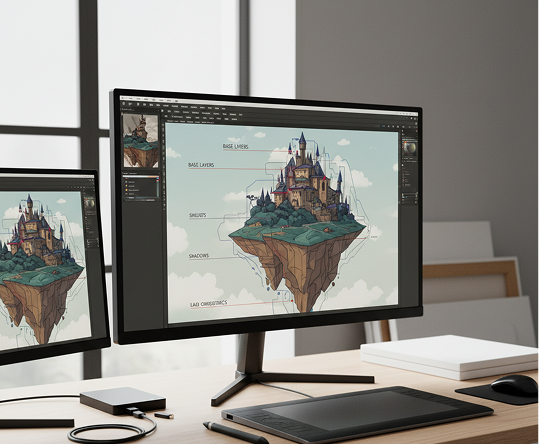
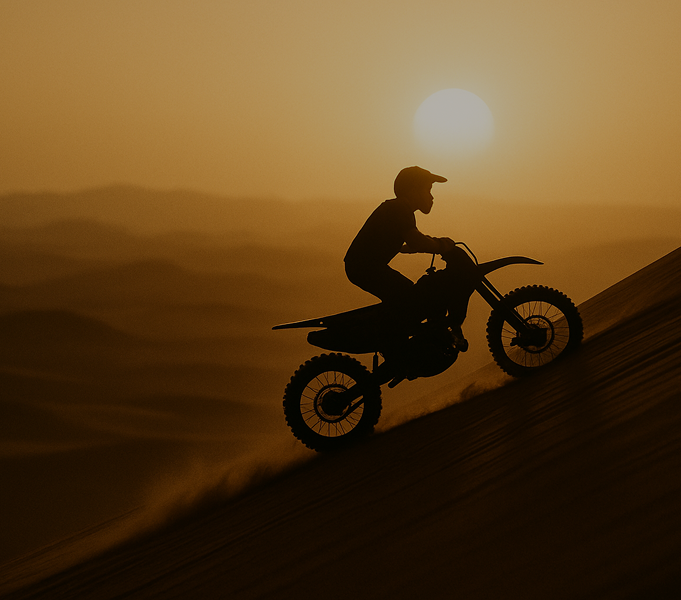
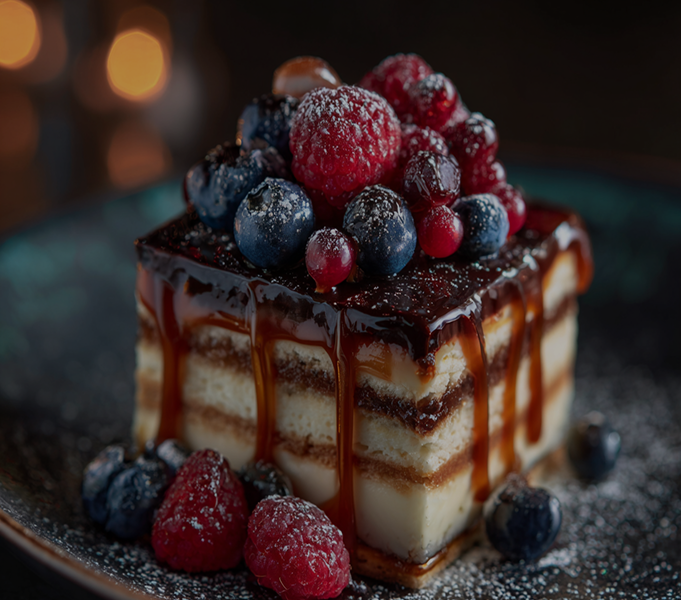
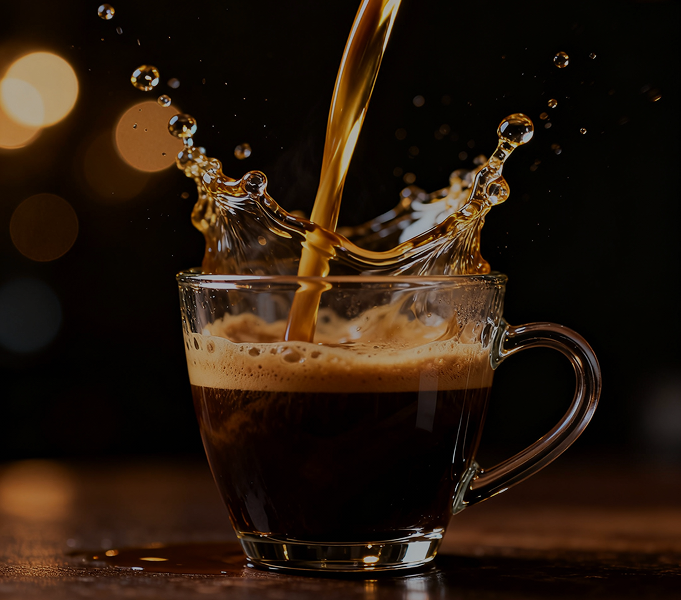
Generate Papercut Style Illustrations

Generate papercut-style illustrations in seconds — without limits, downloads, or complicated editors. The AI Papercut Style Illustrator is built for designers, storytellers, and brands who want to create intricate, layered illustrations with a handcrafted look and rich depth, all generated instantly from prompts.

Source Image
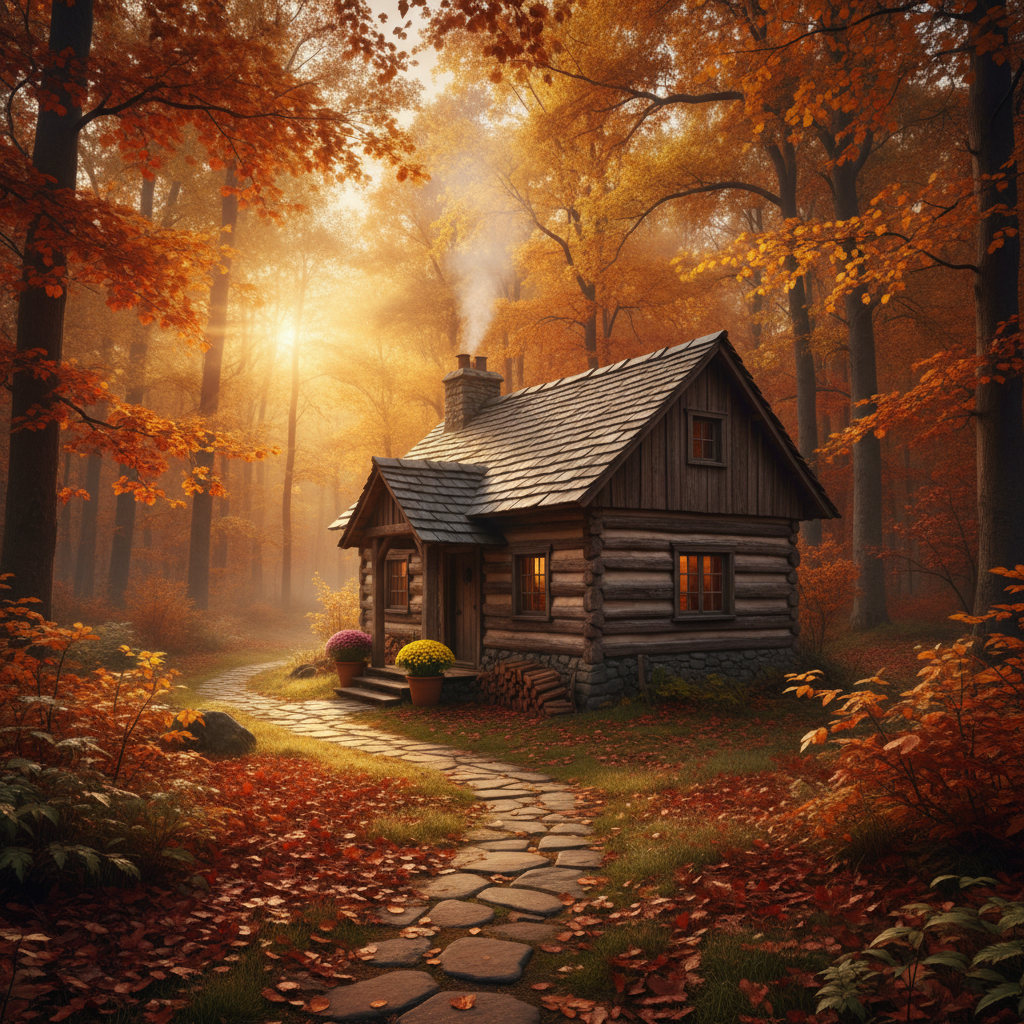
Prompt Input

Create an illustration in the Papercut style...

Papercut AI
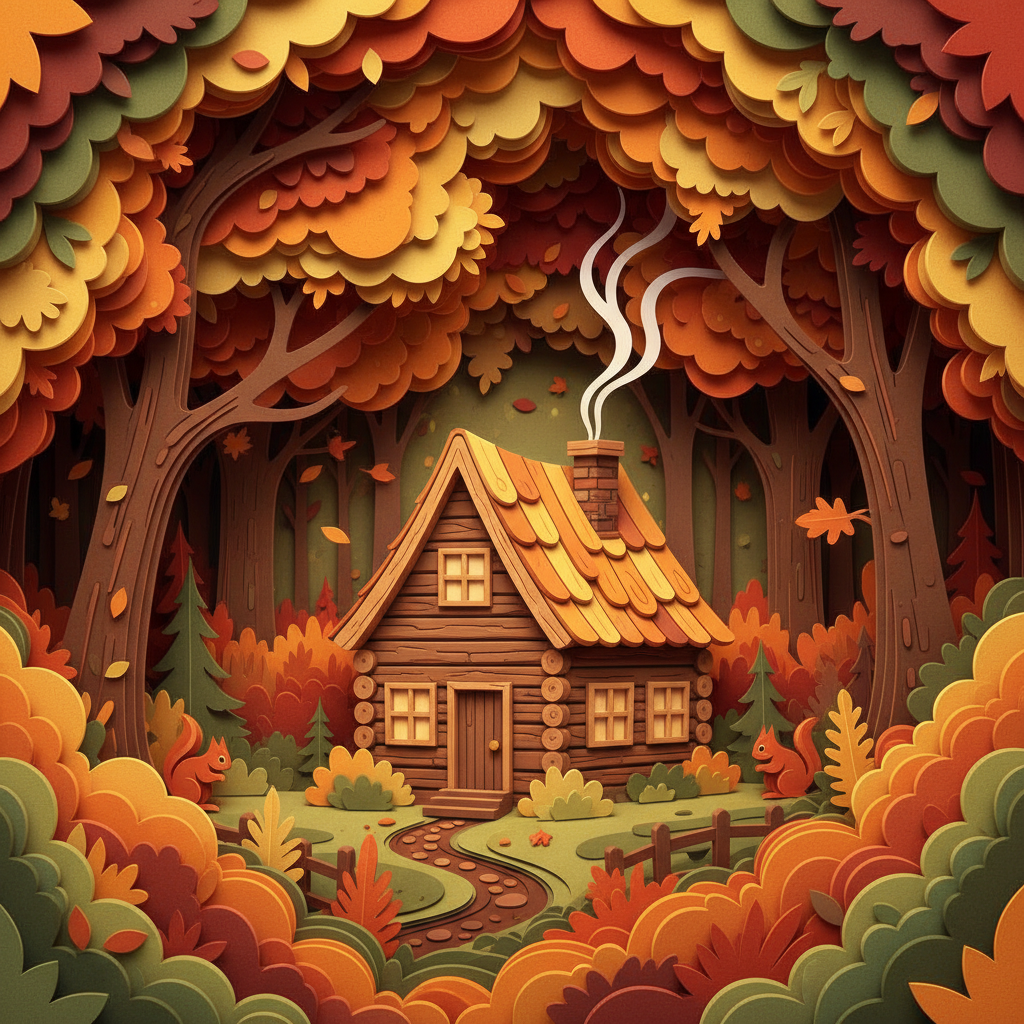
Waiting for input...
Supported by:image (6).png

What is a Papercut Style Illustration Generator?

Depth Intelligence

The AI understands layered composition. From intricate shadow play to delicate dimensional stacking, it crafts visuals with authentic depth and a handcrafted feel.

Beyond Flat Design

Generate entirely new dimensional art. Unlike basic vector templates, every layer is generated from scratch to build unique, physical texture and depth based on your description.

Commercial Rights

You own the artwork. Use it for book covers, packaging, wall art, and branding without worrying about copyright issues.

Why should you use the Papercut Style Illustration Generator?

High-Resolution & Scalable

Export in ultra-high resolution, ensuring crisp quality for large-format printing, detailed product packaging, and digital displays of any size.

Edit with Depth

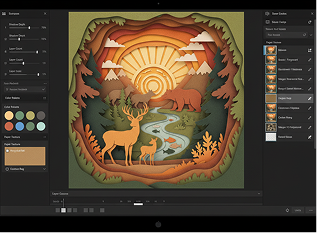
Adjust layer depth, change colors, modify textures, or recompose elements in a click. Achieve complex dimensional edits without manual cutting or digital layer management.

No Specialized Software

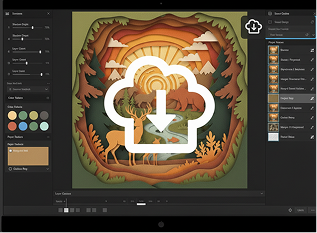
Everything works instantly in your browser. Save your layered projects to the cloud and continue creating from any device, anywhere.

Ready for Any Project

Pre-set formats and ratios for social media, book covers, merchandise, wall art, and presentations—optimized for both print and digital use.

From flat designs to dimensional depth

Stop settling for two-dimensional, generic visuals. Go from concept to a rich, layered papercut masterpiece in seconds. Design, layer, and export intricate illustrations with AI. Build a tactile, handcrafted aesthetic that tells a deeper story—without scissors, glue, or artistic bottlenecks.

Generated Image January 22, 2026 - 11_59AM 1.png
PROBLEM

Consistent dimensional style across all visual storytelling

A brand whose visuals feel flat and lifeless. When illustrations are created without depth, texture, or craft, the emotional and tactile connection is lost. Colors look digital, layers feel random, and the handcrafted charm of papercut art is missing. This makes your content forgettable, fails to engage audiences emotionally, and lacks the warmth of authentic craftsmanship.

Solution

The AI artisan that masters papercut precision. Define your color palette, layering style, and shadow depth. Our AI becomes your digital paper artist, applying authentic cut-out techniques, realistic shadows, and thoughtful layer composition to create illustrations that feel meticulously crafted, cohesive, and full of life. Every piece tells a story in layers.

PROBLEM

Handcrafted papercut art in minutes, not days—without the mess

Creating authentic papercut illustrations traditionally requires immense skill, patience, and physical materials. Hiring a paper artist is expensive and slow. Using basic digital filters results in flat, unconvincing imitations. Mastering the craft manually takes years. Producing professional, layered artwork becomes an inaccessible art form.

SOLUTION

A digital papercut studio in your browser. For free. Create gallery-worthy, depth-rich papercut illustrations in minutes—not weeks. Our tool eliminates the physical and technical barriers, making the beauty of handcrafted art accessible to every creator.

Generated Image January 22, 2026 - 12_02PM (1) 1.png
Generated Image January 22, 2026 - 12_08PM 1.png
PROBLEM

Fresh, layered concepts that stay on-style

Repeating the same simple illustrations leads to creative stagnation. How do you generate new scenes and concepts that are both original and maintain a cohesive papercut aesthetic? Predictable layouts lose impact. You need a way to explore complex, multi-layered storytelling while preserving the delicate, crafted feel of the style.

SOLUTION

AI as your in-house papercut storyteller. Generate hundreds of style-consistent variations—from adjusting layer depth and shadow intensity to exploring intricate scenes, detailed patterns, and thematic compositions. This tool becomes your endless source of dimensional inspiration, helping you build a library of artwork that feels tactile, thoughtful, and alive—always layered, always crafted.

How to create papercut-style illustrations

Creating intricate, layered papercut artwork doesn't need to be hard or complicated. Here is a short guide to get you started.

Placeholder image
1

Describe your scene or concept

Enter a text prompt like "papercut forest with animals in layers," "birthday card with floral depth," or "cityscape with sunset and silhouette layers." Be descriptive about mood, subjects, and depth.

Generated Image January 22, 2026 - 12_13PM (1) 1.png
2

Build layers, adjust shadows, and refine

Select your paper texture, color palette, and layer count. Fine-tune shadow depth, cut-out details, and overlapping elements in real time. Add or remove layers until the composition feels balanced and dimensional.

Generated Image January 22, 2026 - 12_21PM (2) 1.png
3

Export your crafted masterpiece

Preview your illustration with live depth and shadow effects, undo any edits instantly, then download as a high-resolution image—ready for print, web, or packaging with a handcrafted feel.

Where can you use the Generate Papercut Style Illustrations tool?

Whether it's for print design, digital storytelling, or brand identity — the applications are tactile, emotional, and visually rich. The tool adapts to projects that value craftsmanship, depth, and a handmade aesthetic.

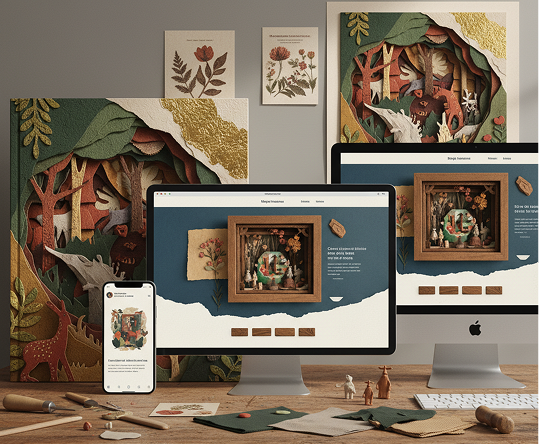
  • ✦ Print & Packaging Design – Create layered artwork for book covers, product packaging, greeting cards, and posters with a tangible, artisanal feel.
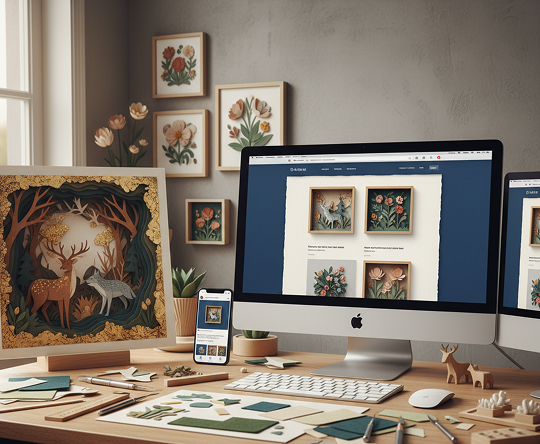
  • ✦ Digital Content & Branding – Generate visuals for websites, social media campaigns, and brand storytelling that stand out with depth and texture.
  • ✦ Editorial & Publishing – Illustrate articles, children’s books, and magazines with dimensional scenes that invite readers into the story.
Generated Image January 22, 2026 - 12_30PM 1.png

Tips for achieving the best results

The beauty of papercut art lies in thoughtful layers and subtle shadows. These tips will help you create illustrations that feel authentic and crafted.

  • ✦ Work with a cohesive color story – Choose 3–5 colors that work together across layers to maintain harmony and readability.
  • ✦ Vary layer density and spacing – Avoid overcrowding; use negative space and varied cut-out complexity to guide the eye and enhance depth.
  • ✦ Pay attention to shadow direction and softness – Consistent, subtle shadows are key to selling the illusion of physical layers.
Generated Image January 22, 2026 - 12_30PM (1) 1.png

How to download and use your papercut illustrations

Exporting your artwork is seamless and optimized for both digital and physical use. You keep full control over quality, detail, and adaptation—and can return to edit anytime.

  • ✦ Preview and refine your illustration in high resolution before finalizing—check layer separation and shadow consistency.
  • ✦ Download as high-resolution PNG or JPEG with preserved depth and color fidelity, ready for print or screen.
  • ✦ Save your project to revisit, adjust layers, or create complementary variations later—your crafted collection stays intact and editable.
Generated Image January 22, 2026 - 12_31PM 1.png
💬

Client Reviews

★★★★★

"Gave our children’s book the magical touch it needed.”

“We wanted illustrations that felt tactile and warm. This tool created stunning layered scenes with such depth and charm. Our young readers can almost feel the pages come to life.”

Elena

★★★★★

“Perfect for our boutique brand’s packaging.”

“We sell handmade teas and wanted packaging that reflected craftsmanship. The papercut illustrations generated were delicate, layered, and perfectly captured our artisanal spirit.”

Colin

★★★★★

“A game-changer for wedding and event designers.”

“Creating custom invitations and décor artwork used to take weeks. Now we design intricate, layered papercut-style motifs in minutes. Clients are consistently amazed.”

Sonya

★★★★★

“Elevated our nonprofit’s storytelling instantly.”

“Our campaign needed emotional, handcrafted visuals. The layered papercut art this AI created added warmth and depth that photos alone couldn’t achieve.”

Artemiy

★★★★★

“Saved our studio countless hours on editorial projects.”

“As illustrators, we’re often asked for papercut style but lack the physical setup. This tool lets us deliver authentic, layered artwork digitally—fast and flawless.”

Zlata

★★★★★

“Great tool as soon as you get used to it!”

“At first, getting the shadow and layering just right felt subtle, but after about 10 minutes of practice, everything clicked. Now I create beautiful papercut-style art for presentations and projects effortlessly.”

Mark

Best AI Tools All in One Place

OpenAI_logo.svg

GPT Image

AI image generation & editing

Sora 2Cinematic video generation
Google_2015_logo 1.svg

Imagen 4

Ultra-sharp images

Gemini 2.5 / 3.0Multimodal generation & editing
Veo 3.1Fast video + motion consistency
Logo_runway.svg

Gen 4

Best for consistent characters & video frame generations

AlephVideo editing & effects
Image_coffe.png
Midjorny.svg

MidJourney

Image generation & variations

Upscale / Outpaint / PanAdvanced editing tools
Logo_hailuo.svg

Hailuo 2 Pro

High-quality video animation

Logo_king.svg

Kling 2.5

v1, v1.5, v1.6, v2 video generation

Explore similar use cases

Generate Cyberpunk Concept Art

Make gritty, futuristic environments and characters

Generate Ukiyo-e Japanese Art Style

Turn prompts into traditional Japanese woodblock visuals

Generate Vaporwave Album Art

Design album covers in nostalgic vaporwave aesthetics

Generate Low-Poly 3D Art with AI

Prompt AI to output stylized low-poly environments or props

FAQs

Answers to common questions about using Phygital+ and editing images with AI.

How does Phygital+ create that authentic layered depth and shadow effect, not just a flat image?

-
The AI in Phygital+ is specifically trained to think in layers. It doesn't just create a single image; it constructs the scene by intelligently layering shapes and colors, then renders subtle, realistic drop shadows between those layers. This process mimics how real papercraft is made, giving your illustration an authentic sense of depth and a handcrafted feel.

Can I specify the color palette and the complexity of the layers in my illustration?

+

What's the best workflow in Phygital+ for creating a consistent series of papercut illustrations for a storybook?

+

Can I transform a photograph into the papercut style while preserving the composition?

+

How can I feature a consistent character across multiple papercut scenes in Phygital+?

+

Is the final illustration high-resolution enough for professional printing and animation?

+

Start for free

Create logos, mockups, and brand visuals in one place.