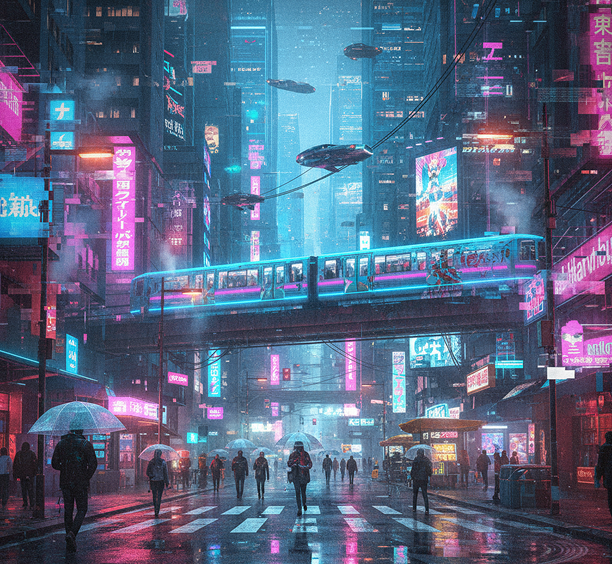
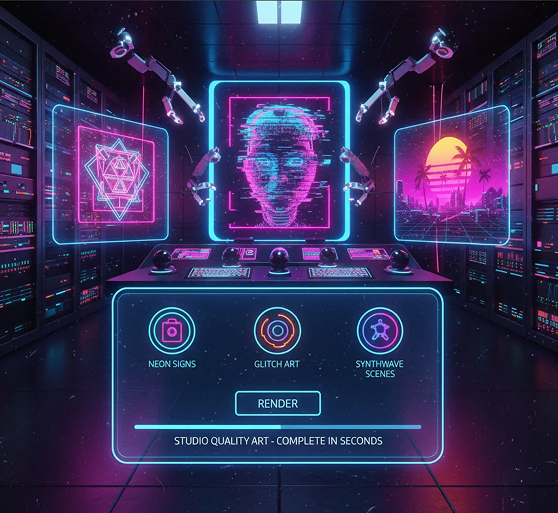
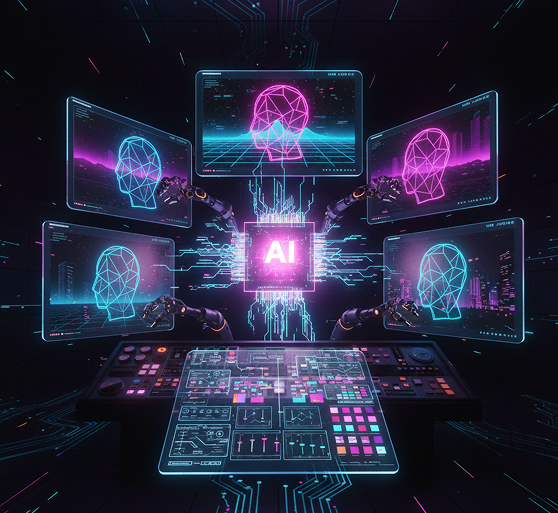
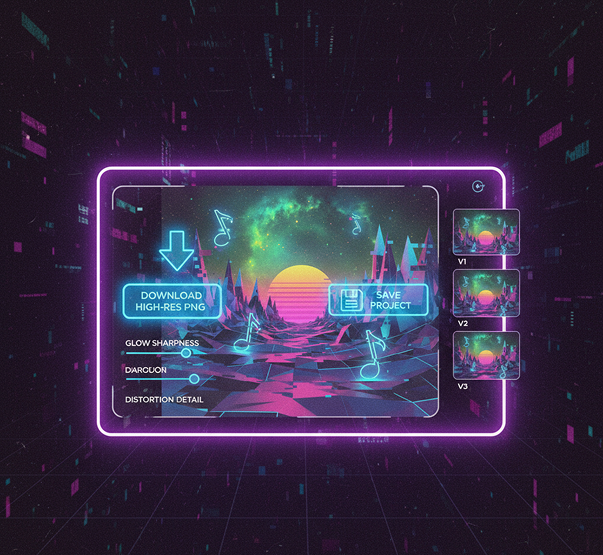
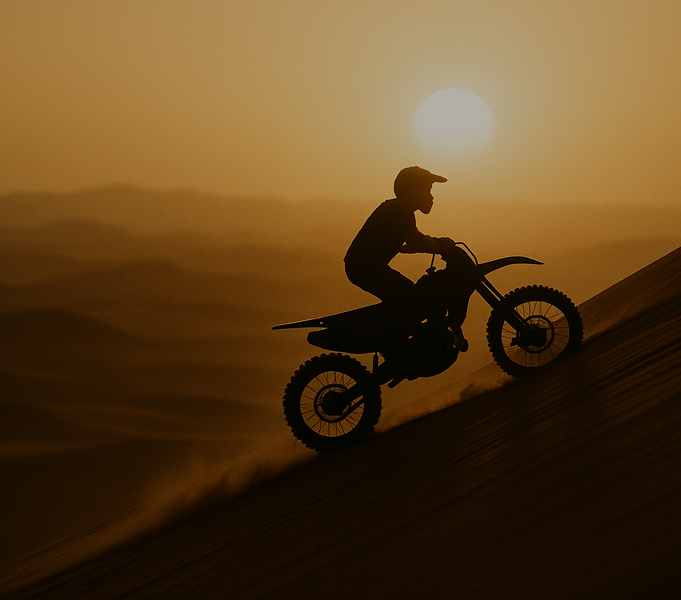
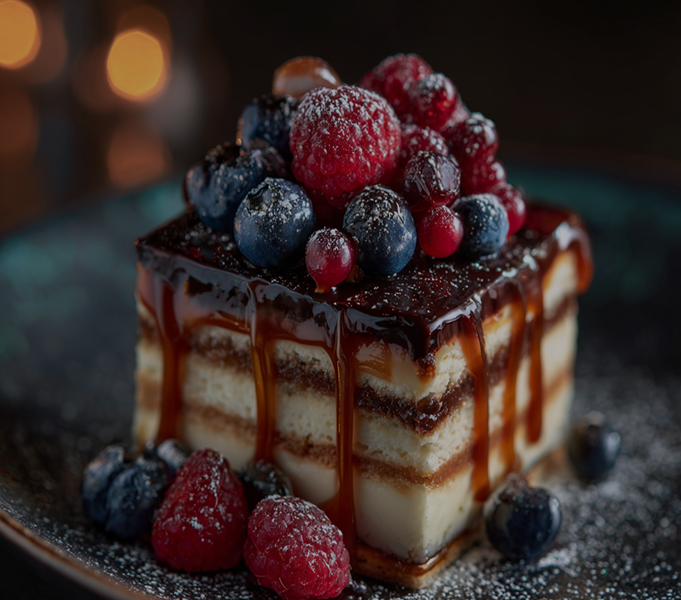
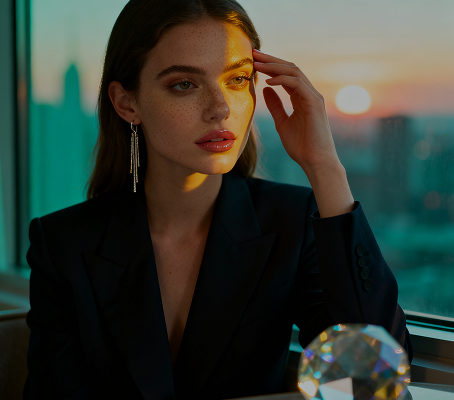
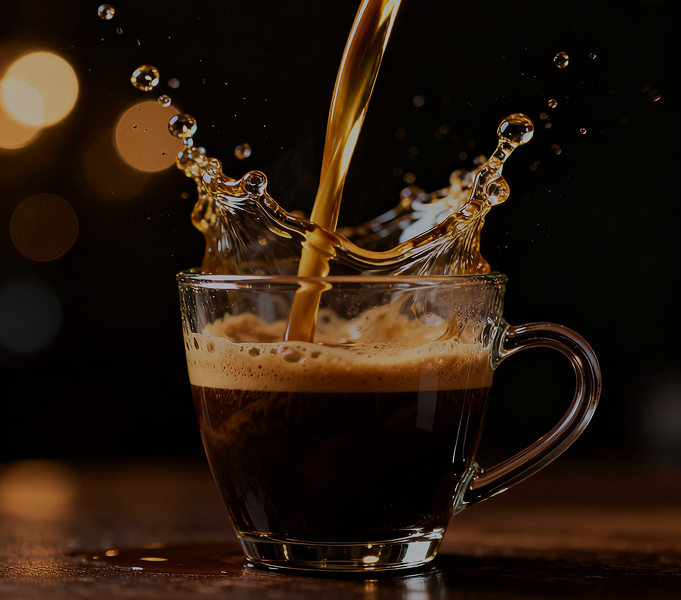
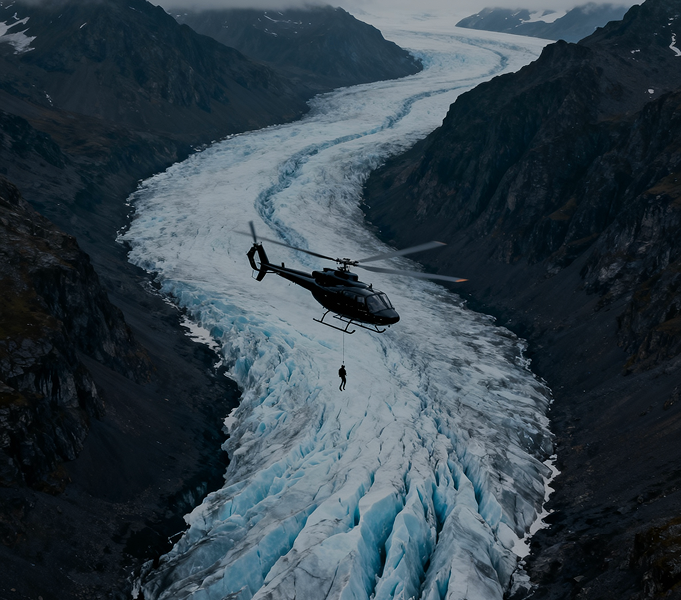
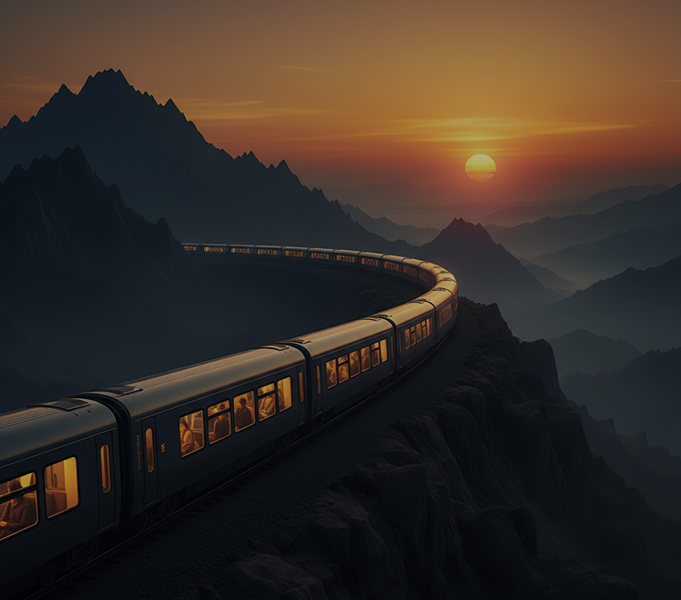
Generate neon, glitch, and synthwave visuals in seconds — without limits, downloads, or complicated editors. The AI Neon/Glitch Visuals Generator is built for designers, content creators, and digital artists who need striking, retro-futuristic graphics created instantly with authentic stylistic effects.
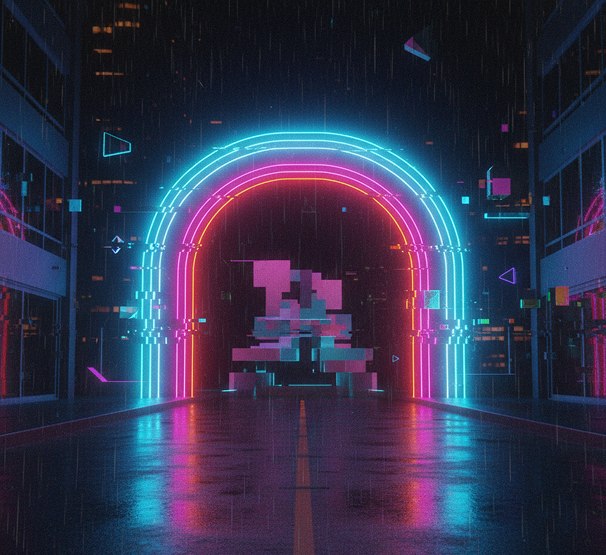
The AI understands retro-futuristic and digital distortion aesthetics. From vibrant neon lighting and authentic glitch effects to synthwave atmospheres and cyberpunk textures, it adapts the visual style to create high-impact, stylized graphics.
Generate entirely new, custom-designed visuals. Unlike simple photo filters or preset overlays, every glow, distortion, and color shift is authentically generated to capture the essence of neon, glitch, and synthwave art.
You own all generated visuals. Use them in music covers, social media, apparel, digital art, and promotional materials without copyright restrictions or licensing fees.
Export visuals in up to 4K resolution, with intense colors, sharp glitch details, and glowing neon effects, suitable for prints, digital displays, and large-format media.
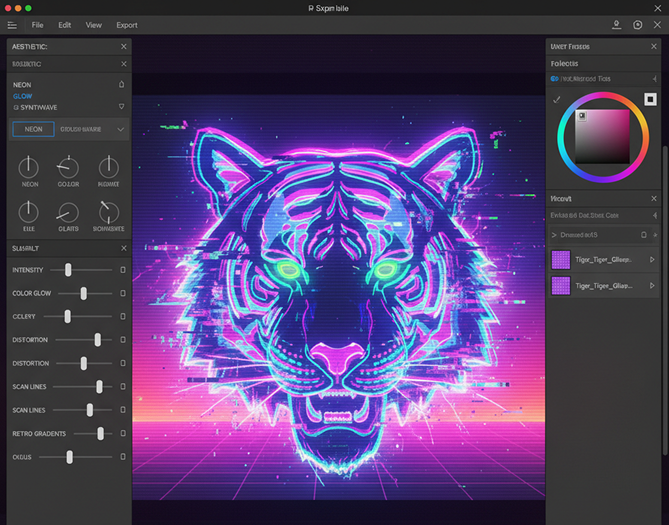
Create neon signs, glitch art, or synthwave scenes—adjust glow intensity, distortion level, color schemes, and retro effects in a click. No need for complex editing software or manual effect layering.
Everything works directly in your browser. Save your glitch and neon projects and access them from any device, anywhere.
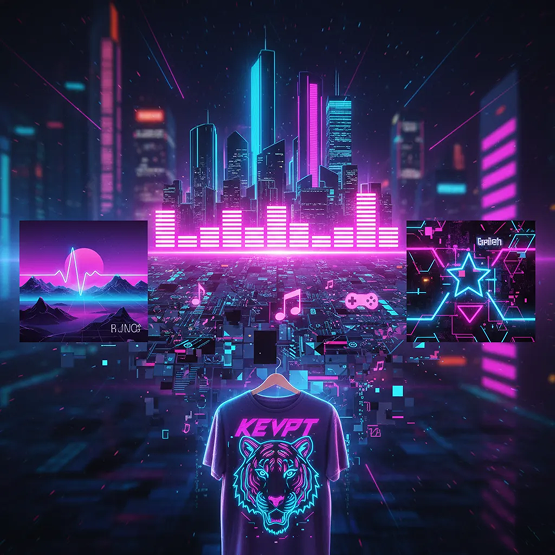
Download visuals optimized for social media, album covers, merchandise, event posters, and web design—with true-to-style neon glow and authentic glitch distortion.
Stop settling for safe, generic graphics. Go from concept to high-energy neon, glitch, or synthwave visuals in seconds. Create, disrupt, and electrify your designs with AI. Build a bold, memorable aesthetic—without complex software or artistic constraints.
A brand that plays it too safe visually. When edgy, stylized content is created inconsistently—some neon, some glitch, some plain—the aesthetic impact is diluted. Glow effects vary, distortion feels artificial, and the cyberpunk or synthwave vibe gets lost. This makes your content look amateurish instead of authentically underground or futuristic.
The AI designer that lives in the digital underground. Define your vibe—neon noir, glitchcore, synthwave, or vaporwave. Our AI becomes your visual FX artist, applying authentic glow, distortion, scan lines, and color grading to create visuals that feel cohesive, immersive, and true to the style. Every graphic pulses with consistent energy.
Creating authentic digital distortion and neon effects is typically complex and skill-intensive. Hiring a motion graphics artist is expensive. Using cheap filter apps results in tacky, low-quality effects. Mastering tools like After Effects takes time. Producing pro-level stylized graphics becomes a barrier.
A retro-futuristic design lab in your browser. For free. Create studio-quality neon signs, glitch art, and synthwave scenes in minutes—not weeks. Our tool eliminates the technical barrier, making high-impact digital art accessible to everyone.
Reusing the same glitch or neon template gets predictable. How do you keep generating visuals that feel fresh but still belong to your chosen aesthetic? Overused effects lose their edge. You need a way to explore new variations within neon, glitch, and synthwave—without breaking the vibe.
AI as your in-house digital alchemist. Generate hundreds of style-consistent variations—from adjusting glow colors and distortion patterns to blending aesthetics like neon-glitch or synthwave-cyberpunk. This tool becomes your endless source of retro-futuristic inspiration, helping you build a bold, evolving visual library—always electric, always distorted, always yours.
Creating striking neon, glitch, or synthwave art doesn't need to be hard or complicated. Here is a short guide to get you started.
Enter a text prompt like "neon cityscape at night," "glitch portrait with digital distortion," or "synthwave sunset with grid lines." Upload an image if you want to transform an existing photo with effects.
Select a primary aesthetic—neon, glitch, or synthwave—and adjust the intensity, color glow, distortion level, scan lines, or retro gradients in real time. Tweak until it looks authentically electric.
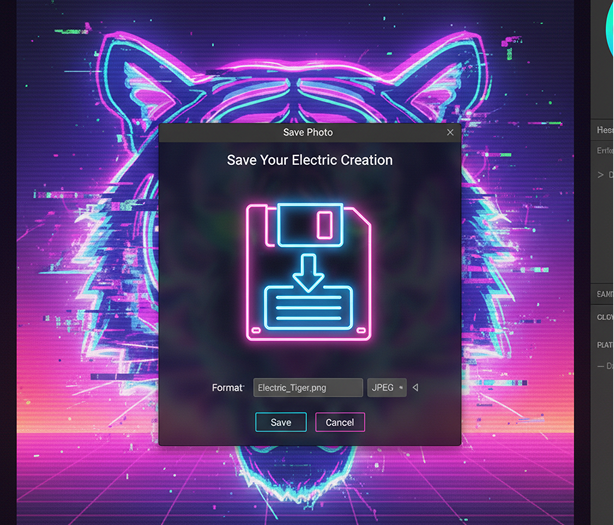
Preview your visual with live effects, undo any edits instantly, then download as a high-resolution image—ready for social media, posters, album art, or digital displays.
Whether it's for music, branding, or digital art — the applications are bold and immersive. The tool adapts to creative and commercial projects that thrive on high-energy, retro-futuristic aesthetics.
Authenticity and controlled chaos define great neon and glitch art. These tips will help you create visuals that feel genuine and impactful.
Exporting your art is seamless and ready for both screen and print. You keep full control over quality, format, and iteration—and can return to edit anytime.
"Gave our music project the exact edge we needed.”
“We’d been struggling to find cover art that matched our sound. This tool created a stunning neon-glitch visual in under a minute. Our Spotify and Bandcamp have never looked so cohesive.”
Leo
“A total game-changer for my Twitch channel.”
“Creating custom overlays and alerts with glitch effects used to take days. Now I can generate fresh, eye-catching visuals in minutes. My viewers love the retro-futuristic vibe.”
Riley
“Perfect for event posters that actually stand out.”
“I organize underground electronic nights, and generic flyers just don’t cut it. This AI creates authentic synthwave and neon art that captures the energy of our events perfectly.”
Maya
“Saved our indie game’s UI design.”
“We wanted a cyberpunk interface but lacked the VFX skills. This tool generated perfect neon icons and glitch backgrounds that integrated seamlessly into our game. Huge time-saver.”
Sam
“Exactly what my streetwear brand was missing.”
“Our aesthetic is all about digital distortion and neon nostalgia. This generator creates unique t-shirt and poster designs that feel authentic and on-brand every time.”
Jaden
“Great tool as soon as you get used to it!”
“At first, controlling the glitch intensity was tricky, but after about 10 minutes of experimenting, everything clicked. Now I create electric visuals for social media and presentations in seconds.”
Emma
Simple, colorful flat-style illustrations from text
Make gritty, futuristic environments and characters
Turn prompts into traditional Japanese woodblock visuals
Design album covers in nostalgic vaporwave aesthetics
Answers to common questions about using Phygital+ and editing images with AI.
You have precise stylistic control through your text prompts. Phygital+ is trained to understand the nuances of retro-futuristic aesthetics. You can specify "analog VHS tracking lines and color bleed," "digital datamoshing artifacts," "heavy chromatic aberration," or "a clean, vibrant synthwave neon glow." Your description directs the AI to create the exact authentic effect you're looking for.
For perfect consistency, you can establish a "Master Style Workflow" in Phygital+. By perfecting a core prompt with your specific color palette and stylistic keywords (e.g., "80s synthwave style with a pink and cyan grid"), you can use it as a template to generate a whole series of visuals—from logos to backgrounds—that all share the same iconic, on-brand look.
This is a core function of our platform. You can upload your existing logo or graphic into a Phygital+ workflow. Then, you use that image as an input for a new node and use a text prompt to describe the transformation, like "transform this into a flickering neon sign with a blue glow" or "apply a heavy, distorted glitch effect."
Yes, that's where the power of the Phygital+ ecosystem comes in. You can first generate your perfect static neon or glitch image. Then, you can seamlessly pipe that image into our AI Video Generator and use a prompt to describe the animation, such as "make the neon sign flicker on and off," or "add animated, rolling VHS scan lines."
Absolutely. The node-based system in Phygital+ is built for this kind of creative layering. You can have one node that generates your subject with a prompt like "a chrome 3D skull." Then, you feed that result into a second node with a prompt like "add a vibrant pink neon outline," and then a third node to "apply a subtle, analog glitch effect," giving you complete control over the final look.
Yes. Phygital+ is designed to produce high-resolution, professional-quality assets. The final images are generated with enough detail and clarity to be used for high-impact applications like album covers, concert posters, social media campaigns, and assets for livestreaming, ensuring your visuals look sharp and striking on any medium.
Create logos, roadmaps, and brand visuals in one place.