Generate Flat Vector Illustrations

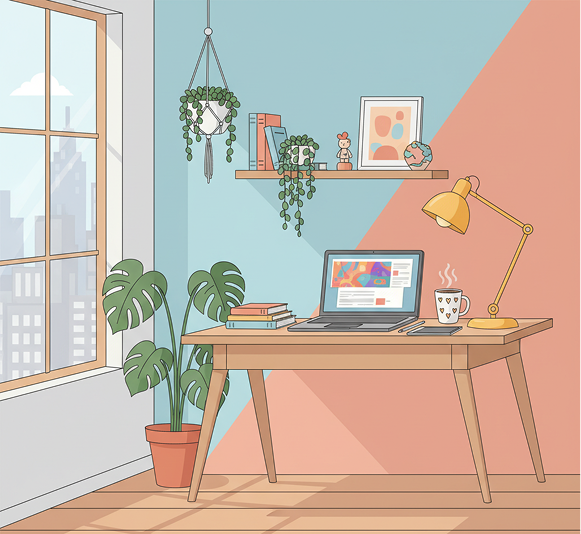
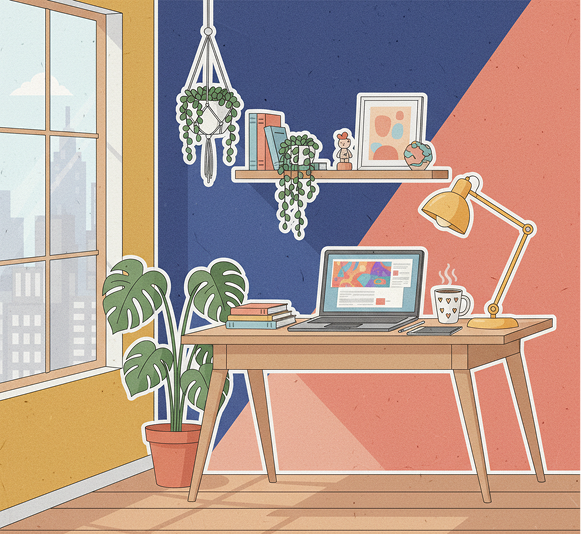
Generate flat vector illustrations in seconds — without limits, downloads, or complicated editors. The AI Flat Vector Illustration Generator is built for designers, content creators, and brands who need simple, colorful, and scalable illustrations created instantly from text descriptions.

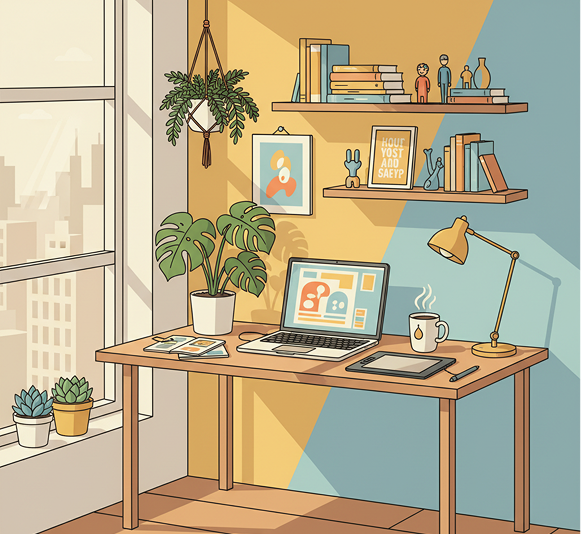
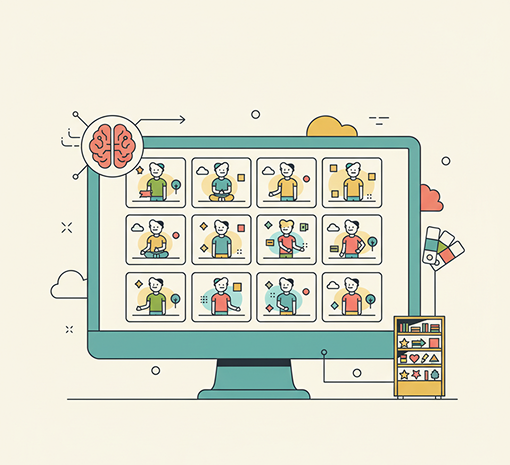
Generated Image January 20, 2026 - 2_37PM (3) 1.png
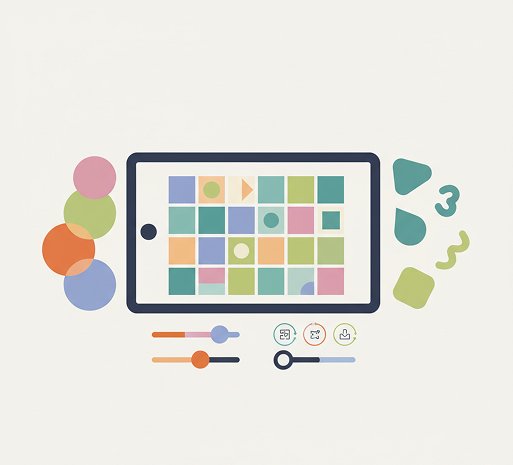
Generated Image January 20, 2026 - 2_37PM (2) 1.png
Generated Image January 20, 2026 - 2_37PM (1) 1.png
Generated Image January 20, 2026 - 2_37PM 1.png

Supported By

image (6).png

What is the Generate Flat Vector Illustrations tool?

Illustration Style Intelligence

The AI understands modern flat design principles. From minimalist characters and icons to complex scenes and infographics, it adapts the visual style to create clean, colorful, and scalable flat vector artwork based on your text description.

Beyond Basic Clip Art

Generate entirely new, custom flat vector illustrations. Unlike generic clip art or template libraries, every shape and color is generated from scratch to match your unique concept and brand aesthetic.

Commercial Rights & Full Ownership

You own all generated illustrations. Use them in websites, apps, presentations, merchandise, and marketing materials without copyright restrictions or licensing fees—ready for immediate commercial use.

Why should you use the Generate Flat Vector Illustrations tool?

Scalable Vector Quality

Export illustrations as infinitely scalable SVG files or high-resolution PNGs, meeting all requirements for web, print, and responsive design applications.

Generate & Customize Instantly

Create flat-style artwork from simple text prompts—modify colors, compositions, details, or styles in a click. No need for illustration software or manual vector drawing.

No Software Needed

Everything works directly in your browser. Save your illustration projects and access them from any device, anywhere.

Design & Platform Ready

Download illustrations in formats optimized for websites, social media, presentations, app interfaces, and print materials—with perfect flat-design styling.

From vague ideas to vibrant flat vector art

Stop struggling with generic stock art and mismatched visuals. Go from a simple text description to a polished, colorful flat vector illustration in seconds. Create, customize, and export on-brand artwork with AI. Build a cohesive and expressive visual library—without illustration bottlenecks.

Generated Image January 21, 2026 - 1_17PM 1.png
Problem

Consistent flat-design style across all visual content

A brand whose illustrations feel disjointed and off-style. When graphics for websites, apps, and marketing are sourced from different artists or stock sites, the flat-design aesthetic becomes inconsistent. Colors clash, line weights vary, and visual simplicity is lost. This creates a fragmented brand experience that looks unprofessional and confuses your audience.

Solution

The AI illustrator that masters flat design principles. Upload your brand palette and style references, or describe your vision in plain text. Our AI becomes your digital illustrator, automatically generating flat vector art that adheres to your color scheme, simplicity, and modern aesthetic. Every illustration is 100% aligned with your brand's visual language.

Problem

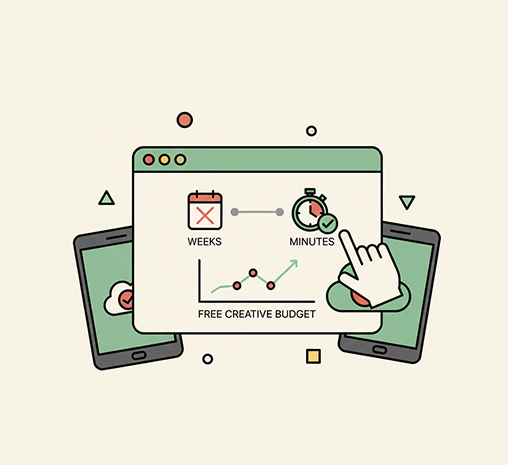
Custom illustrations in minutes, not weeks—without hiring an illustrator

Commissioning custom flat vector art is slow and expensive. Hiring freelance illustrators involves lengthy briefs, revisions, and high costs. Using disparate stock assets leads to a mismatched, generic look. Creating clean, scalable flat illustrations manually requires specialized skill and time. Building a unique illustration set becomes a major project expense.

Solution

A professional illustration studio in your browser. For free. Create beautiful, brand-consistent flat vector illustrations in minutes—not weeks. Our tool eliminates the cost and delay of custom illustration, freeing your creative budget and accelerating your project timelines.

Generated Image January 21, 2026 - 1_29PM 1.png
Generated Image January 21, 2026 - 1_30PM 1.png
Problem

Fresh, on-brand illustrations that capture attention

Reusing the same visuals leads to creative stagnation. How do you continuously generate new illustrations that are both unique and perfectly aligned with your flat-design style? Generic or repetitive imagery fails to engage. You need a scalable source of original artwork that supports your content without breaking visual consistency.

Solution

AI as your in-house vector artist. Generate hundreds of style-consistent illustration variations—from adjusting color schemes and compositions to exploring different scenes, characters, and concepts. This tool becomes your endless source of flat-design inspiration, helping you build a versatile, scalable illustration library that grows with your brand—always on-style, always vibrant.

How to create flat vector illustrations

Creating custom flat vector artwork doesn't need to be hard or complicated. Here is a short guide to get you started.

PROMT
1

Describe your illustration idea

Enter a text prompt describing the scene, object, or concept you want—like "a team collaborating on a laptop" or "a minimalist mountain landscape at sunset." Use simple, clear language for best results.

Generated Image January 21, 2026 - 1_43PM 1.png
2

Choose a style and refine

Select a flat illustration style: minimalist, playful, geometric, or modern. Adjust colors, shapes, composition, and level of detail in real time. Generate variations or fine-tune elements until it matches your vision.

Download .zip
3

Export and use your illustration

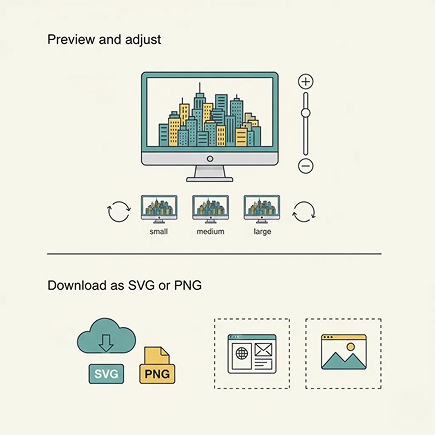
Preview your vector artwork, undo any changes instantly, then download as SVG for full scalability or as PNG for ready-to-use graphics—perfect for digital and print.

Where can you use the Generate Flat Vector Illustrations tool?

Whether it's for digital content, branding, or publishing — the applications are versatile and visually engaging. The tool adapts to modern design workflows, whether you're enhancing a website or building a visual identity.

  • ✦ Websites & App Design – Create custom illustrations for hero sections, feature graphics, onboarding screens, and UI elements.
  • ✦ Marketing & Social Media – Generate eye-catching visuals for social posts, ad campaigns, email newsletters, and presentation decks.
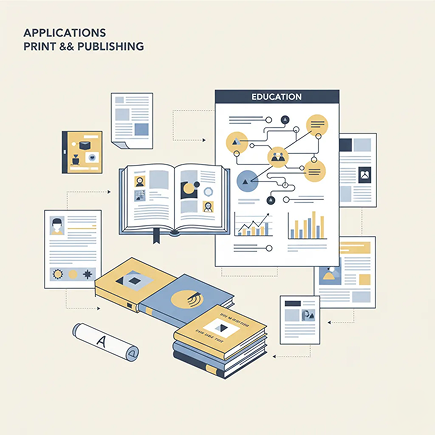
  • ✦ Print & Publishing – Design book illustrations, editorial graphics, infographics, and educational materials in a clean, flat style.

Tips for achieving the best results

Clarity and simplicity are at the heart of flat design. These tips will help you create crisp, effective illustrations every time.

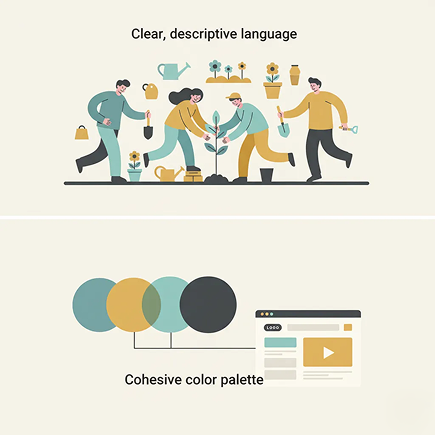
  • ✦ Use clear, descriptive language in your prompts – Mention key objects, actions, and moods (e.g., "a joyful team planting a tree").
  • ✦ Stick to a cohesive color palette – Limit your colors to 3–5 hues for a clean, modern look that aligns with your brand.
  • ✦ Embrace negative space – Let your illustrations breathe; simplicity often communicates more effectively than complexity.

How to download and use your flat vector illustrations

Exporting your artwork is straightforward and production-ready. You retain full control over format, quality, and usage—and can return to edit anytime.

  • ✦ Preview and adjust your illustration before finalizing—test how it looks at different sizes.
  • ✦ Download as SVG for infinite scalability and easy editing in vector software, or as PNG for immediate use.
  • ✦ Save your project to revisit, create alternate versions, or generate new illustrations later—your artwork is always stored and accessible.

Client Reviews

★★★★★

"Transformed how we illustrate our blog and website.”

“We used to spend hours searching for the right stock art. Now we generate perfect, on-brand flat illustrations in seconds. Our content looks cohesive and professional.”

Daniel
★★★★★

“A game-changer for non-designers like me.”

“As a content creator, I need visuals but have zero design skills. This tool lets me type what I imagine and get beautiful, colorful illustrations. It’s magical and so easy.”

Sofia
★★★★★

“Perfect for our startup’s branding.”

“We needed a unique visual style but couldn’t afford an illustrator. This AI created a whole set of flat graphics that define our brand. Clean, modern, and completely ours.”

Lion
★★★★★

“Saved our team countless hours on presentation design.”

“Creating custom slides used to take forever. Now we describe the concept and get a ready-to-use vector illustration in under a minute. Our decks have never looked better.”

Kim
★★★★★

“Ideal for educators and course creators.”

“Making engaging lesson materials is so much easier with custom flat illustrations. Students connect with the visuals, and I can tailor them to any topic instantly.”

Moris
★★★★★

“Great tool as soon as you get used to it!”

“At first, writing effective prompts felt a bit new, but after about 10 minutes of practice, everything clicked. Now I create custom flat illustrations for projects effortlessly.”

Nina
+

Best AI Tools All in One Place

Image_moto.png
OpenAI_logo.svg
GPT Image AI image generation & editing
Sora 2 Cinematic video generation
Image_tort.png
Google_2015_logo 1.svg
Imagen 4 Ultra-sharp images
Gemini 2.5 / 3.0 Multimodal generation & editing
Veo 3.1 Fast video + motion consistency
Image_girl.png
Logo_runway.svg
Gen 4 Best for consistent characters & video frame generations
Aleph Video editing & effects
Image_coffe.png
Midjorny.svg
MidJourney Image generation & variations
Upscale / Outpaint / Pan Advanced editing tools
Image_vert.png
Logo_hailuo.svg
Hailuo 2 Pro High-quality video animation
Image_train.png
Logo_king.svg
Kling 2.5 v1, v1.5, v1.6, v2 video generation
+

Explore similar use cases

Generate Papercut Style Illustrations

Layered, depth-rich illustrations with a handcrafted look

Generate Duotone Posters with AI

Bold color-scheme poster visuals from simple text prompts

Generate Watercolor Portrait with AI

Upload a photo and get a stylized watercolor portrait

Generate Isometric Assets with AI

Create isometric illustrations for games or web projects

+

FAQs

Answers to common questions about using Phygital+ and generating assets.

Does this tool generate a true, editable vector file (SVG), or is it just a flat-style PNG image?

How can I ensure the illustrations match my brand's specific color palette and visual style?

How specific can my prompts be? Can I describe complex scenes with characters and actions?
What is the best workflow in Phygital+ for creating a series of 10+ illustrations for a website or blog post?
Are the exported SVG files clean and easy to edit in software like Adobe Illustrator or Figma?

I'm not a professional designer. Can I still get high-quality results?

Start for free

Create logos, roadmaps, and brand visuals in one place.