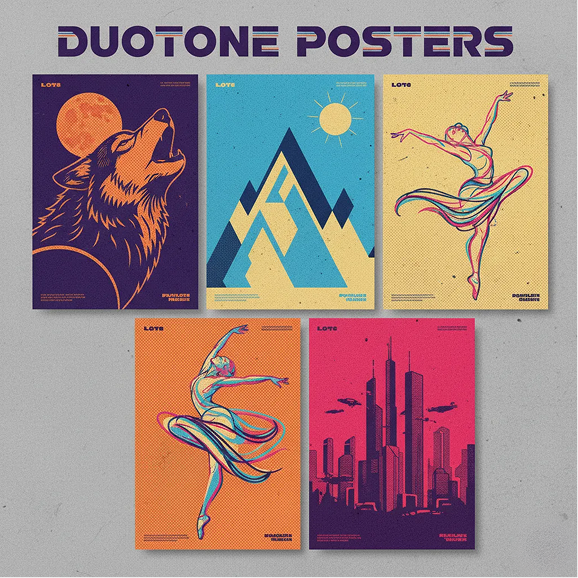
Generate Duotone Posters with AI

Generate duotone posters in seconds — without limits, downloads, or complicated editors. The AI Duotone Poster Generator is built for designers, event organizers, and content creators who need bold, color-themed poster visuals created instantly from simple text prompts.

P+
New Project / Poster Series Generator
Source Concept
Prompt

Generate Duotone Posters ..

System Ready
AI_MODEL_V2
Supported by:image (6).png

What is an AI Duotone Poster Creator?

Color Scheme Intelligence

The AI understands duotone color theory. From vibrant complementary pairs to subtle tonal gradients, it crafts the perfect two-color palette based on your description.

Beyond Basic Templates

Generate entirely original poster artwork. Unlike static templates, every design is generated from scratch to match your unique text prompt and vision.

Full Commercial Rights

You own the final poster design. Use it for prints, digital media, social content, and promotional materials with complete copyright freedom.
✨

Why should you use the AI Duotone Poster Generator?

High Resolution

Export in print-ready resolutions up to 3000×4500px, perfect for posters, digital displays, and large-format printing.

Edit Instantly

Adjust colors, refine contrasts, or experiment with new duotone pairs in a click. No complex design software needed.

No Software

Create entirely in your browser. Save your projects to the cloud and continue editing from any device, anywhere.

Platform Ready

Pre-optimized formats for social media (Instagram, Twitter), digital ads, presentation slides, and professional print layouts.

From Chaotic Designs to Harmonious Duotone Style

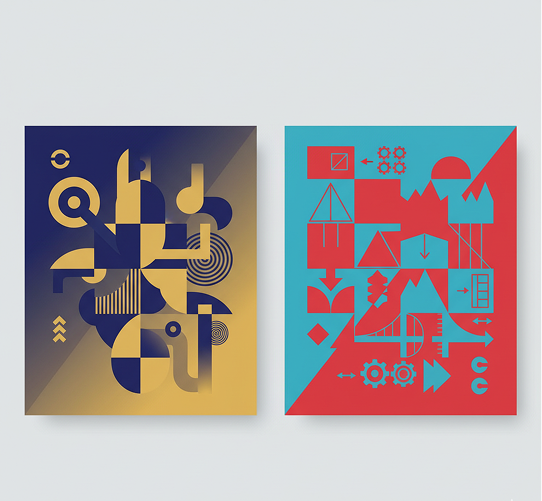
No more visual chaos. Transform a simple text prompt into a finished, bold poster in seconds. Generate, refine, and adapt stunning duotone visuals with AI. Build a strong, cohesive visual identity for any project without design obstacles.

Generated Image January 22, 2026 - 12_16PM (1) 1.png
PROBLEM

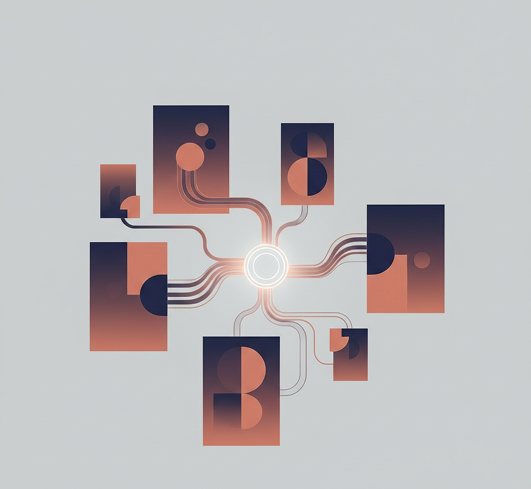
Inconsistent Visual Language

A portfolio or campaign that looks like a patchwork quilt. When posters are created sporadically or by different people, the visual style becomes inconsistent. Color schemes, contrasts, and compositional balance don't align, making the overall presentation look unprofessional and failing to create a memorable impact. This weakens brand recognition and audience trust.

Solution

Your AI-Powered Design Director. The tool that masters your color palette. Define your core duotone scheme or select inspiration. Our AI becomes your dedicated design director, automatically applying principles of balance, contrast, and harmony to every generated poster. Each creation will be 100% coherent with your defined visual DNA.

PROBLEM

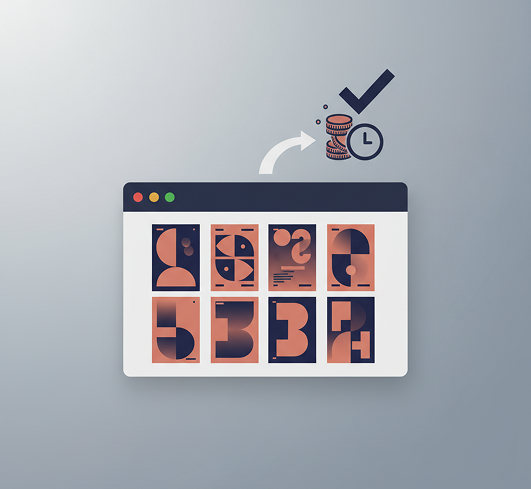
High Costs, Slow Turnaround

Professional poster design is expensive and time-consuming. Commissioning from a studio requires significant budget and lead time. DIY attempts in complex software take hours and often lack polish. What should be a quick creative task turns into a logistical headache.

SOLUTION

A Full-Service Design Studio in Your Browser. Instantly. Create striking, print-ready duotone posters in minutes, not weeks and without the high costs. Our tool reduces the expense of custom visual design to zero, preserving your most valuable resources: time and budget.

Generated Image January 22, 2026 - 12_09PM 1.png
Generated Image January 22, 2026 - 12_13PM (3) 2.png
PROBLEM

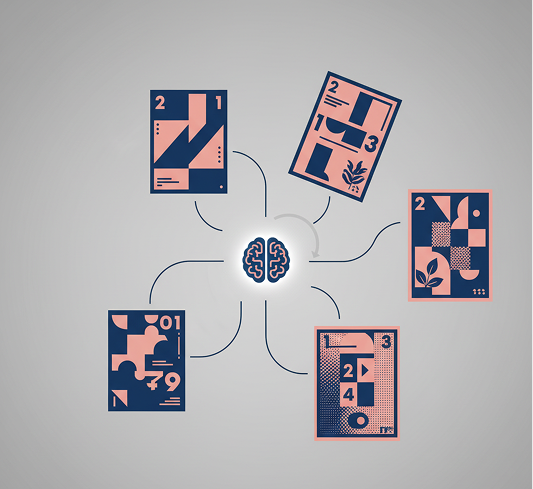
The Need for Fresh, Engaging Visuals

Creative block in visual design. How do you consistently produce posters that stand out and captivate? Relying on the same old styles leads to diminishing impact and audience fatigue. You need innovative ideas that stay on-brand yet break through the noise.

SOLUTION

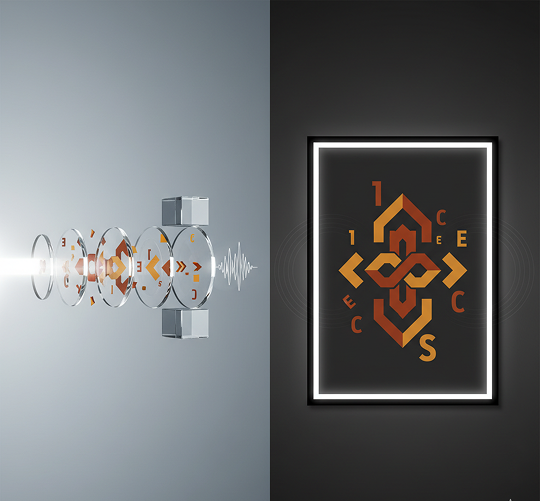
AI as Your Creative Partner. Generate hundreds of unique visual variations from a single prompt: from shifting color dominance and layout to exploring unexpected thematic accents and contemporary graphic trends. The tool serves as an endless source of inspiration, proposing fresh concepts that work within your bold duotone framework to continuously engage your audience.

âš¡

How to Generate Duotone Posters Online

Creating a striking duotone poster is simple and intuitive. Here is a quick guide to get you started.

Prompt
1

Define Your Vision

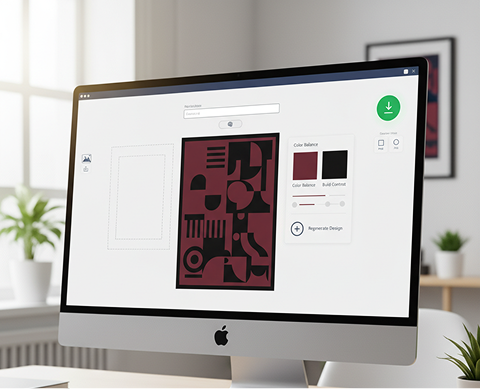
Enter your text prompt describing the poster you want. If you need inspiration, use our AI to help refine your idea. Optionally, upload a reference image for style or composition.

Generated Image January 22, 2026 - 12_21PM (1) 1.png
2

Refine Your Palette and Style

Need bolder contrast? A specific two-color scheme? Use our tools to fine-tune the colors, adjust the balance between them, and select the visual style. You can regenerate the design or edit it as much as you want.

Download...
3

Finalize and Export

See all changes in real-time, with the freedom to undo anything instantly. When perfect, download your high-resolution poster in multiple formats, ready for print or digital use.

Where can you use the AI Duotone Poster Generator?

Whether it's for marketing campaigns, event promotions, or personal art projects — the applications are diverse. The AI generator adapts to your creative needs, whether you're establishing a visual theme or producing a series of branded materials.

  • ✦ Generate duotone posters for marketing, client work, and artistic portfolios.
  • ✦ The AI adapts to your workflow: from defining a visual identity to executing a full campaign.
  • ✦ Create bold duotone visuals for any purpose, from branding to final asset production.
Generated Image January 22, 2026 - 12_33PM 1.png

Tips for achieving the best results

Precise inputs lead to powerful visual outputs. These tips will help you craft effective prompts and refine your posters for maximum clarity and impact. Whether you're creating for personal expression or a professional deliverable.

  • ✦ Clear, descriptive prompts yield the most coherent and striking duotone designs.
  • ✦ Fine-tuning the color balance and contrast is key to a polished, professional result.
  • ✦ Strategic refinement of your AI-generated poster significantly enhances its effectiveness.
Generated Image January 22, 2026 - 12_34PM (1) 1.png

How to download and use your poster

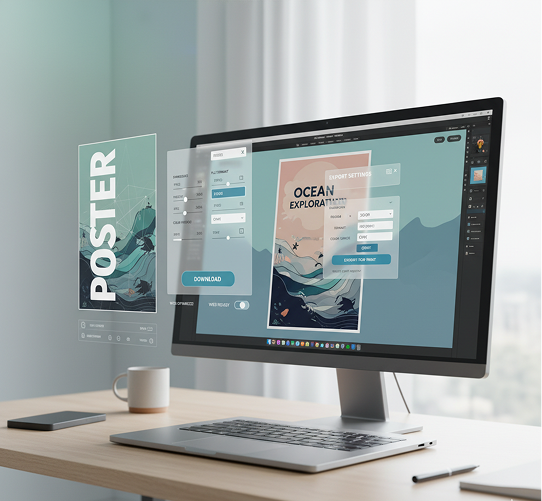
Exporting your final poster is straightforward and versatile, whether you're sharing digitally or preparing for print. You have full control over dimensions, file format, and color profile. Your project is saved, allowing you to return and make further adjustments anytime.

  • ✦ Download your poster, with full control over resolution, format, and color settings.
  • ✦ Save multiple versions and adjust the image using the built-in editor.
  • ✦ Finalize your design by configuring output parameters flexibly, without losing your edit history.
Generated Image January 22, 2026 - 12_40PM 1.png
💬

Client Reviews

★★★★★

A Non-Designer's Dream

"I have zero graphic design skills, but needed professional posters for a local event. This tool made it possible. After a quick learning curve, I was generating bold, eye-catching posters from simple descriptions. It felt like magic."

Jordan

★★★★★

The Creative Shortcut I Needed

"Generating visuals for client mood boards used to take me hours. Now, I just type in a concept and get a perfect duotone poster in seconds. It's not just a tool; it's my new creative workflow."

Maya

★★★★★

Brand Consistency, Solved

"Keeping our social media visuals cohesive was a constant struggle. This AI has become our unofficial brand guardian. Every poster follows our exact two-color scheme, creating a stunning and unified feed effortlessly."

Pavel

★★★★★

Prompting is the New Skill

"The key is learning to write effective prompts. Once I mastered describing the vibe—like 'cinematic and moody' or 'energetic and vibrant'—the AI delivered exactly the bold, thematic posters I imagined. Incredibly powerful."

Sam

★★★★★

From Blank Page to Brilliant Poster

"As a marketer, my biggest hurdle is starting the design process. This AI eliminates the blank page anxiety. I input a campaign tagline, and it gives me multiple stunning visual directions to choose from instantly."

Jeremy

★★★★★

My Go-To for Impact

"For presentations, social posts, or event flyers, this is now my first stop. The duotone style gives everything a modern, artistic edge that stands out. It’s fast, it’s powerful, and the results speak for themselves."

Taya

✨

Best AI Tools All in One Place

OpenAI_logo.svg

GPT Image

AI image generation & editing

Sora 2Cinematic video generation
Google_2015_logo 1.svg

Imagen 4

Ultra-sharp images

Gemini 2.5 / 3.0Multimodal generation & editing
Veo 3.1Fast video + motion consistency
Logo_runway.svg

Gen 4

Best for consistent characters & video frame generations

AlephVideo editing & effects
Image_coffe.png
Midjorny.svg

MidJourney

Image generation & variations

Upscale / Outpaint / PanAdvanced editing tools
Logo_hailuo.svg

Hailuo 2 Pro

High-quality video animation

Logo_king.svg

Kling 2.5

v1, v1.5, v1.6, v2 video generation

âš¡

Explore similar use cases

Generate Papercut Style Illustrations

Layered, depth-rich illustrations with a handcrafted look

Generate Watercolor Portrait with AI

Upload a photo and get a stylized watercolor portrait

Generate Isometric Assets with AI

Create isometric illustrations for games or web projects

Generate Flat Vector Illustrations

Simple, colorful flat-style illustrations from text

✦

FAQs

Answers to common questions about using Phygital+ and editing images with AI.

How do I control the specific colors used in the duotone effect? Can I use my brand's exact hex codes?

-
You have complete and precise color control. Within your Phygital+ text prompt, you can specify the exact two colors you want to use for the highlights and shadows. You can describe them (e.g., "a duotone in vibrant yellow and deep navy blue") or, for perfect brand alignment, you can use your specific hex codes directly in the prompt.

Can I apply the duotone effect to my own photograph, or does it only work on AI-generated images?

+

What's the best workflow in Phygital+ for creating a consistent series of duotone posters for an event or campaign?

+

What's the main advantage of generating duotone art in Phygital+ compared to using a simple filter or plugin?

+

How should I handle typography? Does Phygital+ add the text, or should I leave space for it?

+

Is the final poster high-resolution and suitable for professional printing?

+

Start for free

Create logos, mockups, and brand visuals in one place.