Free AI Pet Portrait Generator

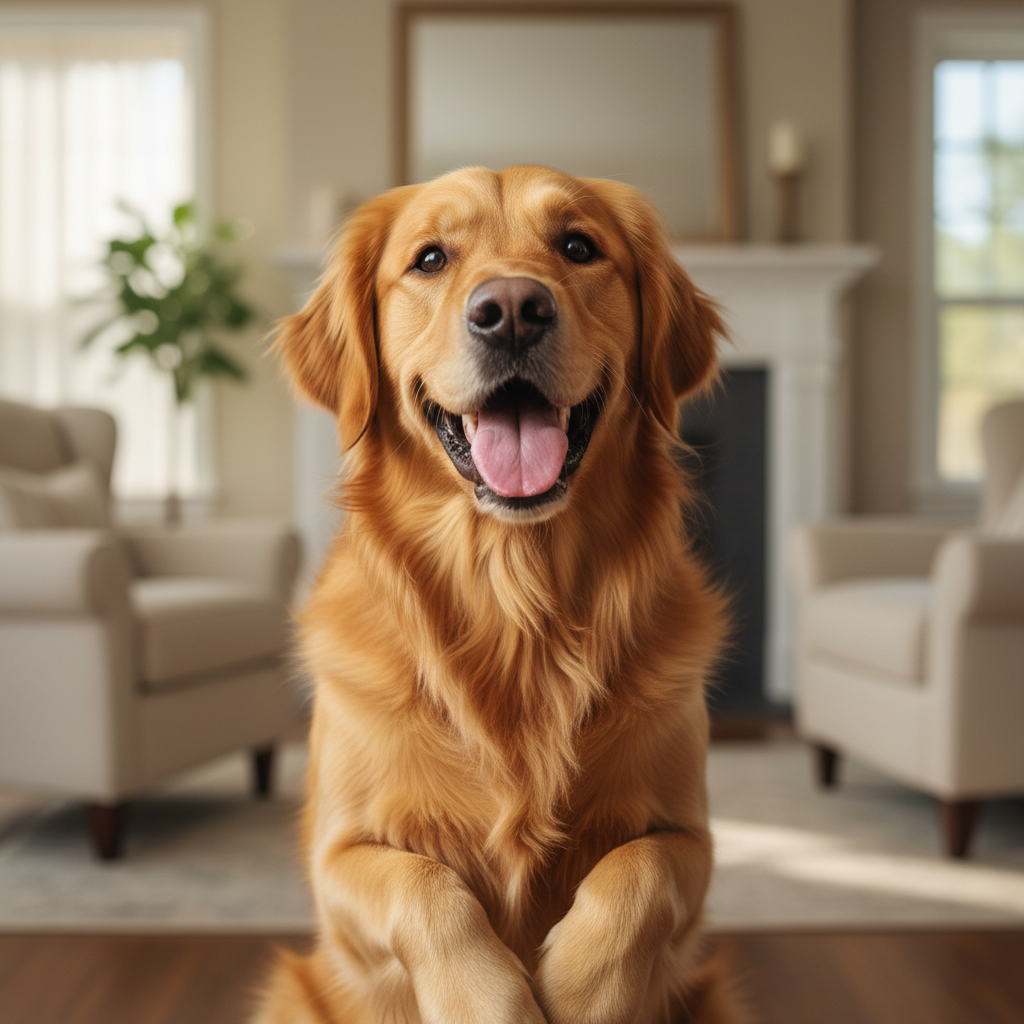
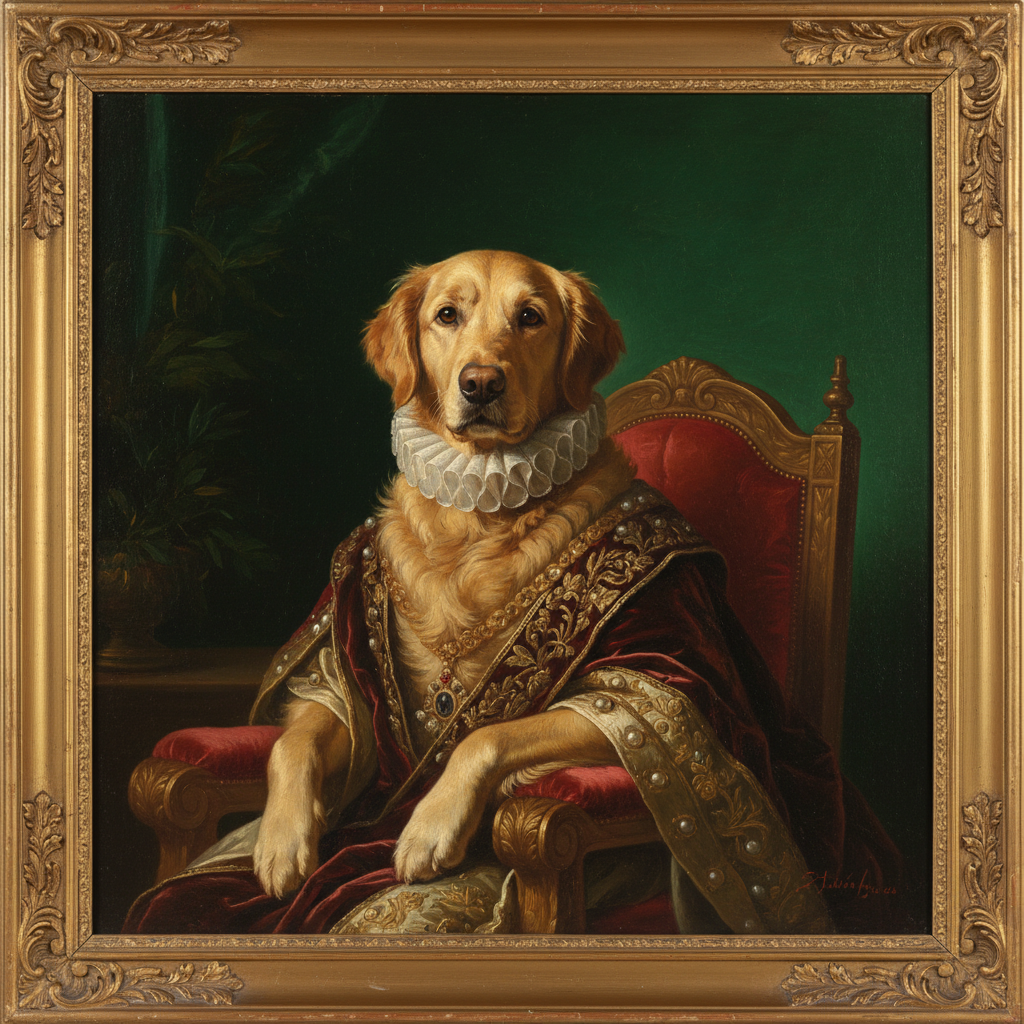
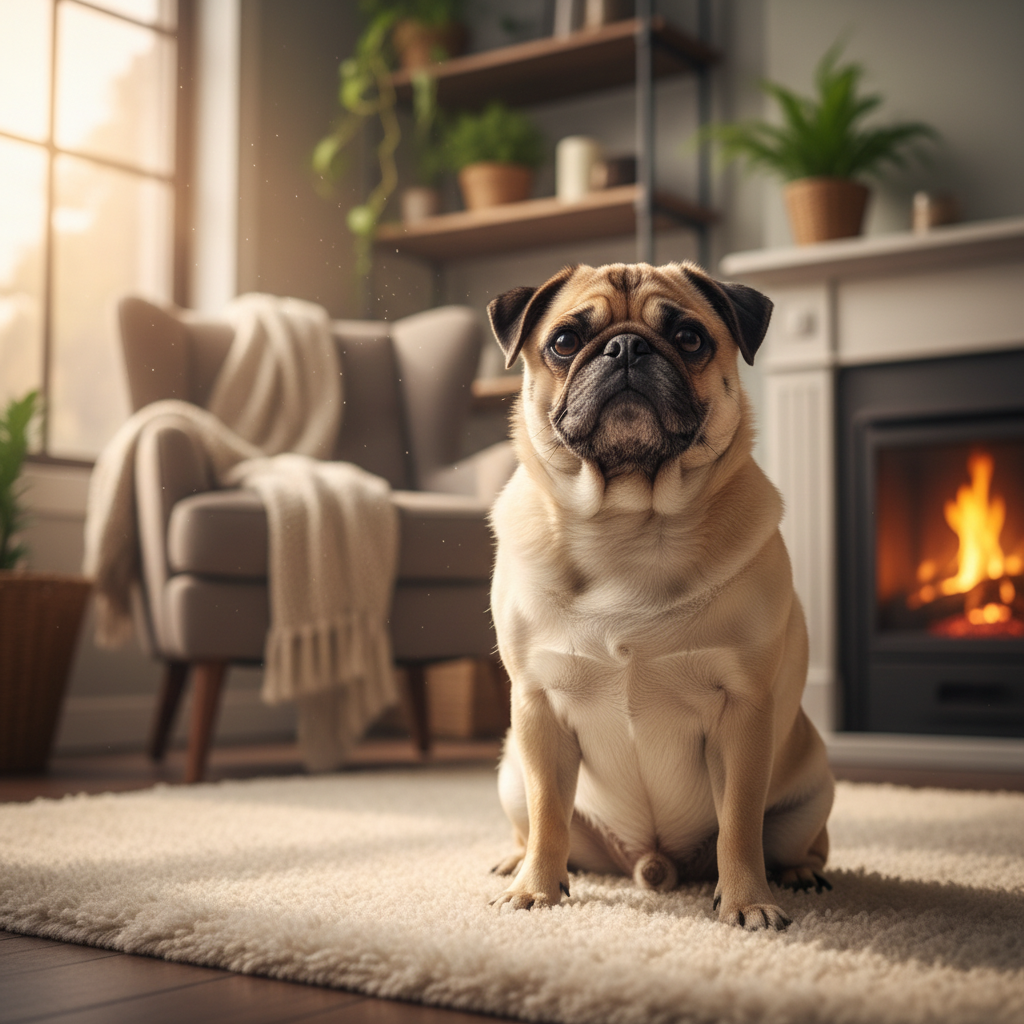
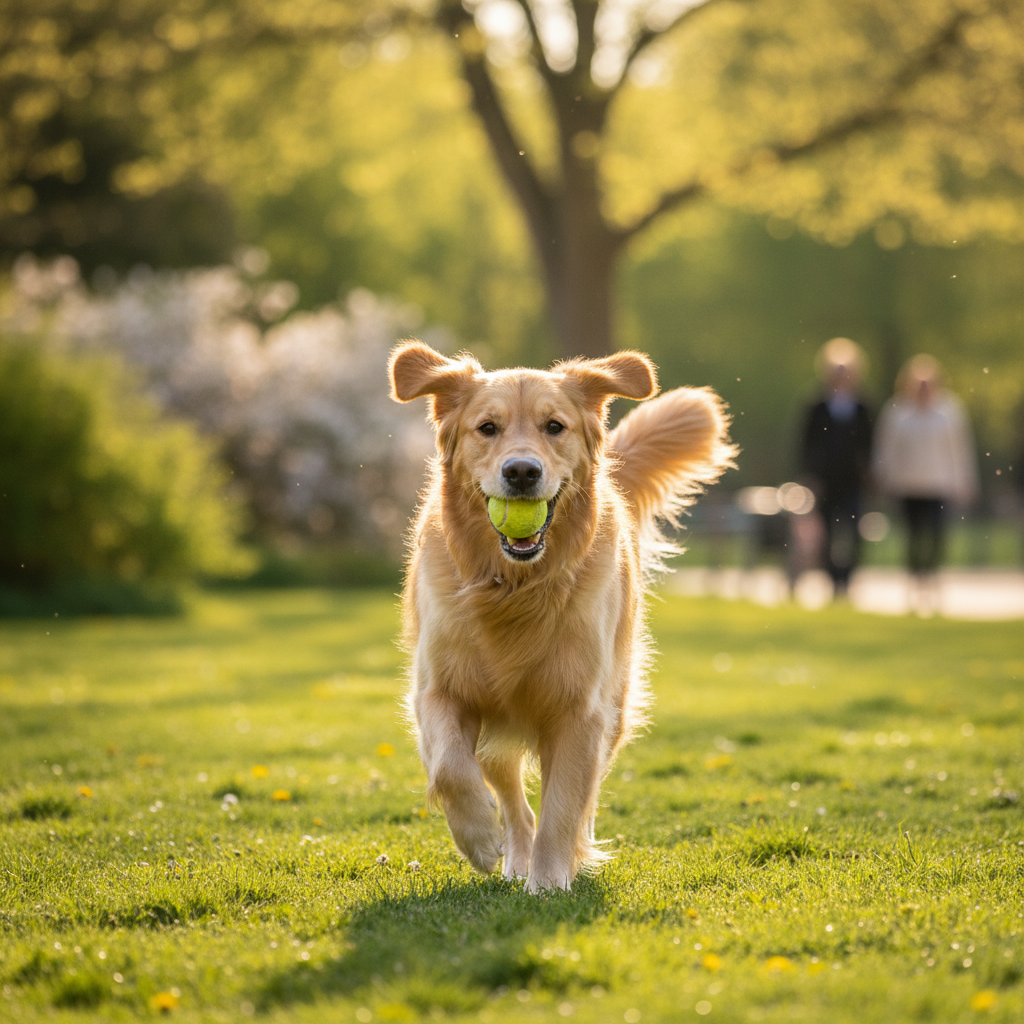
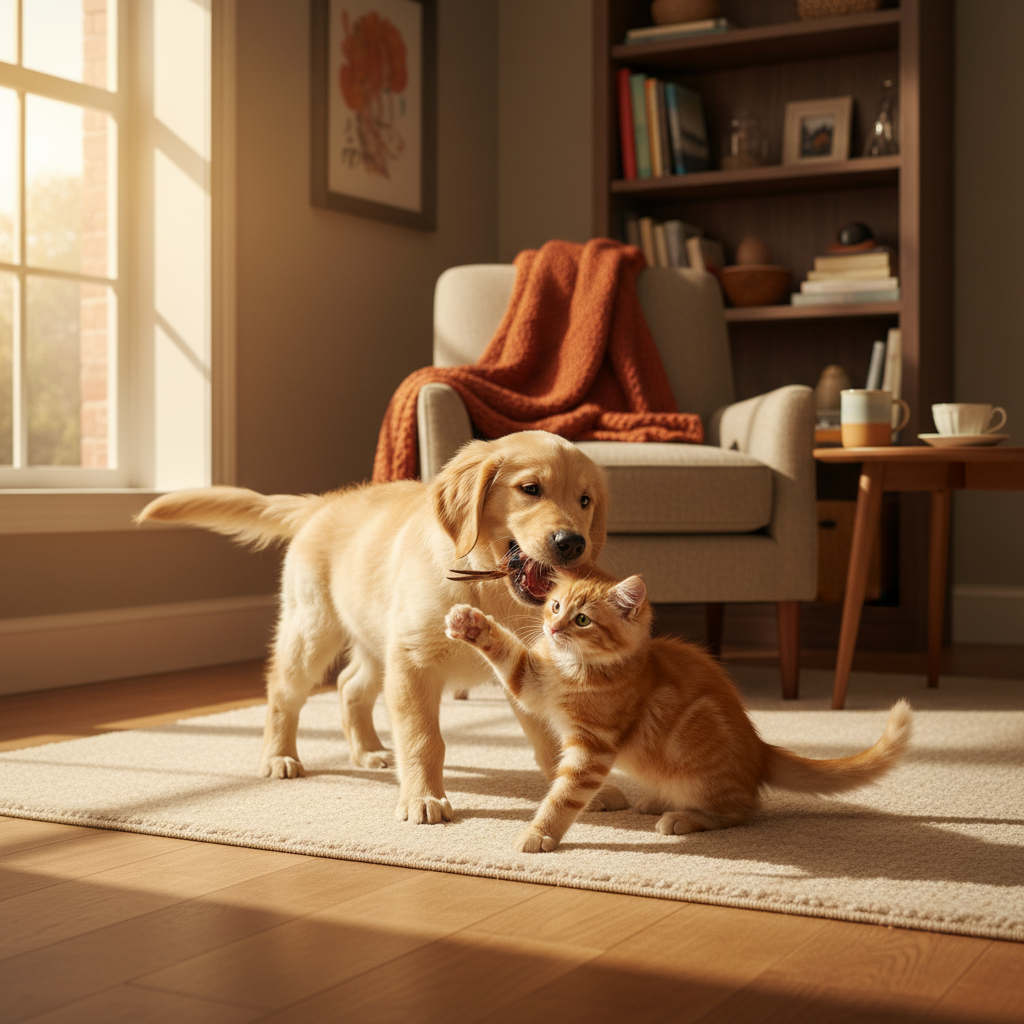
Turn pet snapshots into masterpieces online in seconds — without apps, downloads, or complicated sliders. Phygital+ AI pet editor was made for pet owners, creative groomers, and anyone who needs precise, artistic adjustments in a few clicks. Whether you're refining a puppy portrait, retouching fur, or fixing a client photo for print, this tool gives you total control.

Fantastic result
Audio
🎶
Text
Aa
Video
▶️
SORA
Midjourney
Text
Aa
Video
▶️
Image
Audio
🎵
3D
Franky
Charlie
P+
Your project
Original
Prompt

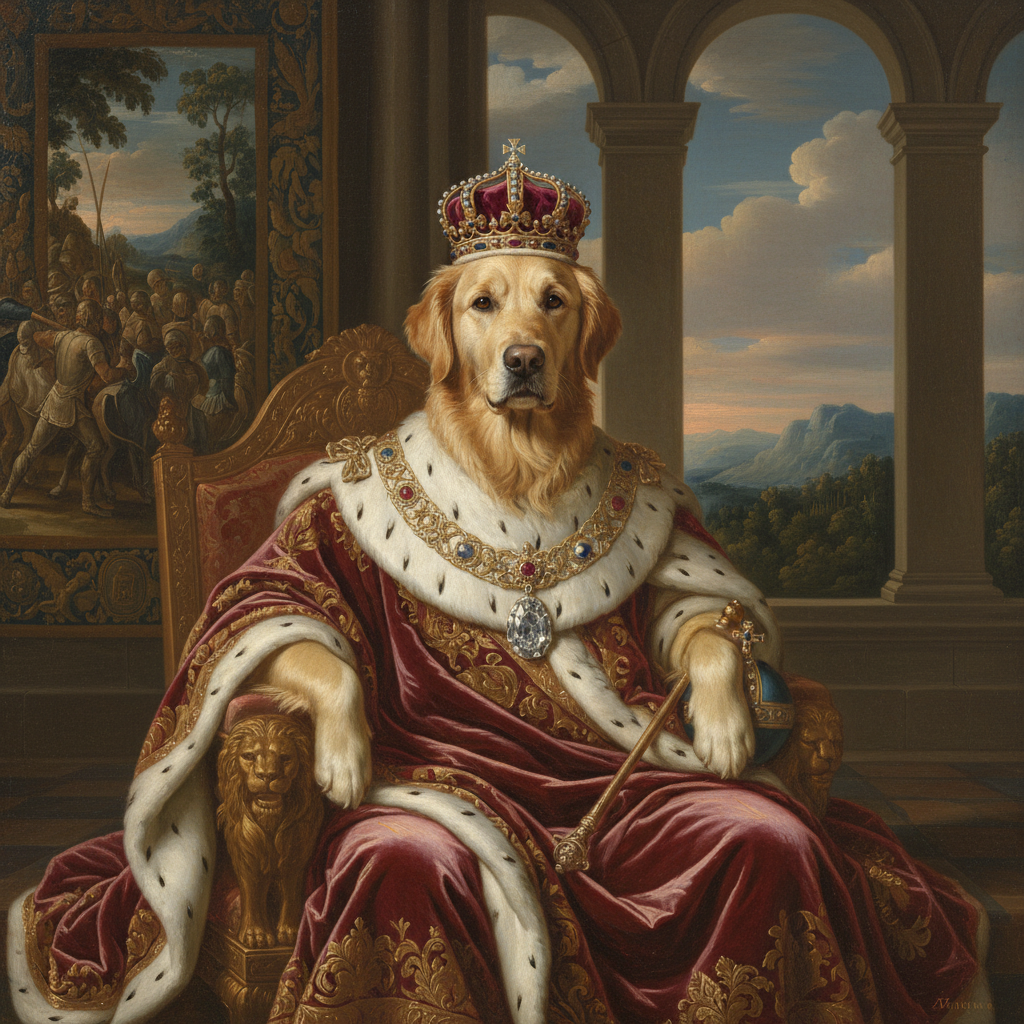
"Change to royal oil painting style..."
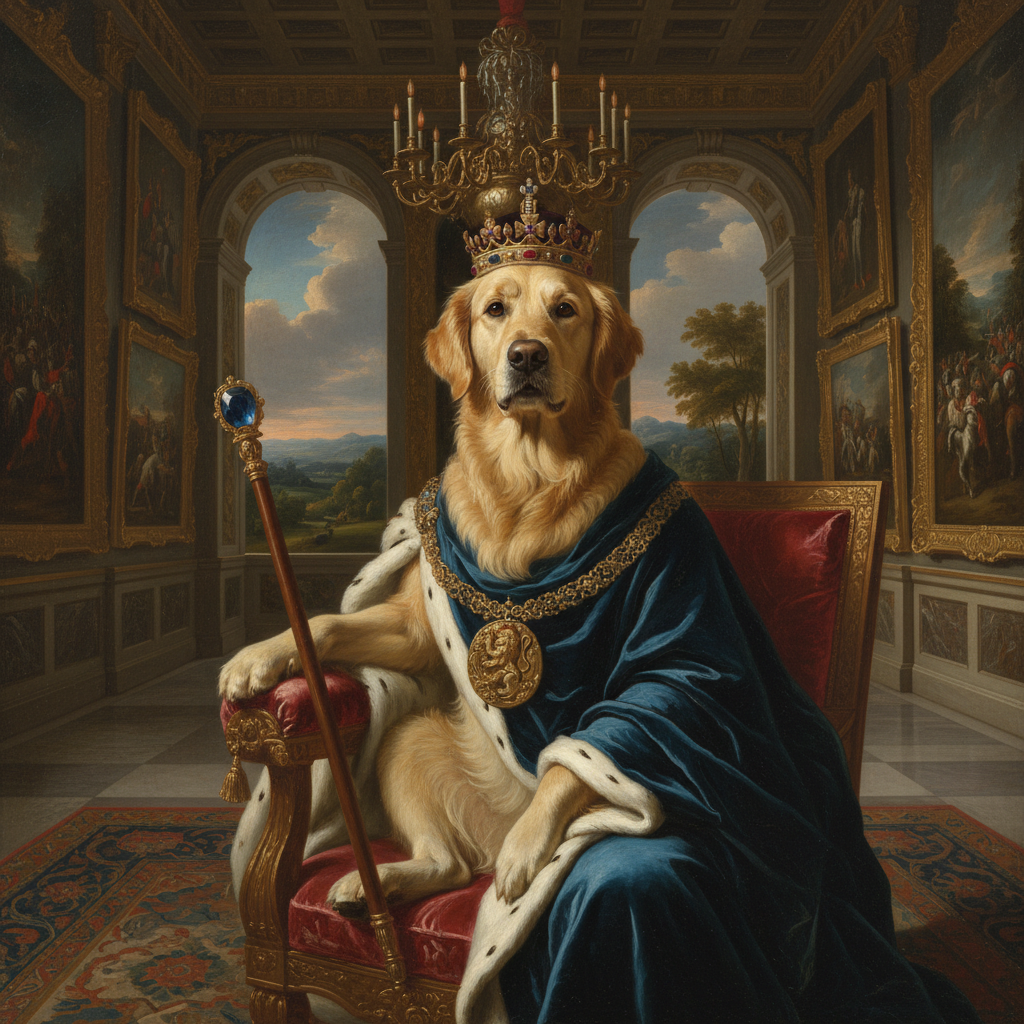
Fantastic result
S.
Aa

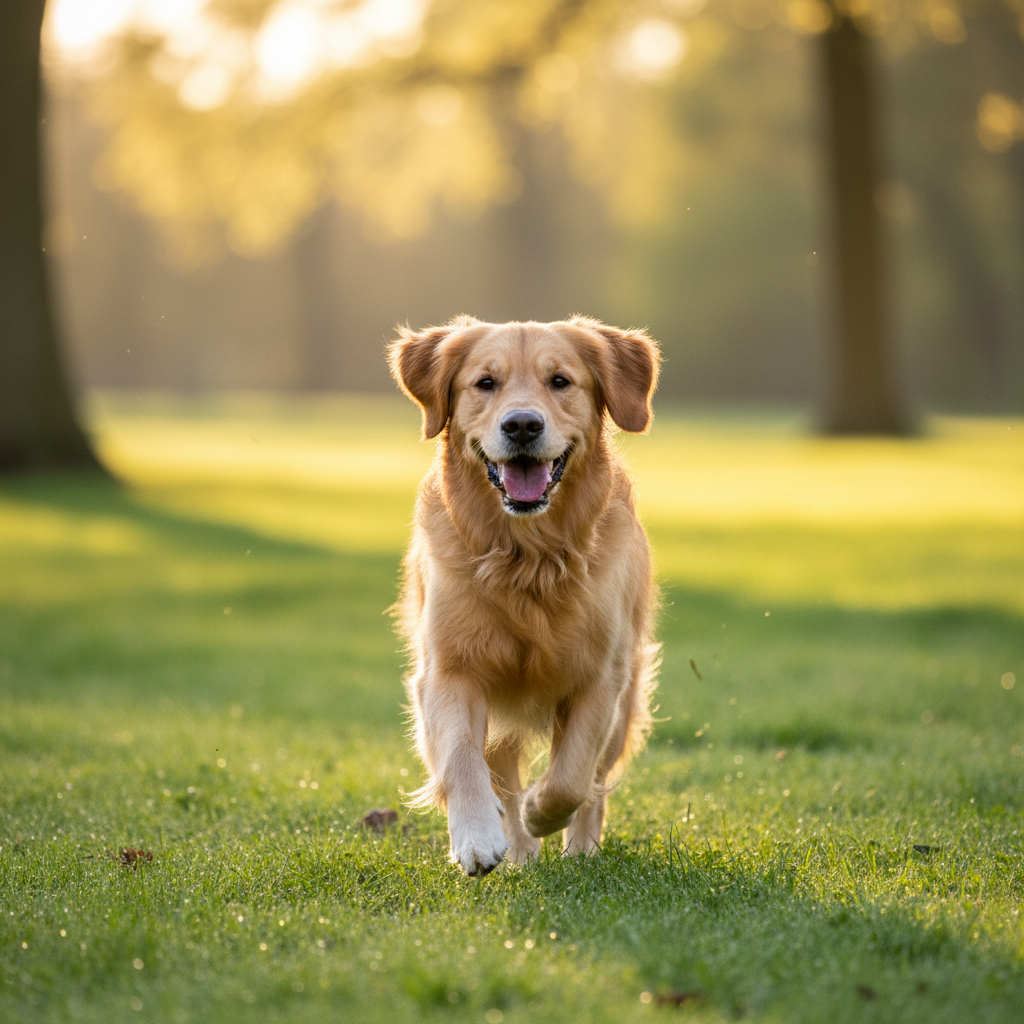
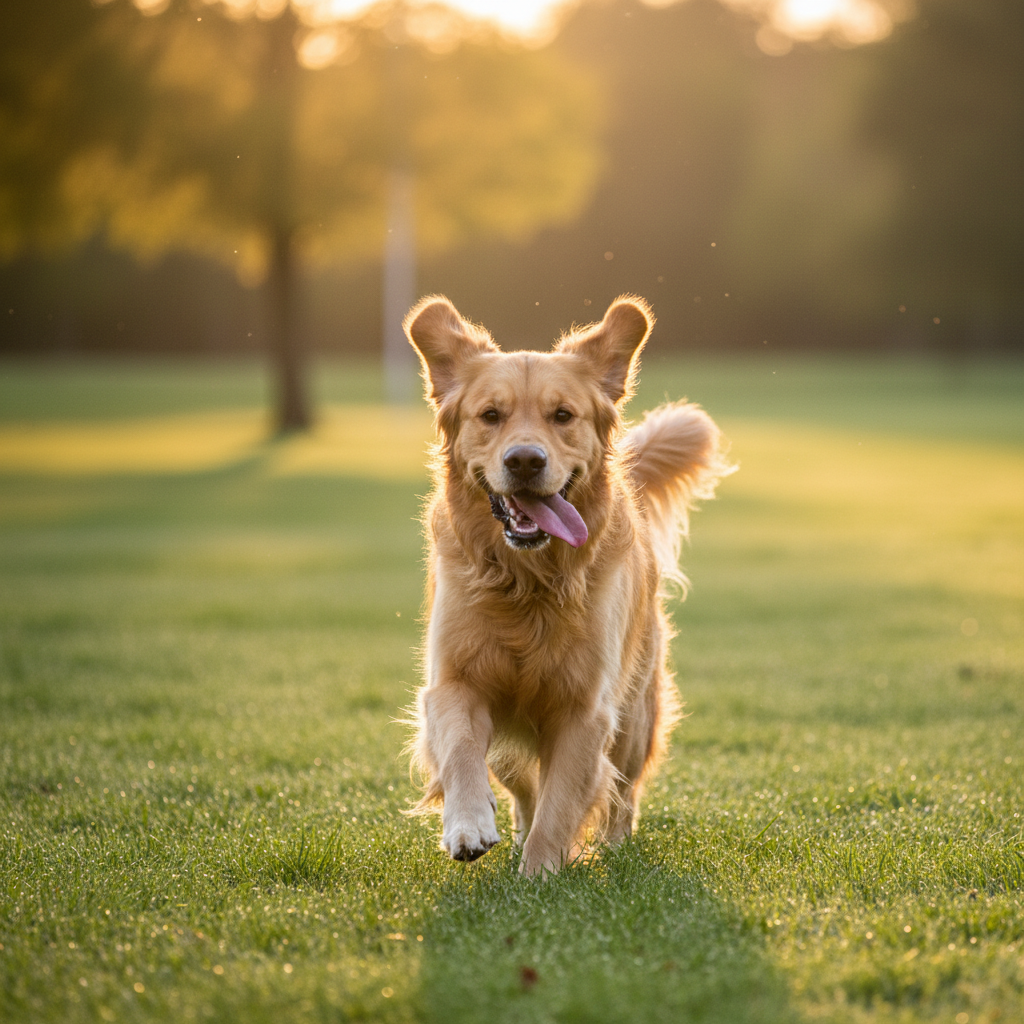
AI Workflow Visualization

PromptDog in royal garden
Flux.2Base generation
Kling AIDetail enhancement
Style TransferRoyal oil painting
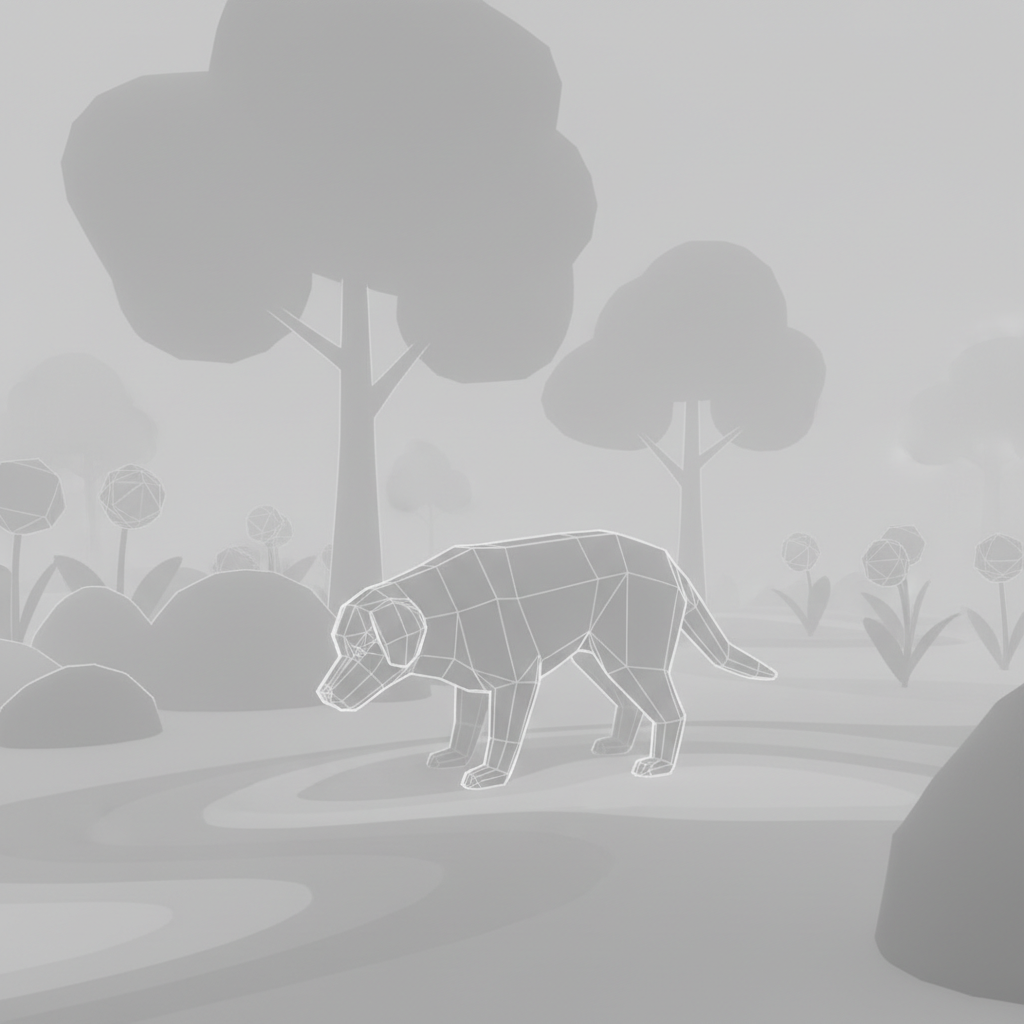
Flux.2: Base generation
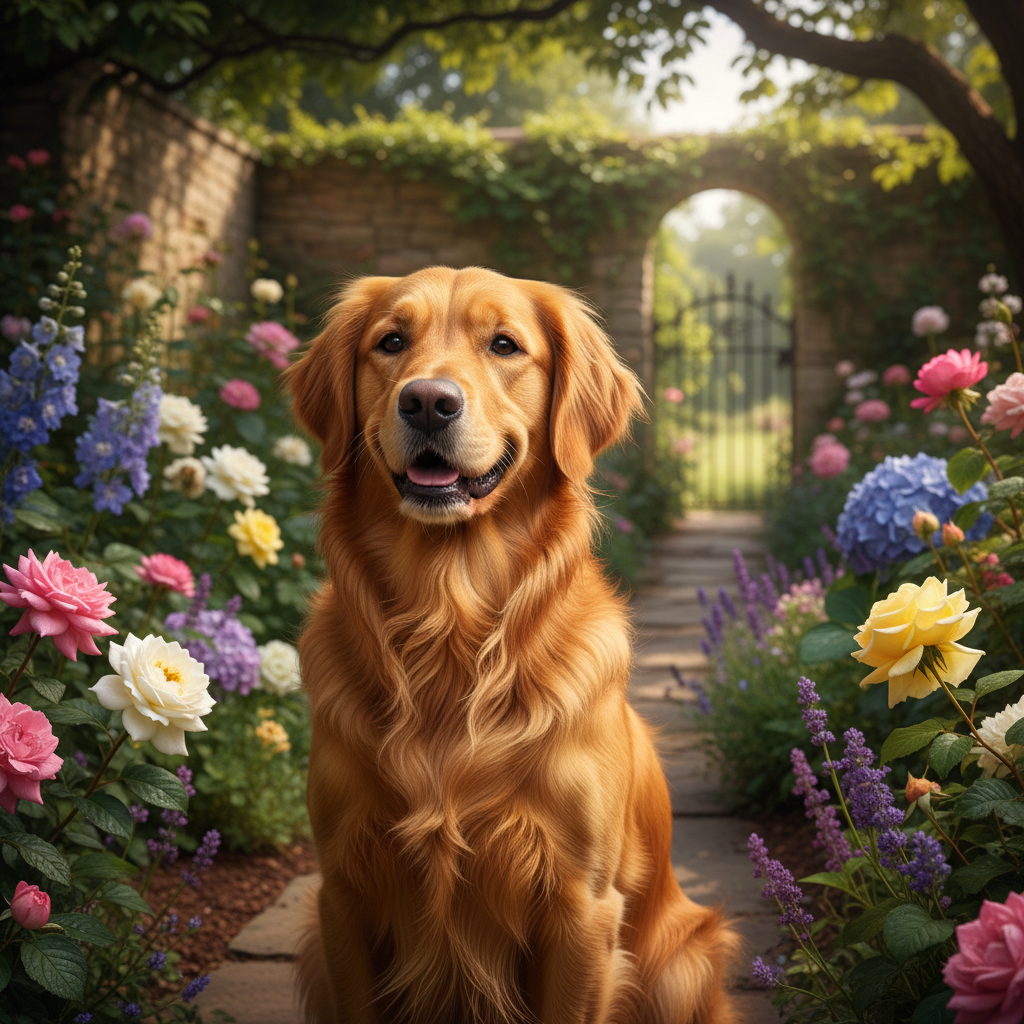
Kling AI: Detail enhancement
Royal Oil Painting Style Applied
Supported by

image (6).png

What is an AI Pet Portrait Generator?

Intelligent fur rendering

The AI pet editor is a professional-grade online tool that uses artificial intelligence to enhance animal features distinctly in images. No filters, no gimmicks — just clear adjustments to texture, expression, breed traits, and mood.

Beyond standard filters

You can smooth coats, adjust eye brightness, remove leashes, or change backgrounds — all with precision and full visual control. The edits are subtle, responsive, and always maintain the animal's identity.

For pet parents & pros

Whether you're seeking content, refining photography, or preparing a shelter campaign asset, this AI tool creates stunning art without barriers. It's about visual clarity, breed integrity, and professional presentation.

Why should you use the AI pet portrait generator?

High precision controls

Thanks to multi-model integration, you can work across different AI engines in one flow. Need expression tweaks? One model handles nuance. Need fur symmetry? Switch to another in a click.

Edit everything, instantly

Remove a leash, raise ears, correct shadows, or change facial expression — all without losing quality. There's no need to jump between apps or make manual retouching layers.

No install, no extra software

Everything works in your browser. Whether you're on desktop or tablet, edits are saved locally and never stored without your permission. You can also work alone or with your team.

Formats you actually use

Download results in PNG, JPG, or export-ready high-res versions for print or web. No watermarks, no compression surprises. All formats are ready-to-use instantly.

How to generate pet portraits online

Creating pet art doesn't need to be hard or complicated. Here is a short tutorial for the start.

Change fur colour...
1

Upload your photo

Choose a portrait or action shot, and write your prompt. If you are struggling with text, you can use special tool designed to help you.

2

Pick a model and edit

Need to have distinct styles? Cartoon vs realistic? Select the tool and dial it in. You can regenerate your picture or edit it as much as you want.
3

Save and use

See changes live, undo anything instantly, then download your result in different formats. You can regenerate your images or edit it as much as you want.

Where can you use the AI pet editor?

Whether it's for wall art, client work, or personal projects — the use cases are endless. The AI pet photo editor adapts to your workflow, whether you're building a brand identity or polishing assets for a campaign. From subtle touch-ups to detailed style shifts, it's built for real creative demands.

  • ✦ Social media profile updates and posts
  • ✦ Professional retouching for prints or cards
  • ✦ Portrait refinement for portfolios or products
  • ✦ Adjustments for eCommerce models or influencer content

Tips for achieving the best results

Small changes can make a big impact when editing fur textures. These tips will help you avoid common mistakes and keep your results looking natural and sharp. Whether you're retouching for personal use or a professional project, a thoughtful approach pays off.

  • ✦ Use well-lit, high-resolution images for precise mapping
  • ✦ Be subtle with symmetry and expression tools
  • ✦ Switch models if one result feels overdone
  • ✦ Always preview at different sizes before exporting

How to download and edit your image

Exporting your edited image is simple and flexible, whether you're sharing online or prepping for print. The tool gives you full control over resolution, file type, and final adjustments. You can revisit your edits anytime — no need to start over.

  • ✦ Make changes using live-preview editing tools
  • ✦ Download as PNG, JPG, or SVG
  • ✦ Export multiple versions for different platforms
  • ✦ Edits are nondestructive and reversible

Client Reviews

★★★★★

"Great tool as soon as you get used to it!"

In the beginning it was a bit challenging to understand how the workspace works. But as soon as I spent about 10 mins trying to figure it out, I grasped the idea and now I feel like creating images for my presentations has never been easier."

Amy
★★★★★

"The best AI app out there"

I can have all my favorite AI tools in one workspace, work with them from anywhere using a laptop and create awesome results in literally 5 minutes for my upcoming social media post, newsletter or a fun meme for my friends.

Katya
★★★★★

"Greatest tools for creators"

It has a very flexible mechanisms of NN configuration and friendly UI. This project helped me to create different pictures according to my rich imagination."

Pyotr
★★★★★

"Great tool"

I can solve all my task in one space. You can use Stable Diffusion like a pro if handy, but faster. It can use other AI tools for images, and create nice prompts in promt helper."

Artemy
★★★★★

"Fantastic node-based AI platform"

Super intuitive, fast, and efficient for creating workflows. Great for beginners and pros alike. Highly recommend!"

Jeremy
★★★★★

"Node system!"

Convenient service, many functions. I am very glad that I use this service!."

Kenji Telane

Best AI Tools All in One Place

Image Generation

Create unique images using advanced AI tools and ready strategies.

Flux
Imagen 3
Midjourney
Seedream
Nano Banana Pro
Stable Diffusion

Image and Visuals Editing

Edit and enhance visuals: face swap, background removal, upscaling to 8K.

Adobe Firefly 3
Nano Banana Pro
Flux
Krea Upscale
Gemini
Pika 1.5 Image Editor

Text Instruments

Generate texts, dialogues, and scripts with AI assistants.

GPT
Promt Helpers
DeepSeek
Gemini 2.0

3D

Create and generate texture, generate 3D objects from images.

Meshy Textures
Tripo3D
Luma Genie

Train Models

Train models on your data customize style, objects, and characters.

Video

Generate and edit videos using modern AI solutions.

Veo3
Kling
Wan

Explore similar use cases

🎨

AI Book Illustration Generator

Turn your story into stunning visuals from simple prompts.

📷

AI Face Image Editor

Edit faces and create ready images in seconds.

👤

Free AI Character maker

Build lifelike characters for product demos, games, and more.

🔄

Free AI Face Swap Tool

Swap faces in photos instantly.

FAQs

Answers to common questions about using Phygital+ and generating AI-powered character pictures.

An AI character maker is a tool that utilizes advanced machine learning algorithms to generate unique, high-quality character illustrations based on text prompts or reference images. It streamlines the creative process for artists, game developers, and writers.

Simply enter a detailed description of your desired character—including traits like gender, style, clothing, and mood—into the prompt field. Our AI will interpret your input and generate a visual representation in seconds.

Yes, image-to-image generation is supported. You can upload a reference photo to guide the AI's generation process, allowing you to create variations of existing characters or stylize photos.

We offer a free tier with a limited number of daily generations. For high-resolution downloads, faster generation speeds, and commercial usage rights, a premium subscription is available.

The platform supports a vast array of styles including anime, semi-realistic, photorealistic, cyberpunk, fantasy oil painting, comic book, and 3D render styles.

Absolutely. Premium users receive full commercial rights to their generated images, making them suitable for indie games, webcomics, graphic novels, and marketing materials.

No installation is required. Our tool is entirely web-based and runs in the cloud, so you can generate characters from any device with a modern web browser.

Every generation is seeded uniquely, meaning even the same prompt will yield different results. This ensures your characters are one-of-a-kind creations.

Yes, the platform includes a built-in editor allowing you to modify specific regions, adjust colors, and refine facial features without regenerating the entire image.

Standard generations are optimized for web use. Premium plans unlock 4K upscaling features, providing crisp, print-ready assets suitable for professional production.

While the core model focuses on single character portraits, our "Scene Mode" allows you to compose interactions between two or more characters with consistent style.

Absolutely. The AI is trained on diverse datasets including high-fantasy armor, cyberpunk aesthetics, and sci-fi environments to bring any genre to life.

Start for free

Create logos, mockups, and breed characteristics plans.