Free AI Video Upscaler

Enhance resolution and detail in low-quality videos online in seconds β€” without limits, downloads, or complicated tools. The AI Video Upscaler is built for videographers, editors, and creators who want to restore and improve old or low-res footage β€” with precision, speed, and just a few clicks.

Video Enhancement
Prompt

"Upscale footage to 4K, denoise, enhance textures, cinematic lighting"
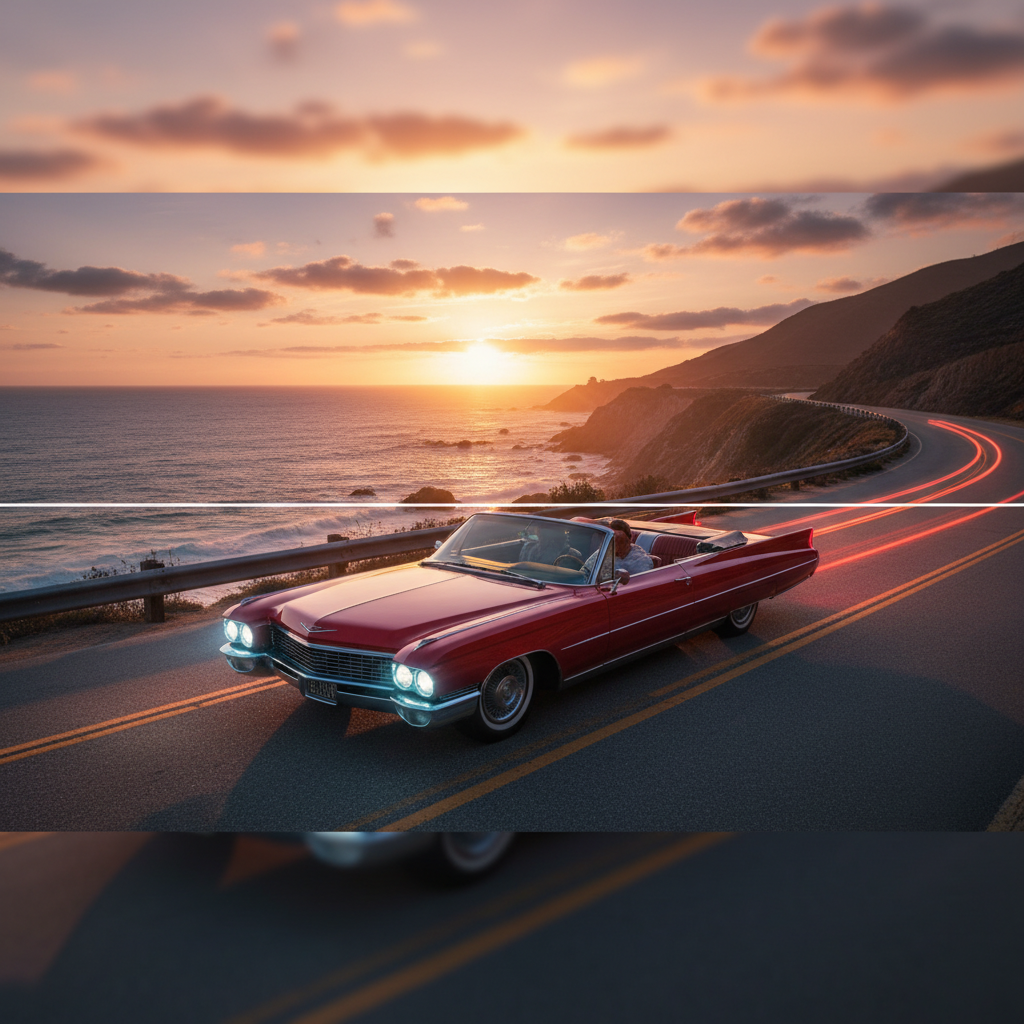
SD 480p
4K Ultra HD
Supported Byimage (6).png

What is an AI Video Upscaler?

Detail & Motion Intelligence

The AI understands video structure, motion flow, and visual detail. From restoring grainy archival footage to sharpening blurry modern clips, it enhances both resolution and detail while preserving natural movement.

Beyond Basic Resizing

Generate clean, enhanced video with intelligent detail reconstruction. Unlike simple upscaling, the AI reconstructs textures, reduces noise, and sharpens edges frame by frame, delivering results that look naturally high-quality.

Full Usage Rights

You own the enhanced video. Use it for streaming, broadcasts, presentations, archives, and commercial projects without copyright issues or licensing restrictions.

Why should you use the AI Video Upscaler?

High-Quality Enhancement

Enhance video up to 4K resolution with improved detail, sharpness, and reduced noiseβ€”ready for modern streaming, broadcast, and archival use.

Enhance Instantly

Process videos with one clickβ€”reduce grain, restore clarity, and upscale resolution without manual editing or complex software.

No Software Required

Everything runs in your browser. Upload, enhance, and download videos directlyβ€”projects are saved securely and accessible from any device.

Platform Optimized

Export enhanced videos in pre-set formats for YouTube, social media, presentations, and professional editing workflows.

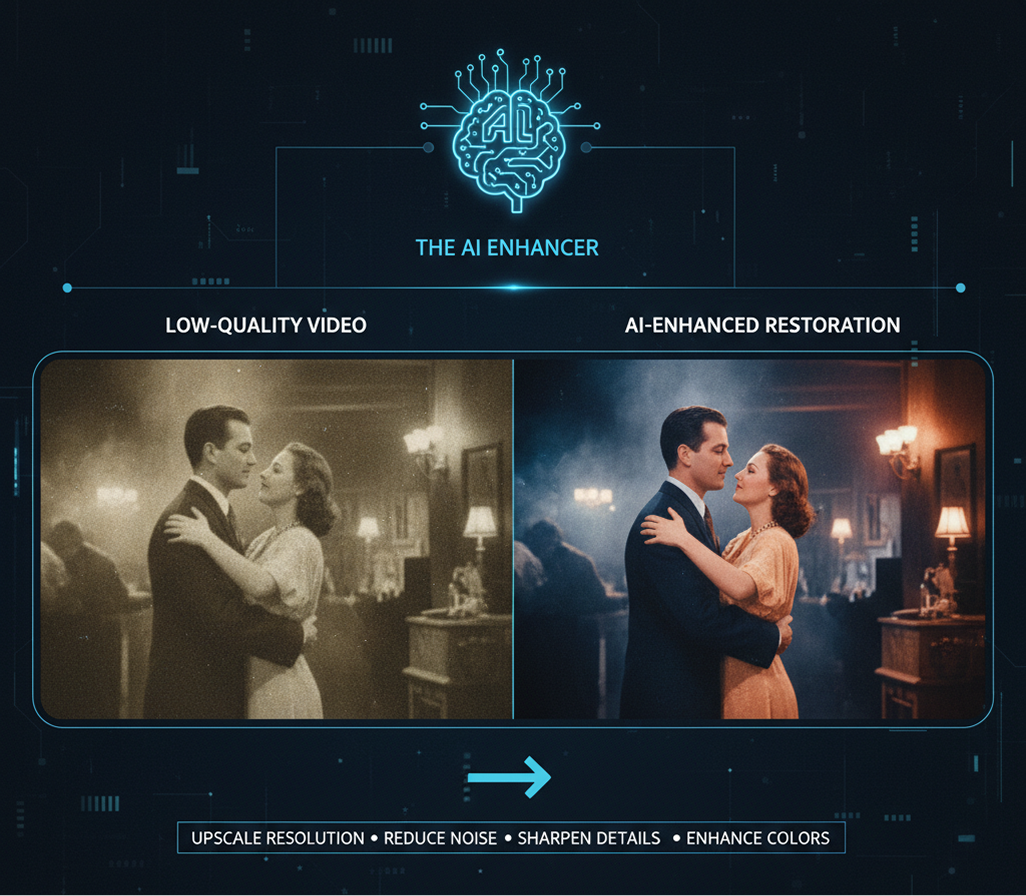
From pixelated past to crystal-clear present

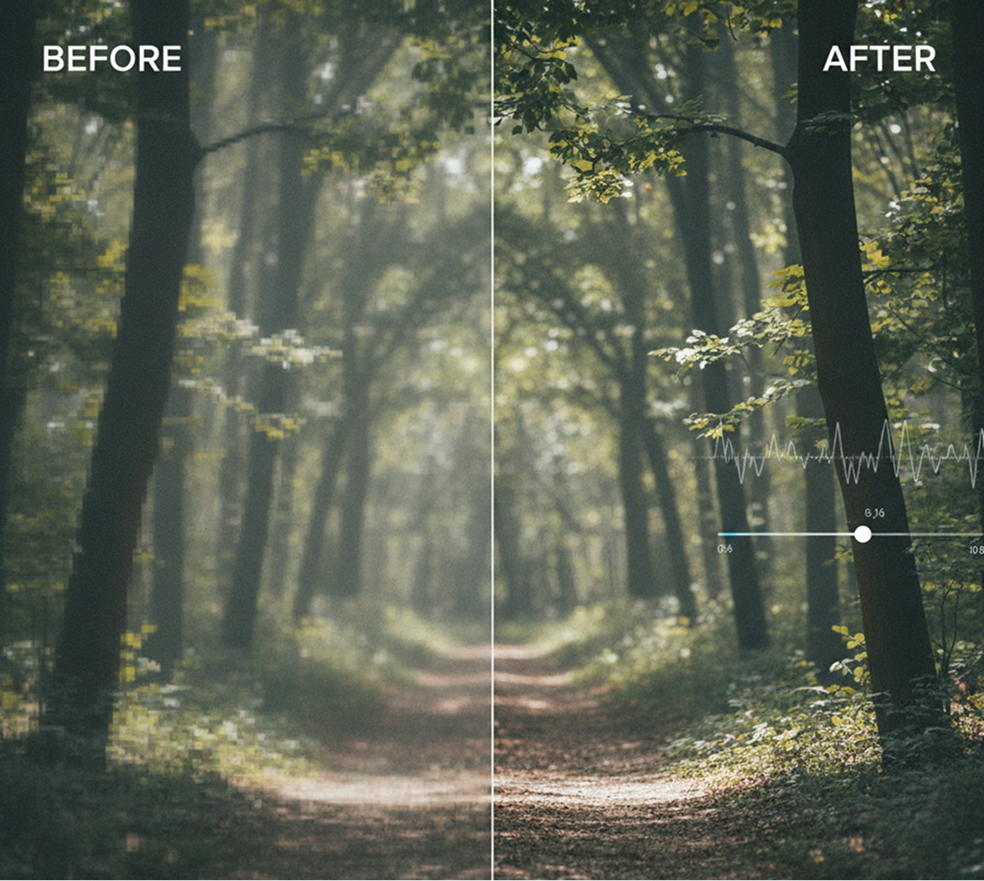
Stop the visual degradation in your video archives and recordings. Transform low-resolution, grainy, or blurry footage into sharp, detailed, and professional-looking video in seconds. Enhance, restore, and upscale with AI. Build a future-proof video library with content that meets modern standardsβ€”without reshoots or costly restorations.

Generated Image January 13, 2026 - 5_01PM 1.png
Problem

A consistent visual quality across all your video content

A video library plagued by inconsistency. When footage from different eras, cameras, or recording conditions is used together, the quality varies drastically. Grainy archival clips, blurry conference recordings, and low-res social media captures make your content feel amateurish and unreliable. This undermines viewer trust and devalues your visual storytelling.

Solution

The AI enhancer that masters visual restoration. Upload your low-quality video. Our AI becomes your digital restoration expert, analyzing each frame to intelligently upscale resolution, reduce noise, sharpen details, and enhance colors. Every video will be transformed to meet modern quality standards while preserving its original content and intent.

Generated Image January 13, 2026 - 5_02PM 1.png
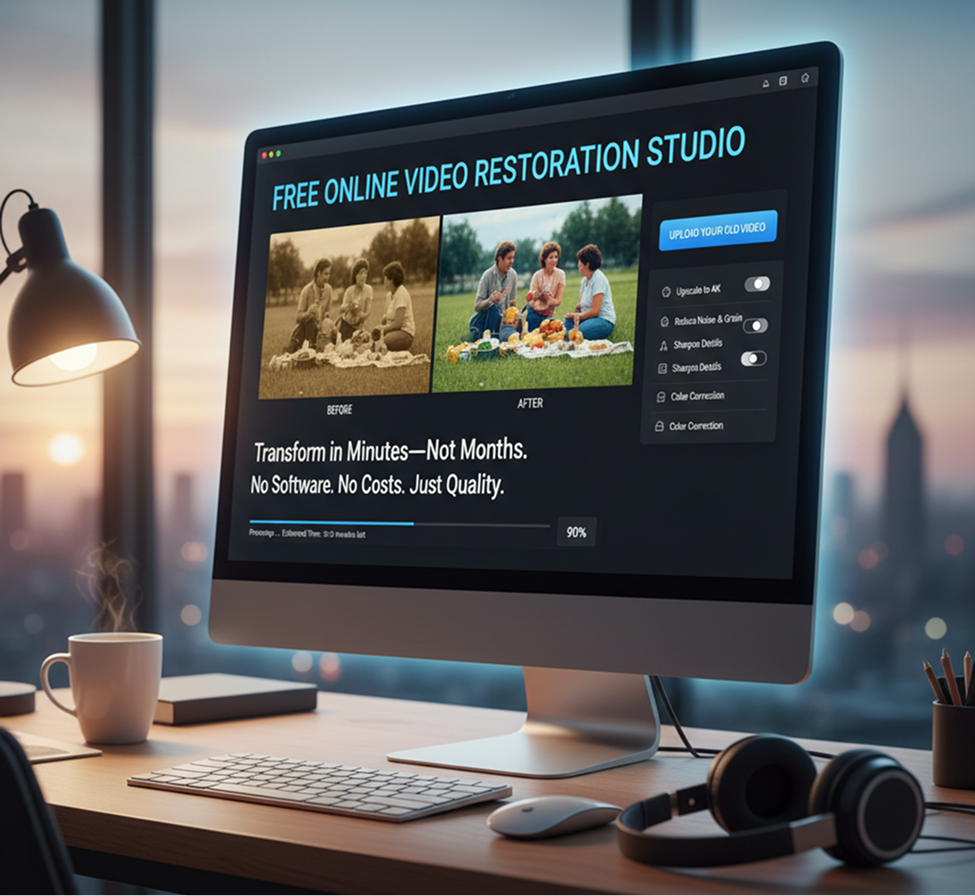
Problem

Professional-quality video from low-res sources in minutes, not monthsβ€”without reshoots

Restoring or improving low-quality video traditionally requires expensive software, specialized skills, and countless hours of manual work. Sending footage to professional restoration services is costly and time-consuming. Discarding valuable but poor-quality footage means losing irreplaceable content. Creating a uniformly high-quality video library becomes an impractical, often abandoned goal.

Solution

A professional video restoration studio in your browser. For free. Transform old, blurry, or compressed videos into clear, high-resolution content in minutesβ€”not months. Our tool eliminates the need for expensive software or services, preserving your budget and breathing new life into your video archives.

Generated Image January 13, 2026 - 5_09PM 1.png
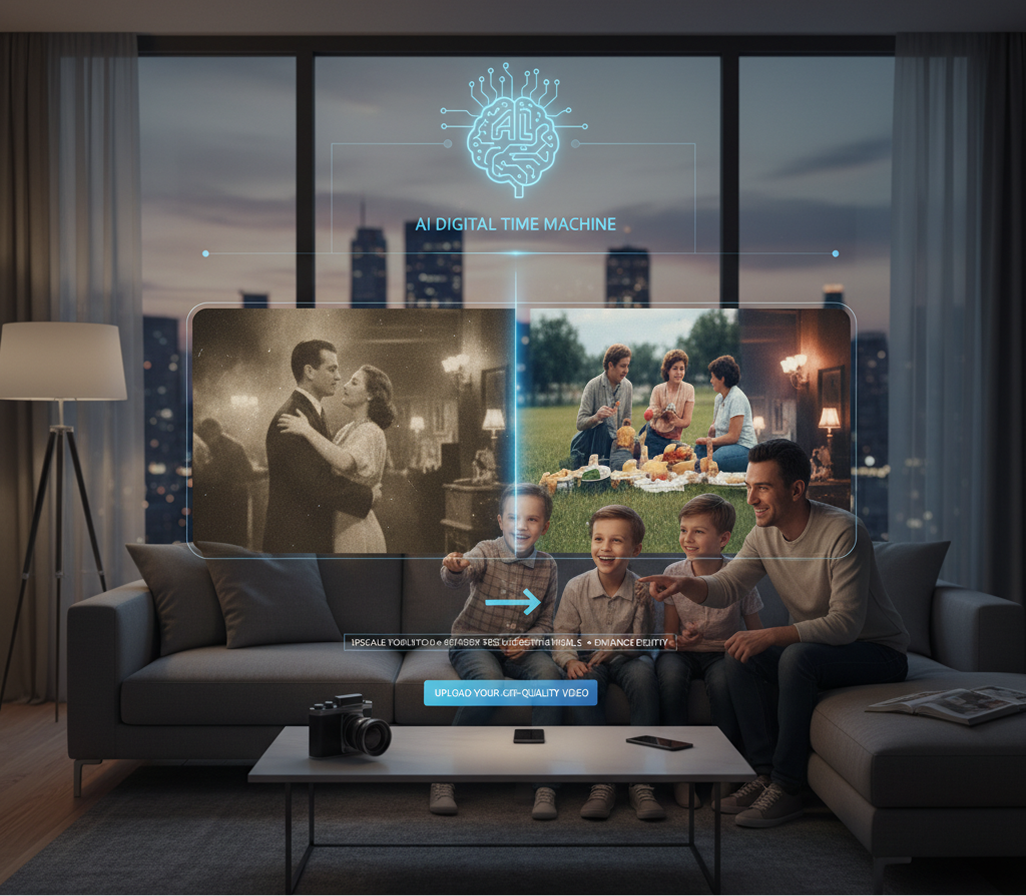
Problem

Unlocking the value of existing footage that was previously unusable

Limited by past recording quality. How do you leverage valuable archival footage, user-generated content, or early digital recordings that don't meet today's quality standards? Leaving them unused wastes potential content, while publishing them as-is damages your brand's perceived quality. You need a way to modernize existing footage without losing its authenticity.

Solution

AI as your digital time machine for video. Instantly enhance any videoβ€”from vintage family footage and historical archives to early digital recordings and compressed social media downloads. This tool becomes your bridge between past and present, helping you build a rich, high-quality video library from content you already ownβ€”always enhanced, always authentic.

How to upscale videos

Enhancing a video doesn't need to be hard or complicated. Here's a quick guide to get you started.

Generated Image January 13, 2026 - 5_16PM 1.png
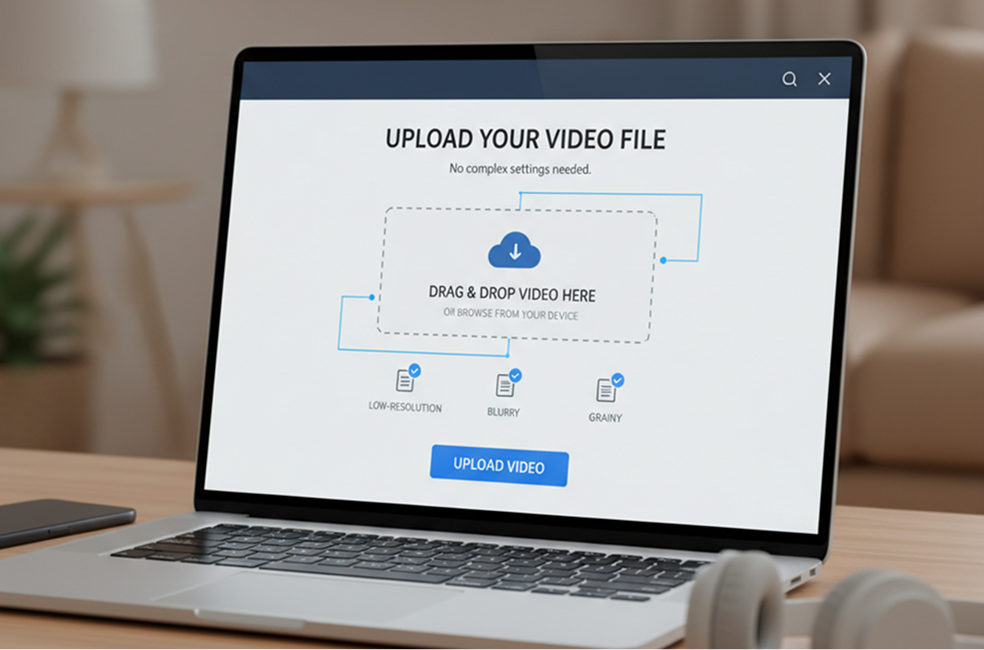
1

Upload your video

Select your low-resolution, blurry, or grainy video file directly from your device. No complex settings needed.

Generated Image January 13, 2026 - 5_18PM 1.png
2

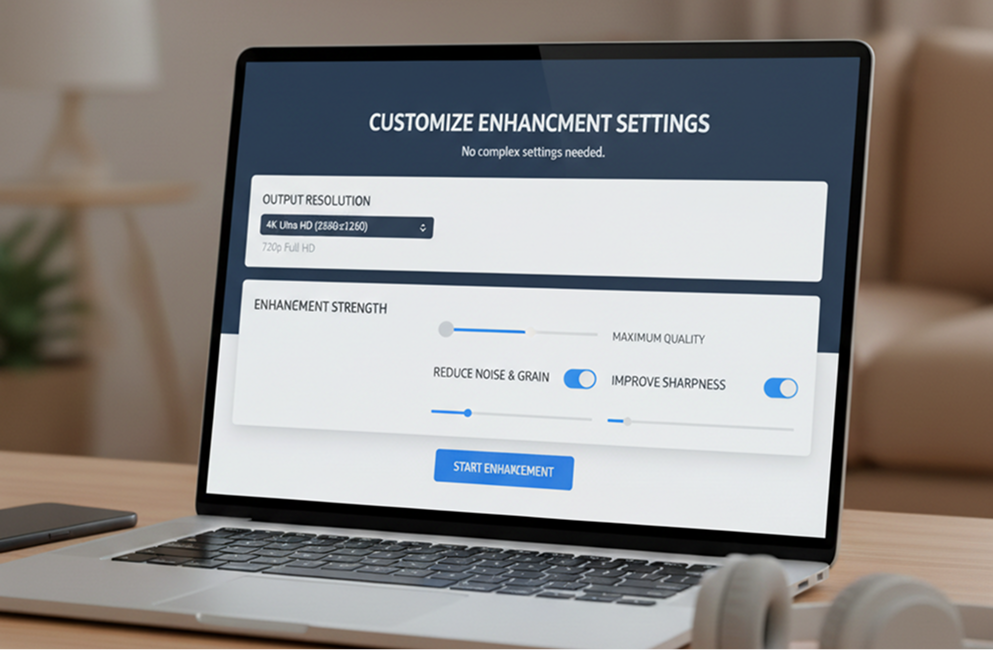
Choose your enhancement settings

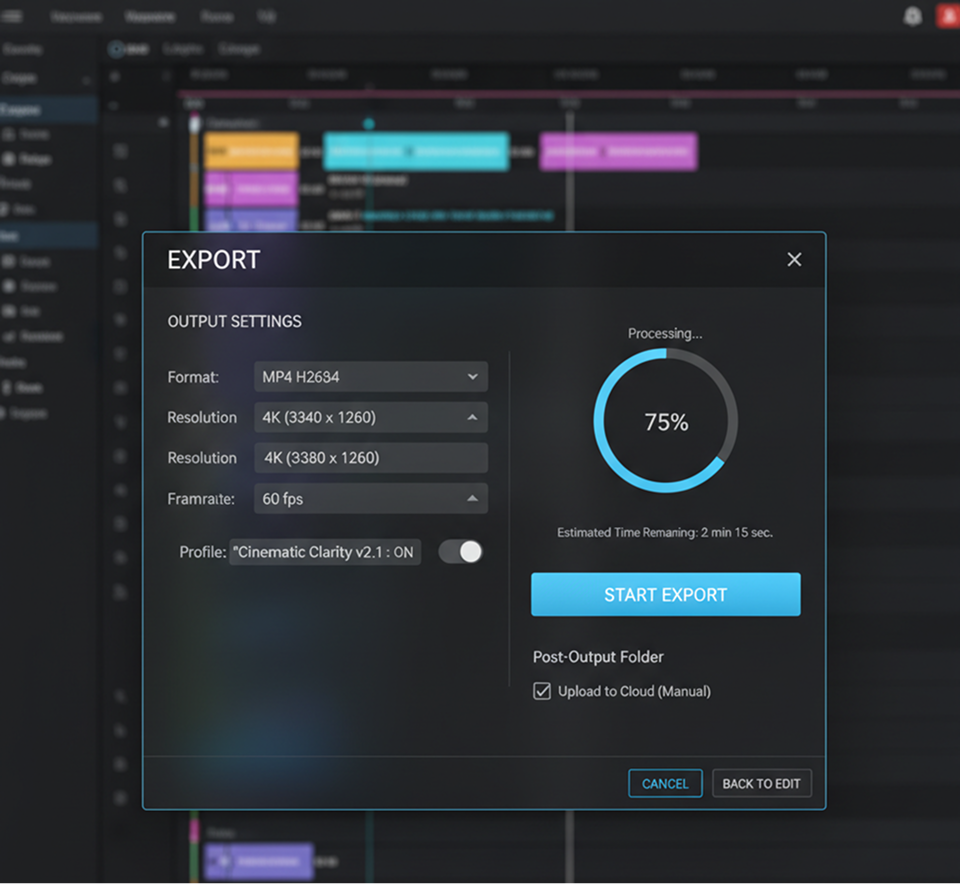
Select the desired output resolution (e.g., 1080p, 4K) and enhancement strength. Optionally reduce noise or improve sharpness with a simple slider.
Generated Image January 13, 2026 - 5_26PM 1.png
3

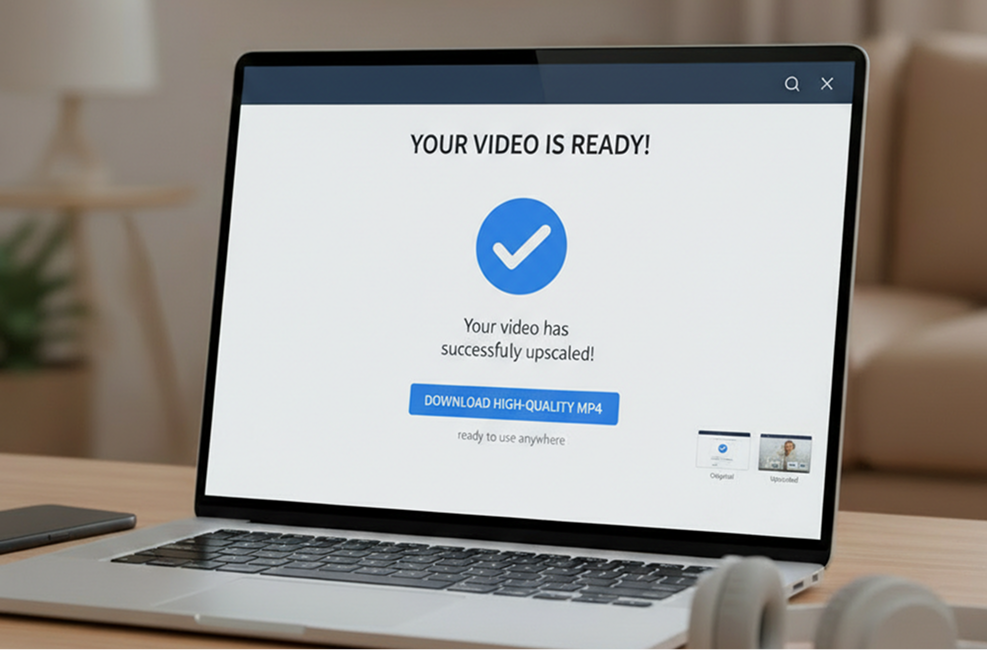
Process, preview, and export

Watch a real-time preview of the enhanced video, compare before/after, then download the upscaled version in high-quality MP4 formatβ€”ready to use anywhere.

Were can you use the AI Video Upscaler?

Whether you're restoring archives, improving modern recordings, or adapting content for new platformsβ€”the applications are wide-ranging. The AI Video Upscaler adapts to your workflow, whether you're digitizing legacy footage, enhancing user-generated content, or preparing clips for high-resolution displays.

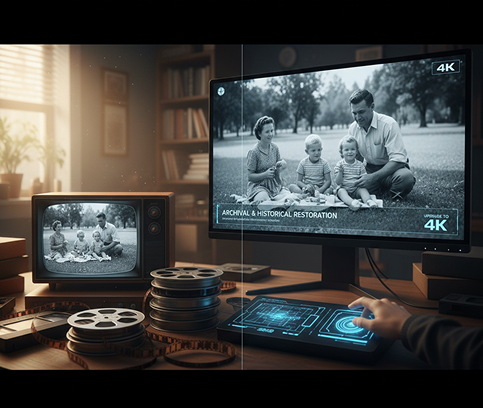
  • ✦ Archival & Historical Restoration – Bring old family videos, documentary footage, and historical recordings up to modern HD or 4K quality.
  • ✦ Content Repurposing & Marketing – Enhance low-res social clips, webinar recordings, or early digital content for reuse in campaigns and presentations.
  • ✦ Professional & Broadcast Use – Improve interview footage, event recordings, or drone clips to meet broadcast and streaming platform standards.
Generated Image January 13, 2026 - 5_36PM 1.png

Tips for achieving the best results

Small adjustments in processing can significantly impact the clarity, detail, and natural look of your upscaled video. These tips will help you enhance effectively while avoiding over-processing.

  • ✦ Start with the best source available – Even low-res videos benefit from being the least compressed version you have.
  • ✦ Adjust enhancement settings gradually – Avoid extreme sharpening or noise reduction, which can create unnatural artifacts.
  • ✦ Preview at full resolution – Always watch the enhanced video at its intended playback size to judge real-world quality.
Generated Image January 13, 2026 - 8_31PM 1.png

How to download and edit your upscaled video

Exporting your enhanced video is straightforward and flexible. You retain control over output settings and can return to reprocess if needed.

  • ✦ Download in MP4 or MOV format in resolutions up to 4K, optimized for playback or editing.
  • ✦ Compare before/after versions to fine-tune settings and reprocess if desired.
  • ✦ Save your enhancement profile to apply consistent settings across multiple videos in future projects.
Generated Image January 13, 2026 - 8_43PM 1.png

Client Reviews

β˜…β˜…β˜…β˜…β˜…

"A total game-changer for our documentary team!"

"We had hours of early-2000s interview footage that was practically unusable. This tool restored it to near-HD qualityβ€”saving us thousands in reshoots and preserving irreplaceable moments."

Maya
β˜…β˜…β˜…β˜…β˜…

"Perfect for digitizing family archives with love."

"I converted my parents' VHS wedding tape and my childhood home videos. The upscaler removed the grain, sharpened the faces, and made them look like they were filmed yesterday. Emotional and effortless."

James
β˜…β˜…β˜…β˜…β˜…

"Exactly what our agency needed for client legacy content."

"One client had a decade of low-res trade show footage. We upscaled it all into a stunning brand history reel. They were thrilled, and we looked like wizards."

Simone
β˜…β˜…β˜…β˜…β˜…

"Super intuitive once you get the hang of it!"

"The enhancement settings seemed technical at first, but after about 10 minutes of testing, I understood how to balance sharpness and noise reduction. Now I restore old clips in minutes."

Alex
β˜…β˜…β˜…β˜…β˜…

"Revolutionized how we reuse social media content."

"User-generated content and early Instagram videos used to look out of place in our professional edits. Now we enhance them seamlessly. Our content library just grew tenfold."

Daniel
β˜…β˜…β˜…β˜…β˜…

"Saved our studio from reshooting an entire project."

"Lighting issues ruined a key scene, leaving it dark and grainy. The upscaler recovered detail we thought was lost. It literally saved the edit."

Chloe

Best AI Tools All in One Place

Placeholder image

GPT Image

AI image generation & editing

Sora 2

Cinematic video generation

Google_2015_logo 1.svg

Imagen 4

Ultra-sharp images

Gemini 2.5 / 3.0

Multimodal generation & editing

Veo 3.1

Fast video + motion consistency

Logo_runway.svg

Gen 4

Best for consistent characters & video frame generations

Aleph

Video editing & effects

Midjorny.svg

MidJourney

Image generation & variations

Upscale / Outpaint / Pan

Advanced editing tools

Logo_hailuo.svg

Hailuo 2 Pro

High-quality video animation

Logo_king.svg

Kling 2.5

v1, v1.5, v1.6, v2 video generation

Explore similar use cases

AI Video Colorizer

Restore black-and-white videos with natural AI-powered coloring

AI Scene Previsualization Tool

Rapid visual mockups for film and animation planning

AI Video Generator from Text

Create animated or realistic video clips from prompts

AI Video Background Remover

Remove or replace backgrounds in video without a green screen

FAQs

Answers to common questions about using Phygital+ and editing infographics with AI.

How is this different from simply scaling up a video in my editing software? Does it actually add new detail?

-
Yes, it's fundamentally different. Traditional scaling just stretches existing pixels, leading to a blurry or blocky result. The Phygital+ AI Video Upscaler analyzes the context of surrounding frames to intelligently reconstruct and generate new detail, resulting in a genuinely sharper, clearer image. It's not just making the video bigger; it's making it better.

My footage isn't just low-res, it's also noisy and has compression artifacts. Can Phygital+ help with that?

+

What's the most common use case? Can I actually turn my old 720p or SD footage into usable 4K?

+

I have hours of footage to upscale. What's the most efficient workflow in Phygital+ for a large project?

+

How does this work within the broader Phygital+ ecosystem? Is it an isolated tool?

+

Do I have any control over the final look, or is it a one-click process?

+

Start for free

Create logos, mockups, and brand visuals in one place.

New
100%