Home/Free AI Video Generator from Text

Free AI Video Generator from Text

Generate animated and realistic videos online in seconds β€” without limits, downloads, or complicated tools. The AI Video Generator from Text is built for storytellers, marketers, and creators who want to bring ideas to life through motion β€” with control, creativity, and just a few clicks.

New Project / Season 1

AI Video Generator

Turn text into realistic video in seconds. No limits.

Script Prompt

Processing Realism...
Supported byimage (6).png

What is an AI Video Generator from Text?

Narrative & Visual Intelligence

The AI understands visual storytelling and motion genres. From smooth 3D animation and cinematic realism to stylized motion graphics and dynamic typography, it adapts the visual flow to match your narrative.

Beyond Stock Footage

Generate entirely new, original video scenes. Unlike stock video libraries, every scene, character, and motion is created from scratch based on your unique prompt and creative direction.

Full Creative Ownership

You own the video content. Use it for social media, advertising, presentations, films, and digital platforms without copyright restrictions or licensing limitations.

✨

Why should you use the AI Video Generator from Text?

High-Quality Output

Export videos in up to 4K resolution, meeting professional standards for social media, advertising, presentations, and digital publishing.

Edit Instantly

Adjust visual styles, change scenes, modify pacing, or add motion effects with a single clickβ€”no complex video editing software required.

No Software Required

Everything operates directly in your browser. Save your video projects securely to the cloud and access them from any device, anytime.

Platform Optimized

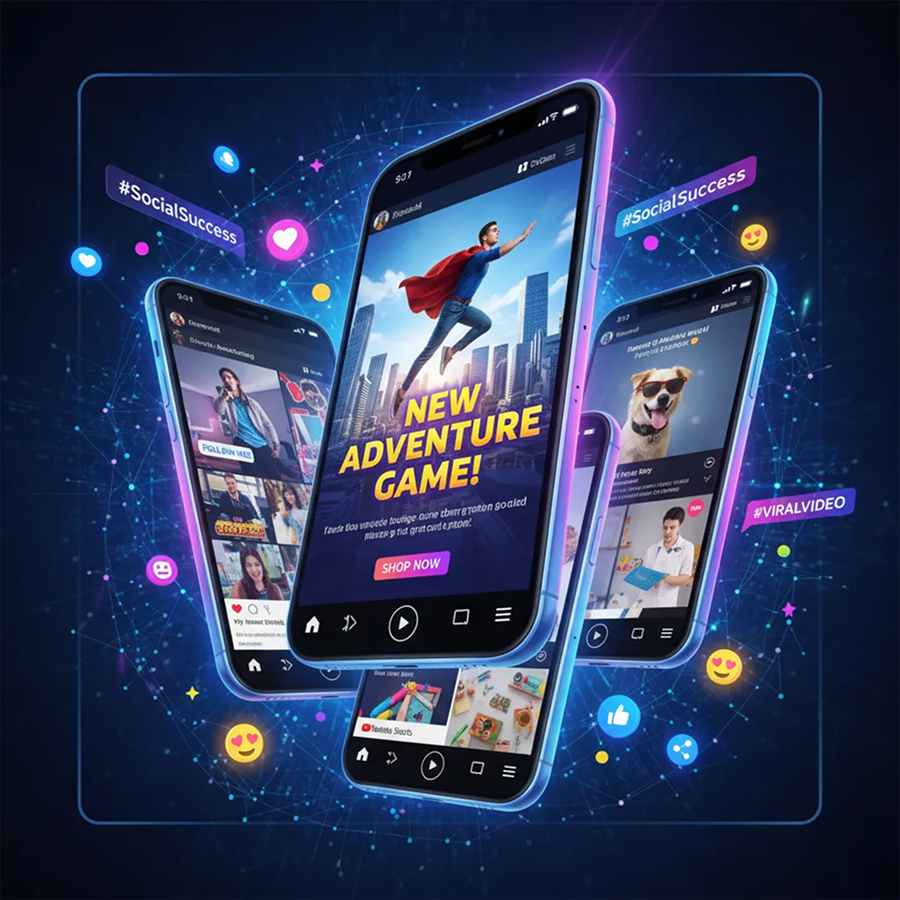
Generate videos in pre-set formats perfectly sized for YouTube, Instagram Reels, TikTok, LinkedIn, and other digital platforms.

From scattered ideas to cohesive video stories

Stop the inconsistency in your visual content. Turn your text descriptions and ideas into professional, on-brand video clips in seconds. Generate, edit, and refine motion content with AI. Build a strong, engaging video library for any platformβ€”without creative bottlenecks.

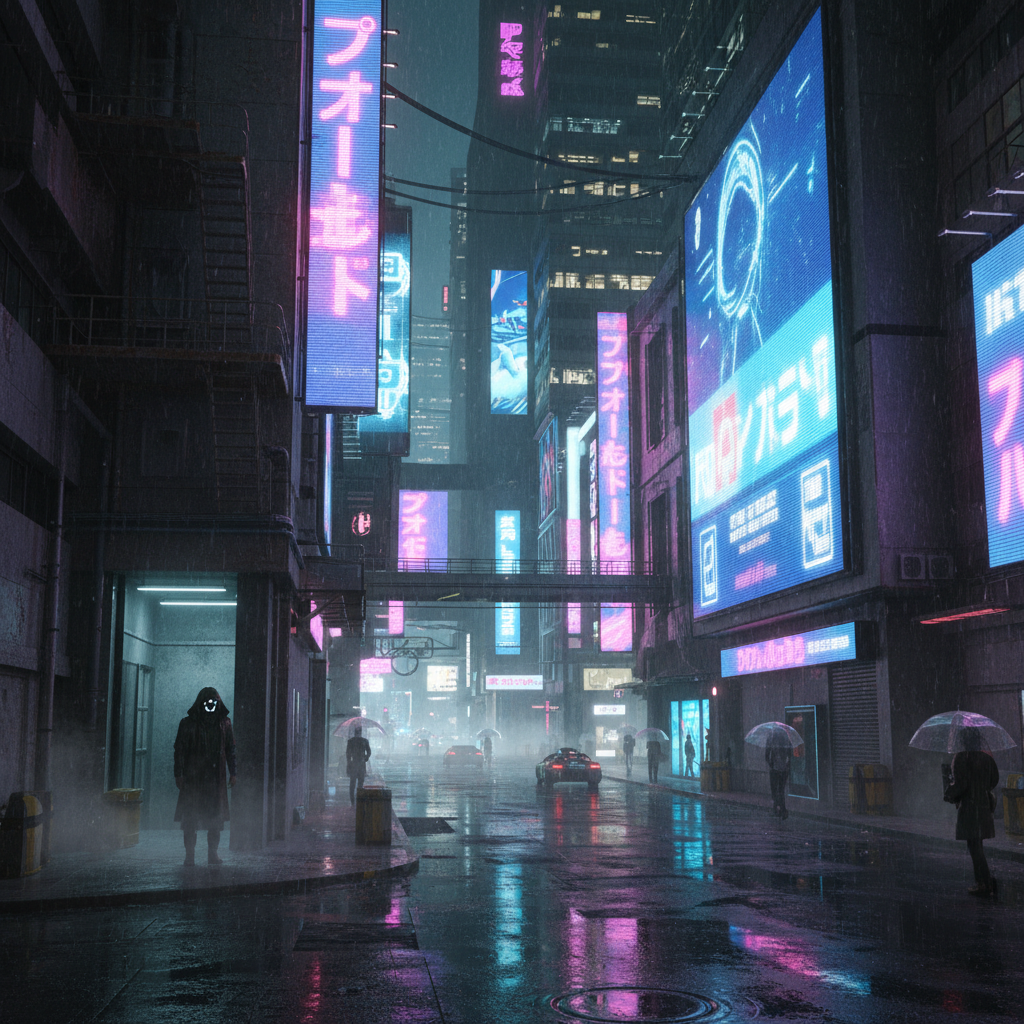
Generated Image January 11, 2026 - 1_44PM 1.png
PROBLEM

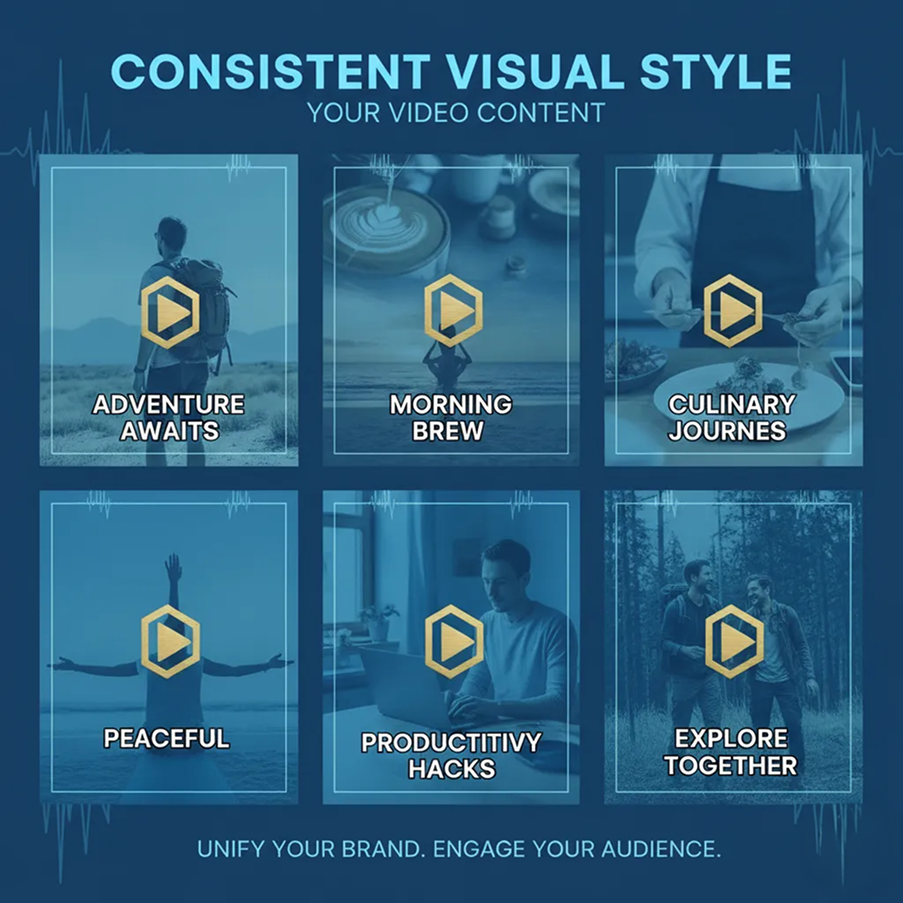
A consistent visual style across all your video content

A video library that feels disjointed. When clips for different campaigns, platforms, or projects are created separately or by different creators, the visual narrative becomes fragmented. Color grading, motion styles, transitions, and pacing don't align, making your brand's video presence feel inconsistent and unpolished. This weakens audience connection and reduces content impact.

SOLUTION

The AI director that masters your visual language. Upload your script, storyboard, or visual references. Our AI becomes your video production partner, automatically applying your chosen aesthetic and motion style to every generated clip. Each video will be 100% aligned with your brand's creative DNA and storytelling voice.

PROBLEM

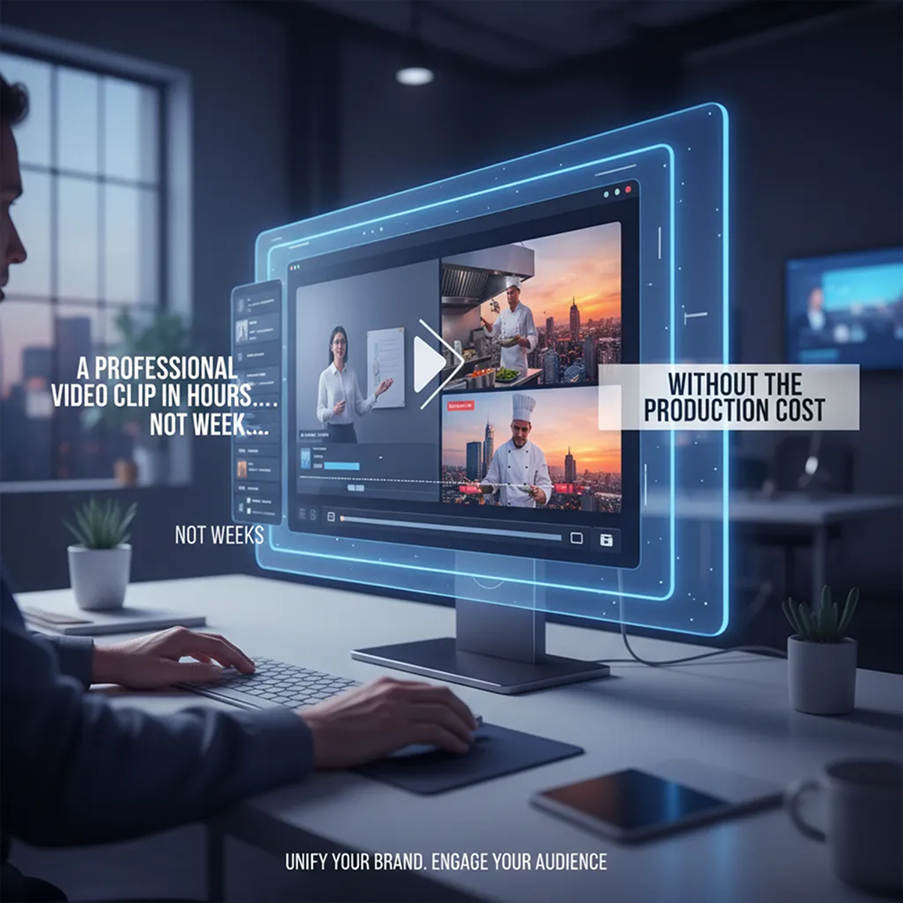
A professional video clip in hours, not weeksβ€”without the production cost

Producing custom video content is often slow and expensive. Hiring videographers, editors, and animators requires significant budget and coordination. Using stock footage leads to generic, impersonal results. Mastering video editing and motion design demands time, skills, and software. Creating a cohesive video campaign becomes a prolonged, costly endeavor.

SOLUTION

A full video production studio in your browser. For free. Create high-quality, ready-to-publish video clips from your ideas in minutesβ€”not weeks. Our tool reduces the cost of video creation to zero, preserving your budget and accelerating your content calendar.

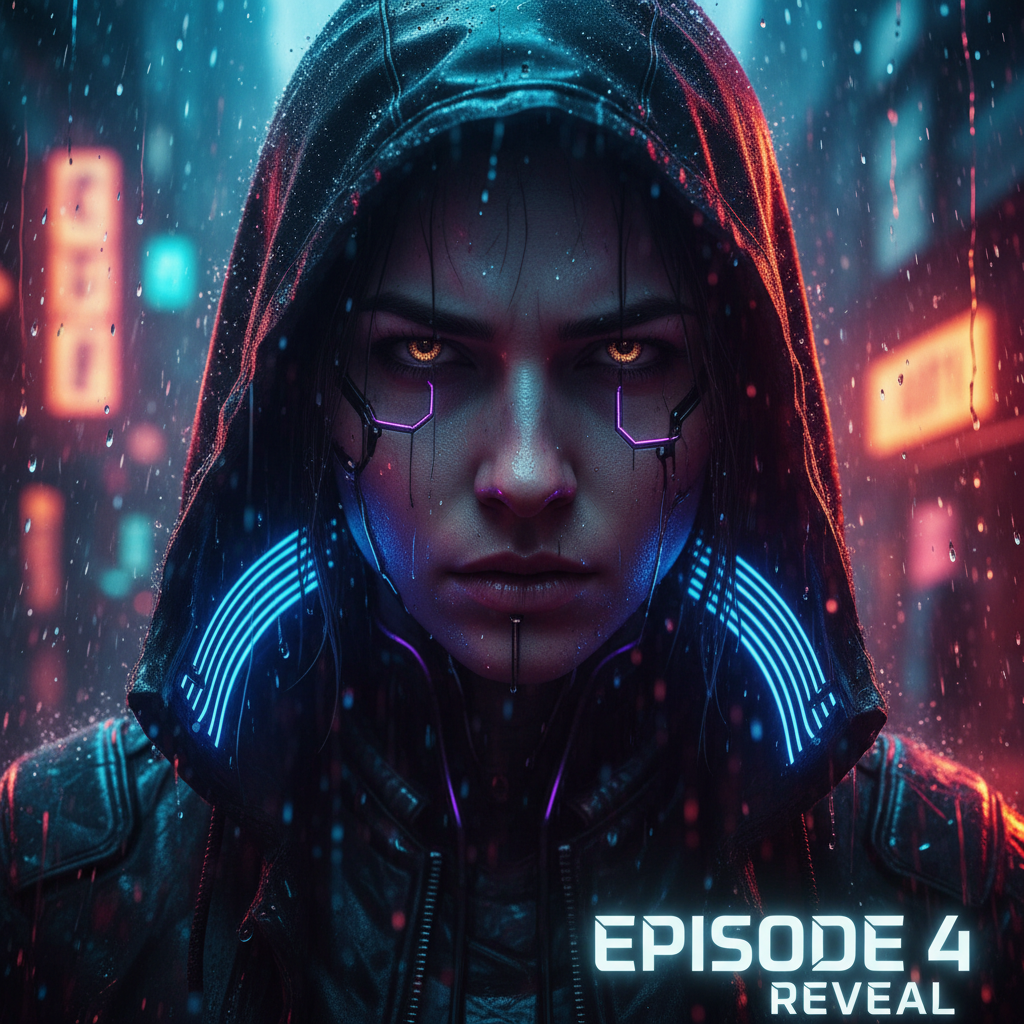
Generated Image January 11, 2026 - 1_37PM 1.png
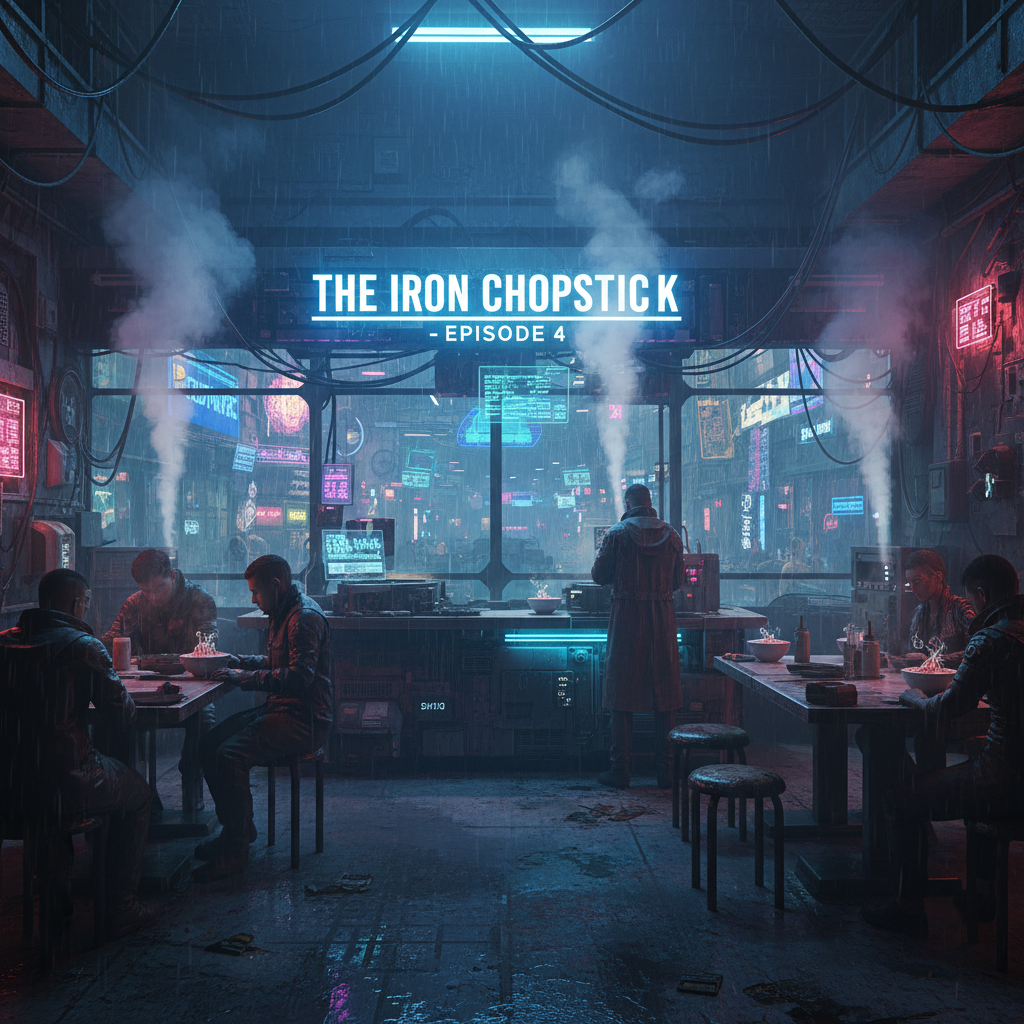
Generated Image January 11, 2026 - 1_38PM 1.png
PROBLEM

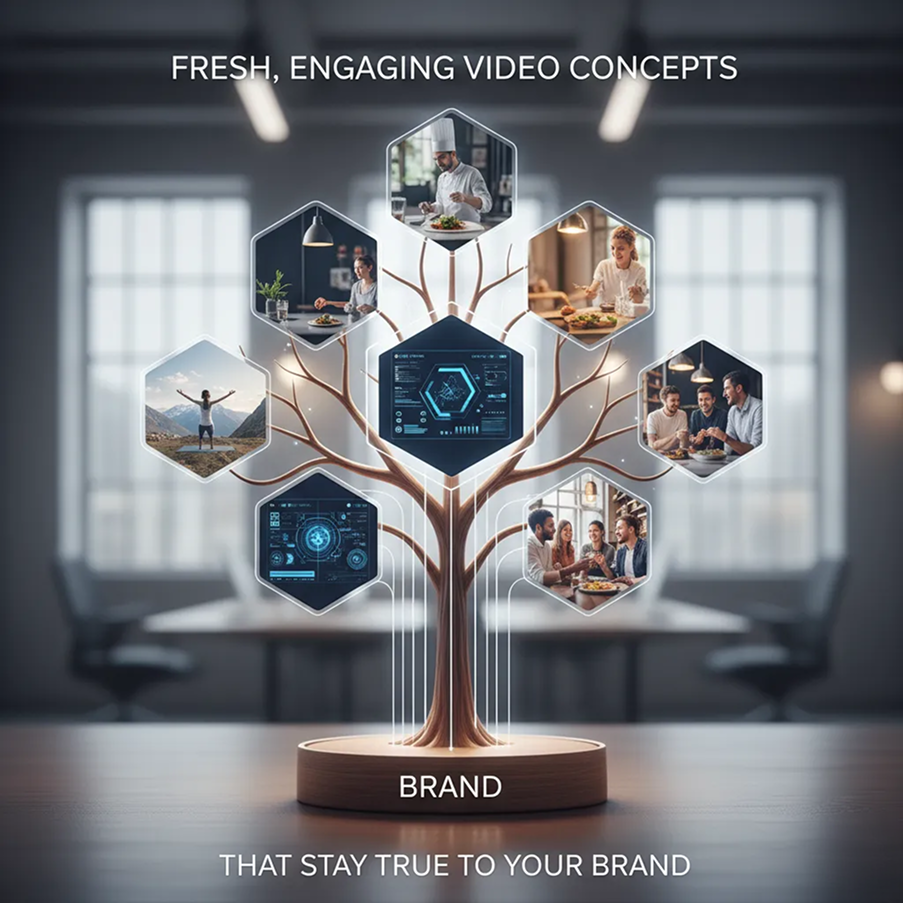
Fresh, engaging video concepts that stay true to your brand

Creative repetition limits audience engagement. How do you continuously create new video content that feels fresh but still belongs to your brand's world? Reusing the same styles, templates, and motions leads to viewer fatigue and missed creative opportunities. You need innovative video ideas that expand your visual storytelling while staying recognizable.

SOLUTION

AI as your creative video producer. Generate hundreds of unique video variations from a single promptβ€”from adjusting visual style and pacing to experimenting with scene composition, camera angles, and narrative flow. This tool becomes your endless source of motion inspiration, helping you build a rich, compelling video library that captivates viewersβ€”always on-brand, always original.

How to create videos from text

Creating a custom video doesn't need to be hard or complicated. Here's a quick guide to get you started.

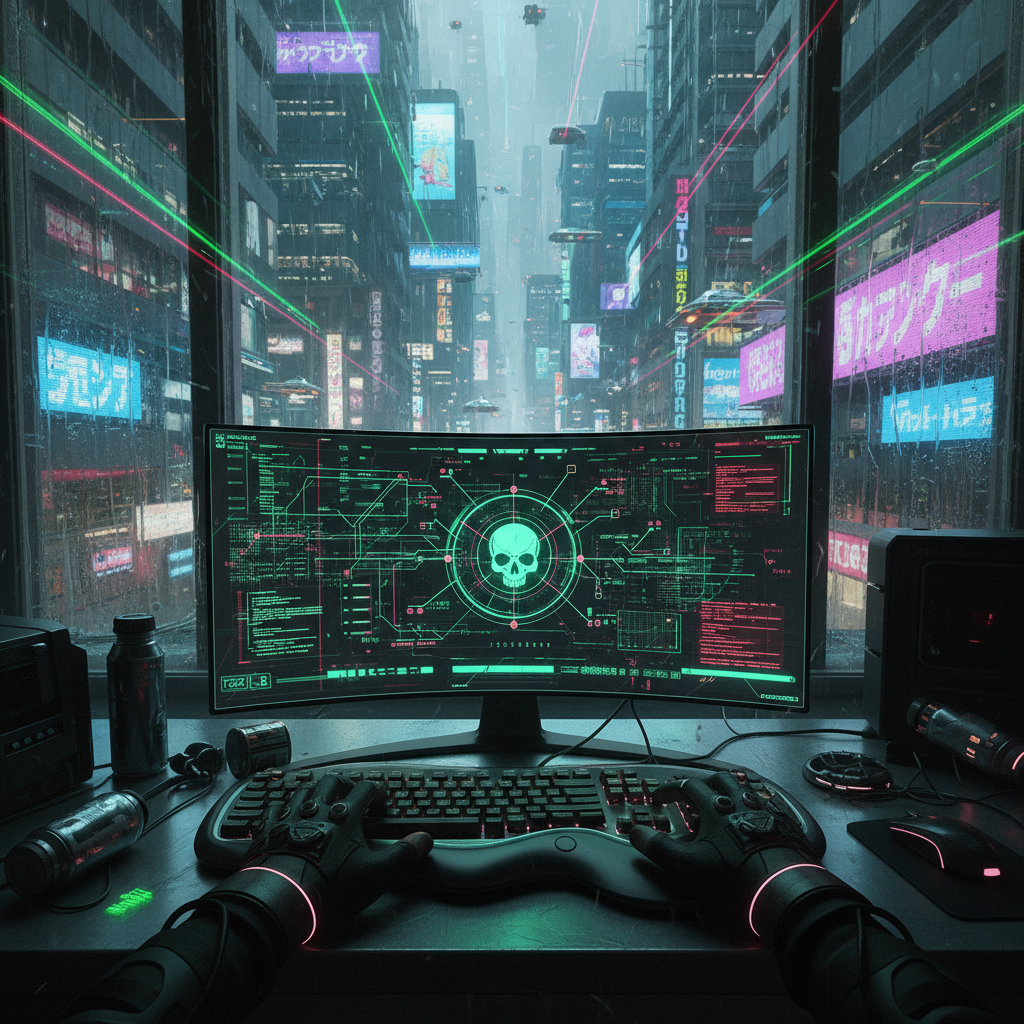
Generated Image January 11, 2026 - 2_06PM 1.png
Generated Image January 11, 2026 - 2_18PM 1.png
Generated Image January 11, 2026 - 3_51PM 1.png
1
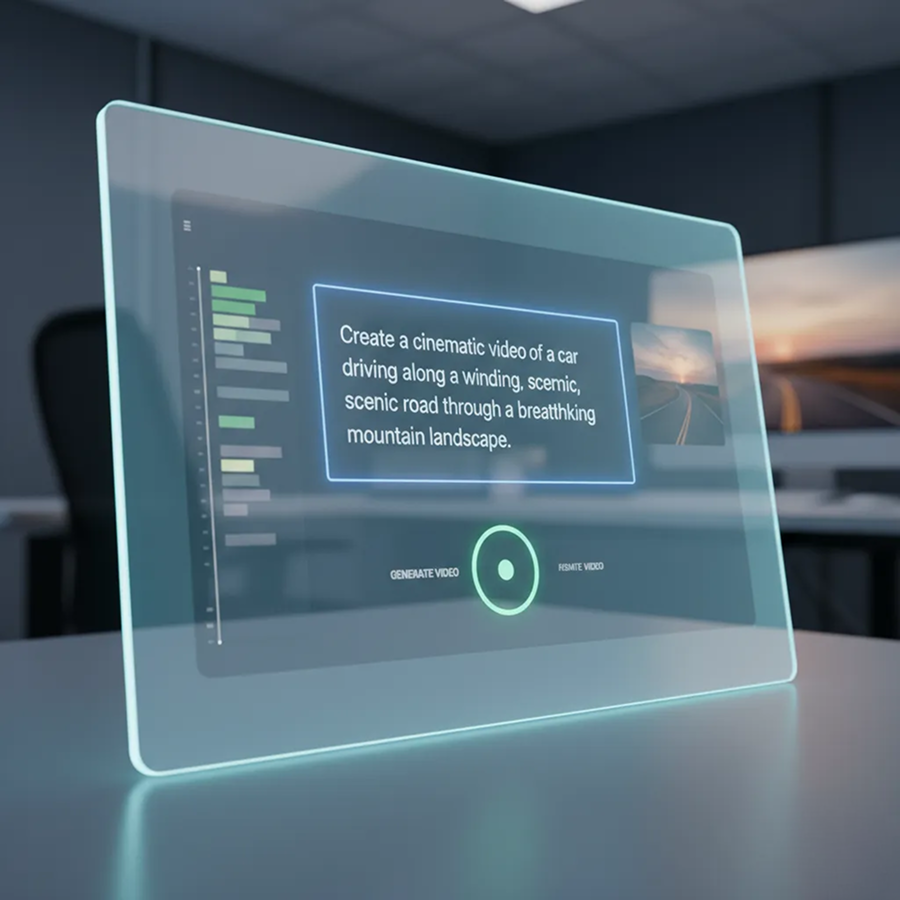
Describe your sceneEnter a text prompt describing your videoβ€”characters, setting, action, and style (animated, realistic, cinematic, etc.). Use our prompt assistant for inspiration or refinement.
2
Choose a style and fine‑tuneSelect your preferred visual style: 3D animation, live‑action realism, motion graphics, or artistic filters. Adjust the pace, camera angles, colors, and effects with simple controls. Regenerate scenes or refine details until the motion feels just right.
3
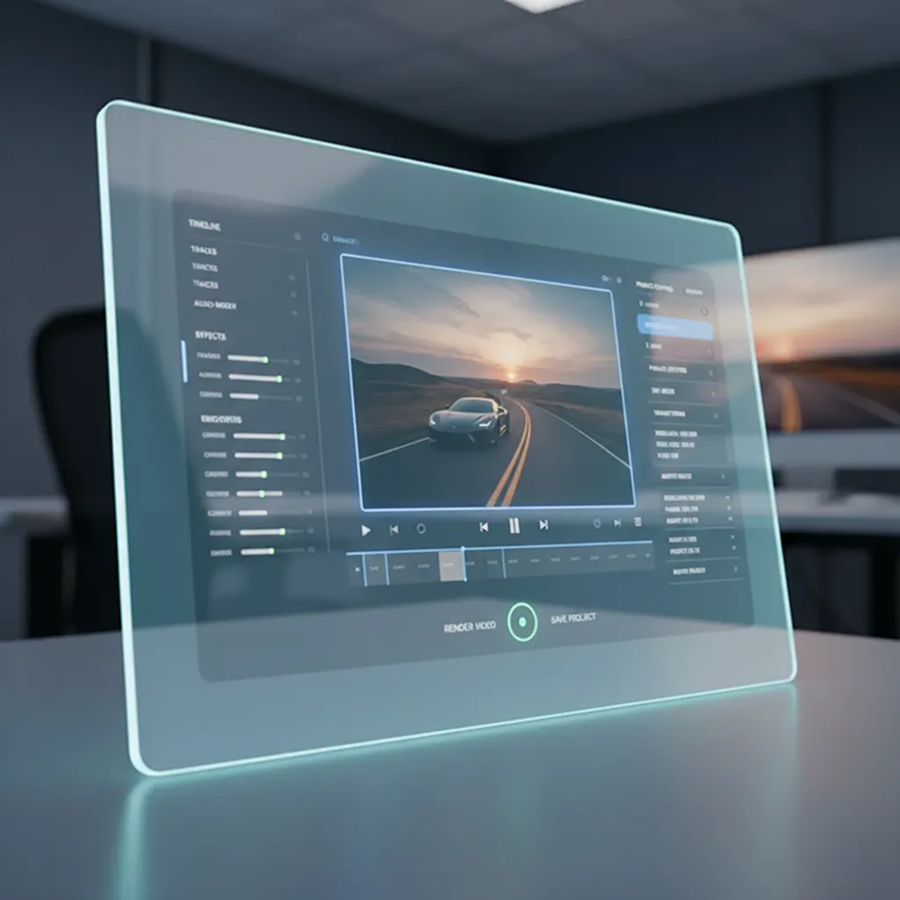
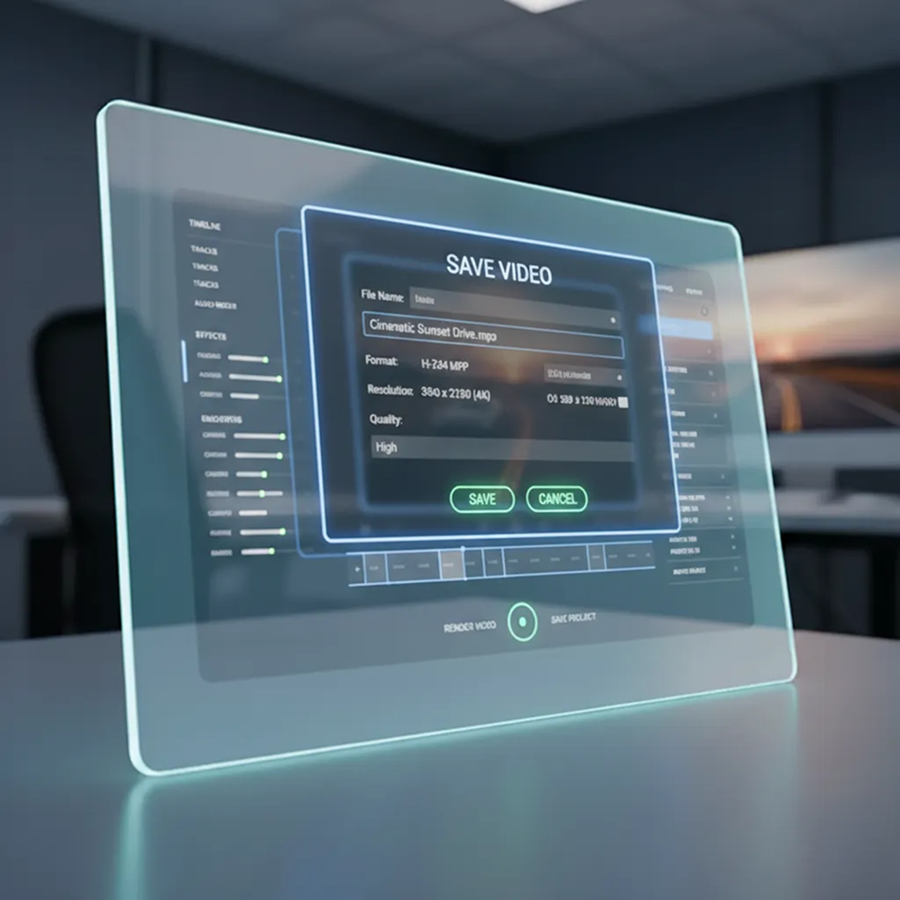
Preview, export, and shareWatch your video come to life with real‑time previews, undo changes instantly, then download your clip in MP4, MOV, or GIF formatsβ€”ready for social media, ads, presentations, or further editing.

Where can you use the AI Video Generator from Text?

Whether you're creating content for marketing, storytelling, education, or entertainmentβ€”the applications are limitless. The AI Video Generator from Text adapts to your creative process, whether you're building a campaign, producing a short film, or enhancing digital content.

  • ✦ Social Media & Brand Content: Create engaging video ads, social clips, and corporate explainers.
  • ✦ Educational & Training Videos: Produce animated e-learning modules and instructional content.
  • ✦ Entertainment & Gaming: Develop short films, music videos, and game-related motion graphics.
  • ✦ Personal & Portfolio Projects: Build demo reels, creative portfolios, and personal video work.
Generated Image January 11, 2026 - 4_05PM 1.png

Tips for achieving the best results

Small adjustments can significantly improve the flow, impact, and professionalism of your video content. These tips will help you create polished, engaging videos that resonate with viewers.

  • ✦ Use detailed prompts with specific settings, actions, mood, and visual style for accurate AI generation.
  • ✦ Tailor video length and pacing to the platform, using short clips for social media and longer scenes for narrative work.
  • ✦ Maintain a consistent visual style, including color and animation, to ensure brand cohesion across videos.
  • ✦ Preview for smooth motion and plan audio strategy (voiceover, music, or silent) to optimize the final output.
Generated Image January 11, 2026 - 4_18PM 1.png

How to download and edit your video

Exporting your generated video is simple and adaptable. You retain full control over format, resolution, and final editsβ€”and can return to make changes anytime without losing your work.

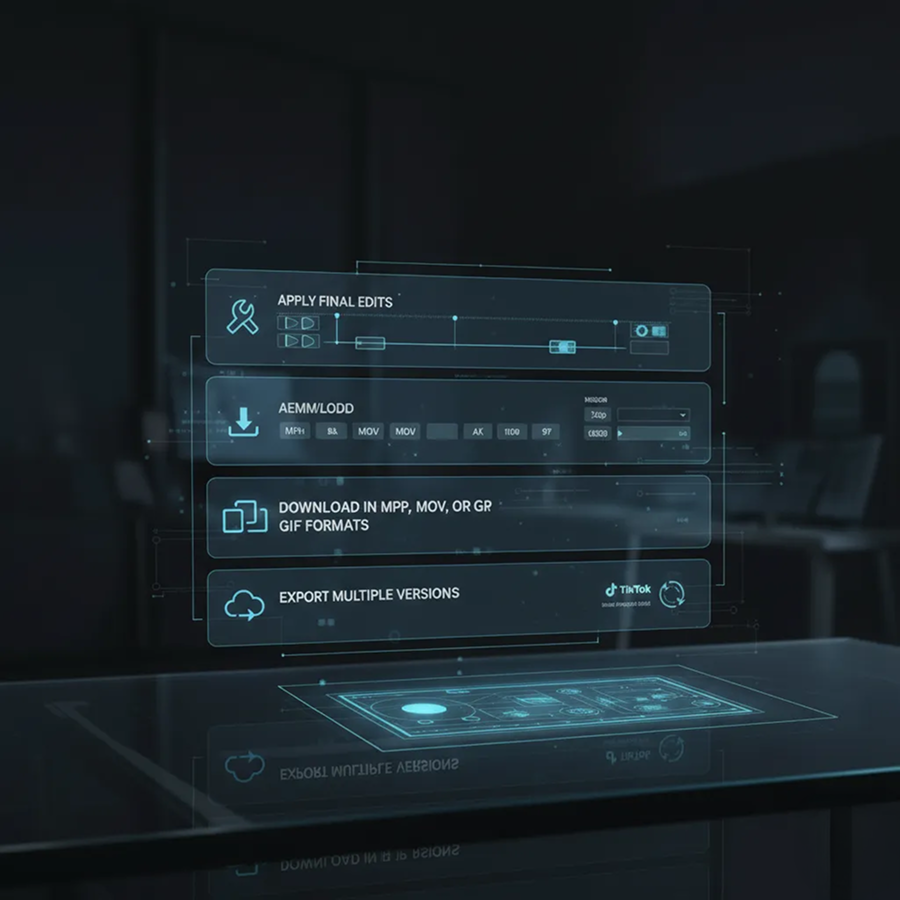
  • ✦ Apply final edits using intuitive in-browser tools before exporting.
  • ✦ Download in MP4, MOV, or GIF formats, in resolutions from mobile-friendly to 4K.
  • ✦ Export multiple versions optimized for different platforms (e.g., square, vertical, horizontal) in one click.
  • ✦ Save your project files to revisit, edit, or create new variations laterβ€”all edits are preserved and fully reversible.
Generated Image January 11, 2026 - 4_26PM 1.png
Generated Image January 11, 2026 - 4_30PM.png
πŸ’¬

Client Reviews

β˜…β˜…β˜…β˜…β˜…

"A total game-changer for our social media agency!"

"Our content calendar used to be our biggest bottleneck. Now we generate weeks of high-quality, on-brand video clips in a single afternoon. The realism and motion control are incredible."

Priya
β˜…β˜…β˜…β˜…β˜…

"Perfect for educators and online course creators."

"I can turn my lesson scripts into engaging animated videos in minutes. My students are more focused, and I’ve cut my content production time by over 80%."

Marcus
β˜…β˜…β˜…β˜…β˜…

"Exactly what our startup needed for product launches."

"We had zero budget for a professional video team. This generator helped us create polished, cinematic product demos and teasers that looked like they cost thousands."

Pavel
β˜…β˜…β˜…β˜…β˜…

"Super intuitive once you get the hang of it!"

"The interface felt new at first, but after about 10 minutes of exploring the prompt builder and style controls, everything clicked. Now I prototype video ideas faster than I can write them down."

Max
β˜…β˜…β˜…β˜…β˜…

"Revolutionized how we pitch to clients."

"Instead of static slides, we now present with custom-generated video scenarios that bring our ideas to life. Clients love it, and our close rate has improved noticeably."

Sophie
β˜…β˜…β˜…β˜…β˜…

"Saved our indie film project months of pre-production."

"We used this tool to visualize key scenes before shooting. It helped our director, DP, and production designer get on the same page visuallyβ€”saving us time, money, and creative disagreements."

Alex
✨

Best AI Tools All in One Place

OpenAI_logo.svg

GPT ImageAI image generation & editing
Sora 2Cinematic video generation

Google_2015_logo 1.svg

Imagen 4Ultra-sharp images
Gemini 2.5 / 3.0Multimodal generation & editing
Veo 3.1Fast video + motion consistency

Logo_runway.svg

Gen 4Best for consistent characters & video frame generations
AlephVideo editing & effects

Midjorny.svg

MidJourneyImage generation & variations
Upscale / Outpaint / PanAdvanced editing tools

Logo_hailuo.svg

Hailuo 2 ProHigh-quality video animation

Logo_king.svg

Kling 2.5v1, v1.5, v1.6, v2 video generation
⚑

Explore similar use cases

AI Video Background Remover

Remove or replace backgrounds in video without a green screen

AI Animation Assistant

Generate scenes, assets, and frame transitions for motion design

AI Motion Graphics Generator

Create moving visuals and graphics for social and video content

AI Video Upscaler

Enhance resolution and detail in low-quality video footage

✨

FAQs

Answers to common questions about using the Series Art Generator and editing images with AI.

How does Phygital+ ensure my character or brand style stays consistent throughout the video?

+

Can I do more than just generate from text? For example, can I animate a static image I've created?

+

How much control do I have over the camera movement and motion within the video?

+

What's the best workflow in Phygital+ for creating a sequence of related video clips for a social media story or ad?

+

Can I generate videos in different styles, such as 3D animation, cinematic realism, or a cartoon look?

+

How can Phygital+ help me A/B test different video ads quickly?

+

Start for free

Create logos, mockups, and brand visuals in one place.

New!
Cool!