Free AI Video Colorizer
Restore black-and-white videos with natural, AI-powered coloring online in seconds — without limits, downloads, or complicated tools. The AI Video Colorizer is built for historians, filmmakers, and creators who want to bring monochrome footage to life — with authenticity, precision, and just a few clicks.
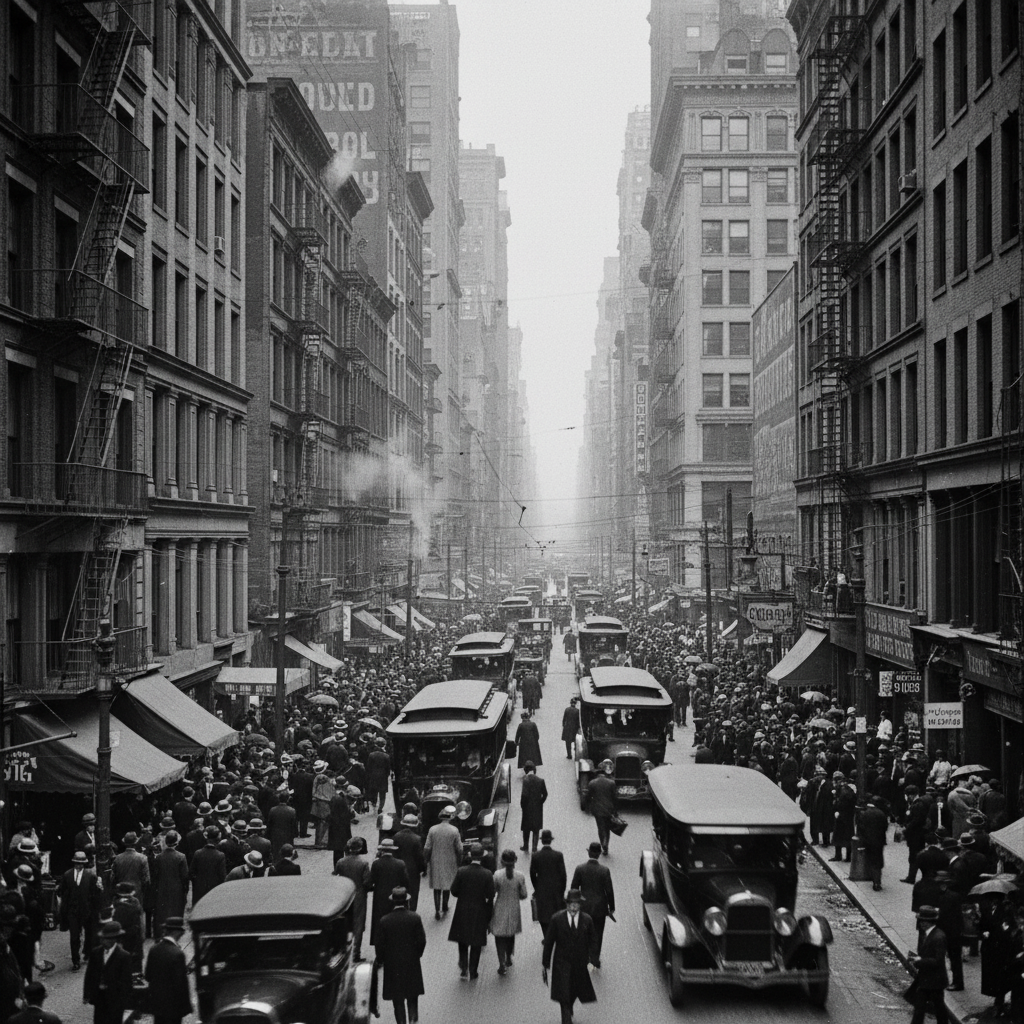
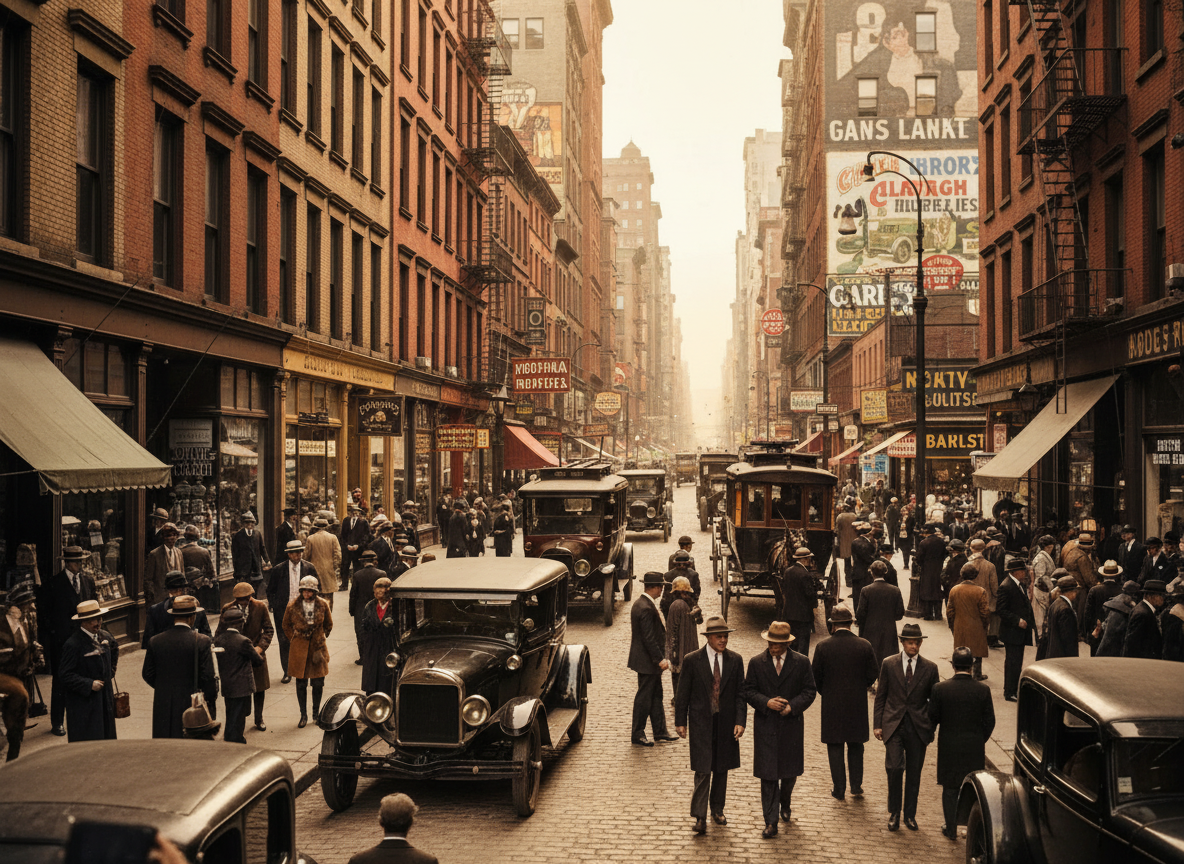

What is an AI Video Colorizer?
Historical & Contextual Color Intelligence
The AI understands era-appropriate coloring and material authenticity. From early silent films to mid-century home movies, it applies historically plausible colors based on lighting, textures, and common period palettes.
Beyond Simple Filtering
Restore videos with intelligent, frame-accurate color mapping. Unlike basic color overlays, the AI analyzes objects, materials, and natural lighting to apply realistic, consistent colors across every scene.
Full Creative & Archival Rights
You own the colorized video. Use it for documentaries, family archives, educational content, and public screenings without copyright restrictions or licensing limitations.
Why should you use the AI Video Colorizer?
High-Quality Color Restoration
Colorize and export videos in up to 4K resolution, preserving detail and motion while adding natural, historically-aware colors.
Colorize Instantly
Restore black-and-white footage with a single click—no manual layering, masking, or color grading expertise required.
No Software Required
Everything runs in your browser. Upload, colorize, and download videos directly—projects are saved securely and accessible from any device.
Platform Ready
Export colorized videos in pre-set formats for YouTube, social media, documentaries, presentations, and archival preservation.
From monochrome memories to living history
Stop the disconnect in your historical or archival video content. Transform black-and-white footage into vibrant, emotionally resonant color video in seconds. Colorize, restore, and bring the past to life with AI. Build a timeless video collection that connects generations—without manual frame-by-frame painting.
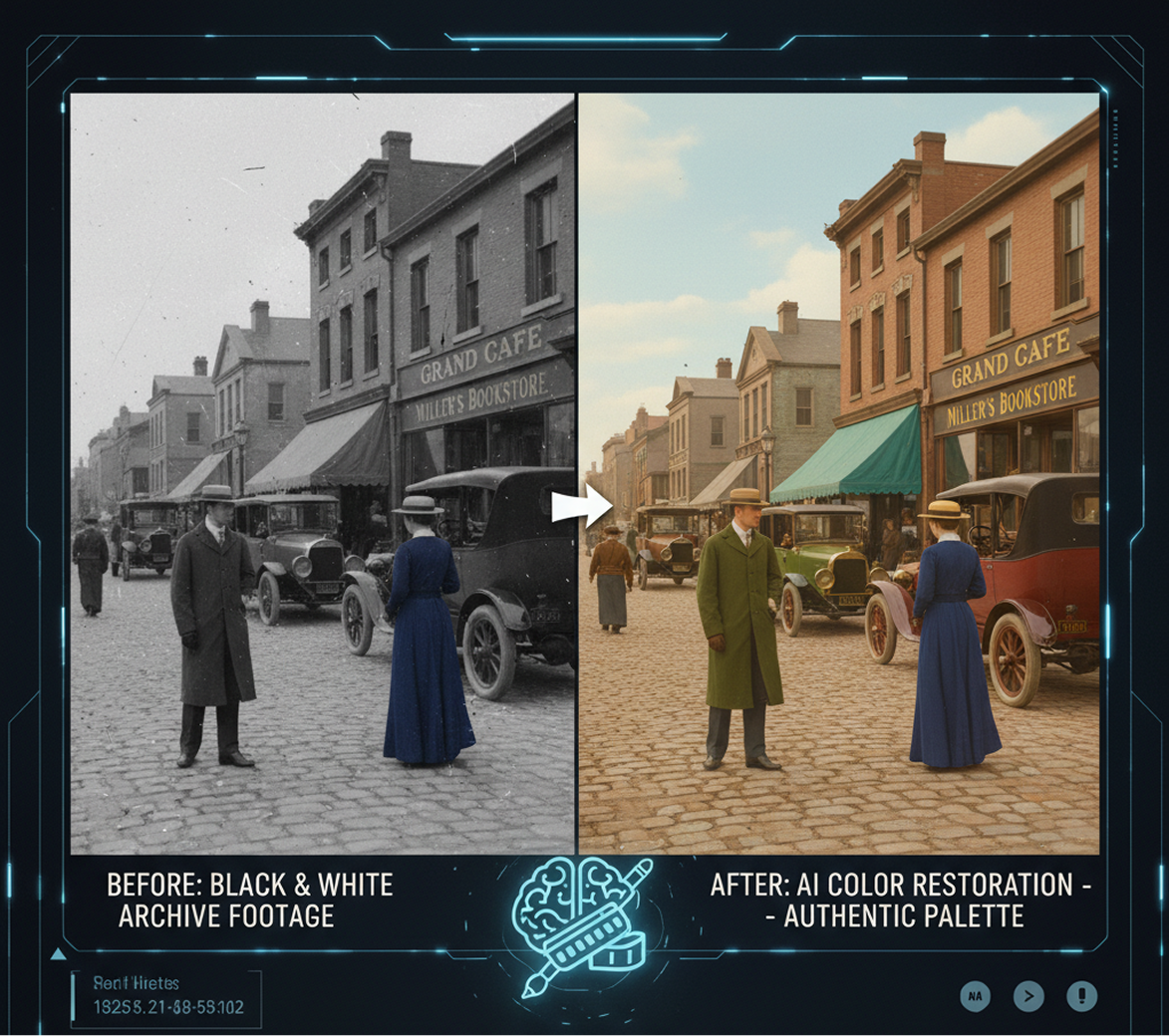
A disconnect between historical footage and modern viewers
A video archive that feels distant and impersonal. When black-and-white footage is presented without color, it creates an emotional and perceptual barrier for modern audiences. Monochrome scenes feel abstract, outdated, and less relatable, making it difficult for viewers to connect with the people, places, and stories captured on film.
he AI historian that masters authentic color restoration. Upload your black-and-white video. Our AI becomes your archival colorist, analyzing the era, context, and content to apply historically plausible and natural-looking colors frame by frame. Every scene will be revitalized with a palette that feels authentic, inviting, and emotionally engaging.
Professional video colorization in days, not years—without the studio cost
Manually colorizing black-and-white video is an incredibly slow, expensive, and specialized process. Hiring a professional colorization studio requires a significant budget and can take months or even years for longer projects. The complexity of matching colors to objects, materials, and lighting across thousands of frames makes it an impractical task for most creators, historians, and families.
A professional colorization studio in your browser. For free. Bring vibrant, natural color to historical footage in minutes—not years. Our tool eliminates the need for costly services and specialized skills, making professional-grade colorization accessible to everyone.
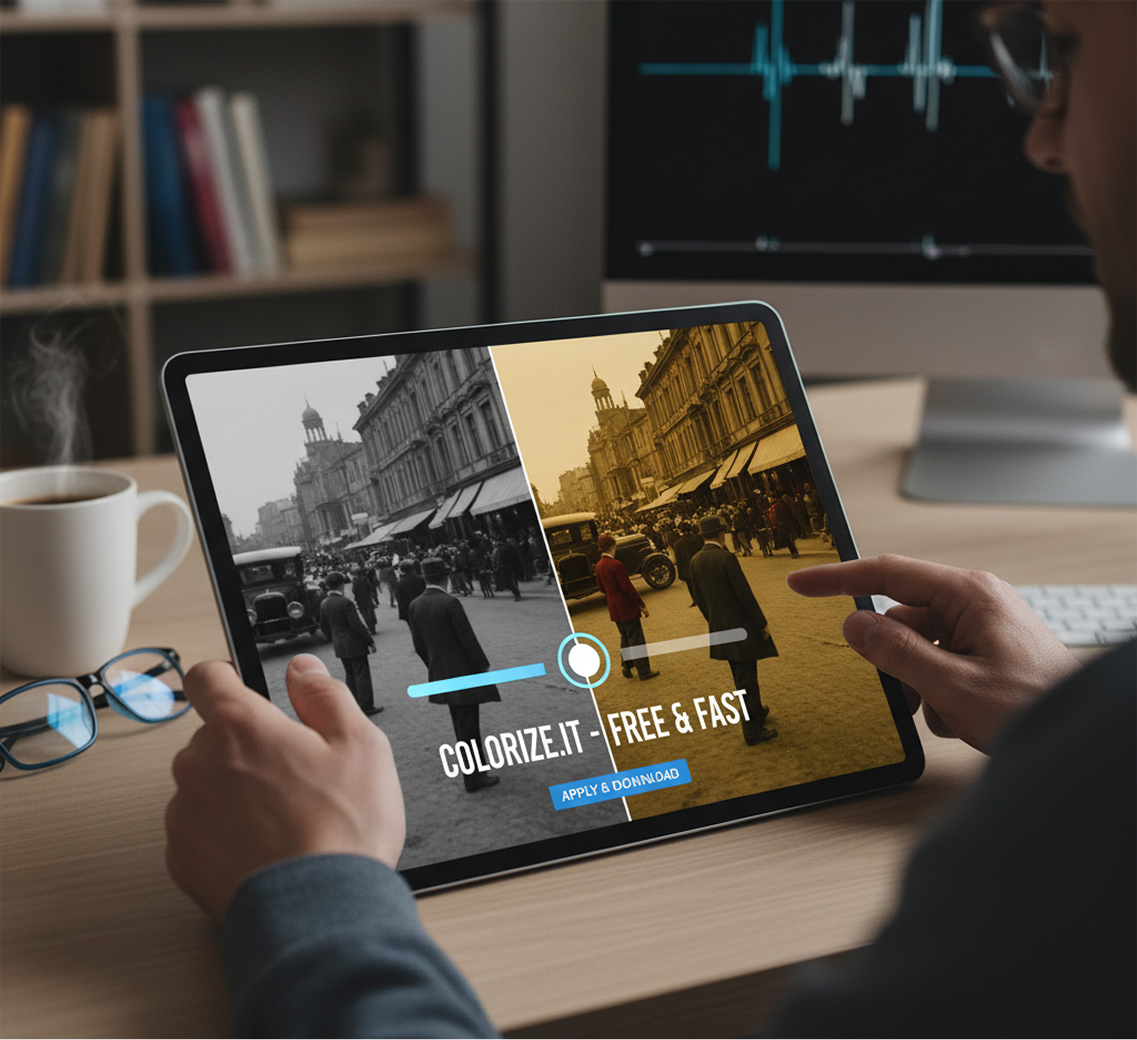
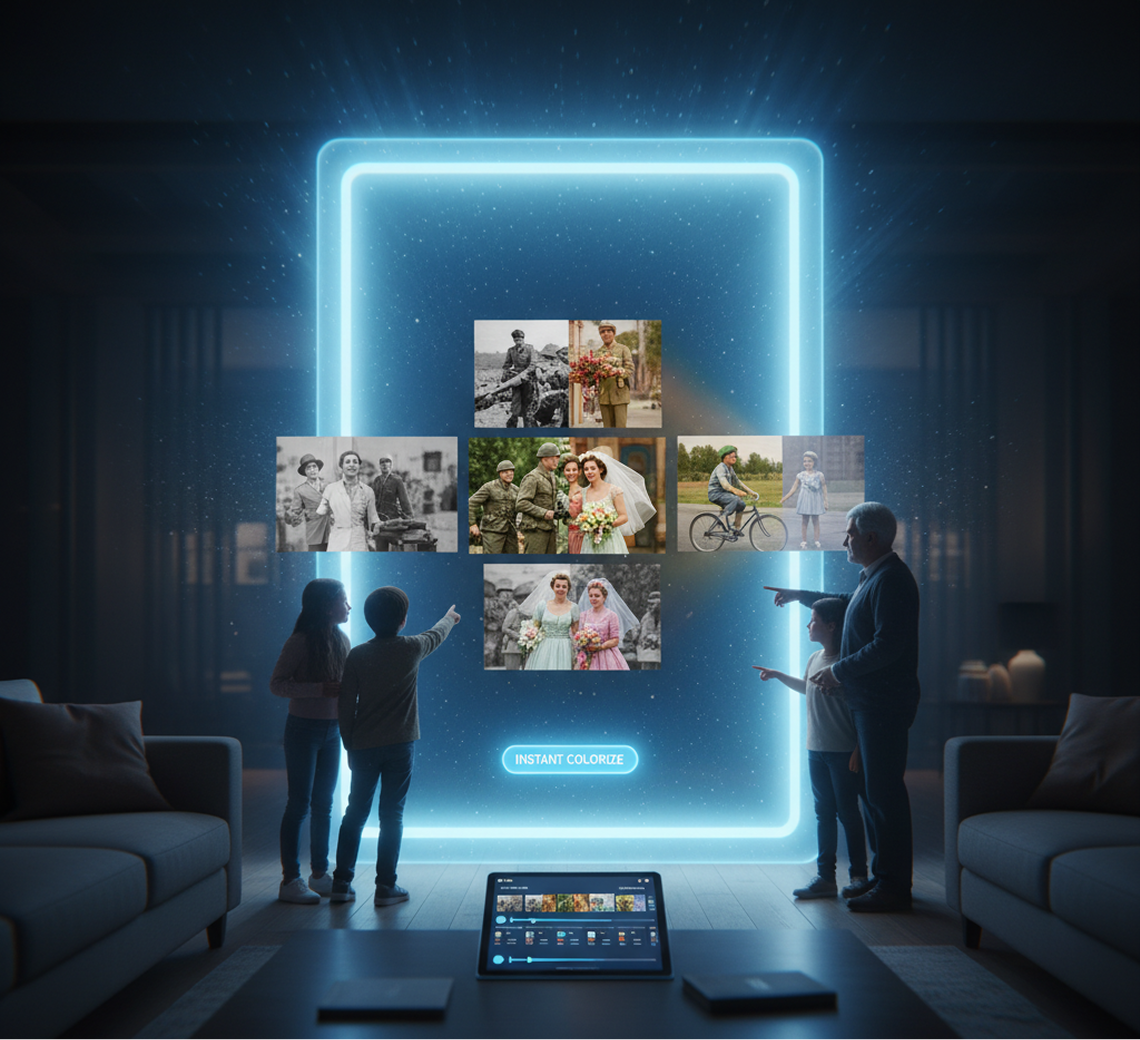
Preserving and sharing irreplaceable memories stuck in monochrome
A treasure trove of untapped emotional potential. How do you share precious family archives, historical documentaries, or classic films with new generations when they are trapped in black and white? Leaving them uncolorized limits their appeal and impact, while traditional methods are prohibitively difficult. You need a way to honor the past while making it vivid and relatable for the present.
AI as your bridge across time. Instantly colorize any black-and-white video—from silent films and wartime footage to family weddings and childhood memories. This tool becomes your portal to the past, helping you build a living, breathing video archive that honors history while making it accessible, emotional, and unforgettable for audiences today.
How to colorize videos
Bringing color to black-and-white footage doesn't need to be hard or complicated. Here's a quick guide to get you started.
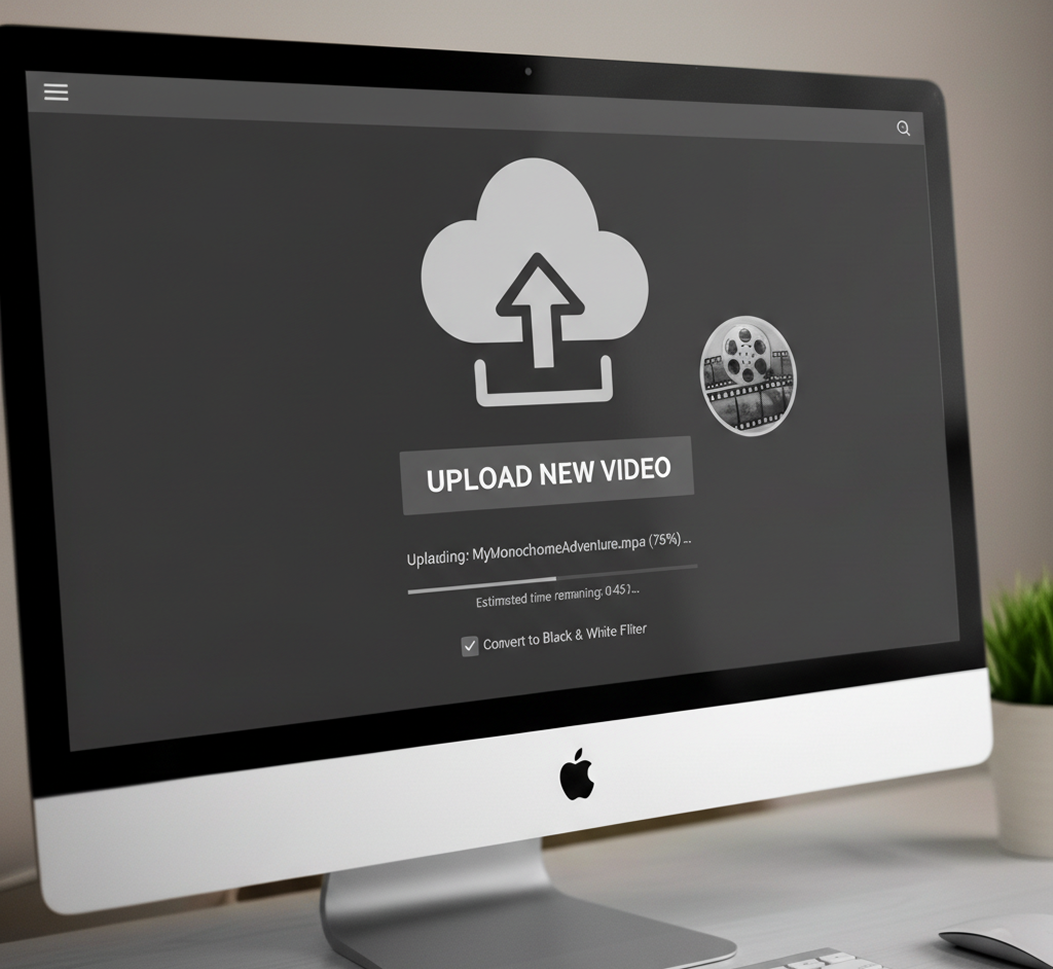
Upload your black-and-white video
Select your monochrome video file directly from your device. The longer the video, the more impressive the transformation.
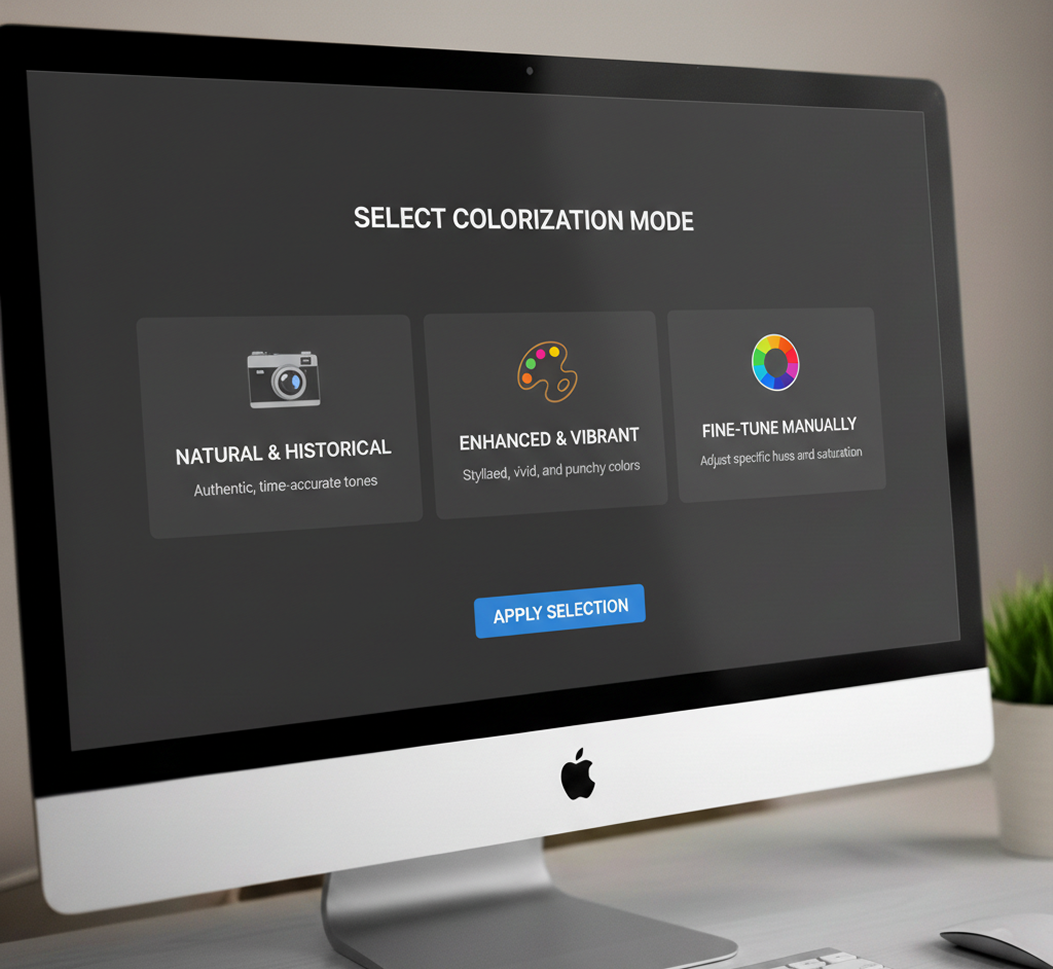
Choose your color style
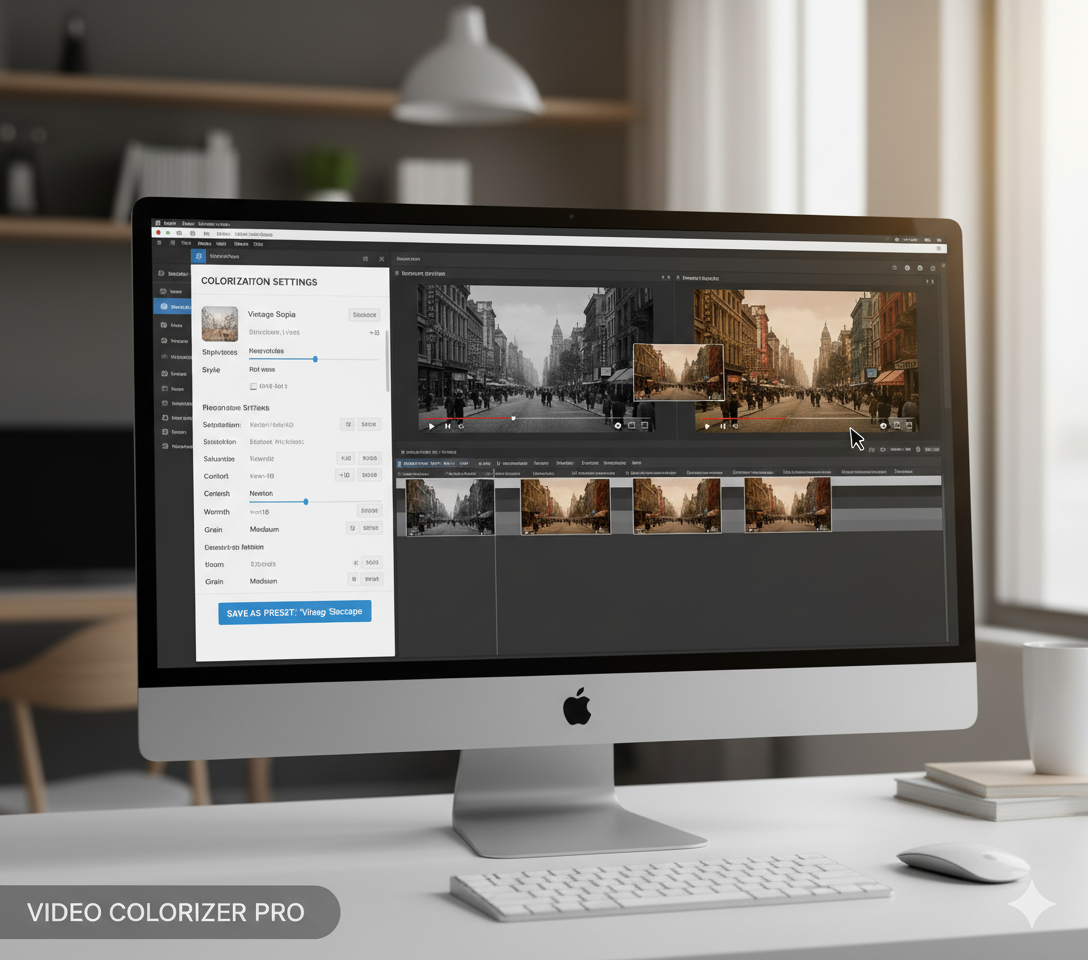
Select from colorization modes: "Natural & Historical" for authentic tones, "Enhanced & Vibrant" for a more stylized look, or fine-tune specific colors manually.
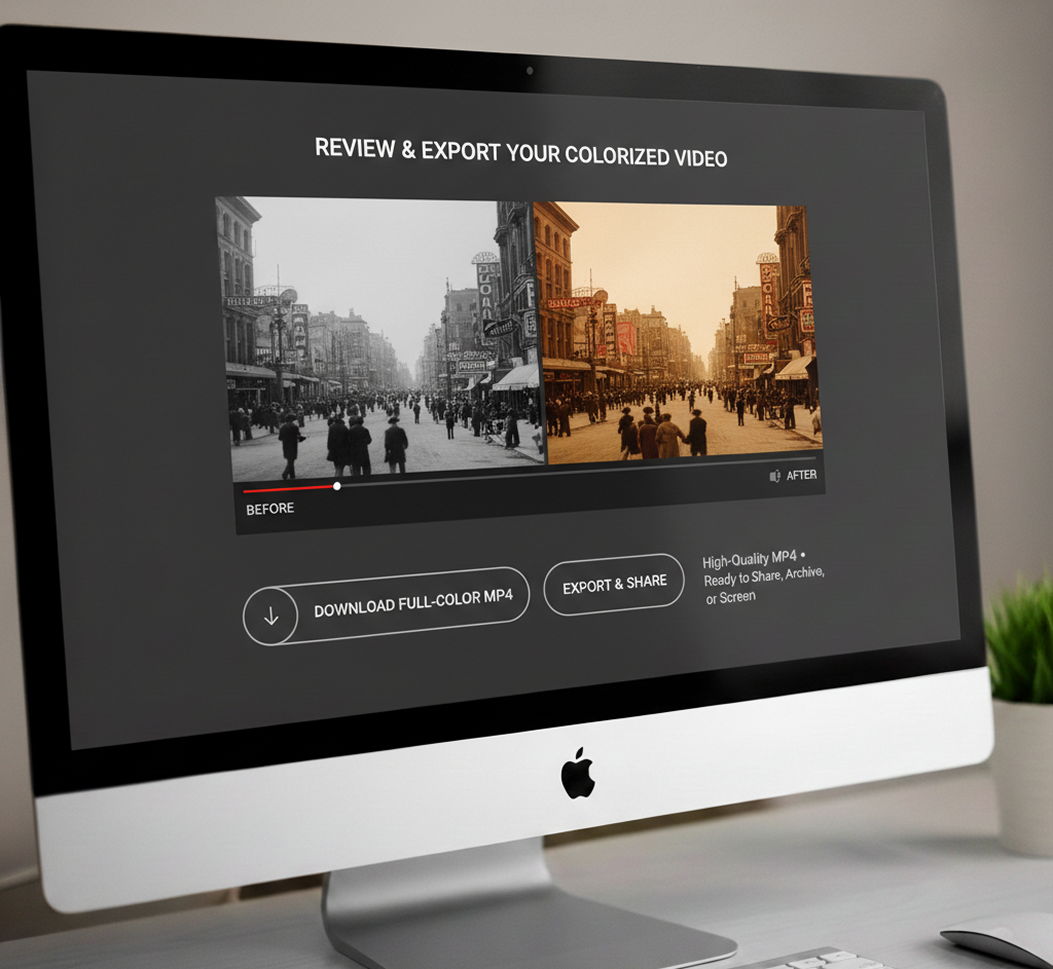
Process, preview, and export
Watch a real-time preview of the colorized video, compare before/after, then download the restored, full-color version in high-quality MP4 format—ready to share, archive, or screen.
Where can you use the AI Video Colorizer?
Whether you're preserving personal memories, producing historical documentaries, or restoring artistic films—the applications are meaningful and wide-reaching. The AI Video Colorizer adapts to your workflow, whether you're a family historian, filmmaker, educator, or archivist.
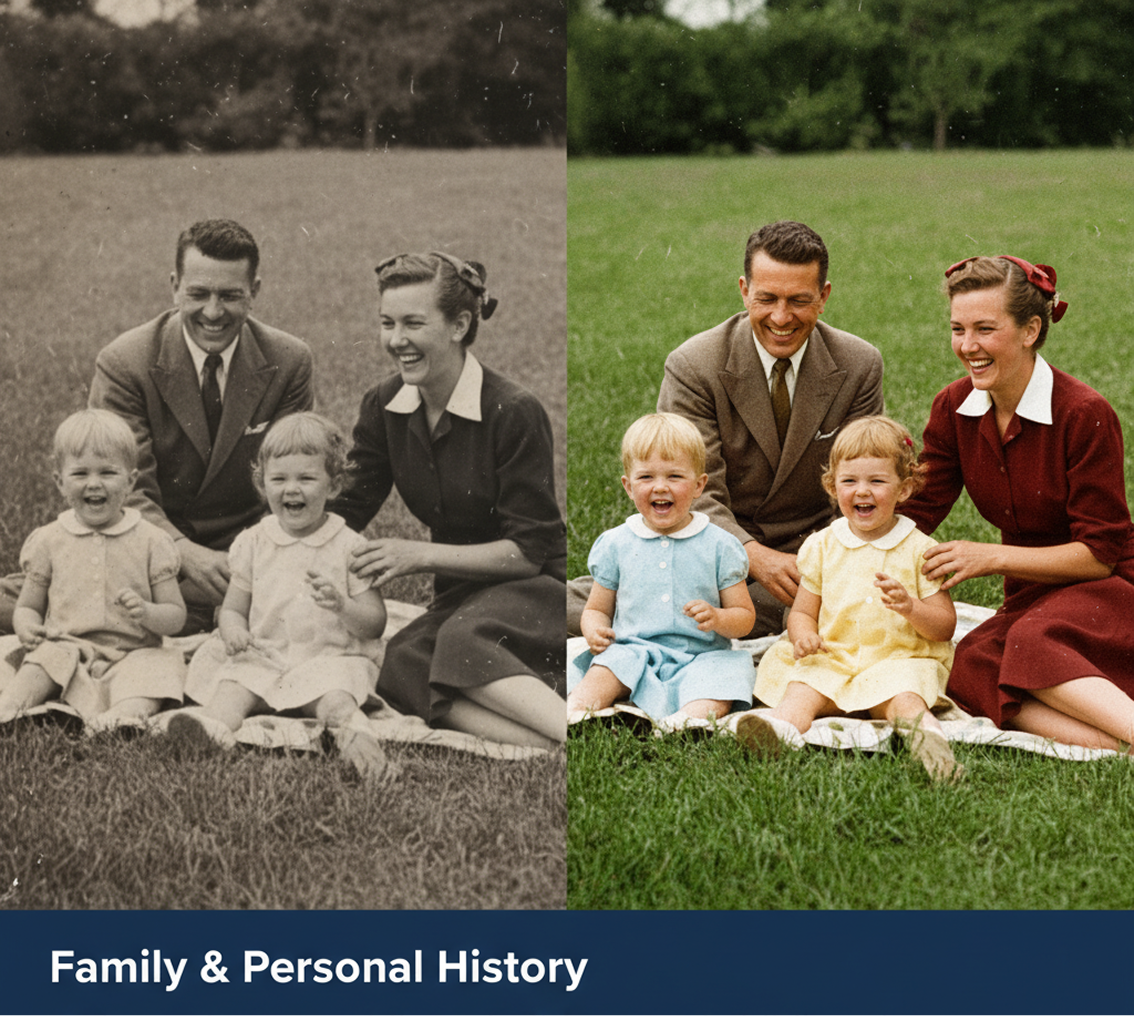
- ✦ Family & Personal History – Bring color to weddings, holidays, and childhood memories captured on old film.
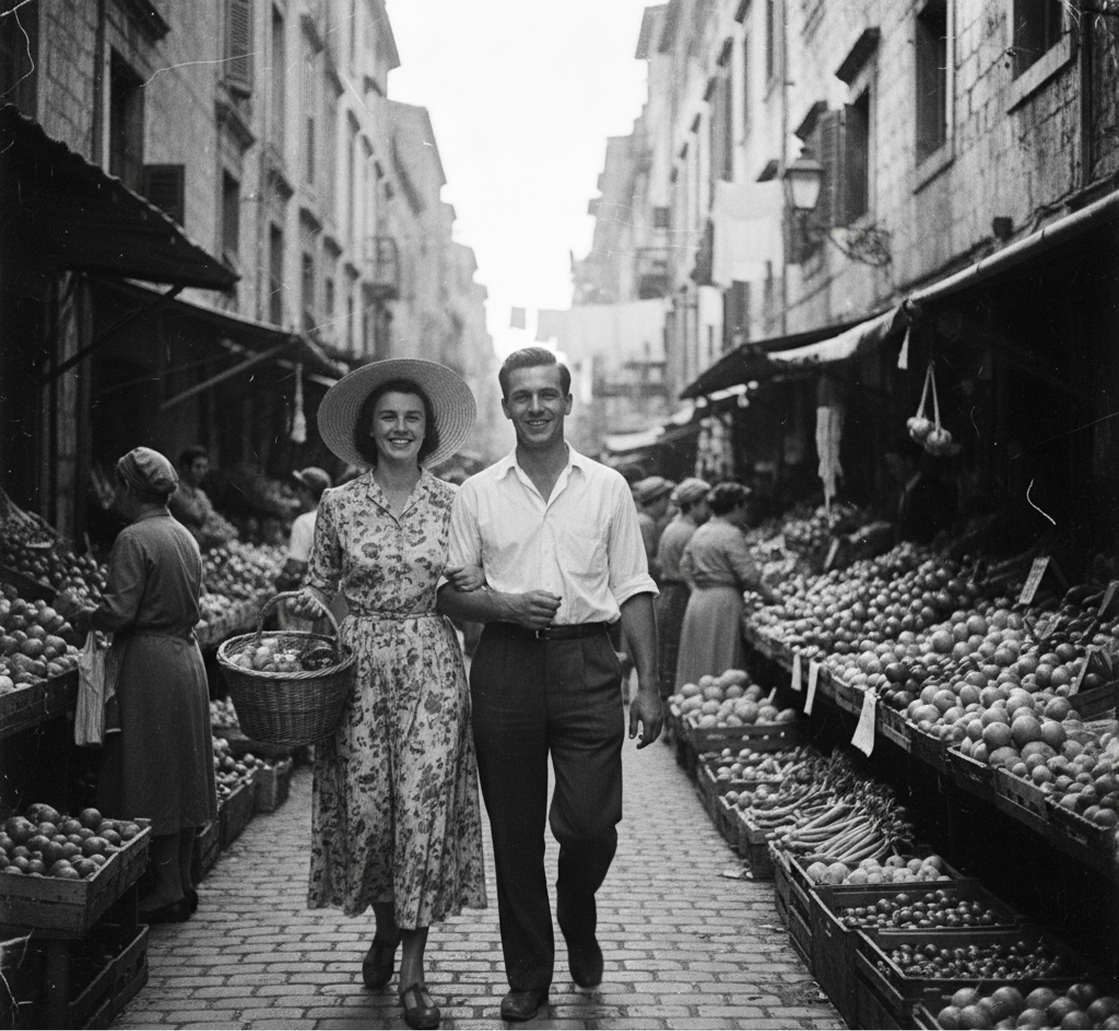
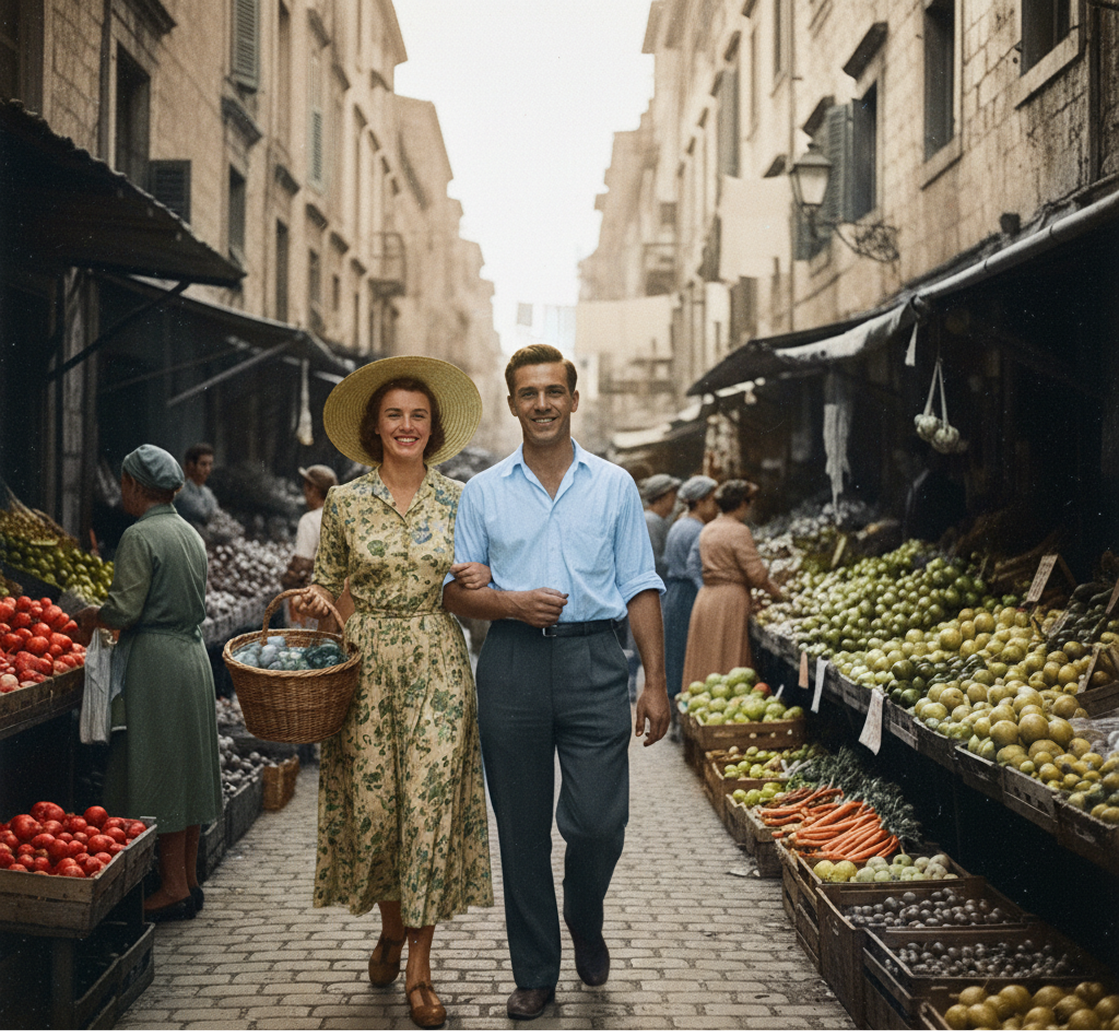
- ✦ Documentary & Historical Projects – Enhance archival newsreels, interviews, and historical footage for modern audiences.
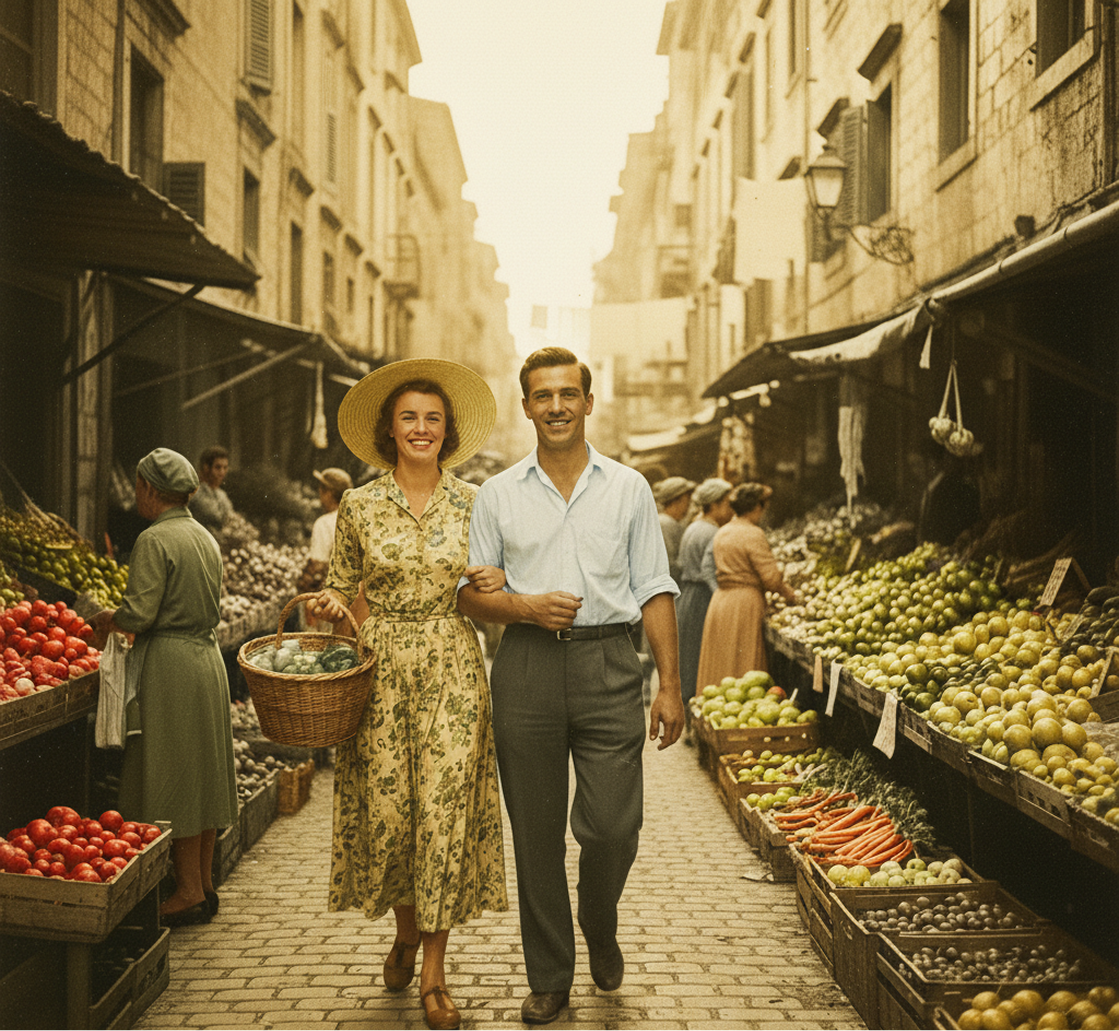
- ✦ Film Restoration & Education – Restore classic cinema, educational films, and cultural heritage videos.
Tips for achieving the best results
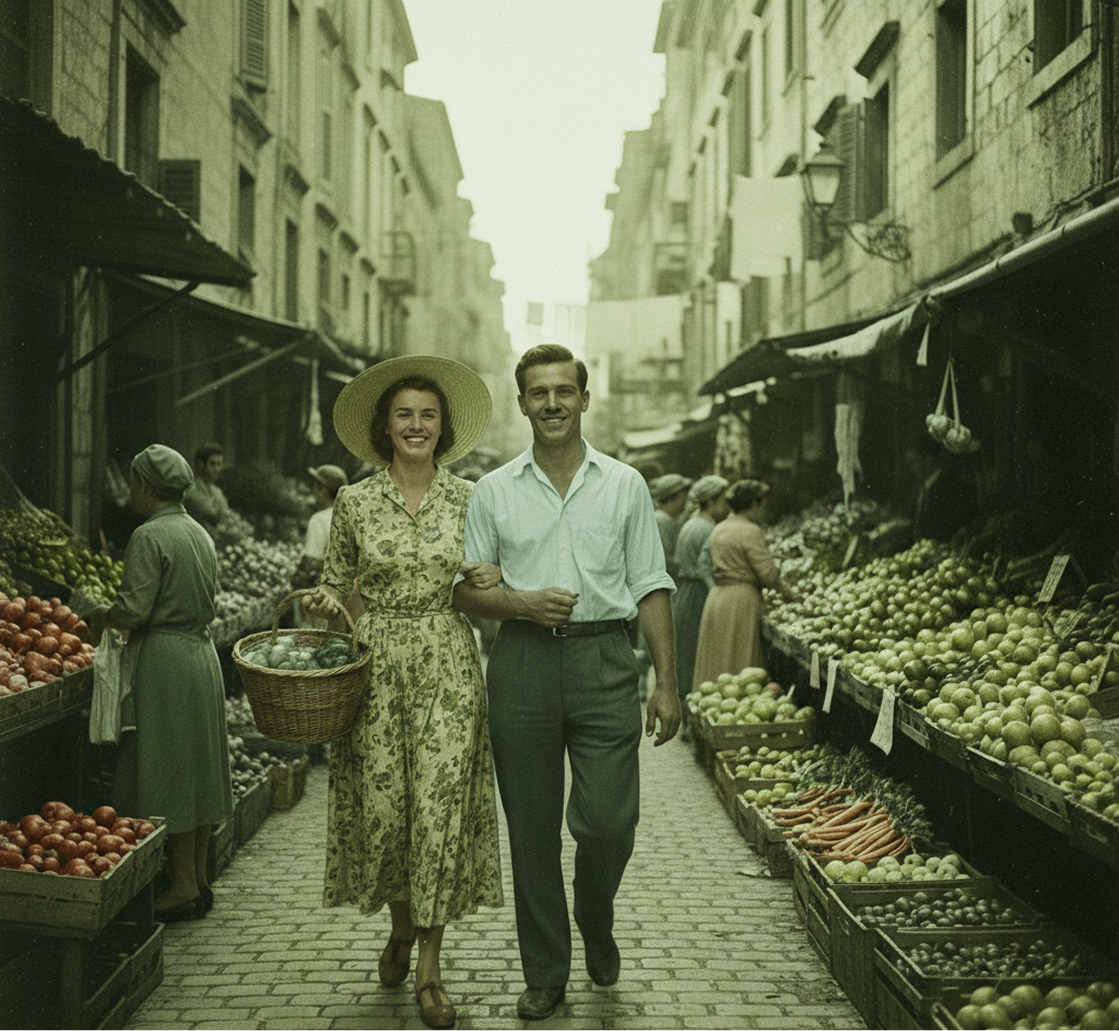
Small adjustments can greatly enhance the realism, authenticity, and emotional impact of your colorized video. These tips will help you create results that feel natural and true to the era.
- ✦ Start with the clearest source available – Better quality black-and-white footage leads to more accurate color mapping.
- ✦ Choose era-appropriate color styles – Select color palettes that match the period and context of your footage.
- ✦ Preview and compare frequently – Watch the colorized version alongside the original to ensure colors feel consistent and believable.
How to download and edit your colorized video
Exporting your colorized video is simple and flexible. You retain control over output quality and can adjust settings even after processing.
- ✦ Download in high-quality MP4 format, suitable for archiving, sharing, or broadcast.
- ✦ Save your colorization settings to apply the same style consistently across related footage.
Client Reviews
"A total game-changer for my documentary on my grandparents' life."
"I had hours of 1950s home movies in black and white. Colorizing them brought their memories to life in a way I never thought possible—my family was in tears watching it."
"Perfect for historical educators and museums."
"We used this to colorize archive footage for a WW2 exhibition. Students connected with the material in a completely new way. The colors looked incredibly authentic."
"Exactly what our film restoration project needed."
"We're a small archive digitizing early 20th-century films. Manual colorization was never an option. This tool gave us professional, plausible results at a fraction of the cost."
"Super intuitive once you get the hang of it!"
"The color adjustment tools seemed detailed at first, but after about 10 minutes of experimenting, I understood how to make skin tones and fabrics look natural. Now I restore family films effortlessly."
"Revolutionized how we present historical content online."
"Our history channel's black-and-white clips used to get low engagement. After colorizing them, views and shares skyrocketed. It makes the past feel immediate and relatable."
"Saved our production from costly reshoots of period scenes."
"We had to use black-and-white stock footage for a period drama flashback. Colorizing it seamlessly integrated the clip into our full-color film. The director was amazed."
Best AI Tools All in One Place


GPT Image
AI image generation & editing
Sora 2
Cinematic video generation

Imagen 4
Ultra-sharp images
Gemini 2.5 / 3.0
Multimodal generation & editing
Veo 3.1
Fast video + motion consistency


Gen 4
Best for consistent characters & video frame generations
Aleph
Video editing & effects


MidJourney
Image generation & variations
Upscale / Outpaint / Pan
Advanced editing tools

Hailuo 2 Pro
High-quality video animation

Kling 2.5
v1, v1.5, v1.6, v2 video generation
Explore similar use cases
AI Animation Assistant
Generate scenes, assets, and frame transitions for motion design
AI Motion Graphics Generator
Create moving visuals and graphics for social and video content
AI Video Upscaler
Enhance resolution and detail in low-quality video footage
AI Scene Previsualization Tool
Rapid visual mockups for film and animation planning
Answers to common questions about using Phygital+ for event visuals.
How does the AI achieve natural and historically plausible colors instead of just "guessing"?
Can I guide the AI if I know a specific color is wrong, like for a historical flag or a brand logo?
My black-and-white footage is old and low-resolution. Should I upscale it before or after colorizing?
Beyond adding color, can I further enhance the footage within the same project?
Start for free
Create logos, mockups, and brand visuals in one place.