Free AI Texture Generator for 3D
Generate PBR textures online in seconds — without limits, downloads, or complicated software. The AI Texture Generator for 3D is built for artists, developers, and designers who need production-ready, physically based textures for Blender, Unity, and Unreal Engine — in just a few clicks.
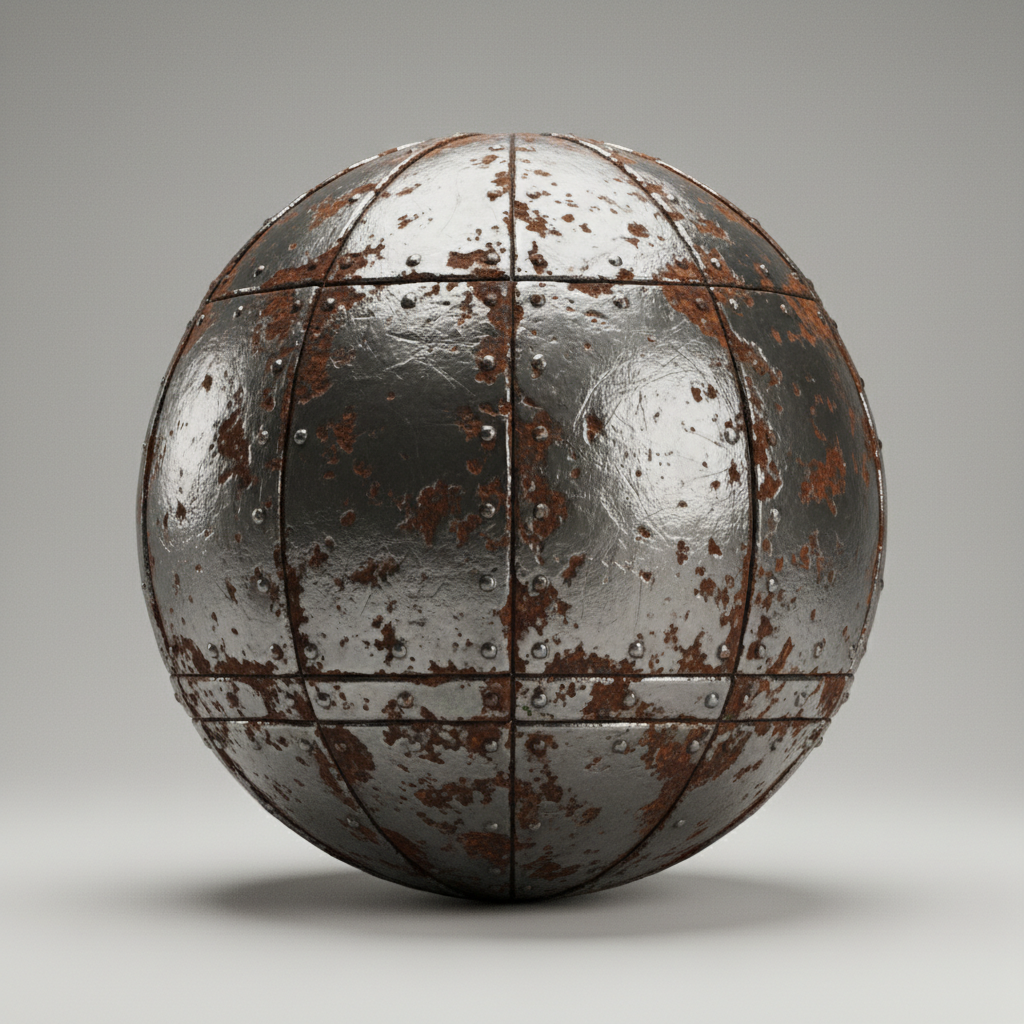

What is an AI Texture Generator for 3D?
Material Intelligence
The AI understands surface properties and visual styles. From photorealistic metals and fabrics to stylized cartoon surfaces, it adapts the texture style to match your artistic vision or real-world reference.
Beyond Stock Textures
Generate entirely new, seamless materials. Unlike texture libraries, every pixel in the albedo, roughness, normal, and metallic maps is generated from scratch based on your unique description.
Ready for Production
You own the texture set. Use it in Blender, Unity, Unreal Engine, or any 3D software for commercial projects, games, animations, and renders without licensing restrictions.
Why should you use the AI Texture Generator for 3D?
4K & 8K Resolution
Export textures at up to 8192×8192px, meeting all requirements for high-end rendering, game development, and close-up visualization.
Edit Instantly
Adjust roughness, tweak metallic values, alter colors, or change pattern scale with a single slider. No need for complex material editors or layered Photoshop files.
No Software Required
Everything works in your browser. Save your texture sets and projects to the cloud and access them from any device, anywhere.
Pipeline Ready
Pre-configured export packs with correct naming conventions and map types (Albedo, Normal, Roughness, etc.) for seamless import into Blender, Unity, Unreal Engine, and other 3D software.
From scattered assets to cohesive material libraries
Stop the inconsistency in your 3D material workflow. Go from a simple idea to a full set of production-ready PBR textures in seconds. Describe, generate, and customize professional materials with AI. Build a cohesive and versatile texture library for any project without artistic bottlenecks.
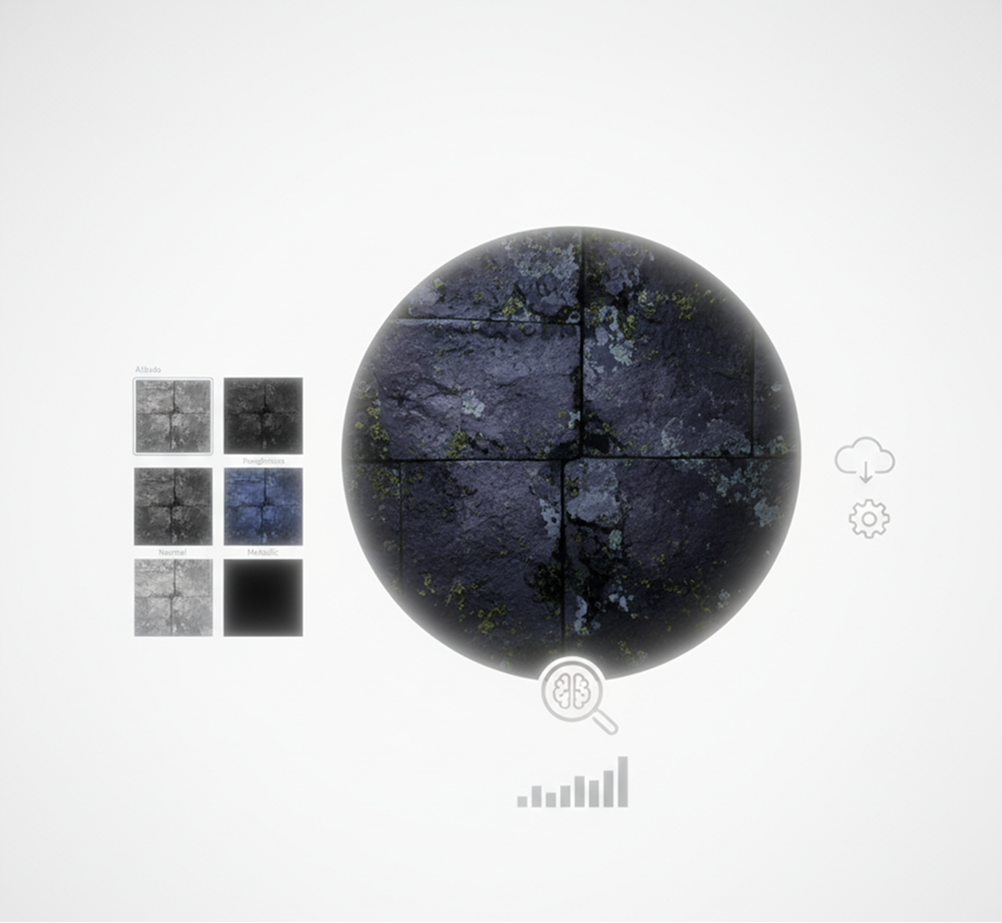
Consistent visual quality across all 3D scenes
An environment that looks patched together. When textures for different assets—characters, props, environments—are sourced from different artists or libraries, the material quality and style become fragmented. Color grading, roughness values, normal map intensity, and texel density don't align, making your scene look unprofessional and visually disjointed. This breaks immersion and undermines the artistic vision.
The AI that understands your material vision. Upload reference images or describe your desired surface in plain language. Our AI becomes your material supervisor, automatically generating full PBR texture sets (Albedo, Normal, Roughness, Metallic) that are stylistically and technically consistent. Every generated texture is ready to import and will work harmoniously within your scene.
A complete material library in hours, not weeks—without the artist budget
Professional texture creation is slow and expensive. Commissioning a texture artist requires significant budget and lead time. Sourcing from marketplaces leads to overused, mismatched, or non-seamless assets. Creating high-quality, tileable PBR textures manually demands advanced skill and countless hours. Building a cohesive material library becomes a prolonged, costly endeavor.
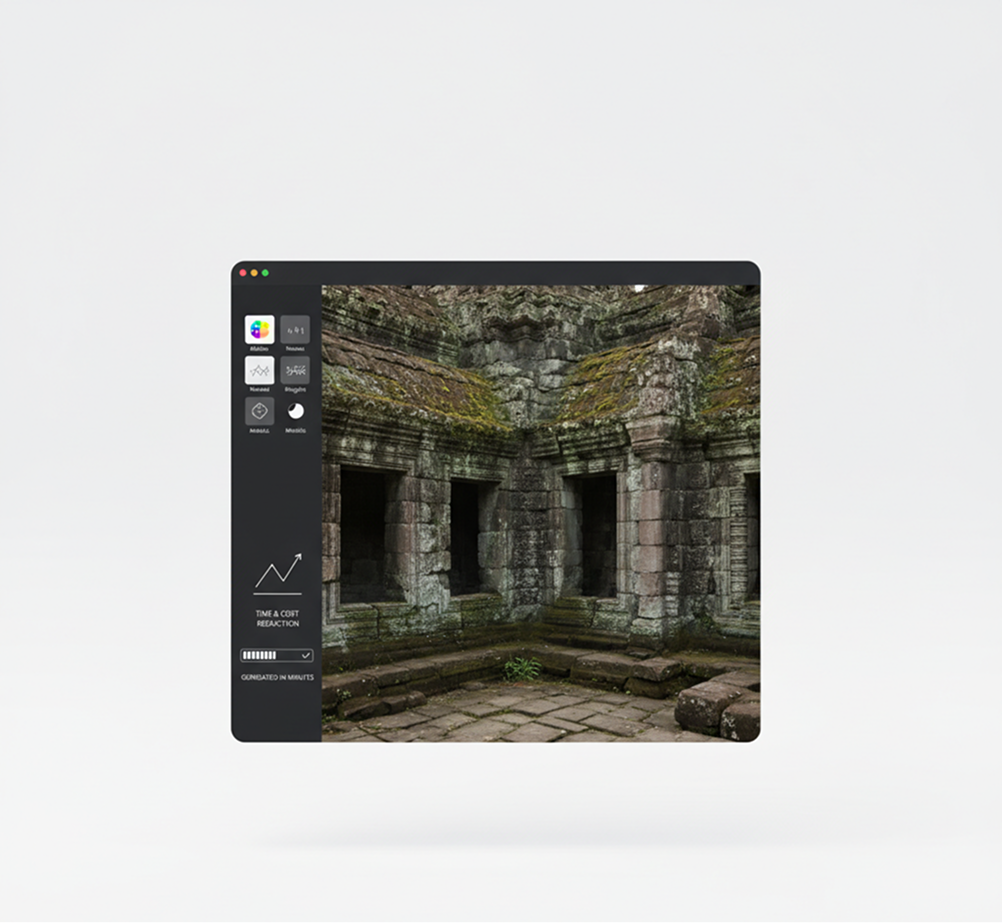
A professional material authoring studio in your browser. Accessible to all. Create high-resolution, tileable PBR texture sets in minutes—not months. Our tool reduces the cost and time of texture production to a fraction, preserving your budget and accelerating your entire 3D pipeline.
Innovative, production-ready materials that expand your visual style
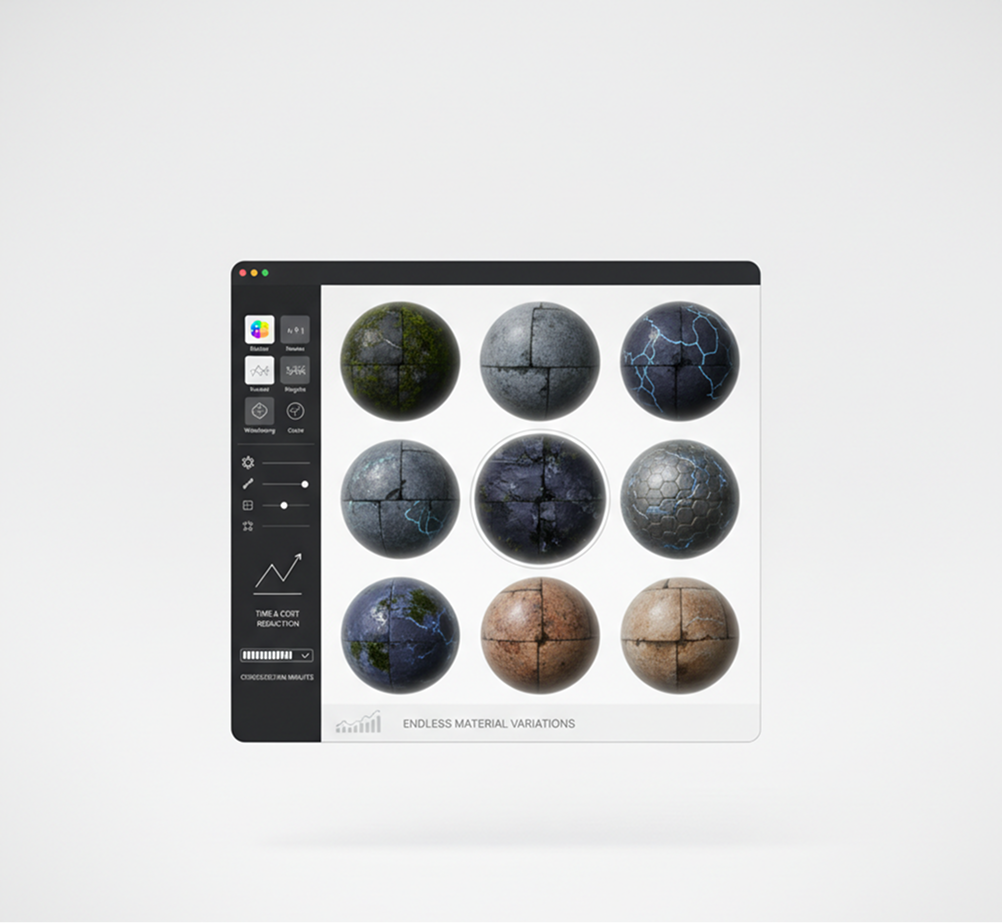
Artistic iteration is often limited by time and resource constraints. How do you quickly explore different material variations—aged vs. new, wet vs. dry, sci-fi vs. fantasy—while ensuring every texture is physically accurate and tiles perfectly? Relying on the same few materials leads to repetitive, uninspired scenes and limits creative world-building.
AI as your collaborative material artist. Generate dozens of cohesive texture variations from a single concept—from adjusting wear and tear and weathering to experimenting with patterns, colors, and surface reactions. This tool becomes your endless source of material inspiration, helping you build rich, believable worlds while guaranteeing production-ready, engine-optimized textures every time.
How to create PBR textures
Designing a professional material doesn’t need to be hard or complicated. Here’s a quick guide to get you started.
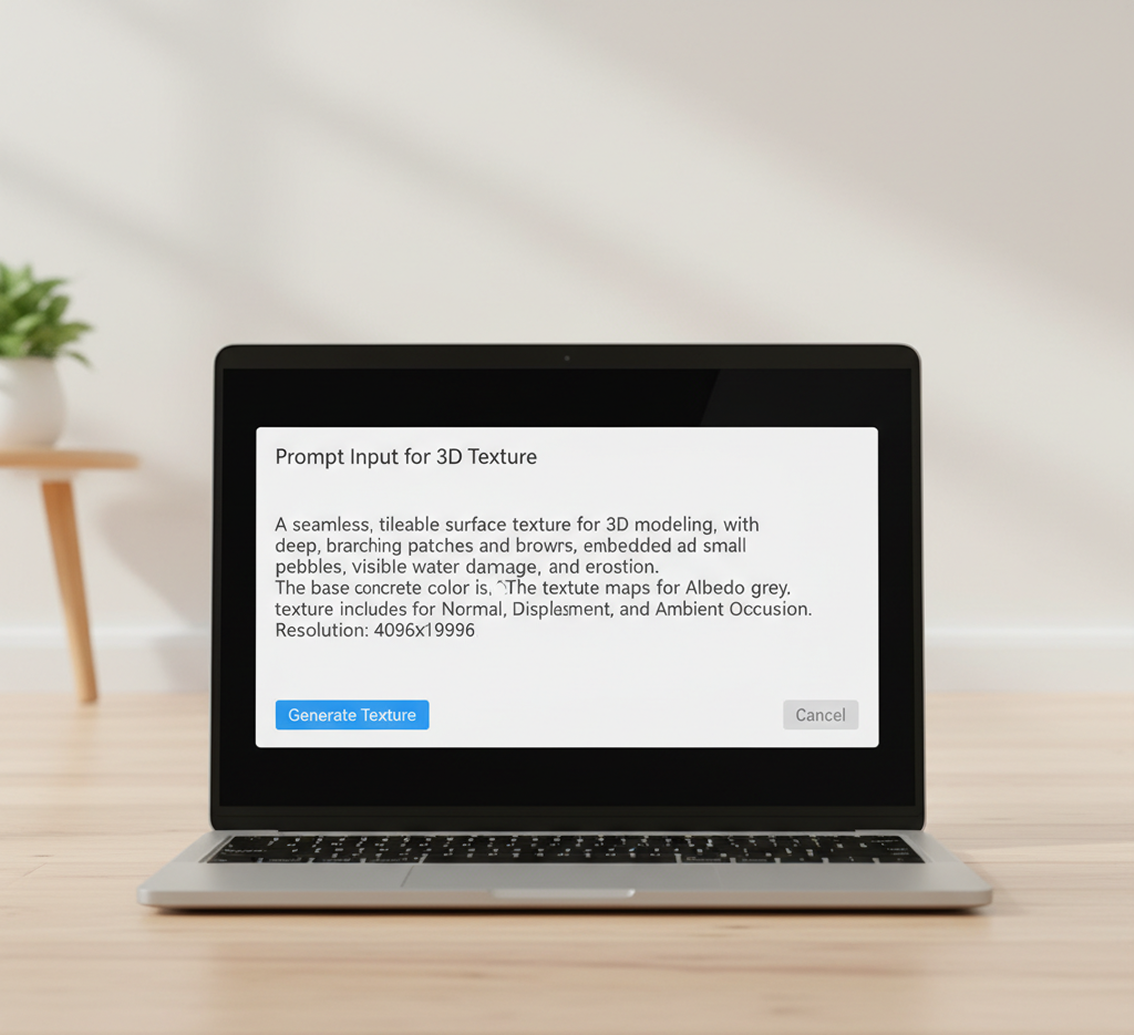
Describe your material
Enter a text prompt describing your desired surface. Be as detailed as you like: "rusty corrugated iron," "wet mossy stone," or "sci-fi brushed aluminum." If you need help, use our prompt assistant or upload a reference image for style matching.
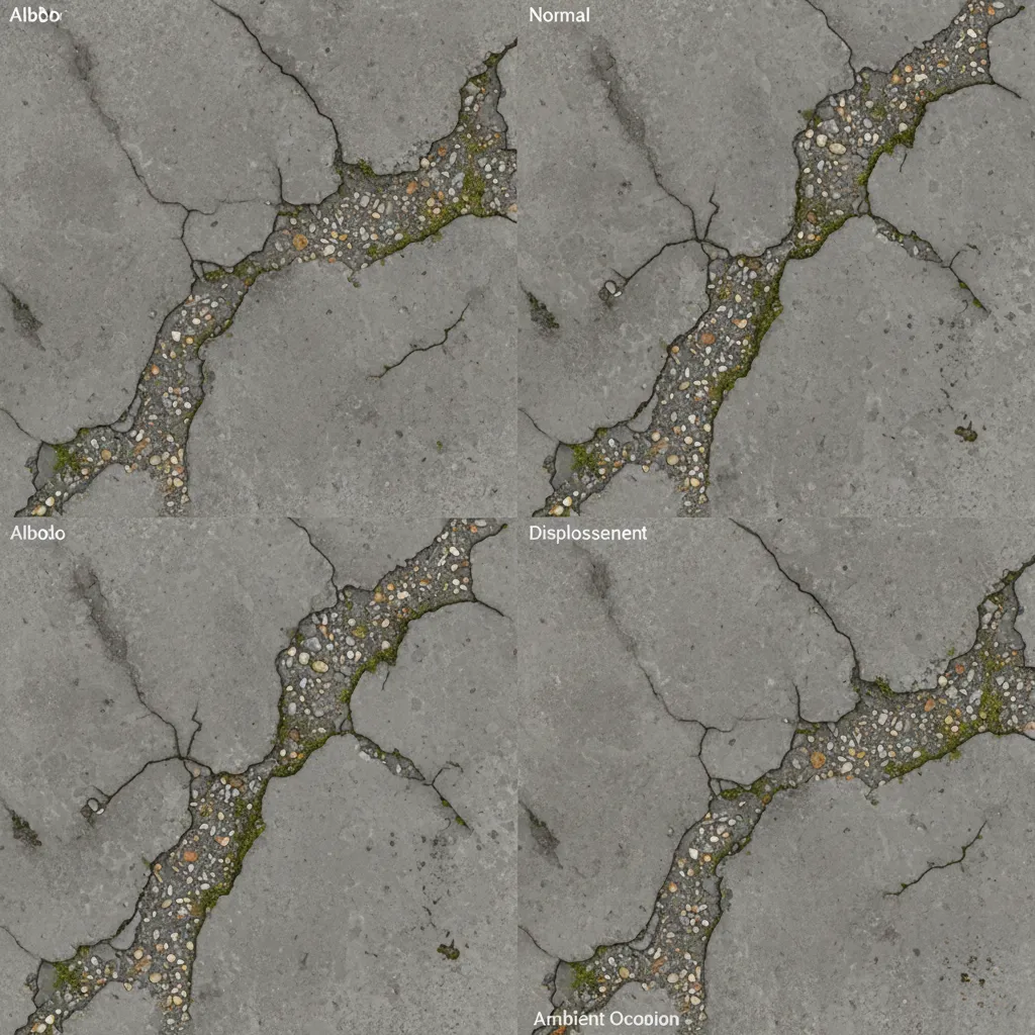
Generate and refine
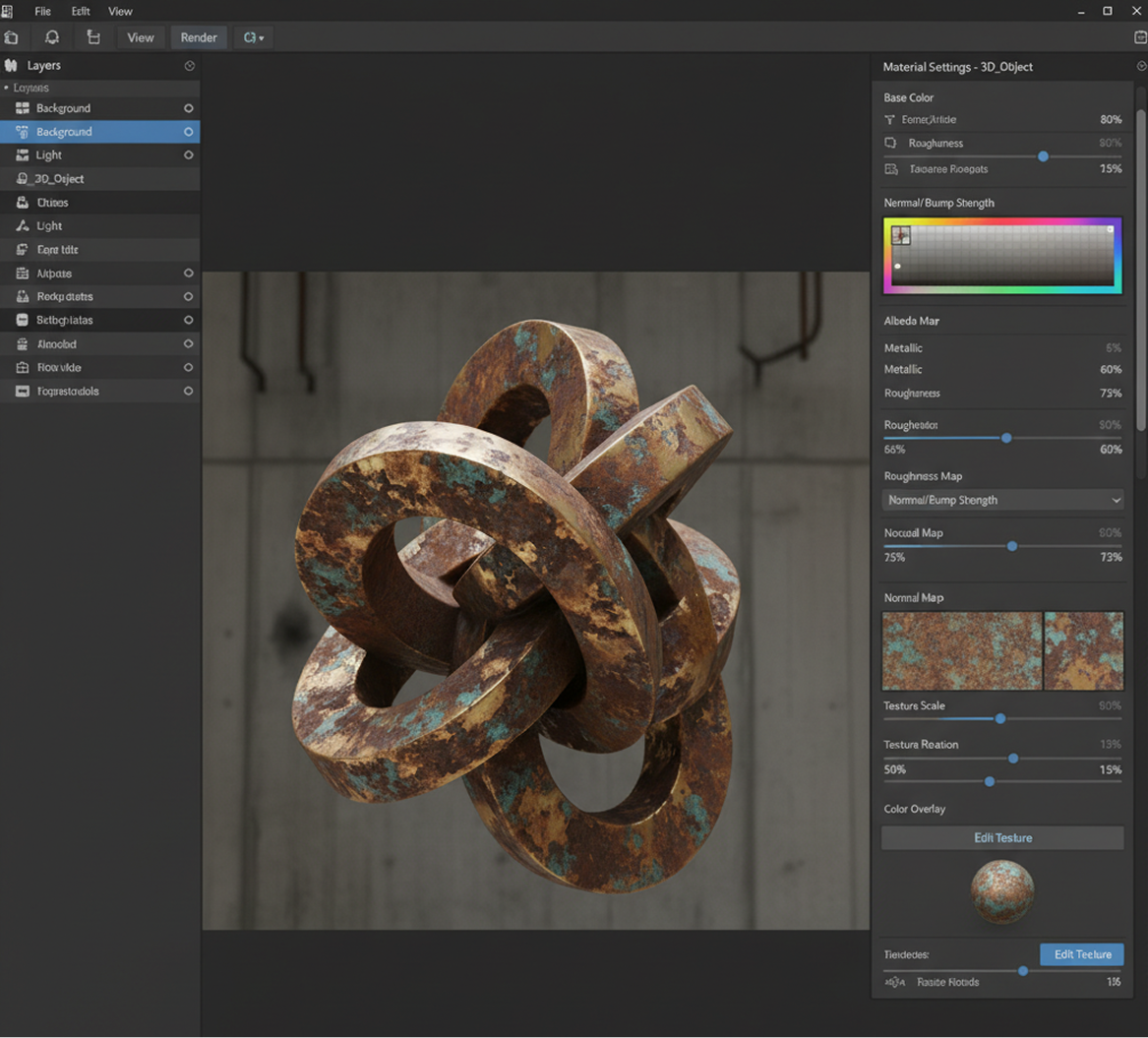
Generate your full PBR texture set (Albedo, Normal, Roughness, Metallic). Then, adjust properties like color, pattern scale, roughness intensity, and wear level using simple sliders. Regenerate variations or fine‑tune the maps until they're perfect.
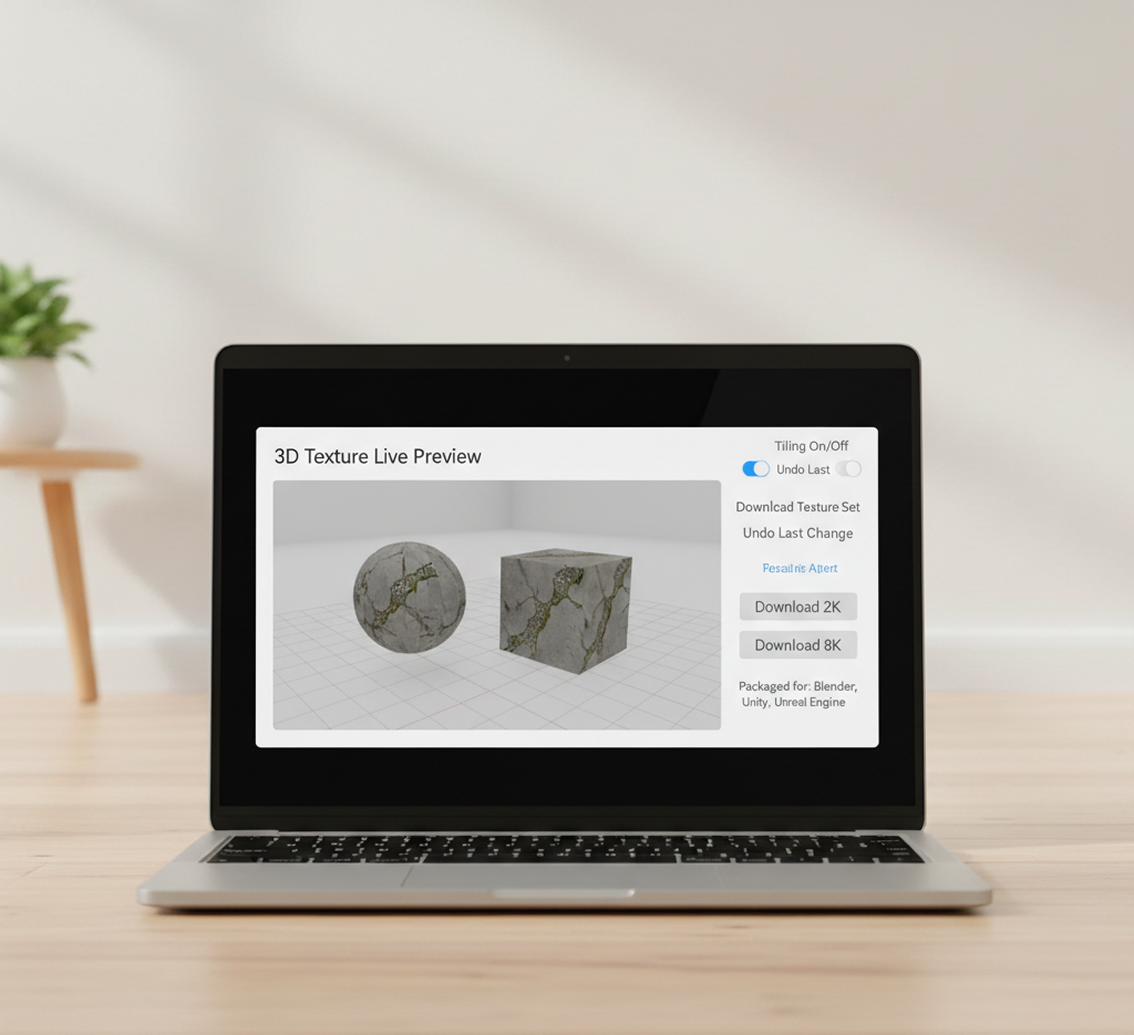
Download and import
Preview your textures on a 3D model in a live viewer, check tiling, and undo any changes instantly. Then, download your complete texture set in common resolutions (2K, 4K, 8K), perfectly packaged and named for direct import into Blender, Unity, or Unreal Engine.
Where can you use the AI Texture Generator for 3D?
Whether it's for game development, product visualization, or architectural renders—the applications are endless. The AI Texture Generator adapts to your artistic and technical pipeline, from concept art to final scene integration.
- ✦ Game Development – Create unique, stylized, or photorealistic materials for characters, environments, and props in Unity and Unreal Engine.
- ✦ Product & Architectural Visualization – Generate realistic surfaces like wood, metal, fabric, and concrete for high-end product mockups and architectural renders.
- ✦ Animation & VFX – Build custom material libraries for animated films, commercials, and visual effects projects in Blender and other DCC tools.
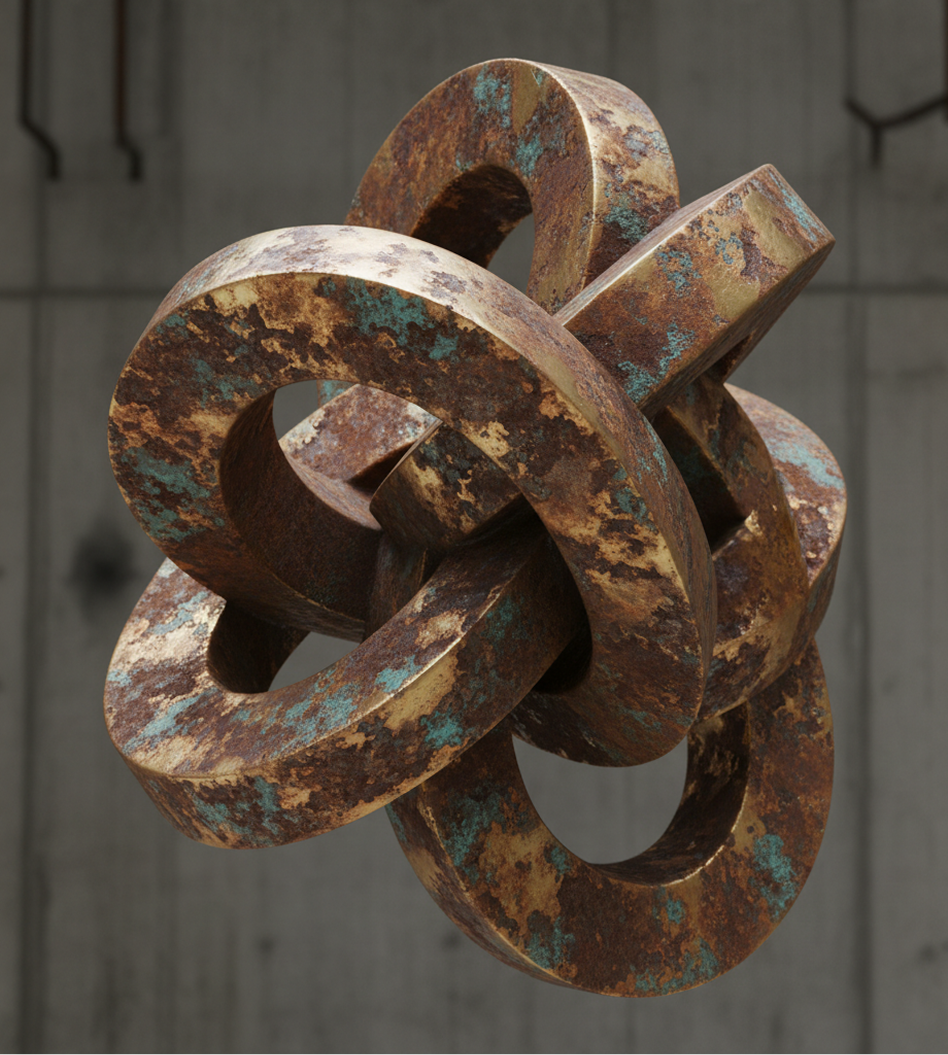
Tips for achieving the best results
Precision in your prompt leads to a more usable texture set. These tips will help you create realistic, tileable, and physically accurate PBR materials.
- ✦ Describe with physical properties – Include details like material type, condition, and scale ("weathered brick," "polished marble," "large-scale canvas weave").
- ✦ Reference real-world conditions – Think about wear, weathering, and context ("sun-bleached," "oil-stained," "rain-wet pavement") for added realism.
- ✦ Test tiling early – Preview your texture on a 3D plane to check for seamless repeats and avoid visible seams in your final scene.
How to download and use your PBR textures
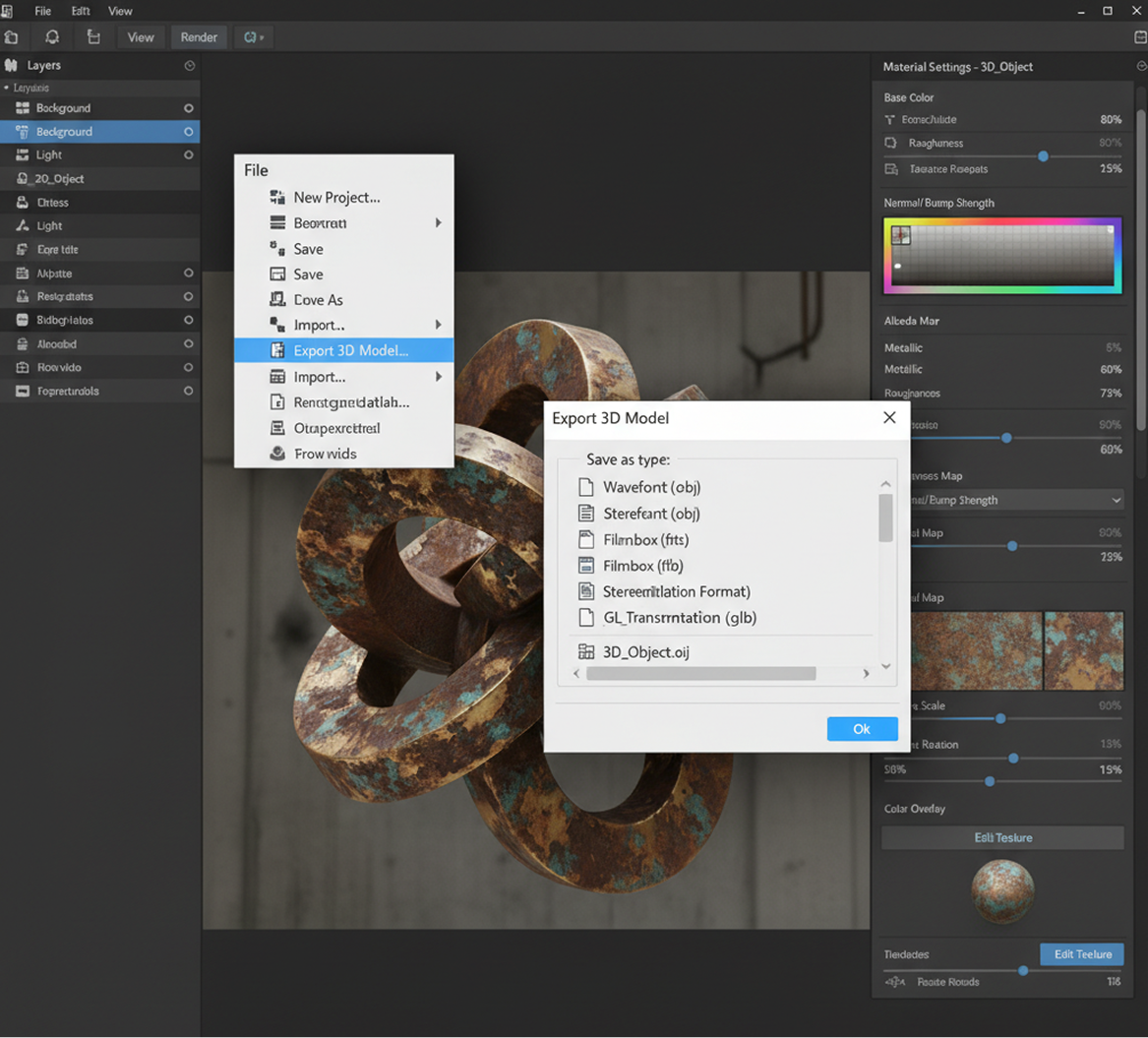
Exporting your texture set is seamless and adaptable. You maintain full control over resolution, format, and map types—and can return to edit or regenerate anytime.
- ✦ Apply final refinements using intuitive sliders for roughness, metallic, normal strength, and color before exporting.
- ✦ Save and revisit projects to adjust parameters, create variations, or export in different resolutions and formats without losing your original prompt or settings.
Client Reviews
"A total game-changer for indie game development."
"Sourcing consistent, high-quality PBR textures was our biggest bottleneck. Now, we describe a style—'overgrown concrete' or 'cyberpunk neon grunge'—and get a full, tileable texture set in minutes. It’s cut our production time in half."
"Perfect for archviz artists and product designers."
"I create high-end visualizations, and material realism is everything. This tool lets me generate custom, photorealistic surfaces like 'oxidized copper' or 'worn leather' that integrate perfectly into my scenes. The quality is studio-level."
"Incredible for world-building and concept artists."
"As a concept artist, I need to quickly visualize materials for environments. Being able to type 'ancient mossy ruins' or 'glossy sci-fi paneling' and get usable PBR maps for Blender is a revolutionary part of my workflow now."
"Intuitive and powerful for 3D students."
"I'm learning Blender and Substance, and this tool helped me understand PBR workflows by letting me experiment. Describing a material and seeing all the maps generated correctly taught me more than any tutorial."
"Saved our studio thousands in texture subscriptions."
"We no longer rely on expensive marketplace packs with generic assets. We generate bespoke, project-specific materials on demand. The 8K exports are flawless for close-up shots, and the commercial license is a huge plus."
"Great tool as soon as you get used to it!"
"At first, the interface and all the map options seemed complex, but after about 10 minutes of exploring, everything clicked. Now, creating production-ready textures for Unreal Engine feels straightforward and incredibly fast."
Best AI Tools All in One Place

GPT Image
AI image generation & editing
Sora 2
Cinematic video generation

Imagen 4
Ultra-sharp images
Gemini 2.5 / 3.0
Multimodal generation & editing
Veo 3.1
Fast video + motion consistency

Gen 4
Best for consistent characters & video frame generations
Aleph
Video editing & effects

MidJourney
Image generation & variations
Upscale / Outpaint / Pan
Advanced editing tools

Hailuo 2 Pro
High-quality video animation

Kling 2.5
v1, v1.5, v1.6, v2 video generation
Explore similar use cases
AI Architecture Design Generator
Create exterior and facade concepts from a prompt
AI Furniture Generator
Invent new furniture forms and stylings with AI
AI Fashion Design Generator
Design garments, outfits, and fashion concepts from text
AI Outfit Generator
Create stylish outfits and apply them to human figures
Answers to common questions about using Phygital+ for event visuals.
Does this generate a full PBR material, or just a color map?
Are the textures generated by Phygital+ tileable and seamless by default?
How much control do I have over the texture's details? Can I create stylized or non-realistic materials?
What's the best workflow for creating a set of visually consistent textures for a single game environment in Phygital+?
Start for free
Create logos, mockups, and brand visuals in one place.