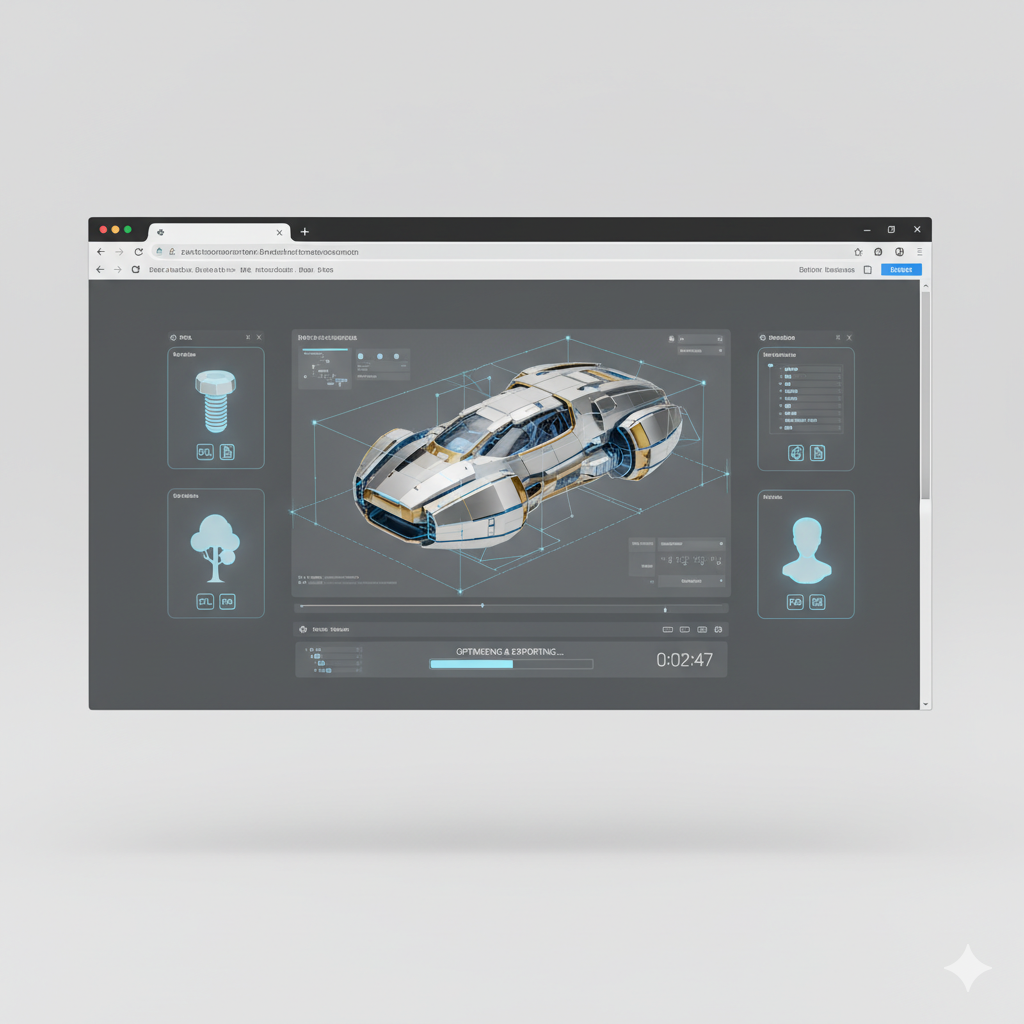
Generate 3D object files online in seconds — without limits, downloads, or complicated software. The AI Text to 3D Object Tool is built for designers, makers, and creators who need ready-to-use 3D models directly from a text description—in just a few clicks.
Ready to create
The AI understands physical objects and shapes. From mechanical parts to organic sculptures, it adapts geometry, scale, and detail to match your description.
Generate entirely new 3D assets. Unlike stock 3D libraries, every vertex, edge, and face is created from scratch based on your unique text prompt.
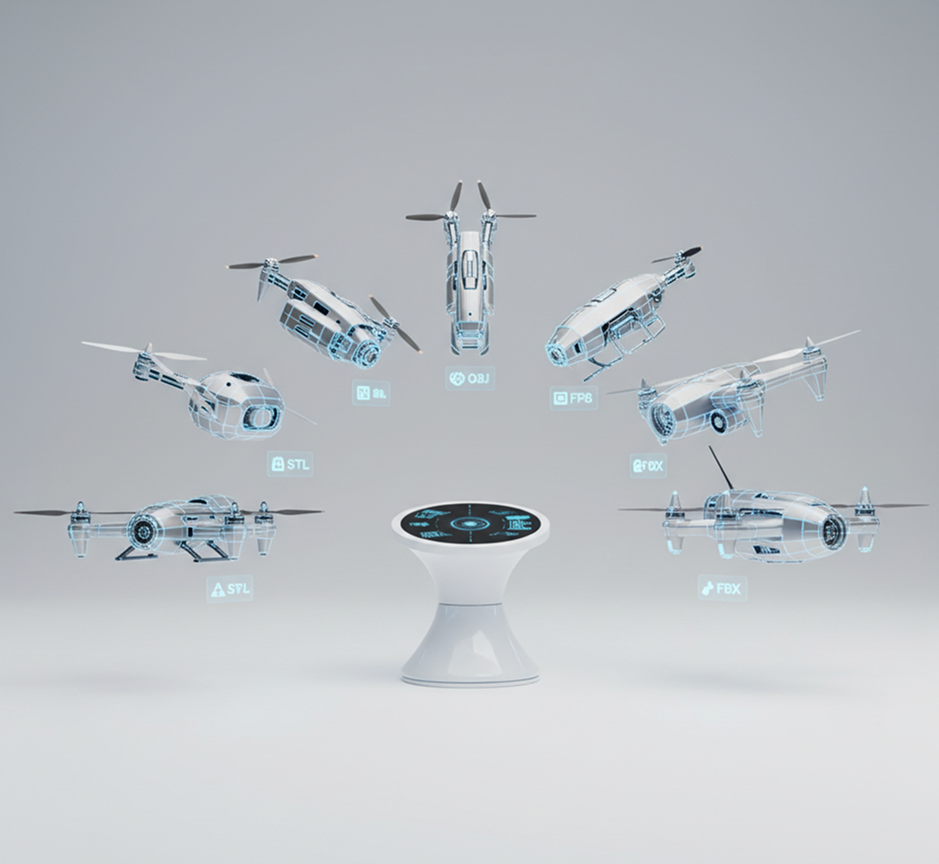
You own the 3D model. Download it as an STL, OBJ, or FBX file for 3D printing, animation, games, or CAD—with full commercial rights and no attribution required.
Export models in high-precision STL, OBJ, or FBX formats, meeting all requirements for 3D printing, rendering, and professional CAD workflows.
Adjust dimensions, add detail, modify complexity, or change styles with a single prompt. No need for complex modeling software or manual mesh editing.
Everything runs in your browser. Save your models to the cloud and access them from any device, anywhere.
Pre-optimized exports for popular 3D printers, game engines, AR/VR platforms, and visualization tools—ready for immediate use.
Stop the complexity of traditional 3D modeling. Go from a simple text description to a printable, production-ready 3D file instantly. Describe, generate, and customize professional 3D assets with AI. Bring your ideas into reality without technical barriers.
A portfolio that looks patched together. When 3D models for different purposes—prototyping, visualization, or animation—are created using different tools or designers, the technical quality suffers. Scale, file formats, polygon density, and structural integrity don't match, making your assets unreliable and unprofessional. This undermines project consistency and wastes time on file conversions and fixes.
The AI that speaks your design language. Describe your object in plain English or upload a simple reference image. Our AI becomes your 3D modeling partner, automatically converting your ideas into clean, manifold, and ready-to-use STL, OBJ, or FBX files. Every generated model is production-ready and consistent with your project's technical requirements.
Traditional 3D modeling is slow and expensive. Hiring a 3D artist requires significant budget and lead time. Using complex CAD software demands specialized skills and hours of work. Sourcing from 3D marketplaces often results in incompatible or low-quality files. Turning a concept into a usable 3D asset becomes a prolonged, costly bottleneck.
A complete 3D modeling studio in your browser. Available to everyone. Create optimized, ready-to-use 3D models in minutes—not months. Our tool reduces the cost and time of 3D asset creation to nearly zero, preserving your budget and accelerating your entire workflow.
Creative iteration is often limited by technical skill. How do you quickly explore different design variations, functional features, or aesthetic details while ensuring every model remains printable and structurally sound? Relying on the same basic shapes leads to uninspired projects and missed opportunities for innovation.
AI as your on-demand 3D designer. Generate dozens of viable 3D variations from a single description—from adjusting dimensions and complexity to experimenting with styles and functions. This tool becomes your endless creative partner, helping you explore the full potential of your ideas while guaranteeing production-ready, usable 3D files every time.
Turning a text idea into a usable 3D file doesn’t need to be hard or complicated. Here’s a quick guide to get you started.
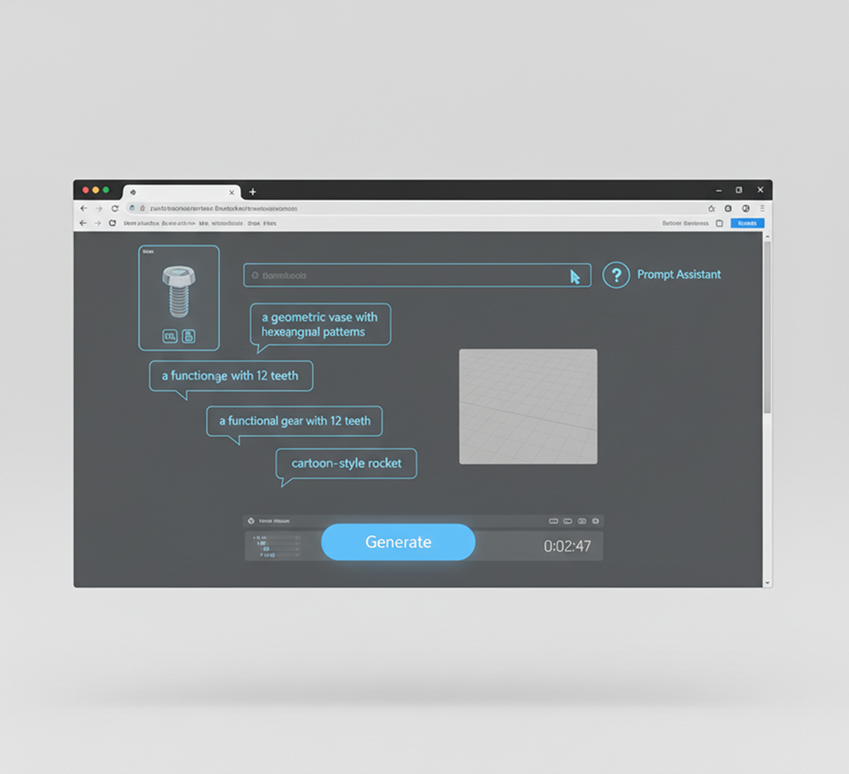
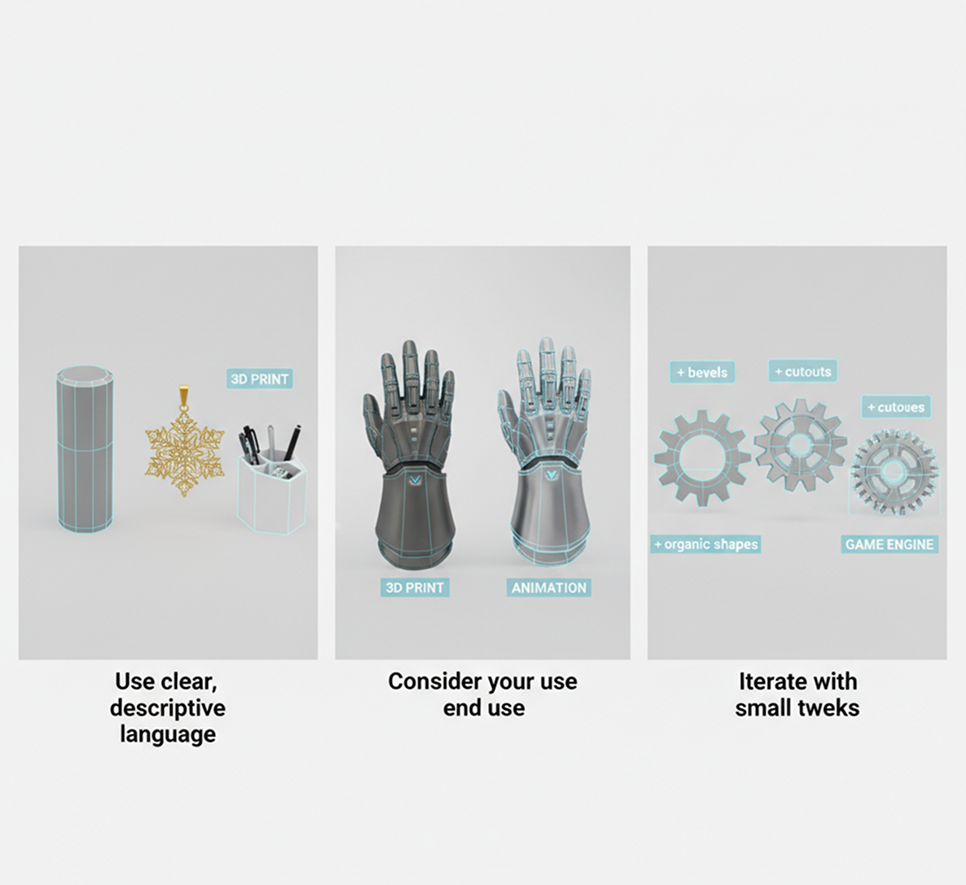
Enter a text prompt describing your desired object. Be as detailed as you like: "a geometric vase with hexagonal patterns," "a functional gear with 12 teeth," or "a cartoon-style rocket." If you need help, use our prompt assistant.
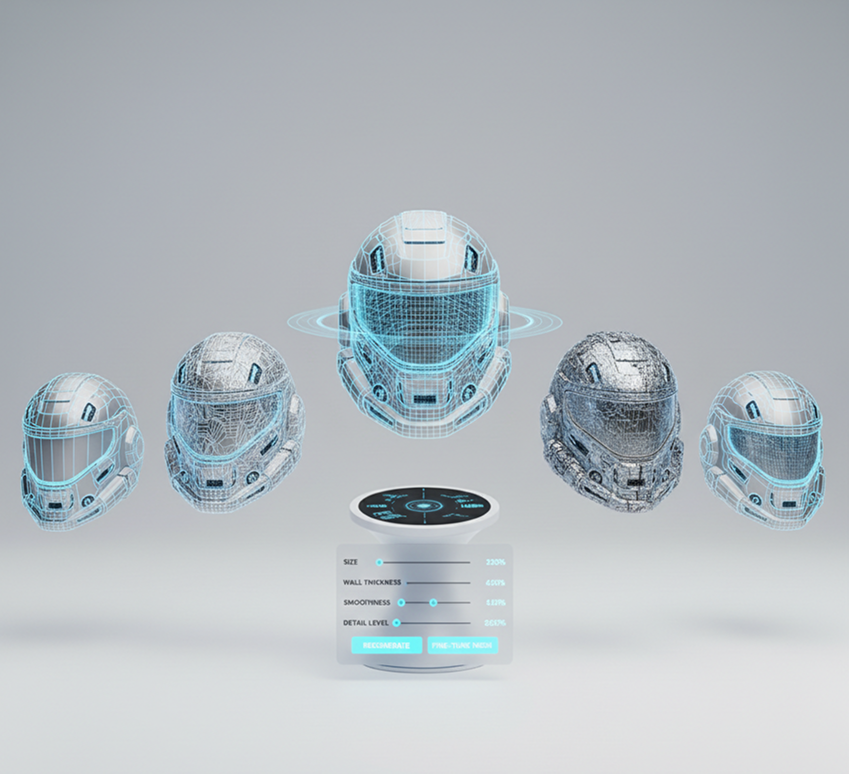
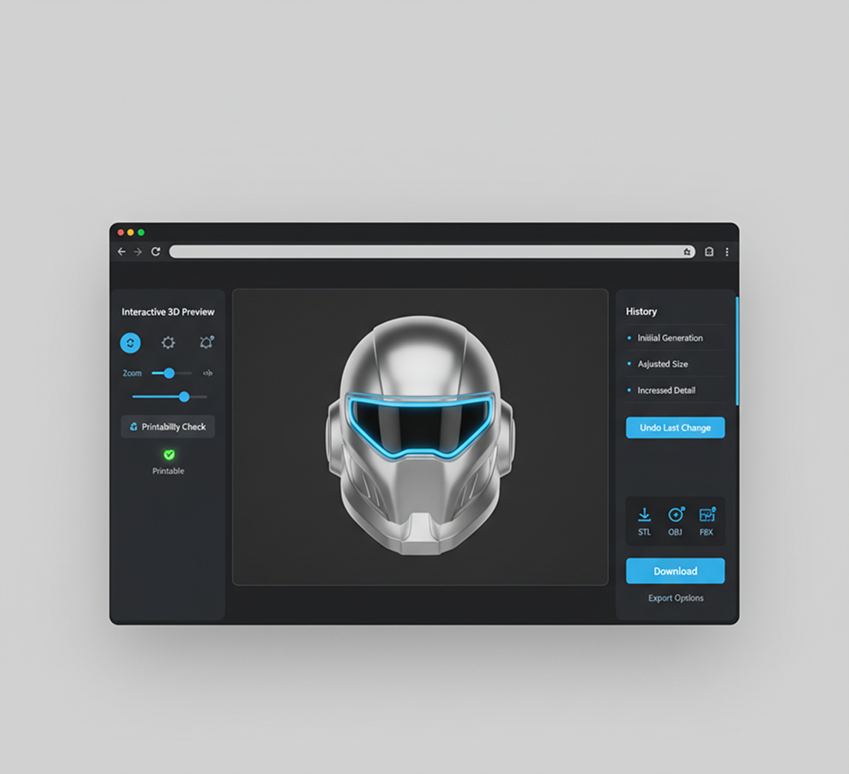
Generate your 3D model from the description. Then, adjust properties like size, wall thickness, smoothness, or detail level using simple sliders. Regenerate variations or fine‑tune the mesh until it's perfect.
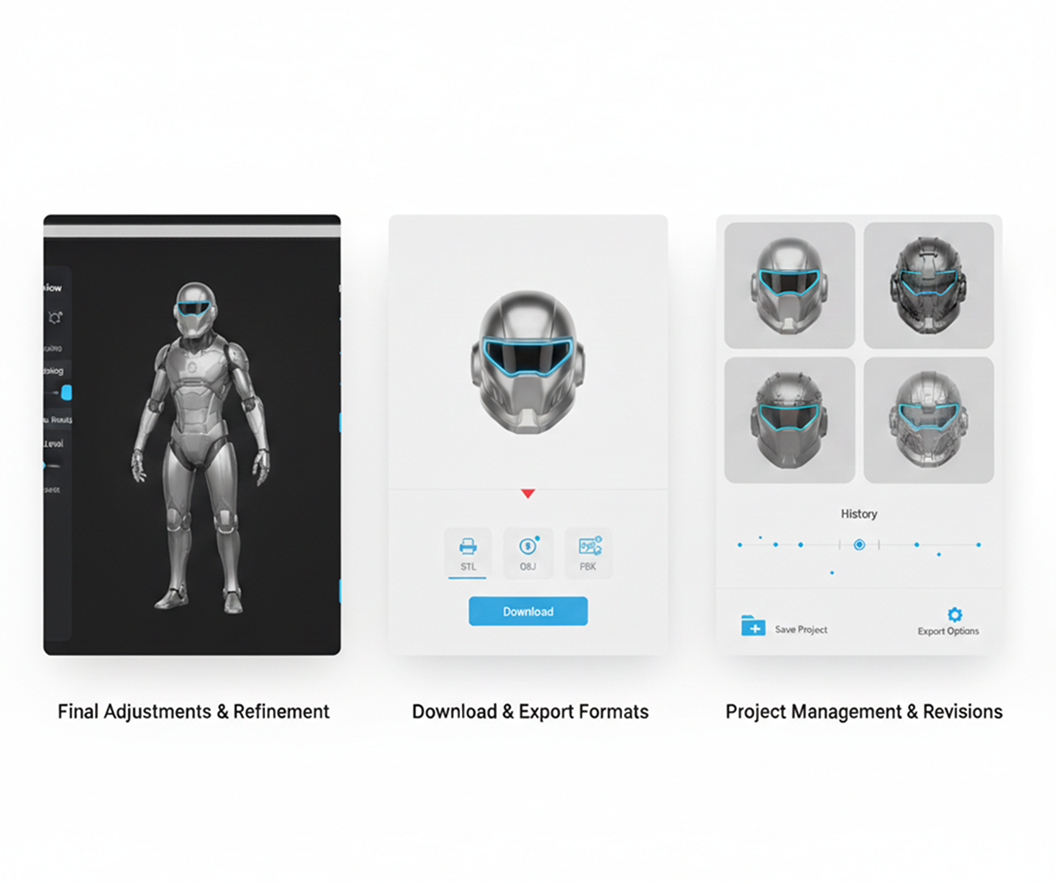
Preview your model in an interactive 3D viewer, check for printability, and undo any changes instantly. Then, download your file as an STL, OBJ, or FBX—ready for slicing, printing, or importing into any 3D software.
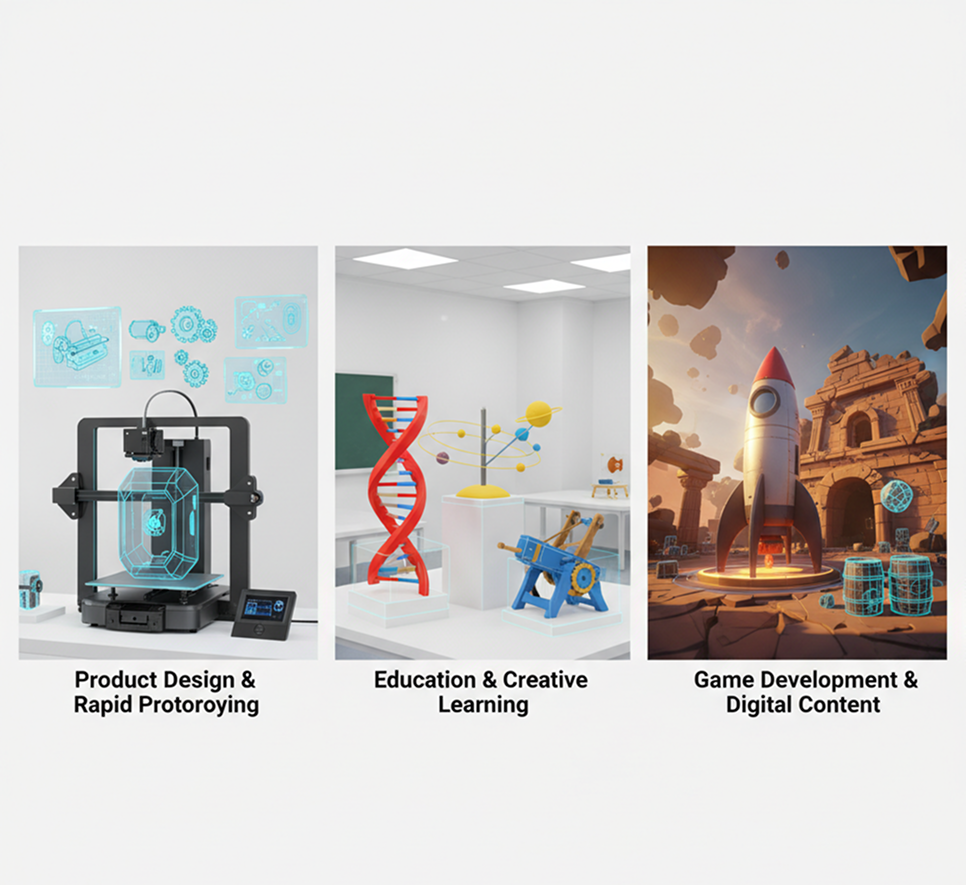
Whether it's for prototyping, client work, or personal projects—the applications are endless. The AI Text to 3D Object Tool adapts to your creative and technical workflow, from initial concept to final 3D file.
Precision in your description leads to a better 3D model. These tips will help you create clean, usable, and production-ready files every time.
Exporting your 3D file is seamless and adaptable. You maintain full control over format, resolution, and refinements—and can return to edit or regenerate anytime.
“As an illustrator with no 3D experience, I was blown away. I typed ‘Art Deco style bookend’ and got a perfect, printable STL file in seconds. It’s like magic for bringing 2D ideas into the 3D world.”
Liam“Creating custom assets used to be our biggest bottleneck. Now we describe what we need—‘rusty sci-fi console with buttons’—and get a game-ready FBX file. It’s sped up our workflow incredibly.”
Nadia“We use this daily to visualize mechanical parts and design concepts. Instead of hours in CAD, we describe the function and form, and get a usable model to test. It’s invaluable for iteration.”
Ryder“I teach a middle school maker class, and this tool lets my students turn their wildest ideas into real 3D prints. They describe, generate, and print—all in one lesson. It’s empowering.”
Marcus“I needed custom display stands for my jewelry business. I described the dimensions and style, and got clean, printable models—no 3D software required. It’s precise and surprisingly intuitive.”
Jordan“At first, the interface and options felt new, but after about 10 minutes of exploring, it all clicked. Now, turning a written idea into a ready-to-print 3D model feels straightforward and fast.”
LiamAI image generation & editing
Cinematic video generation
Ultra-sharp images
Multimodal generation & editing
Fast video + motion consistency
Best for consistent characters & video frame generations
Video editing & effects
Image generation & variations
Advanced editing tools
High-quality video animation
v1, v1.5, v1.6, v2 video generation
Create printable 3D models from text or images
Generate PBR textures for Blender, Unity, Unreal workflows
Apply your design onto packaging, apparel, and merchandise
Design product prototypes and concept renders instantly
Answers to common questions about using Phygital+ and editing album covers with AI.
You can be incredibly specific. Phygital+ is designed to understand complex descriptions that combine style, shape, and function. For example, instead of "a sword," you can describe "an ornate, elven longsword with a leaf-shaped crossguard and a glowing crystal embedded in the pommel." The more detail you provide, the more precise and unique your 3D model will be.
We provide industry-standard formats to fit directly into your workflow. You can export your generated models as .OBJ, .FBX, and .STL files. These are universally compatible with professional software like Blender, Cinema 4D, and ZBrush, as well as game engines like Unity and Unreal, making Phygital+ a powerful starting point for any project.
Yes, they are designed to be. The AI in Phygital+ focuses on creating manifold, "watertight" geometry, which is essential for successful 3D printing. The exported .STL file is optimized to be read directly by slicer software, minimizing the errors and repair work often needed with other generation methods.
Phygital+ is built for iteration. If your first model isn't quite right, you can use it as a base for your next prompt. Simply re-input the model and use text to modify it, such as, "make the legs thicker," "add sci-fi armor plating," or "create a version that is cracked and weathered." This allows you to refine your idea without starting from scratch.
Yes, this is a key feature for creating realistic models. You can include descriptive words about materials and textures directly in your prompt. For example, you can specify "a wooden chest with rusted iron fittings," "a smooth, polished chrome orb," or "a creature with rough, scaly skin." Phygital+ will interpret these descriptions to generate appropriate surface details and textures.
The advantage is a fully integrated creative workflow. You can generate a 3D model from text, then, without leaving Phygital+, create a stunning 2D concept art render of it with our image generator. You could then use that artwork to create a promotional video or an animated sequence—all within a single, unified ecosystem, turning a simple idea into a multi-format project.
Create logos, roadmaps, and brand visuals in one place.