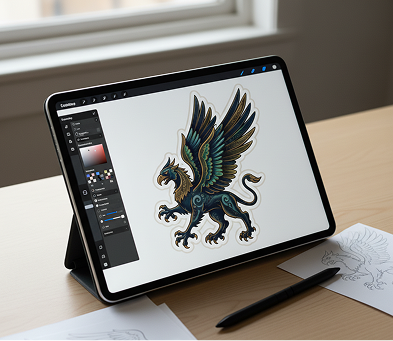
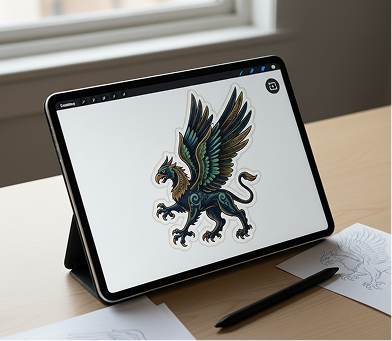
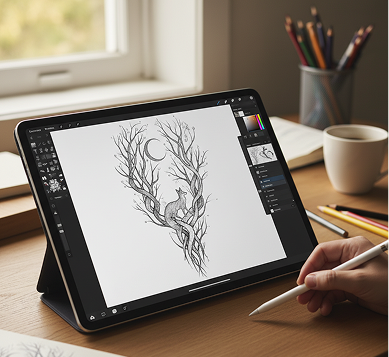
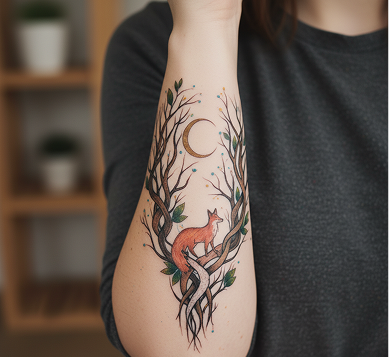
Visualize Your Perfect Tattoo Instantly — Without Downloads, Commitment, or Complex Design Software. The Text-to-Tattoo Design AI Generator is made for individuals, artists, and creators who need to go from a simple idea to a custom, ink-ready tattoo design in just a few clicks.
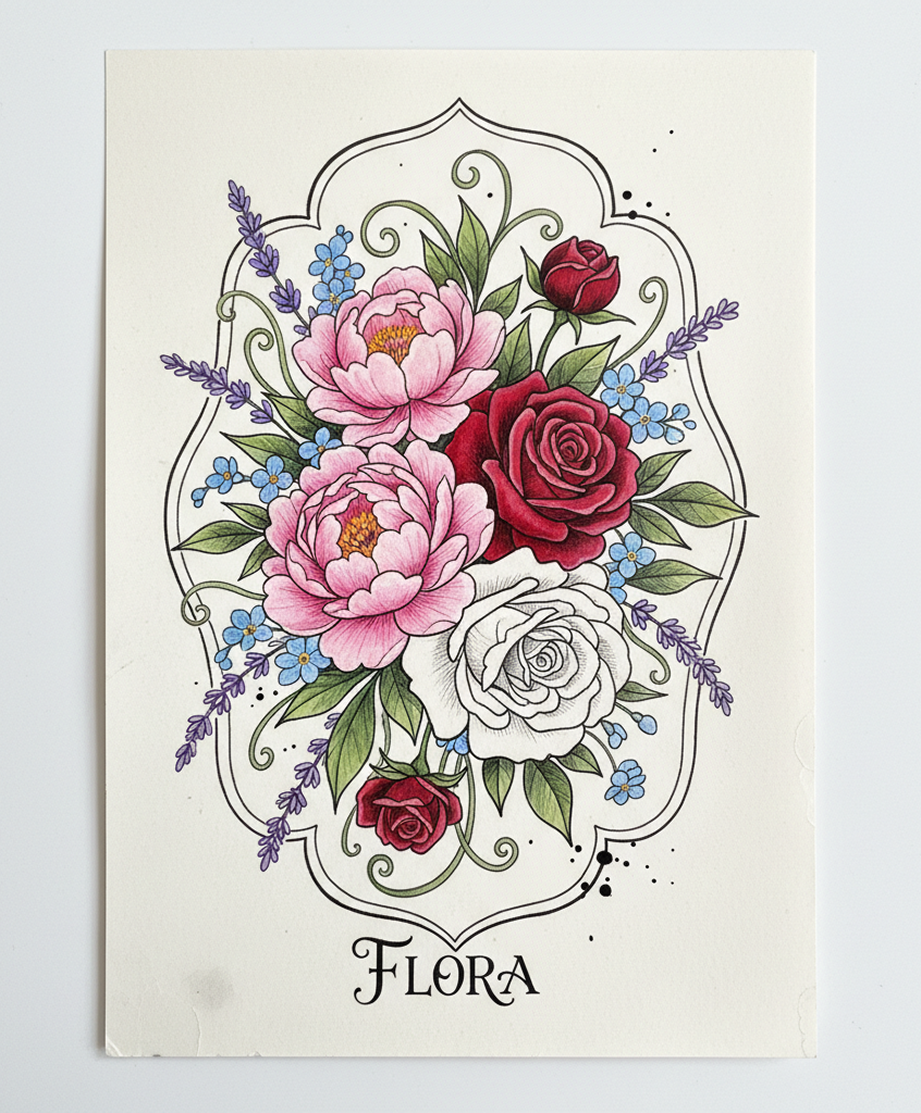
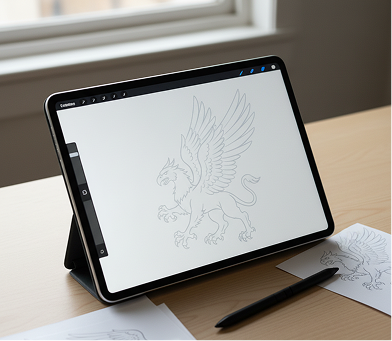
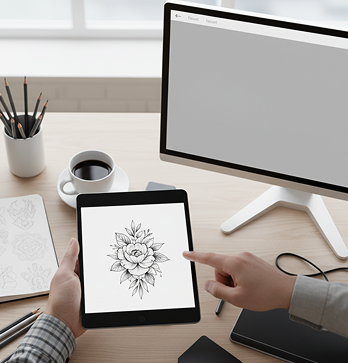
Create an image of a tattoo sketch from this drawing.
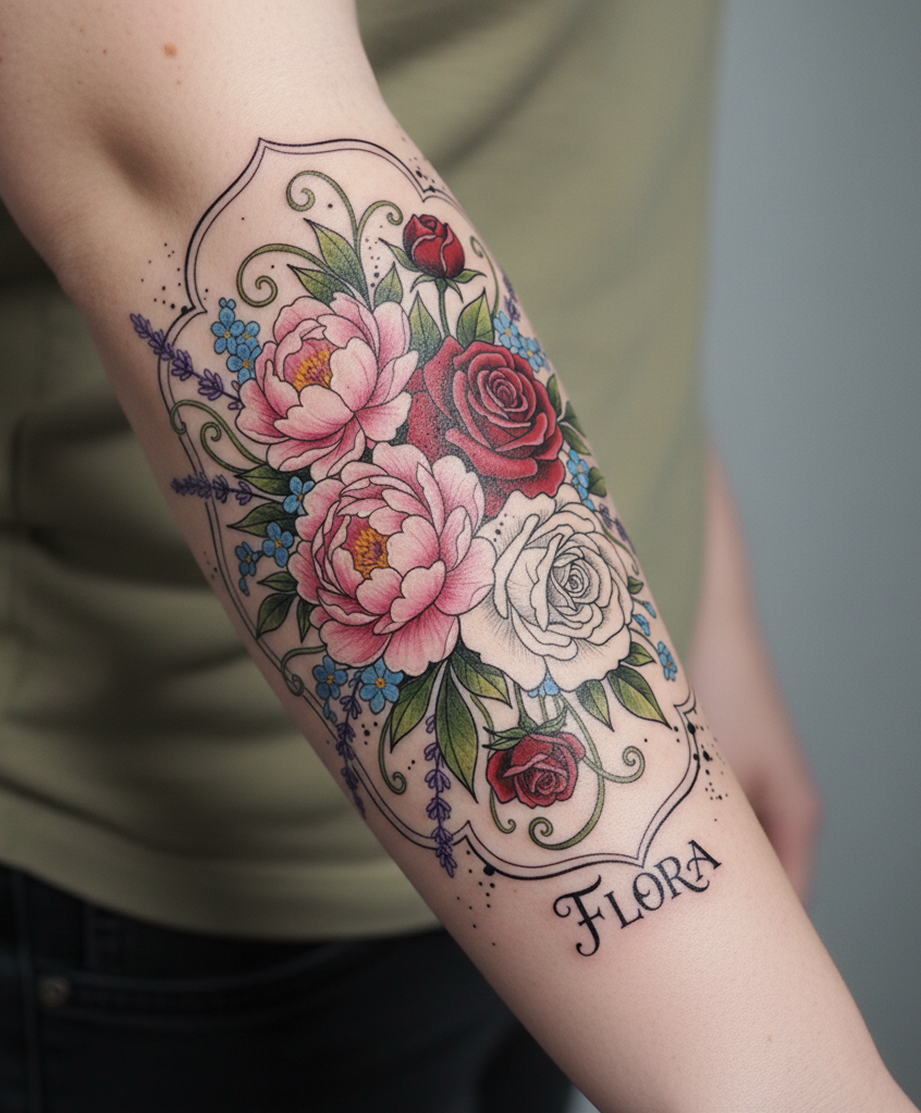
Generating design...
The AI understands tattoo aesthetics and symbolism. From minimalist linework to vibrant neo-traditional pieces, it adapts the design, style, and flow to match your description.
Generate entirely original tattoo designs and concepts. Unlike basic flash templates, every element—from the line weight to the shading—is created from scratch based on your unique vision.
You own the final design concept. Use it for consultations with your artist, share it with friends for feedback, or take it directly to the studio with complete confidence and creative ownership.
Export high-resolution designs suitable for creating stencils and providing clear artist references, with crisp lines and intricate details.
Modify shapes, swap colors, adjust shading, or change key elements with a click. There's no need for advanced drawing skills or complicated design software.
The entire workflow—from text description to final design—runs in your browser. Save your favorite designs to your gallery and access them from any device.
Generate pre-configured outputs perfect for every stage: clean linework for stencils, full-color mockups for visualization, and placement examples on a 3D model.
No more creative uncertainty. Go from a simple description to a finished, personalized tattoo design in minutes. Ideate, design, and visualize your perfect tattoo with AI. Build a compelling, unique concept without the guesswork.
You have a general idea for a tattoo but struggle to visualize it. Searching through endless online galleries results in generic designs that don't feel personal. This indecision makes it difficult to communicate your vision clearly to a tattoo artist, leading to uncertainty and potential regret.
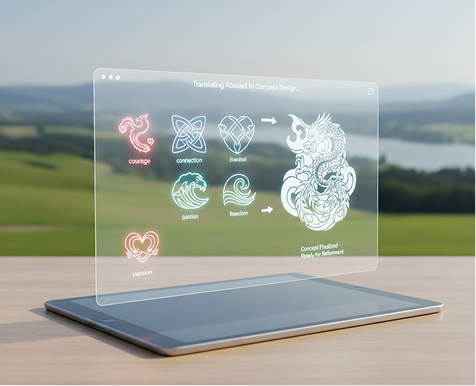
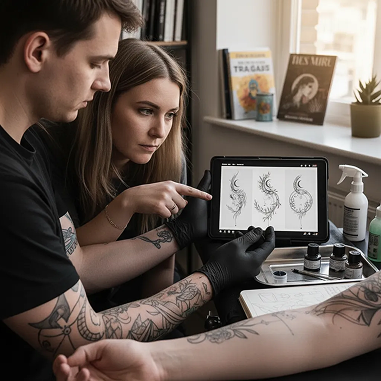
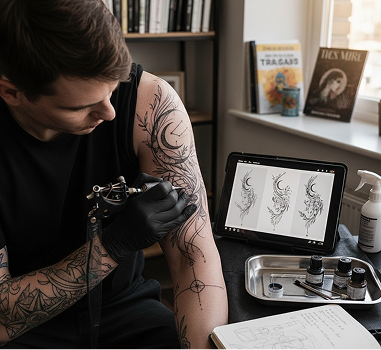
Your AI-Powered Concept Artist. The generator acts as your personal concept artist. Describe your desired themes, symbols, styles, and emotions. Our AI will translate your abstract ideas into a clear, concrete design, providing a solid foundation that you can refine and confidently present to your tattoo artist.
Going back and forth with an artist to perfect a custom design can be slow and costly. Each revision takes time, and significant changes can increase the design fee. Finalizing a concept you love can become a major hurdle before you even get to the tattoo appointment.
A Full-Service Design Studio in Your Browser. Instantly. Create and refine a complete, professionally styled tattoo concept in minutes, not weeks, and for a fraction of the traditional cost. Our generator transforms the economics of custom tattoo design, saving your most valuable resources: time and money.
You're facing a creative block. How do you rapidly prototype new ideas or variations that look professionally designed? Relying on common styles and flash sheets leads to a generic look. You need innovative, high-quality visualizations that showcase a new concept and capture your personal story.
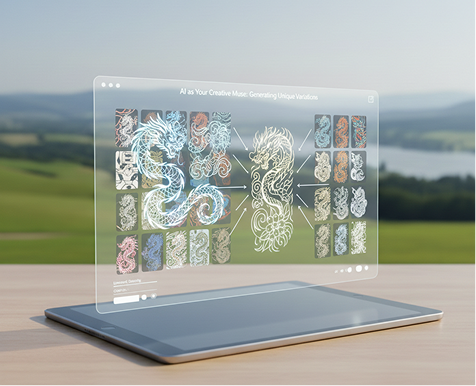
AI as Your Creative Muse. Generate hundreds of unique design variations from a single text prompt: from adjusting linework and color palettes to exploring different symbolic combinations and artistic styles. The tool serves as an endless source of ideation, proposing fresh, ink-ready concepts that will inspire both you and your artist.
Creating a professional tattoo design doesn't need to be hard or complicated. Here is a short tutorial to get you started.
Enter your text prompt describing the tattoo you want to create. For help, use our AI to refine the description or suggest details. Optionally, upload a reference image or sketch for style inspiration.
Need bolder lines? A new color palette or composition? Use the tools to adjust the design, modify the style, and regenerate the entire visualization or edit specific elements as much as you want.
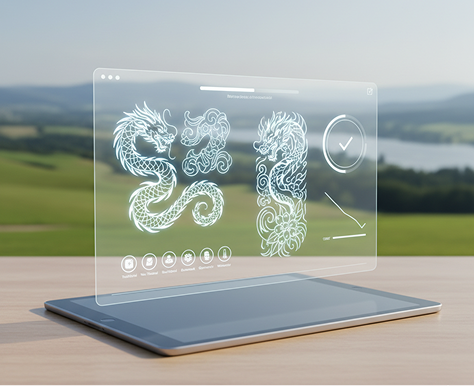
See all changes in real-time, with the freedom to undo anything instantly. When your tattoo design is perfect, download the high-resolution image, ready for your artist consultation or to be used as a stencil reference.
Whether it's for personal inspiration, collaborating with your artist, or simply exploring creative ideas — the applications are extensive. The AI flow adapts to your creative process, whether you're planning your first tattoo or designing a full sleeve.
A detailed, descriptive prompt is key to a successful tattoo design. These tips will help you craft effective descriptions for professional, personalized results.
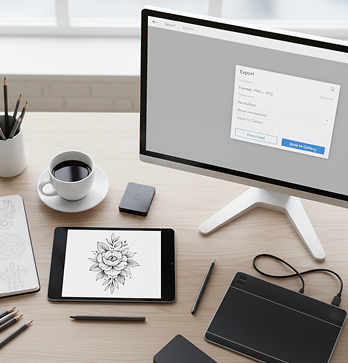
Exporting your final tattoo concept is simple and flexible. The tool gives you full control over the file, which you can take anywhere. You can always revisit and edit any stage of your design flow.
"This generator completely changed how I approach getting new tattoos. I can describe a concept, see it visualized realistically, and make adjustments instantly. It's like having a personal concept artist at my fingertips."
Alex"Getting a clear idea from a client used to be our biggest hurdle. Now, we use this tool in the studio to generate concepts together. Our design process speed has increased by 300%."
Maya, Tattoo Artist"As a solo creative getting my first tattoo, this tool was my secret weapon. I created a compelling, perfectly detailed design that looked exactly like what I had in my head. It built incredible confidence before I even met my artist."
Jordan"Testing different styles and compositions used to be impossible for me. Now I can generate dozens of professional variations in an hour. My tattoo planning has never been faster or more exciting."
David"I run a creative blog and could never properly visualize my tattoo ideas. This AI creates better images than I could ever sketch—they're consistent, well-composed, and perfectly match my style. It's a lifesaver."
Sam"The ability to go from a rough description to a finished, detailed design in one workflow is magical. I use it to bring my clients' most abstract ideas to life, and the results always impress. It feels like the future of tattoo design."
Taylor, Tattoo ArtistGPT Image
Imagen 4
Gen 4
MidJourney
Hailuo 2 Pro
Kling 2.5
Create mystical art decks and stylized card illustrations
Turn selfies into classical paintings
Food-themed visuals for cafes, chefs, or food content creators
Home renders, decor styles, and promo ads for listings
Answers to common questions about using Phygital+ and editing slides with AI.
You start by describing your concept with a text prompt, being as detailed as you like (e.g., "A geometric wolf head combined with a crescent moon, done in fine linework style"). Phygital+ uses this description to generate a unique, custom tattoo design. For even more specific results, you can also upload a reference image to guide the AI, which will then fuse that style or subject with your text prompt.
Absolutely. This is one of the most powerful features of the Phygital+ generator. You can upload a photo, a piece of art, or another tattoo you like, and then use a text prompt to modify it. For example, you could upload a picture of a lion and add the prompt "transform this into a neo-traditional style with a crown of roses." This allows for a creative fusion that produces a truly personal and one-of-a-kind design.
The Phygital+ AI is trained on a vast range of tattoo aesthetics. You can create designs in virtually any style by specifying it in your prompt. This includes clean and simple linework, minimalist symbols, intricate geometric patterns, bold American traditional, detailed black-and-grey realism, and vibrant full-color styles like watercolor or neo-traditional. Your prompt is the key to defining the exact style you want.
While general AI tools can create beautiful images, Phygital+ is specifically optimized for tattoo design. Our AI understands concepts crucial for tattoos, such as clean, traceable lines, how a design might flow on the body, and the importance of negative space. The results are less like a "painting" and more like an actual, ink-ready design that a tattoo artist can work with.
Of course. This is a key feature for avoiding uncertainty. Phygital+ includes a "virtual try-on" tool that allows you to upload a photo of your arm, leg, or any other body part. You can then overlay your generated tattoo design onto the photo, adjusting its size and position to see how it looks before you make any commitments. It's the perfect way to experiment with placement and ensure you love the design on you.
Create logos, mockups, and brand visuals in one place.