Free AI Social Template Editor

Edit branded templates online in seconds — without caps, downloads, or complicated sliders. Phygital+ AI template editor was made for marketers, creators, and anyone who needs precise, on-brand adjustments in a few clicks.

Original Asset
Prompt
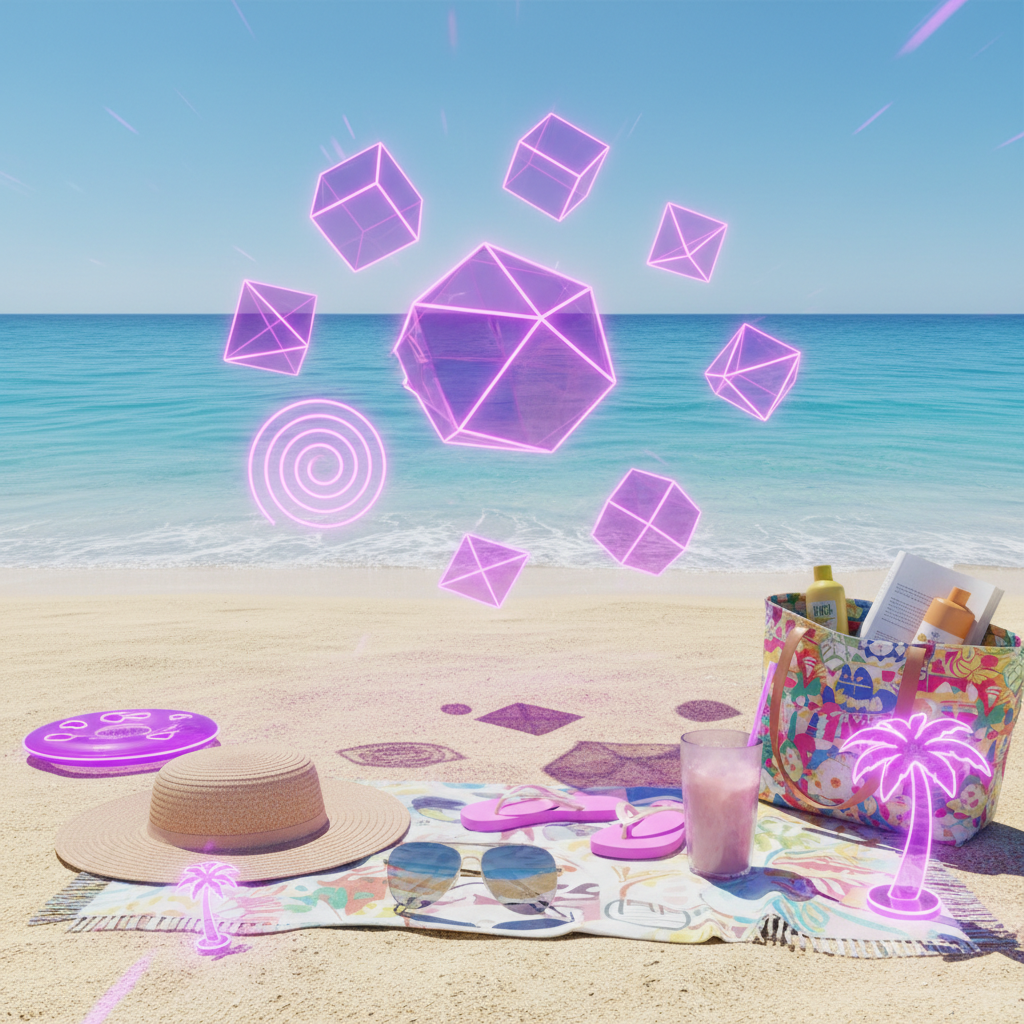
"Change to Summer Sale theme, apply neon violet accents..."

Supported by:image (6).png

What is an AI Template Editor?

Intelligent layout editing

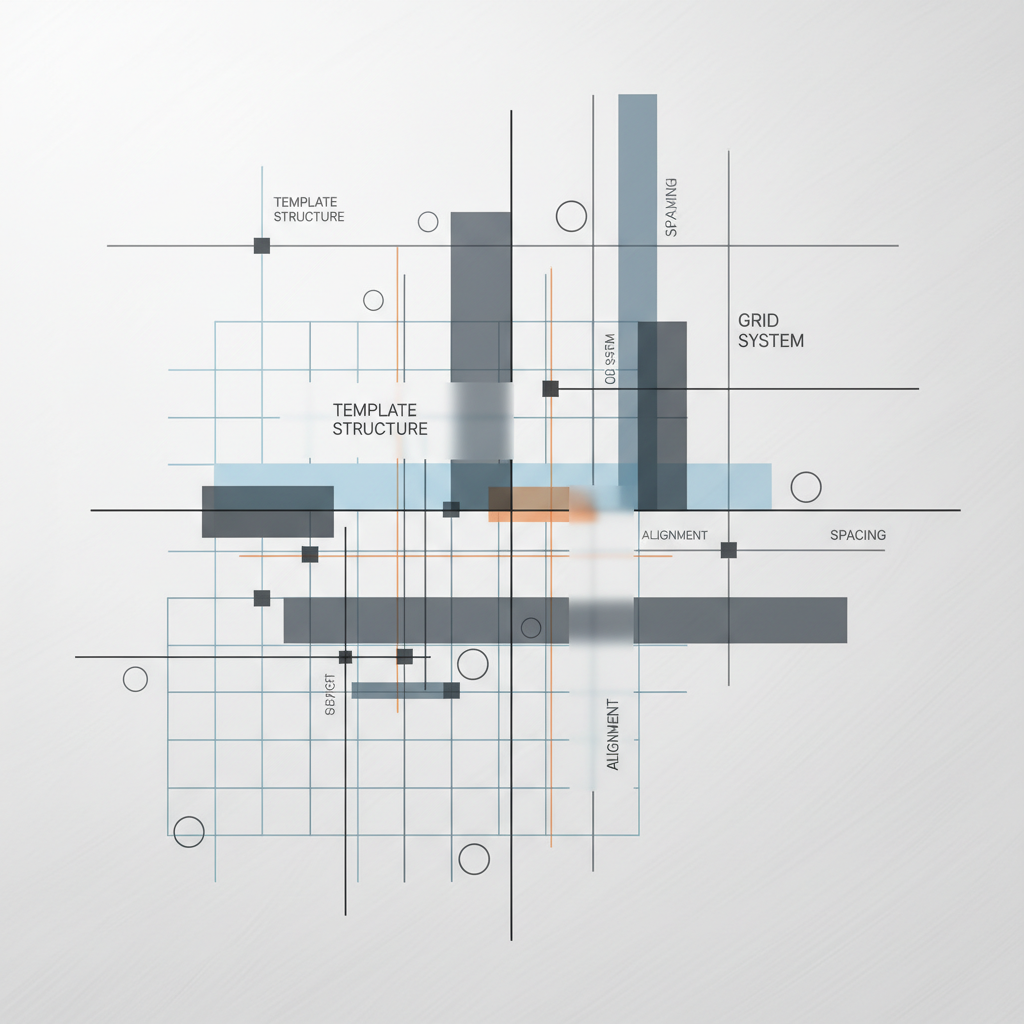
The AI template editor uses layout intelligence to adjust text, images, and brand elements automatically. No manual resizing—just clear adjustments to structure and symmetry.

Beyond standard filters

You can swap themes, adjust brand voice, and resize for platforms in seconds. The edits are subtle, responsive, and always editable in layers.

For social creators

Whether you're seeking content resizing, rebranding, or preparing a PPC campaign asset, this AI tool creates standard formats without limits.

+

Why should you use the AI template editor?

Brand precision

Thanks to multi-model integration, you can work across different AI engines in one flow — ensuring your brand colors are exact.

Edit everything

Remove a logo, swap a headline, or change button styles without losing quality or layer structure.

No install needed

Everything works in your browser. Whether you're on desktop or tablet, edits are saved locally and never shared without permission.

Formats you use

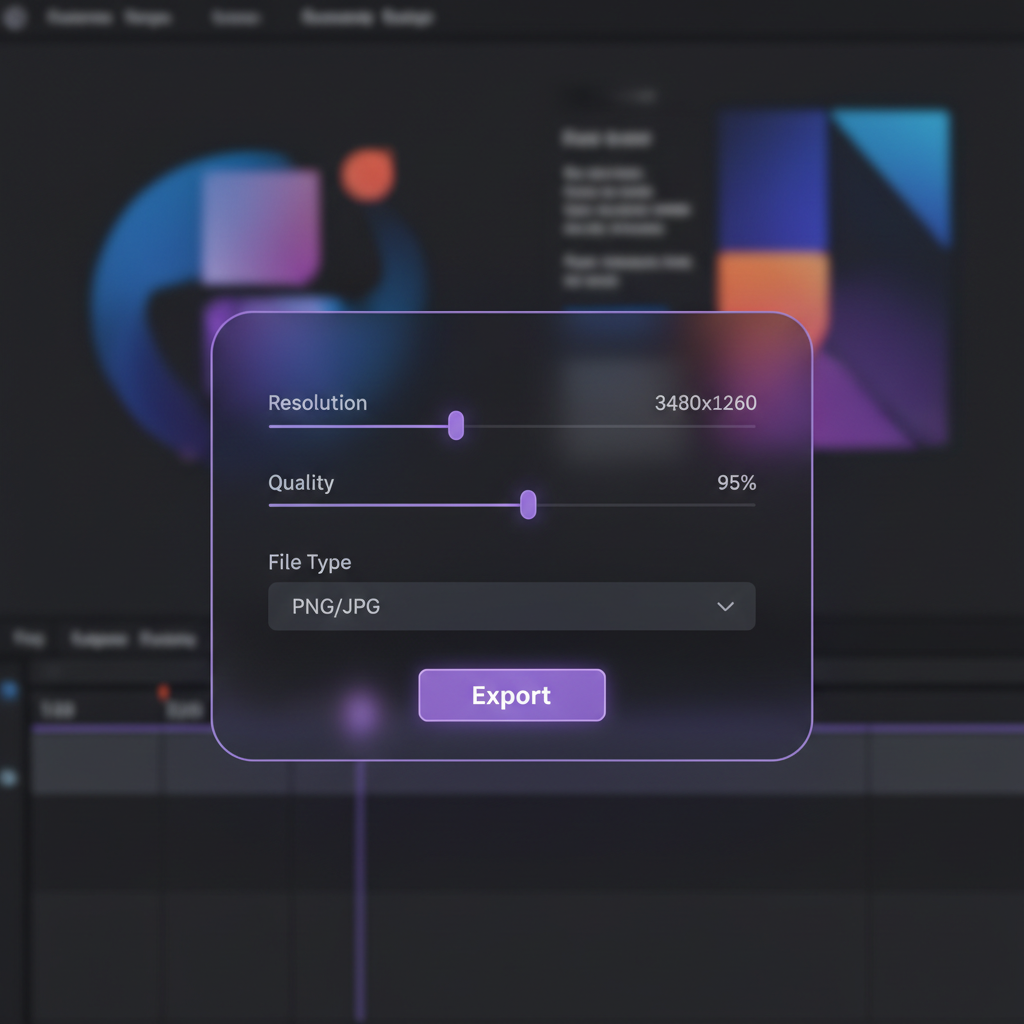
Download results in PNG, JPG, or export ready high-res versions for Figma or print. No watermarks.

From chaotic content to harmony of style.

No more chaos in the visuals. From an idea to a finished post in seconds. Edit, adapt, and fill in professional templates with AI. Create a solid and growing brand on social media without obstacles.

Generated Image January 18, 2026 - 12_44AM (1) 1.png
Problem

A single brand voice in all social networks

A ribbon that looks like a patchwork quilt. When posts for different platforms are created spontaneously or by different people, the visual style of the brand "floats". Fonts, colors, grids, and filters don't match, which makes the profile look unprofessional and doesn't form a coherent impression. This reduces the recognition and trust of subscribers.

Solution

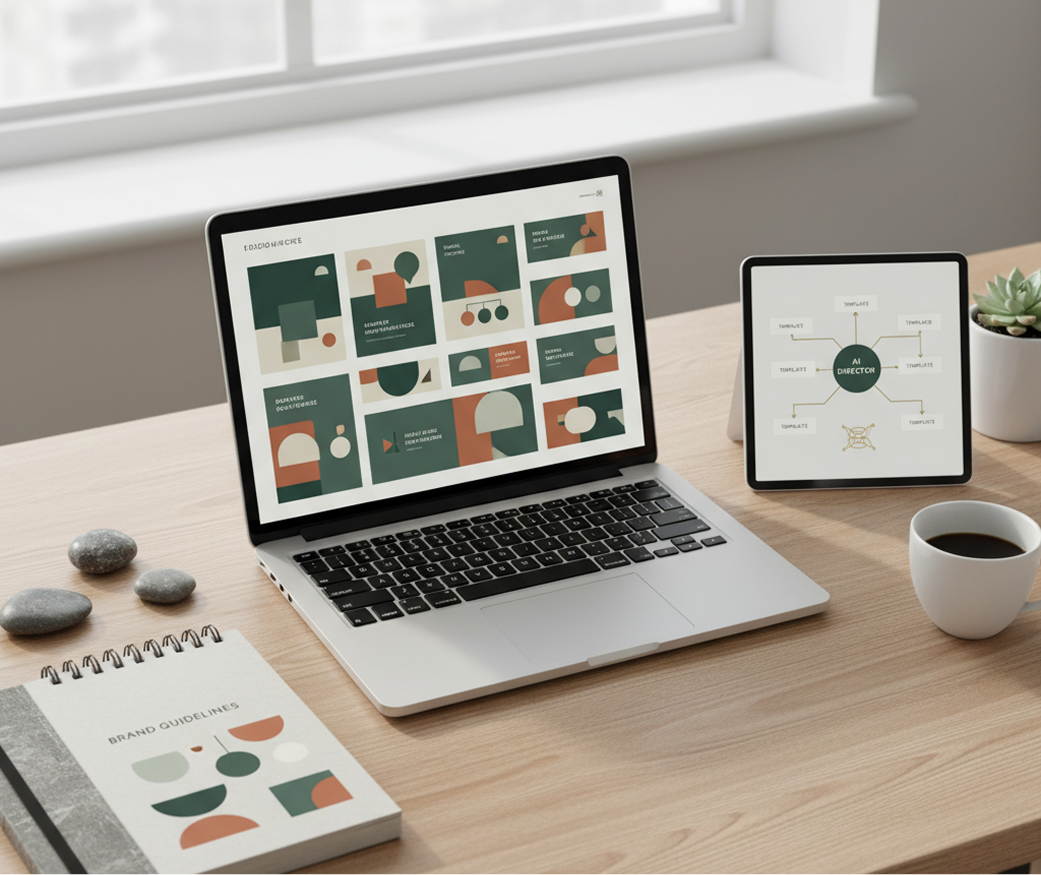
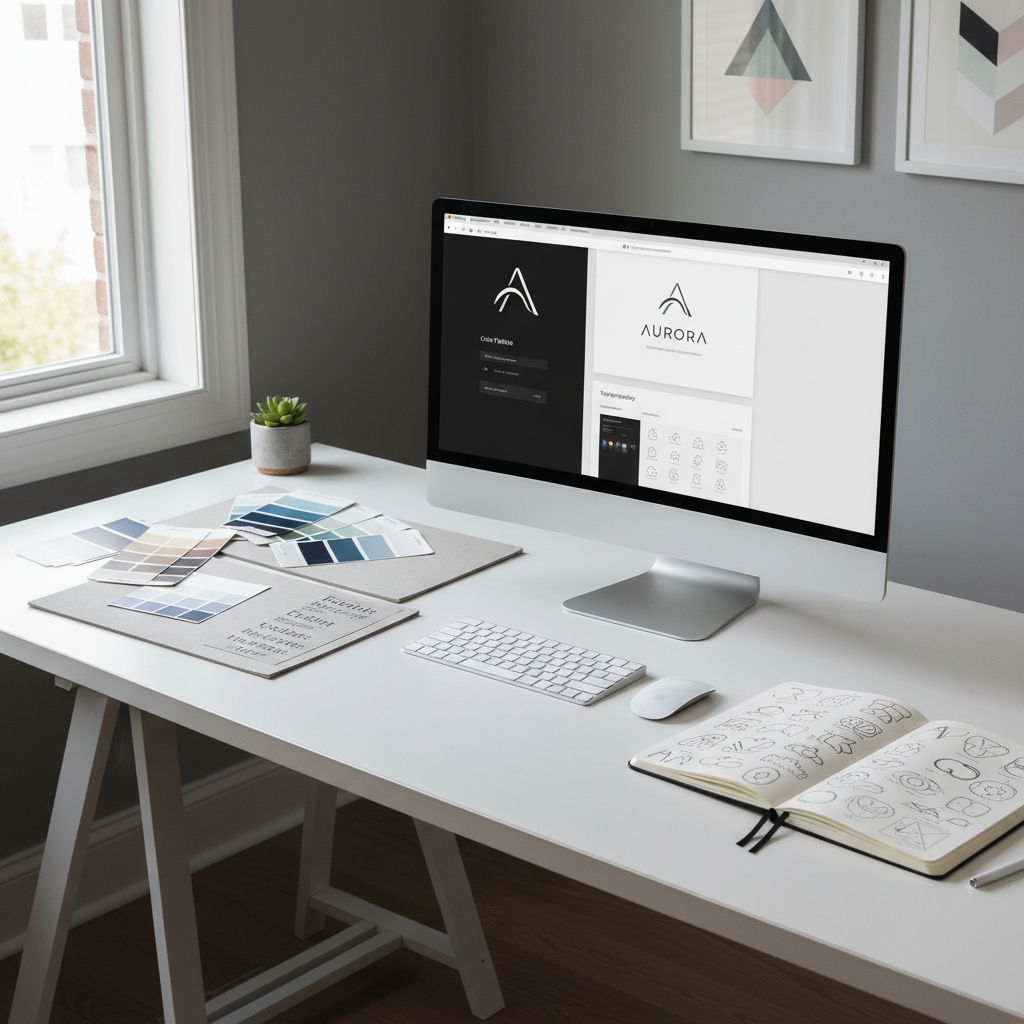
The editor who knows your style best. Upload brand guides or select references. Our AI becomes your design director on social media, automatically applying uniform rules to all templates — for Stories, posts, and covers. Each created layout will be 100% consistent with your brand's DNA.

Problem

An hour's content plan, not a month's budget

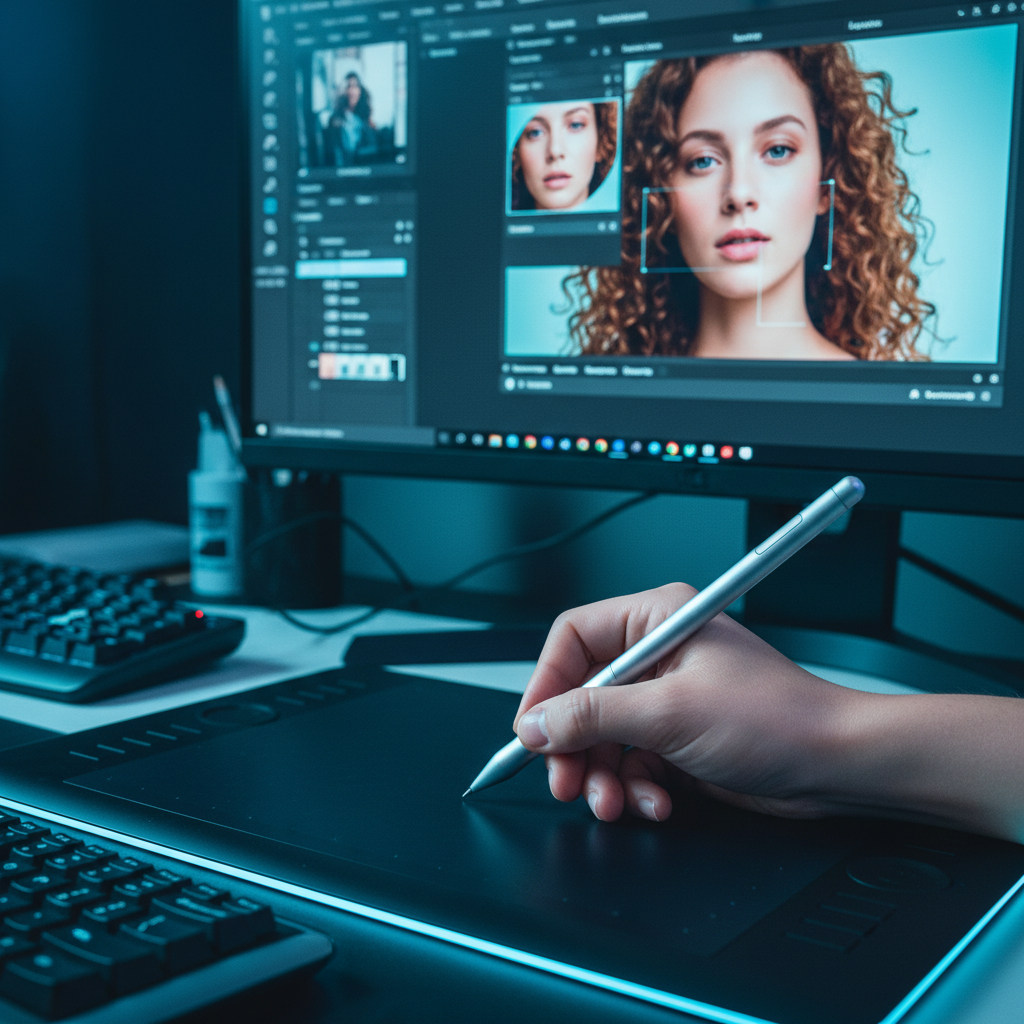
Social media design is expensive and slow. Ordering templates from an agency takes time and money. Working with freelancers is accompanied by lengthy approvals and edits. Self-creation in graphic editors takes hours and often does not produce professional results. The content plan is turning into a constant headache.

Solution

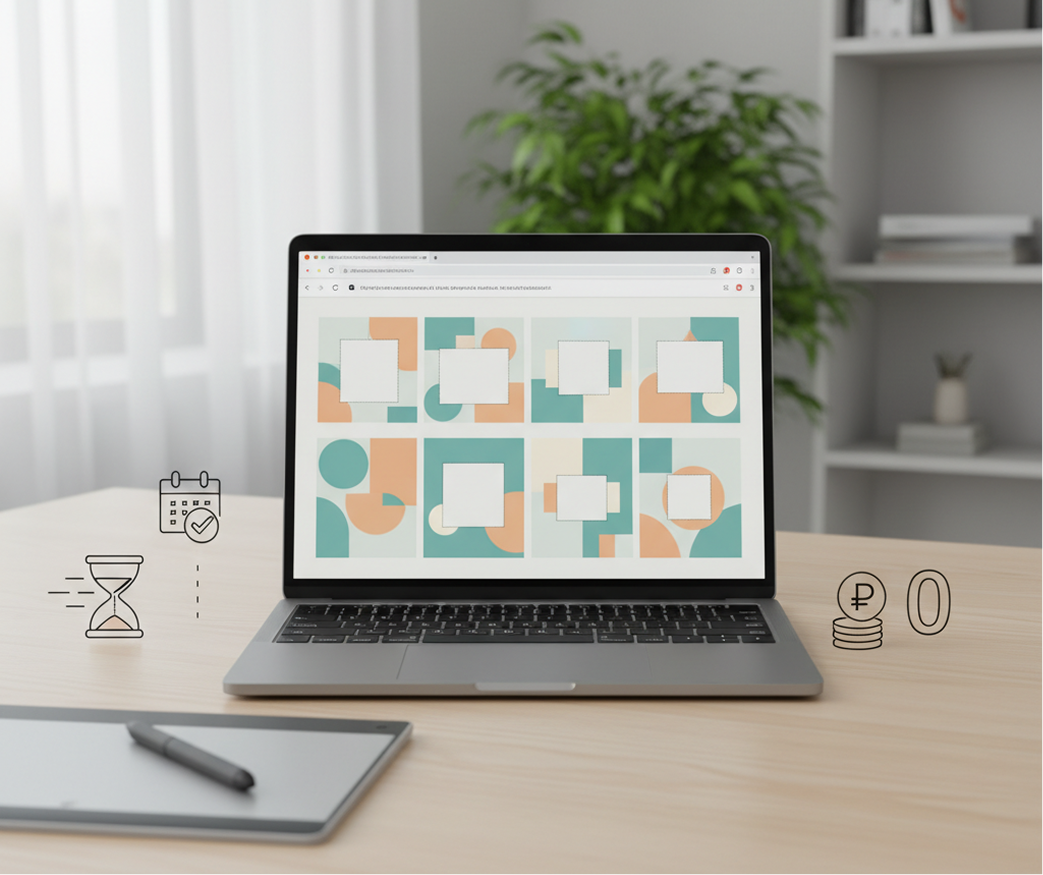
The design department for social networks in your browser. Is free. Create stylish, ready-to-publish templates in minutes, not weeks and thousands of rubles. Our tool reduces the cost of content design to zero, saving the most valuable resources — the time of the team and the budget for promotion.

Generated Image January 18, 2026 - 12_45AM 1.png
Generated Image January 18, 2026 - 12_45AM (1) 1.png
Problem

Fresh ideas for the feed that involve

Creative burnout on social media. How do I regularly create content that will stand out in the feed? You have to use the same formats and templates, which causes engagement to drop and subscribers to lose interest. We need fresh ideas that will work within the brand, but attract attention.

Solution

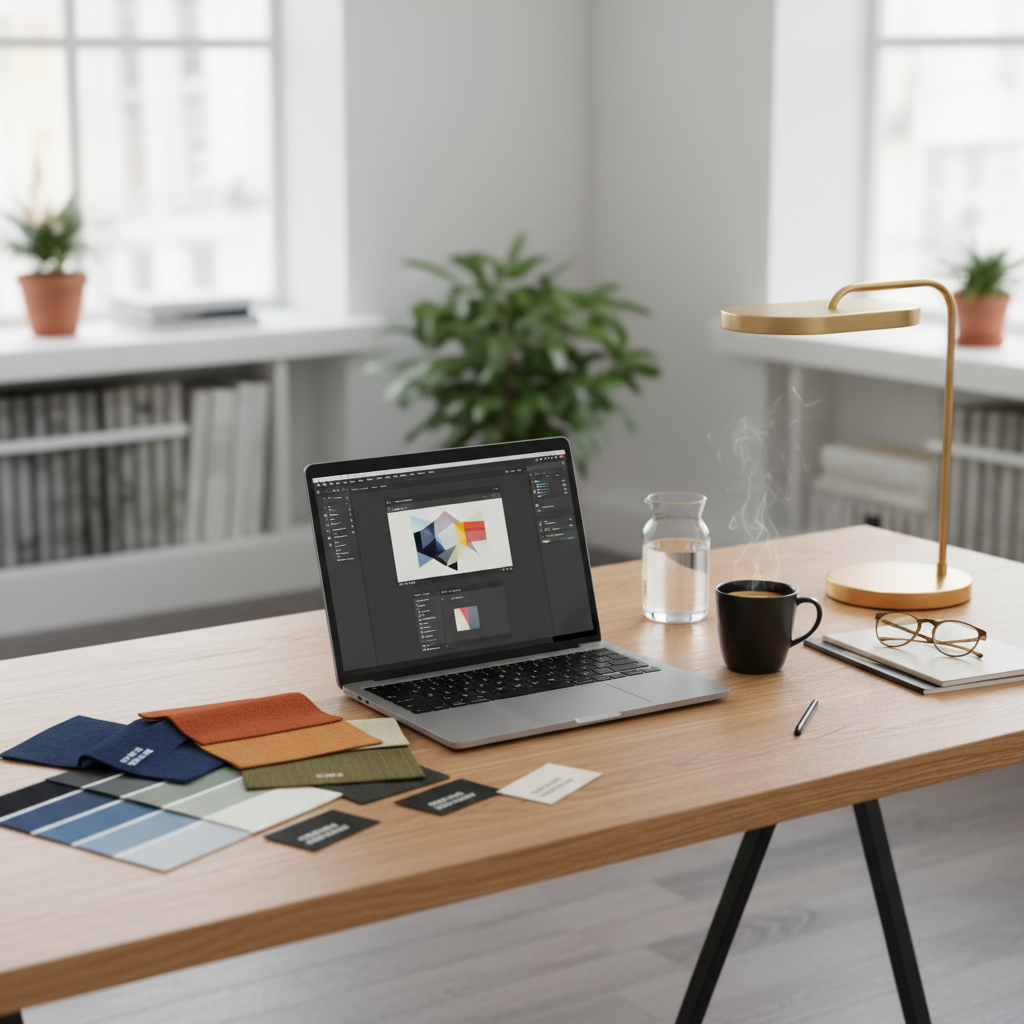
AI as your creative SMM manager. Get hundreds of template variations: from changing composition and typography to unexpected visual accents and trending formats (flashcards, comparisons, infographics). The tool offers fresh ideas for a content plan, becoming a source of inspiration that always works within your style and helps keep the audience's attention.

How to edit templates online

Editing a social post doesn't need to be hard or complicated. Here is short tutorial for the start.

1

Upload your assets

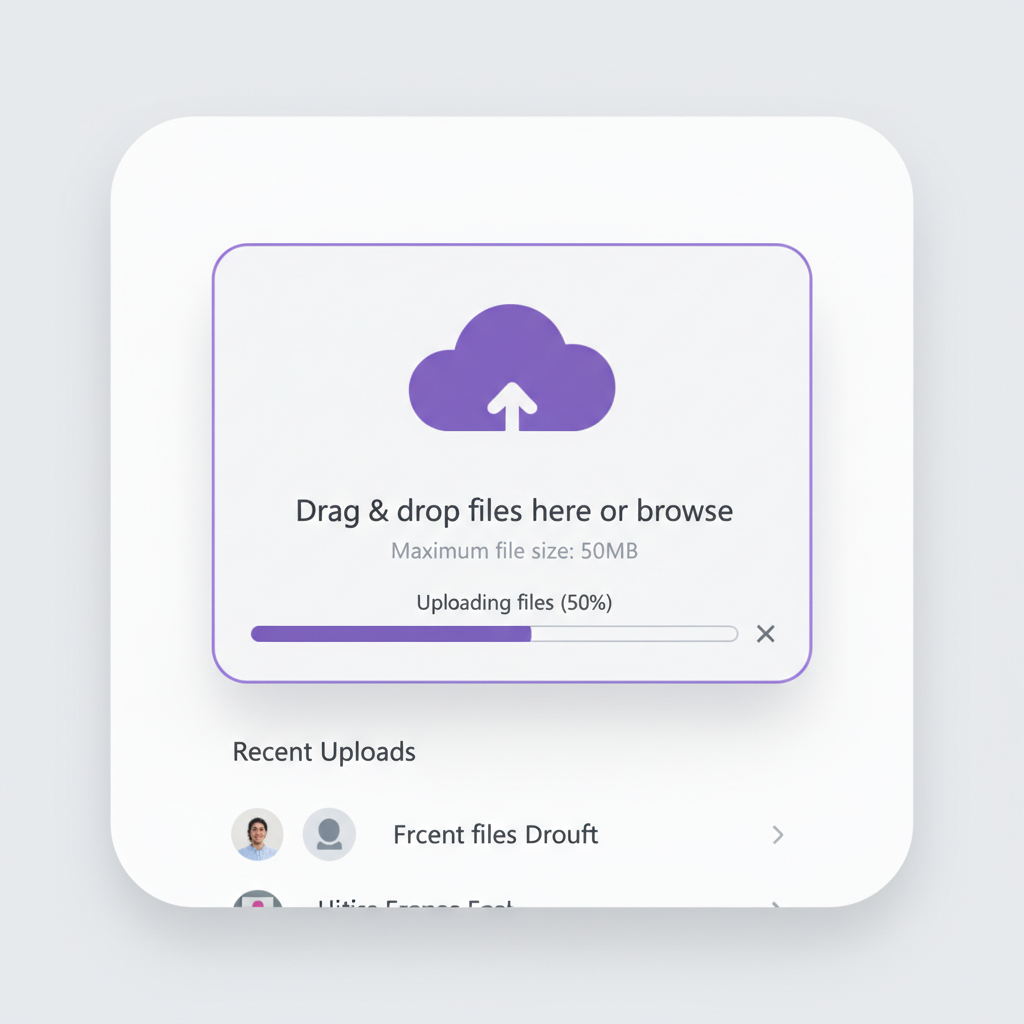
Choose a logo or product photo, and enter your prompt. If you are struggling with text, use our special text AI.

2

Pick a model and edit

Need to have slim fonts? Softer colors? Select the tool and dial it in. You can regenerate your picture or edit it as much as you want.

3

Save and use

See changes live, undo anything instantly, then download your result in different formats. You can regenerate your images or edit it as much.

Where can you use the AI template editor?

Whether it's for content, client work, or personal portfolios — the use cases are endless. The AI template editor adapts to your workflow, whether you're building a brand identity or polishing assets for a campaign.

  • ✦ Use an AI template editor for content, client projects, and personal portfolios.
  • ✦ The editor adapts to your process: from creating an identity to preparing a campaign.
  • ✦ Use AI templates for any task, from branding to final polishing of materials.
  • ✦ Edit the templates to suit your needs, whether it's a work project or a personal presentation.

Tips for achieving the best results

Small changes can make a big impact when editing templates. These tips will help you avoid common mistakes and keep your results looking natural and sharp. Whether you're retouching for personal use or a professional project.

  • ✦ Small edits to the templates will keep the design natural and clear.
  • ✦ Accurate adjustments will help you avoid mistakes in personal and work projects.
  • ✦ Thoughtful editing of templates significantly improves the result.

How to download and edit your image

Exporting your edited image is simple and flexible, whether you're sharing online or prepping for print. The tool gives you full control over resolution, file type, and final adjustments. You can revisit your edits anytime — no need to start over.

  • ✦ Download and edit the image, fully controlling the resolution, format and edits.
  • ✦ Export the image for online publication or printing with the option to return to editing.
  • ✦ Upload the result by flexibly configuring the file parameters without losing the revision history.

Client Reviews

★★★★★

"Great tool as soon as you get used to it!"

"At first it was challenging to understand features, but as soon as I spent about 10 mins trying to figure it out, I grasped the idea and now I feel like creating images for my presentations has never been easier."

Amy

★★★★★

"The best AI app out there"

"I can have all my favorite AI tools on one workspace, work with them from anywhere using a laptop and create awesome results in literally 2 minutes for my upcoming social media post."

Danya

★★★★★

"Greatest tool for creators"

"It has a very flexible mechanisms of NN configuration and friendly UI. This project helped me to create different pictures according to my rich imagination."

Pyotr

★★★★★

"Great tool"

"I can solve all my task in one space. You can use Stable Diffusion like a run it locally but faster. It can use other AI tools for images, and create nice promts in promt helper."

Artemiy

★★★★★

"Fantastic node-based AI platform"

"Super intuitive, fast, and efficient for creating workflows. Great for beginners and pros alike. Highly recommend!"

Jeremy

★★★★★

"Node system"

"Convenient service, many functions. I am very glad that I use this service."

Sanyi Tolstov

Best AI Tools All in One Place

Image_moto.png
OpenAI_logo.svg
GPT ImageAI image generation & editing
Sora 2Cinematic video generation
Image_tort.png
Google_2015_logo 1.svg
Imagen 4 Ultra-sharp images
Gemini 2.5 / 3.0 Multimodal generation & editing
Veo 3.1 Fast video + motion consistency
Logo_runway.svg
Gen 4Best for consistent characters & video frame generations
AlephVideo editing & effects
Midjorny.svg
MidJourneyImage generation & variations
Upscale / Outpaint / PanAdvanced editing tools
Logo_hailuo.svg
Hailuo 2 ProHigh-quality video animation
Logo_king.svg
Kling 2.5v1, v1.5, v1.6, v2 video generation

Explore similar use cases

AI Book Cover Generator

Create compelling book and eBook covers from synopsis + genre

AI Brand Visual Consistency Tool

Generate all brand visuals (ads, headers, icons) in a unified style

AI Campaign Asset Generator

Create complete sets of social assets for a campaign from a single brief

AI Series Artwork Generator

Generate consistent cover art or thumbnails across multiple episodes/chapters

+

FAQs

Answers to common questions about using Phygital+ and editing template images with AI.

What's the most efficient Phygital+ workflow for daily social content?

+

How does Phygital+ help maintain brand voice across all social platforms?

+

Can I create month's worth of social templates in one Phygital+ session?

+

What AI models should I combine for engaging social media content?

+

How do I adapt social templates for seasonal campaigns in Phygital+?

+

Can Phygital+ generate templates that match trending social media styles?

+

Start for free

Create logos, mockups, and brand visuals in one place.

New!