Home/Free AI Sketch to Art Generator

Free AI AI Sketch to Art Generator

Transform rough sketches into full illustrations online in seconds — without limits, downloads, or complicated tools. The AI Sketch to Art Generator is built for artists, designers, and creators who want to turn their ideas into polished artwork — with control, creativity, and just a few clicks.

Input

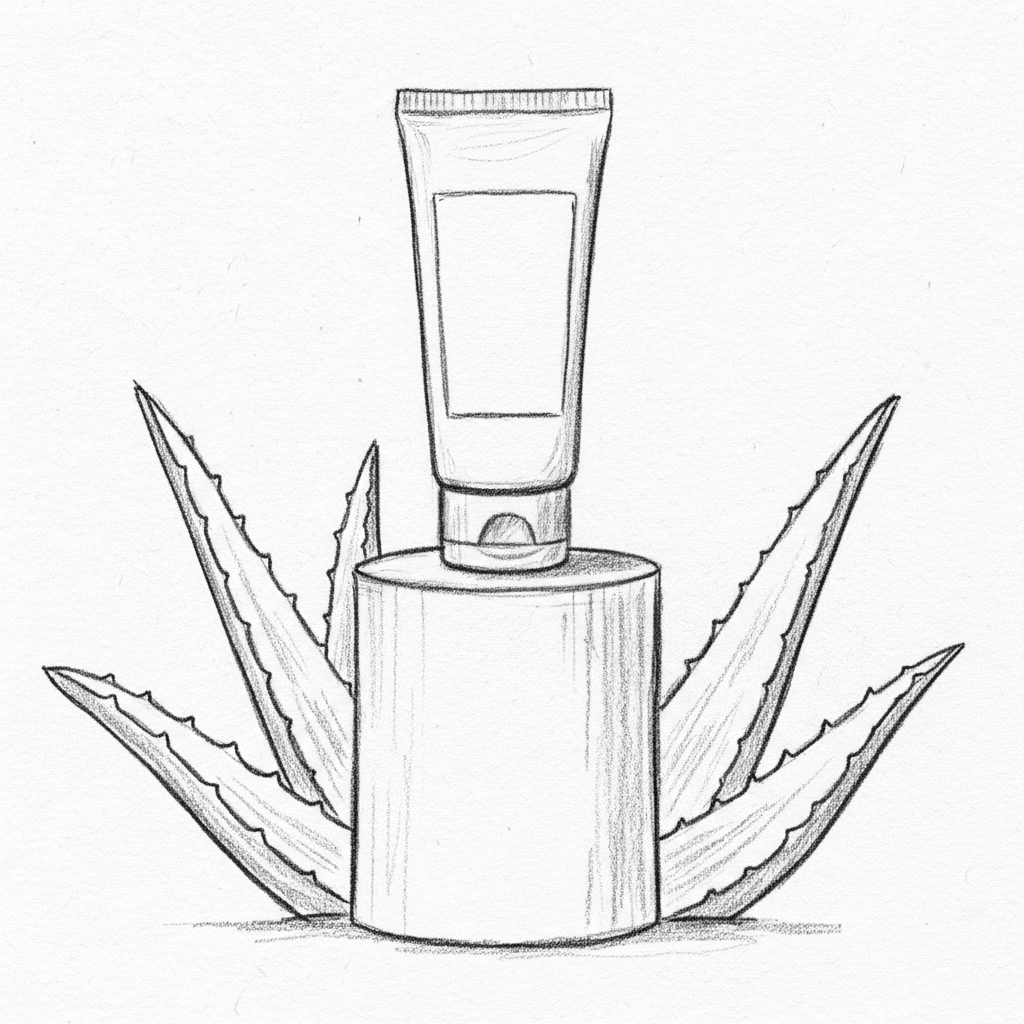
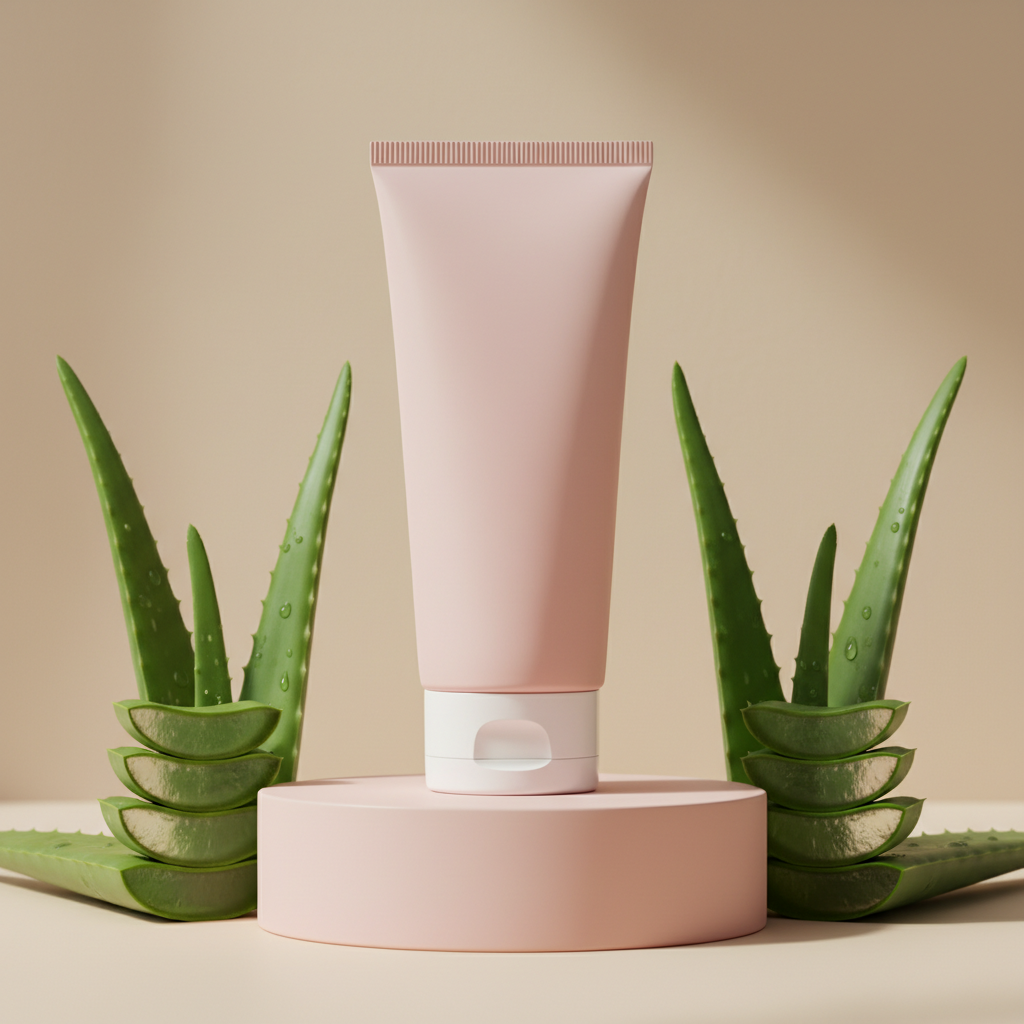
Rough sketch uploaded

AI Processing
Prompt Analysis

Generating details...

Result

High-fidelity render

Supported byimage (6).png

What is an AI Sketch to Art Generator?

Artistic Intelligence

The AI understands artistic styles and mediums. From watercolor and digital painting to ink sketches and concept art, it adapts the final rendering to match your creative vision.

Beyond Basic Filters

Generate entirely new, detailed artwork. Unlike simple photo filters, every element is developed from your sketch, transforming rough lines into polished, cohesive illustrations.

Full Commercial Rights

You own the final artwork. Use it for books, games, merchandise, portfolios, and social media without copyright concerns or licensing restrictions.

✨

Why should you use the AI Sketch to Art Generator?

High-Resolution Output

Export illustrations at print-ready resolutions, meeting requirements for books, posters, portfolios, and digital media.

Transform Instantly

Refine style, adjust colors, add textures, or enhance details with a single click. No need for complex layering or manual rendering.

No Software Required

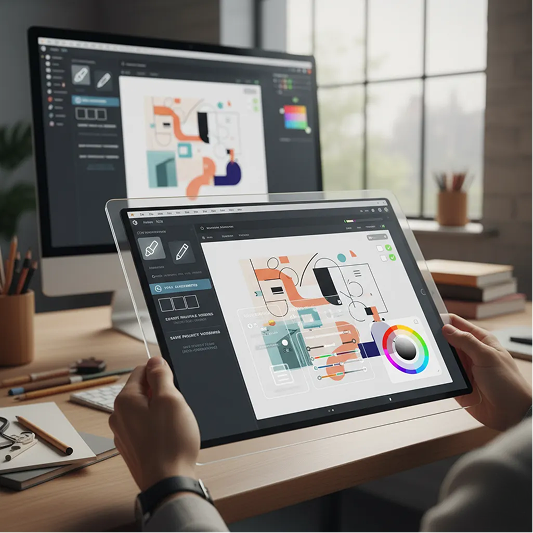
Everything operates directly in your browser. Save your progress to the cloud and continue your work from any device.

Ready for Any Use

Generate artwork formatted for social media, concept presentations, merchandise designs, and professional portfolios with built-in presets.

From rough sketches to polished illustrations

Our free tool turns your ideas into ready-made professional illustrations, eliminating the typical obstacles: lack of time, budget and resources. No more stylistic fragmentation, just harmonious art that works for recognition.

Generated Image January 09, 2026 - 9_04PM 1.png
PROBLEM

A consistent artistic style across all your work

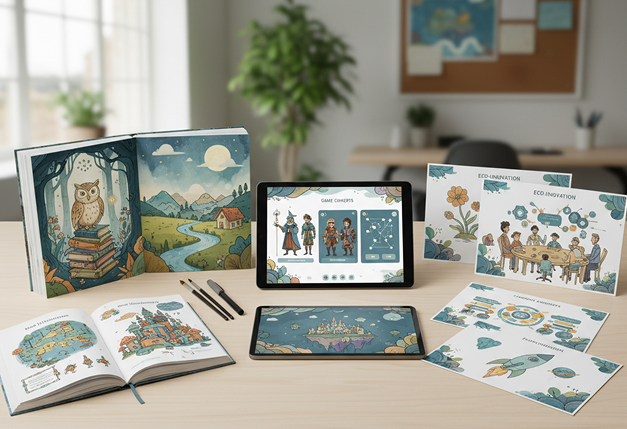
A portfolio that looks inconsistent. When illustrations for different projects—books, games, presentations—are created separately or by different artists, the visual style becomes fragmented. Line quality, color palettes, rendering techniques, and lighting don’t match, making your work look unprofessional and disjointed. This weakens your artistic identity and reduces client trust.

DECISION

The AI assistant that masters your artistic vision. Upload your sketches or select reference artwork. Our AI becomes your digital art director, automatically applying your chosen style and techniques to transform every sketch into a fully realized illustration. Each finished piece will be 100% aligned with your creative vision.

PROBLEM

A professional illustration in hours, not weeks—without the freelancer cost

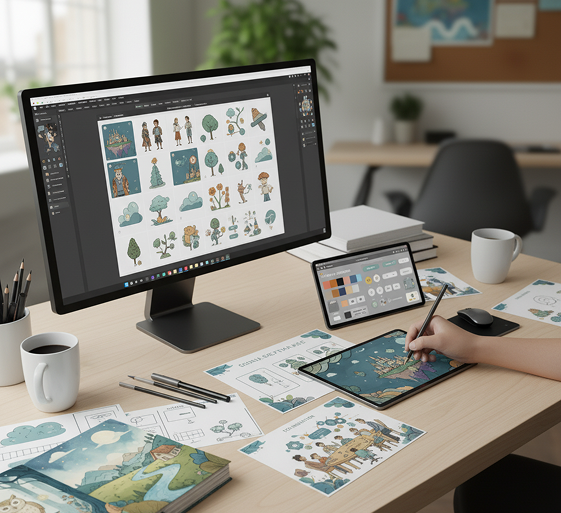
Commissioning custom illustrations is often slow and expensive. Hiring an artist requires significant budget and time for revisions. Relying on stock art leads to generic, unoriginal visuals. Manually rendering sketches into finished artwork demands advanced skills and countless hours. Building a cohesive illustrated project becomes a prolonged, costly process.

SOLUTION

A professional illustration studio in your browser. For free. Create beautiful, production-ready artwork from your sketches in minutes—not weeks. Our tool reduces the cost of custom illustration to zero, preserving your creative energy and project timeline.

Generated Image January 09, 2026 - 9_11PM 1.png
Generated Image January 09, 2026 - 9_23PM 1.png
PROBLEM

Fresh, dynamic illustrations that stay true to your style

Creative repetition limits artistic growth. How do you continuously create new illustrations that feel fresh but still belong to your signature style? Reusing the same techniques and compositions leads to visual monotony and missed creative opportunities. You need innovative artistic directions that expand your portfolio while staying recognizable.

SOLUTION

AI as your creative collaborator. Generate hundreds of polished variations from a single sketch—from adjusting color schemes and textures to experimenting with lighting, mood, and detail. This tool becomes your endless source of artistic inspiration, helping you build a rich, diverse illustration portfolio that evolves with your style—always cohesive, always original.

How to turn sketches into artwork

Transforming a drawing doesn't need to be hard or complicated. Here's a quick guide to get started.

Generated Image January 09, 2026 - 9_39PM 1.png
1
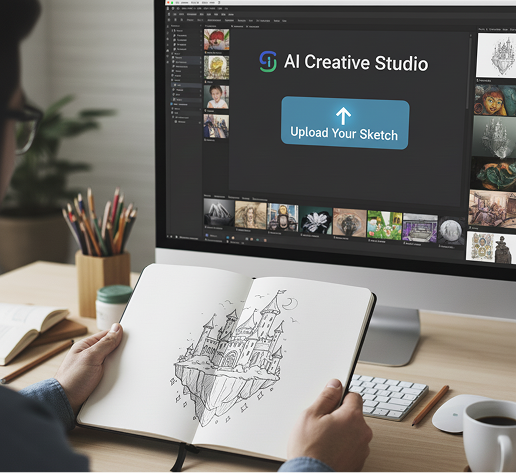
Upload your sketchChoose a drawing, doodle, or line art, and add a description of your desired style. If you need inspiration for details, use our prompt assistant.
Generated Image January 09, 2026 - 9_49PM 1.png
2
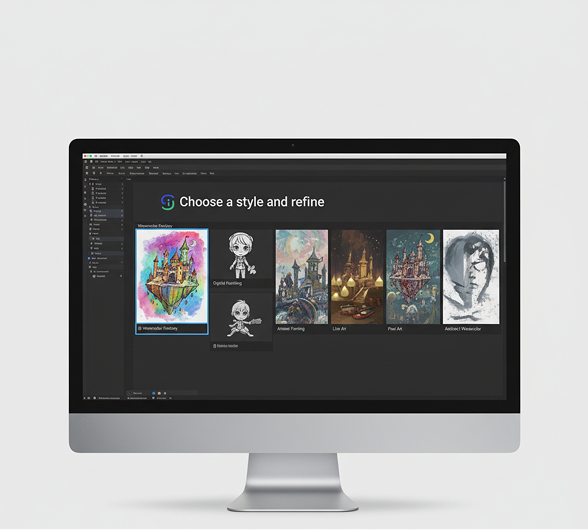
Choose a style and refineSelect from artistic styles like watercolor, digital painting, comic art, or realism. Adjust colors, lighting, textures, and detail level with simple controls. Regenerate variations or fine-tune as much as you want.
Generated Image January 09, 2026 - 10_03PM 1.png
3
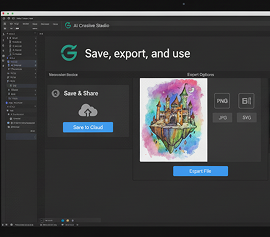
Save, export, and useSee changes live, undo anything instantly, then download your final illustration in the formats you need—PNG, JPG, or high-resolution for print or digital use.

Where can you use the AI art editor?

Whether you’re creating art for personal projects, client commissions, or professional portfolios—the possibilities are endless. The AI Sketch to Art Generator adapts to your creative workflow, whether you’re visualizing a story, refining character designs, or producing concept art.

  • ✦ Storyboarding & Comics: Finalize panels and cover art from initial sketches.
  • ✦ Character Design: Render expressive characters with detailed attire from concepts.
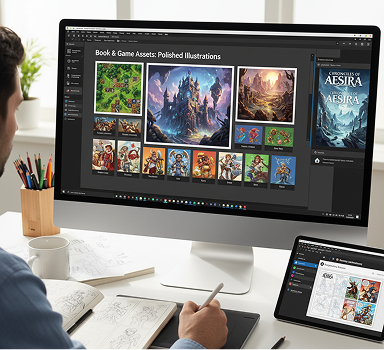
  • ✦ Book & Game Assets: Create polished illustrations for publishing, games, and animation.
    ✦ Commercial Art: Design visuals for social media, branding, merchandise, and print.
Generated Image January 10, 2026 - 4_35PM 1.png

Tips for achieving the best results

Small refinements can make a big difference in turning a sketch into professional artwork. These tips will help you enhance your illustrations while preserving your original artistic intent.

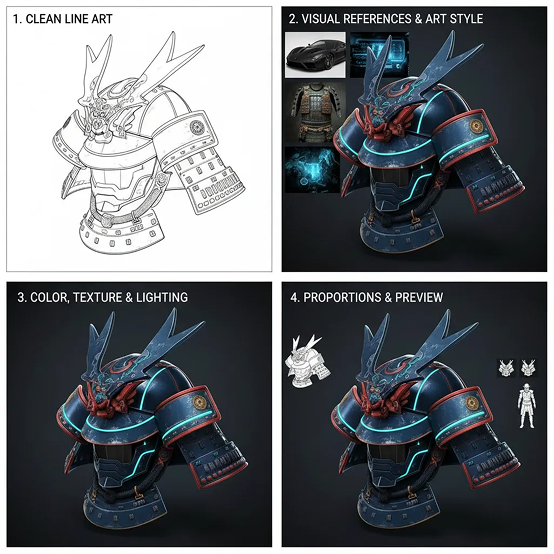
  • ✦ Start with clean line art to ensure the AI can interpret details accurately.
  • ✦ Guide the AI with visual references to achieve your desired artistic style.
  • ✦ Make iterative changes to color, texture, and lighting for controlled refinement.
  • ✦ Verify key proportions and preview at different sizes to maintain accuracy and visual impact.
Placeholder image

How to download and edit your illustration

Exporting your finished illustration is simple and flexible. You retain full control over format, resolution, and finishing touches—and can return to make edits anytime.

  • ✦ Make final adjustments using real-time editing tools before exporting.
  • ✦ Download as PNG, JPG, or high-resolution print-ready files.
  • ✦ Export multiple versions tailored for web, print, or presentations in one click.
  • ✦ Save project files to revisit and revise later—all edits are non-destructive and fully reversible.
Generated Image January 10, 2026 - 5_22PM 1.png
💬

Client Reviews

★★★★★

"A total game-changer for my indie game studio!"

"Before, we'd spend days on a single concept sketch. Now we can iterate on character and environment designs in minutes. It's like having a concept artist on-call 24/7."

Arty
★★★★★

"Perfect for comic artists and storytellers."

"I can quickly flesh out my storyboards into full-blown scenes without redrawing everything. The AI understands mood and composition – it's an incredible creative partner."

Maya
★★★★★

"Exactly what children's book illustrators need."

"I upload my pencil sketches and watch them transform into vibrant, textured artwork. It saves me hours of coloring and lets me focus on storytelling."

Sam
★★★★★

"Super intuitive once you get the hang of it!"

"The controls felt new at first, but after about 10 minutes of experimenting, everything made sense. Now I create polished portfolio pieces from simple doodles in no time."

Elena
★★★★★

"Revolutionized how I present ideas to clients."

"No more showing rough sketches that clients struggle to visualize. Now I turn my quick drawings into professional illustrations that wow them during pitches."

David
★★★★★

"Saved our studio thousands in freelance costs."

"We needed concept art for a Kickstarter campaign and generated everything in-house. The quality is professional, and we own all the rights. An absolute must for creative teams."

Riley
✨

Best AI Tools All in One Place

OpenAI_logo.svg

GPT ImageAI image generation & editing
Sora 2Cinematic video generation

Google_2015_logo 1.svg

Imagen 4Ultra-sharp images
Gemini 2.5 / 3.0Multimodal generation & editing
Veo 3.1Fast video + motion consistency

Logo_runway.svg

Gen 4Best for consistent characters & video frame generations
AlephVideo editing & effects

Midjorny.svg

MidJourneyImage generation & variations
Upscale / Outpaint / PanAdvanced editing tools

Logo_hailuo.svg

Hailuo 2 ProHigh-quality video animation

Logo_king.svg

Kling 2.5v1, v1.5, v1.6, v2 video generation
âš¡

Explore similar use cases

AI Environment Concept Generator

Create stylized landscapes, cityscapes, or fantasy worlds

AI Comic Panel Generator

Create manga and comic panels with style and sequence control

AI Watercolor Illustration Generator

Generate artwork in watercolor aesthetic from text or sketches

AI Consistent Character Generator

Generate the same character in multiple poses and scenes

✨

FAQs

Answers to common questions about using the Series Art Generator and editing images with AI.

How much of my original sketch is preserved? Will the AI completely take over my drawing?

+

Can I apply my own unique art style to the sketch, or do I have to use pre-made filters?

+

My sketch only defines the composition. How do I tell the AI what colors, textures, and lighting to use?

+

What's the best workflow in Phygital+ for iterating on an idea without having to redraw the sketch?

+

Does this only work for clean line art? What about messy, conceptual doodles?

+

How can I turn a series of different character sketches into a collection with a consistent look and feel?

+

Start for free

Create logos, mockups, and brand visuals in one place.

New!
Cool!