Home/Free AI Series Artwork Generator

Free AI Series Artwork Generator

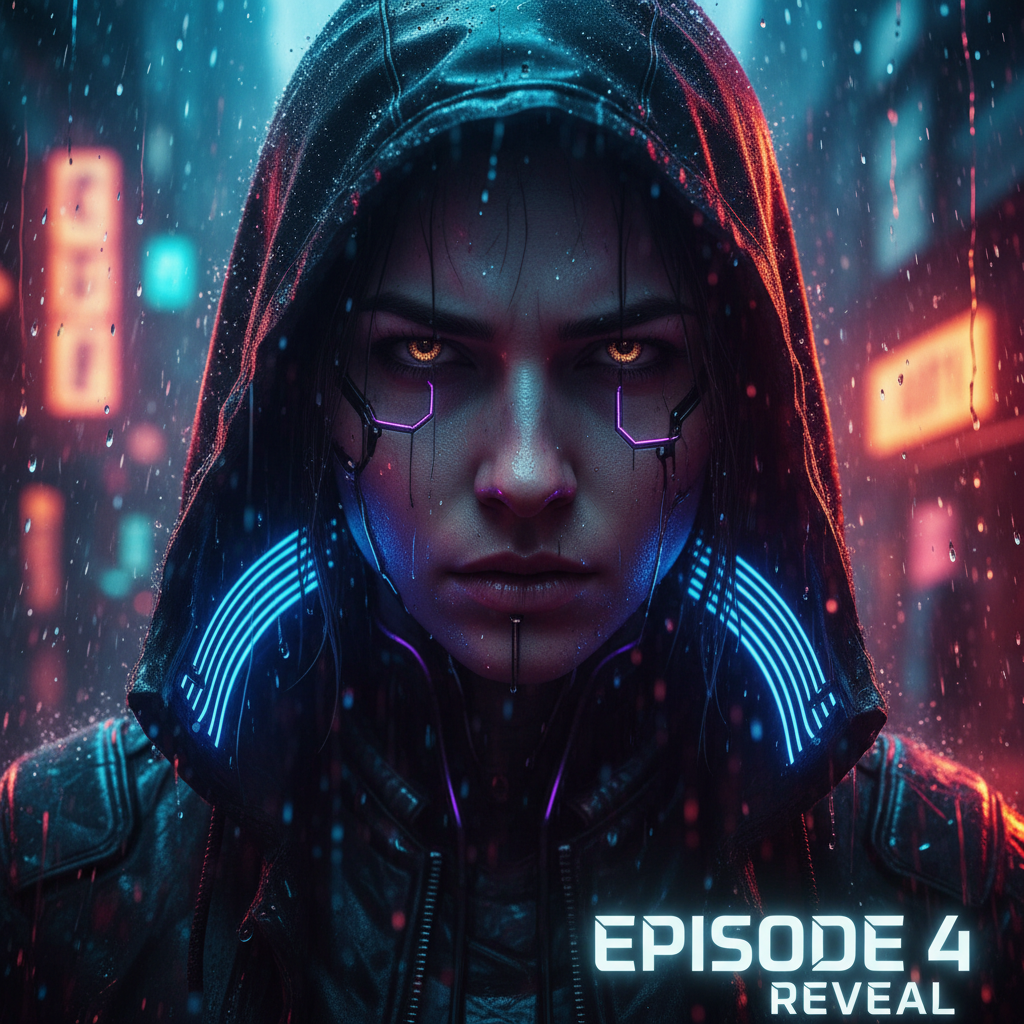
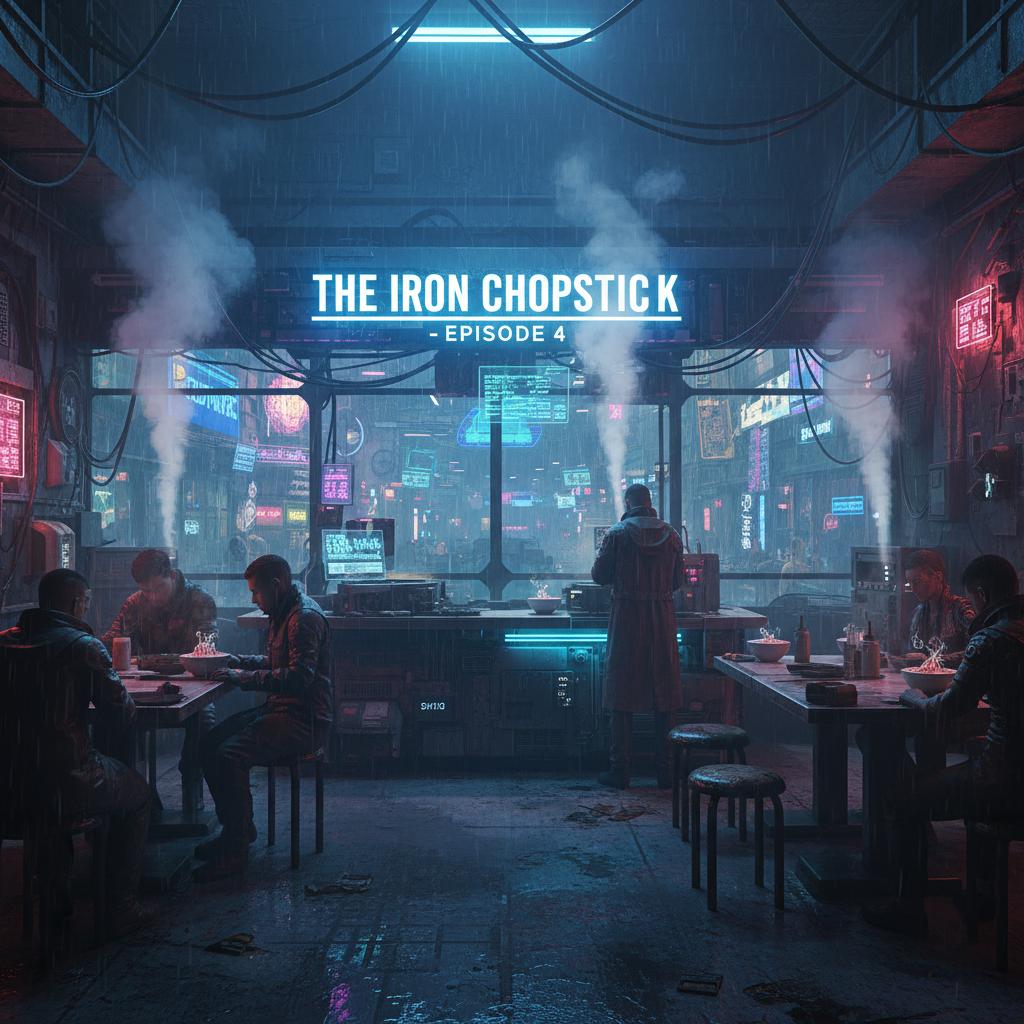
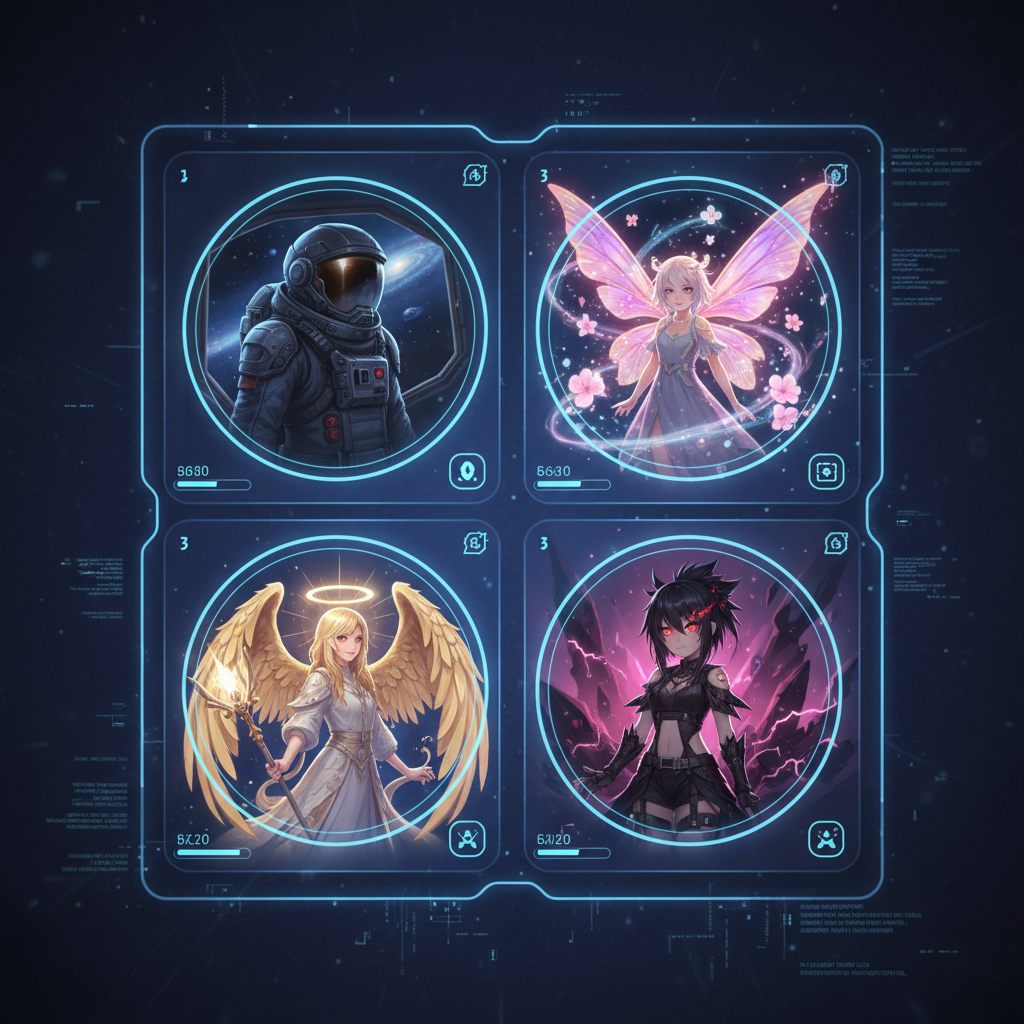
Generate consistent cover art and thumbnails online in seconds. The Series Editor is made for creators, podcasters, and writers who need precise, style-locked visuals across multiple episodes.

New Project / Season 1
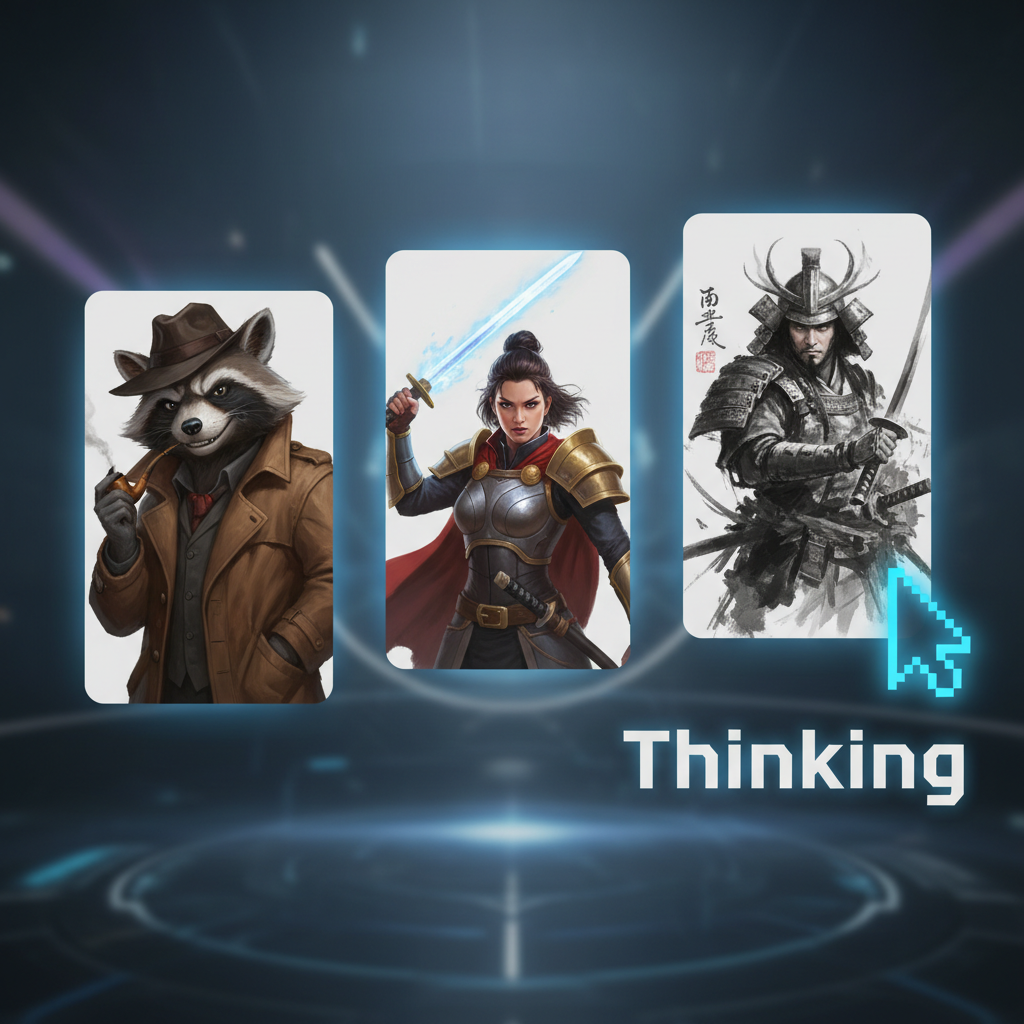
Base Character
Supported byimage (6).png

What is a Series Art Generator?

Intelligent consistency

The AI engine analyzes your base characters to lock facial features and style. No more random variations between episodes.

Beyond style transfer

You can smooth skin, adjust lighting intensity, reshape environments, and remove distractions—all with precision.

For storytellers

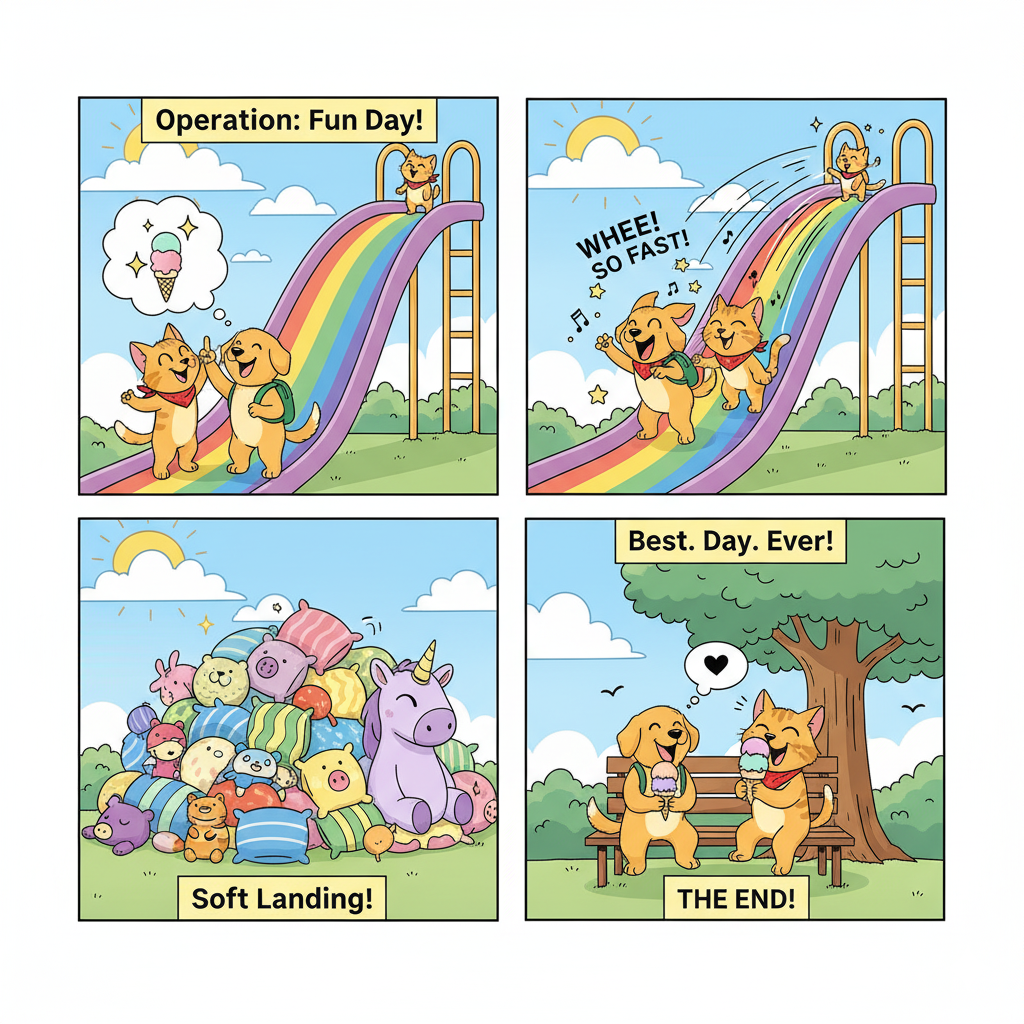
Whether you're making a webcomic, podcast cover, or RPG campaign assets, this tool ensures visual continuity.

✨

Why should you use the AI series generator?

High precision control

Thanks to multi-model integration, you can work across different AI engines in one flow.

Edit everything, instantly

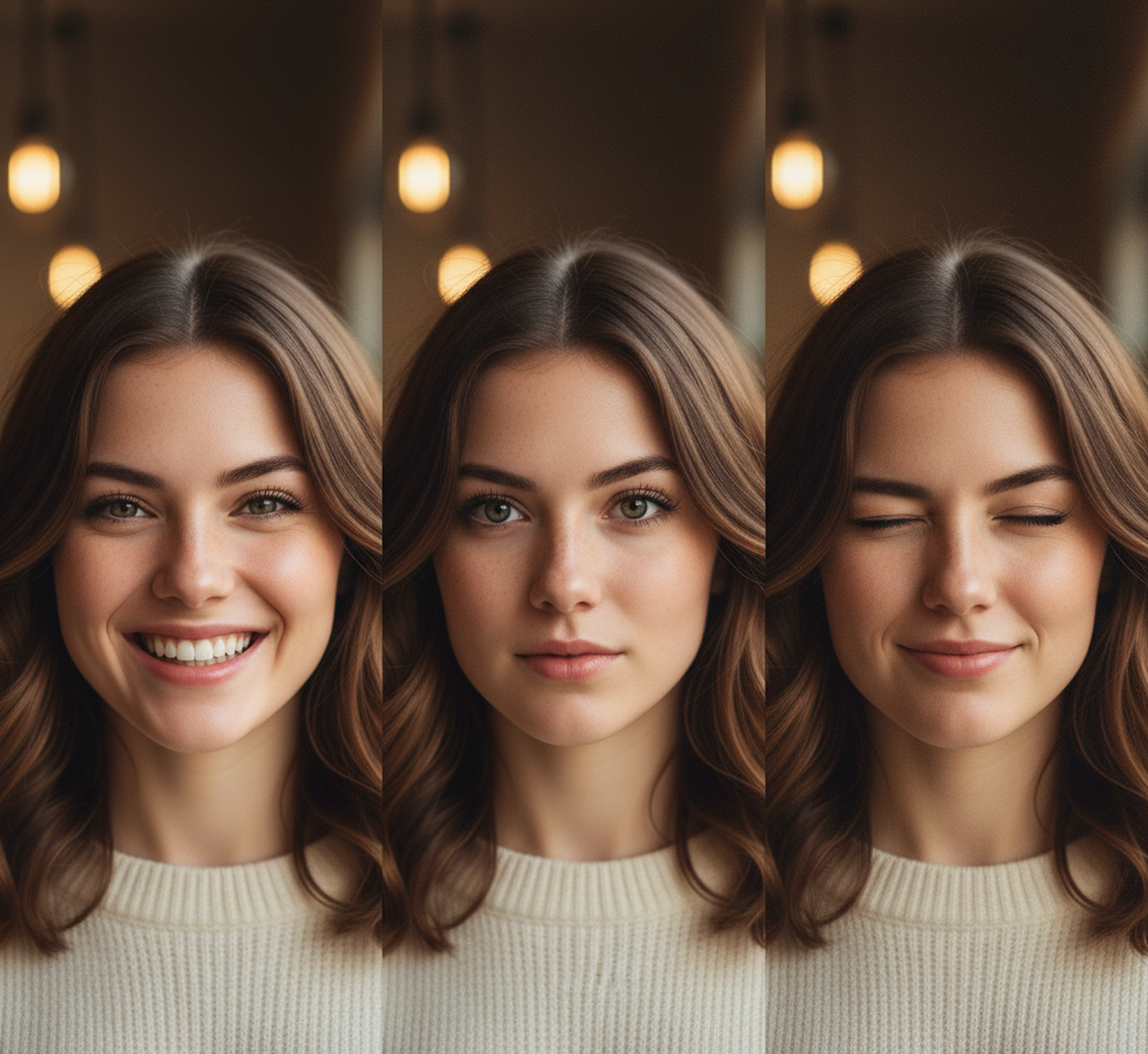
Remove a prop, raise eyebrows, reduce eye size, or change facial expression without losing quality.

No install, no extra software

Everything works in your browser. Whether you're on desktop or tablet, edits are saved locally.

Formats you actually use

Download results in PNG, JPG, or export ready high-res versions for print or web.

From chaotic ideas to harmony of corporate identity.

Our free tool turns your ideas into ready-made professional illustrations, eliminating the typical obstacles: lack of time, budget and resources. No more stylistic fragmentation, just harmonious art that works for recognition.

PROBLEM

Guarantee of stylistic unity

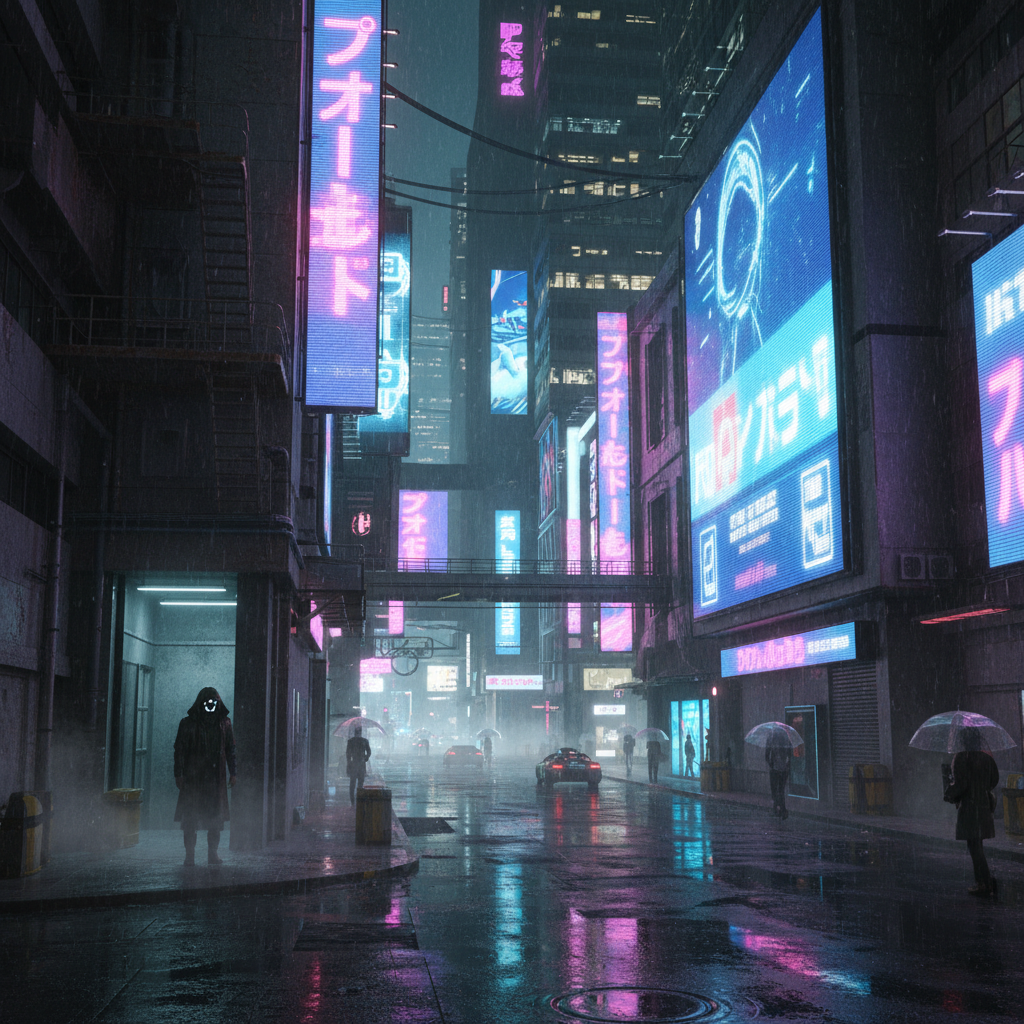
A series that doesn't look like a series. When illustrations for a project are created by different artists or at different times, integrity is lost. Colors, techniques, and moods "float" from picture to picture. Instead of a strong visual sequence, it turns out to be a set of disparate works that do not form a memorable image.

SOLUTION

A generator that thinks like an art director. Upload the references or describe the style once. Our AI will be the guarantor of unity, creating each new illustration as part of a complete series. All the art, from the first to the last, will be designed in the same aesthetic, while maintaining its uniqueness and professional level.

PROBLEM

Professional series — without budget and expectation

An artist is expensive and takes a long time. Ordering a complete series of illustrations from a professional requires serious investments and time to coordinate the sketches. Using stock images leads to eclecticism, and finding suitable images in a single style can take weeks, slowing down the entire project.

SOLUTION

A whole collection of artworks in minutes, not months. Create stylistically flawless series of illustrations yourself and for free. The generator reduces the cost of the process tenfold, saving the most valuable resources — budget and time, and giving you full control over the result.

PROBLEM

An endless source of ideas in one style

Creative deadlock and repetition. Even with a corporate identity, it is difficult to come up with new plots and compositions for illustrations. We have to repeat successful finds, which makes the series predictable and loses its freshness, and the visual language of the brand does not develop.

SOLUTION

AI as your personal concept artist. Get hundreds of variations on the theme: from detail to a complete change of angle and plot — while maintaining the set style. The tool becomes a bottomless source of inspiration, offering unexpected visual moves to expand your art series.

How to make a character

In three simple steps, you can make a character with AI — fast, flexible, and fun.

1
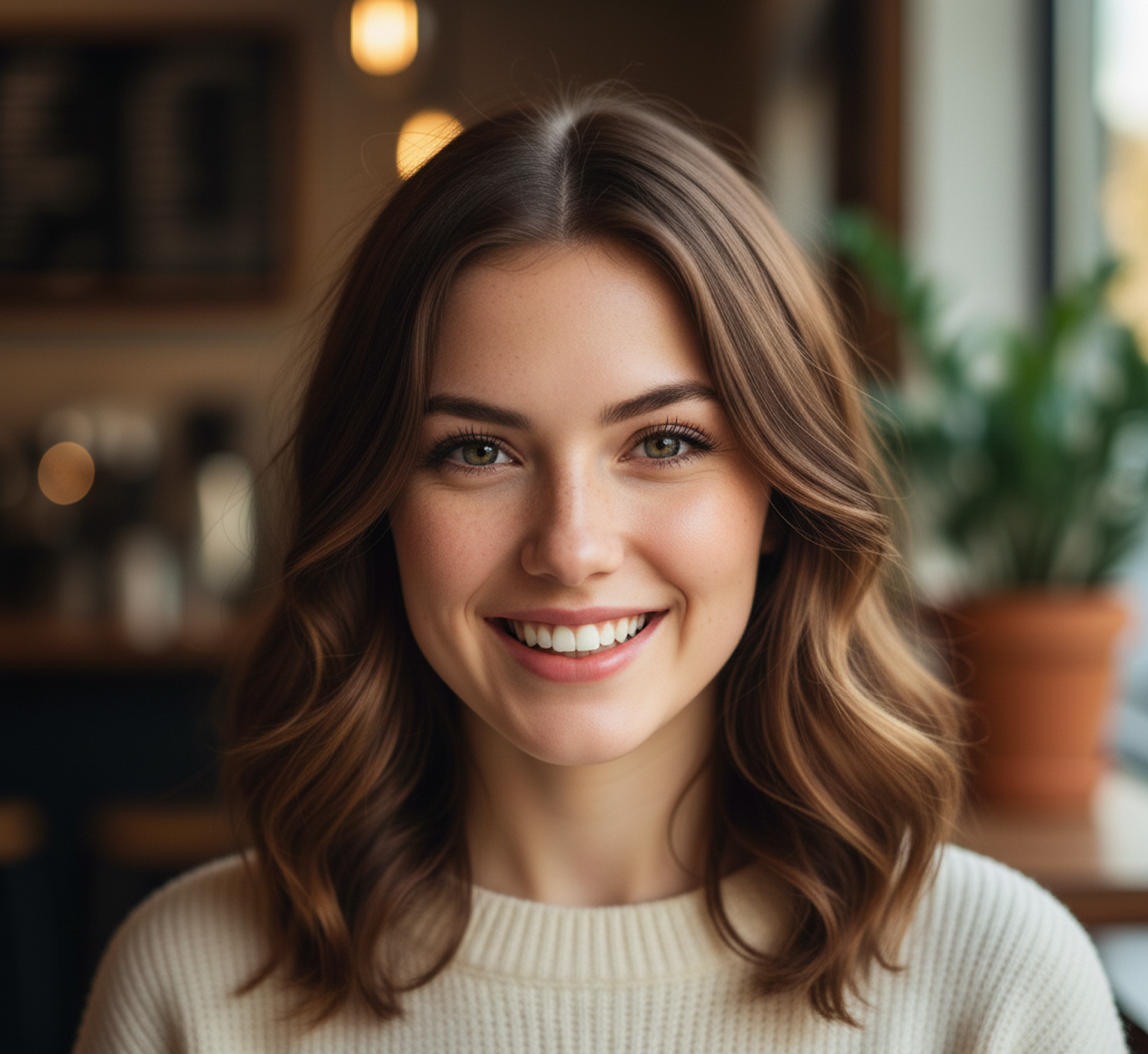
Upload base referenceChoose a portrait or character sheet as your prompt. If you are struggling with details, use special text prompts.
2
Pick a style and editNeed to change the environment? Soften the lighting? Select the tool and dial it in.
3
Save and useSee changes live, undo anything instantly, then download your result in different formats.

Where can you use the AI art editor?

Whether it's for comic books, client work, or personal portfolios — the use cases are endless. The tool adapts to your workflow, whether you're building a brand identity or polishing assets for a campaign.

  • ✦ Social media profile updates and headers
  • ✦ Professional retouching for business or press photos
  • ✦ Portrait refinement for portfolios or resumes
  • ✦ Adjustments for eCommerce models or influencer content

Tips for achieving the best results

Small changes can make a big impact when editing facial features. These tips will help you avoid common mistakes and keep your results looking natural and sharp. Whether you're retouching for personal use or a professional project, a thoughtful approach pays off.

  • ✦ Use well-lit, high-resolution images for precise mapping
  • ✦ Be subtle with symmetry and expression tools
  • ✦ Switch models if one result feels overdone
  • ✦ Always preview at different sizes before exporting
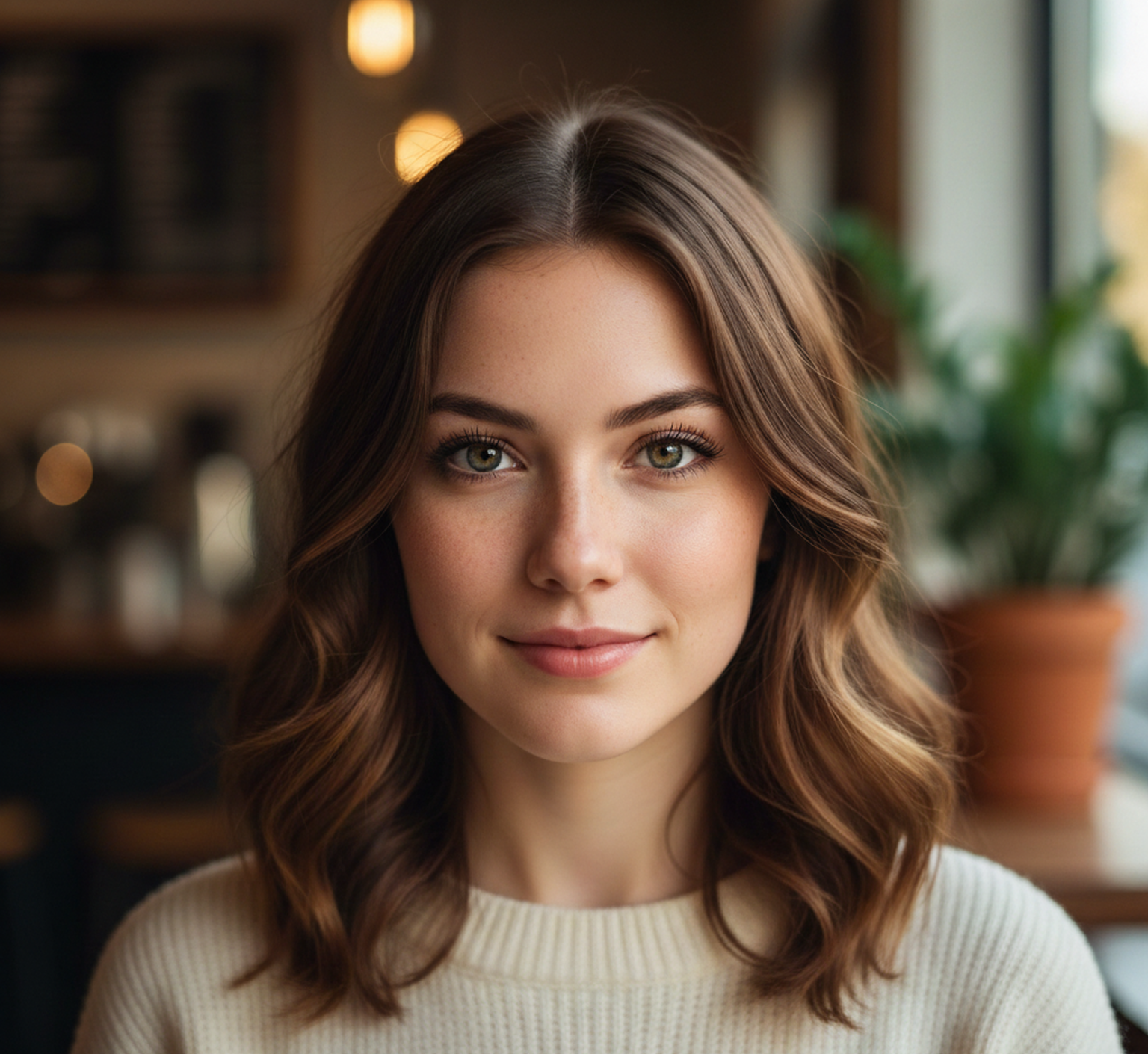
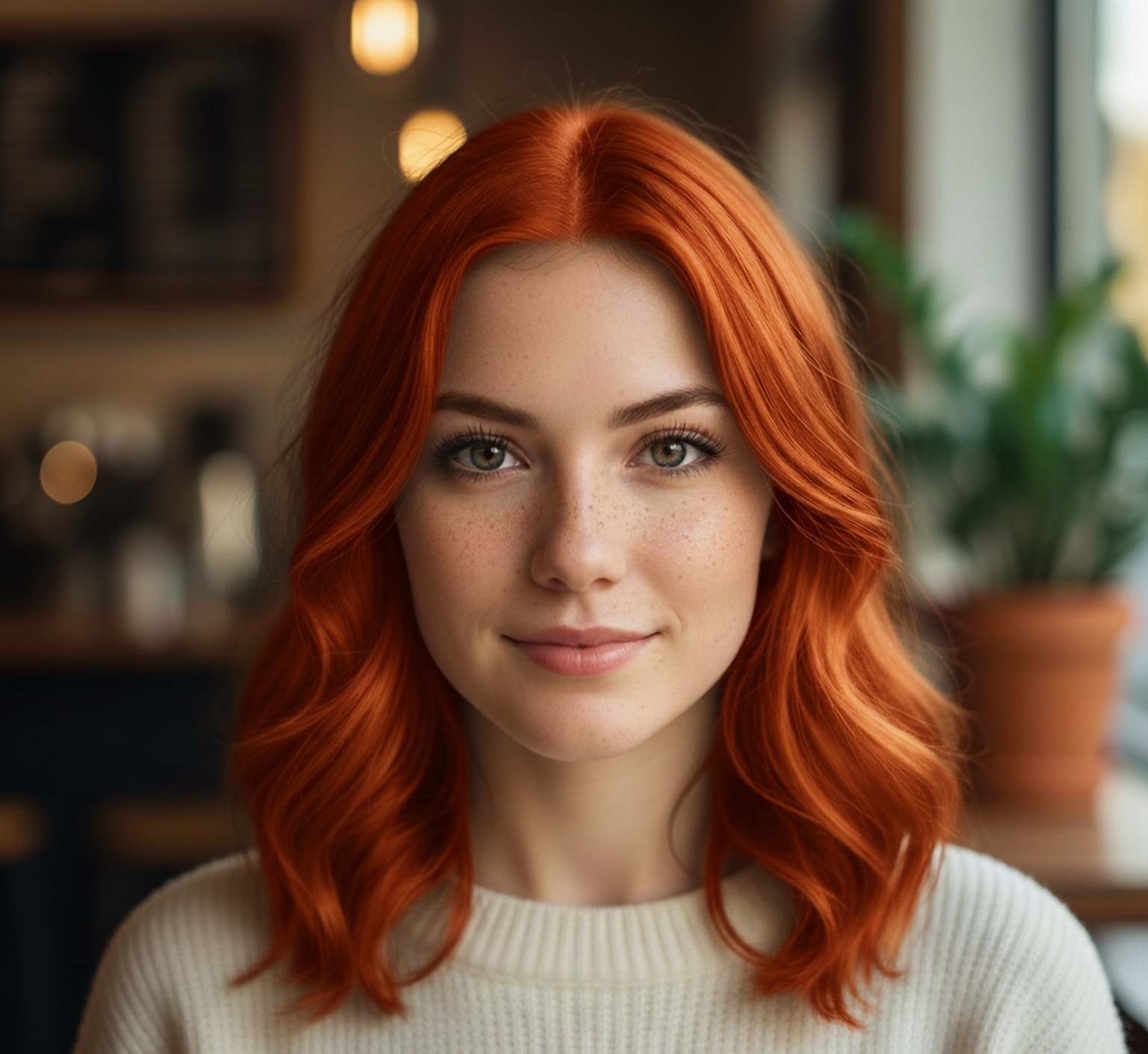
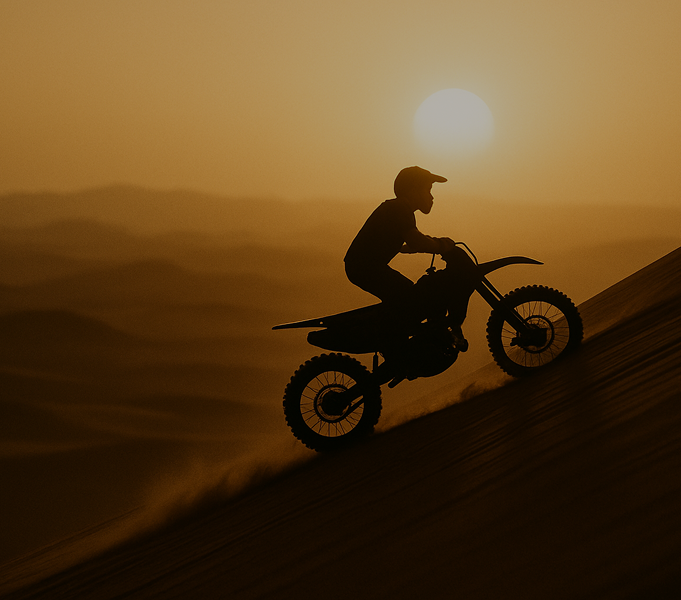
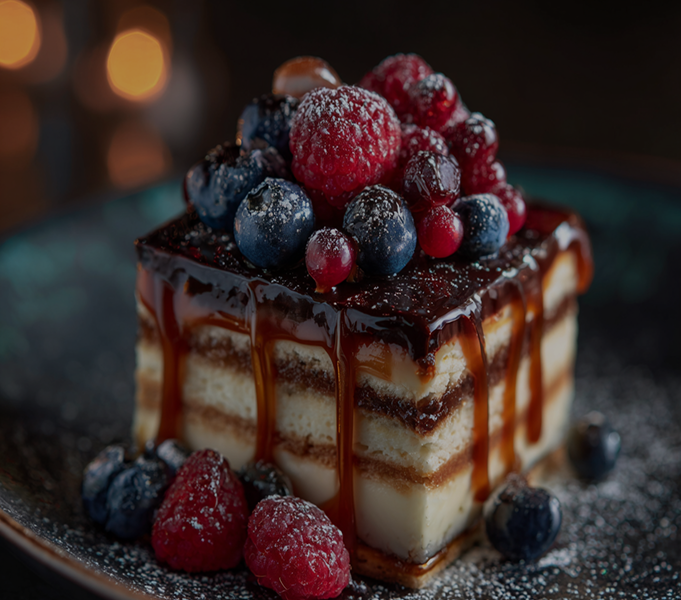
girl4.pnggirl2.pnggirl1.pnggirl3.png

How to download and edit your image

Exporting your edited image is simple and flexible, whether you're sharing online or prepping for print. The tool gives you full control over resolution, file type, and final adjustments.

  • ✦ Make changes using live-preview editing tools
  • ✦ Download as PNG, JPG, or SVG
  • ✦ Export multiple versions for different platforms
  • ✦ Edits are non-destructive and reversible
💬

Client Reviews

★★★★★

"Great tool as soon as you get used to it"

High in the beginning it was a bit challenging to understand from the workspace terms. But as soon as I spent about 10 mins trying to figure it out, I grasped the idea and now I feel like creating images for my presentations has never been easier.

Arty
★★★★★

"The best AI app out there"

I can have all my favorite AI tools on one workspace, work with them from anywhere using a laptop and create awesome results in literally 5 minutes for my upcoming social media post, newsletter or a fun meme for my friends. Truly making me more creative and productive, as AI should be doing :)

Pyotr
★★★★★

"Greatest tool for creators"

It has a very flexible mechanisms of NN configuration and friendly UI. This project helped me to create different pictures according to my rich imagination."

Pavel
★★★★★

"Game changer for my workflow"

I used to spend hours searching for stock photos. Now I generate exactly what I need in seconds. The quality is consistently amazing and fits my brand perfectly.

Elena
★★★★★

"Incredible value for money"

The variety of styles available is mind-blowing. From photorealistic to abstract art, this tool handles everything I throw at it. It's like having a digital artist on call 24/7.

Marcus
★★★★★

"Intuitive and powerful"

The interface is so clean. I love how it remembers my preferences. It's become an essential part of my daily design process and I can't imagine working without it now.

Sarah
✨

Best AI Tools All in One Place

OpenAI_logo.svg

GPT ImageAI image generation & editing
Sora 2Cinematic video generation

Google_2015_logo 1.svg

Imagen 4Ultra-sharp images
Gemini 2.5 / 3.0Multimodal generation & editing
Veo 3.1Fast video + motion consistency

Logo_runway.svg

Gen 4Best for consistent characters & video frame generations
AlephVideo editing & effects

Midjorny.svg

MidJourneyImage generation & variations
Upscale / Outpaint / PanAdvanced editing tools

Logo_hailuo.svg

Hailuo 2 ProHigh-quality video animation

Logo_king.svg

Kling 2.5v1, v1.5, v1.6, v2 video generation
âš¡

Explore similar use cases

AI Book Cover Generator

Create compelling book and eBook covers from synopsis + genre

AI Event Visual Generator

Design banners, posters, and ads for concerts, festivals, or workshops

AI Social Template Generator

Build branded Canva/Figma-style templates with AI

AI Brand Visual Consistency Tool

Generate all brand visuals (ads, headers, icons) in a unified style

✨

FAQs

Answers to common questions about using the Series Art Generator and editing images with AI.

What Phygital+ workflow ensures character consistency across 100 episodes?

+

How do I create webcomic series with consistent art style in Phygital+?

+

Can I generate YouTube series thumbnails that are visually cohesive?

+

What's the best way to manage multiple character LoRAs for ensemble series?

+

How do I adapt series artwork for different platforms without losing consistency?

+

Can Phygital+ handle series that evolve visually over seasons?

+

Start for free

Create logos, mockups, and brand visuals in one place.

New!
Cool!