Home/Free AI Scene Previsualization Tool

Free AI Scene Previsualization Tool

Generate rapid visual mockups for film and animation planning online in seconds β€” without limits, downloads, or complicated tools. The AI Scene Previsualization Tool is built for filmmakers, animators, and creative directors who want to visualize scenes and storyboards instantly β€” with precision, flexibility, and just a few clicks.

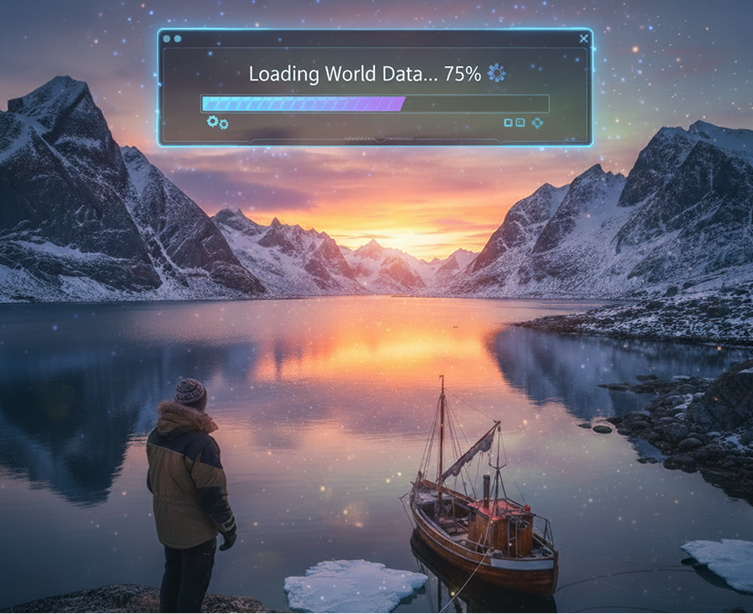
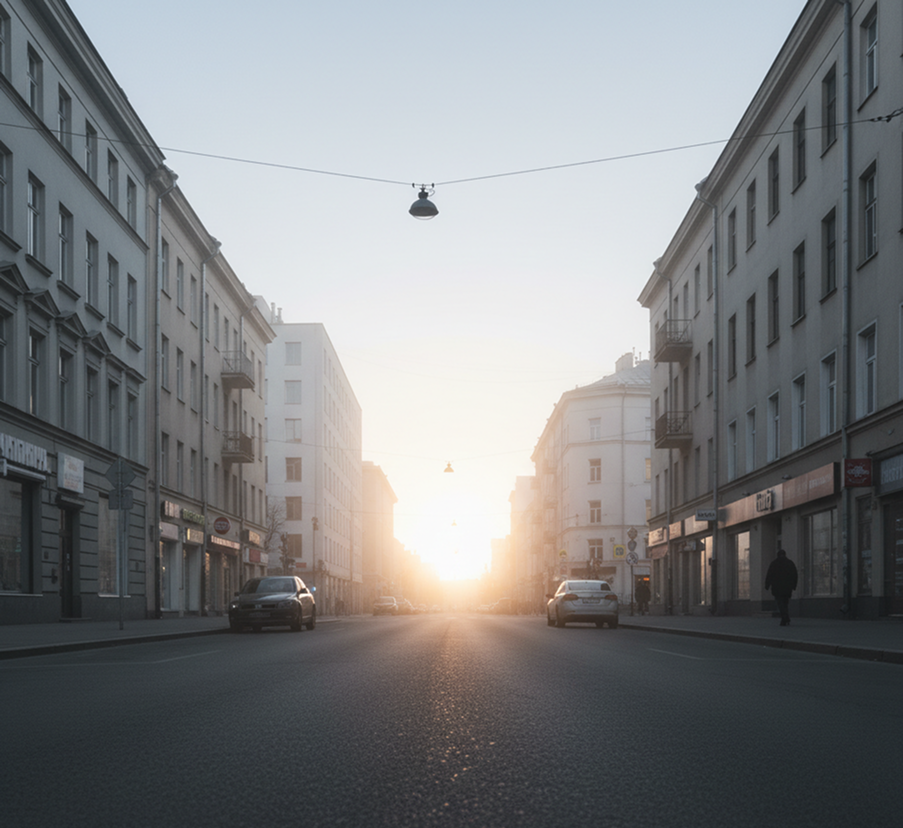
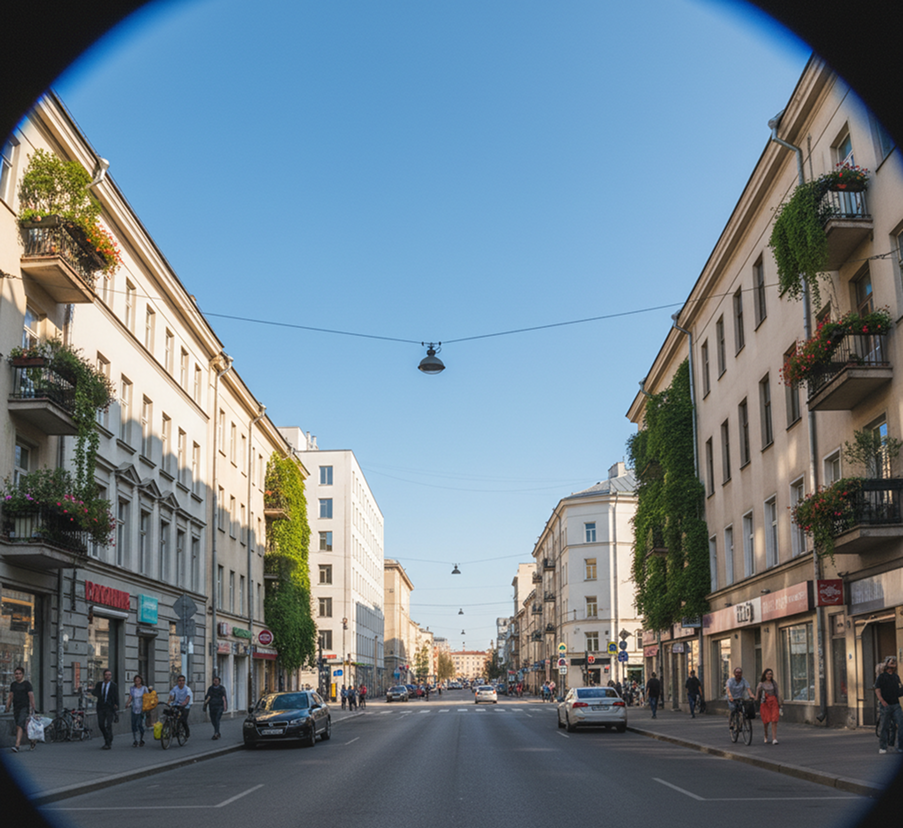
Cinematic wide shot of a picturesque park, bright colors, nature, high contrast, 8k resolution.
RENDERING SCENE...
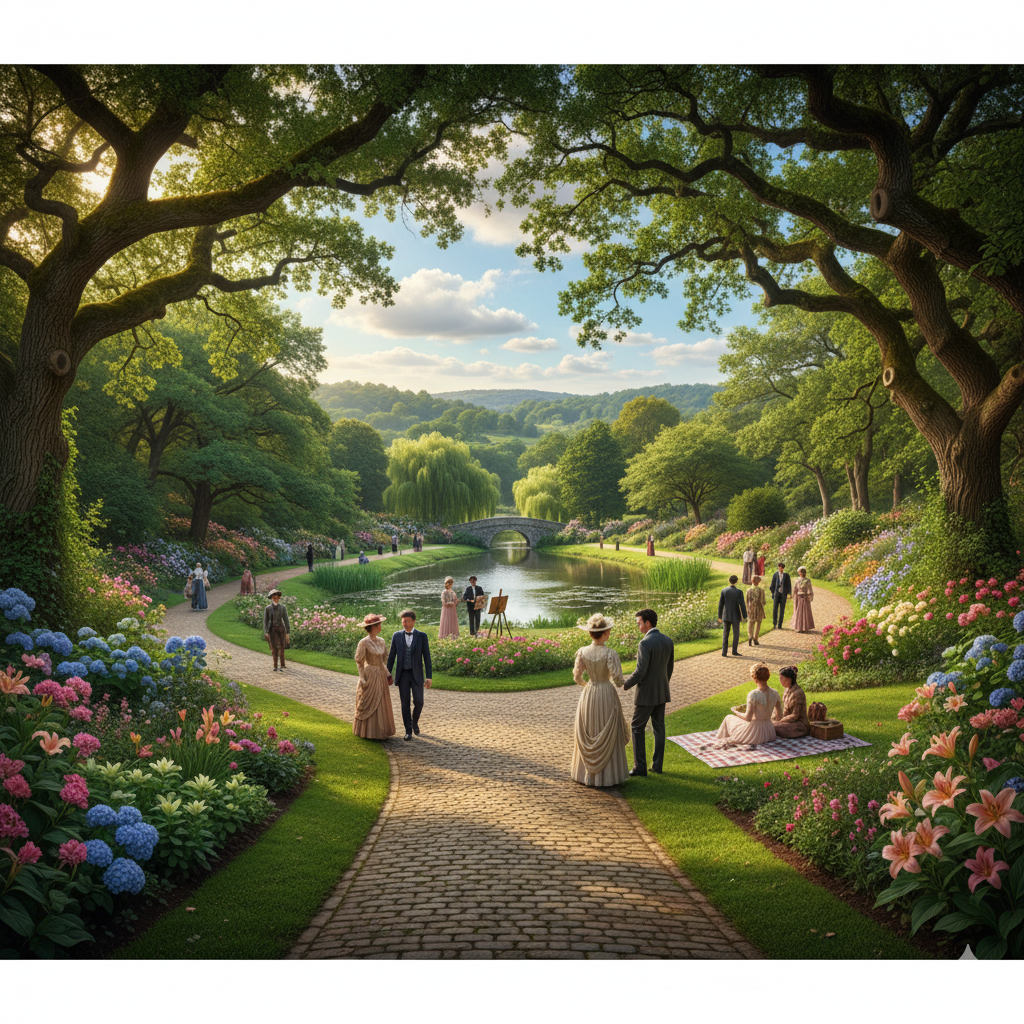
Generated Image January 13, 2026 - 4_42PM.png
Supported byimage (6).png

What is an AI Scene Previsualization Tool?

Cinematic & Narrative Intelligence

The AI understands film language and visual storytelling. From shot composition and camera angles to lighting moods and blocking, it adapts the visual presentation to match your narrative intent.

Beyond Static Storyboards

Generate dynamic, detailed scene mockups. Unlike simple storyboard templates, each visualization is created from scratch based on your scene description, offering fully realized environments, lighting, and perspective.

Full Creative Ownership

You own the previsualizations. Use them for pitching, planning, crew communication, and client presentations without copyright restrictions or licensing limitations.

Why should you use the AI Scene Previsualization Tool?

High-Fidelity Visualization

Generate and export previsualizations in high resolution, suitable for detailed planning, pitch decks, and crew reference.

Visualize Instantly

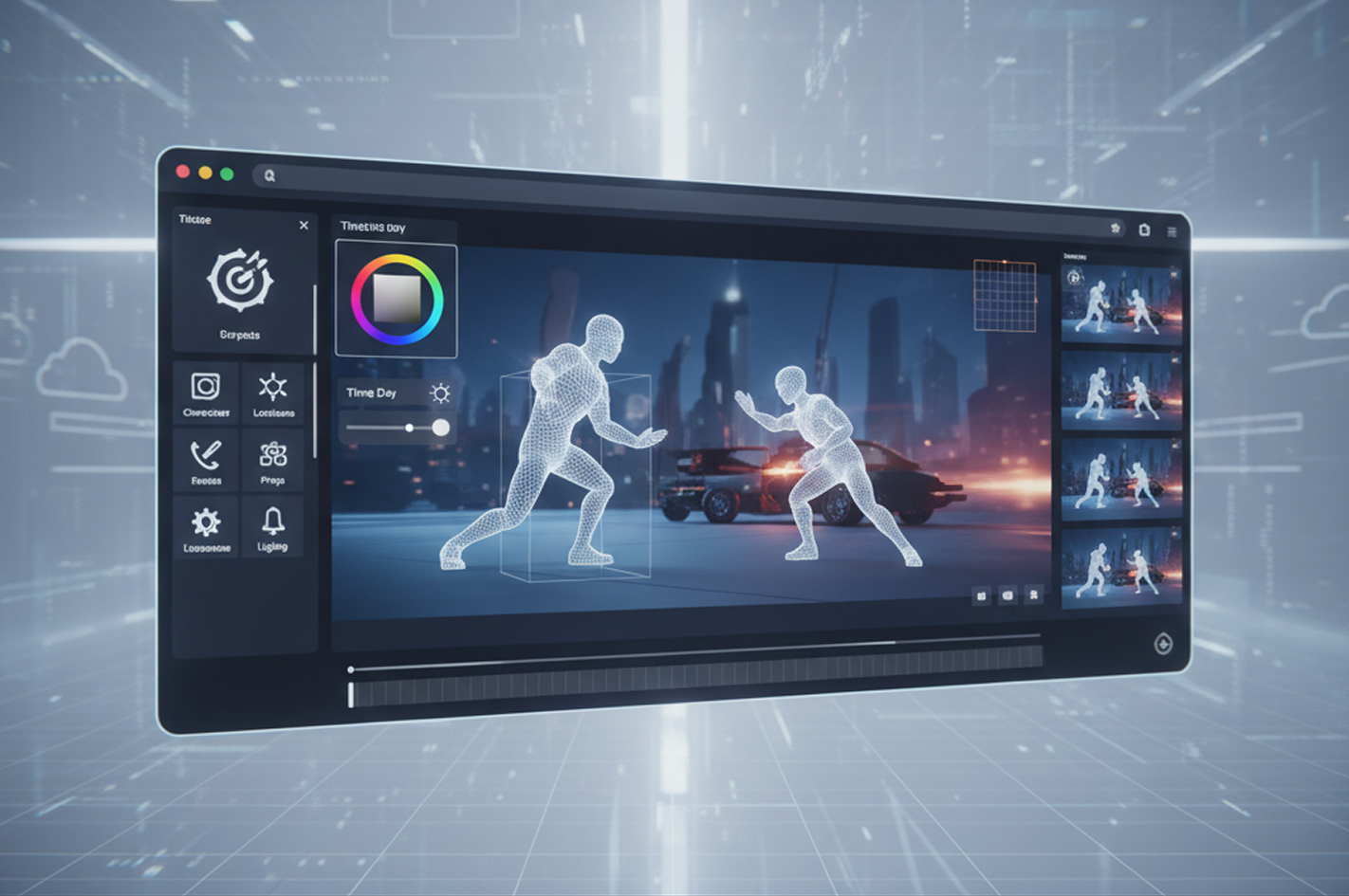
Adjust camera angles, lighting, composition, or mood with a single clickβ€”no 3D modeling or manual sketching required.

No Software Required

Everything operates directly in your browser. Save your scene projects securely to the cloud and access them from any device, anywhere.

Production Ready

Export scene mockups in formats ready for presentations, shot lists, mood boards, and collaboration with directors, DPs, and production designers.

From script pages to shared vision

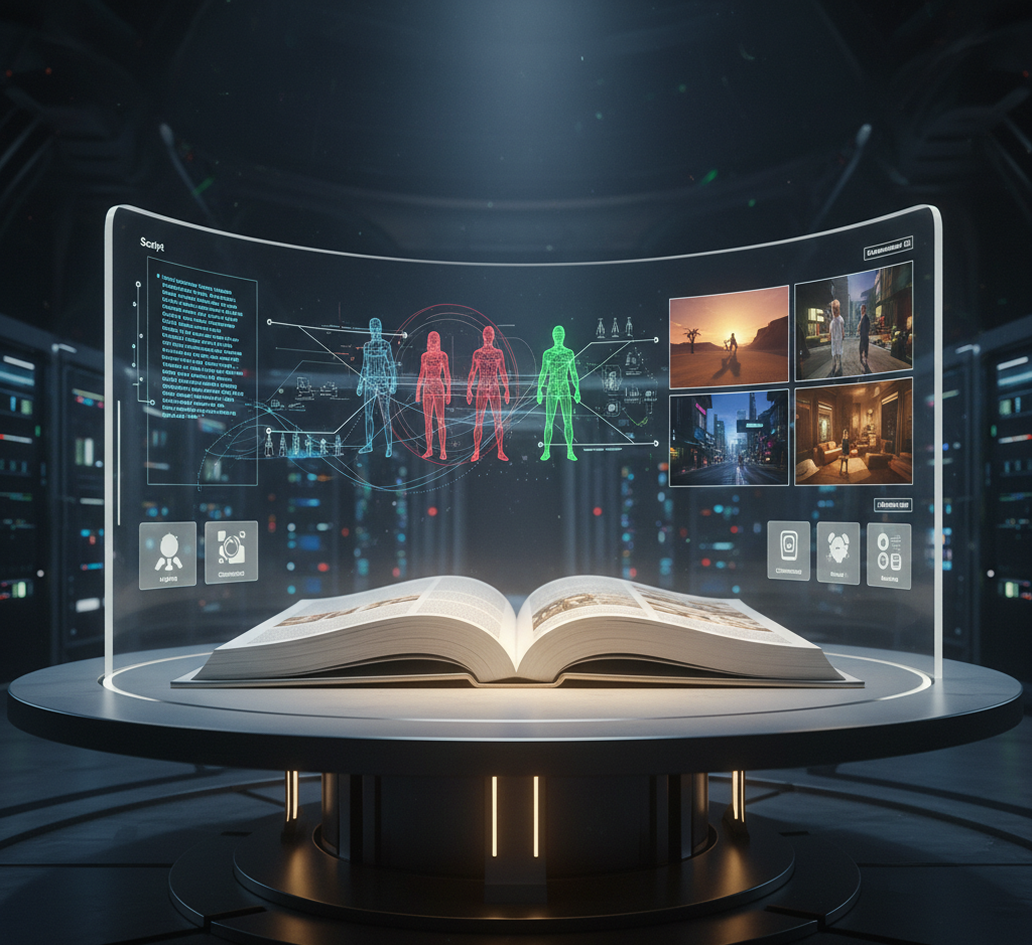
Stop the disconnect in your pre-production planning. Turn your script ideas and narrative descriptions into detailed, tangible visual scenes in seconds. Visualize, iterate, and align your creative team with AI. Build a cohesive, executable production planβ€”without endless meetings or costly concept artists.

Generated Image January 14, 2026 - 11_12AM 1.png
PROBLEM

A fragmented vision across the creative team

A production plagued by misalignment. When directors, cinematographers, production designers, and producers imagine a scene differently, it leads to confusion, delays, and costly changes on set. Without a common, concrete visual reference, each department works from abstract descriptions, resulting in a disjointed final product that doesn't match the original creative intent.

Solution

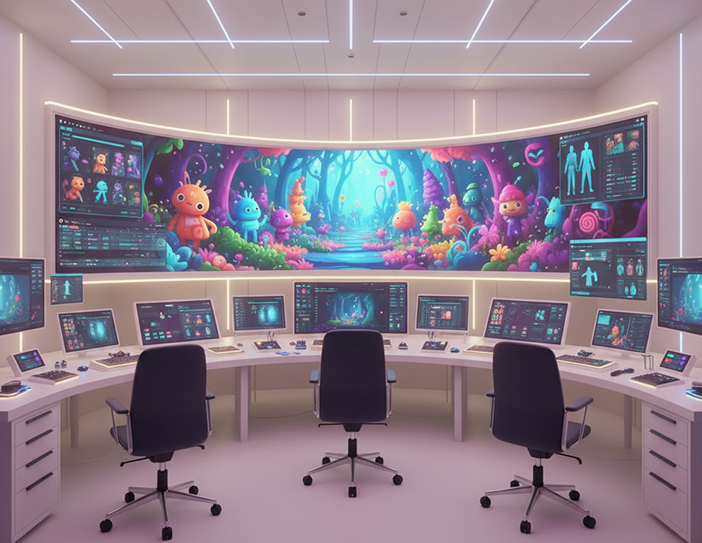
The AI visualization assistant that translates words into images. Upload your script, shot list, or descriptive prompts. Our AI becomes your on-demand previs artist, automatically generating detailed scene mockups that establish lighting, composition, mood, and blocking. Each visualization serves as a single source of visual truth, aligning the entire crew from the earliest planning stages.

PROBLEM

Professional previsualization in hours, not weeksβ€”without the concept art budget

Creating detailed scene previsualizations traditionally requires hiring a storyboard or concept artist, which is expensive and time-consuming. Learning 3D previs software has a steep learning curve and is often impractical for rapid iteration. Relying on rough sketches leaves too much to interpretation, risking costly miscommunication during production.

SOLUTION

A professional previsualization studio in your browser. For free. Create high-fidelity, actionable scene mockups from your ideas in minutesβ€”not weeks. Our tool eliminates the need for expensive freelance artists or complex software, preserving your budget and dramatically accelerating your pre-production timeline.

Generated Image January 14, 2026 - 11_13AM 1.png
Generated Image January 14, 2026 - 11_18AM 1.png
PROBLEM

Exploring creative alternatives without derailing the schedule

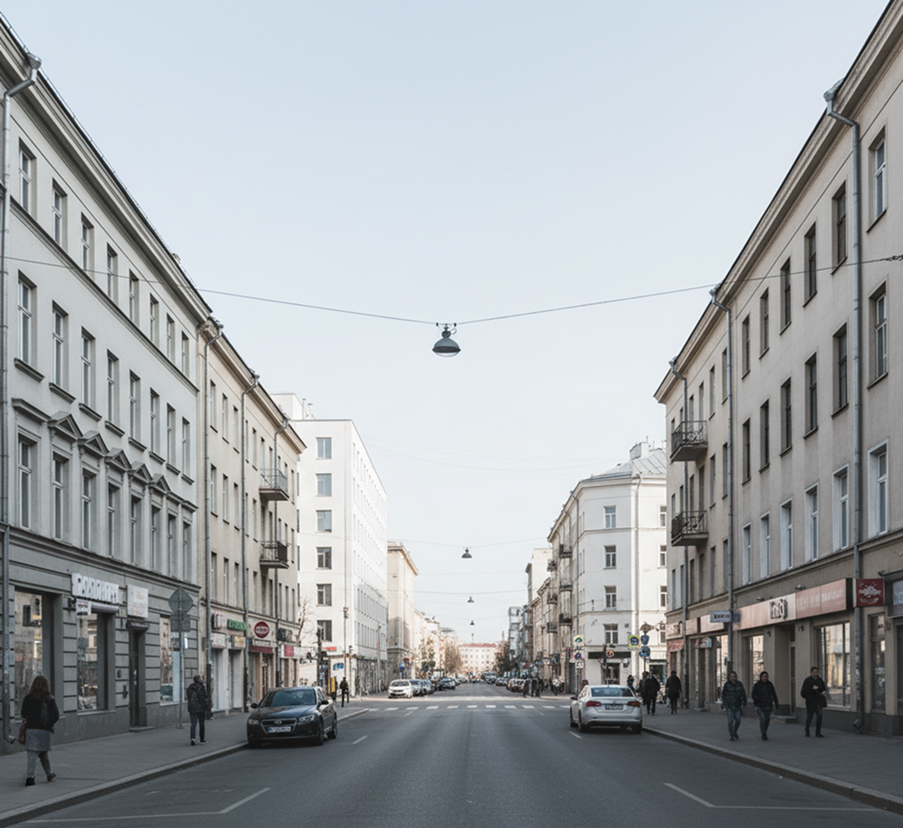
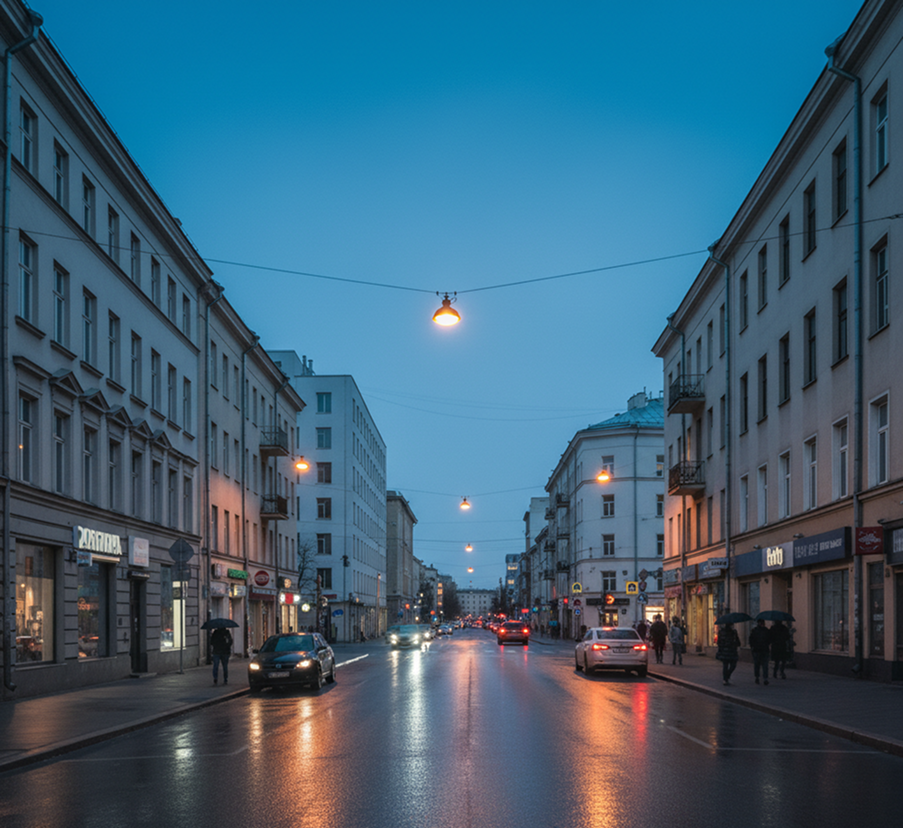
Limited visual experimentation stifles creativity. How do you quickly explore different visual directions for a key sceneβ€”a different time of day, a new camera angle, an alternative color paletteβ€”without commissioning new art or delaying the schedule? Sticking to the first idea limits the film's potential, while manual exploration is often too slow for tight timelines.

SOLUTION

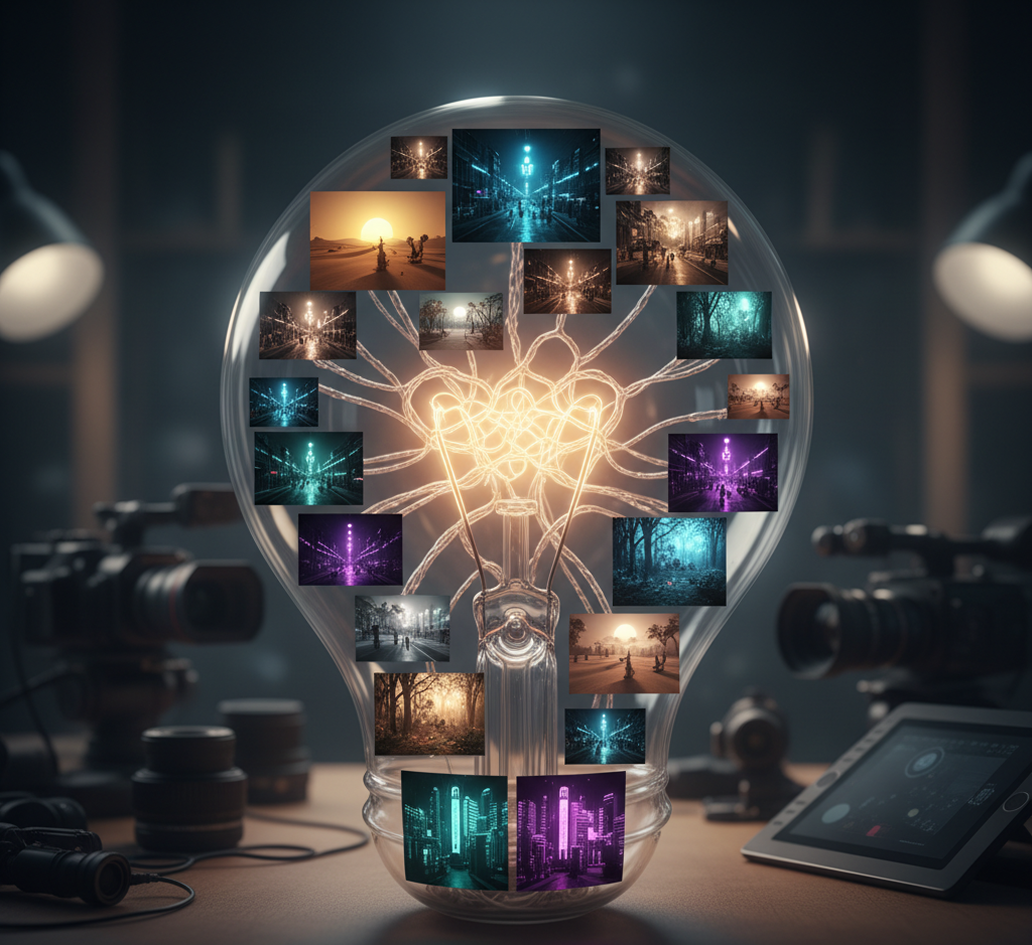
AI as your creative sandbox for cinematic exploration. Generate dozens of visual variations from a single scene descriptionβ€”from adjusting lighting schemes and camera lenses to experimenting with set dressing, weather, and color grading. This tool becomes your risk-free idea lab, helping you discover the most compelling visual approach for every scene before a single dollar is spent on set.

How to create scene previsualizations

Planning a film or animation scene doesn't need to be hard or complicated. Here's a quick guide to get you started.

Generated Image January 14, 2026 - 11_25AM.png
Prompt: A cinematic scene in style...
1

Describe your scene

Enter a text prompt detailing the sceneβ€”setting, characters, time of day, mood, and camera perspective. Use our script assistant for structured input.

Generated Image January 14, 2026 - 11_46AM.png
2

Choose a visual style and adjust

Select from cinematic styles like noir, epic fantasy, or documentary realism. Modify lighting, camera angle, color grade, and composition with intuitive sliders. Regenerate or refine until the visual tells your story.

Generated Image January 14, 2026 - 11_57AM 1.png
3

Preview, export, and collaborate

Watch your scene come to life in real time, undo changes instantly, then download your previsualization as a high-res image or PDFβ€”ready for pitch decks, shot lists, and team alignment.

Where can you use the AI Scene Previsualization Tool?

Whether you're producing films, animation, games, or commercialsβ€”the applications are critical to the creative process. The AI Scene Previsualization Tool adapts to your workflow, whether you're a director, cinematographer, producer, or animator.

  • ✦ Film & Television Pre-production – Visualize key scenes, establish shot lists, and align the director, DP, and production designer.
  • ✦ Animation & Game Cinematics – Previsualize character blocking, environmental moods, and camera moves before the costly animation phase.
  • ✦ Advertising & Commercial Pitches – Create compelling visual proofs of concept to win client approval and guide production.
Generated Image January 14, 2026 - 3_29PM 1.png

Tips for achieving the best results

Small refinements can transform a good previsualization into a perfect one. These tips will help you generate mockups that are both inspiring and technically useful for production.

  • ✦ Be specific in your descriptions – Include details like time of day, lens choice, and character emotion for more accurate results.
  • ✦ Focus on composition and mood – Use the tool to establish the visual tone and narrative intent of the scene first.
  • ✦ Iterate quickly, refine purposefully – Generate multiple versions fast, then zero in on the one that best serves the story.
Generated Image January 14, 2026 - 3_24PM 1.pngGenerated Image January 14, 2026 - 3_24PM (1) 1.pngGenerated Image January 14, 2026 - 3_24PM (2) 1.pngGenerated Image January 14, 2026 - 3_24PM (3) 1.png

How to download and edit your previsualization

Exporting your scene mockup is straightforward and production-friendly. You retain control over quality and can return to adjust visual elements as the project evolves.

  • ✦ Download as a high-resolution image or PDF for presentations, shot lists, and mood boards.
  • ✦ Save and version your scenes to track visual evolution and maintain a reference library.
  • ✦ Share editable project links with your team to gather feedback and iterate collaboratively.
Generated Image January 14, 2026 - 3_14PM 1.png

Client Reviews

β˜…β˜…β˜…β˜…β˜…

"A total game-changer for our independent film!"

"Our budget had zero room for a storyboard artist. This tool let our director and DP visualize every key scene together before shooting. It saved us countless hours of on-set confusion."

Arty
β˜…β˜…β˜…β˜…β˜…

"Perfect for animation studios in the early planning phase."

"We use it to block out scenes before committing to expensive 3D modeling and rigging. It's like having a fast, intuitive sketch artist for the entire pre-production team."

Darya
β˜…β˜…β˜…β˜…β˜…

"Exactly what our ad agency needed for client pitches."

"Instead of describing a concept, we now show it. We generate photorealistic previsualizations in minutes, which has dramatically increased our pitch approval rate."

Sophie
β˜…β˜…β˜…β˜…β˜…

"Super intuitive once you get the hang of it!"

"The cinematic controls seemed technical at first, but after about 10 minutes of playing with lighting and angles, everything clicked. Now I mock up scenes faster than I can write treatments."

Marcus
β˜…β˜…β˜…β˜…β˜…

"Revolutionized communication between our director and production designer."

"No more misunderstandings about 'the look.' We generate a shared visual reference for every scene, ensuring everyone is literally on the same page. It's eliminated so much costly back-and-forth."

Elena
β˜…β˜…β˜…β˜…β˜…

"Saved our project weeks of pre-production time."

"We had to pivot our location scouting after a last-minute change. Using this tool, we redesigned and previsualized the new set in a single afternoon, keeping our entire schedule on track."

Chloe

Best AI Tools All in One Place

Image_moto.png
OpenAI_logo.svg
GPT Image

AI image generation & editing

Sora 2

Cinematic video generation

Google_2015_logo 1.svg
Imagen 4

Ultra-sharp images

Gemini 2.5 / 3.0

Multimodal generation & editing

Veo 3.1

Fast video + motion consistency

Logo_runway.svg
Gen 4

Best for consistent characters & video frame generations

Aleph

Video editing & effects

Image_coffe.png
Midjorny.svg
MidJourney

Image generation & variations

Upscale / Outpaint / Pan

Advanced editing tools

Logo_hailuo.svg
Hailuo 2 Pro

High-quality video animation

Logo_king.svg
Kling 2.5

v1, v1.5, v1.6, v2 video generation

Explore similar use cases

AI Video Generator from Text

Create animated or realistic video clips from prompts

AI Video Background Remover

Remove or replace backgrounds in video without a green screen

AI Animation Assistant

Generate scenes, assets, and frame transitions for motion design

AI Motion Graphics Generator

Create moving visuals and graphics for social and video content

FAQs

Answers to common questions about using Phygital+ for book covers.

How much control do I have over the cinematography, like camera angles, shots, and lens types?

+

My film has a recurring character. How can I ensure they look the same across all my previs shots?

+

What's the fastest workflow in Phygital+ for turning a script or a shot list into a full storyboard sequence?

+
How easily can I test variations, like changing a scene's lighting from day to night or swapping the location?+
Can I incorporate my own location photos or set design sketches into the previs?+
Is this just for static storyboards, or can I create a basic animatic to test timing and rhythm?+

Start for free

Create logos, mockups, and brand visuals in one place.