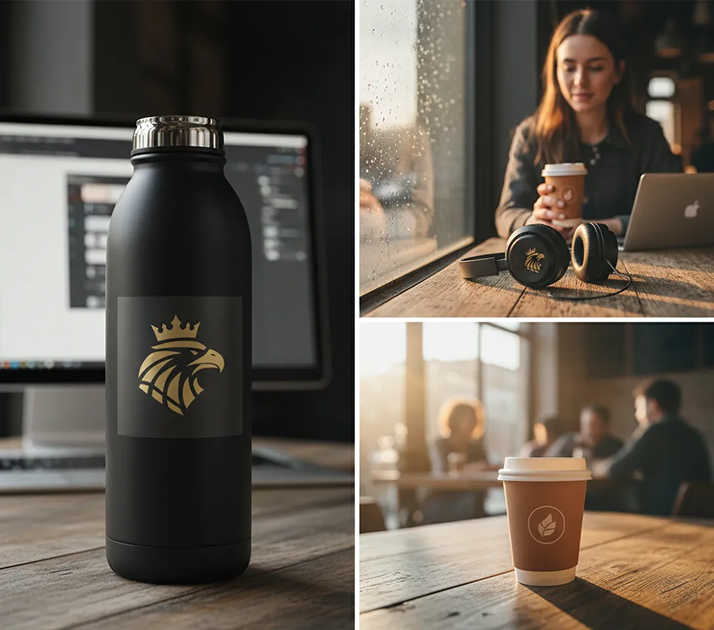
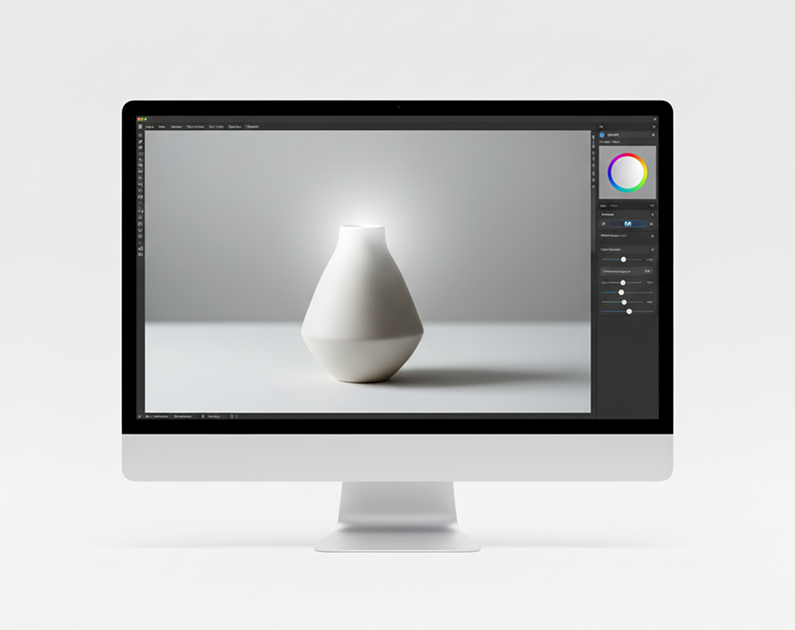
Generate product mockups online in seconds — without limits, downloads, or complicated software. The AI Product Mockup Generator is built for designers, marketers, and brands who need realistic, customizable mockups for packaging, apparel, and merchandise—in just a few clicks.
The AI understands physical products and materials. From matte-finish packaging to fabric textures on apparel, it adapts the lighting, shadows, and perspective to match real-world objects.
Generate entirely new, dynamic mockup scenes. Unlike generic templates, every detail—from material reflection to environmental context—is generated from scratch based on your design and specifications.
You own the final mockup. Use it for e-commerce, marketing campaigns, investor presentations, and social media without worrying about licensing or attribution.
Export at up to 4K resolution, meeting all requirements for professional print, e-commerce, and high-fidelity marketing materials.
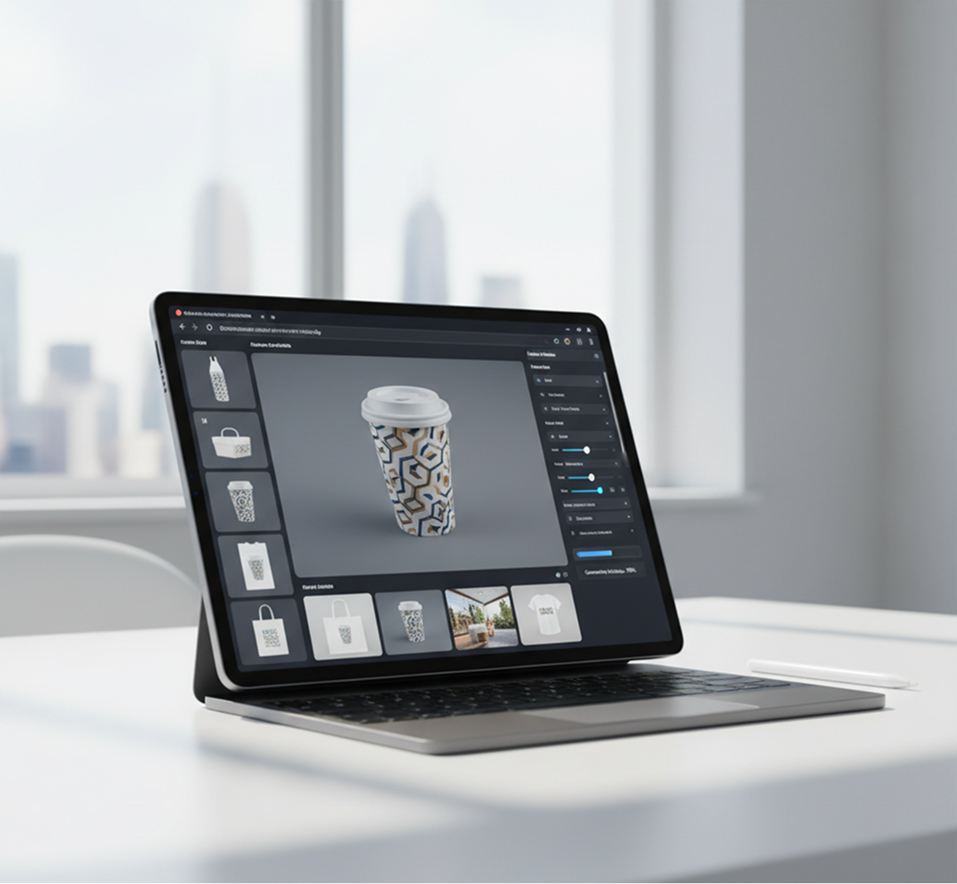
Change products, swap designs, adjust lighting, or modify backgrounds with a single click. No need for complex 3D software or manual photo editing.
Everything works in your browser. Save your mockup projects to the cloud and access them from any device, anywhere.
Pre-configured formats and scene presets for e-commerce listings, social media ads, pitch decks, and print-ready catalogs.
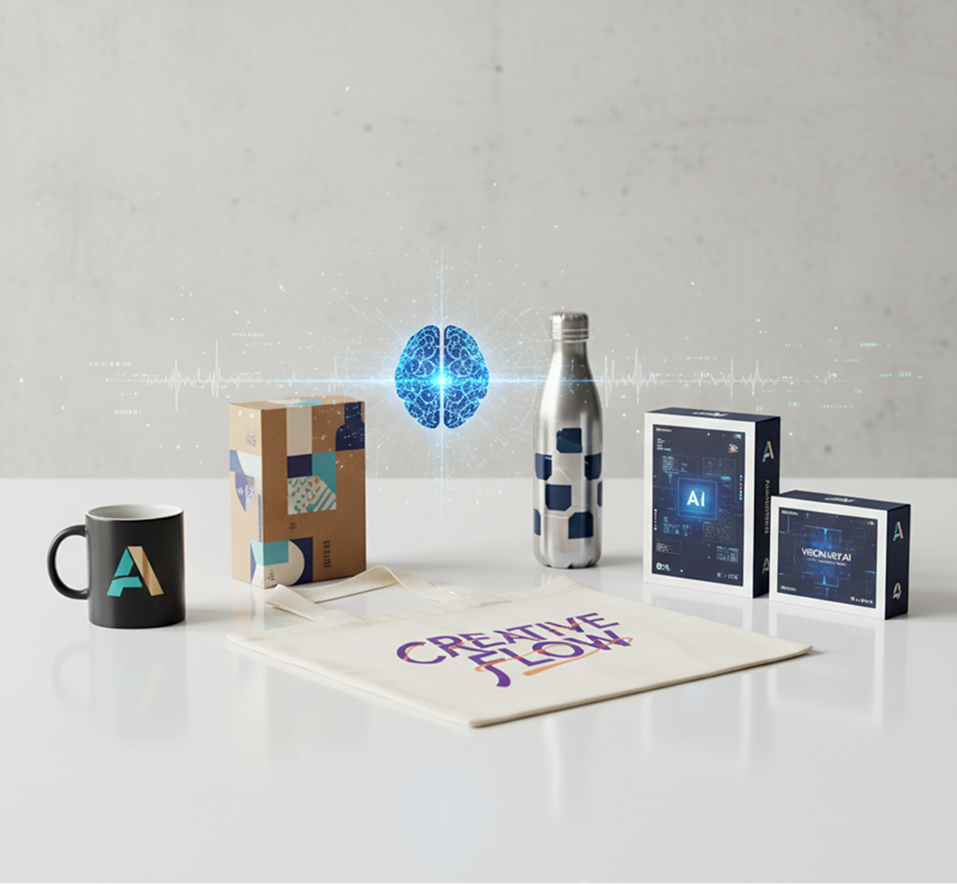
Stop the inconsistency in your product presentation. Go from a simple design file to a complete set of realistic, on-brand mockups in seconds. Visualize, adapt, and customize professional product scenes with AI. Build a compelling and unified product catalog for any channel without production bottlenecks.
A brand catalog that looks pieced together. When mockups for different products—packaging, apparel, merchandise—are created using different tools, photographers, or styles, the visual quality and brand atmosphere become fragmented. Lighting, angles, shadows, and environments don't align, making your product line feel disjointed and unprofessional. This dilutes brand identity and confuses customers.
The AI that understands your brand's visual language. Upload your design files and brand guidelines. Our AI becomes your mockup art director, automatically applying your designs to a wide range of products with consistent lighting, perspective, and environmental context. Every generated mockup will be photorealistic and 100% aligned with your brand's aesthetic.
Professional product photography is slow and expensive. Organizing a photoshoot requires significant budget, time, and logistics. Using basic mockup templates leads to generic, overused visuals. Creating custom 3D or composite mockups manually demands advanced skills and hours of work. Building a cohesive product gallery becomes a prolonged, costly project.
A complete product visualization studio in your browser. Available to everyone. Create high-quality, customizable product mockups in minutes—not months. Our tool reduces the cost and time of product visualization to a fraction, preserving your budget and accelerating your entire go-to-market strategy.
Creative presentation is often limited by resources. How do you quickly showcase your product in different contexts—lifestyle, studio, seasonal—while ensuring every image feels authentic and branded? Relying on the same few angles or settings leads to repetitive, uninspired marketing and fails to capture customer imagination.
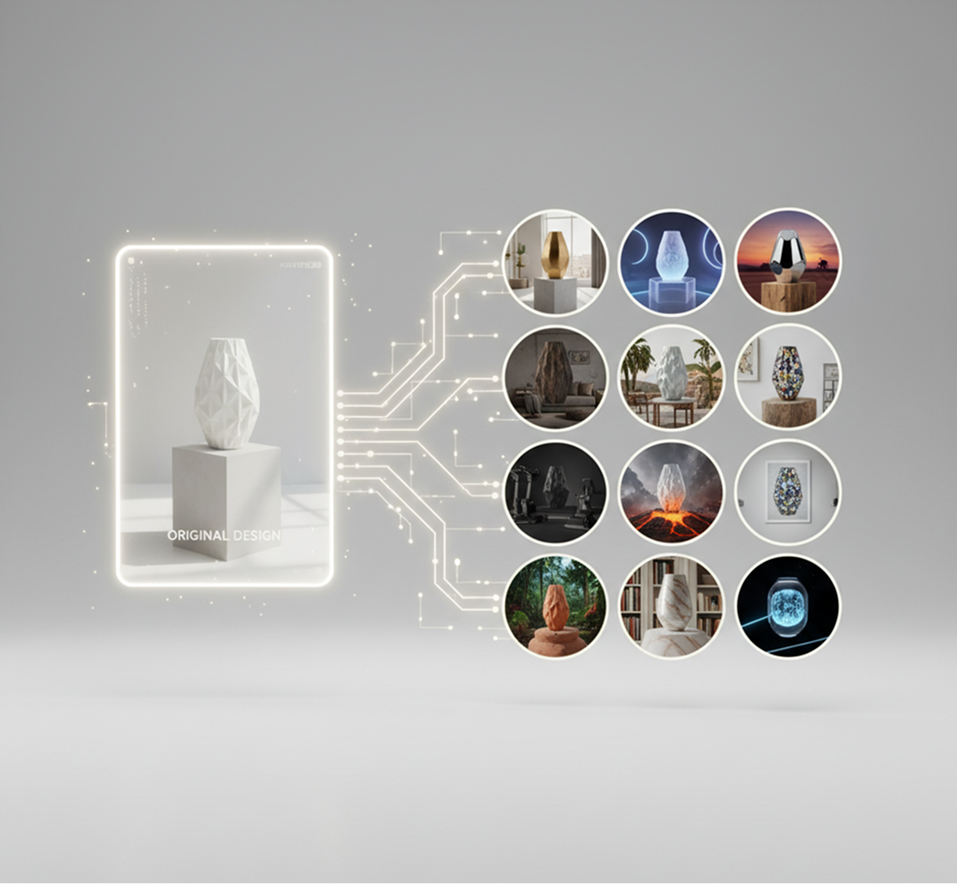
AI as your on-demand product stylist. Generate dozens of compelling mockup variations from a single design—from adjusting materials and finishes to placing your product in different environments and scenarios. This tool becomes your endless source of visual storytelling, helping you present your products in their best light while guaranteeing consistent, high-quality, brand-aligned imagery every time.
Visualizing your design on a product doesn’t need to be hard or complicated. Here’s a quick guide to get you started.
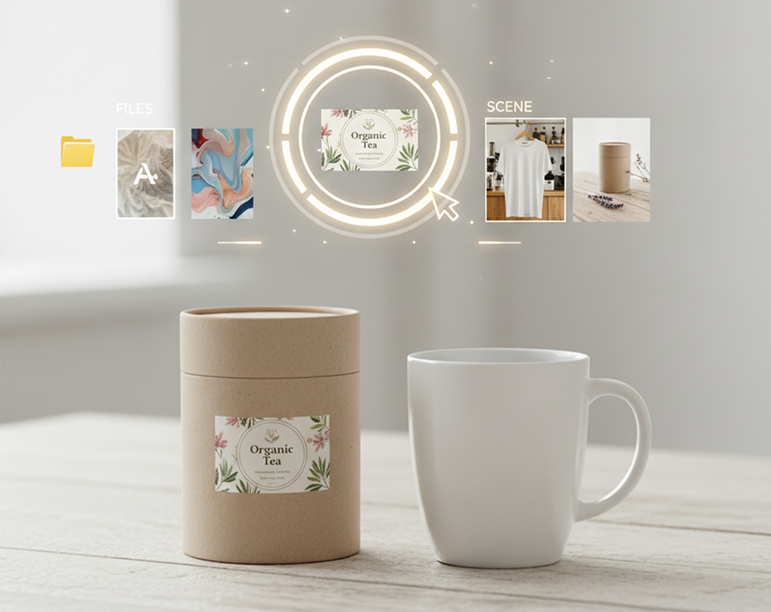
Choose your product design file, such as a logo, label, or artwork. You can also describe the product style or scene you want, like "t-shirt mockup in a coffee shop" or "product box on a wooden table."
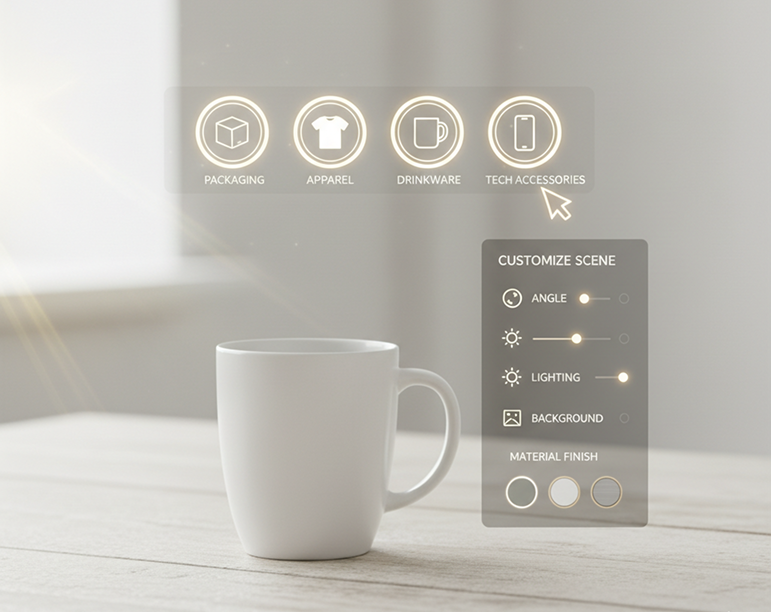
Choose a product type from our library: packaging, apparel, drinkware, or tech accessories. Then, customize the scene by adjusting the angle, lighting, background, and material finish until it looks perfect.
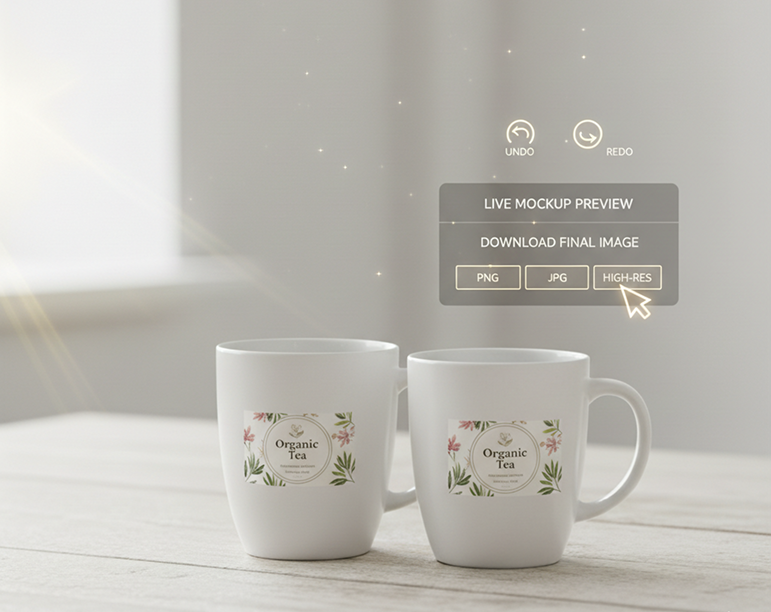
See your changes live on the mockup, undo any adjustments instantly, and then download your final image in high-resolution formats (PNG, JPG) ready for your website, ads, or presentations.
Whether it's for e-commerce, crowdfunding, or brand presentations—the applications are endless. The AI Product Mockup Generator adapts to your workflow, from design validation to final marketing launch.
Small adjustments can dramatically increase the realism and appeal of your mockup. These tips will help you create professional, believable product visuals.
Exporting your mockup is simple and flexible. You maintain full control over resolution, format, and final refinements—and can return to edit or generate new variations anytime.
“We used to spend a fortune on product photoshoots. Now, we generate dozens of professional, realistic mockups in-house. It’s saved us thousands and given us complete creative control. The quality is indistinguishable from studio shots.”
“As a solo founder, I couldn’t afford custom mockups for my product line. This tool let me visualize my packaging and apparel professionally, which was crucial for my Kickstarter launch. It made my brand look established from day one.”
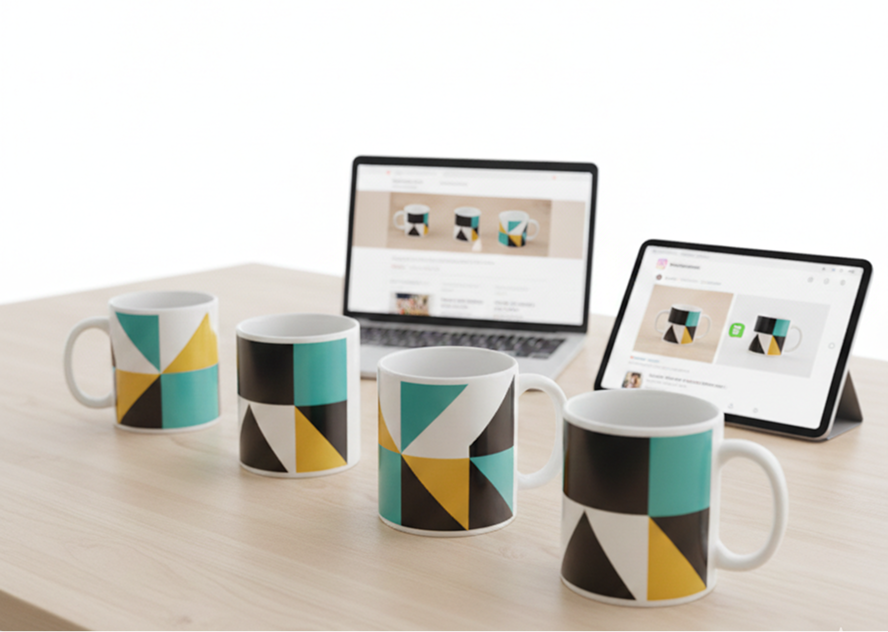
“We use this daily to present design concepts to clients. Being able to instantly show a logo on a mug, a t-shirt, and packaging in realistic settings has dramatically improved client buy-in and sped up our approval process.”
“I run a small merch store and have no design background. This tool lets me create polished, believable product images for my website and Instagram in minutes. My engagement and sales have both increased.”
“Launching a new product line used to mean coordinating with photographers, models, and studios. Now we create entire campaign visuals in a day. The lighting and material realism are spot-on every time.”
Elena“At first, I wasn’t sure how to best use all the scene and lighting options, but after about 10 minutes of exploring, everything clicked. Now, creating presentation-ready product visuals is fast, easy, and fun.”
AI image generation & editing
Cinematic video generation
Ultra-sharp images
Multimodal generation & editing
Fast video + motion consistency
Best for consistent characters & video frame generations
Video editing & effects
Image generation & variations
Advanced editing tools
High-quality video animation
v1, v1.5, v1.6, v2 video generation
Try different outfits on your image without a photoshoot
Create t-shirt, hoodie, or dress mockups for your brand
Create textile-ready surface patterns for clothing and interiors
Create printable 3D models from text or images
Answers to common questions about using Phygital+ for book covers.
Phygital+ uses advanced AI that understands 3D surfaces and lighting. Instead of just pasting your design, our tool intelligently wraps it around the product's contours, mimics fabric wrinkles, and adjusts for the scene's natural shadows and highlights. This ensures your design looks like it's truly part of the product for a professional, photorealistic result.
You have complete creative control. In the Phygital+ workflow, you can use text prompts to define the entire scene. For example, you can upload your logo and prompt: "a black hoodie with this design, worn by a model in a vibrant, graffiti-covered alley." The AI will generate the product in the color you want, in the exact environment you describe.
Phygital+ is built for scale. You can create a "Master Mockup Workflow" where you lock in your chosen product (e.g., a white t-shirt) and the scene. Then, you can use our batch processing feature to automatically apply each of your 50 different designs to that same mockup, generating your entire product catalog in minutes, not days.
Create logos, mockups, and brand visuals in one place.