Home/Free AI Product Concept Generator

Free AI Product Concept Generator

Design product concepts and prototypes online in seconds—without limits, downloads, or complicated software. The AI Product Concept Generator is built for innovators, designers, and entrepreneurs who need professional concept renders and prototypes—in just a few clicks.

Input Sketch
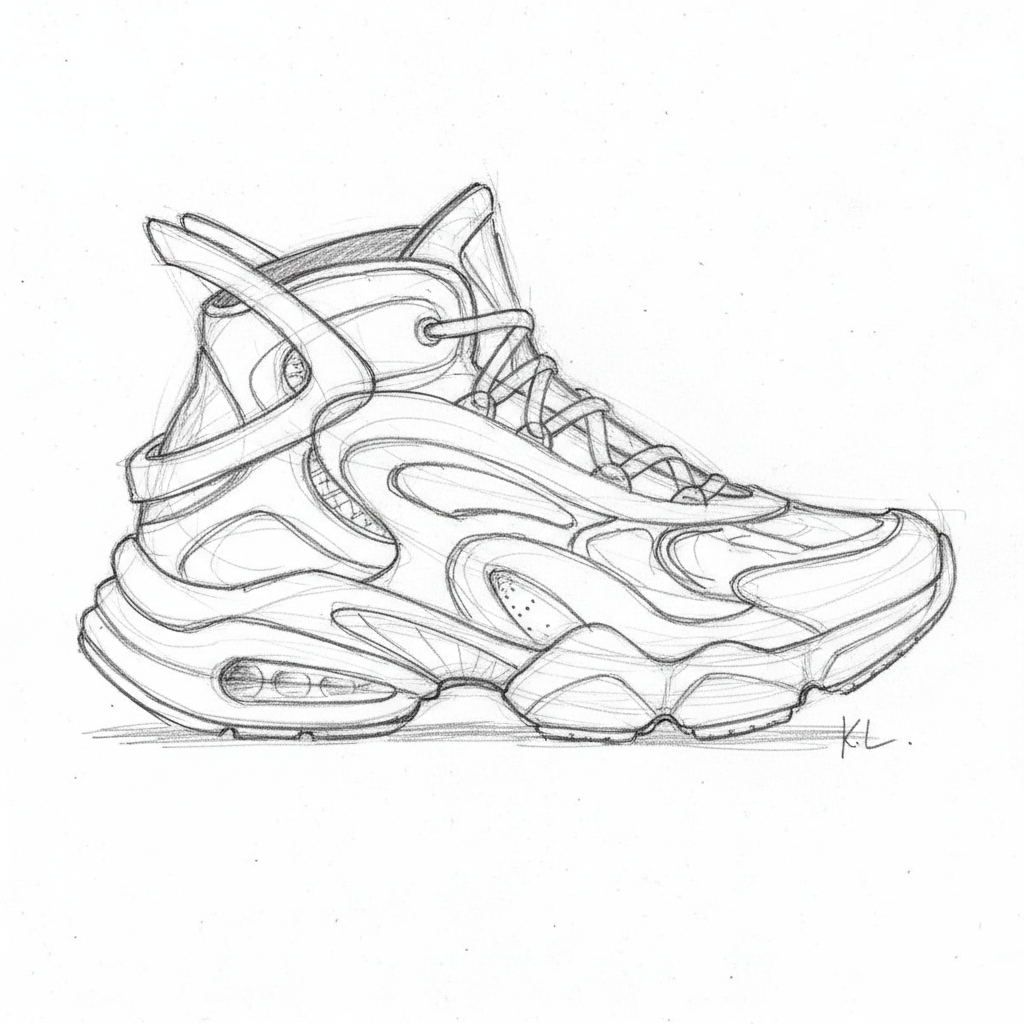
Generate Command

Cyberpunk street style, neon lights, holographic fashion, 8k resolution --v 6.0|
Generated Concept
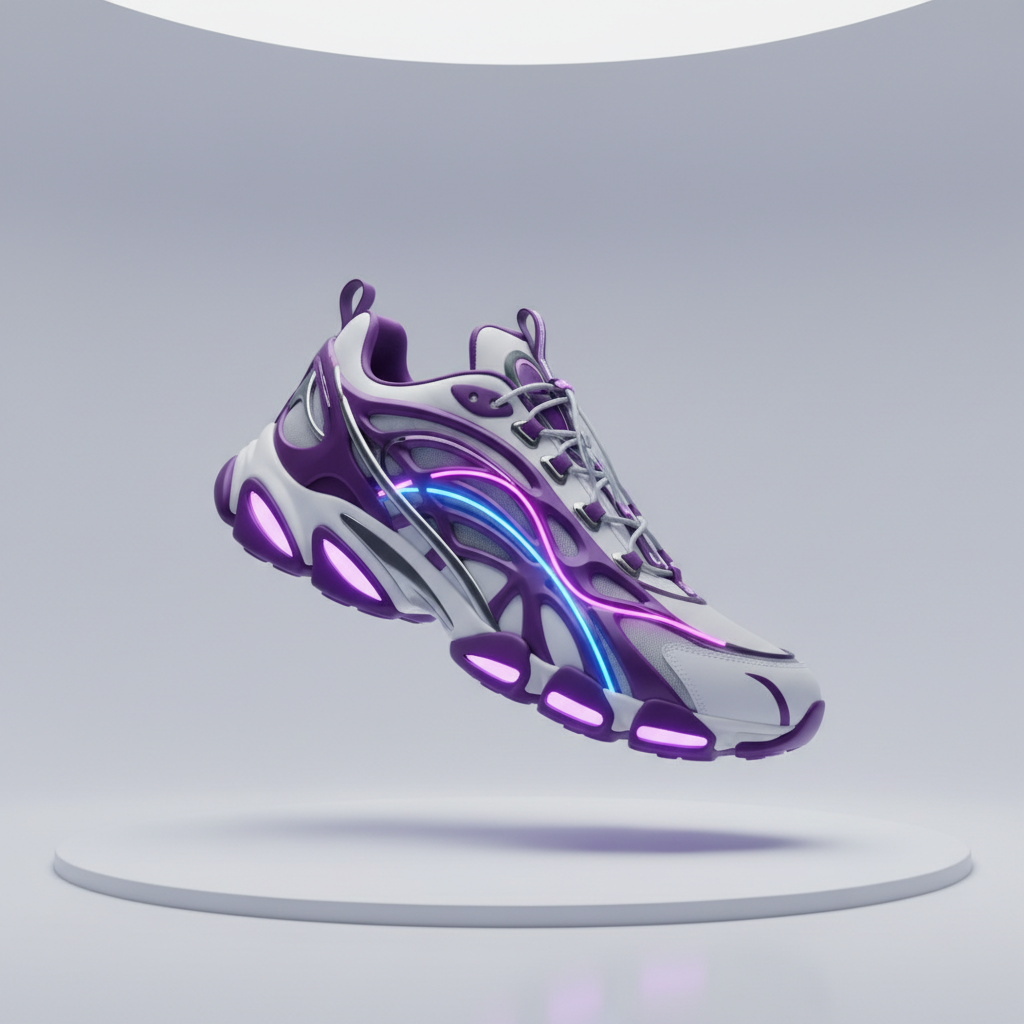
Supported byimage (6).png

🎙️

What is an AI Product Concept Generator?

Design Intelligence

The AI understands product design and aesthetics. From sleek tech gadgets to ergonomic furniture, it adapts the visual style, proportions, and details to match your functional and creative vision.

Beyond Pre-Made Models

Generate entirely new, original product concepts. Unlike generic 3D libraries, every curve, texture, and component is generated from scratch based on your unique description.

Ready for Presentation & Iteration

You own the concept renders. Use them for pitch decks, crowdfunding campaigns, patent applications, and client presentations without any licensing restrictions or attribution requirements.

Why should you use the AI Product Concept Generator?

High-Fidelity Renders

Export at up to 4K resolution with studio-quality lighting and materials, meeting all requirements for professional presentations, investor decks, and marketing materials.

🎨

Iterate Instantly

Not happy? Generate 10 more versions in seconds. Iterate until you find the perfect visual hook.

📐

Perfect Format

Everything runs in your browser. Save your concepts to the cloud and access, refine, or present them from any device, anywhere.

🎯

Pitch & Presentation Ready

Pre-configured export settings and scene compositions optimized for slideshows, portfolios, social media teasers, and crowdfunding campaign visuals.

From scattered sketches to cohesive product lines

Stop the inefficiency in traditional prototyping. Go from a napkin sketch to a polished, presentation-ready concept render in seconds. Visualize, iterate, and refine professional product prototypes with AI. Accelerate your innovation pipeline from idea to validation without technical or creative bottlenecks.

Generated Image January 15, 2026 - 11_31AM 1.png
PROBLEM

Consistent design language across a product portfolio

A product line that looks disconnected. When concepts for different items are visualized using different tools, styles, or designers, the design philosophy and aesthetic cohesion are lost. Proportions, materials, color palettes, and lighting don't align, making your innovations appear haphazard and unprofessional. This weakens brand perception and investor confidence.

Solution

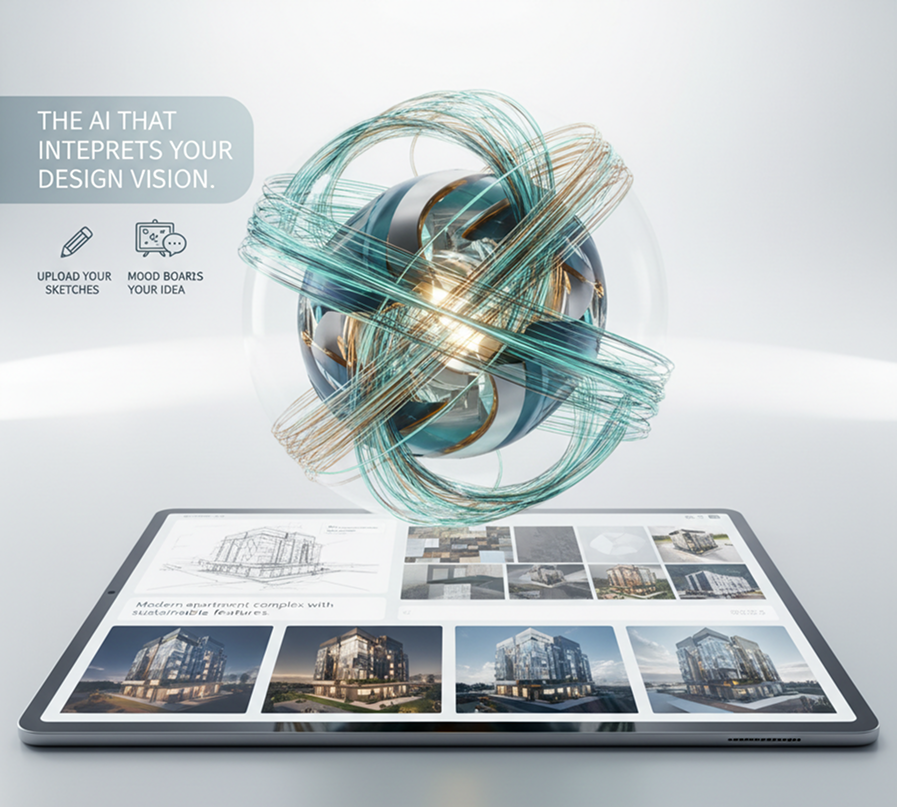
The AI that interprets your design vision. Upload your sketches, mood boards, or describe your idea in plain language. Our AI becomes your concept design partner, automatically generating photorealistic or stylized renders that adhere to a unified aesthetic. Every generated concept visual will be coherent and ready to communicate your vision clearly.

Generated Image January 15, 2026 - 11_34AM 1.png
PROBLEM

A working visual prototype in hours, not months—without the engineering cost

Traditional product visualization is slow and resource-intensive. Hiring industrial designers or 3D artists requires significant budget and lead time. Learning complex CAD and rendering software has a steep learning curve. Sourcing generic 3D models results in uninspired, non-unique concepts. Validating an idea becomes a prohibitively long and expensive process.

SOLUTION

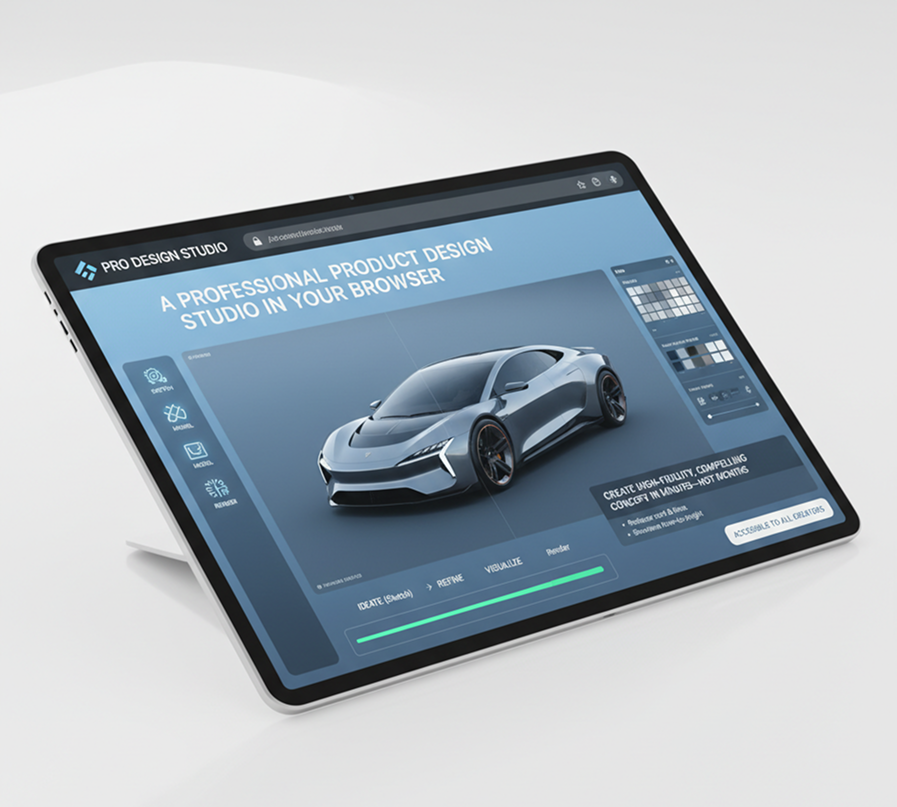
A professional product design studio in your browser. Accessible to all creators. Create high-fidelity, compelling concept renders in minutes—not months. Our tool reduces the cost and time of early-stage visualization to a minimum, preserving your R&D budget and dramatically shortening your time-to-insight.

Generated Image January 15, 2026 - 11_40AM (1) 1.png
PROBLEM

Innovative, feasible concepts that push boundaries

Creative exploration is often stifled by practical constraints. How do you rapidly brainstorm dozens of form factors, ergonomic variations, or material combinations while ensuring each concept remains visually compelling and plausibly manufacturable? Relying on familiar shapes leads to incremental innovation and missed market opportunities.

SOLUTION

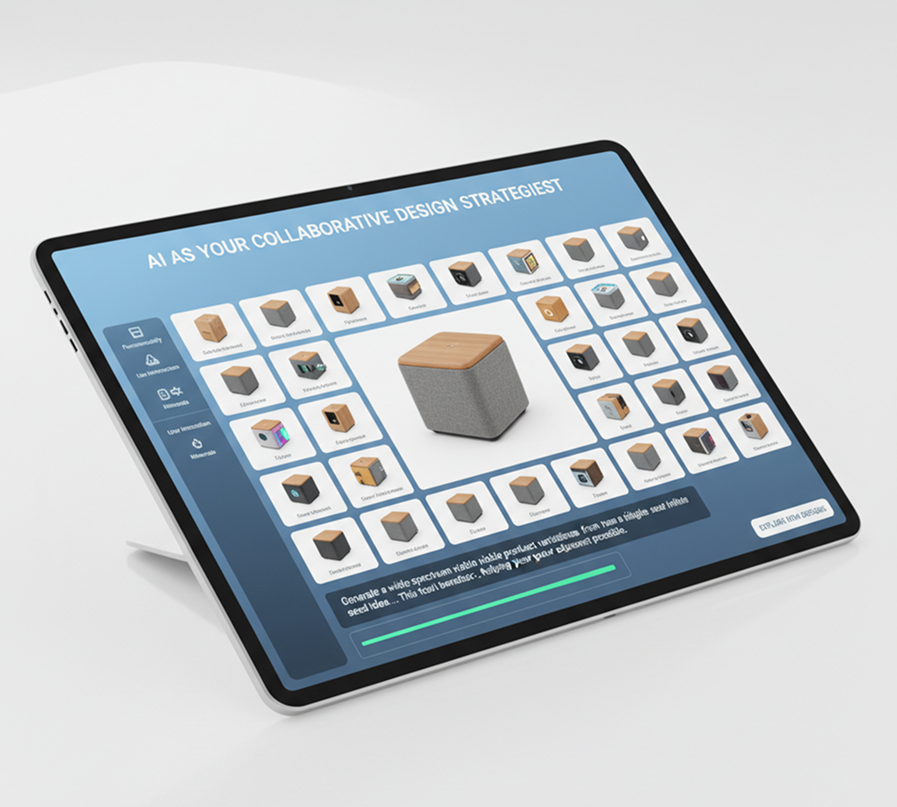
AI as your collaborative design strategist. Generate a wide spectrum of viable product variations from a single seed idea—from adjusting functionality and user interaction to experimenting with radical new forms and sustainable materials. This tool becomes your infinite sandbox for innovation, helping you explore the adjacent possible while maintaining a focus on visual appeal and communicative clarity.

How to create a product concept

Visualizing a new product idea doesn’t need to be hard or complicated. Here’s a quick guide to get you started.

Generated Image January 15, 2026 - 11_29AM 1.png
Input
1

Describe or sketch your idea

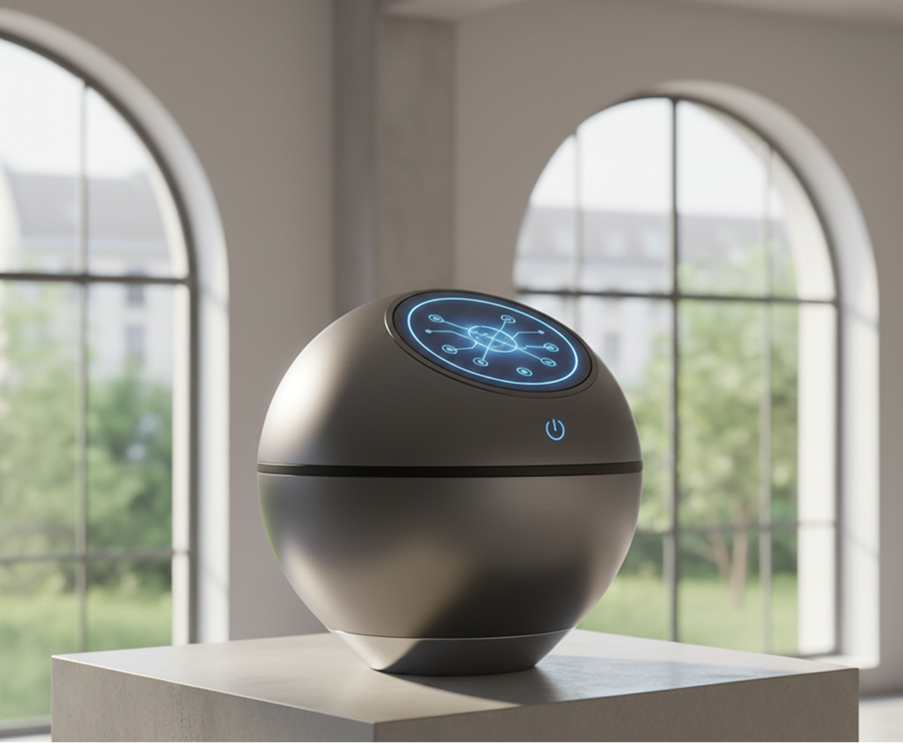
Enter a detailed text prompt describing your product concept, its function, style, and key features. You can also upload a rough sketch or a mood board image to guide the AI.

Generated Image January 15, 2026 - 11_30AM 1.png
2

Generate and refine your prototype

Generate your initial concept render. Then, use simple tools to iterate on the design: change materials, adjust proportions, modify colors, or explore different artistic styles until the vision is clear.

Generated Image January 15, 2026 - 11_40AM 1.png
3

Export and present

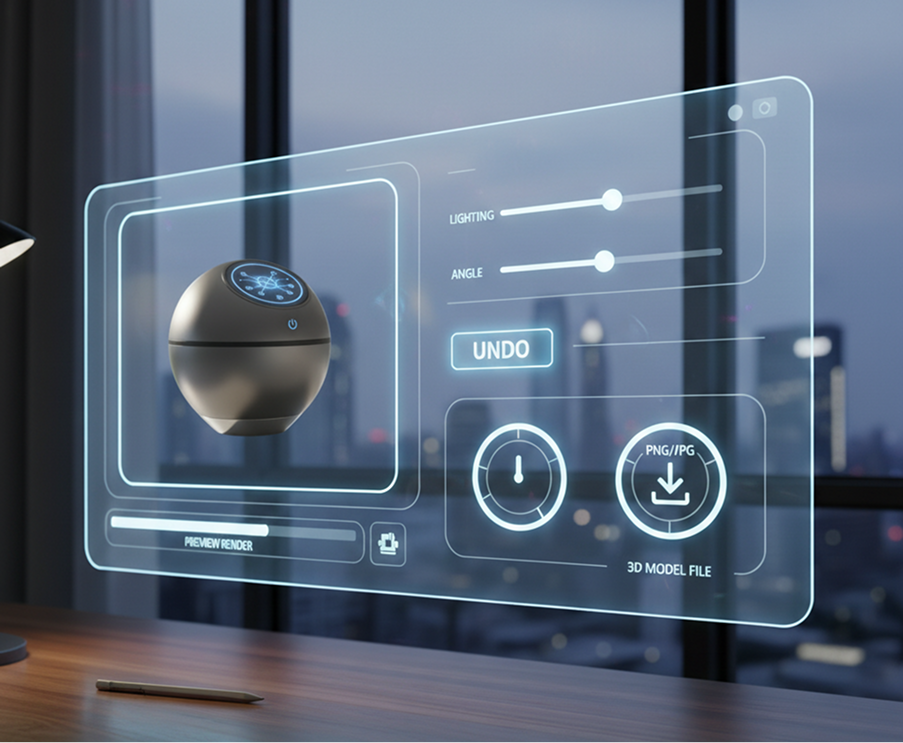
Preview your high-fidelity render in a realistic scene, make final lighting or angle adjustments, and undo any changes instantly. Download your concept as a high-resolution image (PNG, JPG) or a 3D model file, ready for presentations, portfolios, or further development.

Where can you use the AI Product Concept Generator?

Whether it's for R&D, client pitches, or portfolio building—the applications are endless. The AI Product Concept Generator adapts to your creative and strategic workflow, from initial brainstorm to final presentation.

  • ✦ Innovation & R&D – Rapidly visualize and iterate on new product ideas, features, and form factors before investing in physical prototypes.
  • ✦ Pitching & Fundraising – Create compelling, professional concept renders for investor decks, crowdfunding campaigns (Kickstarter, Indiegogo), and internal stakeholder reviews.
  • ✦ Design & Brand Development – Explore aesthetic directions and build cohesive visual narratives for new product lines or brand extensions.
Generated Image January 15, 2026 - 11_56AM 1.png

Tips for achieving the best results

Precision in your description and a thoughtful iterative process lead to more compelling and feasible concepts. These tips will help you generate professional, impactful renders.

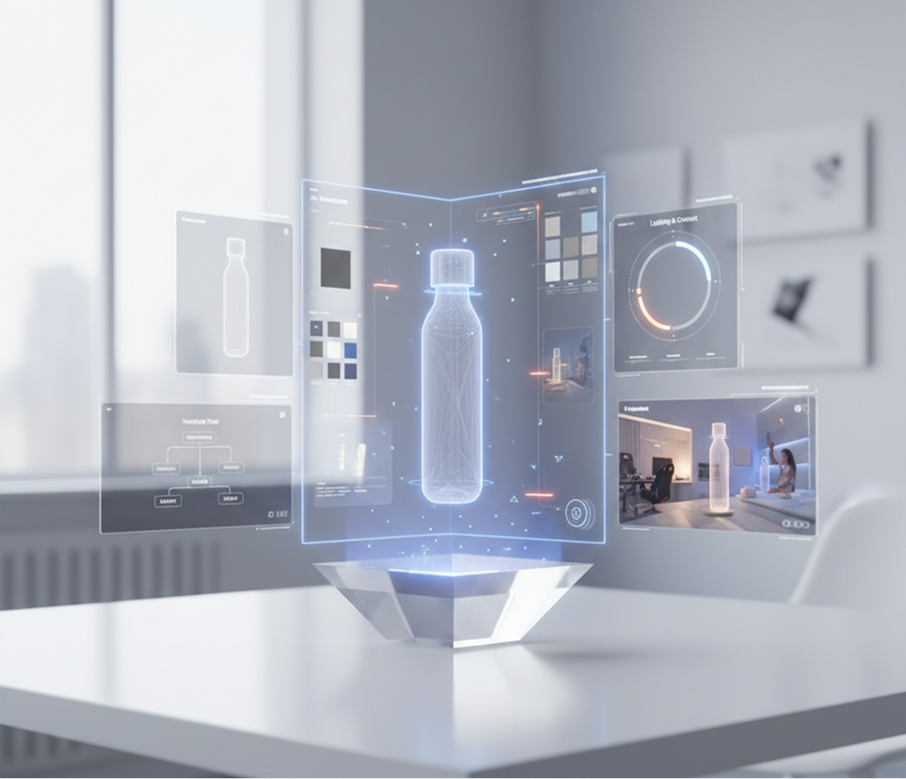
  • ✦ Describe with functional and aesthetic clarity – Combine purpose, form, and feel ("a minimalist smart water bottle with a hydration tracker display," "an ergonomic vertical mouse for gamers").
  • ✦ Iterate with purpose – Use each generation to refine a specific aspect: first the shape, then the materials, then the context or lighting.
  • ✦ Consider the narrative – Think about the story the render should tell (innovation, sustainability, luxury) and adjust the scene and styling accordingly.
Generated Image January 15, 2026 - 11_59AM 1.png

How to download and use your concept render

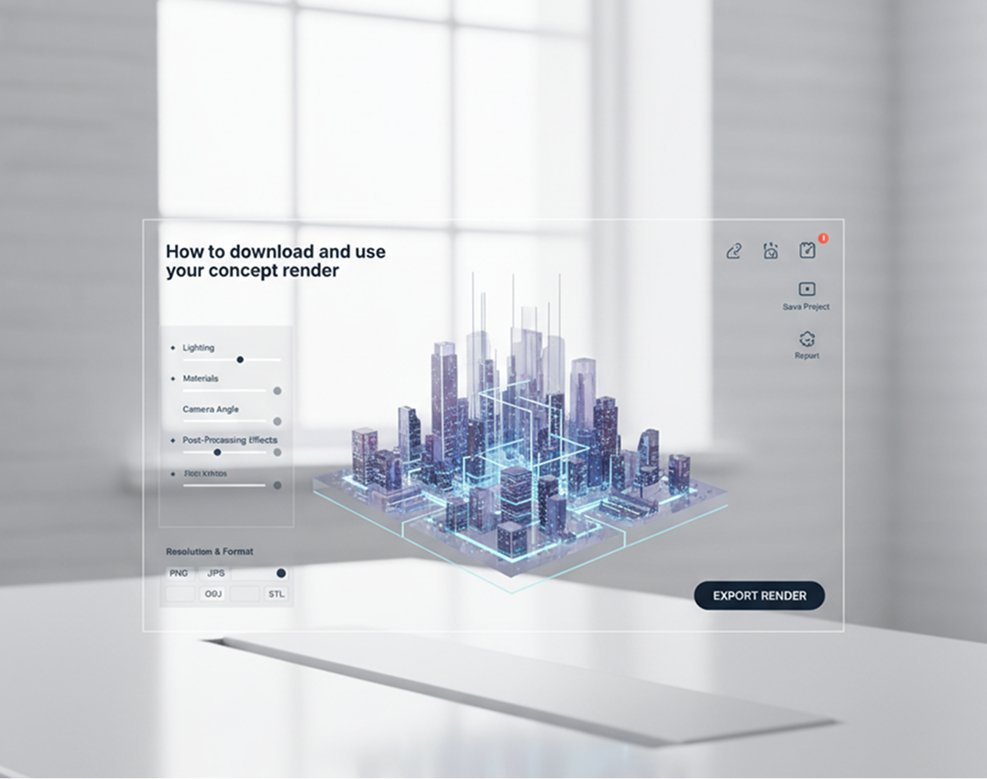
Exporting your render is seamless and adaptable. You maintain full control over resolution, format, and final refinements—and can return to edit or explore new variations anytime.

  • ✦ Apply final refinements using intuitive controls for lighting, materials, camera angle, and post-processing effects before exporting.
  • ✦ Download in high-resolution formats such as PNG or JPG for presentations, or as 3D model files (OBJ, STL) for further development.
  • ✦ Save and revisit projects to create variations, update designs, or export in different styles and resolutions without losing your original prompt or progress.
Generated Image January 15, 2026 - 12_02PM 1.png

Client Reviews

★★★★★

"Revolutionized our ideation phase."

"We used to spend weeks storyboarding and sketching new product ideas. Now, we can describe a concept and have a photorealistic render in minutes. It’s dramatically accelerated our R&D cycle and improved team alignment."

Daniel

★★★★★

"A game-changer for solo entrepreneurs and inventors."

"As an independent creator, I couldn’t afford to hire a designer for every idea. This tool lets me visualize my concepts professionally, which has been crucial for securing patents and attracting early-stage investors."

Sonja

★★★★★

"Incredibly intuitive for industrial design students."

"I’m studying product design, and this tool has become an essential part of my workflow. It helps me explore form and function quickly, turning abstract ideas into tangible visuals for my portfolio and critiques."

Peter

★★★★★

"Perfect for agencies pitching creative concepts."

"We use this to generate multiple visual directions for client presentations. Being able to show not just one, but three or four fully rendered concepts in different styles has significantly increased our win rate."

Maya

★★★★★

"Turned our brainstorming sessions into visual workshops."

"Our team meetings used to end with vague ideas on whiteboards. Now, we leave with concrete, rendered concepts. It’s bridged the gap between ‘what if’ and ‘here’s what it could look like’."

Julia

★★★★★

"Great tool as soon as you get used to it!"

"At first, I wasn’t sure how to phrase my prompts or use all the styling options, but after about 10 minutes of experimentation, it all made sense. Now, generating presentation-ready concept art is fast and incredibly satisfying."

Thomas

Best AI Tools All in One Place

OpenAI_logo.svg

GPT Image AI image generation & editing Sora 2 Cinematic video generation

Google_2015_logo 1.svg

Imagen 4 Ultra-sharp images Gemini 2.5 / 3.0 Multimodal generation & editing Veo 3.1 Fast video + motion consistency
Image_tort.png

Logo_runway.svg

Gen 4 Best for consistent characters & video frame generations Aleph Video editing & effects
Image_girl.png

Midjorny.svg

MidJourney Image generation & variations Upscale / Outpaint / Pan Advanced editing tools
Image_coffe.png

Logo_hailuo.svg

Hailuo 2 Pro High-quality video animation
Image_vert.png

Logo_king.svg

Kling 2.5 v1, v1.5, v1.6, v2 video generation
Image_train.png

Explore similar use cases

🎨

AI Text to 3D Object Tool

Describe an object and get a usable 3D model file

🖼️

AI Texture Generator for 3D

Generate PBR textures for Blender, Unity, Unreal workflows

👤

AI Product Mockup Generator

Apply your design onto packaging, apparel, and merchandise

🔁

AI Architecture Design Generator

Create exterior and facade concepts from a prompt

FAQs

Answers to common questions about using Phygital+ and editing images with AI.

How can I go beyond generic designs and create a product concept that is truly unique to my vision?

+

What is the best workflow in Phygital+ for iterating on a product design, like testing different materials or shapes?

+

How realistic are the concept renders? Can they be used for a pitch deck or for market validation?

+

Can I generate multiple views of my product concept, like front, side, and isometric, for a full presentation?

+

I have a rough sketch of my product idea. Can I use that to guide the AI, or is it purely text-based?

+

How does this tool fit into the larger Phygital+ ecosystem? What's the next step after I have a concept I love?

+

Start for free

Create logos, roadmaps, and brand visuals in one place.