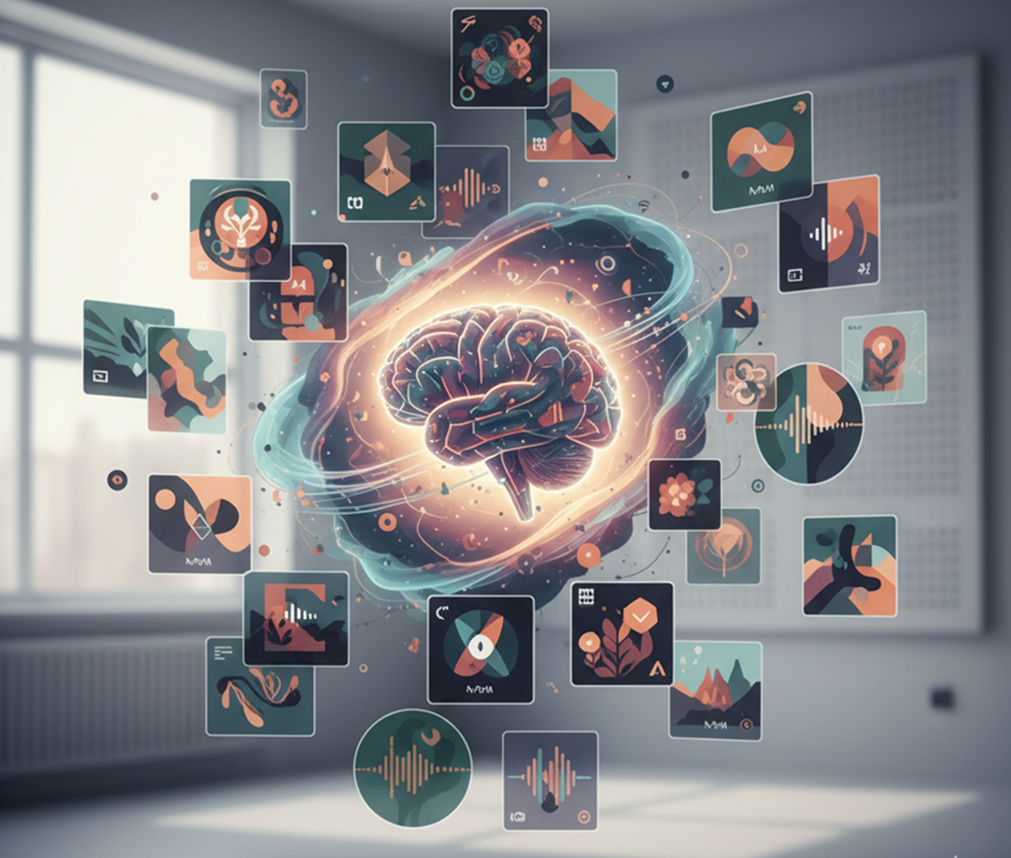
Create stunning, platform-ready podcast artwork in seconds. From "True Crime" to "Tech News" β just describe your show, and our AI handles the typography, imagery, and branding.
Prompt
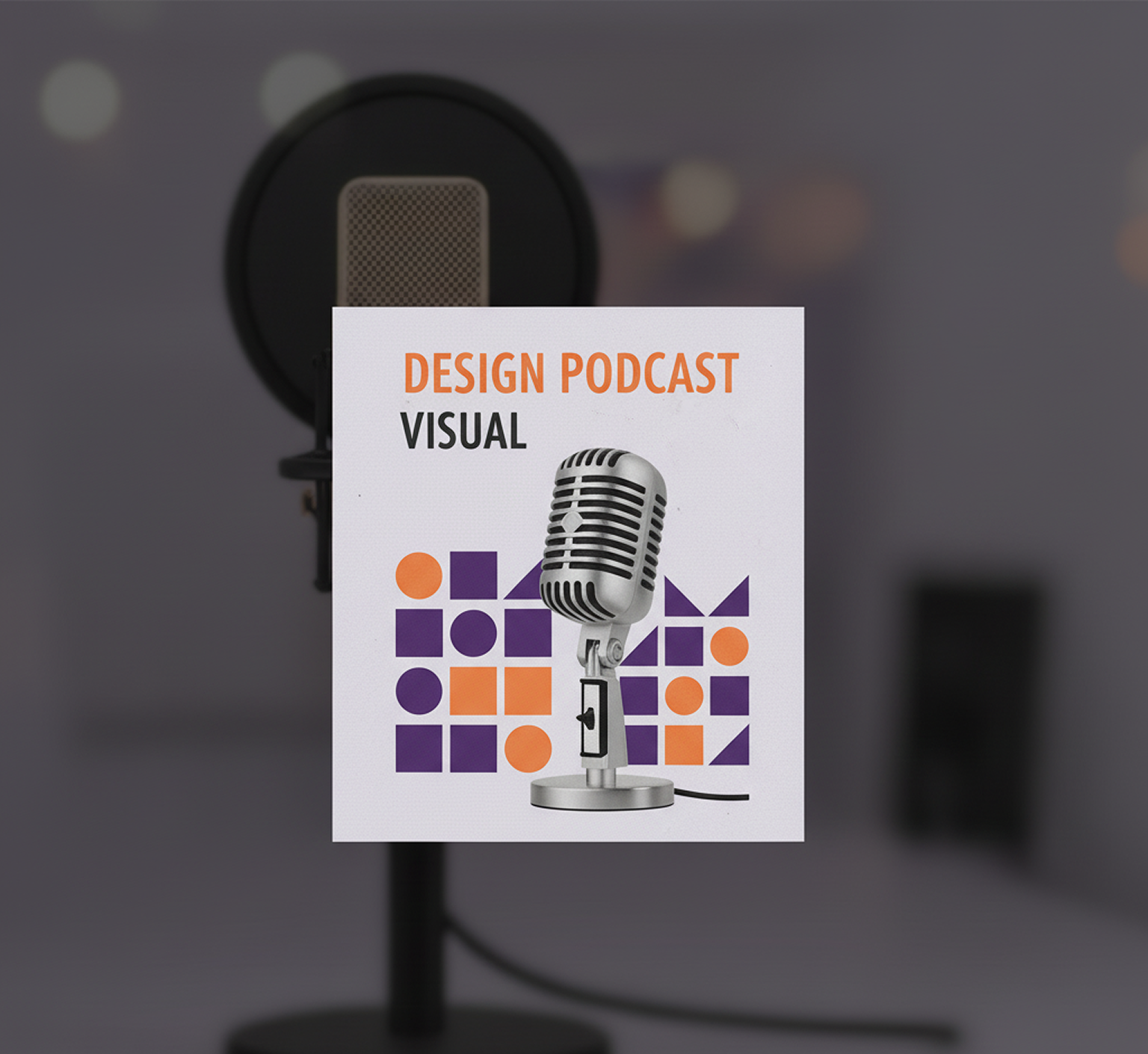
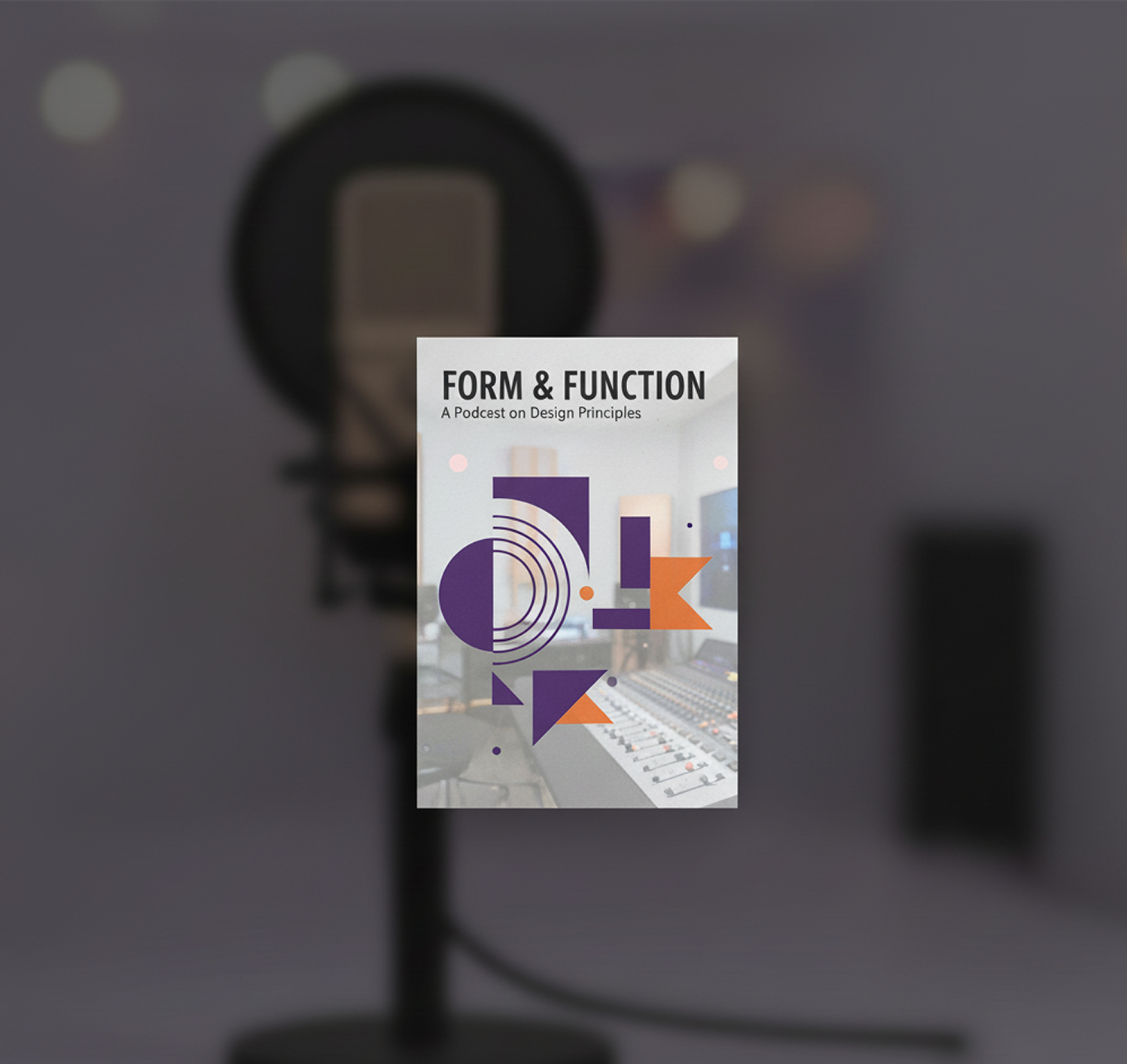
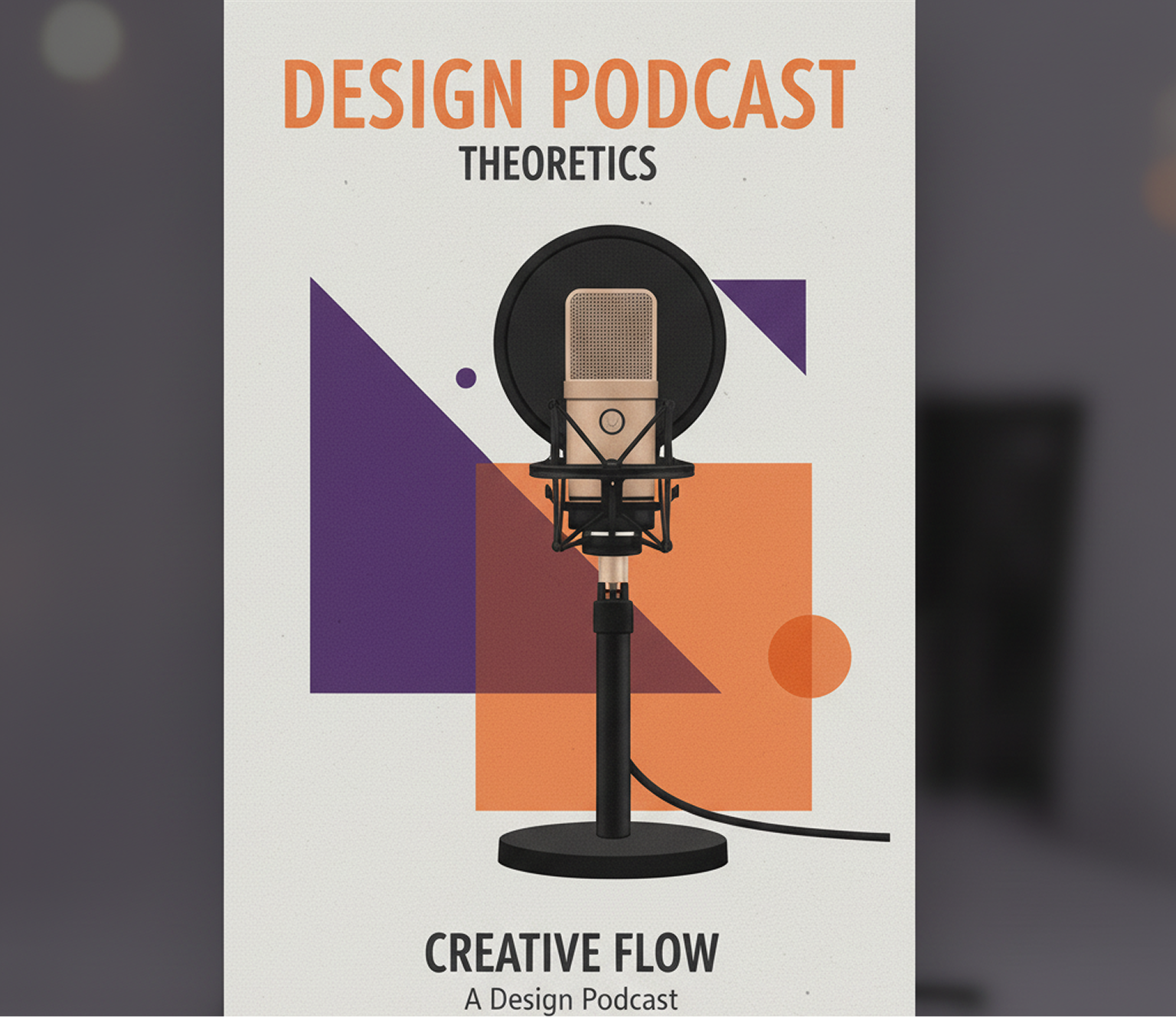
"A minimalist cover for a design podcast featuring abstract geometric shapes in violet and orange."
It's not just a random image generator. It's a design engine trained specifically on the visual language of top-charting podcasts.
The AI understands the visual tropes of True Crime (gritty, dark), Comedy (bright, bold faces), and Tech (minimal, geometric) automatically.
Don't just get an image. Get the title placed perfectly with legible, high-impact fonts that scale down to thumbnail size.
Exports are automatically formatted to 3000x3000px JPGs, meeting the strict requirements of Apple Podcasts and Spotify.
Launch your show today. No waiting for freelancers or struggling with complex design software.
Not happy? Generate 10 more versions in seconds. Iterate until you find the perfect visual hook.
Always 3000x3000px, RGB color space, and optimized for digital streaming platforms.
Designs optimized for thumbnail visibility on mobile screens, increasing your play counts.
Your podcast deserves a cover that recognizes it at a glance and captures its essence. Our AI generator is designed to eliminate the main obstacles: lack of design skills, time and budget. It turns the concept of your show into a high-quality, solid and professional visual asset for all platforms.
A podcast visual that you can't remember. When random pictures are used for different episodes or social media, the style of the show "blurs". There is no single iconography, colors float, and fonts change from platform to platform. This does not allow you to form a stable visual image, which is why a new listener may simply not notice or remember your podcast in the feed.
AI as the keeper of your podcast's style. Upload the logo and brand guides. Our neural network will guarantee integrity by creating covers and related materials that are 100% consistent with the DNA of your show. Each new visual work will enhance, rather than dilute, his recognition.
The cover is like a barrier to entry. Hiring a designer for a single key visual is unreasonably expensive for a new project. Independent attempts in graphic editors take time and often look unprofessional. As a result, the release is postponed, and the enthusiasm fades.
A professional cover in seconds, not thousands of rubles. Create a sales visual for your podcast yourself and instantly. Our generator reduces the cost of this stage to zero, saving the most valuable resources of the content creator β the initial budget and time that can be spent on recording and promotion.
Visual fatigue. After the release of the first episodes and promotional materials, it's hard to figure out how to update the cover for a new season or special without losing touch with the main brand of the show. You have to use the same template, which makes the content predictable and loses its element of novelty for a regular audience.
AI as the creative director of your show. Get hundreds of stylistically verified options, from adapting the main cover to different episode themes to conceptual illustrations for special issues. The tool offers fresh visual metaphors and compositions, becoming a source of inspiration that always works within the audio brand of your podcast.
Editing a face online doesn't need to be hard or complicated. Here is short tutorial for the start.
Enter your podcast name and a short description of the content. Mention key themes or mood.
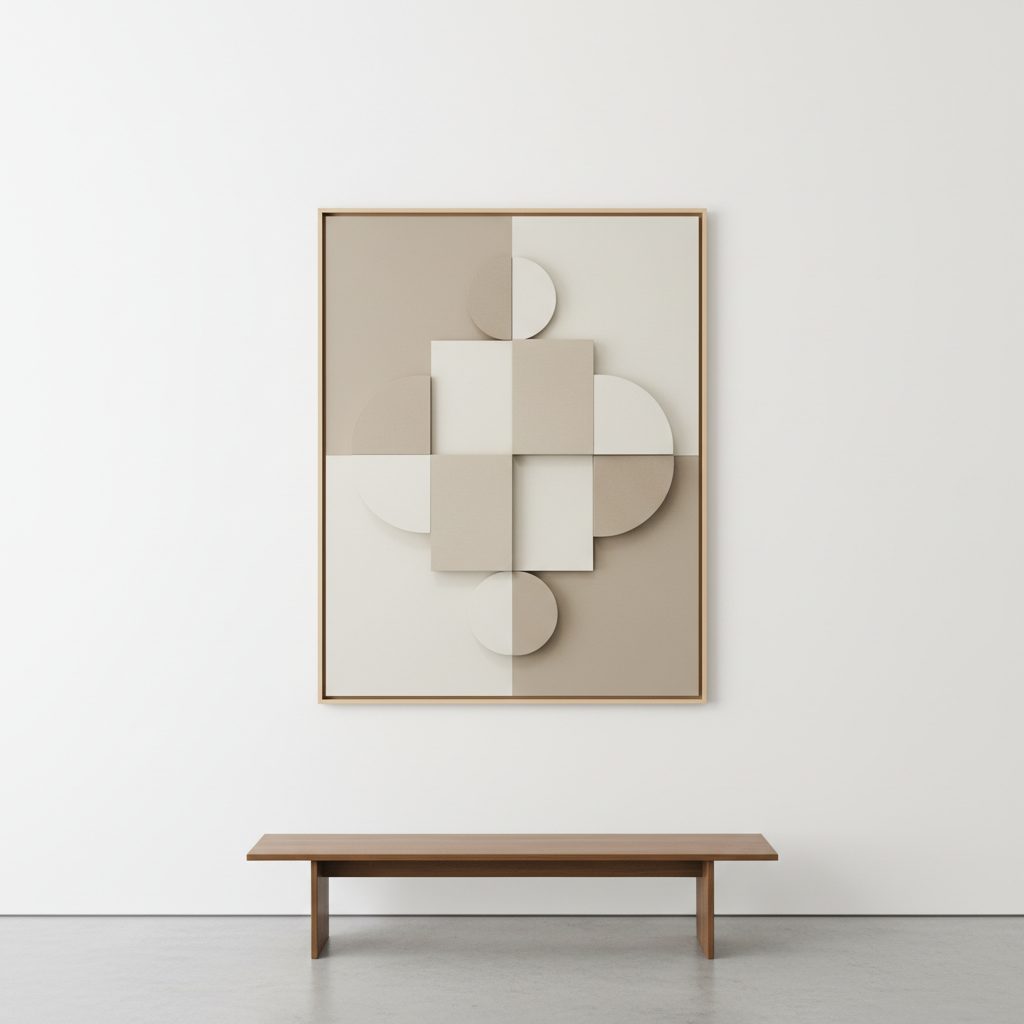
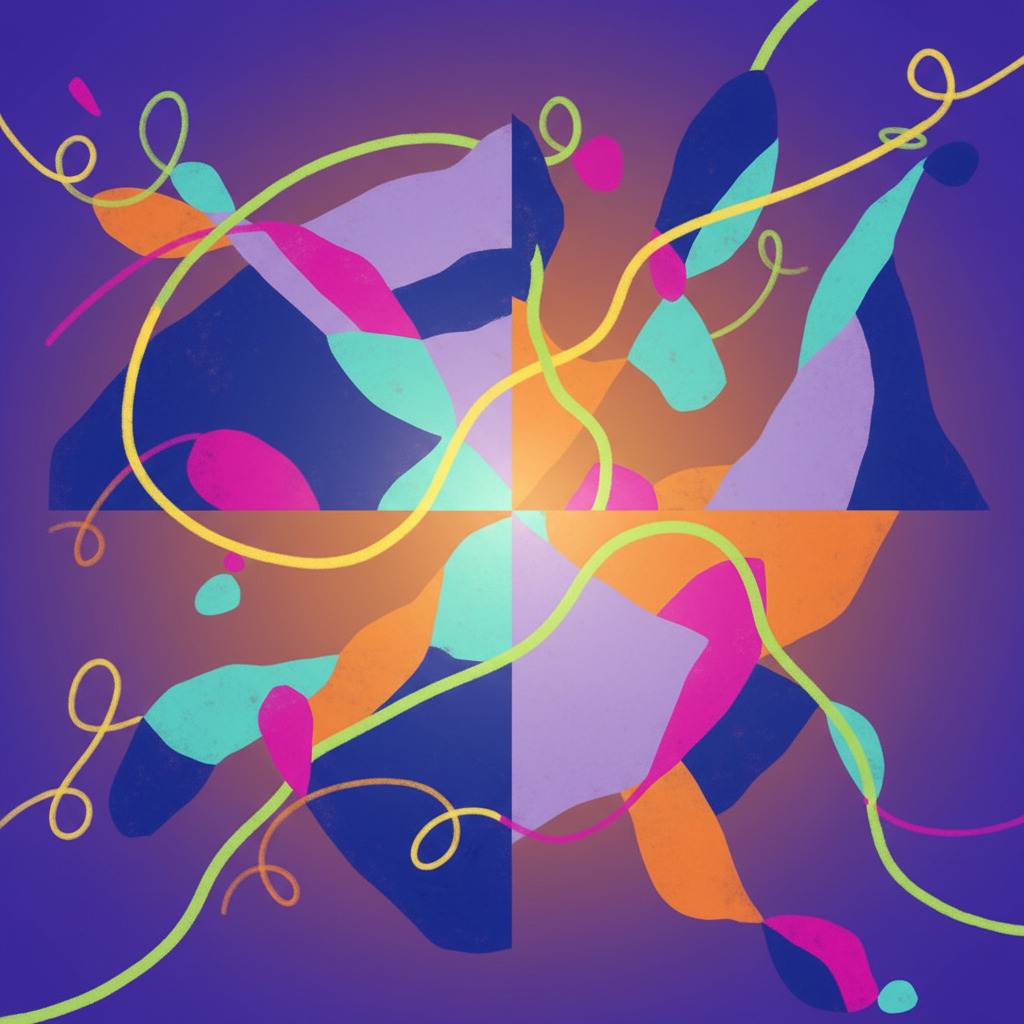
Pick from 'Minimalist', 'Illustrative', 'Photographic', or 'Abstract'. The AI adapts instantly.
Download high-res artwork instantly. Your brand is ready for all major directories.
Whether it's for Spotify, Apple Podcasts, or social media promotion β the use cases are endless. The AI creates a consistent visual identity that adapts to your workflow, whether you're building a brand identity or polishing assets for a campaign.
Small changes can make a big impact when designing cover art features. These tips will help you avoid common mistakes and keep your results looking professional and sharp.
Exporting your edited image is simple and flexible, whether you're sharing online or prepping for print. The tool gives you full control over resolution, file type, and final adjustments.
"Great tool as soon as you get used to it"
"At the beginning it was a bit challenging to understand how prompts work. But as soon as I spent about 10 mins trying to figure it out, I grasped the idea and now I feel like creating images for my podcast episodes has never been easier."
Amy
"The best AI app out there"
"I can have all my favorite AI tools in one workspace, work with them from anywhere using a laptop and create awesome results in literally 2 minutes for my upcoming social media post, newsletter or a fun meme for my friends."
Sonja
"Greatest tools for creators"
"It has a very flexible mechanism of NN configuration and friendly UI. This project helped me to create different pictures according to my rich imagination for my audio drama series."
Peter
"A total game changer"
"I've tried many generators, but this one actually understands context. The consistency in style across different images is exactly what I needed for my brand identity. It saves me hours every week."
Marcus
"Unlimited potential"
"The ability to refine outputs with such granular control is amazing. It didn't just help me speed up my workflow, it completely changed how I approach concept art for my client projects."
Julia
"Simply brilliant"
"Clean interface, fast results, and high quality. It's rare to find a tool that balances power and simplicity so well. The community support is also fantastic if you ever get stuck."
Thomas
Create thematic poster sets for events, cinema, or promo
Design clean, data-driven infographics with AI visuals
Design banners, posters, and ads for concerts, festivals, or workshops
Create compelling book and eBook covers from synopsis + genre
Answers to common questions about using Phygital+ and editing images with AI.
Build this pipeline: LoRA Train (on your show's aesthetic) β FLUX/Seedream (episode art) β Face Restore (if using host photos) β Image Cropper (3000x3000 for directories + social sizes). Save the workflow, then generate season covers and episode thumbnails by just changing the prompt in one node.
Use high-contrast compositions: Generate base with FLUX, analyze with Describe Image for readability, enhance with Magnific Upscale. Test thumbnail visibilityβPhygital+ lets you preview at different sizes. Add Remove Background + vibrant gradients via Change Background for maximum impact in crowded feeds.
Yes! Train a LoRA on your show's style, then connect to FLUX. Each generation uses different seeds and prompts while maintaining visual consistency. Use Prompt Extend node to add variety: "Episode 47: detective theme" β generates unique artwork in your show's established style. Unlimited generations with paid plans.
Chain these nodes: GPT-4o (generates episode title ideas) β Prompt Generator β Seedream/FLUX β Automatic Image Mask β Change Background (brand colors) β Compose (overlay logo) β Upscale Image. This creative workflow ensures every episode is on-brand, professional, and platform-ready.
Build parallel workflows: Audio covers (3000x3000) and YouTube thumbnails (1280x720) from one source. Generate hero image with FLUX, then split to Image Cropper nodes for each format. Add text overlays with Compose. Update once, export for Apple Podcasts, Spotify, YouTube, and social media simultaneously.
Train separate seasonal LoRAs (summer, holiday, etc.) while keeping core brand elements. Swap LoRA in your saved workflowβcolors and mood shift, but logo placement and typography stay consistent. Use Nano Banana for quick seasonal adjustments: "add autumn leaves to background" across all episode artwork.
Create logos, roadmaps, and brand visuals in one place.