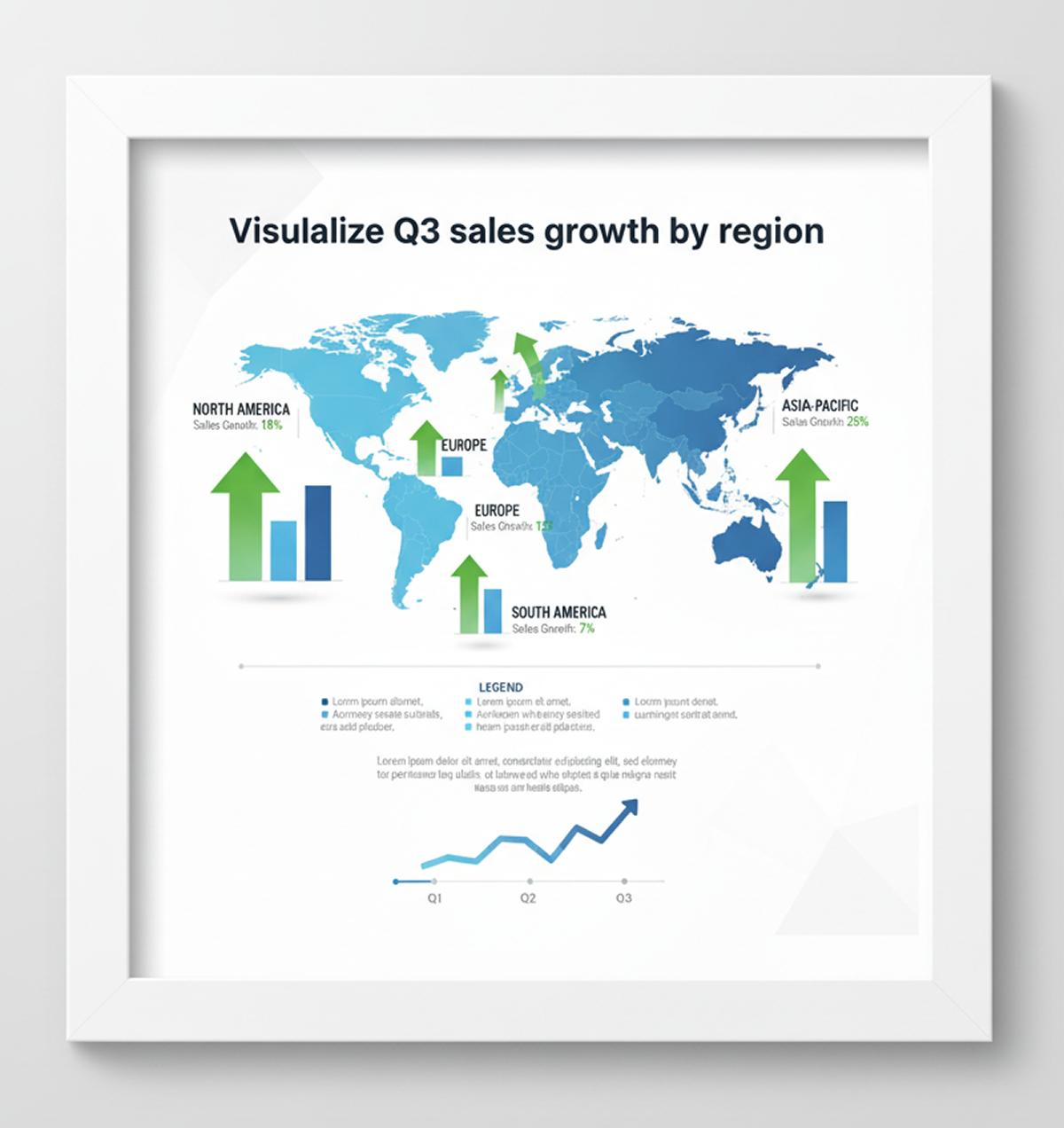
Edit complex data visuals online in seconds — without expensive software, complex spreadsheets, or design degrees. Phygital+ AI infographic editor was made for marketers, analysts, and anyone who needs precise, clean data storytelling in a few clicks. Whether you're refining a quarterly report, retouching a chart, or fixing a brand palette, this tool gives you total control — all inside your browser.
The AI infographic editor is a professional-grade tool that uses artificial intelligence to read raw CSVs or JSONs. No manual entry—just clear, structured visual output.
You can smooth lines, adjust scale intensity, reshape pies, or remove outliers—all with precision and full visual control. The edits are subtle, responsive, and always editable.
Whether you're tweaking content, refining typography, or preparing a PR campaign asset, this AI tool helps creators visualize data without design friction.
Thanks to multi-model integration, you can work across different AI engines in one flow.
Remove noise, raise data points, reduce axis size, correct labels, or change visual styles instantly.
Everything works in your browser. Whether desktop or tablet, edits are saved locally.
Download results in PNG, JPG, or export ready high-res vectors for print or web. No watermarks.
Your idea deserves to be clear and complete. Our free AI infographic editor is designed to eliminate major obstacles.: the complexity of visualization, lack of design skills and time. It turns your thoughts and figures into compelling, professional visual materials.
The data is in style chaos. When diagrams and diagrams are created in different programs or by different people, the visual language "breaks down". The fonts, palette, and style of the graphs don't match, and the resulting infographic looks like a collection of disparate elements. This reduces the clarity of the message and undermines the credibility of the data.
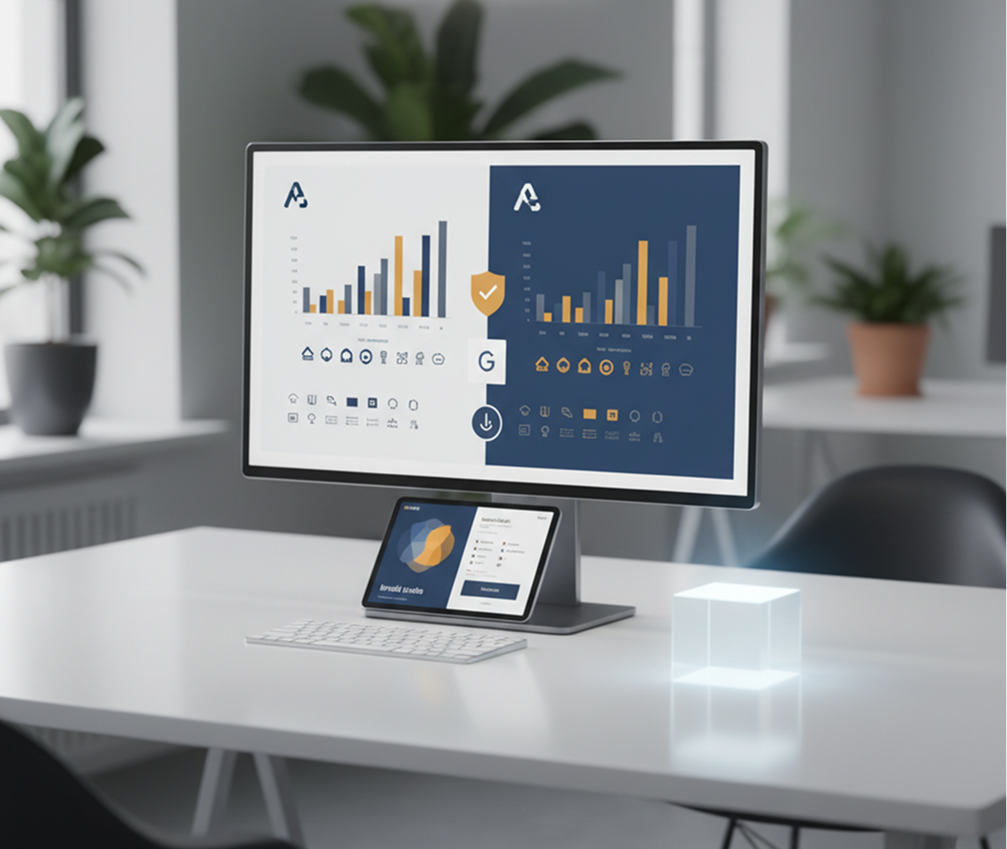
The editor who knows your style best. Upload the logo and brand guides. Our AI becomes a guarantor of integrity by automatically applying your corporate palette, typography, and rules to all elements, from histograms to pictographs. Each created infographic will be 100% brand-specific.
Data design is expensive and slow. Ordering complex infographics from a specialist requires time and a significant budget. Self-assembly in professional editors takes hours and requires skills. As a result, data visualization becomes a barrier, not a help.
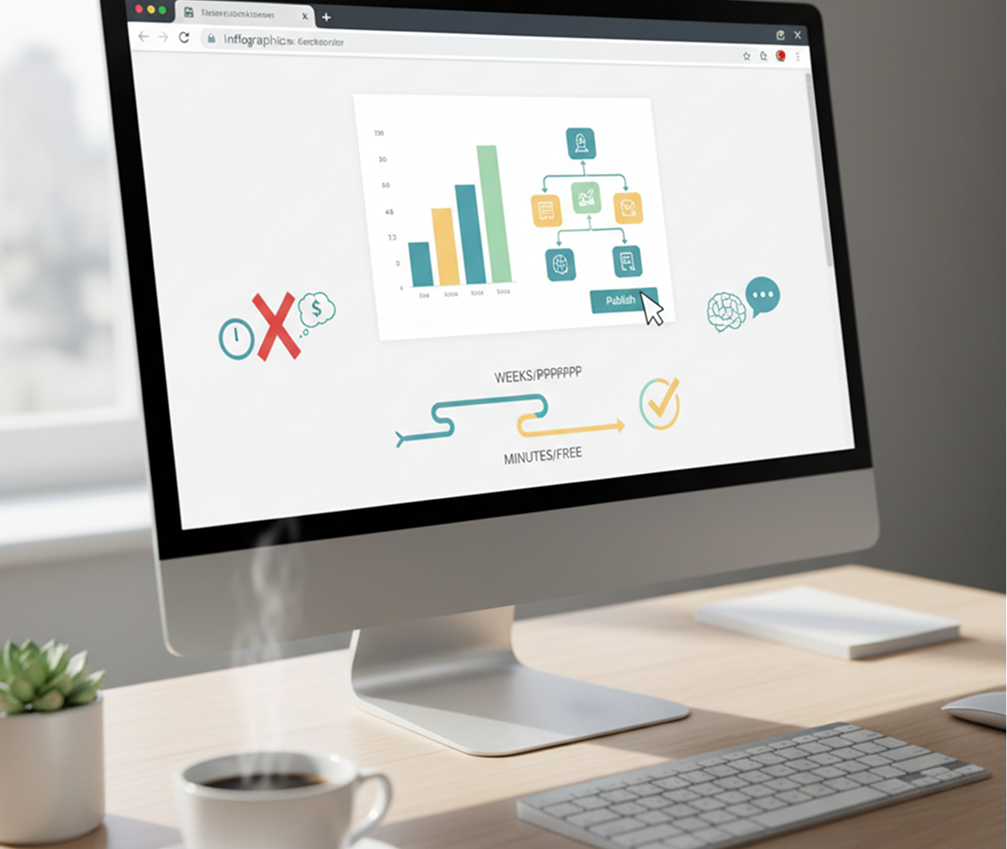
Infographic designer in your browser. Is free. Create compelling, ready-to-publish infographics in minutes, not weeks and thousands of rubles. Our tool reduces the cost of this process to zero, saving the most valuable resources — analyst time and communication budget.
A creative dead end in front of numbers. How to show boring statistics vividly and clearly? You have to use the same template schemes — pie charts and arrows— which makes the content predictable and uninviting. We need fresh formats, but they are difficult to come up with.
AI as your creative data analyst. Get hundreds of visualization options for a single dataset, from non-obvious comparisons and metaphorical illustrations to interactive compositions. The tool offers fresh ideas for packaging complex information, becoming a source of inspiration that always works within your brand and makes the data memorable.
Editing a chart doesn't need to be hard or complicated. Here is a short tutorial for the start.
Choose a dataset or spreadsheet, and write your prompt. If you are struggling with visualization, use our special text designer.
See changes live, undo anything instantly, then download your result in different formats. No compression surprises.
Whether it's for contact, client work, or personal reports — the use cases are endless. The AI infographic editor adapts to your workflow, whether you're building a brand identity or polishing assets for a campaign.
Small changes can make a big impact when editing data features. These tips will help you avoid common mistakes and keep your results looking natural and sharp. Whether you're retouching for personal use or a professional project, a thoughtful approach pays off.
Exporting your edited image is simple and flexible, whether you're sharing online or prepping for print. The tool gives you full control over resolution, file type, and final adjustments. You can revisit your edits anytime — no need to start over.
"Great tool as soon as you get used to it"
"At the beginning it was a bit challenging to understand from the workspace terms. But as soon as I spent about 10 mins trying to figure it out, I grasped the idea and now I feel like creating images for my presentations has never been easier."
"The best AI app out there"
"I can have all my favorite AI tools on one workspace, work with them from anywhere using a laptop and create awesome results in literally 2 minutes for my upcoming social media post, newsletter or a fun meme for my friends. Truly making me more creative and productive."
"Greatest tool for creators"
"It has a very flexible mechanisms of NN configuration and friendly UI. This project helped me to create different pictures according to my rich imagination."
"Incredible efficiency"
"Generating assets for my campaigns used to take days. With this workspace, I'm done in hours. The quality is consistently high and the tools are intuitive."
"Perfect for teams"
"We use this across our entire creative department. The shared workspace feature allows us to iterate on concepts in real-time without the usual friction."
"Limitless creativity"
"The only limit is your imagination. The prompt understanding is better than any other model I've tested. Truly a premium tool for professionals."
AI image generation & editing
Cinematic video generation
Ultra-sharp images
Multimodal generation & editing
Fast video + motion consistency
Best for consistent characters & video frame generations
Video editing & effects
Image generation & variations
Advanced editing tools
High-quality video animation
v1, v1.5, v1.6, v2 video generation
Create compelling book and eBook covers from synopsis + genre
Design banners, posters, and ads for concerts, festivals, or workshops
Build branded Canva/Figma-style templates with AI
Generate all brand visuals (ads, headers, icons) in a unified style
Answers to common questions about using Phygital+ and editing infographics with AI.
Create logos, mockups, and brand visuals in one place.