Free AI Game Asset Generator

Generate Game Assets in Seconds — Without Caps, Downloads, or Complex Software. The AI Game Asset Generator is made for indie developers, AAA studios, and creators who need to generate high-quality, production-ready 2D and 3D assets with precise style control in just a few clicks.

Asset Generator v2.0
Create a 3D game character in the game environment...
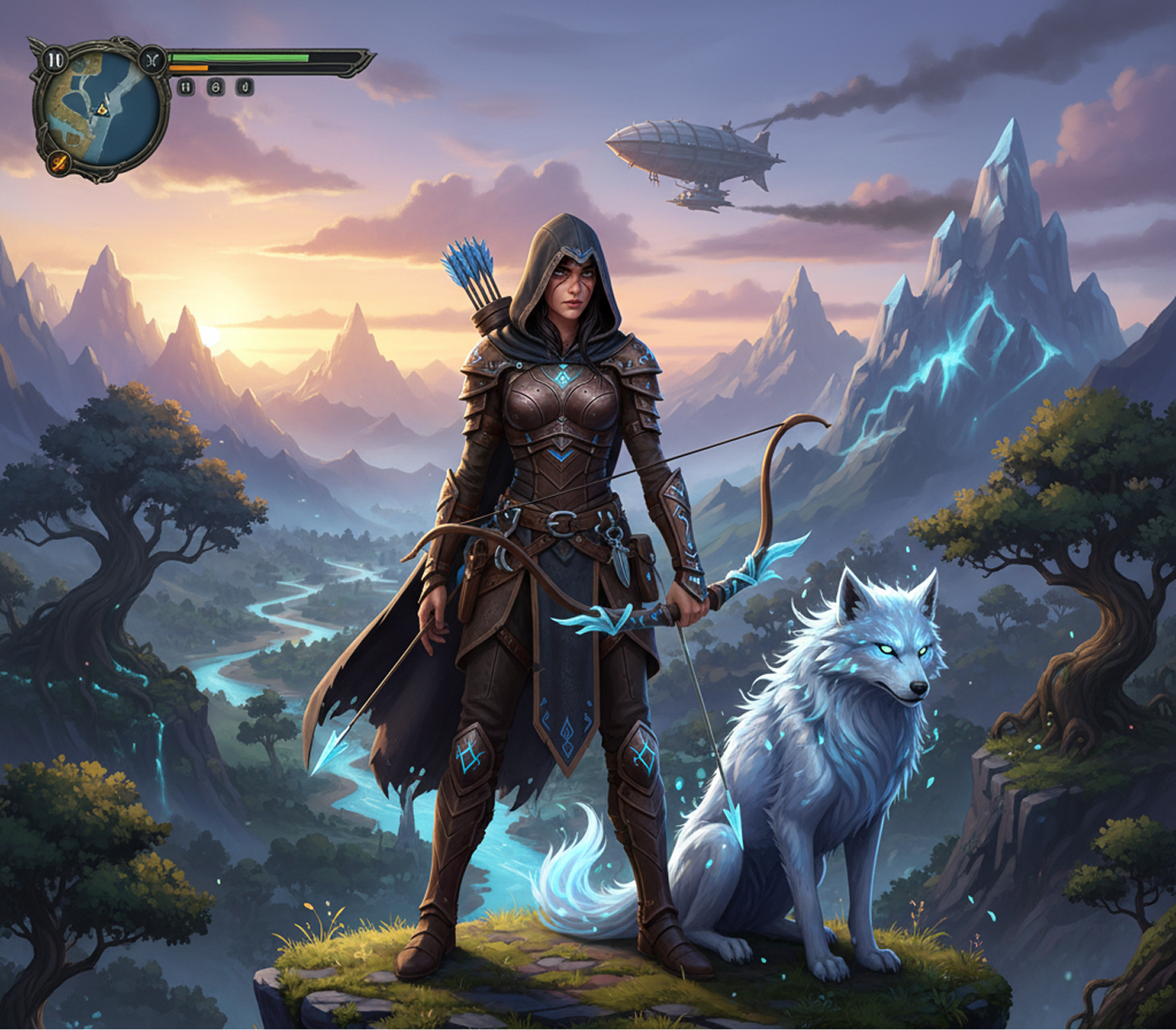
Generated Image January 25, 2026 - 6_02PM 1.png
Generating System...
Supported by:image (6).png

What is an AI Game Asset Generator?

Artistic & Technical Intelligence

The AI understands game development pipelines. From low-poly stylized 3D to high-fidelity pixel art, it adapts the asset style and technical specifications to match your game's engine and artistic direction.

Beyond Asset Stores

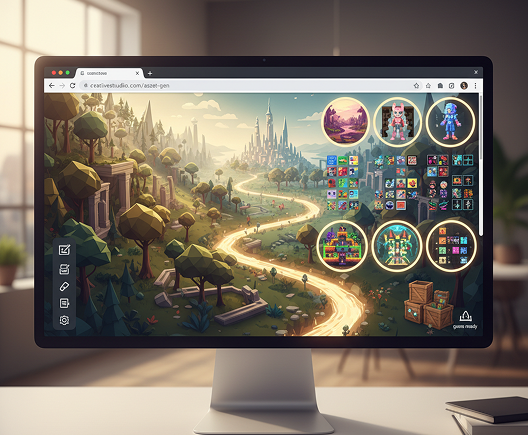
Generate entirely original game assets. Unlike marketplaces with limited pre-made models, every texture, model, and sprite is generated from scratch to fit your unique creative vision and technical constraints.

Full IP & Commercial Rights

You own the game assets. Use them in commercial games, DLC, merchandise, and marketing without licensing fees or copyright disputes.

Why should you use the AI Game Asset Generator?

Production-Ready Quality

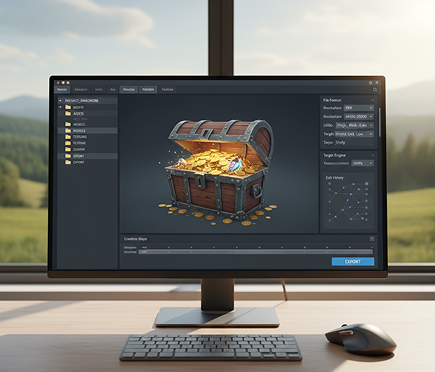
Export 2D sprites in 8K atlas-ready sheets and 3D models in standard formats (FBX, glTF) with optimized topology, ready for Unity, Unreal Engine, or Godot.

Edit Instantly

Adjust polycount, modify textures, or swap art styles in a click. No need for complex 3D sculpting or digital painting software.

No Software

Everything works in your browser. Save projects to the cloud and access your asset library from any device, anywhere.

Pipeline Ready

Pre-configured exports for 2D (sprite sheets, tile sets) and 3D (game-ready models, LODs, PBR textures) tailored to your target platform and engine.

From Asset Scarcity to Artistic Cohesion

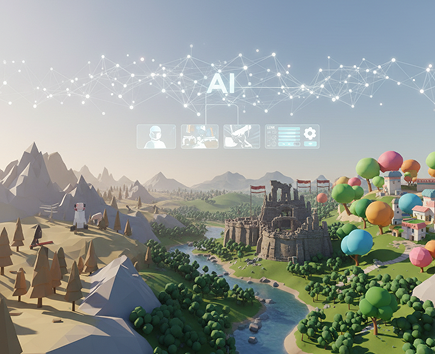
No more visual chaos. From a concept to a finished, production-ready asset in minutes. Generate, refine, and integrate game assets with AI. Build a solid and growing game world without technical or creative bottlenecks.

Generated Image January 24, 2026 - 5_13PM 1.png
PROBLEM

Inconsistent Asset Style Across the Game

A game world that looks like a patchwork quilt. When assets are sourced from different packs, artists, or generated without a unified style guide, the visual identity of the game "floats". Art direction, texture quality, lighting, and polygon density don't match, which makes the game look unprofessional and breaks player immersion. This reduces the game's polish, critical reception, and commercial appeal.

Solution

The Generator That Masters Your Game's Aesthetic. Upload your game's style guide, concept art, or key references. Our AI becomes your art director, automatically applying uniform artistic and technical rules to all generated assets—from 2D sprites to 3D models. Each created asset will be 100% consistent with your game's artistic and technical DNA.

PROBLEM

A Prototype's Asset Budget, Not a Production Pipeline

Game asset creation is astronomically expensive and slow. Commissioning assets from studios or freelancers drains budgets and timelines. Sourcing from asset stores leads to generic, overused visuals. In-house creation requires a large, skilled team. The development roadmap becomes a constant financial and logistical headache.

SOLUTION

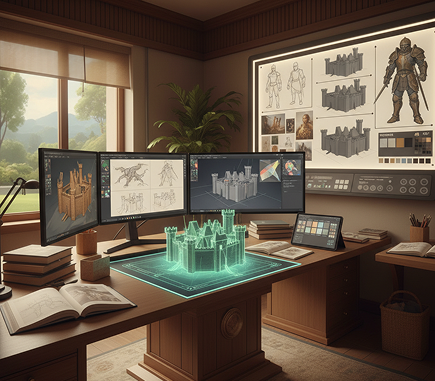
A Full In-House Art Department in Your Browser. Create unique, production-ready 2D and 3D assets in minutes, not months, and for a fraction of the traditional cost. Our generator eliminates the prohibitive expense of custom asset creation, saving the most valuable resources—development time and budget.

Generated Image January 24, 2026 - 5_14PM (1) 1.png
Generated Image January 24, 2026 - 5_25PM 1.png
PROBLEM

Fresh, On-Theme Assets to Enrich the Game World

Creative burnout and asset fatigue. How do you regularly create the hundreds of unique environmental props, character variants, and UI elements needed to fill a living world? Reusing the same assets makes the game feel repetitive and cheap. You need a high volume of innovative, on-style assets to keep the world feeling fresh and engaging.

SOLUTION

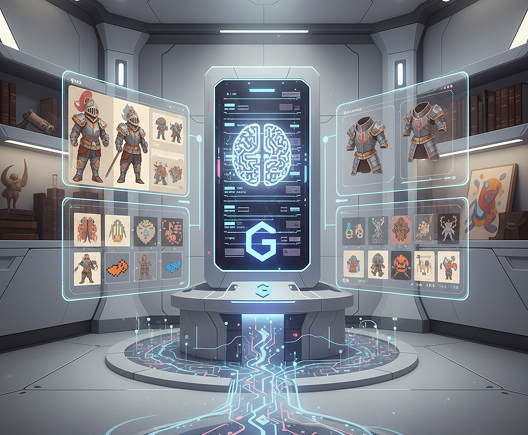
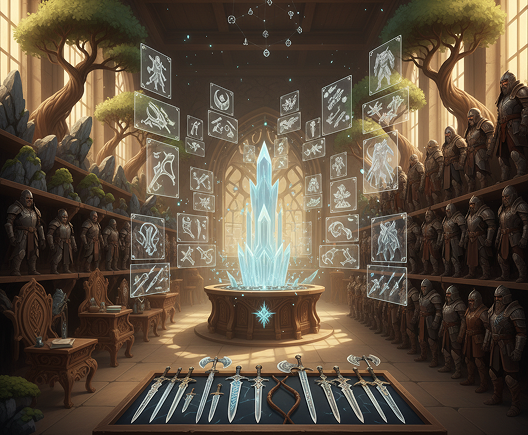
AI as Your Lead Concept Artist and Modeler. Generate hundreds of unique, stylistically coherent asset variations from a single prompt: from creating entire sets of themed environmental props (rocks, trees, furniture) to generating character armor variants, weapon skins, and icon sets. The tool serves as an infinite source of creative content that always works within your established style, helping you build richer, more detailed worlds.

How to Generate Your Game Assets Online

Creating production-ready game assets doesn't need to be hard or complicated. Here is a short tutorial to get you started.

Placeholder image
1

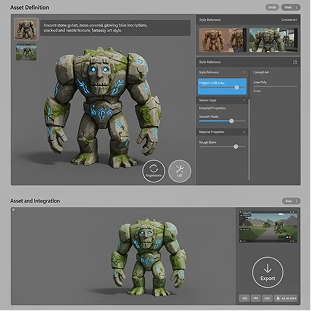
Define Your Asset

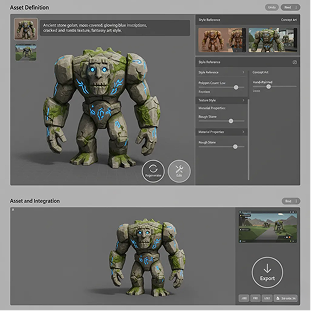
Upload your style reference or concept art and enter a detailed prompt for the asset you need. If you need help, use our AI to refine your description or suggest technical specifications.

2

Generate and Refine

Need a lower poly count? A different texture style? Use the tools to adjust the artistic style, polygon density, or material properties. You can regenerate the asset or edit it as much as you want.

3

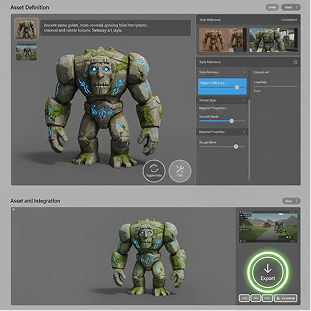
Save and use

See changes live, undo anything instantly, then download your result in different formats. You can regenerate your images or edit it as much as you want.

Where can you use the AI Game Asset Generator?

Whether it's for indie prototypes, AAA production, or mobile game development — the applications are extensive. The AI generator adapts to your pipeline, whether you're building a vertical slice or populating an open world.

  • ✦ Generate assets for character design, environmental art, and UI/UX elements.
  • ✦ The generator adapts to your workflow: from initial concept art to final, engine-ready assets.
  • ✦ Create optimized assets for any style and platform, from low-poly mobile to high-fidelity PC/console.
Generated Image January 24, 2026 - 5_30PM 1.png

Tips for achieving the best results

A detailed prompt with technical and artistic specifications is key to a successful asset. These tips will help you craft effective descriptions and refine outputs for optimal game engine integration. Whether you're creating for a solo project or a professional studio.

  • ✦ Include both artistic (style, mood) and technical (polycount, texture size, format) details in your prompts.
  • ✦ Start with a detailed concept art or style board to ensure the most consistent and fitting results.
  • ✦ Refining the initial generated asset—adjusting polycount or texture detail—significantly improves performance and visual quality.
Generated Image January 24, 2026 - 5_28PM 1.png

How to download and edit your game asset

Exporting your final game asset is streamlined and organized for direct engine integration. You have full control over file formats, resolutions, and export settings. Your entire project is saved, allowing you to revisit and edit any asset anytime.

  • ✦ Download your asset, with full control over format (FBX, glTF, PNG, TGA), resolution, and LOD settings.
  • ✦ Export the asset for direct import into Unity, Unreal Engine, Godot, or other platforms, with the option to return and edit.
  • ✦ Finalize your asset by configuring export parameters flexibly, without losing your generation history or edit steps.
Generated Image January 24, 2026 - 5_28PM (1) 1.png
💬

Client Reviews

★★★★★

Revolutionized Our Indie Studio's Workflow

"As a small team, creating enough unique assets for our open-world game was impossible. This generator filled our world with hundreds of cohesive props, vegetation, and building variations in weeks, not years. It saved our project."

Romeo

★★★★★

AAA-Quality Prototyping at Indie Speed

"We use this to rapidly prototype new character and weapon concepts before committing to full production. The ability to generate high-fidelity 3D models from a simple description has accelerated our concept phase by 300%."

Maya

★★★★★

Perfect for Generating Consistent Asset Packs

"Creating a full set of stylized UI icons or environmental props used to take weeks. Now I define the style once and generate an entire pack in an afternoon. The consistency across assets is flawless."

Petr

★★★★★

My Secret for Overcoming Art Block

"When our concept artists hit a creative wall, we feed their core ideas into this generator. It produces dozens of unexpected variations that spark new inspiration and get the creative pipeline flowing again."

Semen

★★★★★

Turned My Solo Project into a Polished Game

"As a programmer with no art skills, this tool let me create a visually cohesive and beautiful game entirely on my own. The generated 2D sprites and 3D models look like they were made by a professional artist."

Jeremy

★★★★★

Eliminated Our Asset Store Dependency

"We stopped buying generic asset packs that never perfectly fit our game's style. Now we generate exactly what we need, when we need it, with perfect artistic and technical alignment. It's both cheaper and better."

Leny

Best AI Tools All in One Place

OpenAI_logo.svg

GPT Image

AI image generation & editing

Sora 2Cinematic video generation
Google_2015_logo 1.svg

Imagen 4

Ultra-sharp images

Gemini 2.5 / 3.0Multimodal generation & editing
Veo 3.1Fast video + motion consistency
Logo_runway.svg

Gen 4

Best for consistent characters & video frame generations

AlephVideo editing & effects
Image_coffe.png
Midjorny.svg

MidJourney

Image generation & variations

Upscale / Outpaint / PanAdvanced editing tools
Logo_hailuo.svg

Hailuo 2 Pro

High-quality video animation

Logo_king.svg

Kling 2.5

v1, v1.5, v1.6, v2 video generation

Explore similar use cases

AI Comic Strip Generator

Generate short visual stories in comic format

AI Tarot Card Art Generator

Create mystical art decks and stylized card illustrations

AI Museum-Style Portrait Generator

Turn selfies into classical paintings

AI Tattoo Design Generator

Create linework or full-color tattoos from text and reference

FAQs

Answers to common questions about using Phygital+ and editing images with AI.

What types of 2D and 3D game assets can I create with Phygital+?

-
The Phygital+ Game Asset Generator is incredibly versatile. For 2D, you can create everything from character sprites and enemy animations to tilesets, UI elements, and item icons. For 3D, you can generate a vast library of assets including props (chests, weapons, furniture), environmental objects (rocks, trees, architecture), and seamless PBR (Physically Based Rendering) textures, all ready for your game engine.

How does Phygital+ ensure all my generated assets fit a consistent art style?

+

Are assets from Phygital+ ready to be used in game engines like Unity and Unreal?

+

What makes the Phygital+ generator different from just buying from asset stores?

+

How much control do I have over the asset generation process in Phygital+?

+

Can Phygital+ generate variations of a single asset, like different colored potions or battle-damaged armor?

+

Start for free

Create logos, mockups, and brand visuals in one place.