Home/Free AI Environment Concept Generator

Free AI Environment Concept Generator

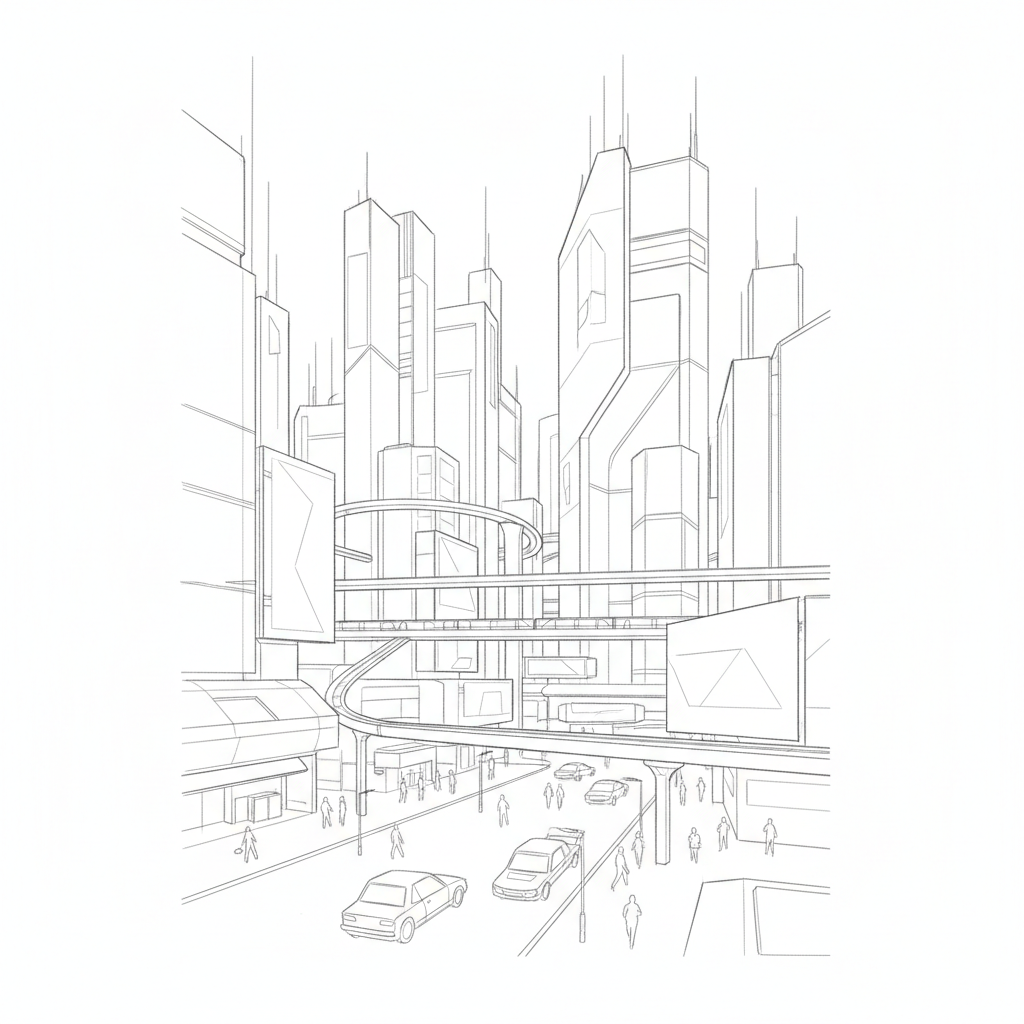
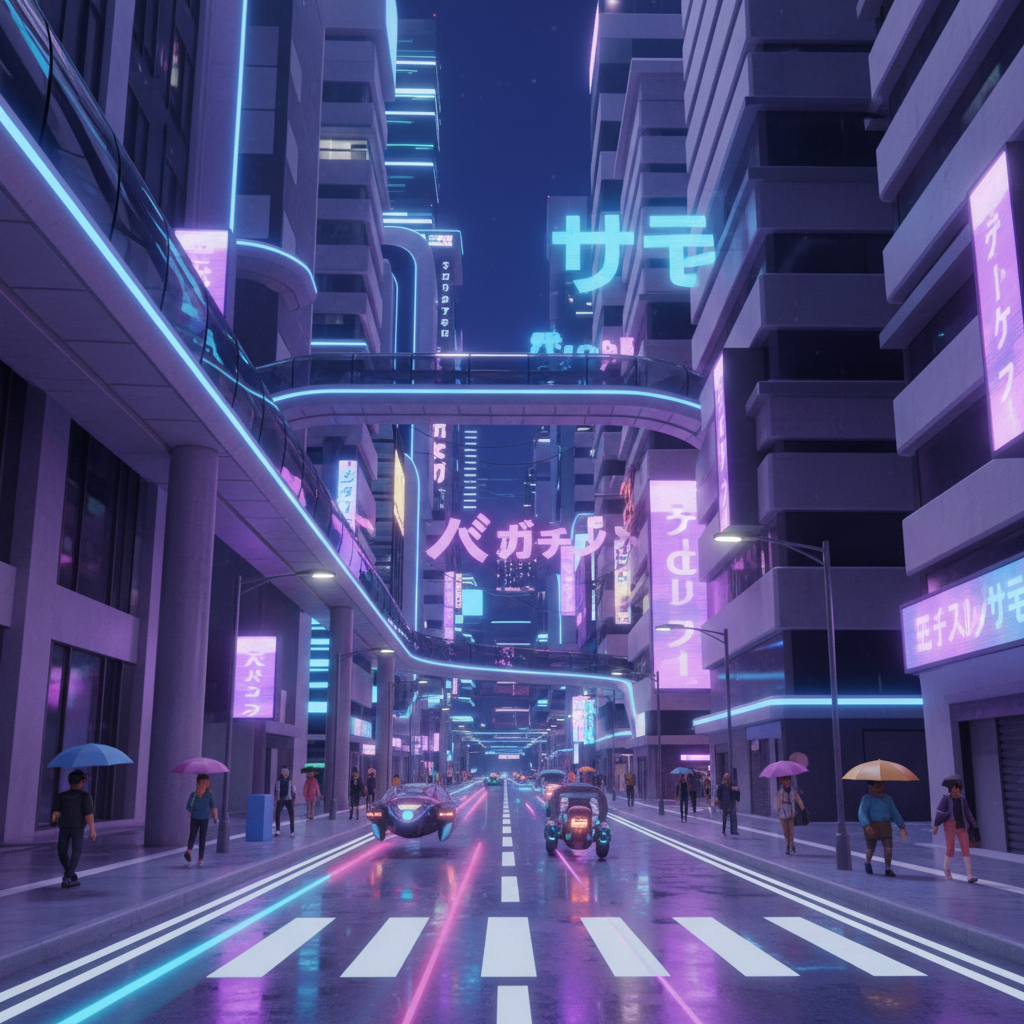
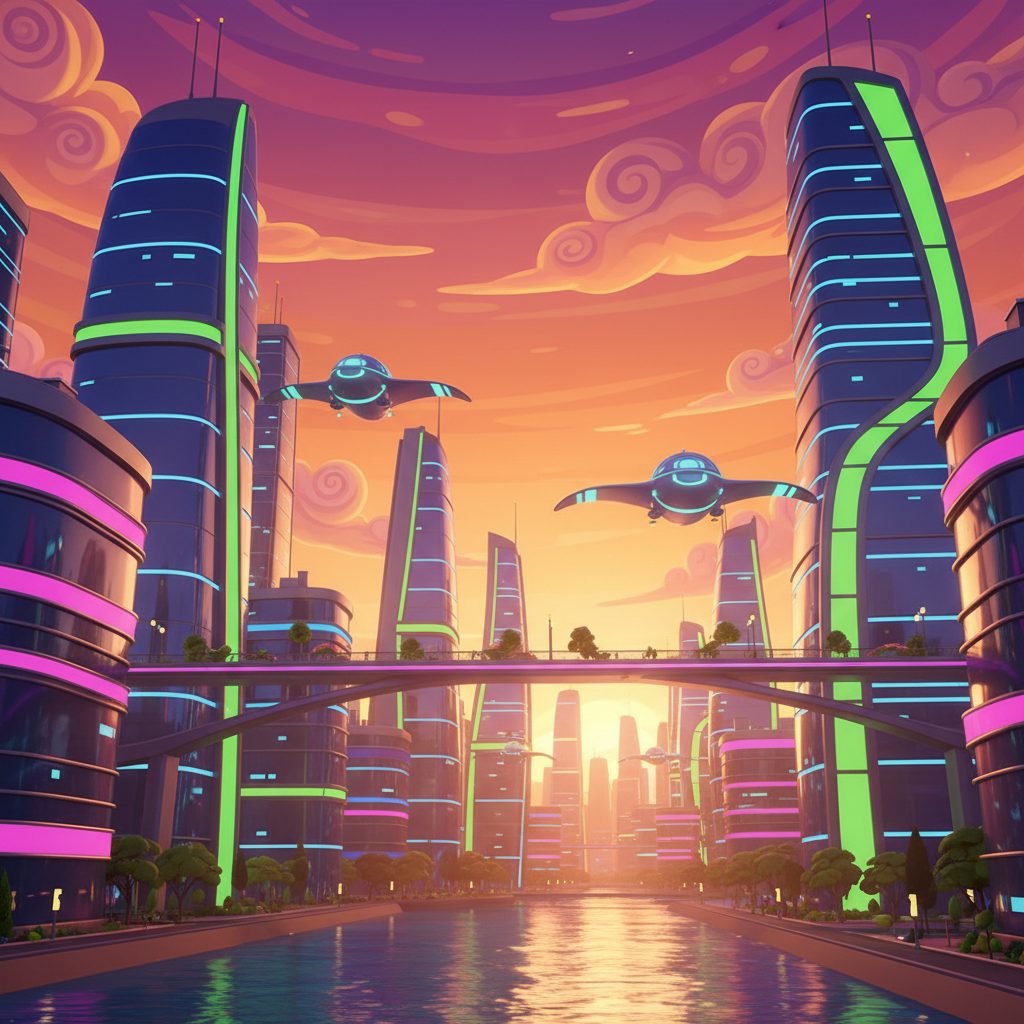
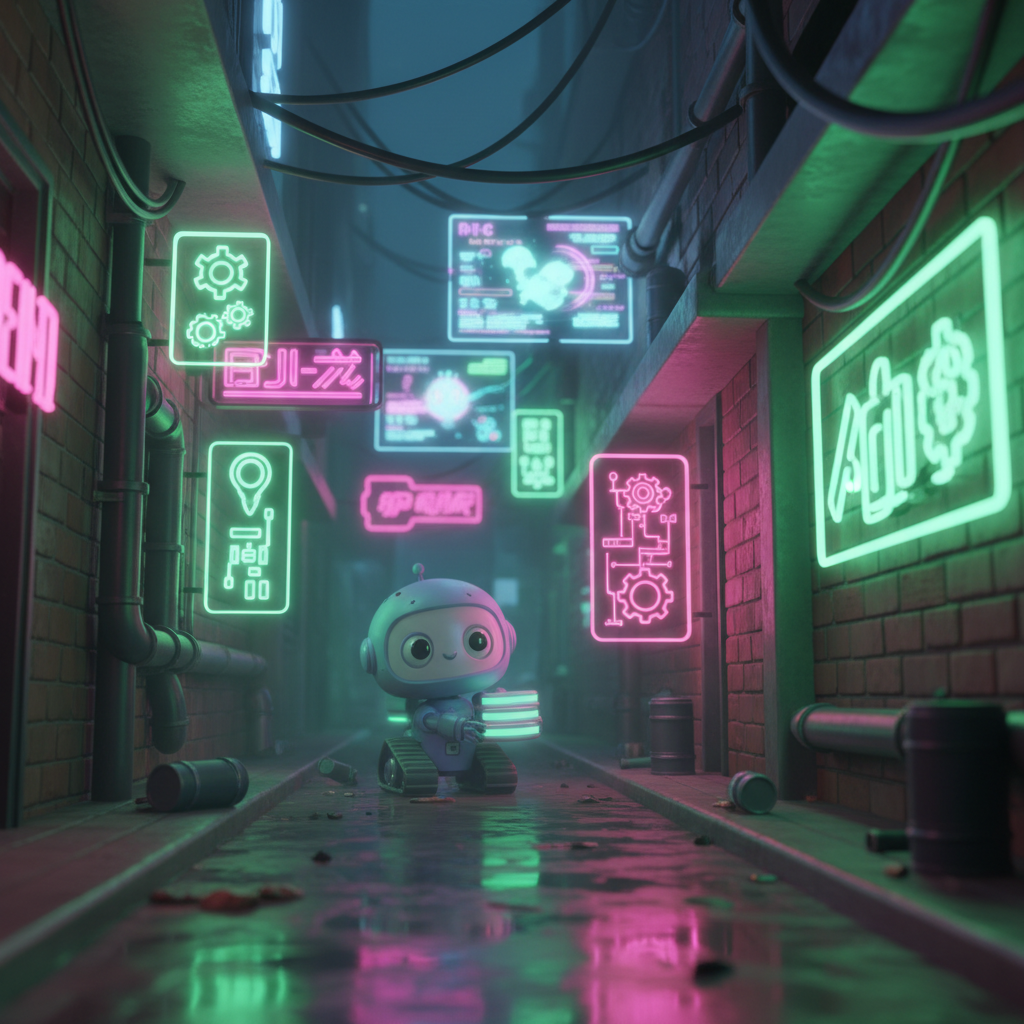
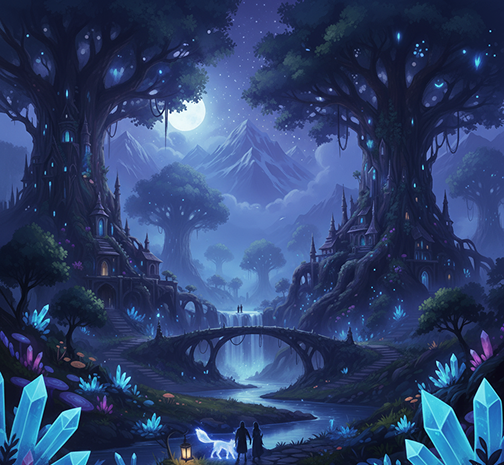
Create immersive environments online in seconds — without limits, downloads, or complicated tools. The AI Environment Concept Generator is built for artists, game designers, and world-builders who need stunning landscapes, cityscapes, and fantasy realms — fully visualized and ready to inspire, in just a few clicks.

New Project / Season 1
Base Character
Supported byimage (6).png

What is an AI Environment Concept Generator?

Intelligent consistency

The AI understands environmental aesthetics. From cyberpunk cityscapes and fantasy forests to surreal dreamscapes and sci-fi colonies, it adapts the visual atmosphere to match your world.

Beyond Standard Backgrounds

Generate entirely unique worlds. Unlike using stock images or repetitive textures, every element is generated from scratch based on your creative vision.

Full Creative Ownership

You own the environment and all generated artwork. Use it for game backgrounds, concept art, animations, and world-building projects without any licensing restrictions or copyright concerns.

Why should you use the AI Environment Concept Generator?

High Resolution

Export at 4K resolution and beyond, meeting all professional requirements for concept art, game asset backgrounds, and high-fidelity prints.

Edit Instantly

Adjust composition, shift lighting, swap weather, or modify architectural styles in a click. No need for complex digital painting or 3D rendering software.

No Software

Everything runs directly in your browser. Save your evolving worlds to a secure cloud library and access your projects from any device, anywhere.

Production Ready

Pre-configured exports for game engines (Unity, Unreal), storyboard sequences, matte painting, and large-format digital canvases.

From Scattered Scenes to a Unified World

No more visual chaos. Go from a fleeting idea to a fully realized environment in seconds. Design, refine, and populate immersive worlds with AI. Build a rich and consistent visual universe without creative bottlenecks.

Generated Image January 09, 2026 - 4_41PM 1.png
PROBLEM

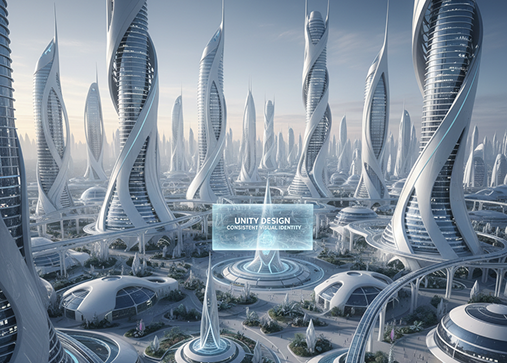
A consistent visual identity across your environment designs

A world that feels patched together. When landscapes, cityscapes, and interiors for your project are designed sporadically or by different artists, the visual language becomes inconsistent. Architectural styles, lighting, color palettes, and atmospheric details don't align, making your world feel disjointed and unprofessional. This weakens immersion and disrupts the audience's sense of place.

Solution

The AI concept artist who understands your world's aesthetic. Upload your style guide, mood board, or visual references. Our AI becomes your environment art director, automatically applying your visual rules to generate new scenes and locations. Every generated environment will be 100% coherent with your world's artistic and atmospheric DNA.

PROBLEM

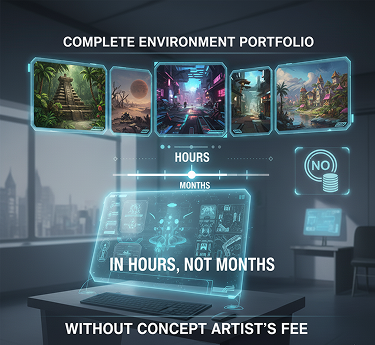
A complete environment portfolio in hours, not months—without the concept artist's fee

Commissioning unique environment art is slow and expensive. Hiring a professional matte painter or environment artist for multiple scenes requires a significant budget and lead time. Using different artists leads to a stylistic patchwork. Designing intricate worlds manually demands immense skill and countless hours. Building a compelling setting becomes a prolonged, costly ordeal.

SOLUTION

A professional environment design studio in your browser. For free. Create detailed, production-ready environment concepts in minutes—not months. Our tool reduces the cost of professional world design to zero, preserving your project's timeline and budget.

Generated Image January 09, 2026 - 4_47PM 1.png
Generated Image January 09, 2026 - 4_50PM 1.png
PROBLEM

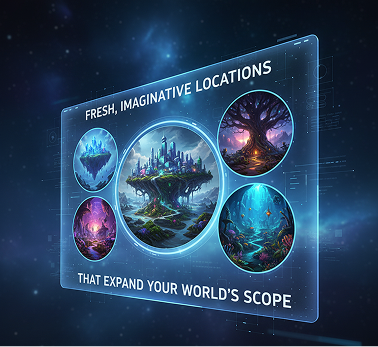
Fresh, imaginative locations that expand your world's scope

Creative repetition limits world-building. How do you continuously generate new environments that feel original yet thematically cohesive within your setting? Reusing the same landscape templates or architectural styles leads to a predictable and uninspiring world. You need innovative, lore-integrated locations that feel both fantastical and authentic.

SOLUTION

AI as your in-house world architect. Generate dozens of coherent environment variations—from adjusting biomes and weather to experimenting with scale, time of day, and cultural influences. This tool becomes your limitless source of geographical inspiration, helping you build a rich, interconnected world that grows with your narrative—always on-theme, always breathtaking.

How to design your environment

Creating a stunning world doesn't need to be hard or complicated. Here's a quick guide to get you started.

Generated Image January 09, 2026 - 4_53PM 1.png
1
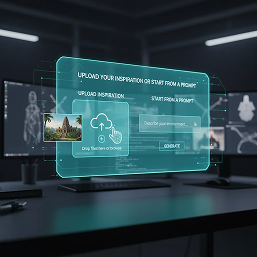
Upload your inspiration or start from a promptChoose a reference image, a mood board, or enter a detailed description of your environment—floating islands, neon-lit alleyways, ancient forests, etc. If you need help world-building, use our built-in creative prompt assistant for atmosphere and lore ideas.
Generated Image January 09, 2026 - 4_56PM 1.png
2
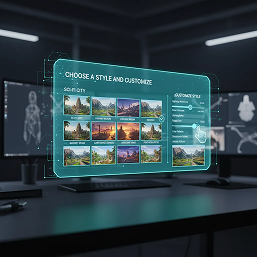
Choose a style and customizePick from environment types like Fantasy, Cyberpunk, Post-Apocalyptic, or Realistic. Refine composition, lighting, weather, architectural details, and color palette with intuitive controls. Preview changes instantly and regenerate variations until your scene is perfect.
Generated Image January 09, 2026 - 5_01PM 1.png
3
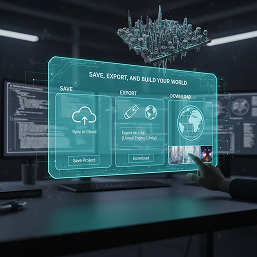
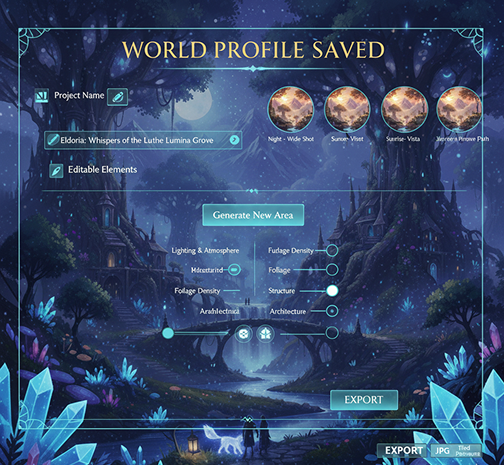
Save, export, and build your worldWatch your environment evolve in real-time, undo any edit with one click, then download high-resolution concept art, panoramic views, or layered files for your project. Your world profile is saved for endless expansions and adaptations.

Where can you use the AI Environment Concept Generator?

Whether it's for game design, animation, concept art, or immersive storytelling—the applications are limitless. The AI Environment Concept Generator adapts seamlessly to your creative workflow, whether you're building an entire universe or visualizing a single, iconic location.

  • ✦ Video Game Development – Create immersive levels, overworld maps, and atmospheric backgrounds for any genre.
  • ✦ Animation & Film – Design key environments for storyboards, pre-visualization, and animated sequences.
  • ✦ Concept Art & Illustration – Generate stunning landscapes and cityscapes for book covers, card games, and digital art portfolios.
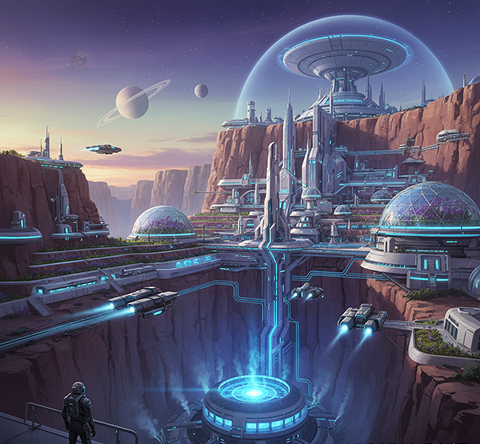
  • ✦ Architectural Visualization & World-Building – Prototype fantasy cities, sci-fi colonies, or historical settings for novels, RPGs, and immersive experiences.
Generated Image January 09, 2026 - 5_06PM 1.png
Placeholder image
Placeholder image
Generated Image January 09, 2026 - 5_05PM (1) 1.png

Tips for achieving the best results

Thoughtful refinements can dramatically enhance your environment's depth, mood, and believability. These tips will help you create worlds that are both visually striking and cohesive.

  • ✦ Start with a Clear Atmosphere – Define the mood, time of day, and weather before generating to establish a strong foundation.
  • ✦ Use Layered Composition – Think in terms of foreground, midground, and background to create depth and scale.
  • ✦ Maintain Visual Consistency – Keep architectural styles, color palettes, and lighting coherent across related scenes.
  • ✦ Iterate with Purpose – Adjust one major element at a time (e.g., lighting, then foliage, then structures) to maintain control over the scene's evolution.
Generated Image January 09, 2026 - 5_09PM 1.pngGenerated Image January 09, 2026 - 5_12PM 1.png

How to download and use your environment concepts

Exporting your environment artwork is straightforward and highly adaptable. You retain full control over format, resolution, and final polish—and can return to expand or modify your worlds anytime.

  • ✦ Apply final atmospheric touches using the real-time editor before exporting.
  • ✦ Download as high-resolution PNG or JPG, with options for panoramic or tiled formats.
  • ✦ Export multiple camera angles or times of day to showcase a location’s versatility.
  • ✦ Save your world profile to revisit, edit, or generate new areas later—all your concepts are stored and fully editable.
Generated Image January 09, 2026 - 5_17PM 1.png
💬

Client Reviews

“Revolutionized our indie game's pre-production.”

“We needed to visualize dozens of unique biomes on a tight budget. This generator gave us an entire world map's worth of concept art in a week. The consistency in style across different environments is a game-changer.”

Leo

“Brought the settings of my novel to life visually.”

“As a fantasy author, describing worlds is one thing—seeing them is another. This tool transformed my chapter notes into breathtaking landscapes that now inspire my cover artist and readers alike.”

Maya

“The ultimate brainstorming tool for our animation studio.”

“We use this to rapidly prototype environments before any major production begins. It lets us explore mood, palette, and composition in minutes, saving weeks of preliminary sketching.”

Ravi

“A Dungeon Master's dream for immersive campaigns.”

“I can now generate unique, detailed locations for every session—ancient ruins, haunted forests, floating cities—that keep my players fully immersed in the world. It’s like having a fantasy cartographer on demand.”

Jenna

“Turned my creative block into a flood of inspiration.”

“I was stuck on a sci-fi city design. Within 10 minutes of prompting, I had three completely different, fully realized cyberpunk districts. This tool doesn’t just assist—it collaborates.”

Kiran

“Great tool as soon as you get used to it!”

“The controls felt unfamiliar at first, but after about 10 minutes of exploration, everything clicked. Now, generating rich, layered environments for my concept portfolio is not just easy—it’s exhilarating.”

Sara

Best AI Tools All in One Place

OpenAI_logo.svg

GPT ImageAI image generation & editing
Sora 2Cinematic video generation

Google_2015_logo 1.svg

Imagen 4Ultra-sharp images
Gemini 2.5 / 3.0Multimodal generation & editing
Veo 3.1Fast video + motion consistency

Logo_runway.svg

Gen 4Best for consistent characters & video frame generations
AlephVideo editing & effects

Midjorny.svg

MidJourneyImage generation & variations
Upscale / Outpaint / PanAdvanced editing tools

Logo_hailuo.svg

Hailuo 2 ProHigh-quality video animation

Logo_king.svg

Kling 2.5v1, v1.5, v1.6, v2 video generation

Explore similar use cases

AI Comic Panel Generator

Create manga and comic panels with style and sequence control

AI Watercolor Illustration Generator

Generate artwork in watercolor aesthetic from text or sketches

AI Consistent Character Generator

Generate the same character in multiple poses and scenes

AI Creature Generator

Design fantasy or sci-fi creatures for concept art and games

FAQs

Answers to common questions about using the Series Art Generator and editing images with AI.

My project has a unique art style. How can Phygital+ create different environments that all feel like they belong in the same world?

+

What's the best way to iterate on an environment concept in Phygital+? For example, showing a city at different times of day or in different weather?

+

How much control do I have over the composition? Can I specify where mountains or buildings should be placed?

+

Can I blend distinct themes, like "Art Deco architecture" and "alien jungle," to create a truly novel environment?

+

What is the most efficient Phygital+ workflow for creating a complete set of location concepts for a new game or story bible?

+

Beyond standard landscapes, can Phygital+ generate abstract or surreal environments for dream sequences or magical realms?

+

Start for free

Create logos, mockups, and brand visuals in one place.

New!
Cool!