Free AI Comic Panel Generator

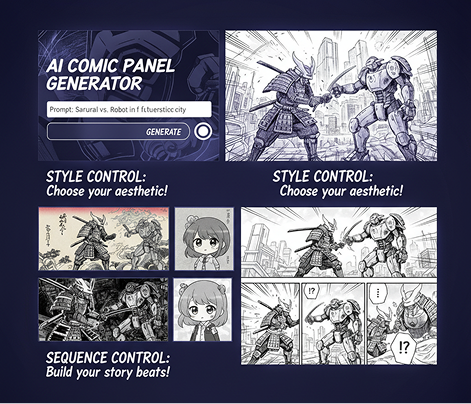
Generate comic panels online in seconds — without limits, downloads, or complicated tools. The AI Comic Panel Generator is built for artists, writers, and creators who want to turn their stories into visually consistent comics — with precise style and sequence control in just a few clicks.

Character Sketch
Generated Image December 22, 2025 - 1_32PM.png

AI Comic Prompt

coffe1.jpg
coffe2.png
coffe4.png
coffe3.png

Supported By

image (6).png

What is an AI Comic Panel Generator?

Genre & Style Intelligence

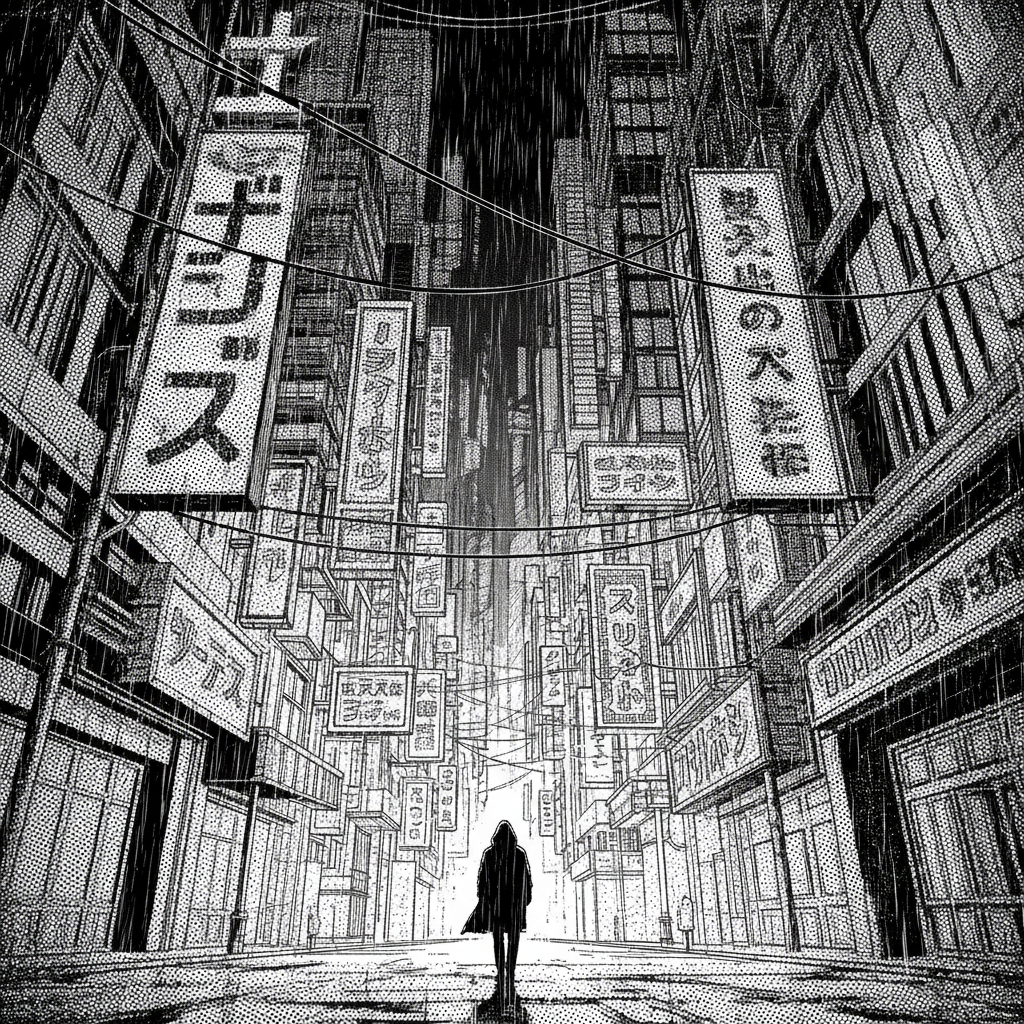
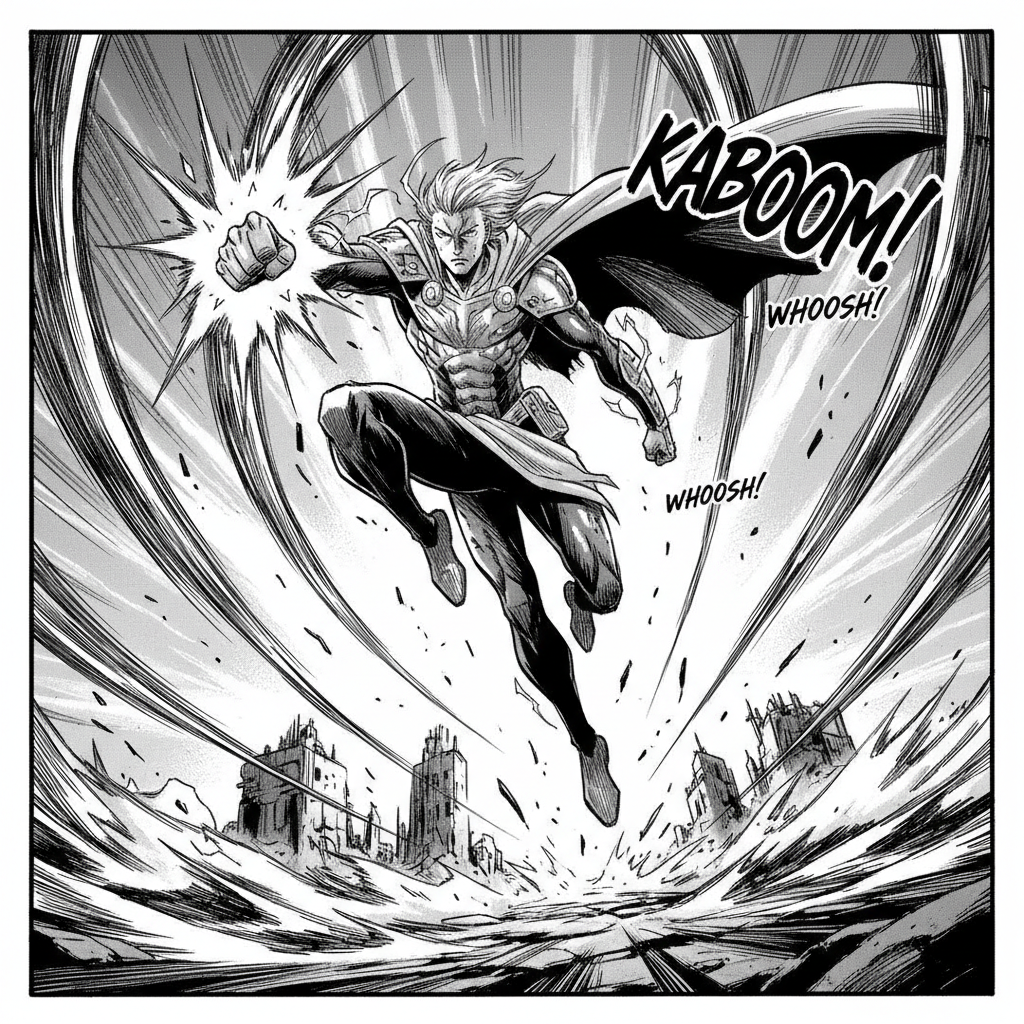
The AI understands comic genres and artistic styles. From American superhero shading to manga screentones and ligne claire, it adapts the visual language to match your story's tone.

Beyond Basic Layouts

Generate entirely new, dynamic panel compositions. Unlike static templates, each panel is crafted from scratch based on your narrative direction, with control over perspective, focus, and flow.

Full Creative Ownership

You own the artwork. Use it for webcomics, print publications, merchandise, and social media without copyright restrictions or licensing limitations.

Why should you use the AI Comic Panel Generator?

Print & Digital Ready

Export panels at high resolution for both web and print publishing, ensuring quality for platforms like Webtoon, print-on-demand services, and social media.

Edit Instantly

Adjust compositions, change character expressions, add effects, or modify dialogue placement with a single click—no need for complex layering software.

No Software Required

Everything runs smoothly in your browser. Save your comic projects to the cloud and access or continue your work from any device.

Platform Optimized

Generate panels in formats optimized for vertical scrolling comics (Webtoon), traditional page layouts, or social media snippets with built-in presets.

From scattered sketches to cohesive comic pages

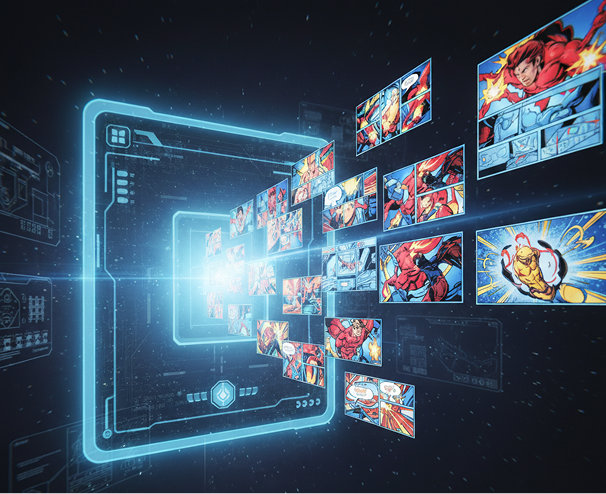
Stop the inconsistency in your visual storytelling. Turn your script or story idea into a complete, professionally styled comic page in seconds. Design, sequence, and render panels with AI. Build a strong, engaging comic for any genre—without artistic bottlenecks.

Generated Image January 10, 2026 - 5_43PM 1.png
Problem

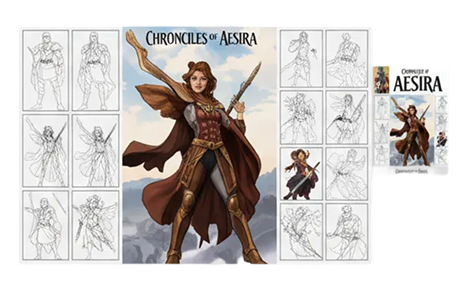
A consistent visual narrative across all your panels

A comic that looks disjointed. When panels for different pages or episodes are created separately or by different artists, the visual storytelling becomes fragmented. Character proportions, inking styles, screentone patterns, and color palettes don’t match, making your story look unprofessional and hard to follow. This weakens reader immersion and reduces engagement.

Solution

The AI assistant that masters your artistic vision. Upload your script, storyboard, or visual references. Our AI becomes your visual storytelling director, automatically applying your chosen style and narrative flow to generate each panel. Every page will be 100% aligned with your comic’s unique voice and aesthetic.
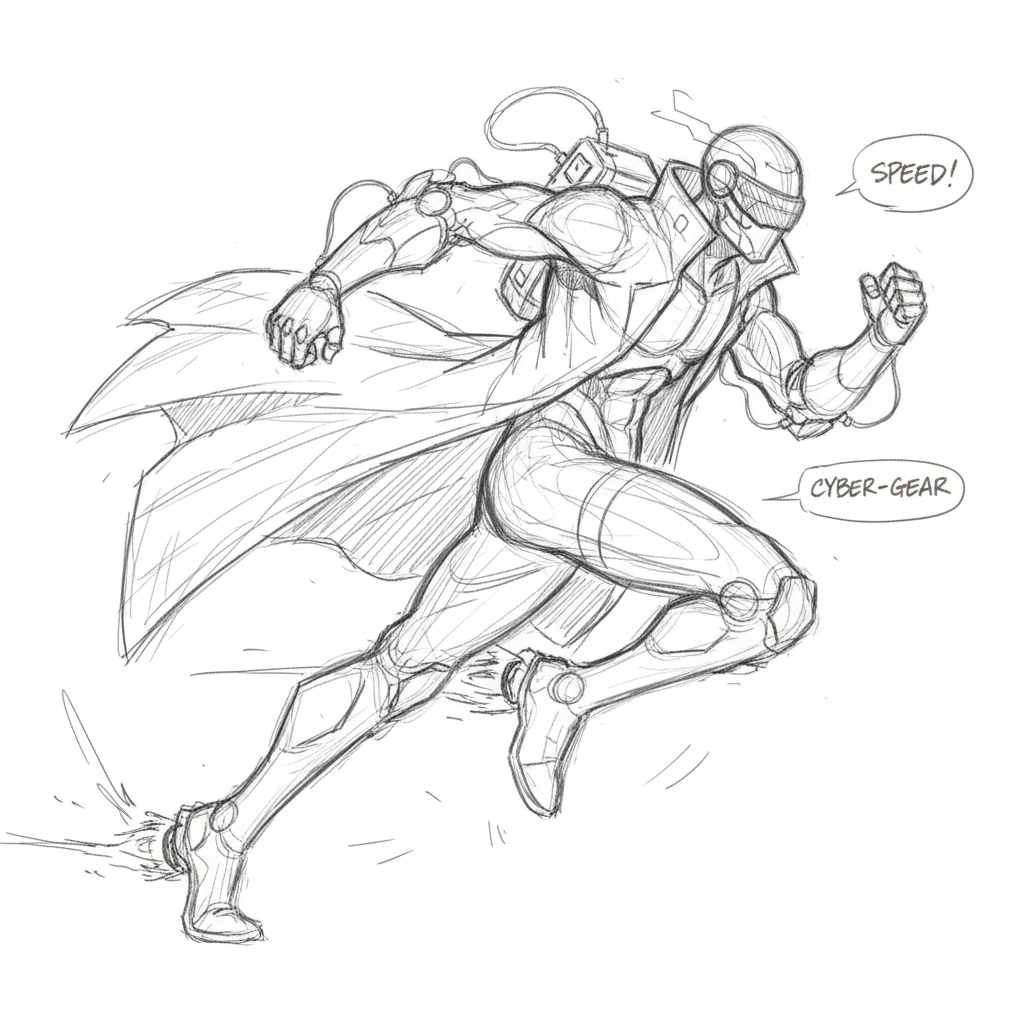
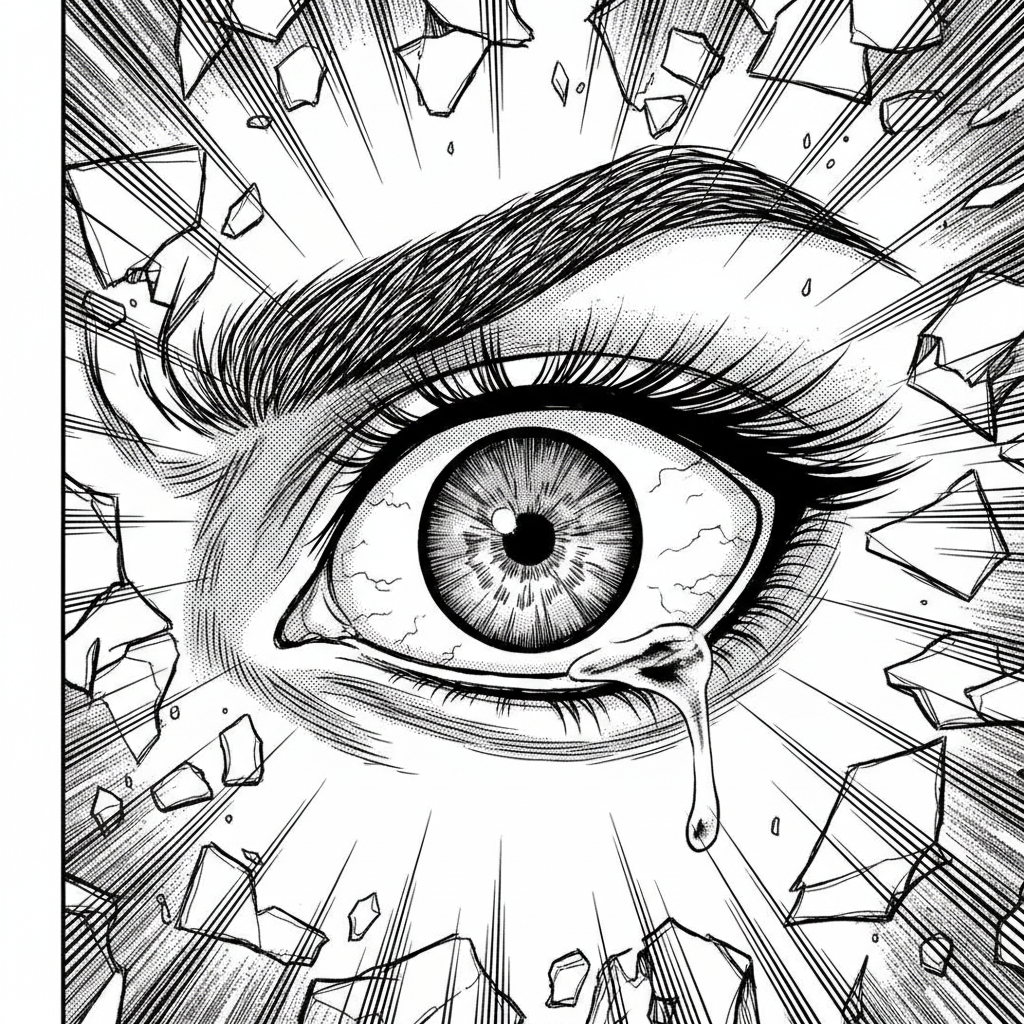
Problem

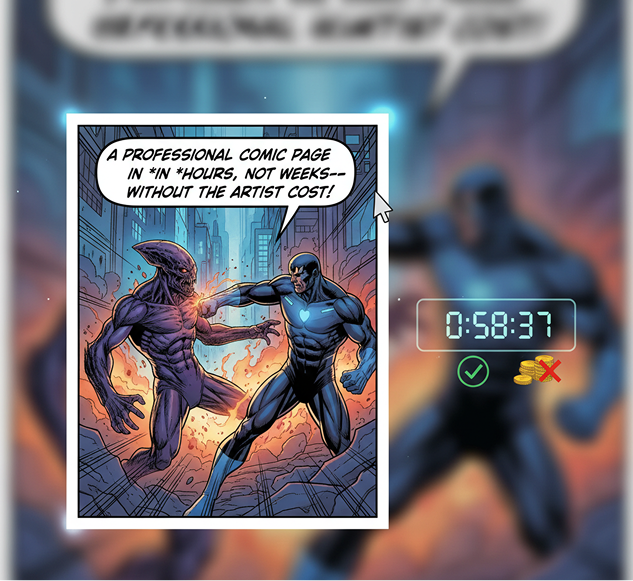
A professional comic page in hours, not weeks—without the artist cost

Commissioning custom comic art is often slow and expensive. Hiring an illustrator requires a significant budget and time for revisions. Using stock assets or inconsistent freelance artists leads to a patchwork visual experience. Manually drawing and inking a full comic page demands advanced skills and countless hours. Creating a cohesive multi-page story becomes a prolonged, costly endeavor.

Solution

A professional comic studio in your browser. For free. Create beautiful, production-ready comic pages from your ideas in minutes—not weeks. Our tool reduces the cost of comic creation to zero, preserving your creative energy and project timeline.

Generated Image January 10, 2026 - 5_47PM 1.png
Generated Image January 10, 2026 - 5_57PM 1.png
Problem

Fresh, dynamic panel layouts that stay true to your style

Creative repetition limits narrative impact. How do you continuously create new pages that feel fresh but still belong to your story’s world? Reusing the same panel layouts and angles leads to visual monotony and lost dramatic tension. You need innovative storytelling techniques that expand your visual language while staying recognizable.

Solution

AI as your creative co-writer and storyboard artist. Generate hundreds of panel variations from a single scene—from adjusting composition and perspective to experimenting with pacing, focus, and emotional tone. This tool becomes your endless source of narrative inspiration, helping you build a rich, compelling comic that captivates readers—always on-style, always original.

How to create comic panels

Crafting a comic page doesn't need to be hard or complicated. Here’s a quick guide to get you started.

Generated Image January 10, 2026 - 6_04PM 1.png
1

Set your scene

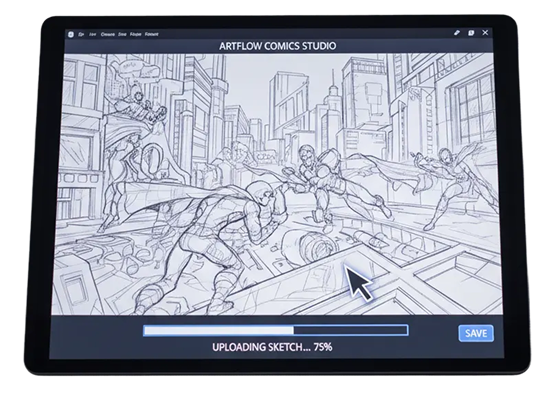
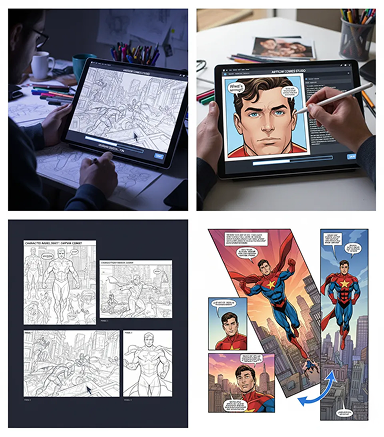
Upload a script snippet, a rough storyboard, or a character reference. If you need help describing the action, use our built-in narrative prompt assistant.

Generated Image January 10, 2026 - 6_11PM 1.png
2

Choose a style and compose

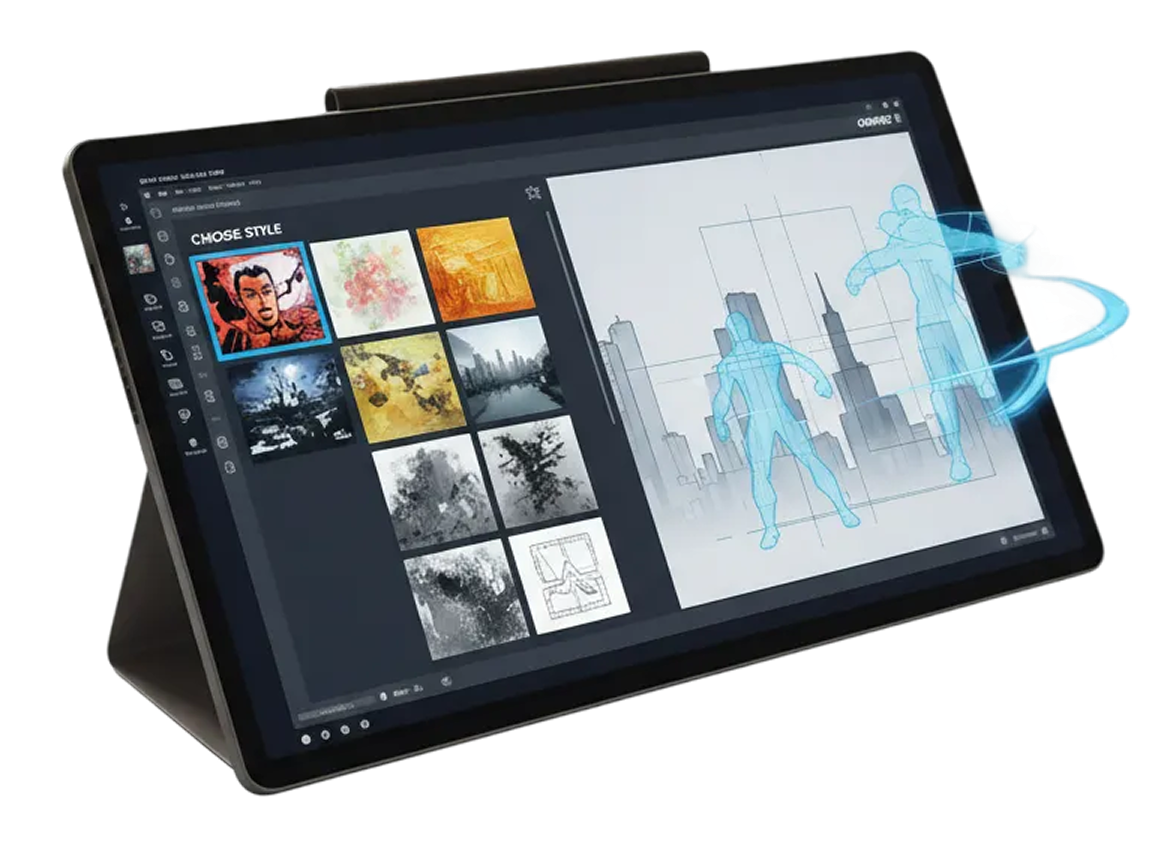
Select from visual styles like manga, western comics, graphic novel, or webtoon. Adjust panel layout, character focus, perspective, and inking style with simple controls. Regenerate variations or refine details until the sequence flows perfectly.

Generated Image January 10, 2026 - 6_21PM 1.png
3

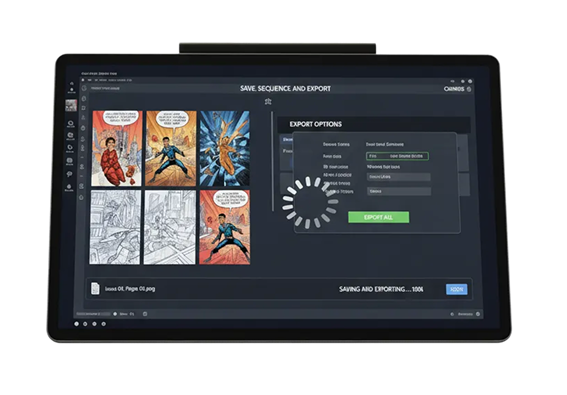
Save, sequence, and export

See your page come together in real time, undo any changes instantly, then download your comic panels individually or as a complete page—formatted for print, web, or social media.

Where can you use the AI Comic Panel Generator?

Whether you're creating a webcomic, developing a graphic novel, or producing story-driven content—the applications are limitless. The AI Comic Panel Generator adapts to your creative process, whether you're outlining a new series or producing final pages for publication.

  • ✦ Web Publishing: Generate formatted pages for webcomics and manga on platforms like Webtoon and Tapas.
  • ✦ Print & Digital Publishing: Create professional layouts for graphic novels and books in both print and digital formats.
  • ✦ Marketing & Social Content: Design engaging comic-style assets for social media, ads, and video platforms.
  • ✦ Creative & Professional Projects: Produce art for games, educational materials, and personal projects, including fan works.
Generated Image January 10, 2026 - 4_34PM 1.png

Tips for achieving the best results

Small refinements can significantly enhance your comic's visual flow and storytelling impact. These tips will help you maintain clarity and consistency while elevating your narrative.

  • ✦ Craft a Clear Script: Use detailed descriptions of action, emotion, and dialogue to precisely guide the AI’s visual creation.
  • ✦ Maintain Character Consistency: Use reference sheets or uniform descriptions to keep characters visually coherent across all panels.
  • ✦ Vary Panel Layouts: Experiment with compositions like close-ups, wide shots, and dynamic angles to improve pacing and narrative impact.
  • ✦ Ensure Visual Flow and Page Cohesion: Arrange panels to guide the reader’s eye naturally and review full pages for overall readability and harmony.
Generated Image January 10, 2026 - 6_34PM 1.png

How to download and edit your comic pages

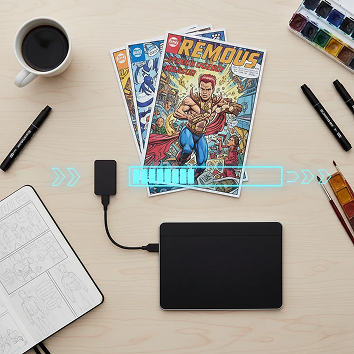
Exporting your finished comic pages is simple and adaptable. You retain full control over format, resolution, and final adjustments—and can return to edit anytime without losing your work.

  • ✦ Apply final touches using real-time editing tools before exporting.
  • ✦ Download as high-resolution PNG or JPG, with options for transparent backgrounds or print-ready PDFs.
  • ✦ Export multiple formats at once—single panels, full pages, or social media–optimized crops.
  • ✦ Save your project files to revisit, edit, or generate new variations later—all revisions are preserved and reversible.
Generated Image January 10, 2026 - 6_43PM 1.png

Client Reviews

★★★★★

"A total game-changer for our indie comic studio!"

"Our small team used to struggle with keeping art consistent across issues. Now we can produce whole pages with the same style and flow in a fraction of the time. The sequence control is brilliant."

Kenji
★★★★★

"Perfect for webcomic creators on a tight schedule."

"I post weekly, and this tool lets me keep up without burning out. I can focus on story, and the AI handles the visual pacing and panel composition. My readers love the professional look."

Tanya
★★★★★

"The best thing for manga artists since digital ink."

"I can rough out a fight scene and watch the AI turn it into dynamic, action-packed panels with perfect motion lines. It understands shōnen and shōjo styles intuitively."

Riko
★★★★★

"Super intuitive once you get the hang of it!"

"The layout controls felt new at first, but after 10 minutes of playing around, everything clicked. Now I can storyboard and render a whole page in under an hour."

Elena
★★★★★

"Revolutionized how I pitch graphic novel ideas."

"I used to show publishers messy thumbnails. Now I deliver full, styled sample pages that look print-ready. It’s helped me secure two book deals already."

Amy
★★★★★

"Saved my solo project from creative gridlock."

"I was stuck redrawing panels for days. This generator gave me fresh layouts and kept my characters on-model throughout. It’s like having a co-artist who never sleeps."

Gela
+

Best AI Tools All in One Place

Image_moto.png
OpenAI_logo.svg
GPT Image AI image generation & editing
Sora 2 Cinematic video generation
Image_tort.png
Google_2015_logo 1.svg
Imagen 4 Ultra-sharp images
Gemini 2.5 / 3.0 Multimodal generation & editing
Veo 3.1 Fast video + motion consistency
Image_girl.png
Logo_runway.svg
Gen 4 Best for consistent characters & video frame generations
Aleph Video editing & effects
Image_coffe.png
Midjorny.svg
MidJourney Image generation & variations
Upscale / Outpaint / Pan Advanced editing tools
Image_vert.png
Logo_hailuo.svg
Hailuo 2 Pro High-quality video animation
Image_train.png
Logo_king.svg
Kling 2.5 v1, v1.5, v1.6, v2 video generation
+

Explore similar use cases

AI Creature Generator

Design fantasy or sci-fi creatures for concept art and games

AI Environment Concept Generator

Create stylized landscapes, cityscapes, or fantasy worlds

AI Sketch to Art Generator

Transform rough drawings into full illustrations with AI

AI Watercolor Illustration Generator

Generate artwork in watercolor aesthetic from text or sketches

+

FAQs

Answers to common questions about using Phygital+ and generating assets.

How does Phygital+ solve the biggest challenge in AI comics: character consistency across panels?

Can I define a specific art style for my entire comic, like a classic manga or a gritty noir look?

I need a specific shot, like a low-angle view of a character jumping. How can I control the "camera angle" and character pose?
What is the most efficient workflow in Phygital+ for turning a script into a full comic page?
How do I maintain a consistent background or location when my characters move through it across multiple panels?

Is it possible to place two of my consistent characters in the same panel and have them interact?

Start for free

Create logos, roadmaps, and brand visuals in one place.