Free AI Business Card Generator

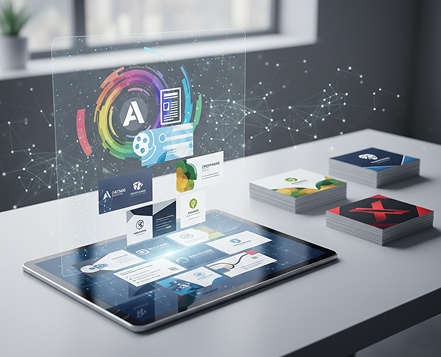
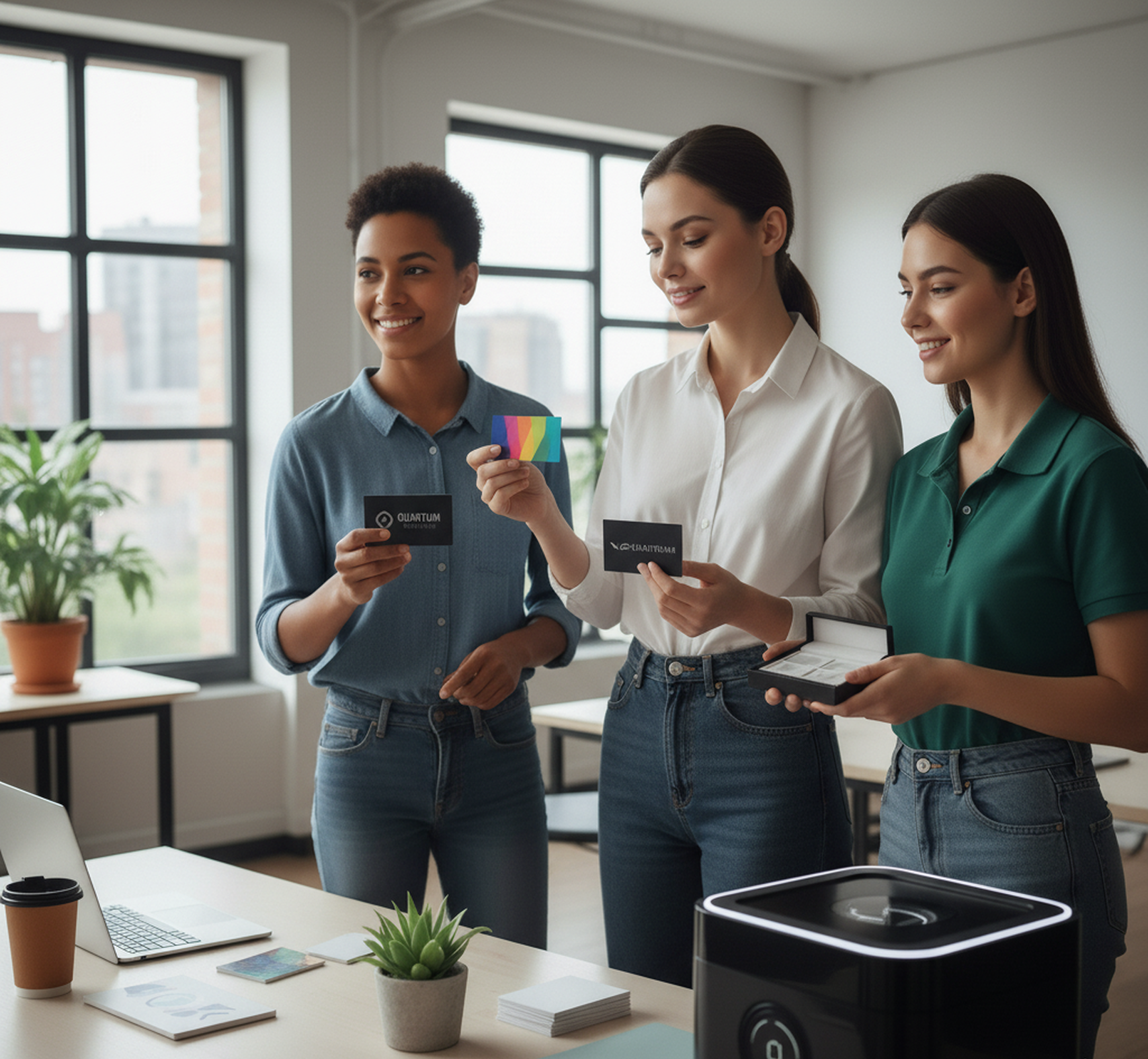
Create on-brand business cards online in seconds — without limits, downloads, or complicated design tools. The AI Business Card Generator is built for professionals, entrepreneurs, and teams who need perfectly branded, print-ready cards — designed automatically with your logo, colors, and style in just a few clicks.

New Project
Brand Assets
Design Prompt
"Modern, minimalist business card for a Creative Director. Violet accents."
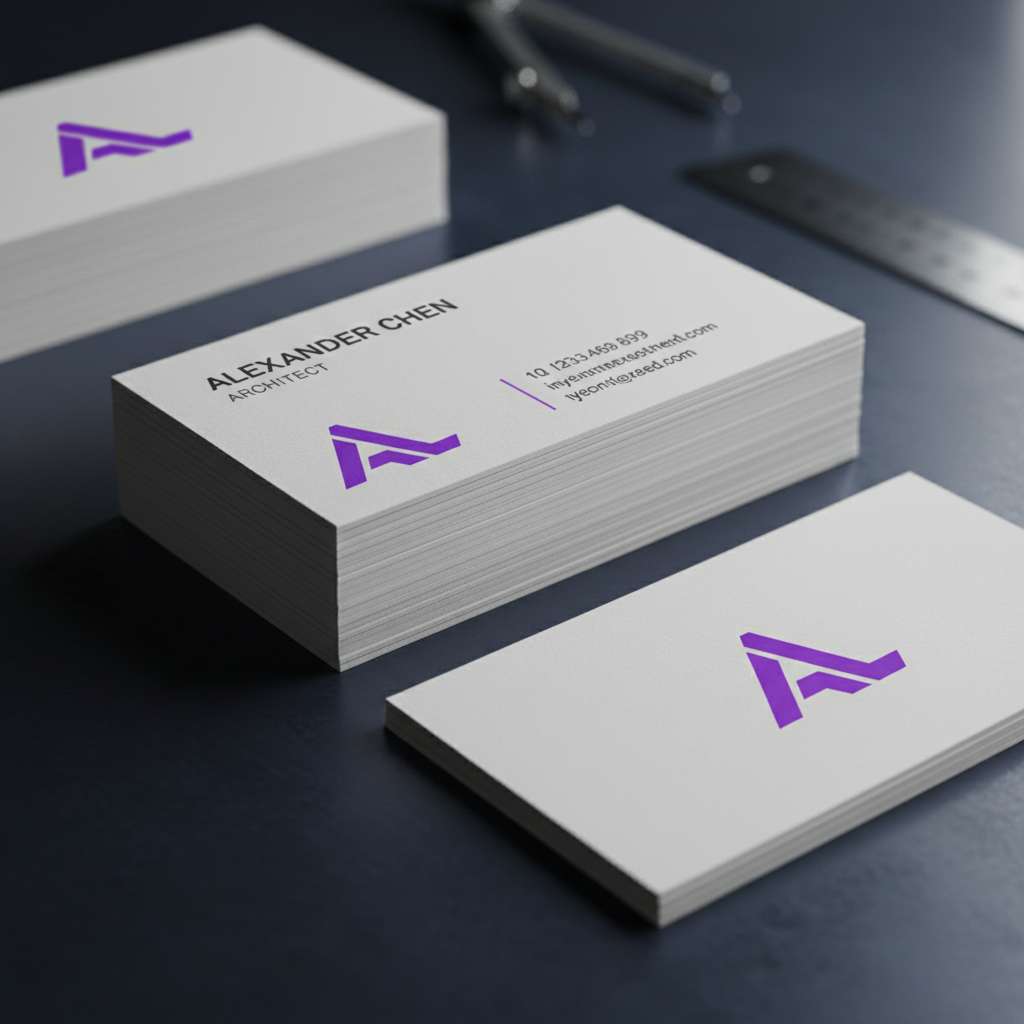
Generated Image December 22, 2025 - 3_55PM 1.png
Supported Byimage (6).png

What is an AI Business Card Generator?

Intelligent Brand Consistency

The AI engine analyzes your uploaded logo and brand guidelines to lock in colors, typography, and layout rules. No more manual adjustments or off-brand variations between prints.

Beyond Basic Templates

You can fine-tune spacing, adjust color balance, enhance readability, and perfect alignment—all with pixel-perfect precision and professional polish.

For Modern Professionals

Whether you're an entrepreneur, freelancer, or part of a growing team, this tool ensures every card you create—and reorder—stays visually consistent and unmistakably yours.

Why should you use the AI Business Card Generator?

Print-Ready Quality

Export high-resolution files at 300 DPI, meeting all professional print standards for sharp, crisp results every time.

Edit Instantly

Update contact details, adjust layout, swap colors, or refine typography in one click. No complex design software or layers needed.

No Software Required

Everything works seamlessly in your browser. Save your projects securely in the cloud and access them from any device, anytime.

Professionally Formatted

Pre-configured for standard sizes (US, EU, Asia) with bleed and safe zone guides, ensuring your cards look perfect when printed.

From Inconsistent to Instantly On-Brand

No more chaos in your professional materials. Go from concept to a finished, polished business card in seconds. Customize, adapt, and finalize professional card designs with AI. Build a solid, cohesive brand identity without design bottlenecks.

Generated Image January 07, 2026 - 12_43PM 1.png
Problem

A consistent professional identity across every touchpoint

A network that looks pieced together. When business cards are designed by different people, at different times, or for different roles, the brand's visual consistency is lost. Fonts, colors, logo placement, and layout styles don't match, making your company appear disjointed and unprofessional. This weakens brand recognition and erodes client trust at the very first handshake.

Solution

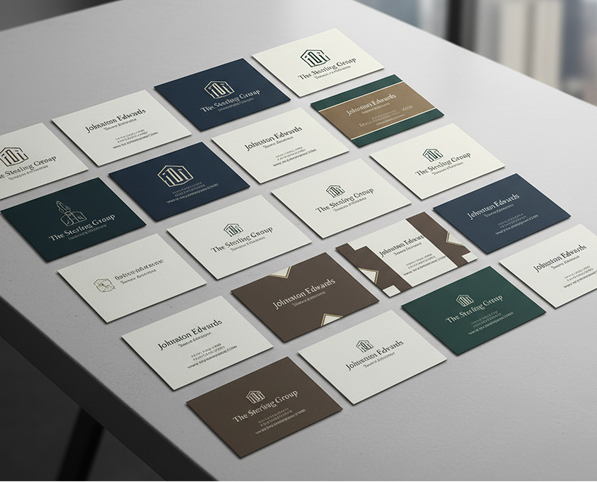
The AI designer that masters your brand. Upload your logo, brand colors, and style guide. Our AI becomes your identity manager, automatically applying your exact brand rules to every card design—for executives, teams, or departments. Each card will be 100% aligned with your brand's visual DNA.

Generated Image January 07, 2026 - 12_47PM 1.png
Problem

Professional cards in minutes, not weeks—without the agency price

Custom business card design is slow and costly. Hiring a designer or agency requires budget and lead time. Using generic online templates results in bland, off-brand cards that lack distinction. Designing cards manually in complex software is time-consuming and often yields unprofessional results. Procuring professional cards becomes a costly, drawn-out process.

Solution

An entire corporate identity studio in your browser. For free. Create sleek, print-ready, on-brand business cards in minutes—not weeks. Our tool reduces the cost of professional card design to zero, preserving your team’s time and your company’s budget.

Generated Image January 07, 2026 - 12_48PM 1.png
Problem

Fresh, professional designs that still feel like your brand

Creative stagnation in corporate identity. How do you keep business cards looking modern and professional without constantly rebranding? Reusing the same outdated template makes your company feel stagnant. You need fresh, sophisticated design options that reinforce your brand while feeling current and intentional.

Solution

AI as your in-house brand identity designer. Generate dozens of cohesive business card variations—from adjusting layout hierarchy and typography to experimenting with modern accents and finishes (matte, spot UV, minimalist). This tool becomes your creative partner, helping you maintain a professional, up-to-date image that makes a lasting impression—always on-brand, always polished.

How to design your business card

Creating a professional business card doesn't need to be hard or complicated. Here’s a quick guide to get you started.

Upload ...
1

Upload your brand identity

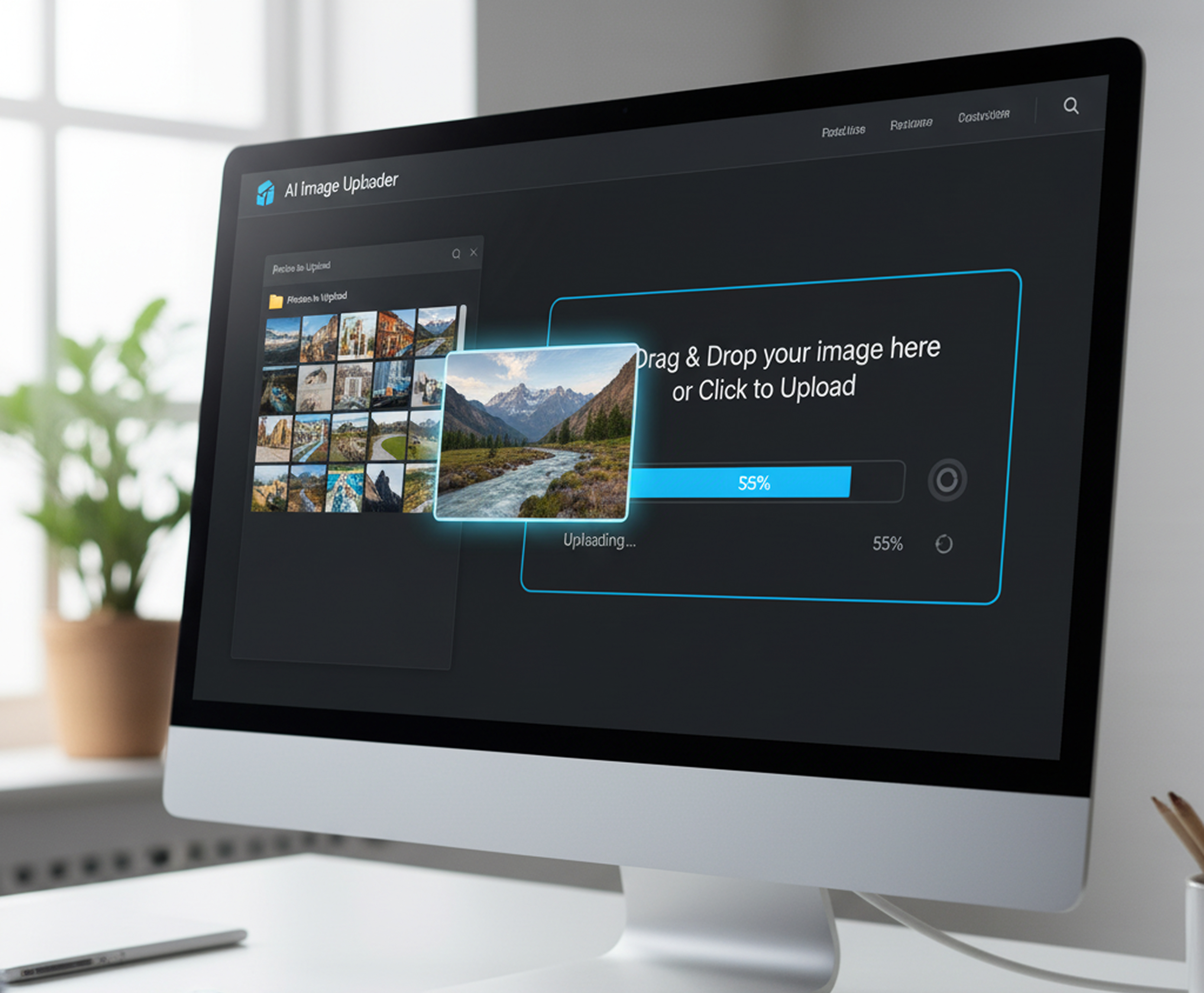
Upload your logo and select your brand colors. Enter your name, title, and contact details. If you need help with wording, use our built-in professional copy suggestions.

Generated Image January 07, 2026 - 12_52PM 1.png
2

Choose a layout and customize

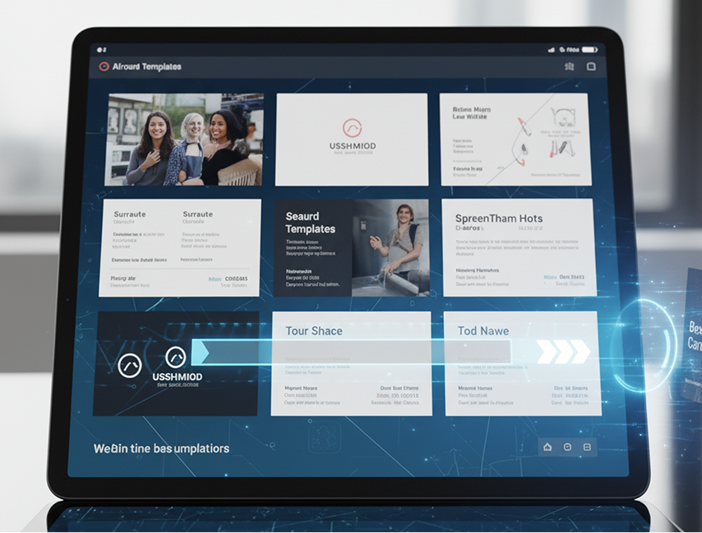
Pick from modern, classic, or minimalist templates. Adjust fonts, spacing, icon styles, and layout balance with intuitive controls. Preview changes instantly and regenerate options until it’s perfect.
3

Save, export, and order

See your design in real-time, undo any edit with one click, then download a print-ready PDF or high-resolution image. Your design is saved securely for future edits or reorders.

Where can you use the AI Business Card Generator?

Whether it's for individual professionals, team branding, or client projects—the applications are endless. The AI Business Card Generator adapts seamlessly to your workflow, whether you're building a corporate identity or designing cards for a specific event or campaign.

  • ✦ Individual Professionals – Design a personal card that perfectly reflects your personal brand and expertise.
  • ✦ Teams & Departments – Create cohesive card sets for your entire company, with consistent branding across roles.
  • ✦ Events & Conferences – Quickly produce branded cards for attendees, speakers, or sponsors.
  • ✦ Freelancers & Agencies – Deliver polished, on-brand card designs to clients without extensive design time.
Generated Image January 07, 2026 - 12_05AM 1.jpg
Placeholder image

Tips for achieving the best results

Small refinements can make a significant difference in professionalism and impact. These tips will help you create business cards that are both visually appealing and functionally effective.

  • ✦ Prioritize Readability – Ensure text is clear and legible at a small size, especially contact details and names.
  • ✦ Keep Essential Info – Include only necessary information: name, title, company, phone, email, and website.
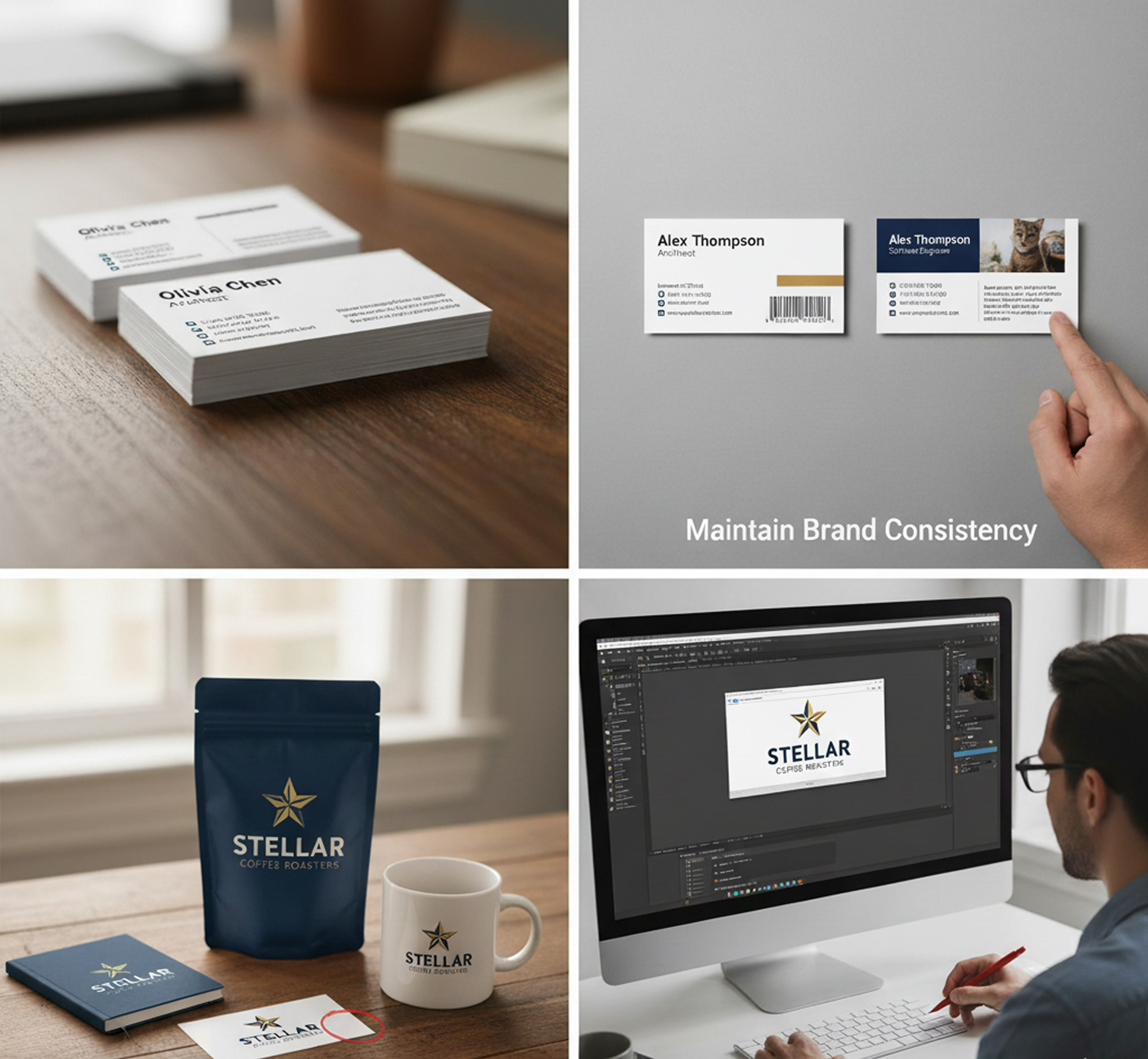
  • ✦ Maintain Brand Consistency – Use your exact brand colors and logo placement to reinforce recognition.
  • ✦ Preview Before Finalizing – Always check your design in both digital and print preview modes to catch alignment or spacing issues.
Generated Image January 07, 2026 - 1_08PM 1.jpg

How to download and use your business cards

Exporting your business card designs is straightforward and adaptable. You retain full control over format, print specifications, and final adjustments—and can return to edit your saved projects anytime.

  • ✦ Download as print-ready PDFs with bleed and crop marks, or as high-resolution PNG/JPG files for digital use.
  • ✦ Export single cards or batch files for different team members or variations.
  • ✦ Save your project to revisit, edit, or reorder later—all your designs and revisions are securely stored.
Exporting...

Client Reviews

★★★★★

“Saves our agency hours of tedious design work.”

“Creating cohesive business card sets for different clients used to take forever. Now we just upload their logo and brand colors, and the AI generates print-ready designs in minutes. The consistency is flawless.”

Sasha
★★★★★

“Finally, business cards that don’t look generic.”

“As a freelancer, my card is my first impression. This tool let me create something that actually felt like me — clean, modern, and totally on-brand. Clients have even complimented the design!”

Nik
★★★★★

“Perfect for teams that need to scale quickly.”

“We hired five new people last month. Instead of ordering mismatched cards or waiting on a designer, we generated a full set in our brand style in under 15 minutes. Huge time-saver.”

Jordan
★★★★★

“So intuitive I didn’t even need instructions.”

“I’m not a designer, but I needed professional cards for my consultancy. The interface guided me through the whole process. The result looked like I hired a boutique design firm.”

Lena
★★★★★

“Turned a branding headache into a seamless process.”

“Our old business cards were all over the place visually. With this generator, we finally have one unified system. Even our remote team members can create perfectly on-brand cards themselves.”

David
★★★★★

“Great tool as soon as you get used to it!”

“The layout options felt new at first, but after about 10 minutes of exploring, everything clicked. Now I can create and update professional business cards for our team faster than scheduling a meeting.”

Lisa

Best AI Tools All in One Place

Placeholder image

GPT Image

AI image generation & editing

Sora 2

Cinematic video generation

Google_2015_logo 1.svg

Imagen 4

Ultra-sharp images

Gemini 2.5 / 3.0

Multimodal generation & editing

Veo 3.1

Fast video + motion consistency

Logo_runway.svg

Gen 4

Best for consistent characters & video frame generations

Aleph

Video editing & effects

Midjorny.svg

MidJourney

Image generation & variations

Upscale / Outpaint / Pan

Advanced editing tools

Logo_hailuo.svg

Hailuo 2 Pro

High-quality video animation

Logo_king.svg

Kling 2.5

v1, v1.5, v1.6, v2 video generation

Explore similar use cases

AI Pattern Generator

Seamless, tileable patterns for branding, textiles, and backgrounds

AI Image Upscaler (4K/8K)

Upscale images for print or HD usage instantly

AI Brandbook Generator

Create brand style guides and assets from a single prompt

AI Brand Asset Generator

Generate brand-aligned icons, visuals, and layouts with AI

FAQs

Answers to common questions about using Phygital+ and editing infographics with AI.

How does the AI Business Card Generator ensure every card is perfectly on-brand?

-
The Phygital+ AI Business Card Generator connects directly to your central brandbook within the platform. It automatically pulls your approved logo, color palette, and typography, and then uses AI to generate a variety of professional layouts. This automation ensures every card is 100% compliant with your brand guidelines without any manual design work.

Can I generate business cards for my entire team at once, each with unique information?

+

What if I'm not a designer? Can I still create a professional business card?

+

How does Phygital+ create unique designs instead of just using generic templates?

+

Are the business cards generated by Phygital+ ready for professional printing?

+

How do I update my team's business cards if our company branding changes?

+

Start for free

Create logos, mockups, and brand visuals in one place.

New
100%