Gen 4
Best for consistent characters & video frame generations
Aleph
Video editing & effects
Create custom apparel mockups online in seconds — without limits, downloads, or complicated software. The AI Apparel Mockup Generator is built for brands, designers, and entrepreneurs who need professional-quality t-shirt, hoodie, and dress mockups from a simple idea.

Oversized fit, 220 GSM Cotton

The AI understands apparel types and textiles. From soft cotton t-shirts and heavyweight hoodies to flowing silk dresses, it realistically adapts print placement, fabric texture, and draping to match your design.
Generate entirely new, realistic mockups. Unlike flat graphic templates, every shadow, fold, and texture is rendered from scratch based on your unique design and garment specifications.
You own the generated mockups. Use them for e-commerce, marketing campaigns, crowdfunding, and production-ready presentations without copyright concerns or licensing fees.
Export print-ready mockups at up to 300 DPI or higher, meeting professional requirements for e-commerce, product catalogs, and large-format marketing materials.
Change garment colors, swap fabrics, adjust print sizes, or reposition designs in a click—no complex 3D software or layering expertise needed.
Everything runs in your browser. Save mockup projects securely and access them from any device, anywhere.
Download mockups in pre-set formats optimized for Shopify, Amazon, Instagram, and print-on-demand services—ready to upload and sell.
Stop the design clutter. Go from a simple graphic to a realistic, market-ready apparel mockup in seconds. Visualize, adapt, and showcase your designs on garments with AI. Build a compelling and consistent product presentation for your brand—without creative bottlenecks.
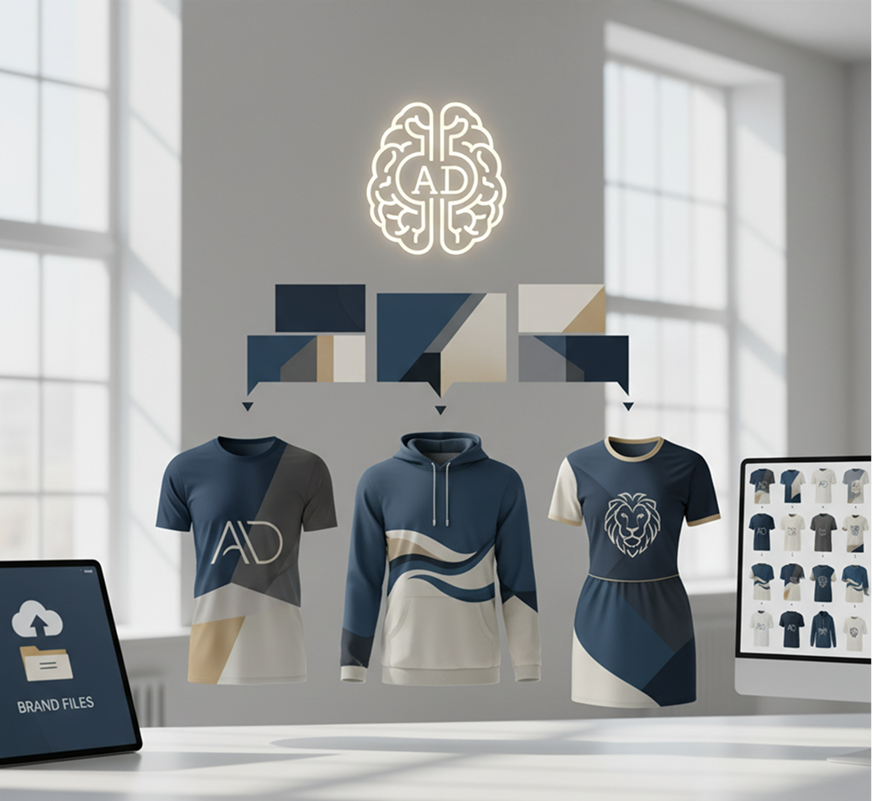
A product line that looks disjointed and unprofessional. When mockups for different items are created using varying tools, styles, or lighting, the overall collection feels fragmented. Colors, fabric textures, shadow quality, and model poses don't harmonize, making the brand look inconsistent and amateurish. This erodes customer trust and weakens your market appeal.
The AI Designer That Understands Your Brand Aesthetic. Upload your brand guidelines, logo, or design files. Our AI becomes your product visualization assistant, automatically applying your visual identity to generate cohesive mockups across all apparel—t-shirts, hoodies, dresses. Every mockup will be 100% aligned with your brand's professional standards.
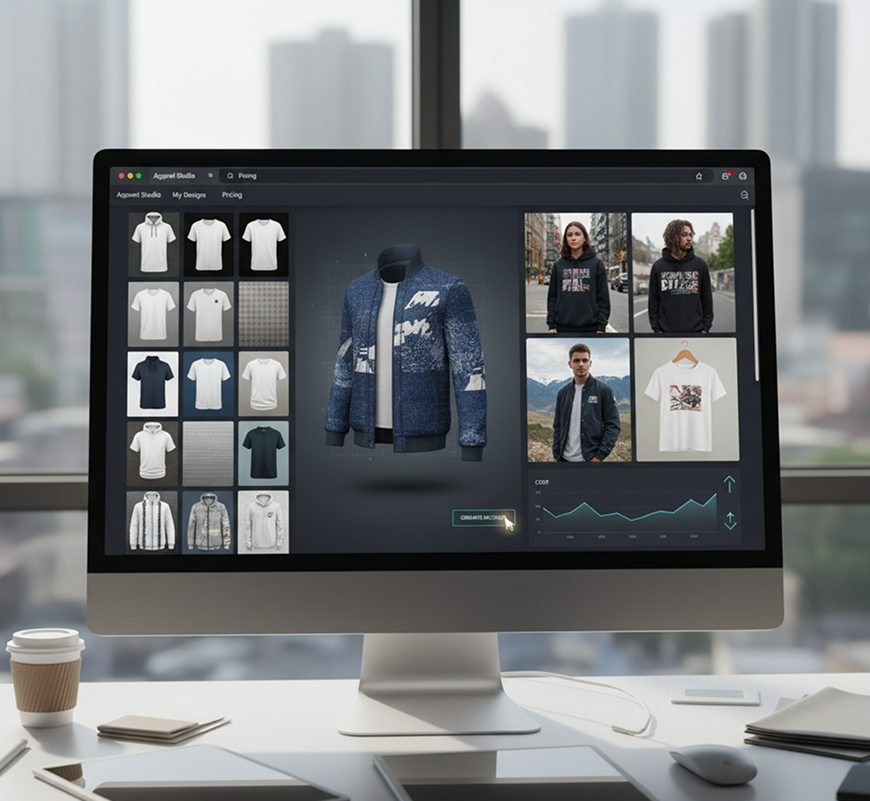
Professional apparel mockup creation is often slow and resource-intensive. Hiring a designer or purchasing expensive 3D software requires significant budget and training. Using generic, overused templates yields uninspired results. Creating realistic mockups manually is a complex, multi-step process. Launching a polished product line becomes a delayed, costly endeavor.
A Professional Apparel Studio in Your Browser. Create stunning, hyper-realistic product mockups in minutes—not months. Our tool dramatically reduces the cost of high-quality visualization, preserving your production budget and accelerating your time to market.
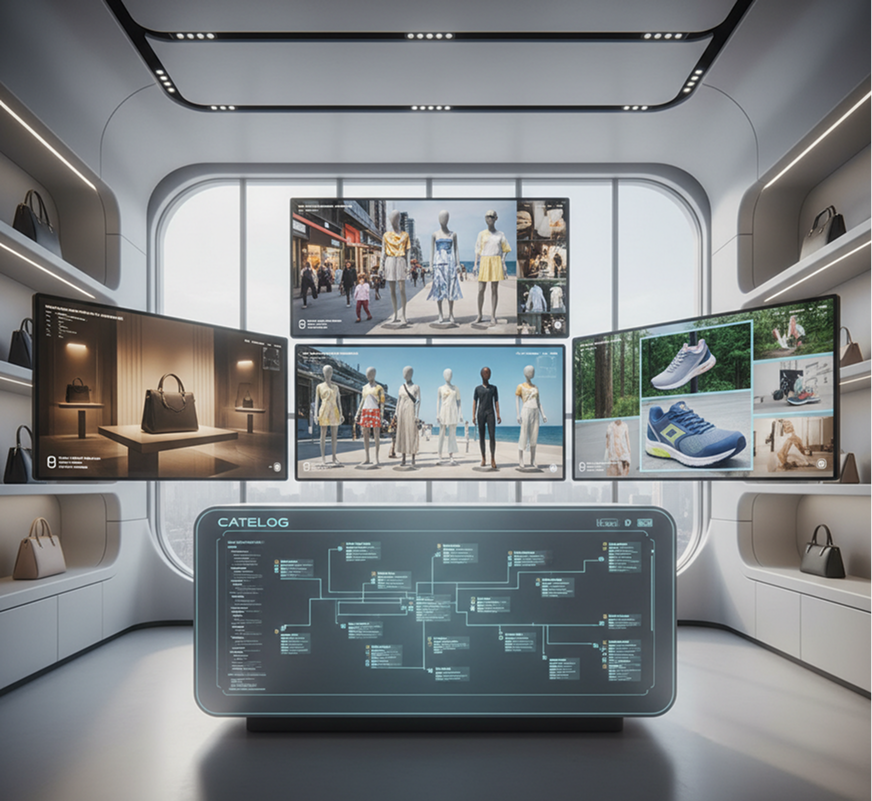
Creative repetition in presentation leads to stagnation. How do you continuously generate new, engaging mockup styles that feel fresh but still fit within your brand's identity? Reusing the same angles and settings makes your products look predictable and dated. You need innovative, yet professional, visualizations that capture attention while staying true to your brand.
AI as Your In-House Visual Merchandiser. Generate hundreds of cohesive mockup variations—from adjusting lighting and backgrounds to experimenting with model diversity, contexts, and lifestyle settings. This tool becomes your endless source of presentation ideas, helping you build a rich, scalable visual catalog that highlights your products perfectly—always on-brand, always compelling.
Designing a professional product mockup doesn't need to be hard or complicated. Here’s a quick guide to get you started.
Upload your logo, artwork, or text design. Choose a garment type—t-shirt, hoodie, dress. If you need design inspiration, use our built-in prompt assistant.
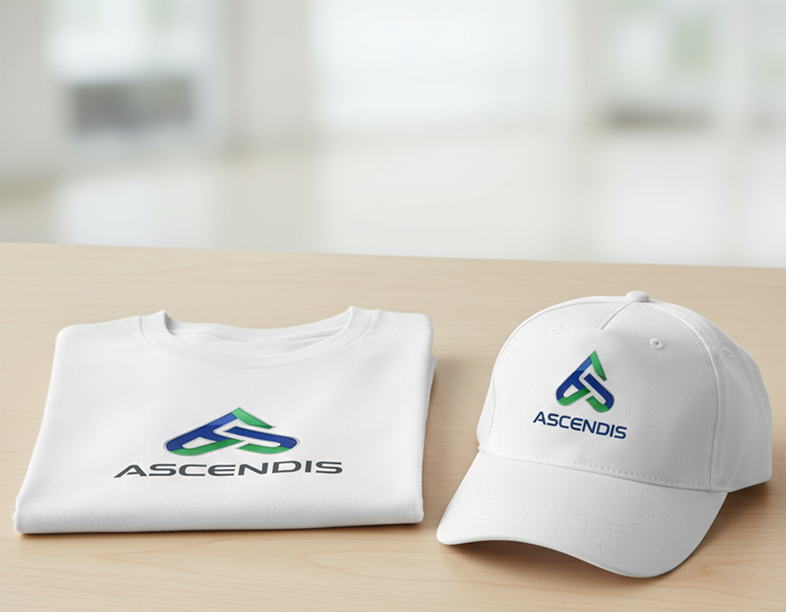
Select a mockup style: flat lay, model wear, or lifestyle scene. Adjust garment color, fabric texture, lighting, and print placement in real time. Regenerate variations or fine‑tune details until it’s perfect.
Preview your mockup in high resolution, undo any changes instantly, then download your final image as a print‑ready file (PNG, JPG) ready for your online store, marketing materials, or production.
The AI Apparel Mockup Generator adapts to your brand development and sales workflow.
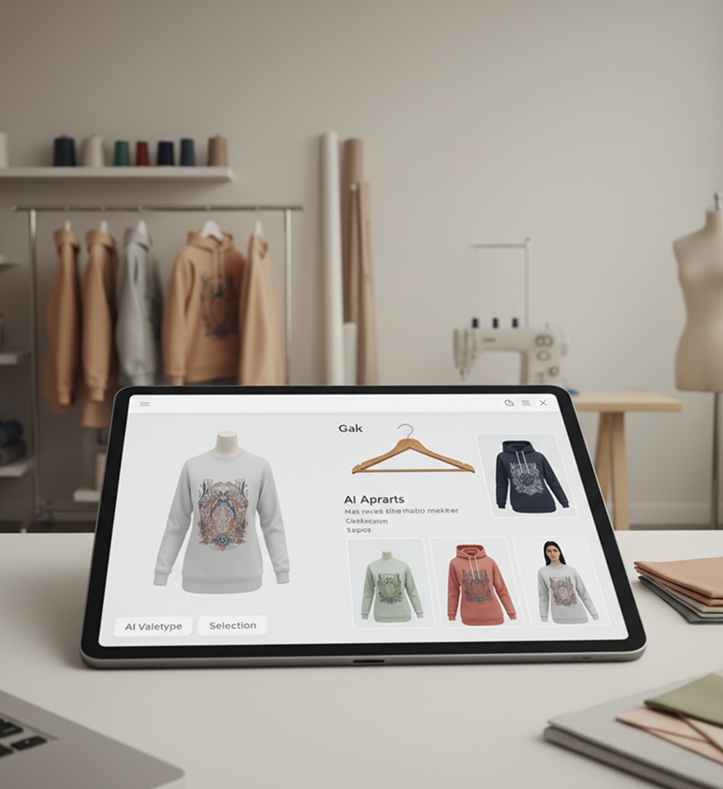
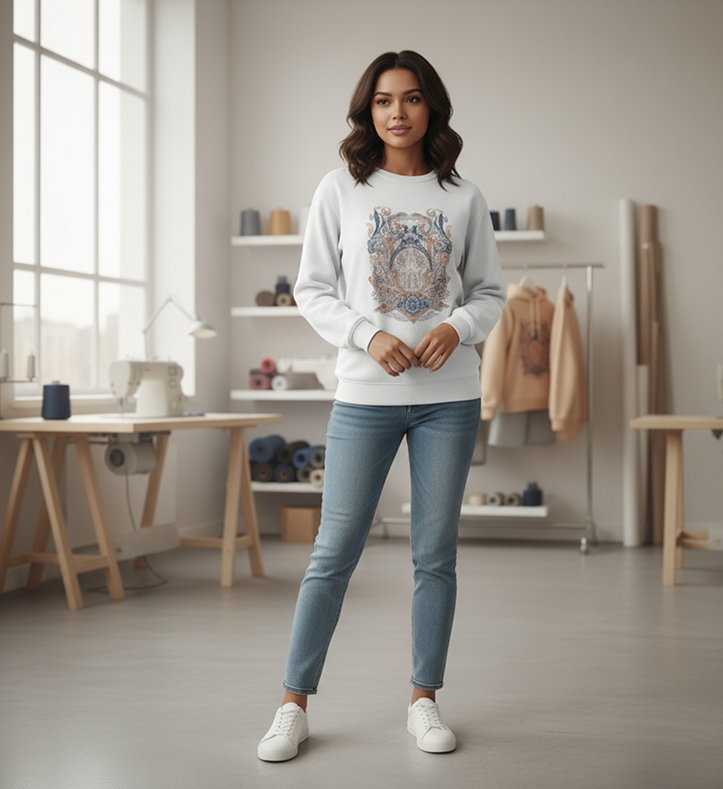
Refine your mockups with attention to realism and brand alignment.
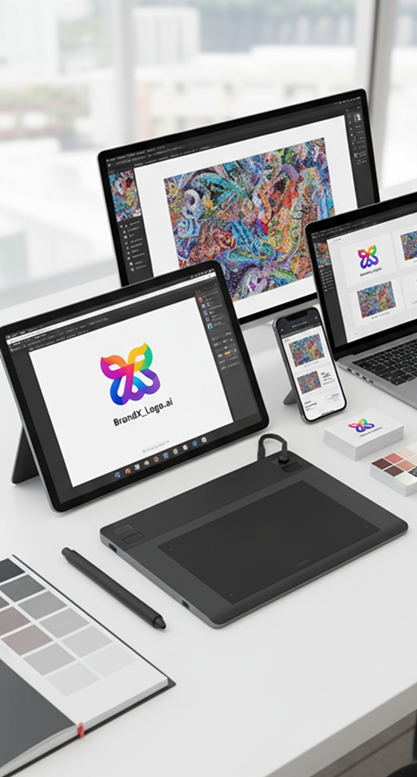
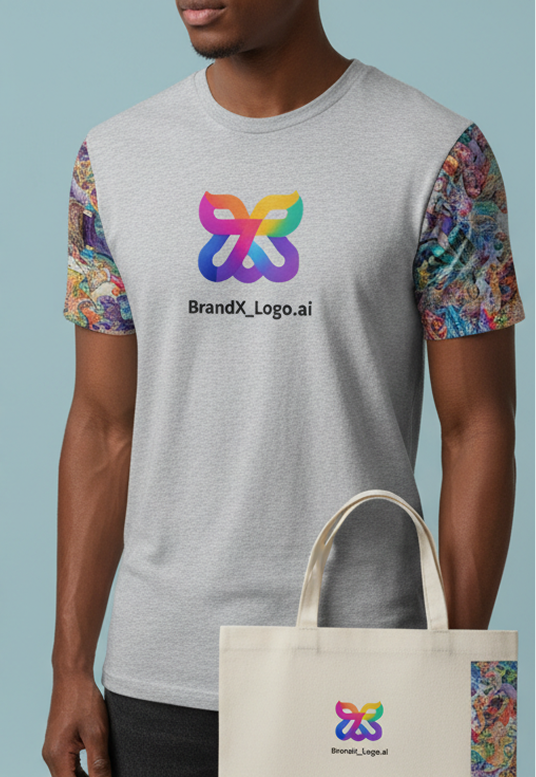
Export print-ready or web-optimized files with full creative control.
"The interface felt new at first, but after about 10 minutes of exploring, it clicked completely. Now, I can create professional mockups for my brand in minutes instead of hours."
Lily
"As a small apparel startup, we used to struggle with creating consistent, high-quality mockups. This tool lets us generate dozens of realistic product images for our online store in one sitting. It's cut our pre-launch design time by 80%."
Maria
"I'm an illustrator, and creating mockups for my online shop used to be my least favorite task. Now, I can showcase my art on t-shirts, hoodies, and tote bags realistically and effortlessly. It makes my products look professional and sellable."
Mark
"Before, I was limited to generic mockup templates that everyone else uses. Now, I can create unique, branded mockups that make my store stand out. The quality is so good, customers think it's a real photoshoot."
Alex
"We handle branding for multiple clothing lines. This generator allows us to deliver stunning, varied mockups during the concept phase without outsourcing to 3D artists. Clients are thrilled with the speed and quality."
Billy
"We used this tool to create all the product images for our Kickstarter. The realistic mockups helped backers visualize the final product perfectly, which was crucial for hitting our funding goal. Highly recommend!"
Dmitry


Ultra-sharp images
Multimodal generation & editing
Fast video + motion consistency

Best for consistent characters & video frame generations
Video editing & effects
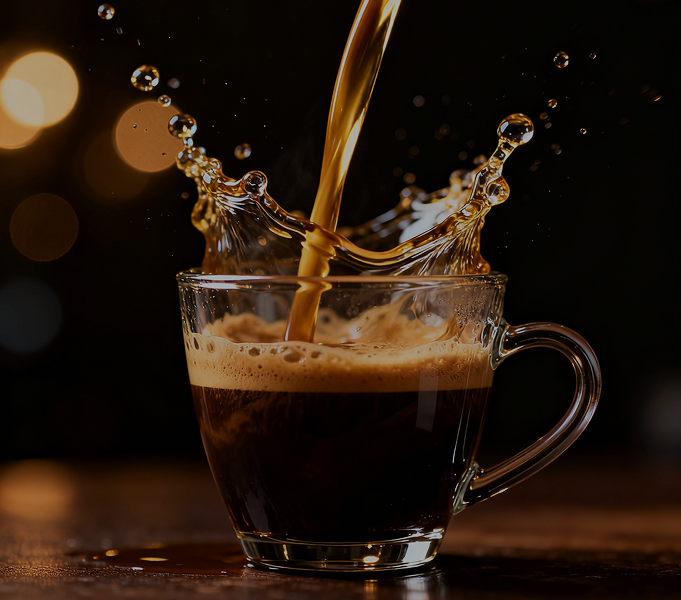

Image generation & variations
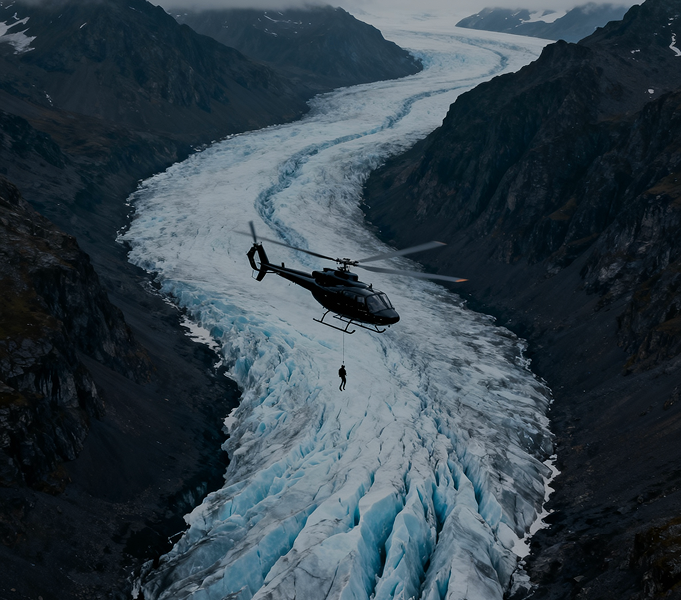

High-quality video animation


v1, v1.5, v1.6, v2 video generation
Apply your design onto packaging, apparel, and merchandise
Design product prototypes and concept renders instantly
Create exterior and facade concepts from a prompt
Invent new furniture forms and stylings with AI
Answers to common questions about using Phygital+ for brand consistency.
Create logos, roadmaps, and brand visuals in one place.