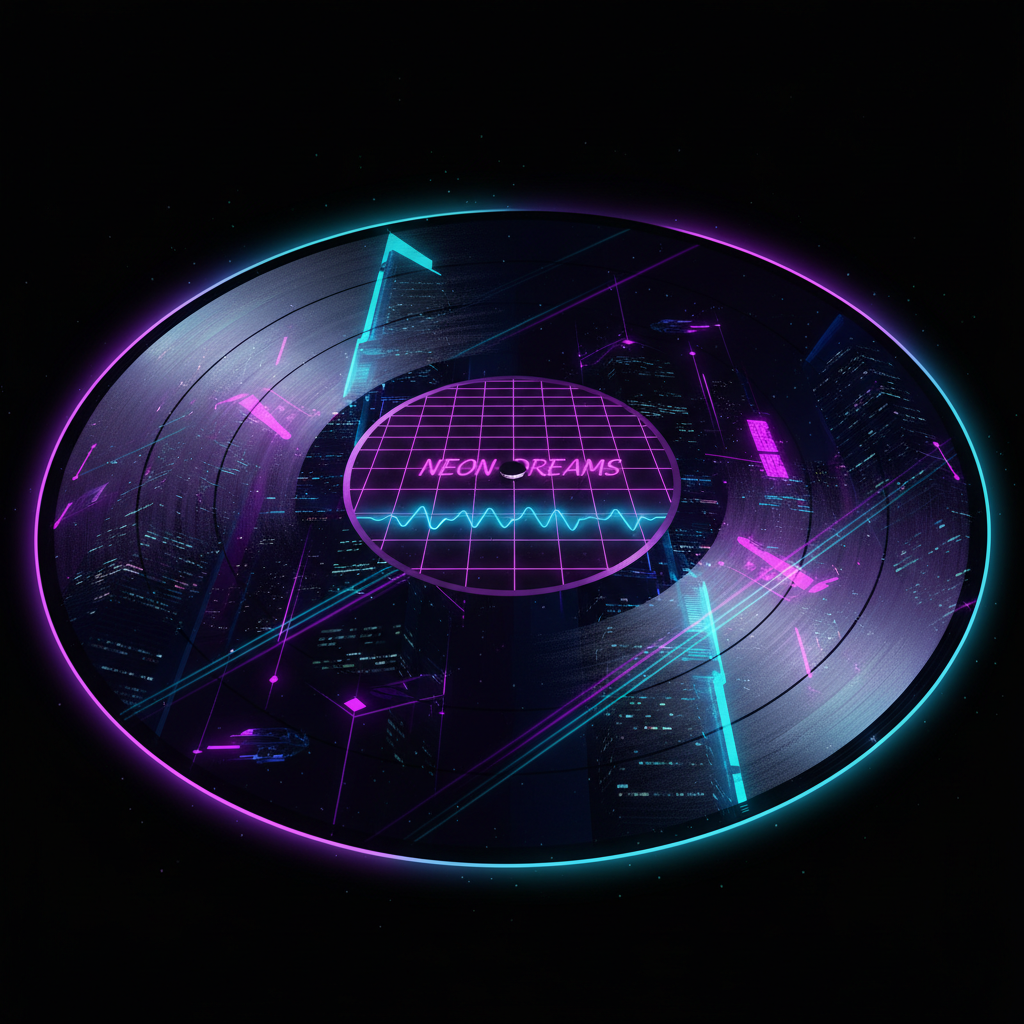
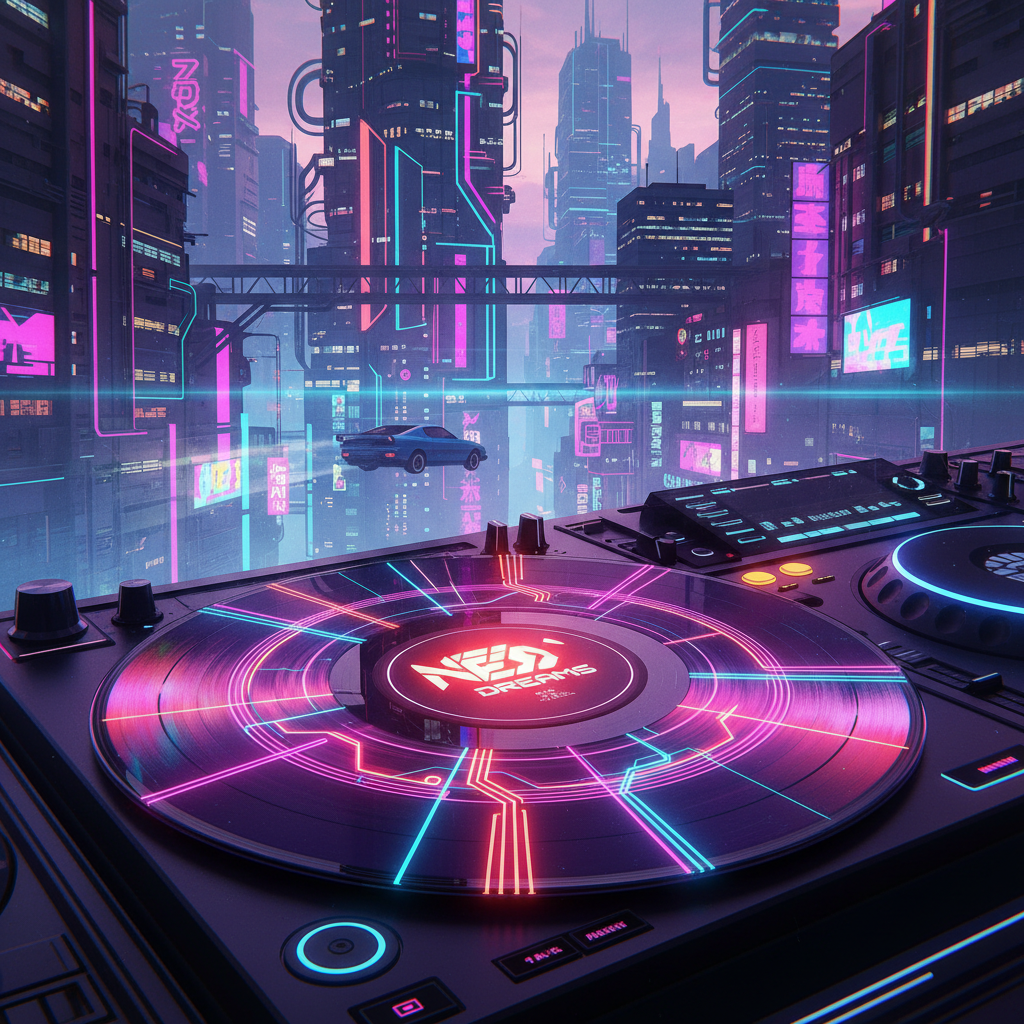
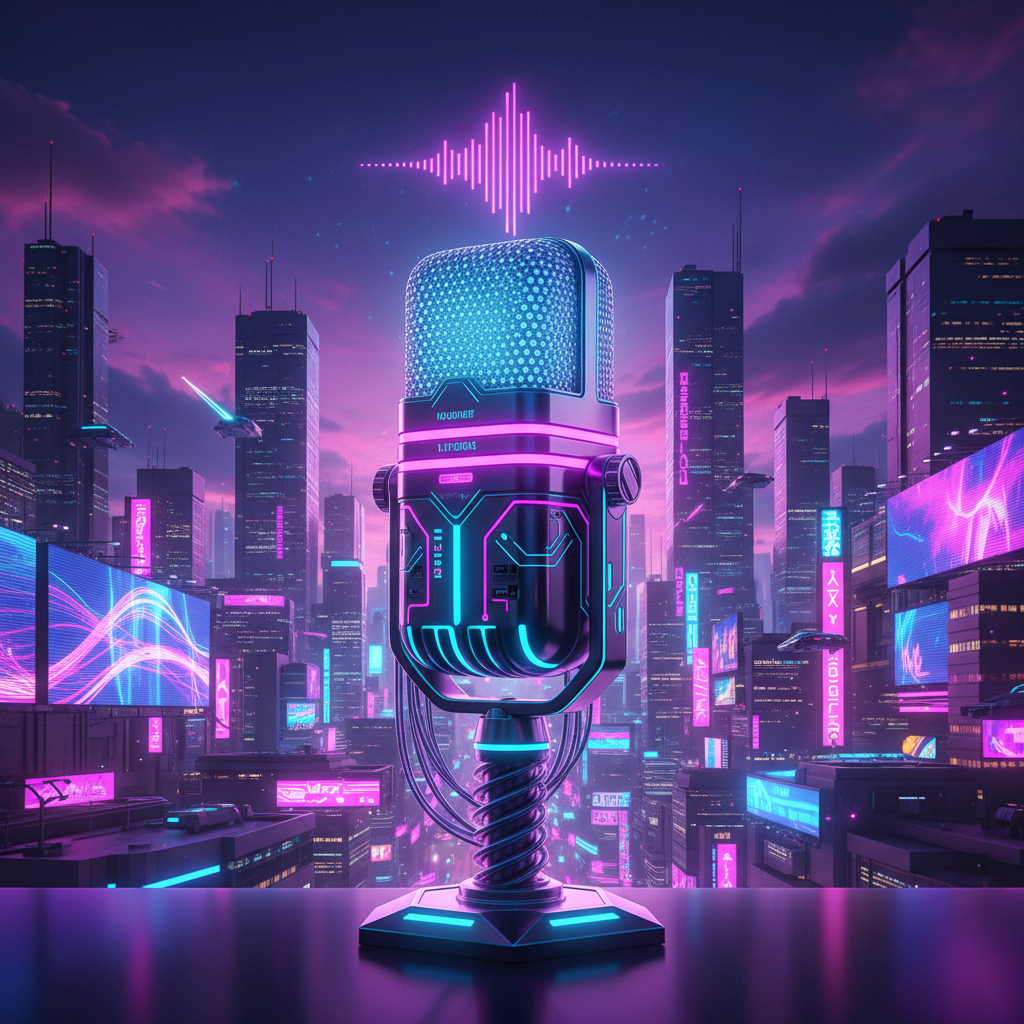
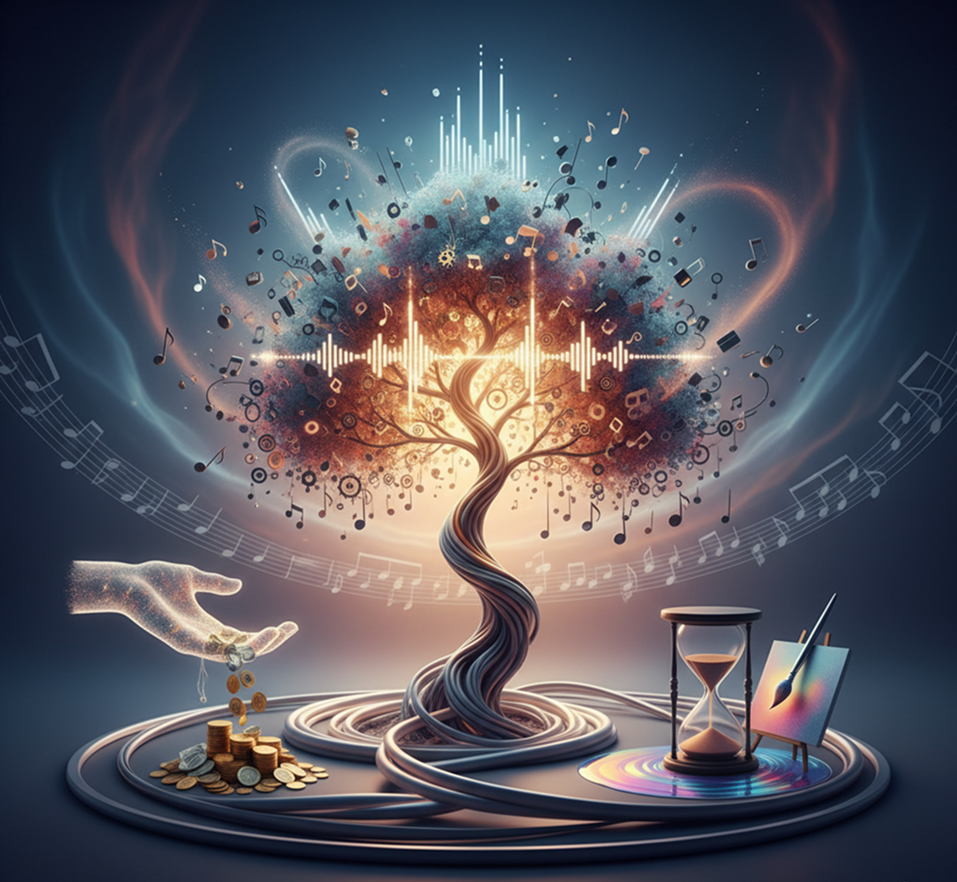
Create professional artwork for Spotify and Apple Music in seconds. Input your band name, describe your vibe, and get unique, royalty-free album covers instantly. No design skills required.
The AI understands musical genres. From Death Metal typography to Lo-Fi aesthetics, it adapts the visual style to match your sound.
Generate entirely new imagery. Unlike Canva templates, every pixel is generated from scratch based on your unique prompt.
You own the artwork. Use it for streaming platforms, merchandise, and social media without worrying about copyright strikes.
Export at 3000x3000px, meeting all requirements for Spotify, Apple Music, and vinyl printing.
Change colors, add text, or swap styles in a click. No need for Photoshop layers.
Everything works in your browser. Save projects to the cloud and access them anywhere.
Pre-set formats for Instagram Stories, YouTube thumbnails, and SoundCloud headers.
Your music deserves a visual representation that is instantly recognizable and reflects its essence. Our free AI generator is designed to eliminate major obstacles.: the search for an idea, expensive design, and the gap between sound and image. It transforms the atmosphere of your album into a complete, professional visual masterpiece.
Sound and image exist separately. The atmosphere of your album is lost if the cover doesn't convey its essence. Different designers interpret music in their own way, which is why the style "floats". Using random stock images or homemade mockups looks unprofessional and doesn't create the emotional connection with the audience you're hoping for.
A generator that feels your music. Describe your mood, genre, or upload references. Our AI will become your sound designer in the visual world, creating covers that resonate 100% with the sound of the album. Every element, from the typography to the color palette, will work on the overall concept.
Music design is a luxury. Ordering a cover from a specialized designer or studio requires serious investments, which are not always justified for an independent release. The search for a suitable and affordable artist is delayed, and the tight release dates of the album force compromises.
Studio quality in minutes. Is free. Create a major label-level album cover yourself and without a budget. Our tool reduces the cost of the process tenfold, saving the most important resources for an artist β money for promotion and time for creativity.
Creative crisis before the release. How to visually express a new sound? After several options, all the sketches start to seem trivial. I want something fresh and catchy, but staying within the confines of an artist's recognizable style is a difficult task. As a result, the release may be delayed due to the search for the "right" image.
AI as your creative producer. Get hundreds of unique cover concepts, from minimalistic to surreal. The tool offers unexpected metaphors, compositions, and visual allegories for your music, becoming a source of inspiration that always works within the framework of your chosen aesthetic.
Designing a cover doesn't need to be hard. Here is a short tutorial.
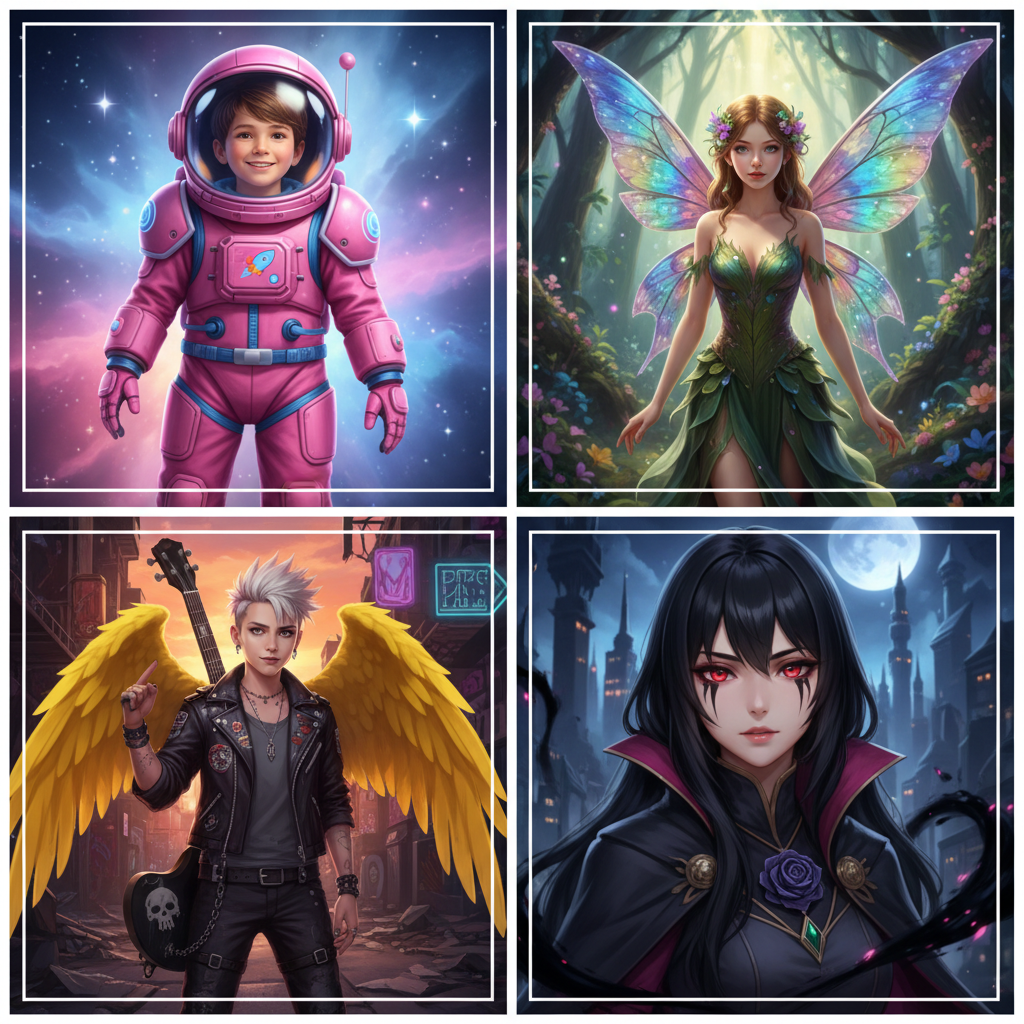
Make a character image...
Choose a genre style or write a prompt. Use visual tags like "Retro", "Abstract", or "Dark" to guide the AI.
The AI generates 4 variations. Pick your favorite or remix it with new settings to get the perfect look.
Download high-res version for print or web. No watermarks, no compression artifacts.
Whether it's for a single release, a podcast, or a playlist, Phygital+ adapts to your workflow. From subtle textures to detailed illustrative styles, it's built for music marketing.
Small changes in your prompt can make a big impact. These tips will help you avoid generic looks and create a signature style for your artist brand.
Exporting your edited image is simple and flexible. The tool gives you full control over resolution, file type, and final adjustments. You can revisit your edits anytime.
I used to spend hundreds on cover art. Now I generate 10 options in 5 minutes and pick the best one for my Spotify singles. The style consistency is insane.
Alex, Indie ProducerI can keep all my visual assets in one workspace. From album covers to social media promo posts, everything looks like it belongs to the same brand.
Sarah, Band ManagerIt has a very flexible mechanism of AI configuration and friendly UI. This project helped me create different pictures according to my rich imagination.
Ryder, DJI upload weekly mixes to YouTube and this tool creates the perfect background loops that react to the beat. The sync is incredible.
Marcus, Club DJWe needed a cohesive look for the EP, singles, and merch. This AI nailed the aesthetic instantly. It saved us thousands in design fees.
Jessica, Label OwnerI struggled to explain my vision to designers. This tool just 'gets' the vibe from the audio analysis. It's like magic for electronic artists.
Liam, Electronic ArtistAI image generation & editing
Cinematic video generation
Ultra-sharp images
Multimodal generation & editing
Fast video + motion consistency
Best for consistent characters & video frame generations
Video editing & effects
Image generation & variations
Advanced editing tools
High-quality video animation
v1, v1.5, v1.6, v2 video generation
Create complete sets of social assets for a campaign from a single brief
Generate consistent cover art or thumbnails across multiple episodes/chapters
Design podcast visuals with AI from name + description
Get branded, AI-designed slides for pitch decks and reports
Answers to common questions about using Phygital+ and editing album covers with AI.
Try this Phygital+ pipeline: Describe Image (analyze favorite covers) β Prompt Generator β FLUX or Seedream β Magnific Upscale β Vectorizer (for logos). Connect LoRA Train for your artist's signature style. Build reusable workflows for singles, EPs, and albumsβall maintaining visual consistency.
Use node-based workflows instead of hiring designers. Generate covers with FLUX, refine with Nano Banana ("make title bolder"), upscale with Magnific. Train one LoRA on your artist brand, then create unlimited variations. Free tier available; paid plans unlock commercial rights for Spotify and Apple Music.
Yes! Train a LoRA on 10-15 images of your signature style, then connect it to all generation nodes. Use FLUX for photorealistic artwork, Seedream for illustrated styles. Create workflows for: album covers (3000x3000), singles, YouTube thumbnails (1280x720), and social postsβall matching perfectly.
Duplicate your workflow multiple times in Phygital+. Connect different models: one with FLUX + dark LoRA, another with Seedream + vibrant LoRA, third with GPT Image + abstract style. Generate all variations simultaneously, compare results. Use Describe Image to analyze which style resonates with your music genre.
Use FLUX or Seedream with detailed prompts: "album title 'Night Drive' in neon font". For more control, generate the background, then use Compose node to layer typography. Add negative prompt "blur, blurry" and finish with Upscale Image for crisp text. Export as PNG for transparency.
Absolutely! Use GPT-4o to analyze your music description or lyrics, then feed output to Prompt Generator. Connect to FLUX or Seedream with genre-specific LoRAs. The AI pipeline understands visual conventions: dark moody tones for metal, bright gradients for pop, abstract forms for electronic. Build once, generate for entire catalog.
Create logos, roadmaps, and brand visuals in one place.