Gen 4
Best for consistent characters & video frame generations
Aleph
Video editing & effects
Create printable 3D models online in seconds—without limits, downloads, or complicated software. The AI 3D Model Generator is built for designers, makers, and creators who need precise, production-ready 3D models from text or images—in just a few clicks.
Ready to generate
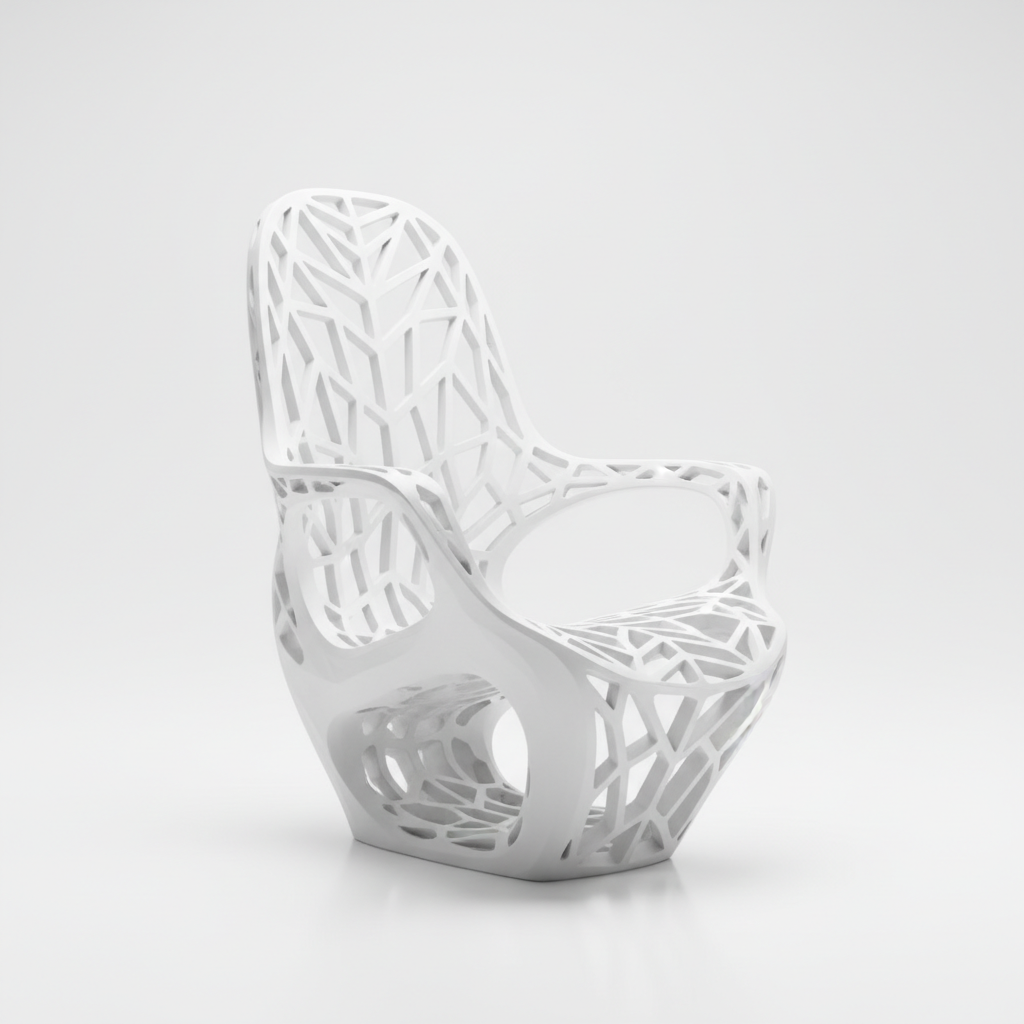

The AI understands objects and shapes. From functional prototypes to artistic sculptures, it adapts the geometry and detail to match your vision.
Generate entirely new 3D creations. Unlike basic 3D libraries, every vertex and mesh is generated from scratch based on your unique description or reference image.
You own the model. Use it for 3D printing, animation, games, and product visualization without worrying about licensing restrictions.
Export models in high-resolution STL, OBJ, or FBX formats, meeting the precision requirements for 3D printing, CNC milling, and professional rendering.
Adjust scale, thickness, detail, or add embossing with a single click—no need for complex CAD software or manual mesh editing.
Everything runs in your browser. Save your models to the cloud and access them from any device, anytime.
Pre-configured export settings for popular 3D printers, game engines, and VR/AR platforms, ready for immediate use.
Stop the complexity of traditional 3D modeling. Go from an idea to a printable, production-ready model instantly. Generate, refine, and customize professional-grade 3D assets with AI. Create prototypes, art pieces, or product designs without technical barriers.
A product line that looks disjointed. When 3D models for different stages—concept, prototype, final product—are created separately or with different tools, the design integrity suffers. Dimensions, proportions, details, and finishes don't align, making your products appear unprofessional and poorly planned. This undermines credibility and slows down manufacturing.
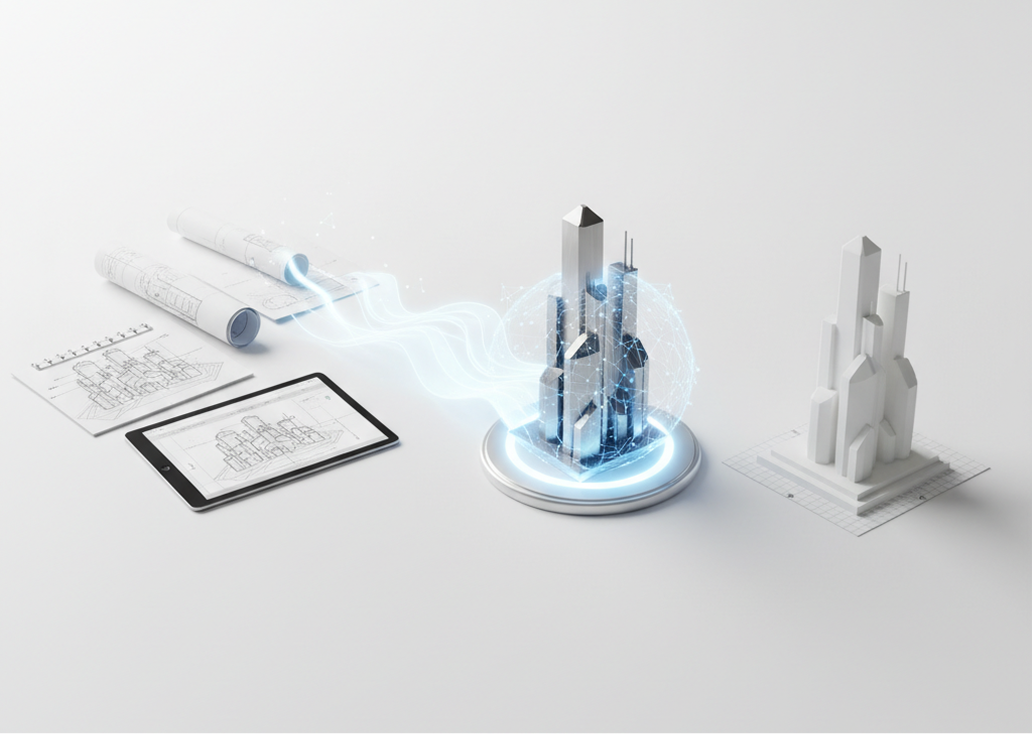
The AI assistant that understands your design intent. Upload your sketches, reference images, or detailed descriptions. Our AI becomes your 3D modeling partner, automatically interpreting your vision into watertight, manifold models suitable for 3D printing, rendering, or further CAD work. Every model will be fundamentally sound and ready for real-world application.
Traditional 3D modeling is slow and expensive. Hiring a CAD specialist requires significant budget and lead time. Using basic modeling software demands extensive skill and hours of tedious work. Sourcing from 3D marketplaces often results in non-manifold or non-printable files. Bringing a concept to a tangible form becomes a prolonged, costly bottleneck.
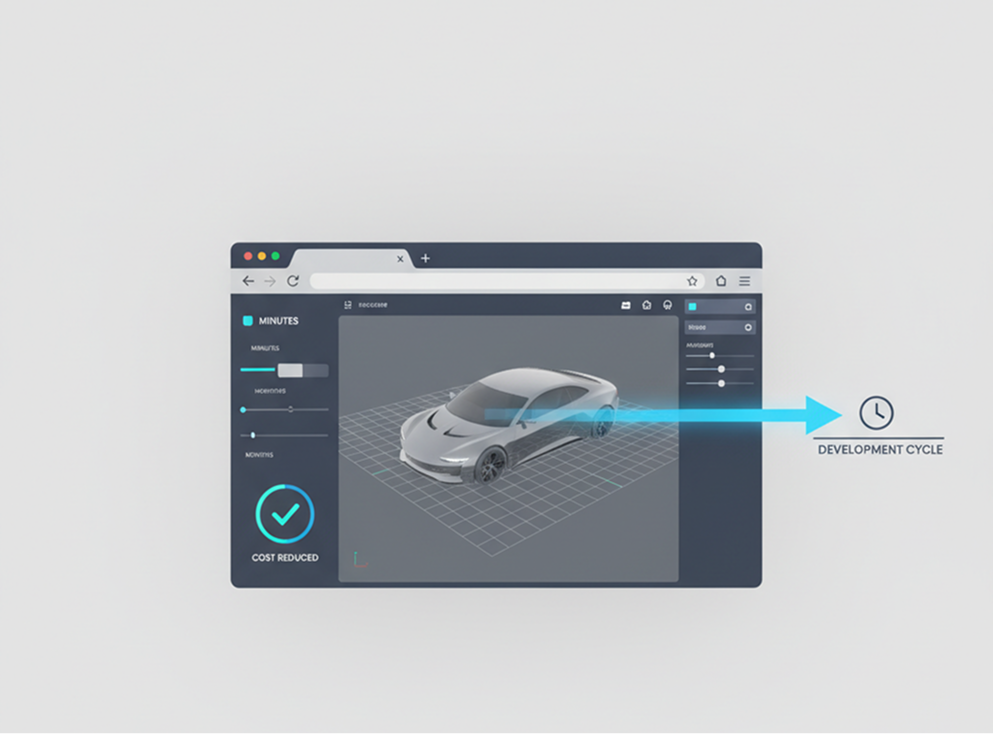
A professional 3D modeling studio in your browser. Accessible to all. Create optimized, printable 3D models in minutes—not months. Our tool reduces the cost and time of 3D asset creation to a fraction, preserving your budget and accelerating your development cycle.
Design iteration is often limited by skill and time. How do you rapidly explore different aesthetic variations, functional geometries, or stylistic details while ensuring every model remains printable and structurally sound? Relying on the same basic shapes leads to uninspired products and missed opportunities for innovation.
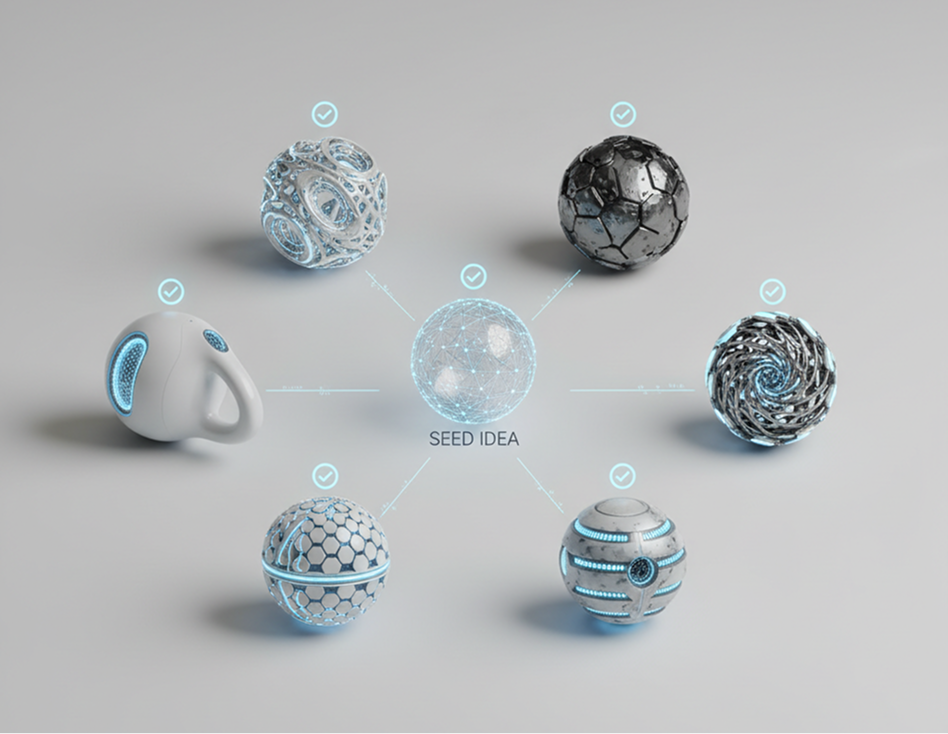
AI as your collaborative industrial designer. Generate dozens of viable 3D variations from a single idea—from adjusting ergonomics and wall thickness to experimenting with organic forms and complex textures. This tool becomes your endless sandbox for innovation, helping you explore the full potential of your concepts while guaranteeing print-ready, manufacturable results every time.
Turning an idea into a printable model doesn’t need to be hard or complicated. Here’s a quick guide to get you started.
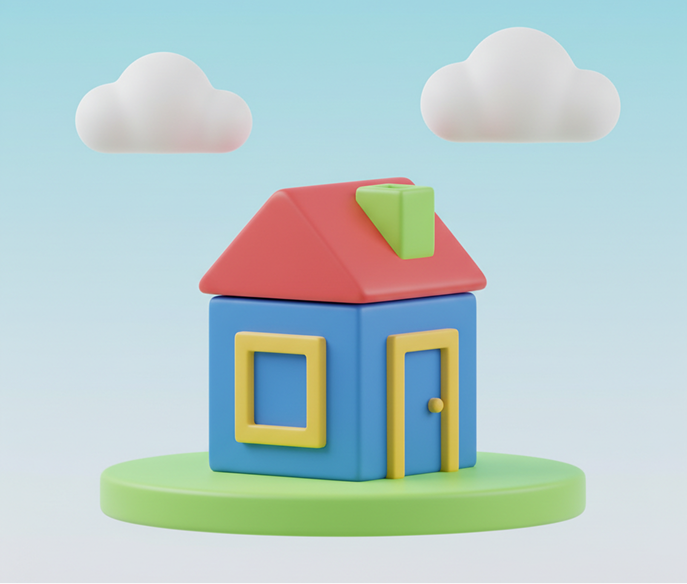
Choose a reference image, a simple sketch, or enter a text prompt describing your desired object. If you need help articulating your vision, use our built-in creative prompt assistant.
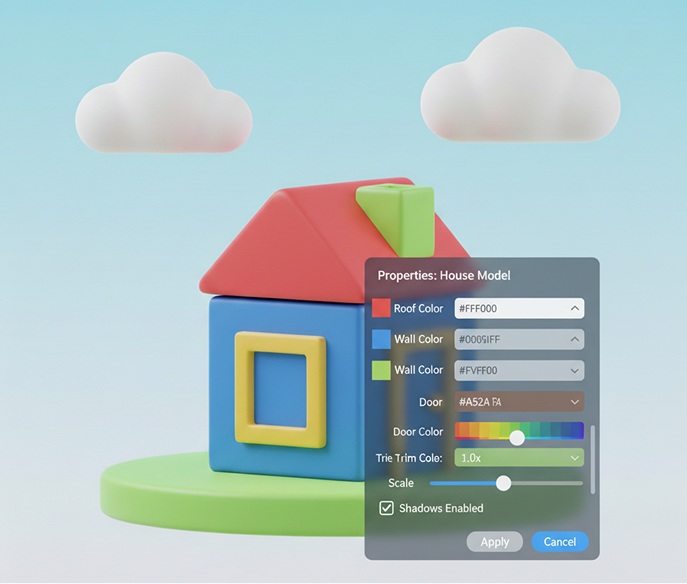
Generate a 3D model from your prompt, then adjust its properties like scale, density, wall thickness, and detail level in real time. Regenerate variations or fine‑tune the mesh until it’s perfect.
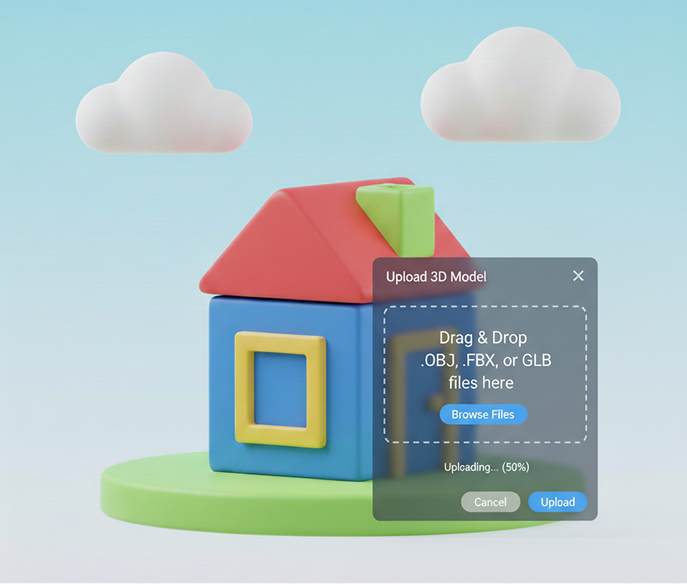
Preview your model in a live 3D viewer, inspect it for printability, and undo any changes instantly. Then, download your design as an STL, OBJ, or other standard 3D format—ready for slicing and printing.
Whether it's for prototyping, client projects, or personal creations—the applications are limitless. The AI 3D Model Generator adapts to your design workflow, from initial concept to final print-ready asset.
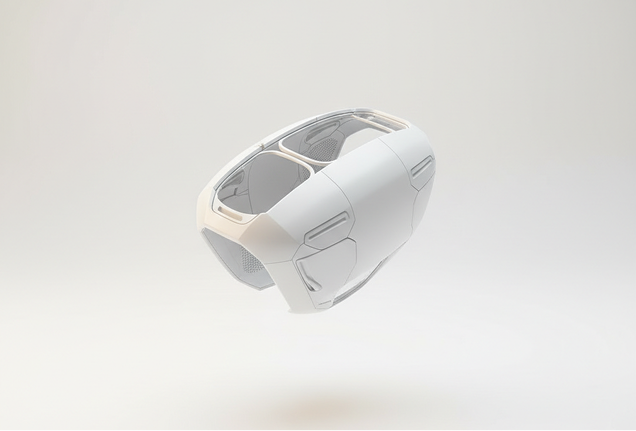
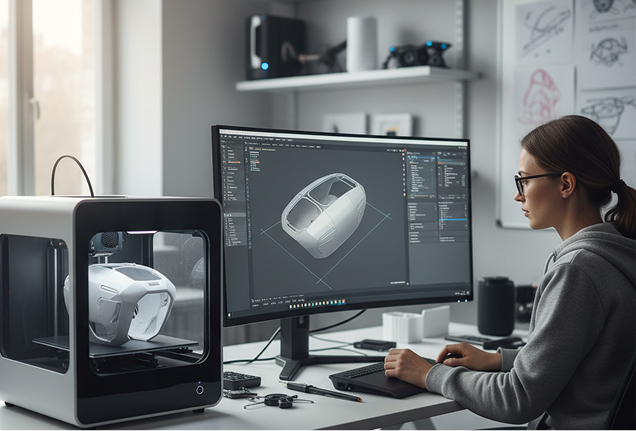
Small adjustments can ensure your model is strong, printable, and visually polished. These tips will help you avoid common 3D printing issues and improve usability.
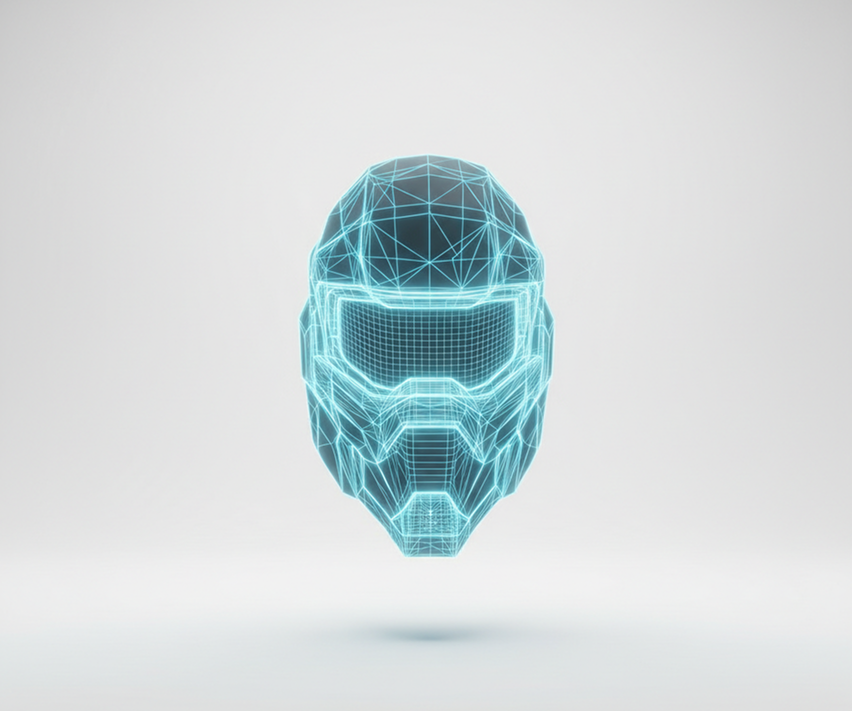
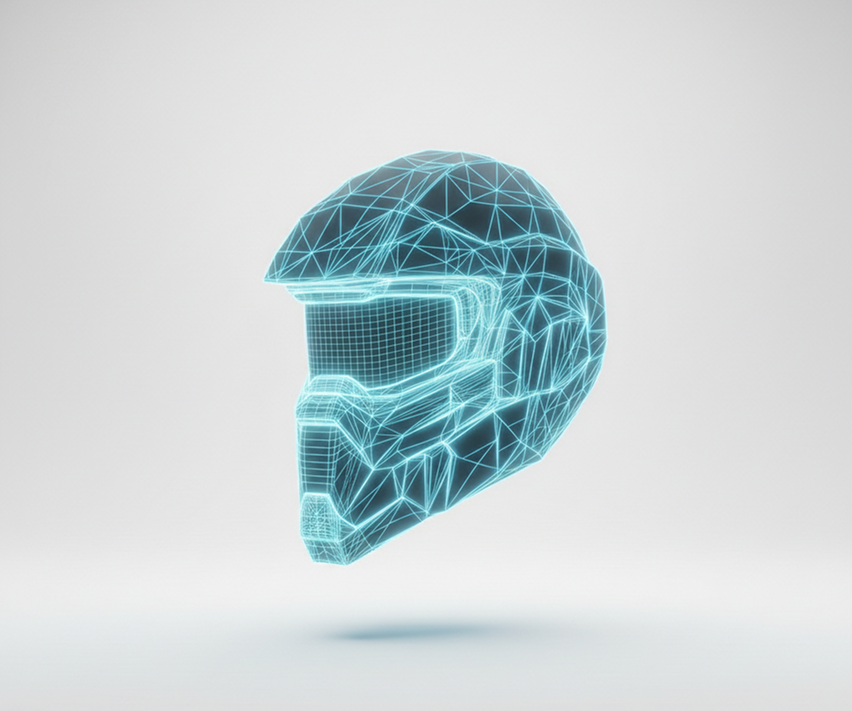
Exporting your model is simple and flexible. You maintain full control over file format, resolution, and final refinements—with the ability to revisit and edit anytime.
"We used to wait weeks for CAD models. Now, we can describe a part and have a printable file in minutes. The ability to iterate so quickly has accelerated our entire product development cycle."
Elena
"Creating custom 3D assets was our biggest bottleneck. This tool lets us generate unique props, weapons, and environmental pieces from simple concept art. It's cut our modeling time by over 70%."
Sonya
"As someone with no 3D modeling experience, I was amazed that I could type 'art deco lamp' and get a clean, printable STL file. It's democratizing 3D printing in the best way possible."
Samira
"The interface felt different at first, but after a 10-minute tutorial, I was generating complex geometric designs for my jewelry line. It's like having a CAD assistant on demand."
David
"I teach a high school engineering class. This tool allows my students to bring their sketches to life instantly, focusing on design thinking rather than software complexity. It's incredibly empowering."
Professor Miller
"At first it was challenging to understand all the features, but as soon as I spent about 10 minutes exploring, everything clicked. Now, creating printable models from my ideas feels effortless and fast."
Dmitry


Ultra-sharp images
Multimodal generation & editing
Fast video + motion consistency


Best for consistent characters & video frame generations
Video editing & effects


Image generation & variations


High-quality video animation


v1, v1.5, v1.6, v2 video generation
Describe an object and get a usable 3D model file
Generate PBR textures for Blender, Unity, Unreal workflows
Apply your design onto packaging, apparel, and merchandise
Design product prototypes and concept renders instantly
Answers to common questions about using Phygital+ for brand consistency.
Create logos, roadmaps, and brand visuals in one place.